社论:夜间城市人像摄影中的身份保留
Prompt
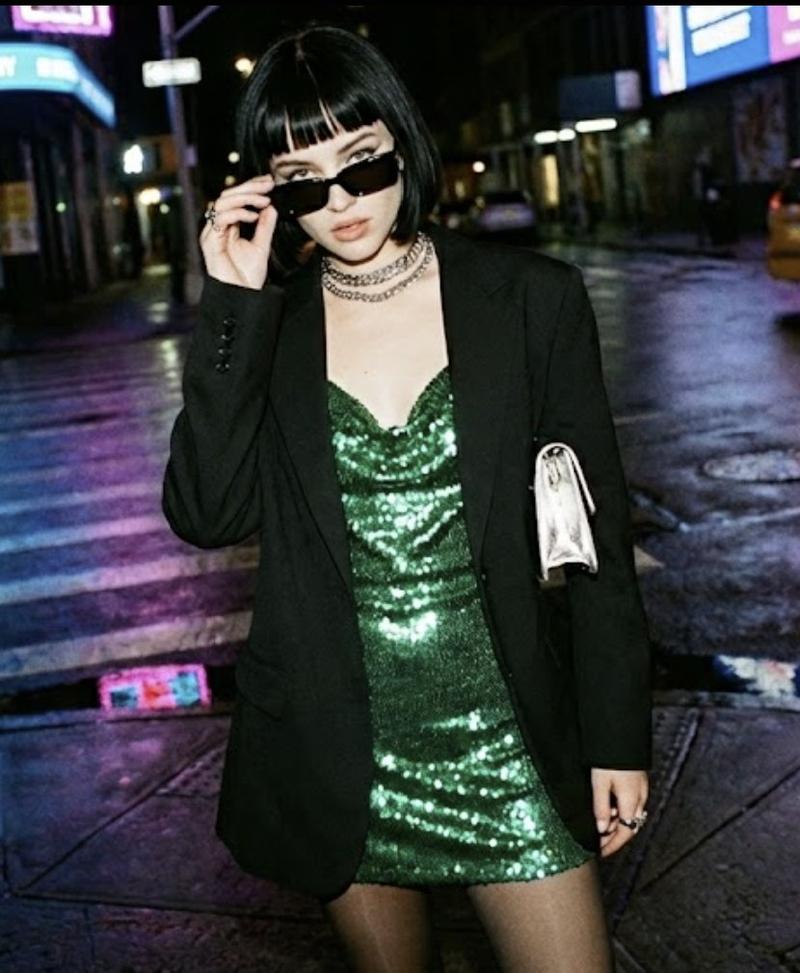
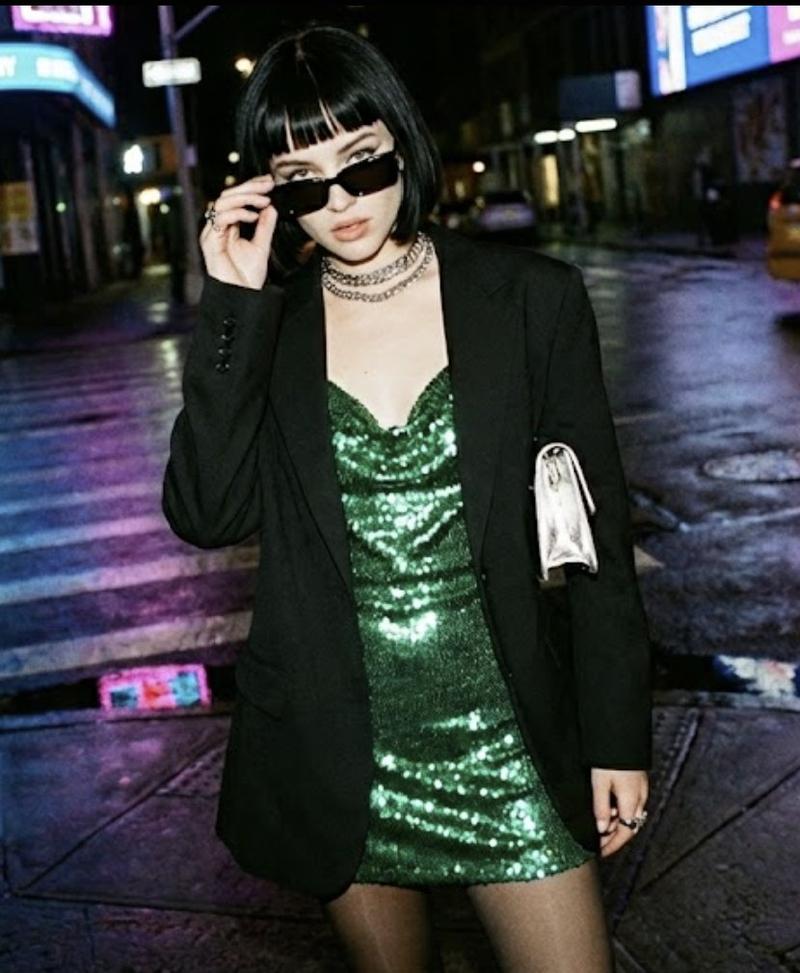
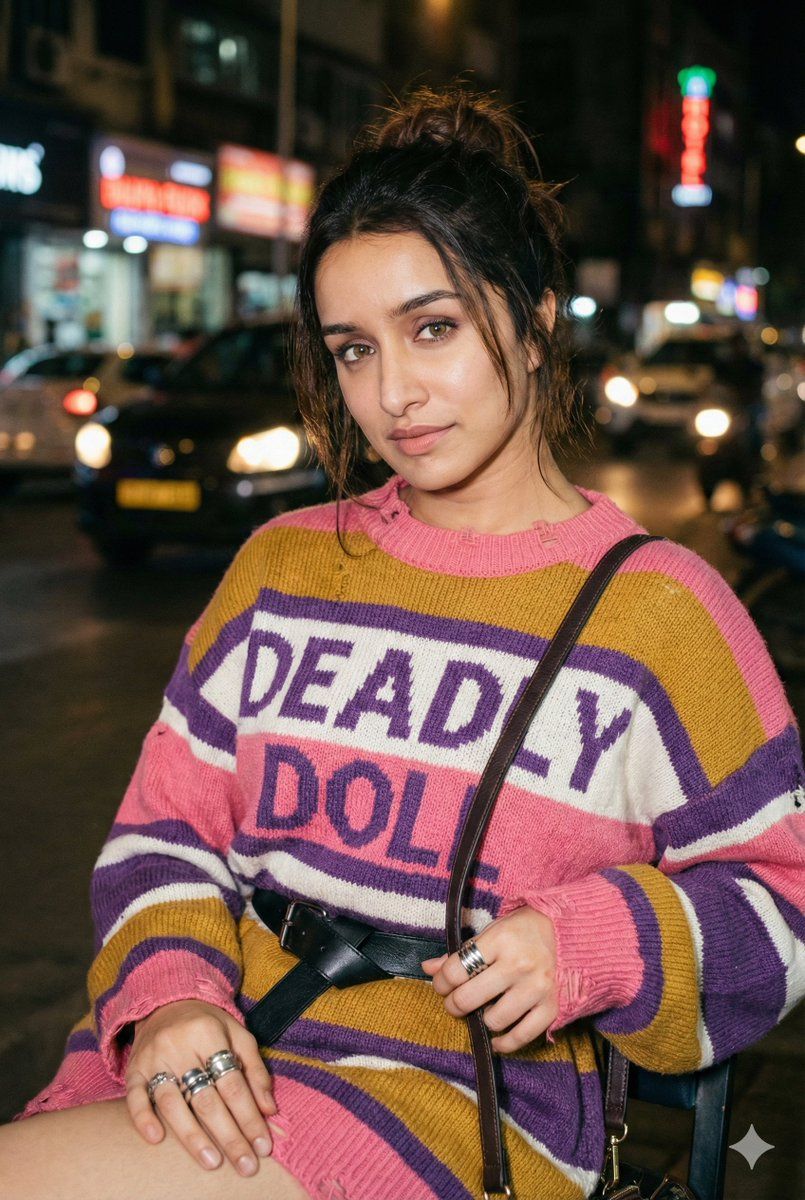
"Young woman (make the face 100% identical to the photo I provided), fair skin, with a messy, loosely tied dark-brown hair bun a few strands falling naturally around the face for a soft, effortless look.
Pose (Updated):
She is seated, waist-up framing.
Body slightly turned to the left; posture relaxed and natural.
Right hand resting casually on her lap or lightly touching the side of the chair.
Left hand holding the strap of the shoulder bag, which rests against her torso.
Head facing the camera; eyes looking softly into the lens.
Expression calm, slightly aloof, with a subtle closed-mouth smile - editorial, understated mood.
Clothing & Accessories:
Thick horizontal striped knit sweater ({argument name="sweater color 1" default="pink"}, {argument name="sweater color 2" default="mustard yellow"}, {argument name="sweater color 3" default="purple"}, {argument name="sweater color 4" default="white"}), slightly oversized with distressed collar and hem edges.
Large chest typography: "{argument name="typography text" default="DEADLY DOLL"}"
Black leather belt with simple buckle.
Dark leather shoulder bag (strap visible). Chunky silver rings on right hand; smaller rings on left hand.
Minimal natural makeup (matte skin, soft lip sheen).
Background & Atmosphere:
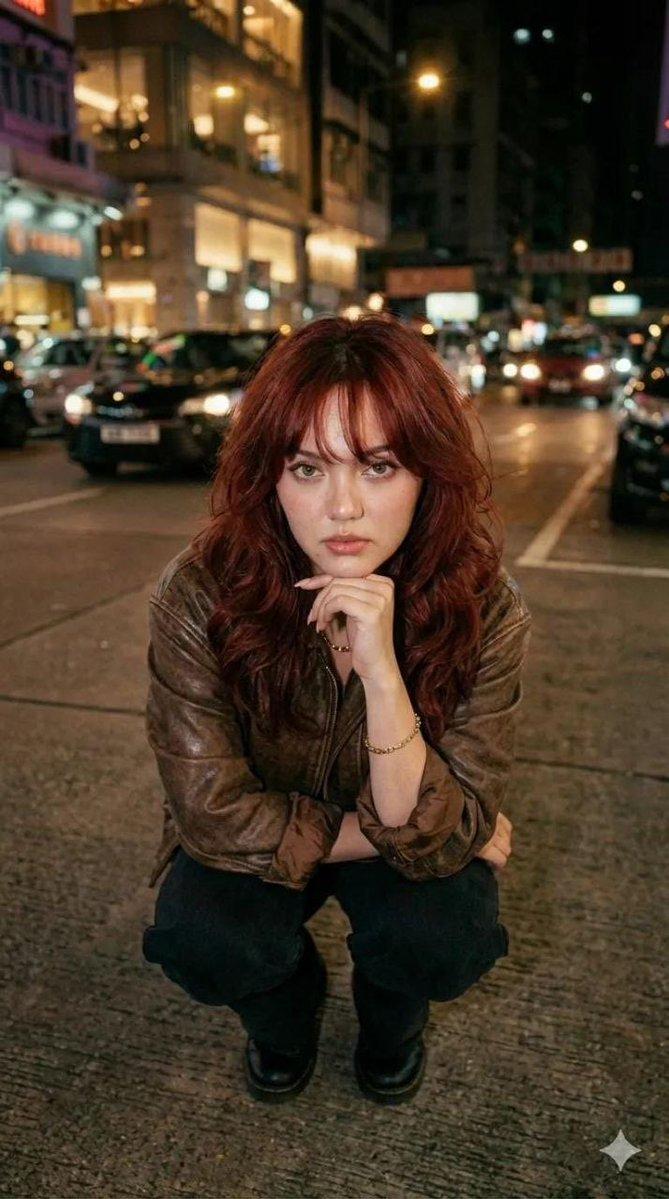
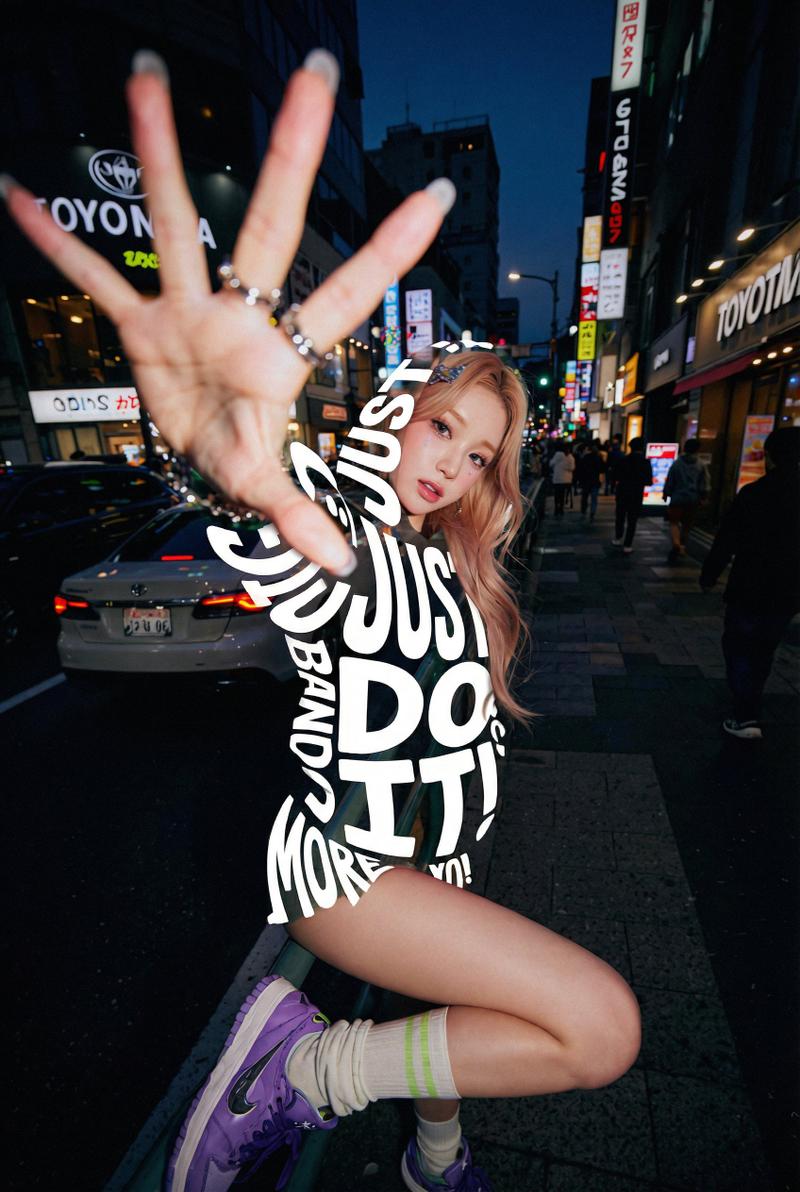
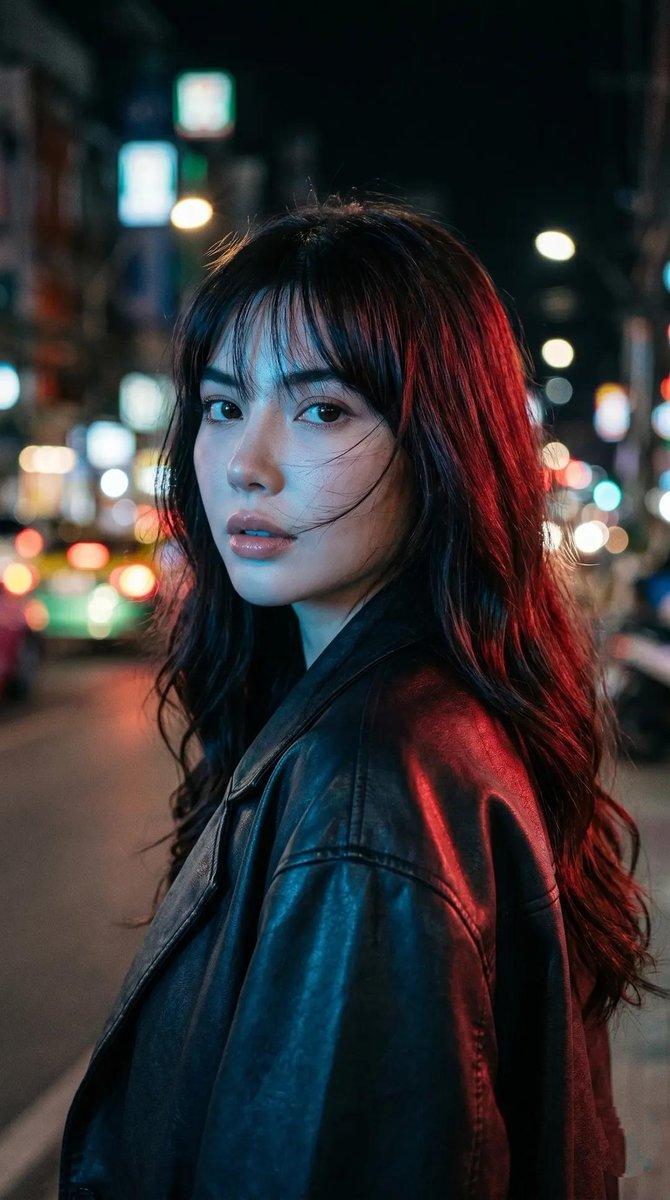
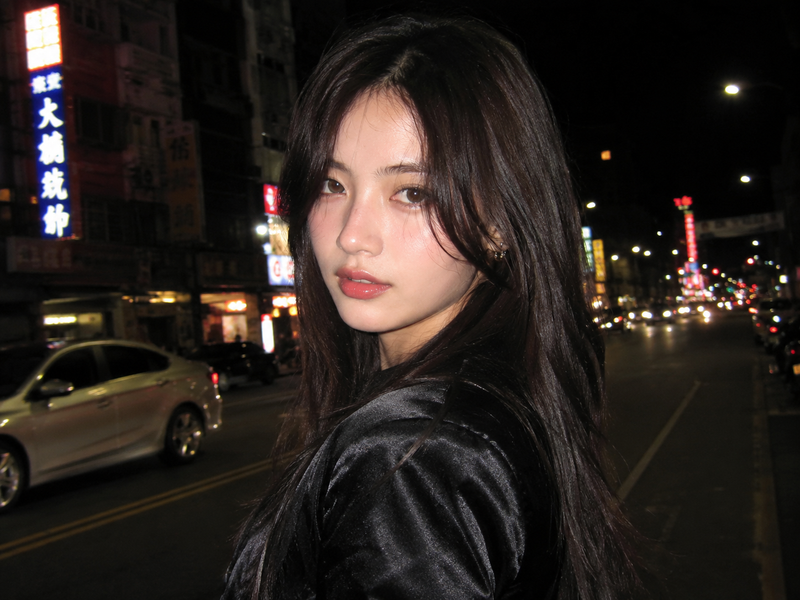
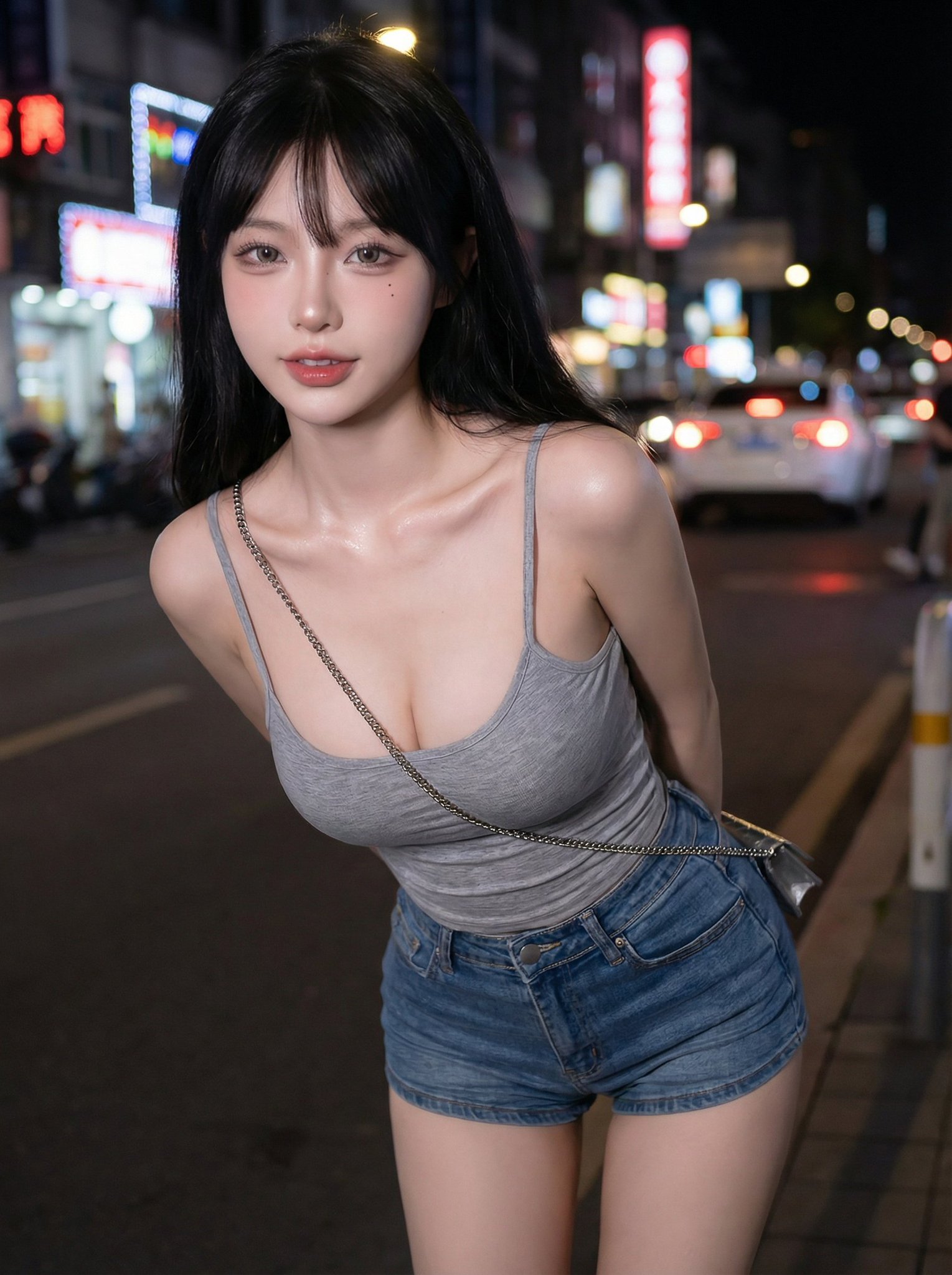
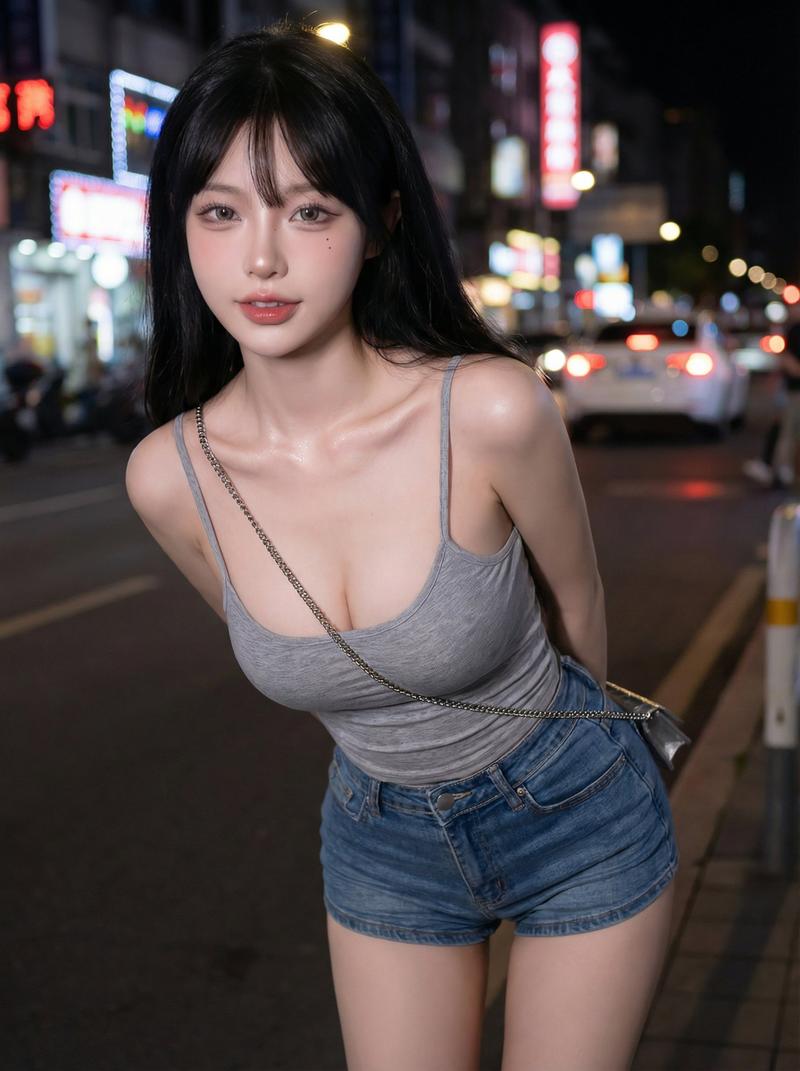
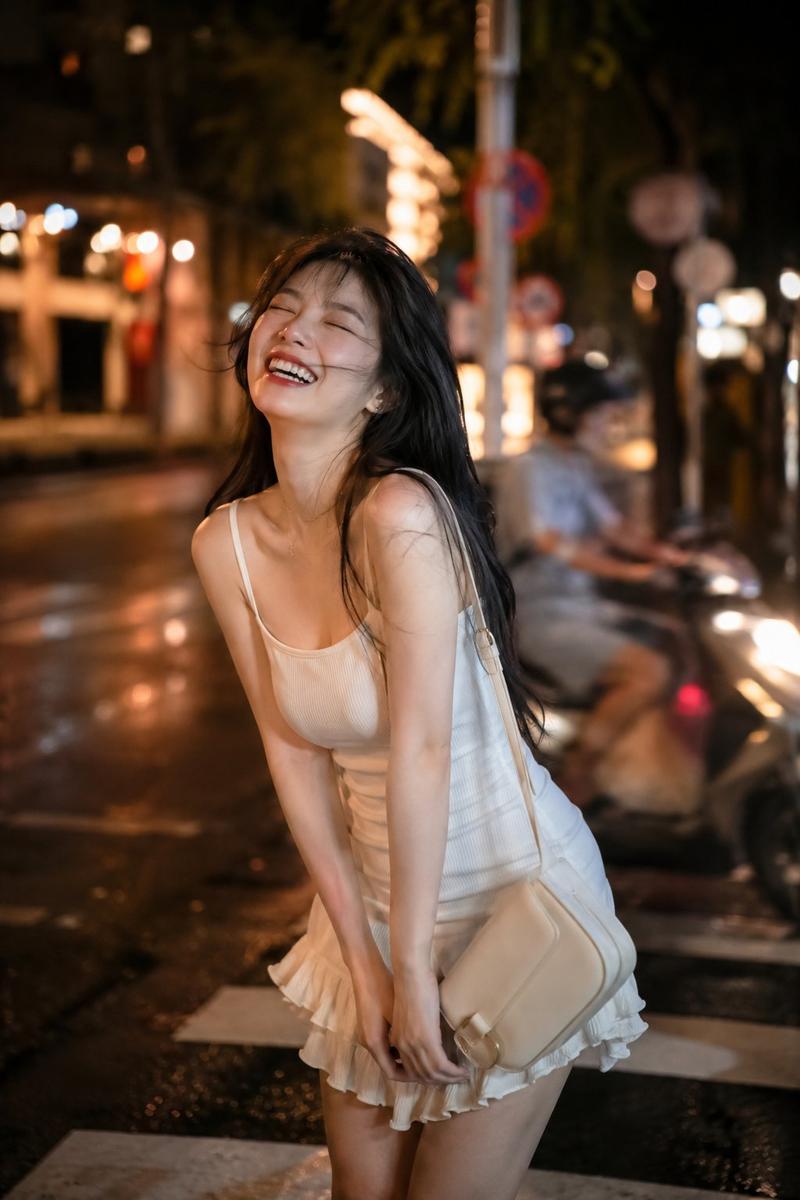
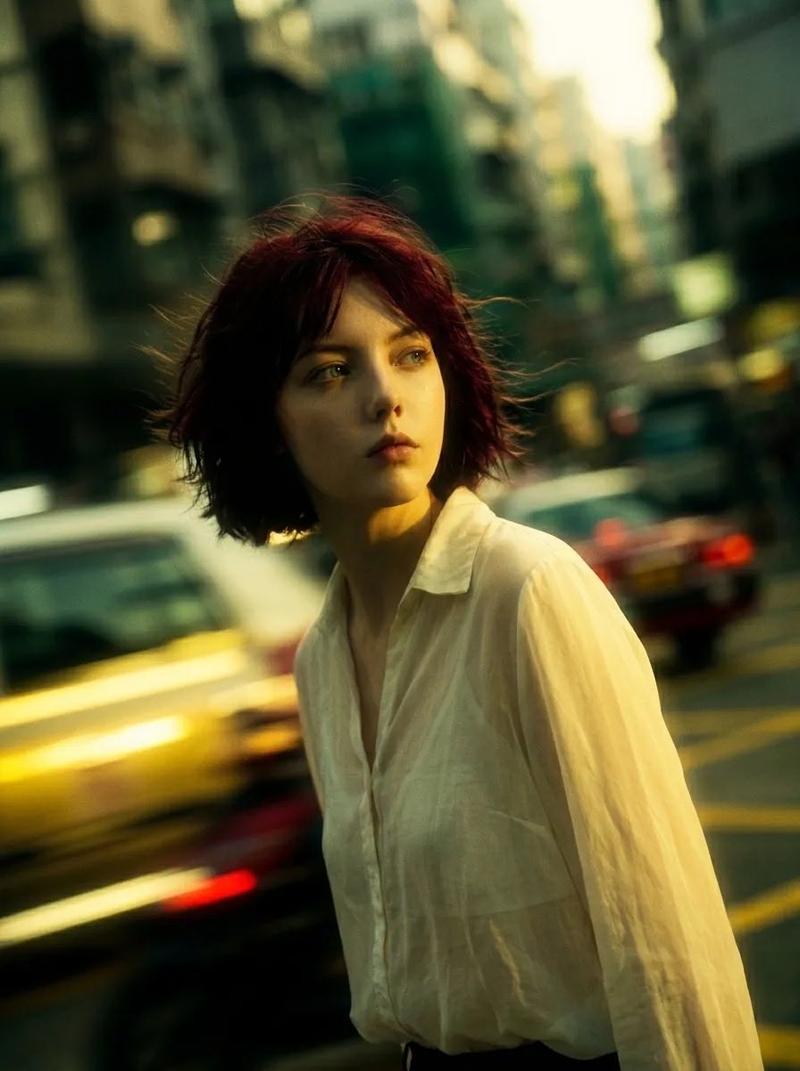
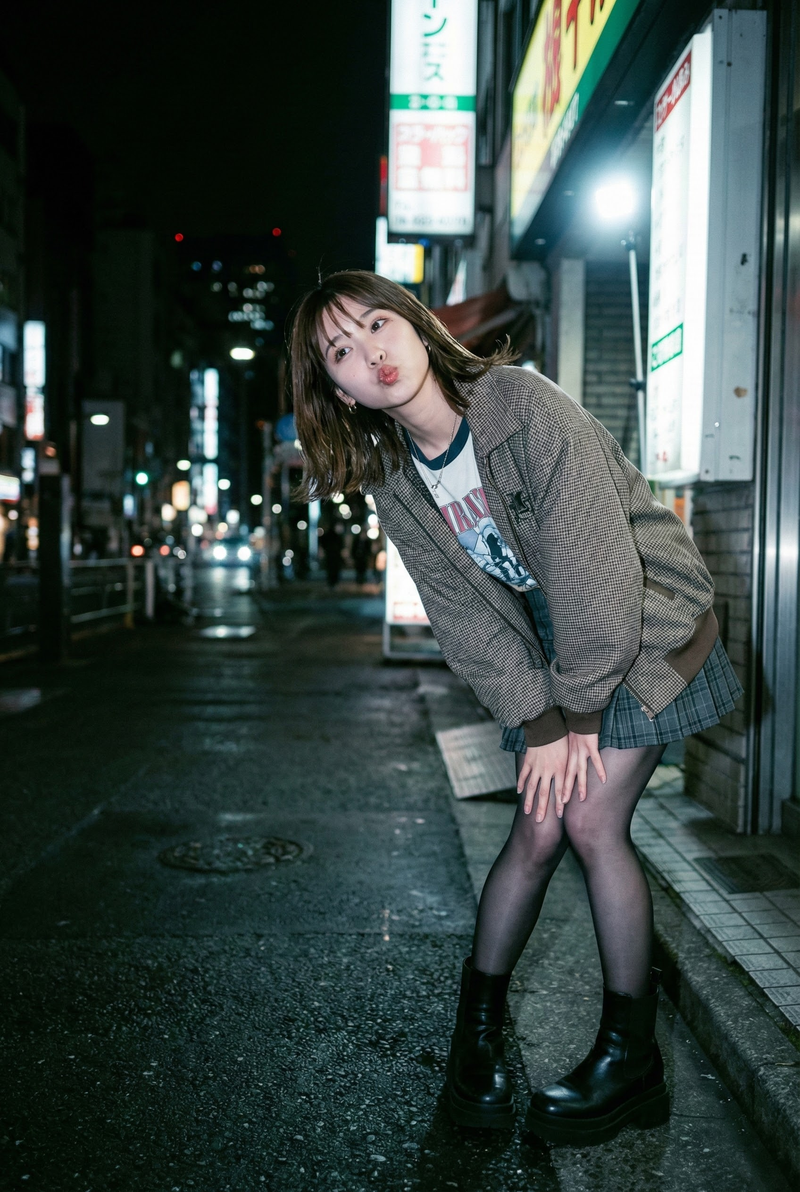
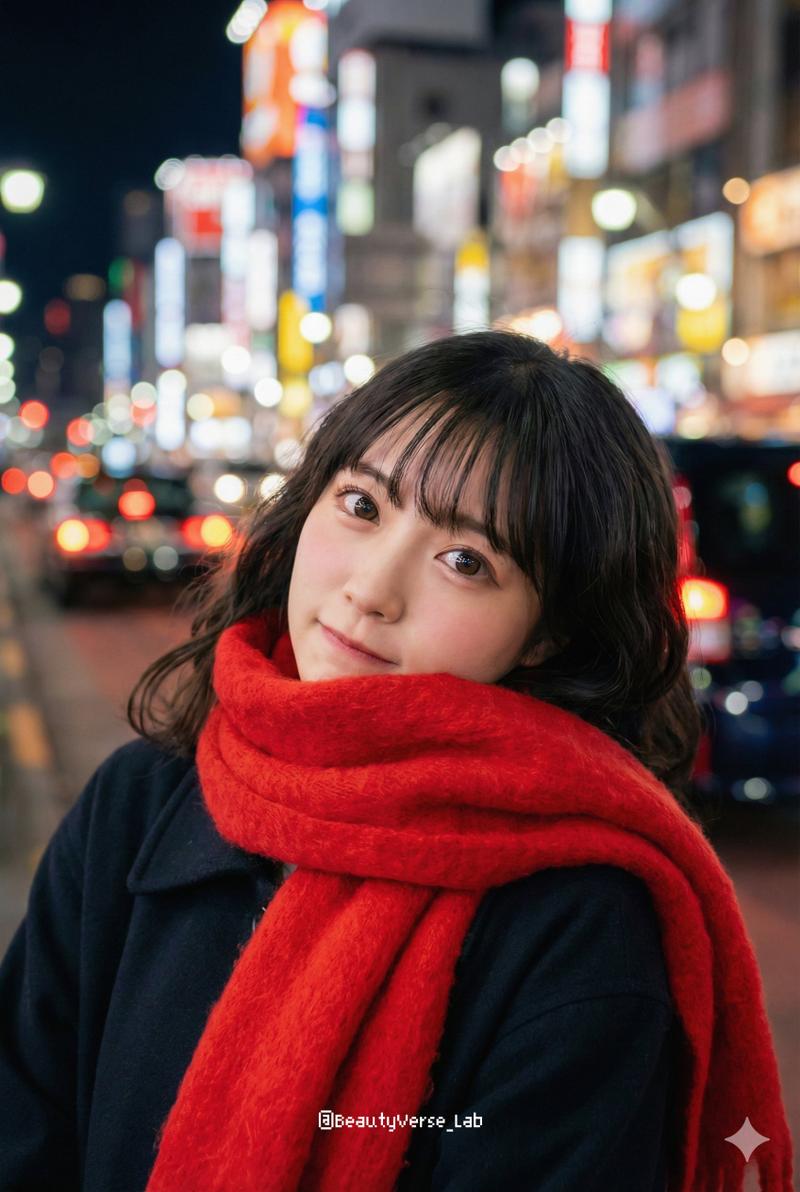
Nighttime urban street scene viewed behind her: blurred vehicle lights, traffic signals, neon accents.
Motion blur + bokeh, giving a lively city feel while she remains isolated by light.
Warm highlights on her face, cooler-toned shadows around her seat.
Lighting:
Main warm flash (around 3200K) slightly above eye level. Soft fill light from the right to keep sweater texture clear.
Subtle rim/backlight to separate her messy bun and shoulders from the dark background.
Fine 35mm film grain for analog realism.
Composition:
Portrait orientation, medium close-up (waist-up).
Face placed slightly left of center (rule of thirds).
Shallow depth of field (f/2.2-f/3.5): sharp on face and sweater, background softly blurred. Camera angle: eye-level or slightly high for a refined editorial feel.
Technical Notes:
35mm or 50mm prime (f/1.8-f/2.8).
Shutter: 1/125-1/200.
ISO 400-1600 for film grain or ISO 100 for flash-sharp clarity.
Output: 4K/6000x4000 px, 300 dpi.
Keep natural skin texture, sweater knit details, and metallic ring reflections.
Color & Post-Processing:
Warm midtones, teal-leaning shadows, medium-high contrast. Slightly boosted sweater saturation; natural skin tones.
Soft vignette around edges to keep focus on face.
Fine analog-style grain applied evenly.
Negative Prompt:
avoid cartoon, anime, extra limbs, distorted hands, unnatural skin smoothing, HDR look, blown highlights, watermark, low resolution, oversaturation, excessive lens flare."- Category
- 创意图片
- Model
- Nano Banana Pro
- Creator
- gemini_prompts
- Source ID
- f20d4ae3-1d9a-4b48-8130-b4fb9ef058b4
- Published
- Mar 8, 2026
Views0