18

AI 足球运动员进球庆祝动作生成
Enlarge

AI 足球运动员进球庆祝动作生成

Prompt
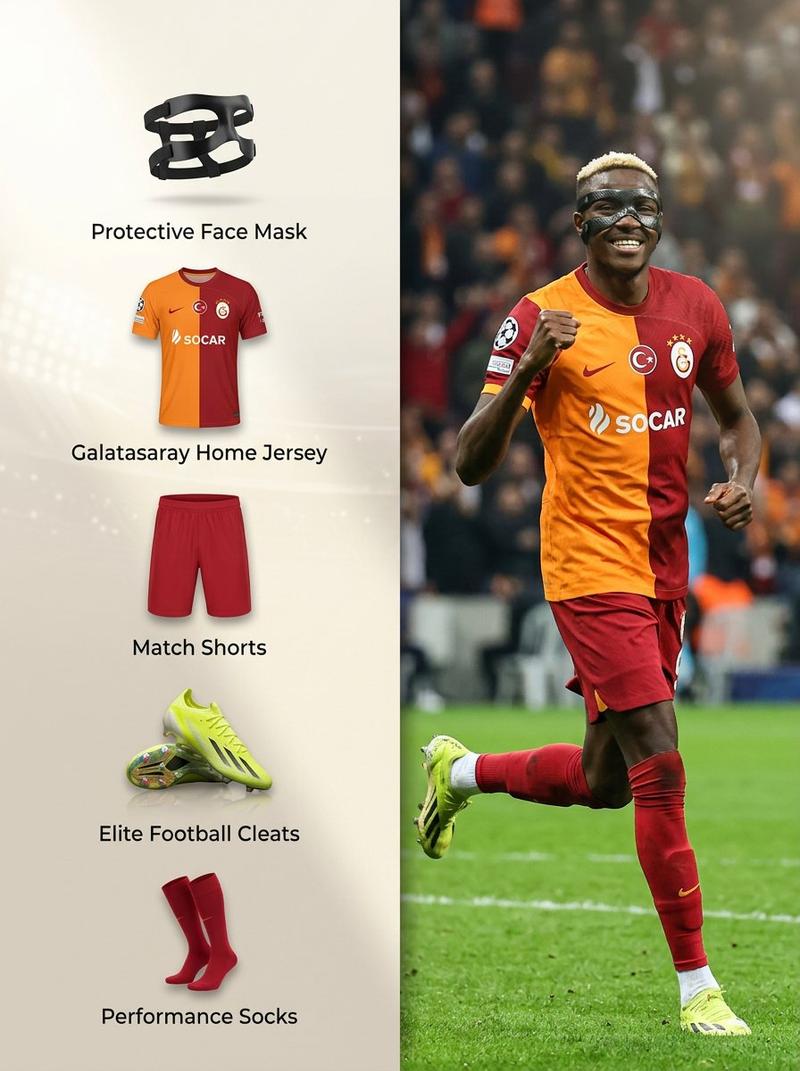
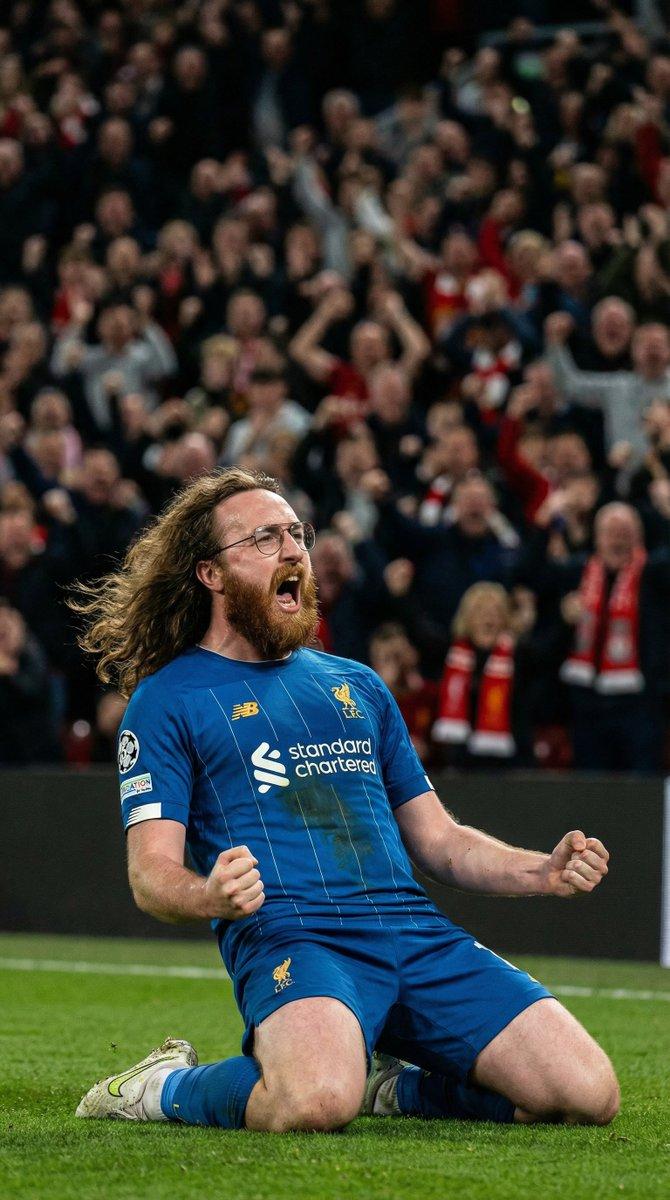
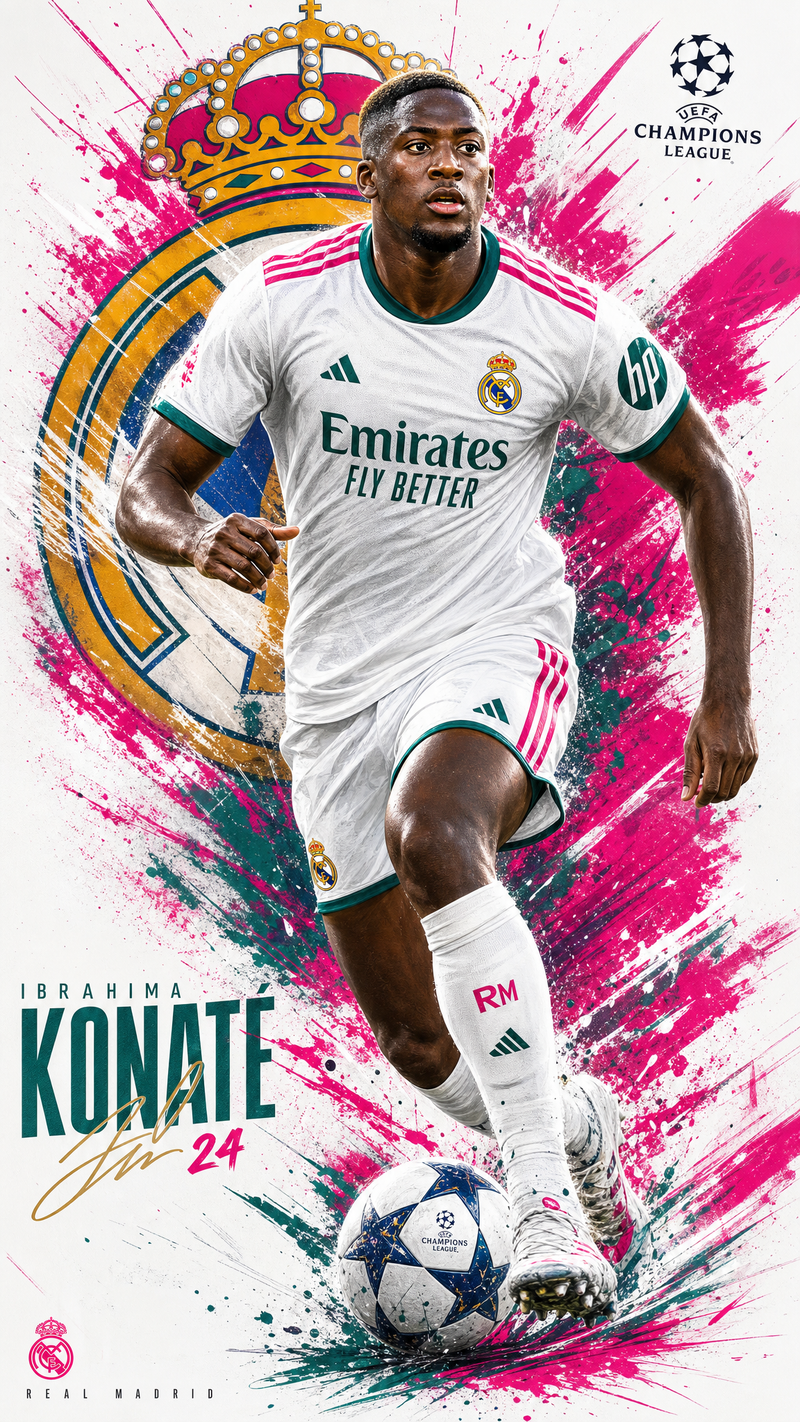
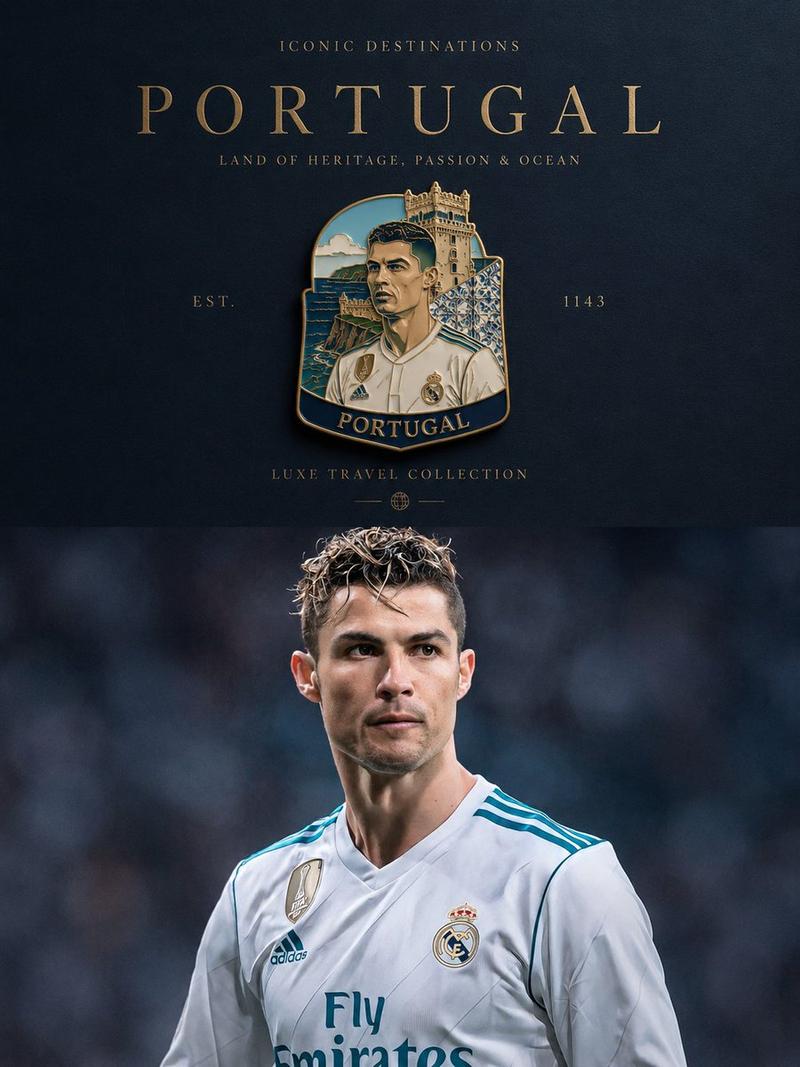
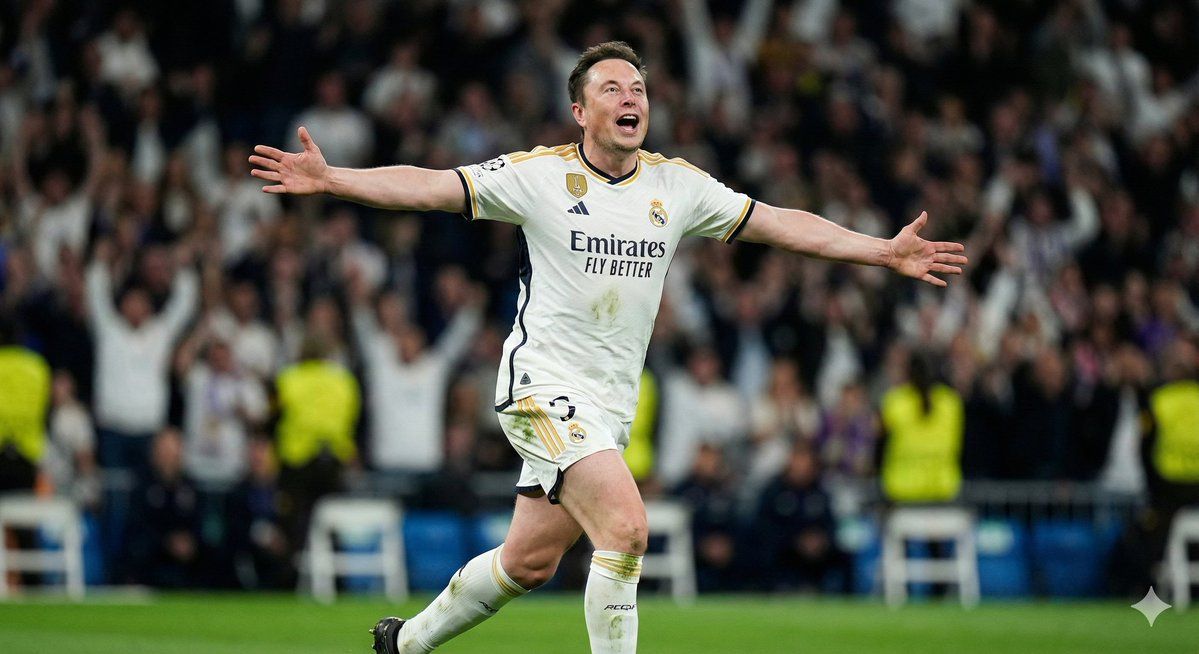
Analyze the input face features, skin tone, hair type, and bone structure to infer a plausible region or nationality, then automatically select a world-renowned professional football club matching that identity and outfit the subject in the club’s current official home kit with crest and sponsor visible. Autonomously choose one goal celebration that feels natural and high-energy: knee slide roaring, kissing the badge with emotion, airplane-run shouting at the sky, or fist-pump with a teammate hugging from behind. Render the final scene as a hyper-realistic sports photo shot on a long telephoto lens with compressed perspective, dramatic stadium night lighting, strong rim light, sweat on the subject, visible grass stains, razor-sharp facial focus, and a heavily blurred crowd in the background capturing the subject as a pro footballer celebrating a goal.
Category
创意图片
Model
Nano Banana Pro
Creator
K
Views0
Source ID
8b142069-9aba-400c-adfa-e0a193a477db
Published
Mar 8, 2026

Guide

About "AI 足球运动员进球庆祝动作生成"

What is this prompt for?

"AI 足球运动员进球庆祝动作生成" AI image prompt for Nano Banana Pro (创意图片). 一个复杂的多步骤提示,指示 AI 首先分析拍摄对象的面部特征以推断国籍,然后自动选择一个匹配的世界知名足球俱乐部,接着将拍摄对象渲染成身穿该俱乐部主场球衣、正在进行高能量进球庆祝的形象。最终图…

The full copyable prompt and example visuals above are ready for AI image generation or one-click recreate in Picva.

How to use this prompt

  1. Step 1

    Open the prompt detail

    Review the example visuals, category, and full prompt text for "AI 足球运动员进球庆祝动作生成".

  2. Step 2

    Copy the prompt

    Copy the prompt body from this page, or load it directly in Studio.

  3. Step 3

    Pick a model (Nano Banana Pro)

    Prefer Nano Banana Pro. If you switch models, keep subject and composition and tweak style terms.

  4. Step 4

    Generate and export

    Recreate the look in Picva, or export into your workflow for editing and publishing.

FAQ

What is the "AI 足球运动员进球庆祝动作生成" prompt?
It is an AI image-generation prompt for Nano Banana Pro in the 创意图片 category. This page includes the full prompt text, example visuals, and a one-click recreate path in Picva.
How do I use this prompt to generate an image?
Copy the prompt from this page, or use Generate / Studio. Paste it into a compatible image model, or recreate the look in Picva with optional reference images.
Which model is this prompt for?
This page lists Nano Banana Pro. Most descriptive prompts also transfer to nearby image models such as GPT Image, Flux, or Midjourney with light style tweaks.
Can I use the result commercially?
You can usually copy the prompt for creation, but commercial use of the final image depends on the model terms, reference-image rights, and the generated content. Follow the source author and platform rules.