20

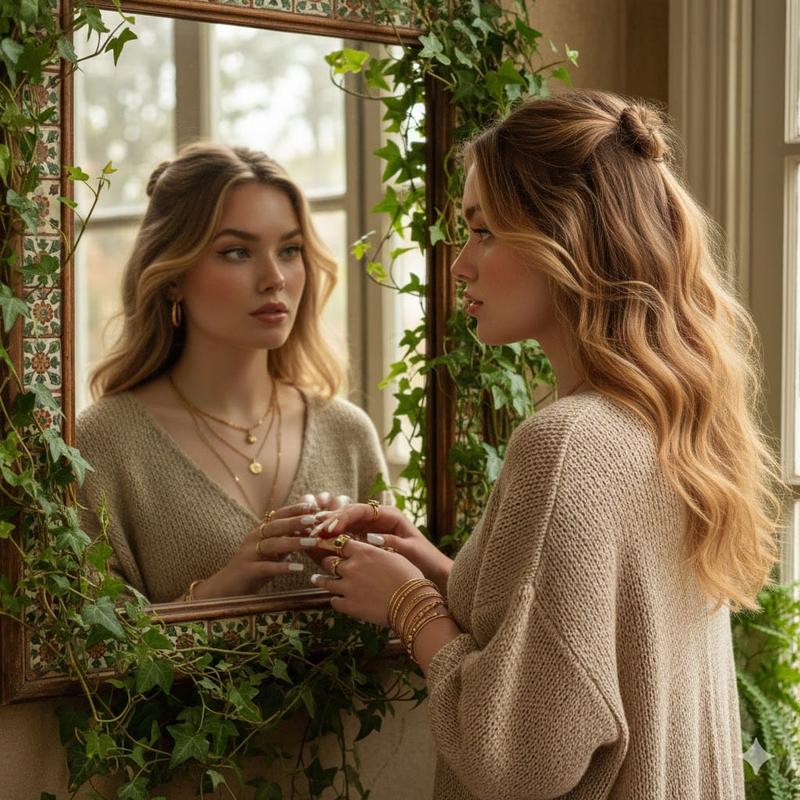
Create a hyper-realistic waist-up portrait using the attached photo. Don't change the face. A por...
Enlarge

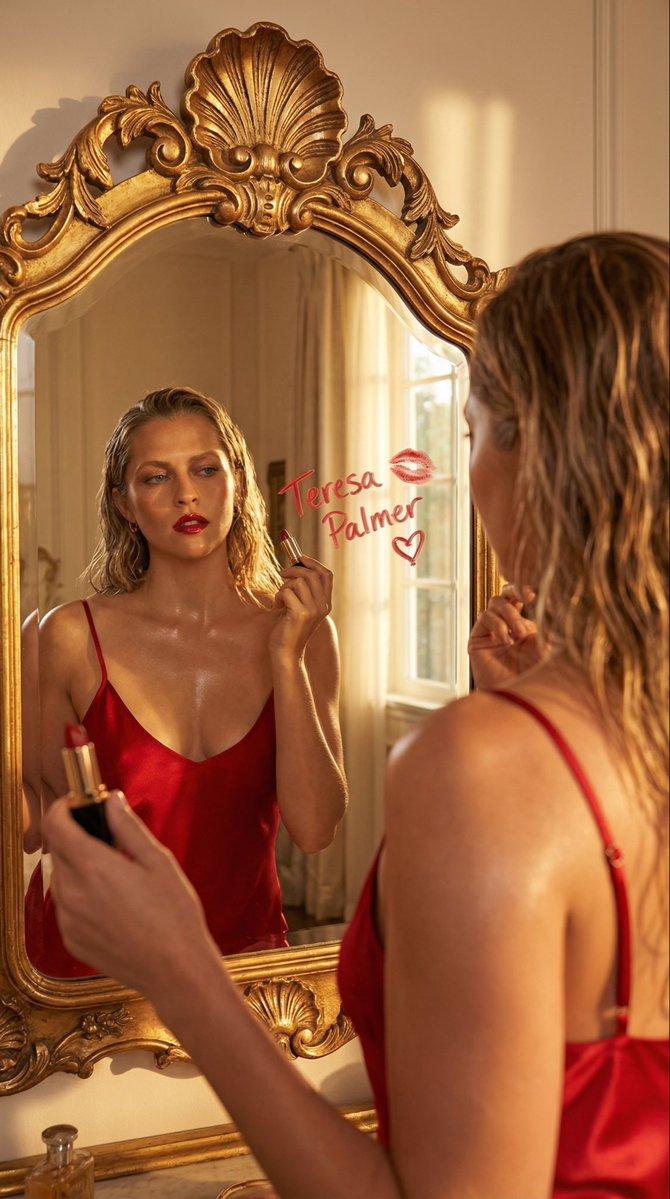
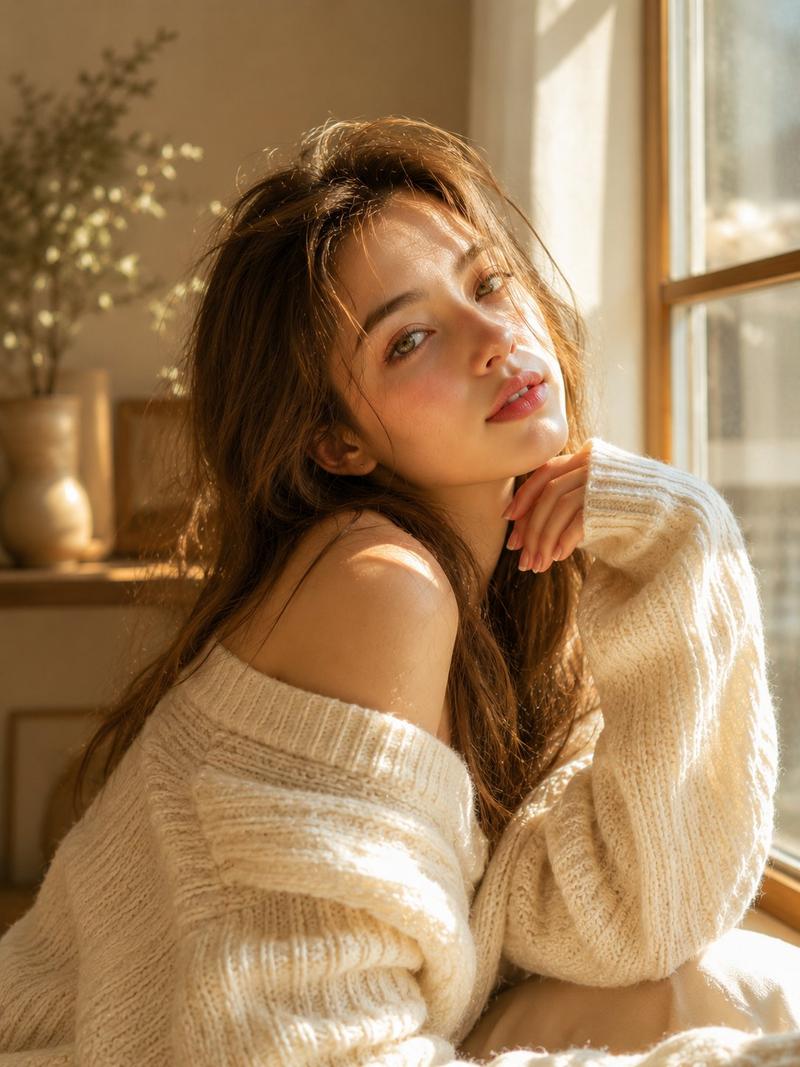
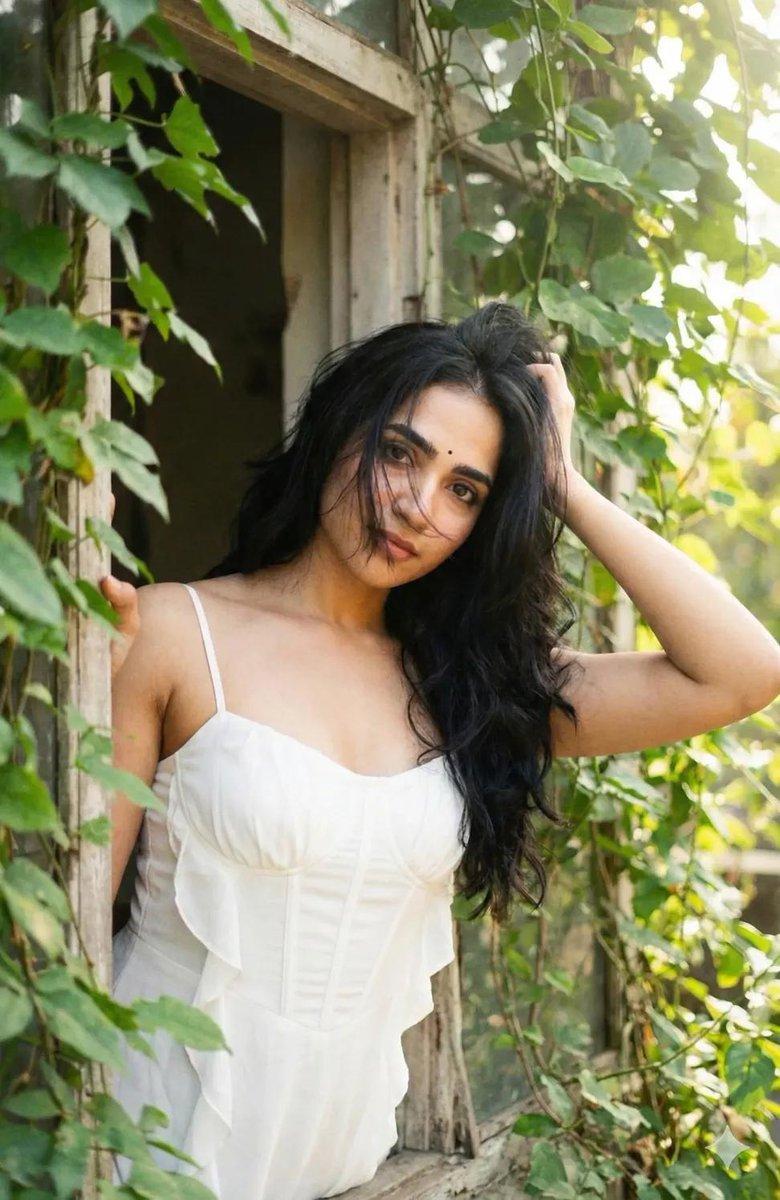
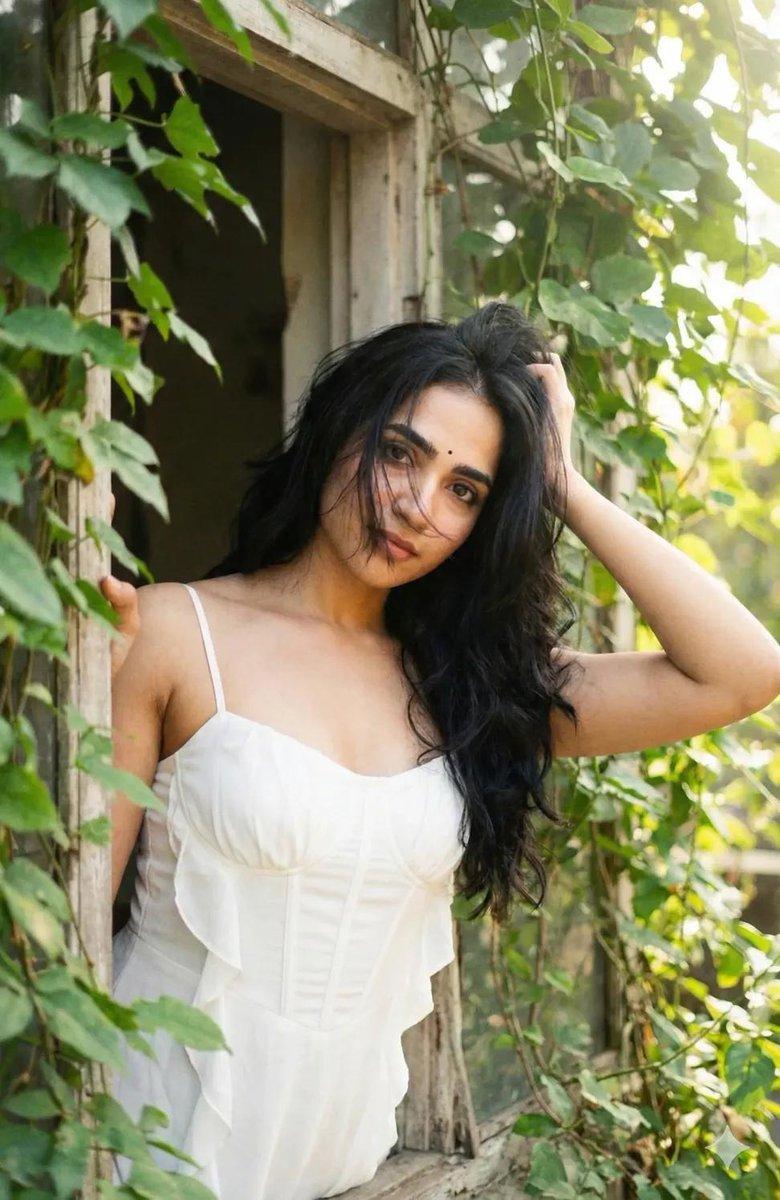
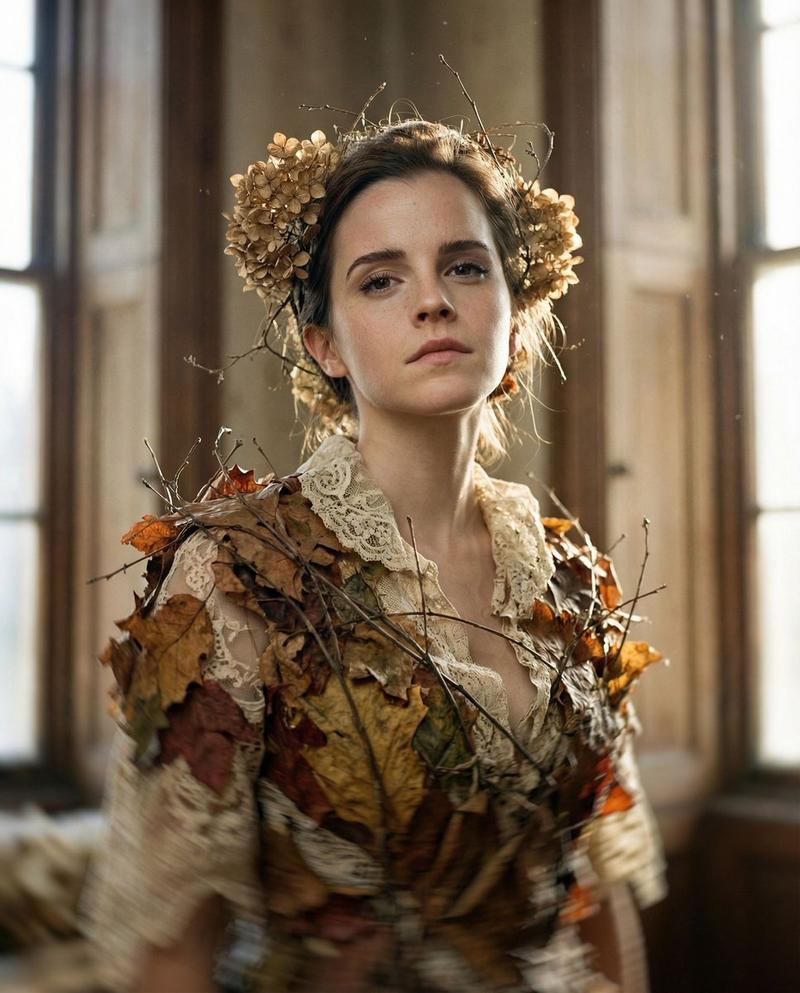
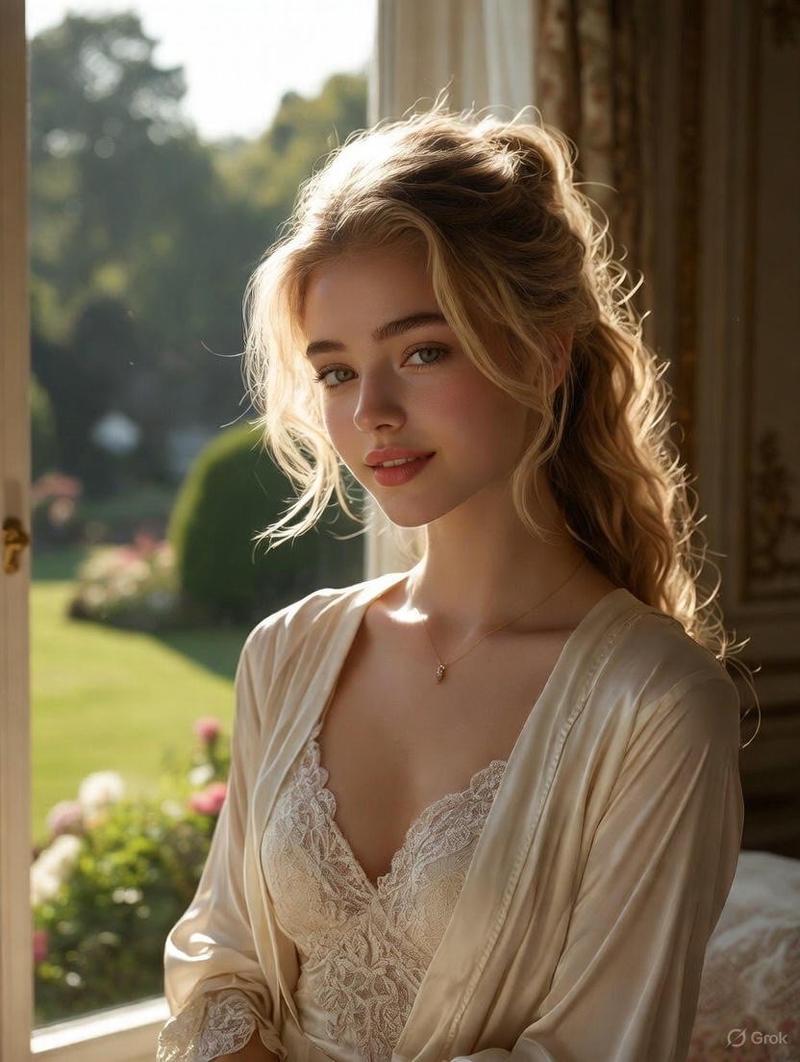
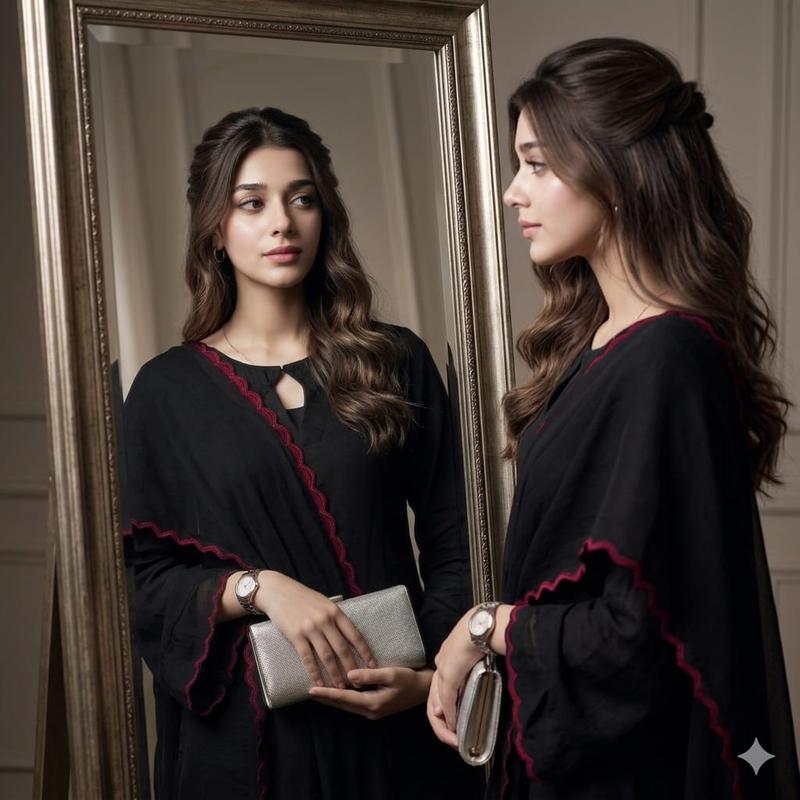
Example images

Create a hyper-realistic waist-up portrait using the attached photo. Don't change the face. A por...

Prompt
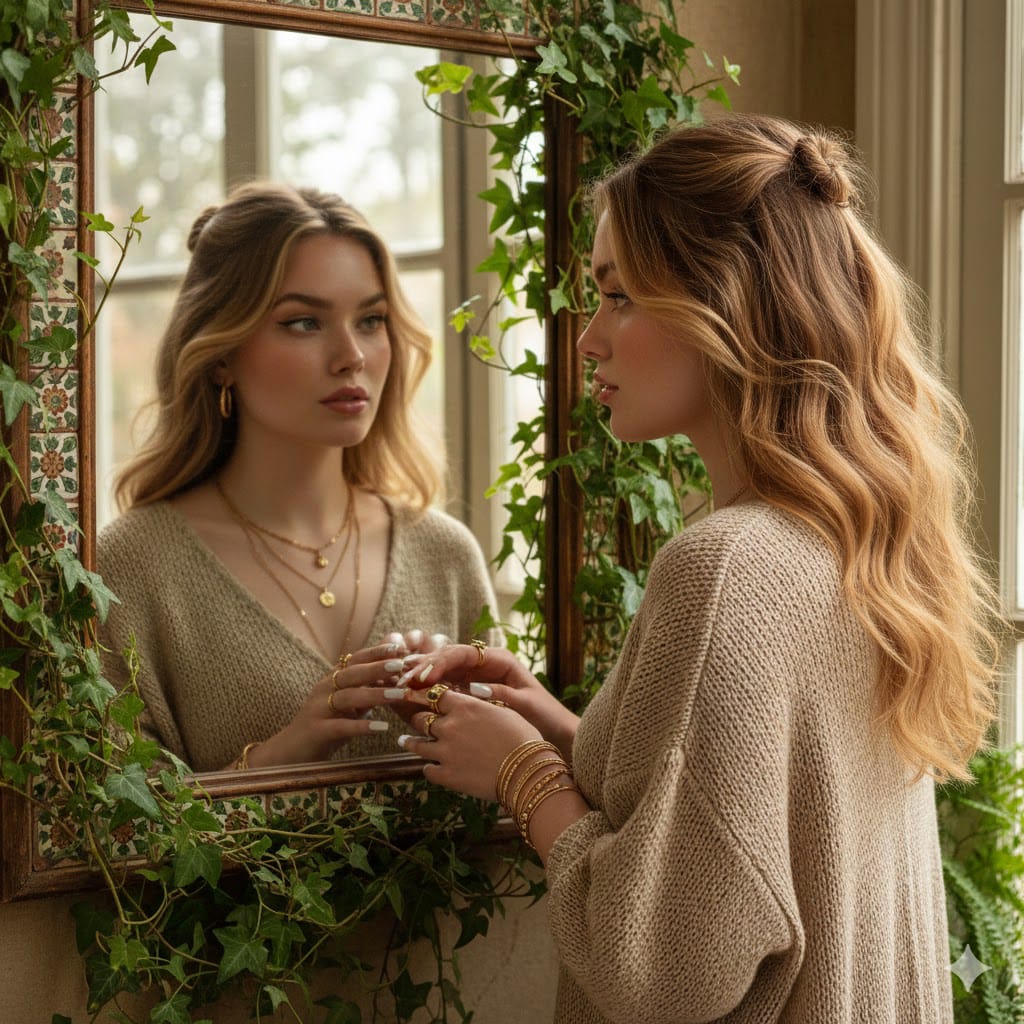
Create a hyper-realistic waist-up portrait using the attached photo.  Don't change the face.
 A portrait of a beautiful young woman with fair glowing skin and an oval face with a perfect figure, not skinny.
 A natural light indoor shot featuring a woman with green grayish eyes with winged liner, a natural, subtle freckles with sun-kissed peachy color on her face, feathery eyebrows, including a pink glossy lip and bronzed cheeks.
 She has voluminous, shiny, waist-length golden hair layered style with a slight wave, her hair blowing in the wind, giving a natural and fresh look, with small braided buns in her hair.
 She is wearing a loose-fitting, beige knitted maxi dress with stacks of gold accessories in ears, rings, stacked bracellet and stacked necklace.
 She is looking into a rustic, antique mirror framed with decorative tiles and surrounded by lush green foliage that grows around and over it, suggesting an indoor space with an outdoor feel or a sunroom.  The background is gently blurred, emphasiz
Category
创意图片
Model
Nano Banana Pro
Creator
Pixshop
Views3
Source ID
5275566f-939a-4def-aacf-bc5f561ed25e
Published
Jan 14, 2026

Guide

About "Create a hyper-realistic waist-up portrait using the attached photo. Don't change the face. A por..."

What is this prompt for?

"Create a hyper-realistic waist-up portrait using the attached photo. Don't change the face. A por..." AI image prompt for Nano Banana Pro (创意图片). 创意图片 Copy it…

The full copyable prompt and example visuals above are ready for AI image generation or one-click recreate in Picva.

How to use this prompt

  1. Step 1

    Open the prompt detail

    Review the example visuals, category, and full prompt text for "Create a hyper-realistic waist-up portrait using the attached photo. Don't change the face. A por...".

  2. Step 2

    Copy the prompt

    Copy the prompt body from this page, or load it directly in Studio.

  3. Step 3

    Pick a model (Nano Banana Pro)

    Prefer Nano Banana Pro. If you switch models, keep subject and composition and tweak style terms.

  4. Step 4

    Generate and export

    Recreate the look in Picva, or export into your workflow for editing and publishing.

FAQ

What is the "Create a hyper-realistic waist-up portrait using the attached photo. Don't change the face. A por..." prompt?
It is an AI image-generation prompt for Nano Banana Pro in the 创意图片 category. This page includes the full prompt text, example visuals, and a one-click recreate path in Picva.
How do I use this prompt to generate an image?
Copy the prompt from this page, or use Generate / Studio. Paste it into a compatible image model, or recreate the look in Picva with optional reference images.
Which model is this prompt for?
This page lists Nano Banana Pro. Most descriptive prompts also transfer to nearby image models such as GPT Image, Flux, or Midjourney with light style tweaks.
Can I use the result commercially?
You can usually copy the prompt for creation, but commercial use of the final image depends on the model terms, reference-image rights, and the generated content. Follow the source author and platform rules.