17

{"image_generation_parameters":{"resolution":"1200x1200px","aspect_ratio":"1:1","reference_usage"...
Enlarge

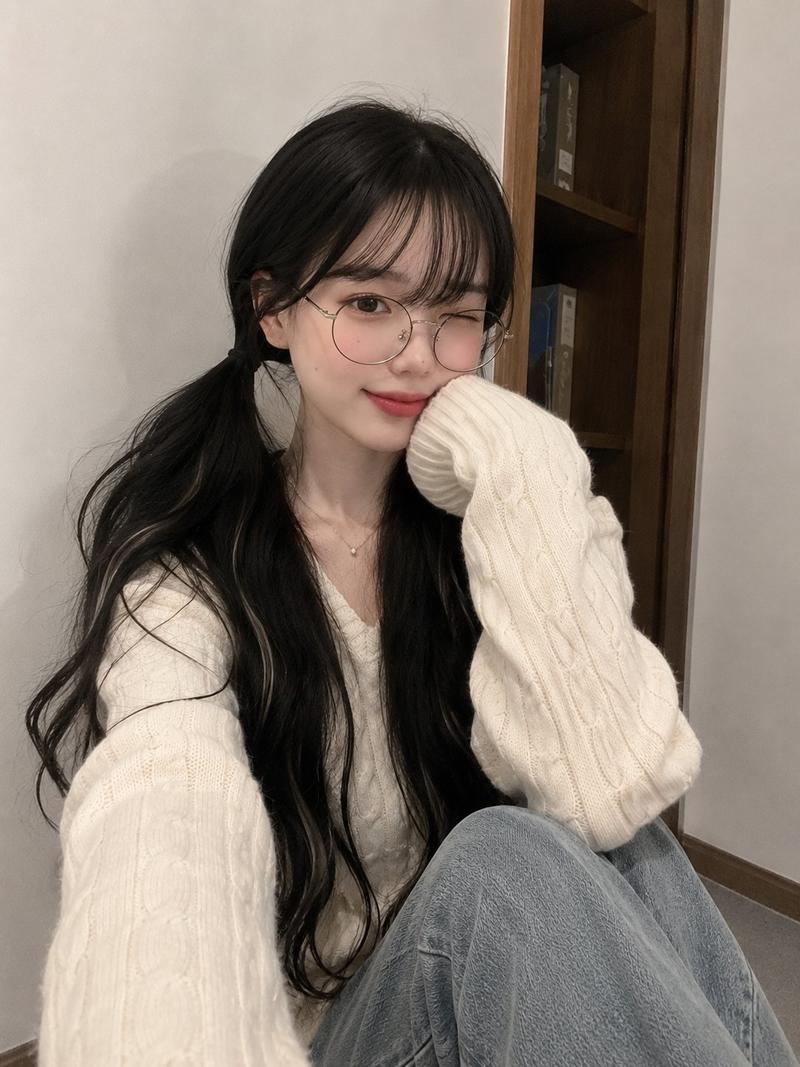
Example images

{"image_generation_parameters":{"resolution":"1200x1200px","aspect_ratio":"1:1","reference_usage"...

Prompt
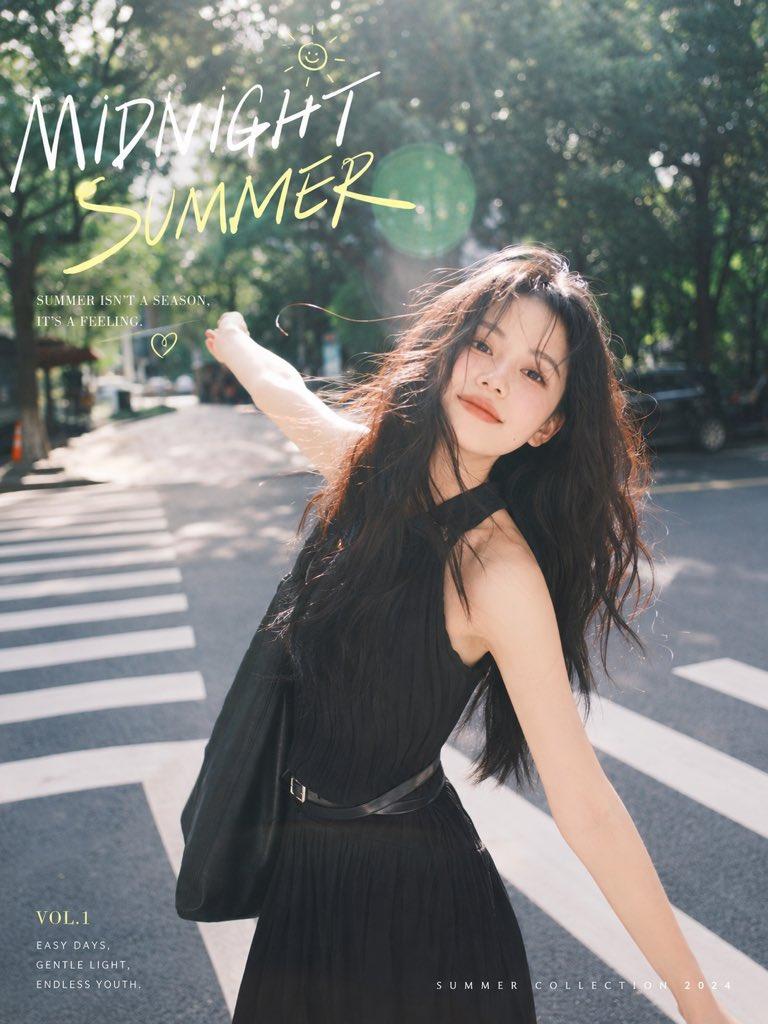
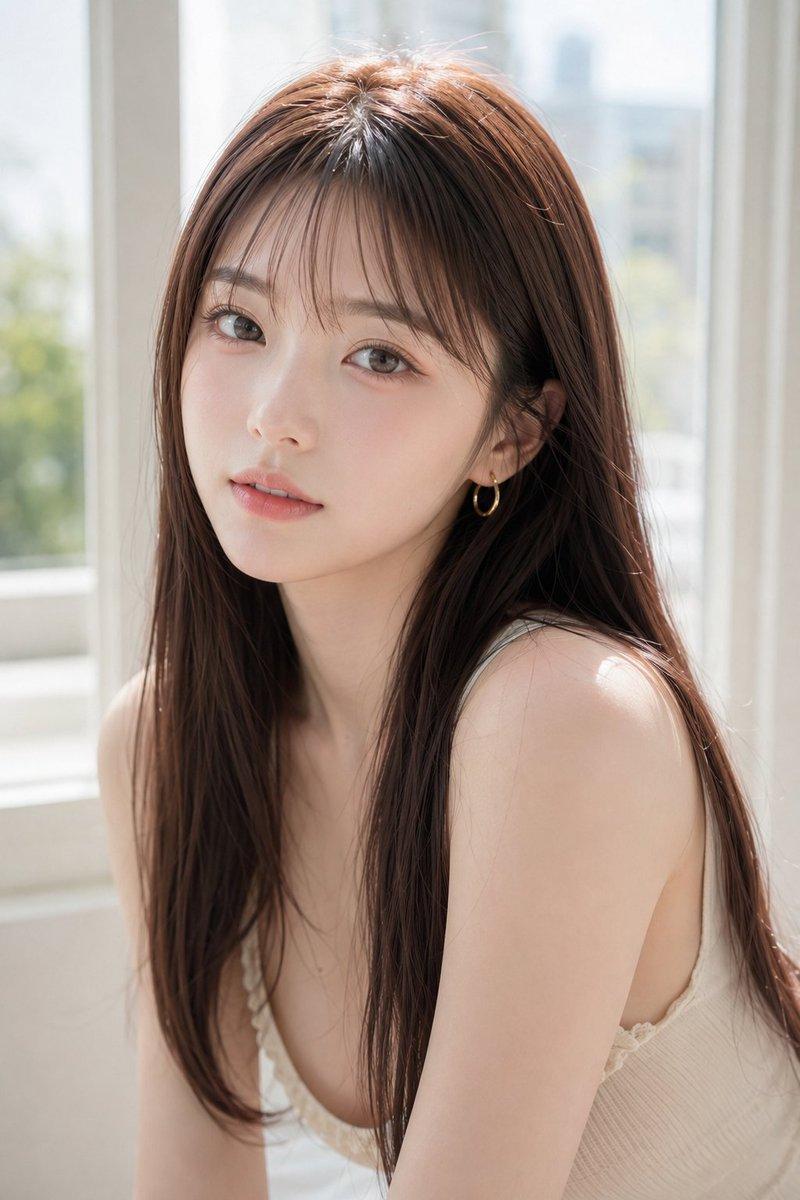
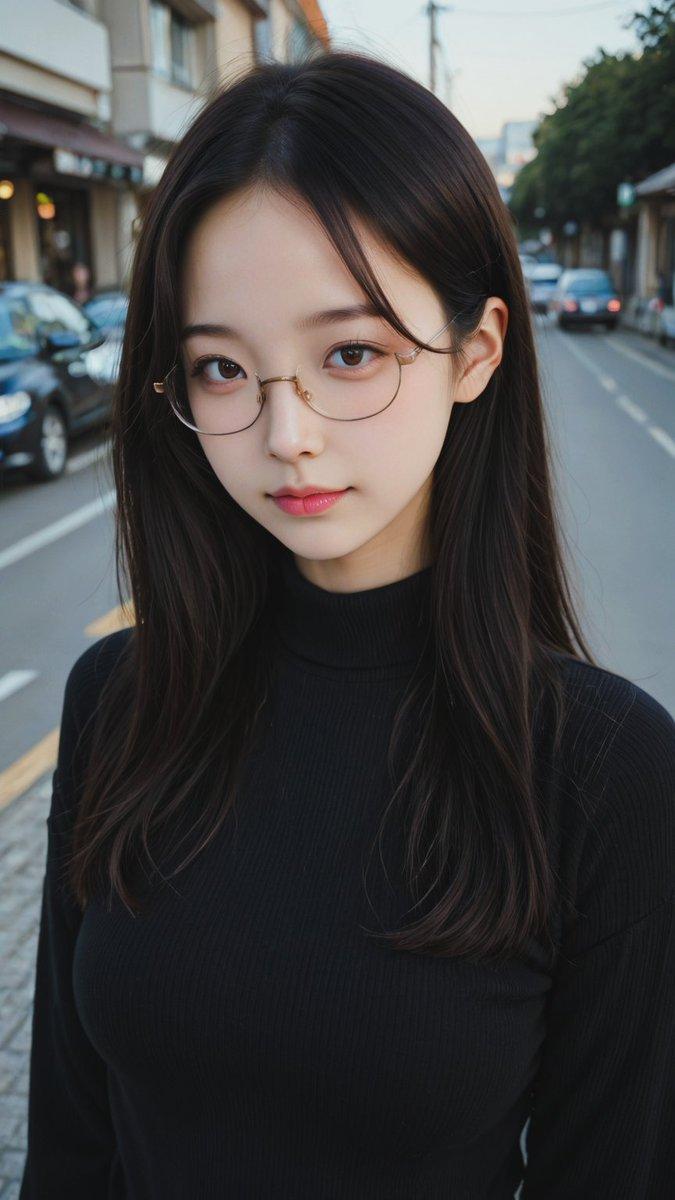
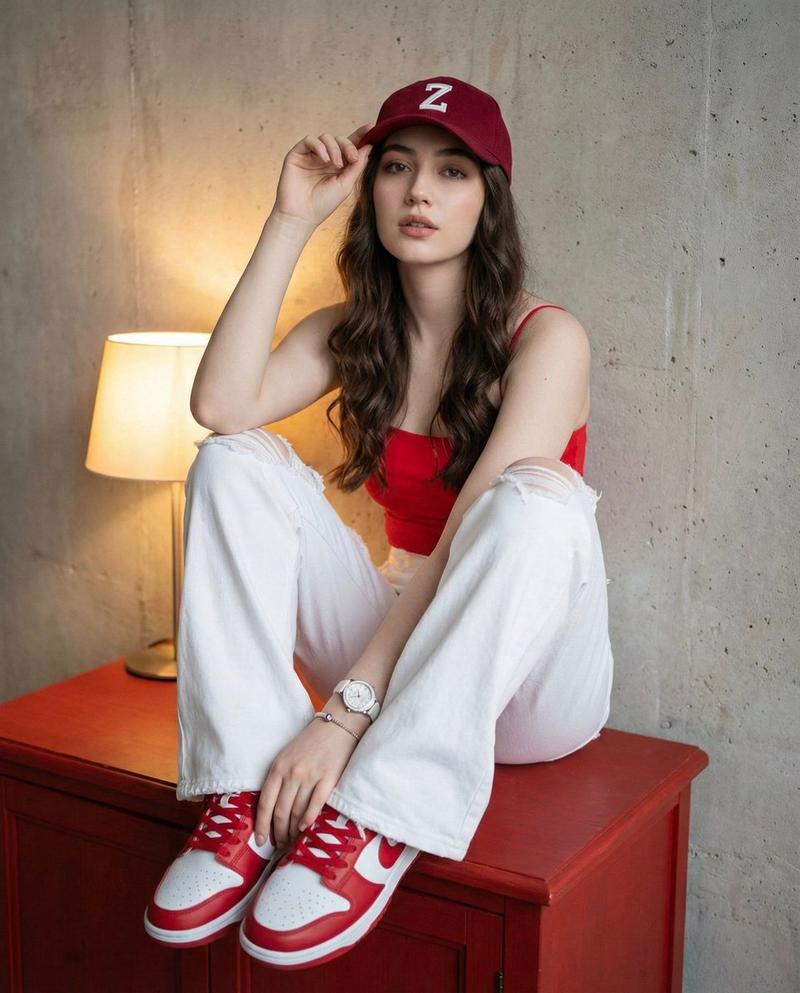
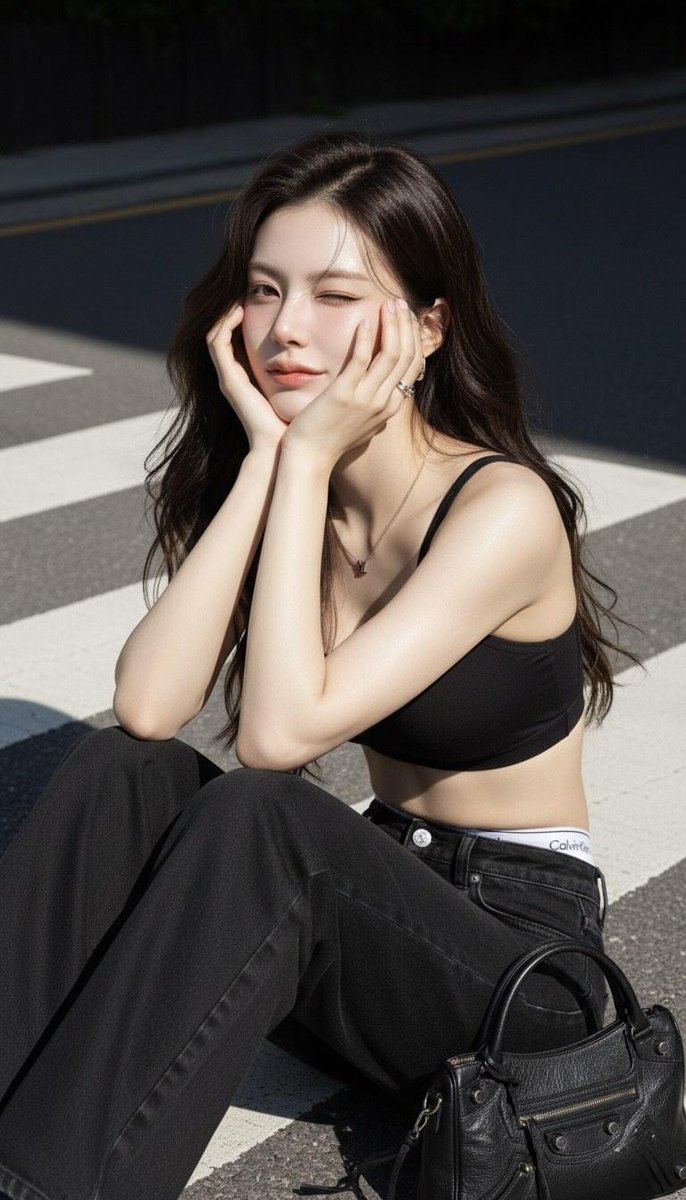
{"image_generation_parameters":{"resolution":"1200x1200px","aspect_ratio":"1:1","reference_usage":"Preserve facial features from reference image strictly"},"visual_style":{"genre":"High-fashion editorial, realistic portrait","technique":"Natural sunlight photography","atmosphere":"Dreamy, gentle elegance, soft cinematic feel","lighting":"Sunlight streaming from left, creating sharp highlights on hair and skin against slightly darkened background"},"subject_breakdown":{"appearance":{"hair":"Long dark brown hair 👤, flowing to waist, loose Korean-style curls at ends, small strands across face","expression":"Dreamy, confident, slightly cheerful 📸📀 🙅🏻‍♀️💁🏻‍♀️🧏🏻‍♀️","makeup":"Natural makeup 💄💋, rosy cheeks, thin eyeliner, mascara, pink-orange lip gloss"},"pose":"Right arm slightly lifted, left arm holding black Balenciaga City bag / sitting sideways resting chin on hand / talking on phone naturally","outfit":"Black sports bra crop top 👚👗👙🩲, wide-leg black jeans showing white Calvin Klein waistband, silver short necklace (LV pendant), small thick hoop earrings, minimal silver ring"},"lighting_and_effects":{"lighting":"Natural sunlight 🌌 from front–side highlighting cheeks and nose tip","effects":"Cinematic lighting 🎞️🎞️, ultra HD 👑✨, hyper-realistic, sharp textures, stunning light and shadow effect"}}
Category
creative_scene
Model
Nano Banana Pro
Creator
Pixshop
Views2
Source ID
aab7a55a-c220-468f-ab43-3e9cc5b38bab
Published
Jan 14, 2026

Guide

About "{"image_generation_parameters":{"resolution":"1200x1200px","aspect_ratio":"1:1","reference_usage"..."

What is this prompt for?

"{"image_generation_parameters":{"resolution":"1200x1200px","aspect_ratio":"1:1","reference_usage"..." AI image prompt for Nano Banana Pro (creative_scene). cr…

The full copyable prompt and example visuals above are ready for AI image generation or one-click recreate in Picva.

How to use this prompt

  1. Step 1

    Open the prompt detail

    Review the example visuals, category, and full prompt text for "{"image_generation_parameters":{"resolution":"1200x1200px","aspect_ratio":"1:1","reference_usage"...".

  2. Step 2

    Copy the prompt

    Copy the prompt body from this page, or load it directly in Studio.

  3. Step 3

    Pick a model (Nano Banana Pro)

    Prefer Nano Banana Pro. If you switch models, keep subject and composition and tweak style terms.

  4. Step 4

    Generate and export

    Recreate the look in Picva, or export into your workflow for editing and publishing.

FAQ

What is the "{"image_generation_parameters":{"resolution":"1200x1200px","aspect_ratio":"1:1","reference_usage"..." prompt?
It is an AI image-generation prompt for Nano Banana Pro in the creative_scene category. This page includes the full prompt text, example visuals, and a one-click recreate path in Picva.
How do I use this prompt to generate an image?
Copy the prompt from this page, or use Generate / Studio. Paste it into a compatible image model, or recreate the look in Picva with optional reference images.
Which model is this prompt for?
This page lists Nano Banana Pro. Most descriptive prompts also transfer to nearby image models such as GPT Image, Flux, or Midjourney with light style tweaks.
Can I use the result commercially?
You can usually copy the prompt for creation, but commercial use of the final image depends on the model terms, reference-image rights, and the generated content. Follow the source author and platform rules.