20

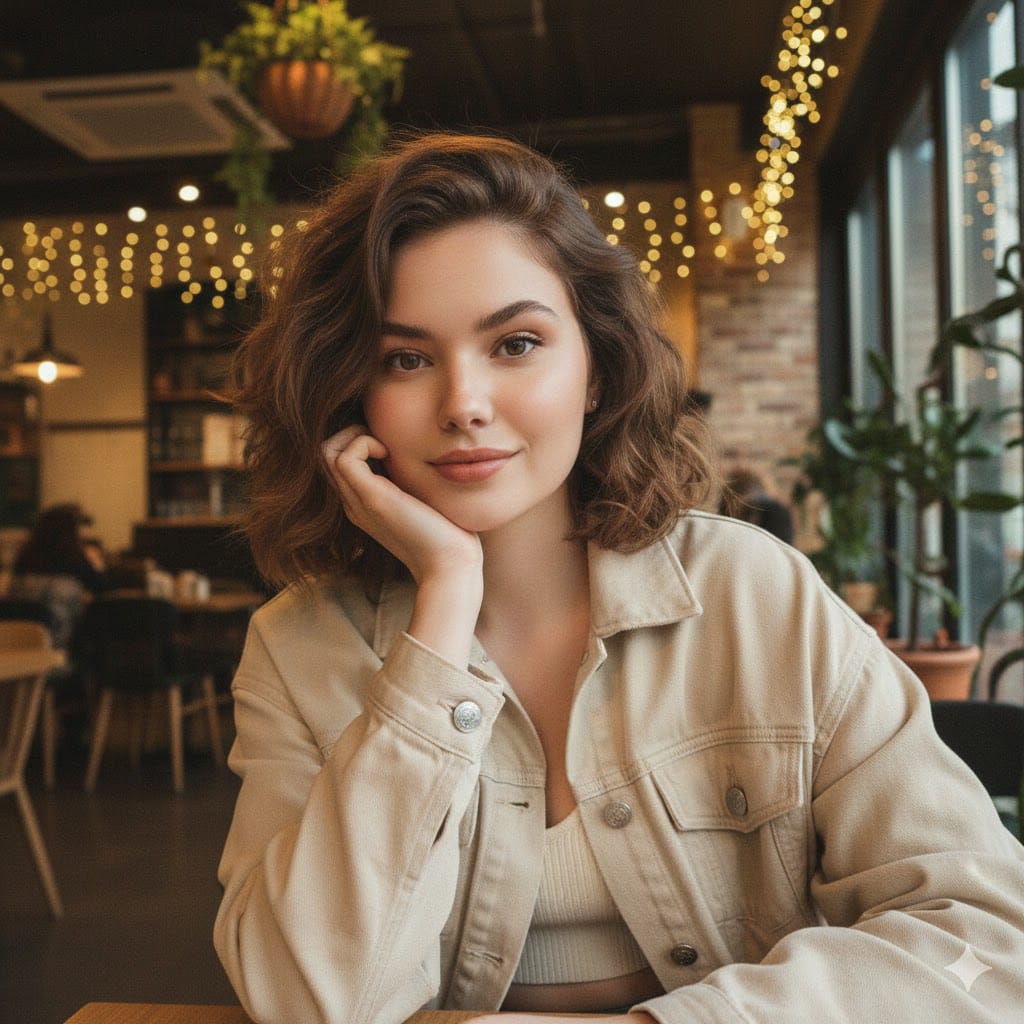
{"style_and_mood":"Cinematic, warm, cozy, soft natural lighting, highly detailed, ultra-realistic...
Enlarge

{"style_and_mood":"Cinematic, warm, cozy, soft natural lighting, highly detailed, ultra-realistic...

Prompt
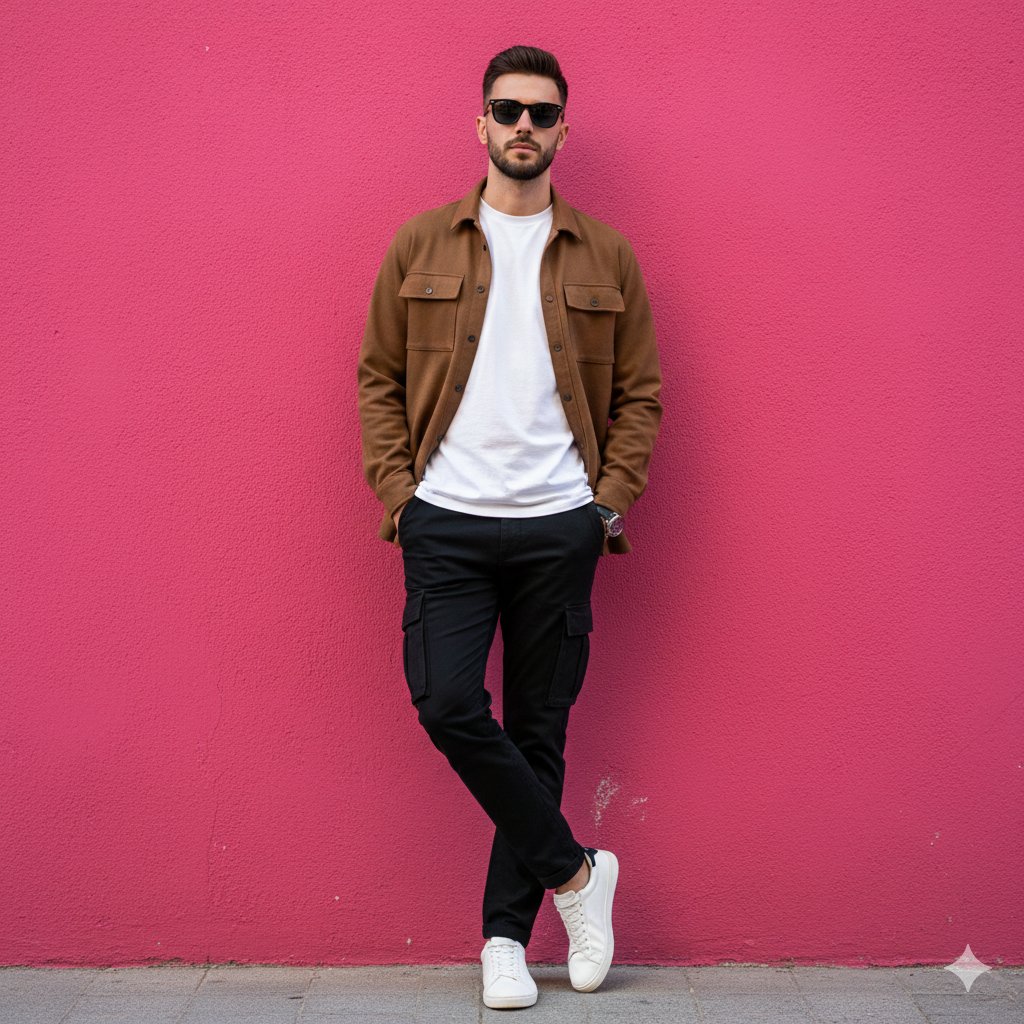
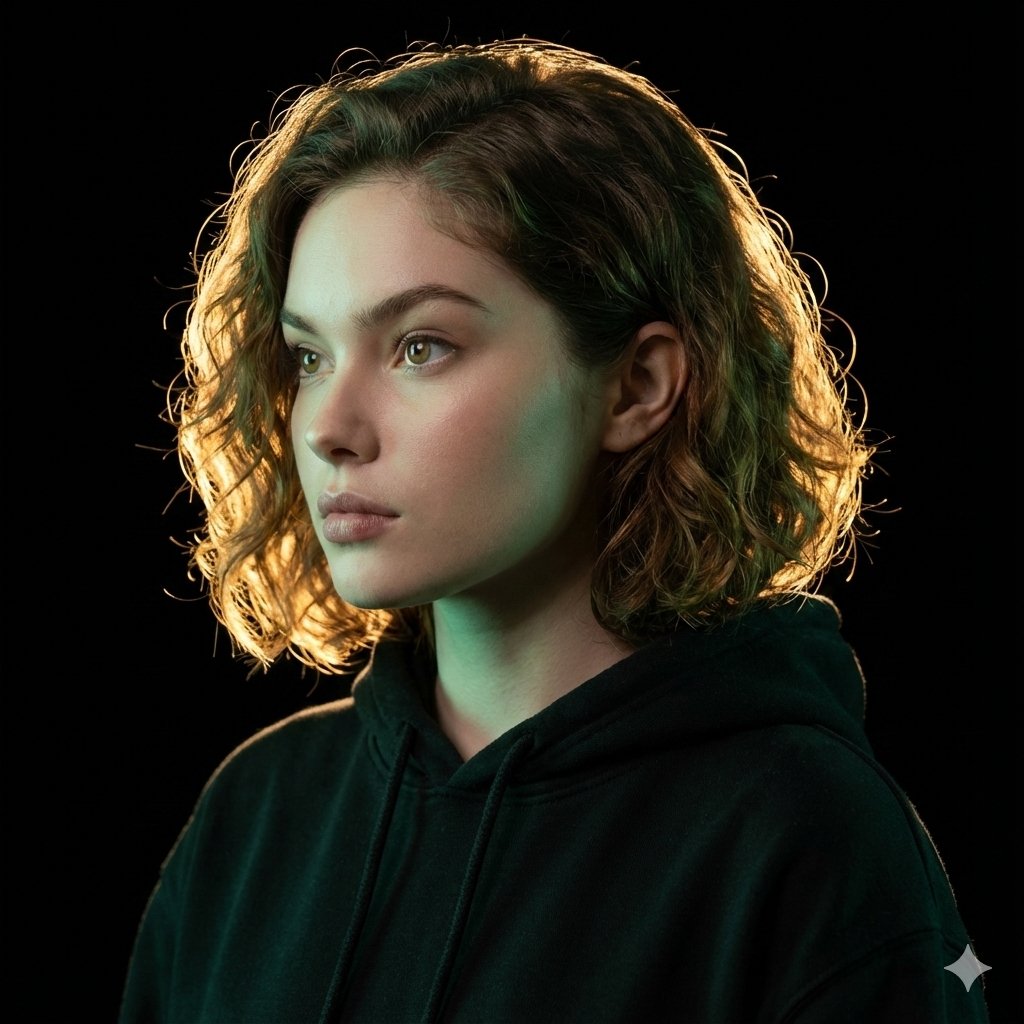
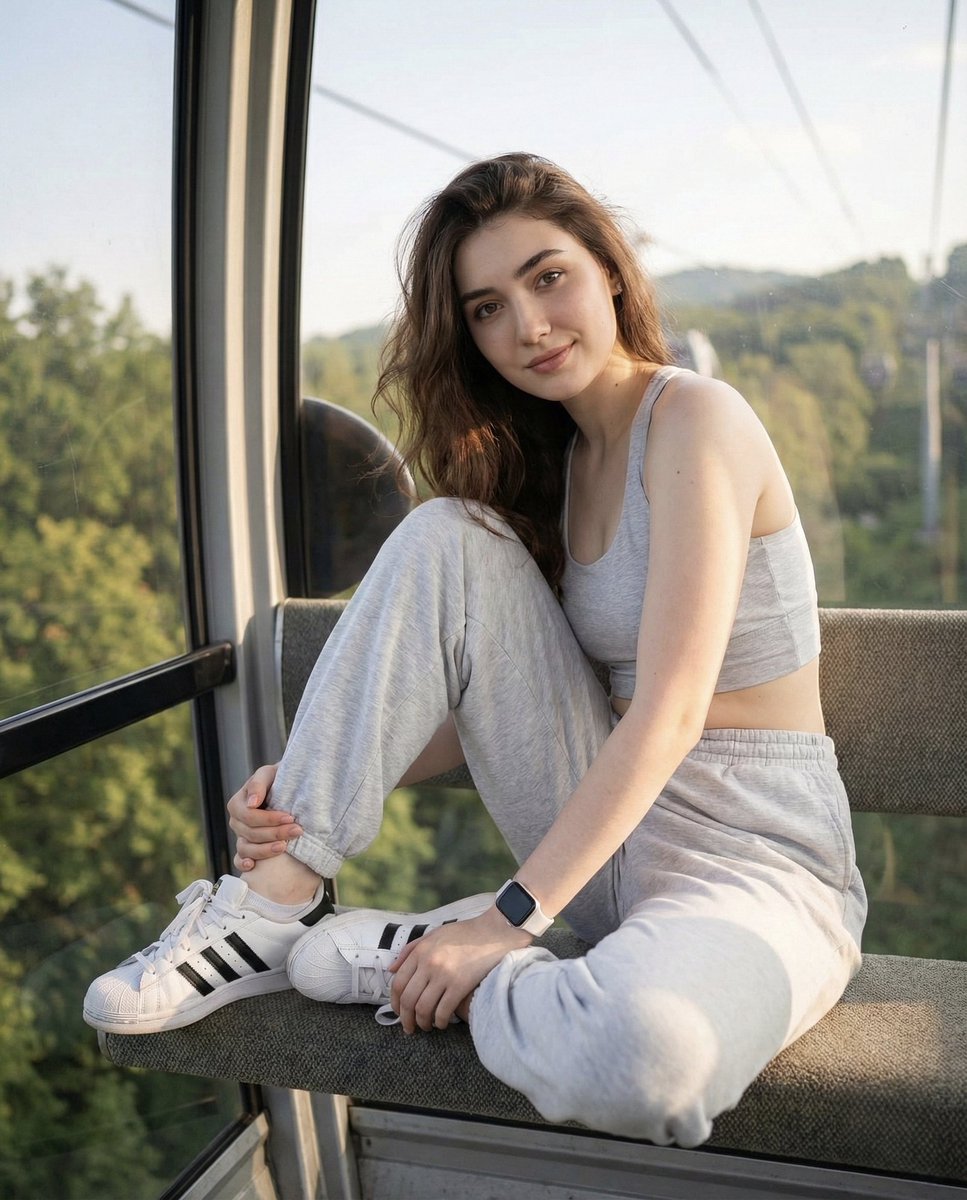
{"style_and_mood":"Cinematic, warm, cozy, soft natural lighting, highly detailed, ultra-realistic","format":"Ultra-realistic vertical triptych","subject":{"age":"22-year-old young man","appearance":"Face and hairstyle exactly matching the uploaded image, perfectly styled, with face slightly turned toward the camera","clothing":"Soft beige T-shirt and a thin necklace with a small pendant"},"setting":{"location":"Modern bedroom","atmosphere":"Natural light from a window creating a warm, relaxed atmosphere"},"artistic_elements":{"doodles":"Artistic white line doodles decorate each panel"},"panels":[{"name":"Top Panel","action":"Boy holds his face with his right hand","expression":"Soft, eyes 1/2 closed, slightly looking toward the camera, lost in thought"},{"name":"Middle Panel","action":"Boy sits on the bed, legs slightly bent, sketching in a notebook with a pencil","details":"A mug of tea on the nightstand, face slightly toward the camera"},{"name":"Bottom Panel","action":"Boy lies on the bed with a blanket, an open book on his chest","expression":"Smiling slightly at the camera, face slightly toward the camera"}]}
Category
creative_scene
Model
Nano Banana Pro
Creator
Pixshop
Views4
Source ID
753aab52-e776-49b9-bc23-ebf1087c68a8
Published
Jan 14, 2026

Guide

About "{"style_and_mood":"Cinematic, warm, cozy, soft natural lighting, highly detailed, ultra-realistic..."

What is this prompt for?

"{"style_and_mood":"Cinematic, warm, cozy, soft natural lighting, highly detailed, ultra-realistic..." AI image prompt for Nano Banana Pro (creative_scene). cr…

The full copyable prompt and example visuals above are ready for AI image generation or one-click recreate in Picva.

How to use this prompt

  1. Step 1

    Open the prompt detail

    Review the example visuals, category, and full prompt text for "{"style_and_mood":"Cinematic, warm, cozy, soft natural lighting, highly detailed, ultra-realistic...".

  2. Step 2

    Copy the prompt

    Copy the prompt body from this page, or load it directly in Studio.

  3. Step 3

    Pick a model (Nano Banana Pro)

    Prefer Nano Banana Pro. If you switch models, keep subject and composition and tweak style terms.

  4. Step 4

    Generate and export

    Recreate the look in Picva, or export into your workflow for editing and publishing.

FAQ

What is the "{"style_and_mood":"Cinematic, warm, cozy, soft natural lighting, highly detailed, ultra-realistic..." prompt?
It is an AI image-generation prompt for Nano Banana Pro in the creative_scene category. This page includes the full prompt text, example visuals, and a one-click recreate path in Picva.
How do I use this prompt to generate an image?
Copy the prompt from this page, or use Generate / Studio. Paste it into a compatible image model, or recreate the look in Picva with optional reference images.
Which model is this prompt for?
This page lists Nano Banana Pro. Most descriptive prompts also transfer to nearby image models such as GPT Image, Flux, or Midjourney with light style tweaks.
Can I use the result commercially?
You can usually copy the prompt for creation, but commercial use of the final image depends on the model terms, reference-image rights, and the generated content. Follow the source author and platform rules.