18

{"image_description":{"type":"bright outdoor selfie","subject":{"face_reference":"use the same fa...
Enlarge

Example images

{"image_description":{"type":"bright outdoor selfie","subject":{"face_reference":"use the same fa...

Prompt
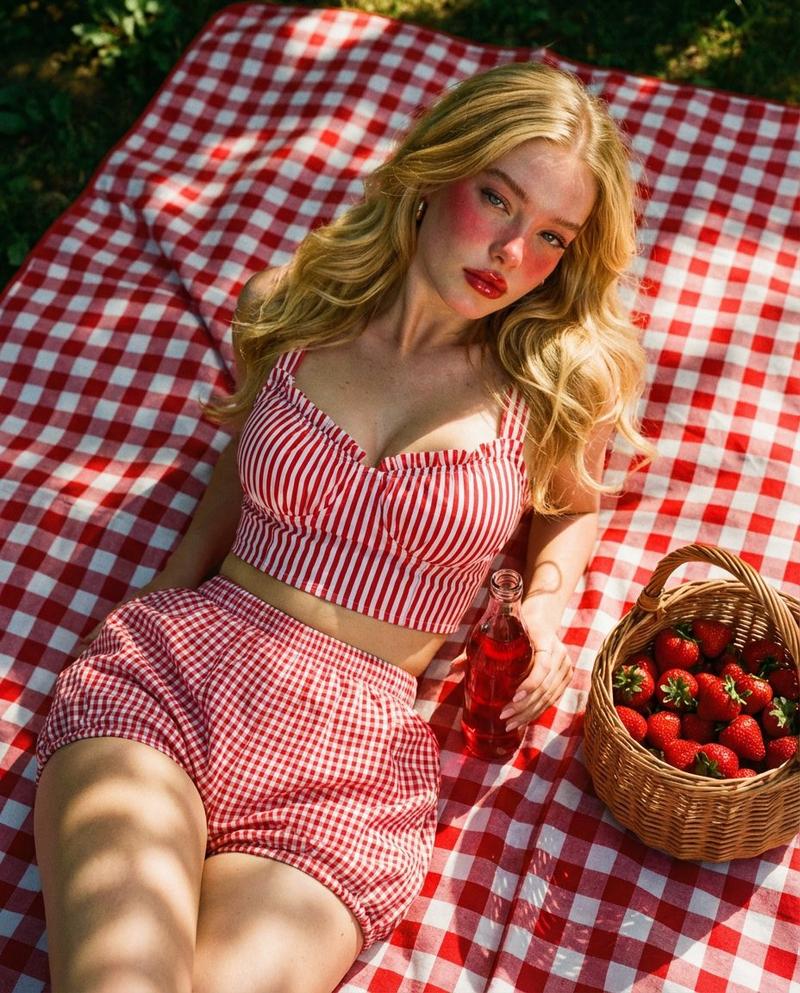
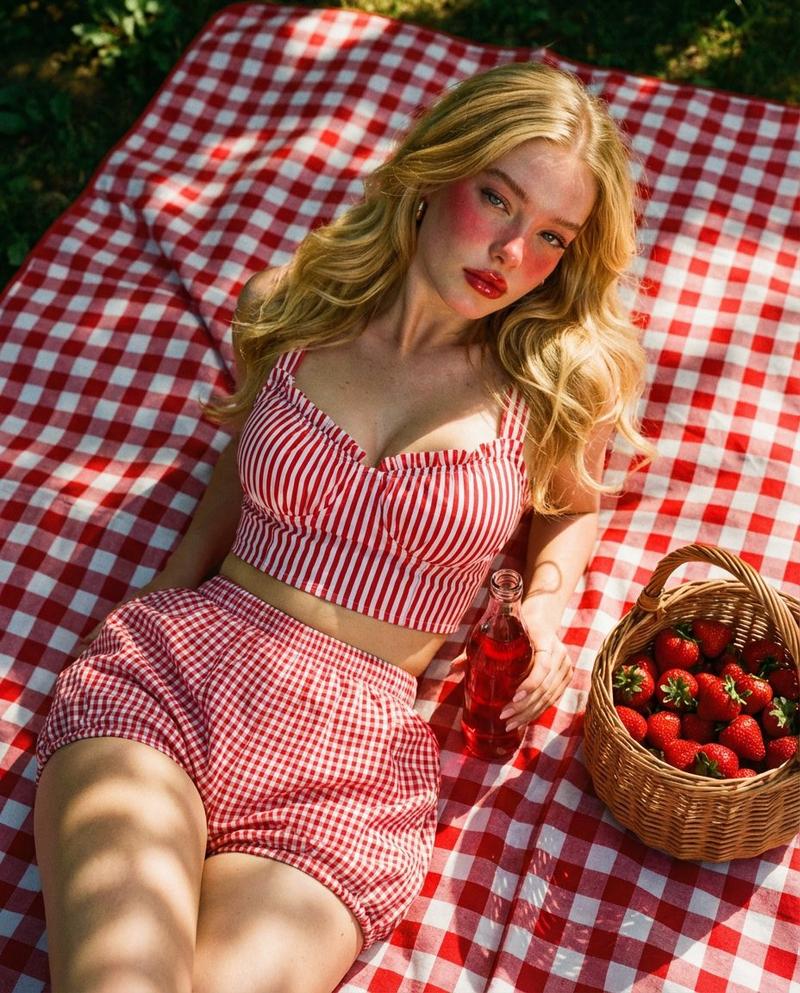
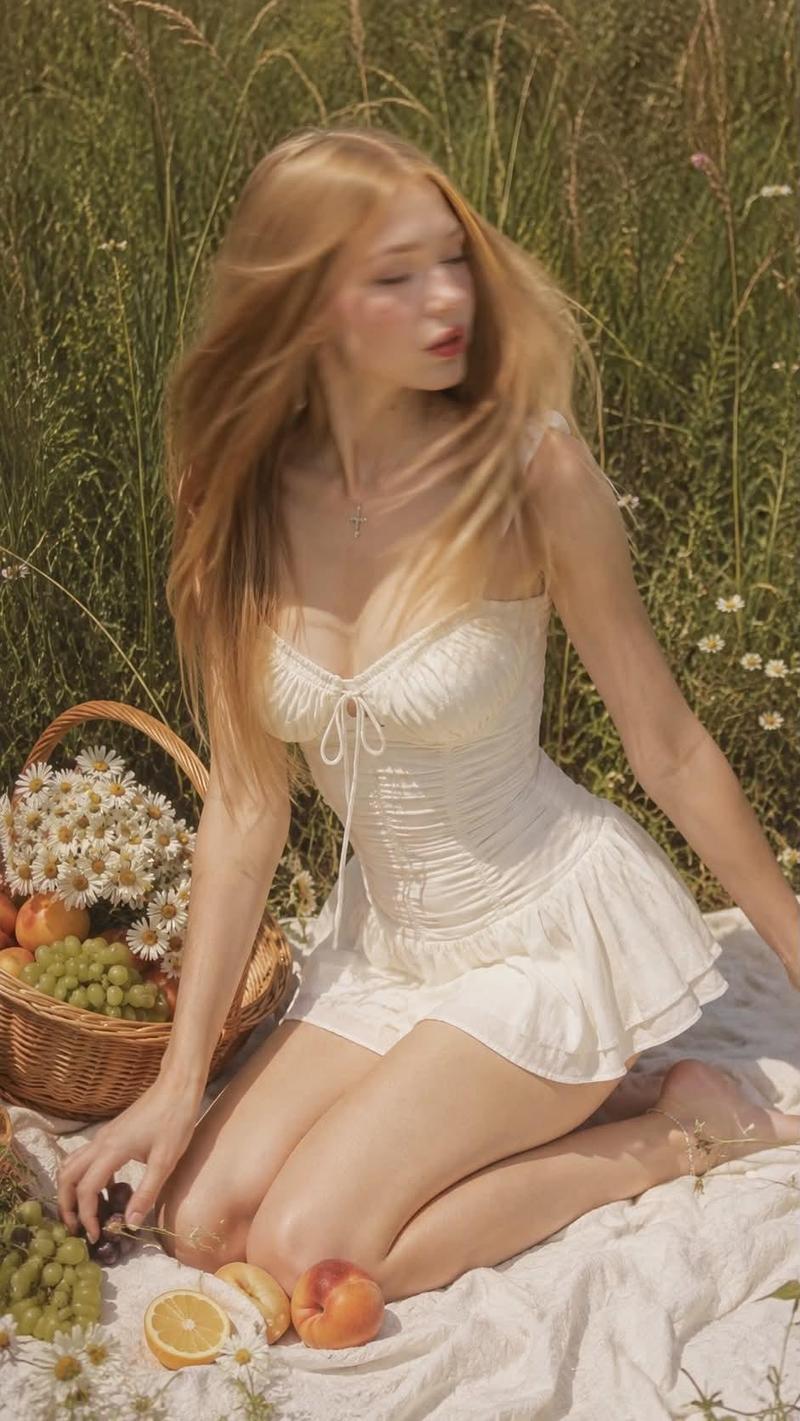
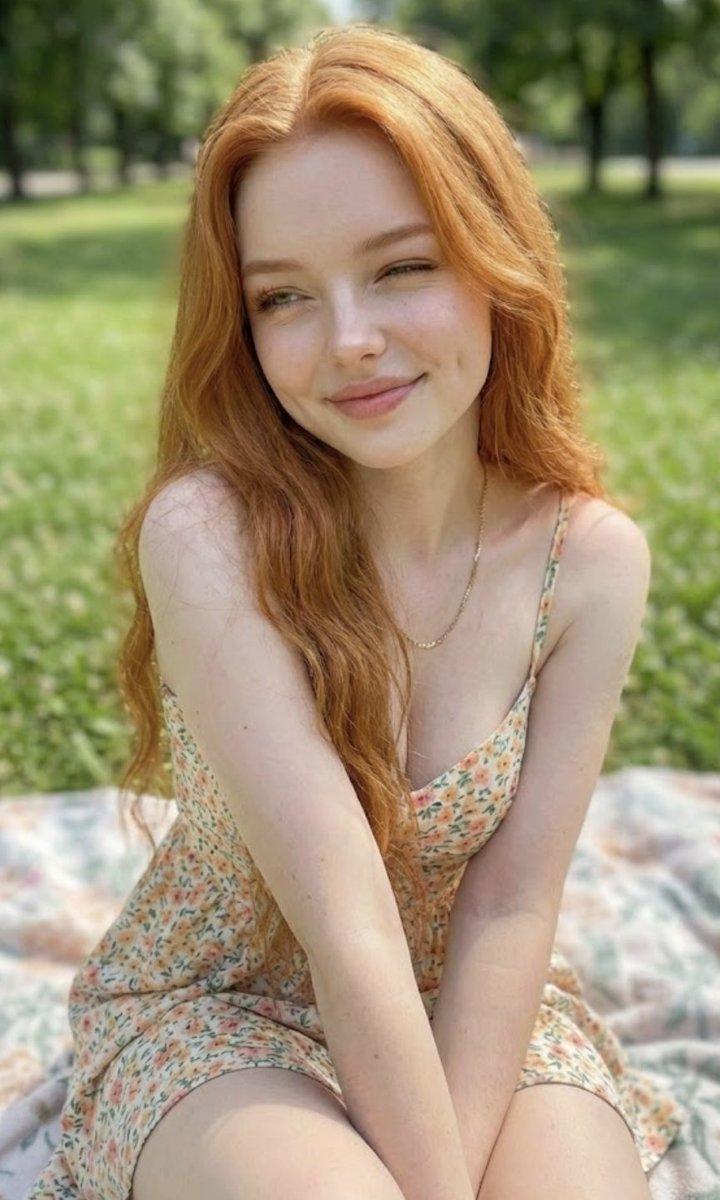
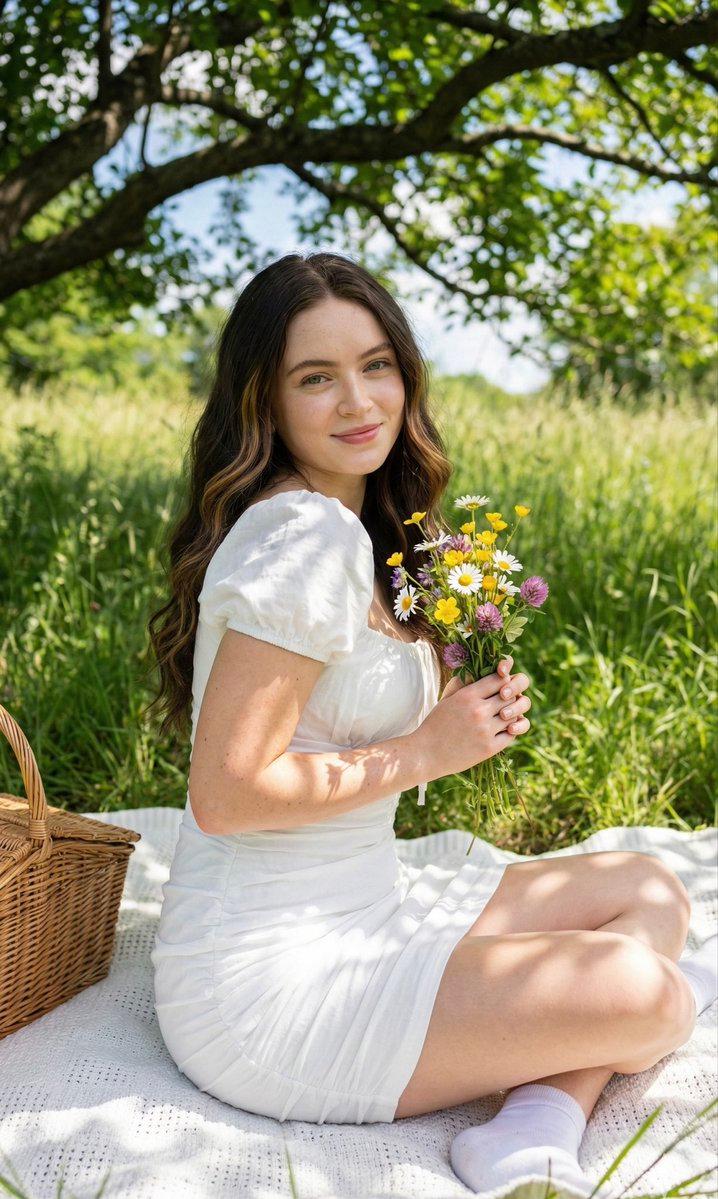
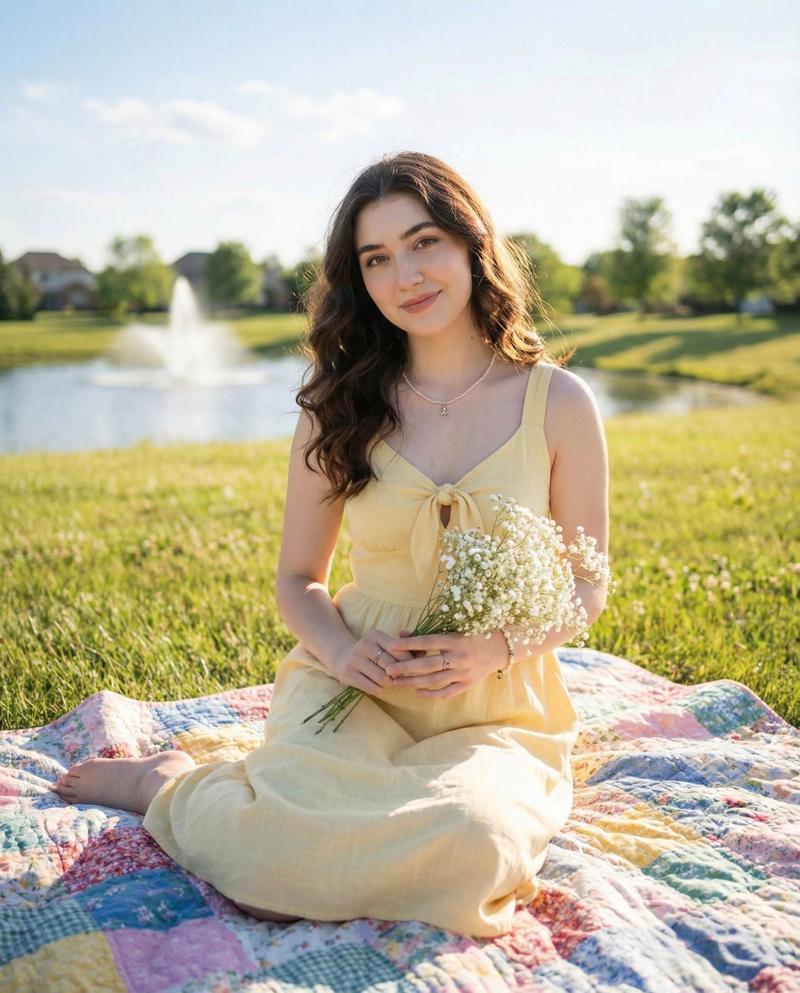
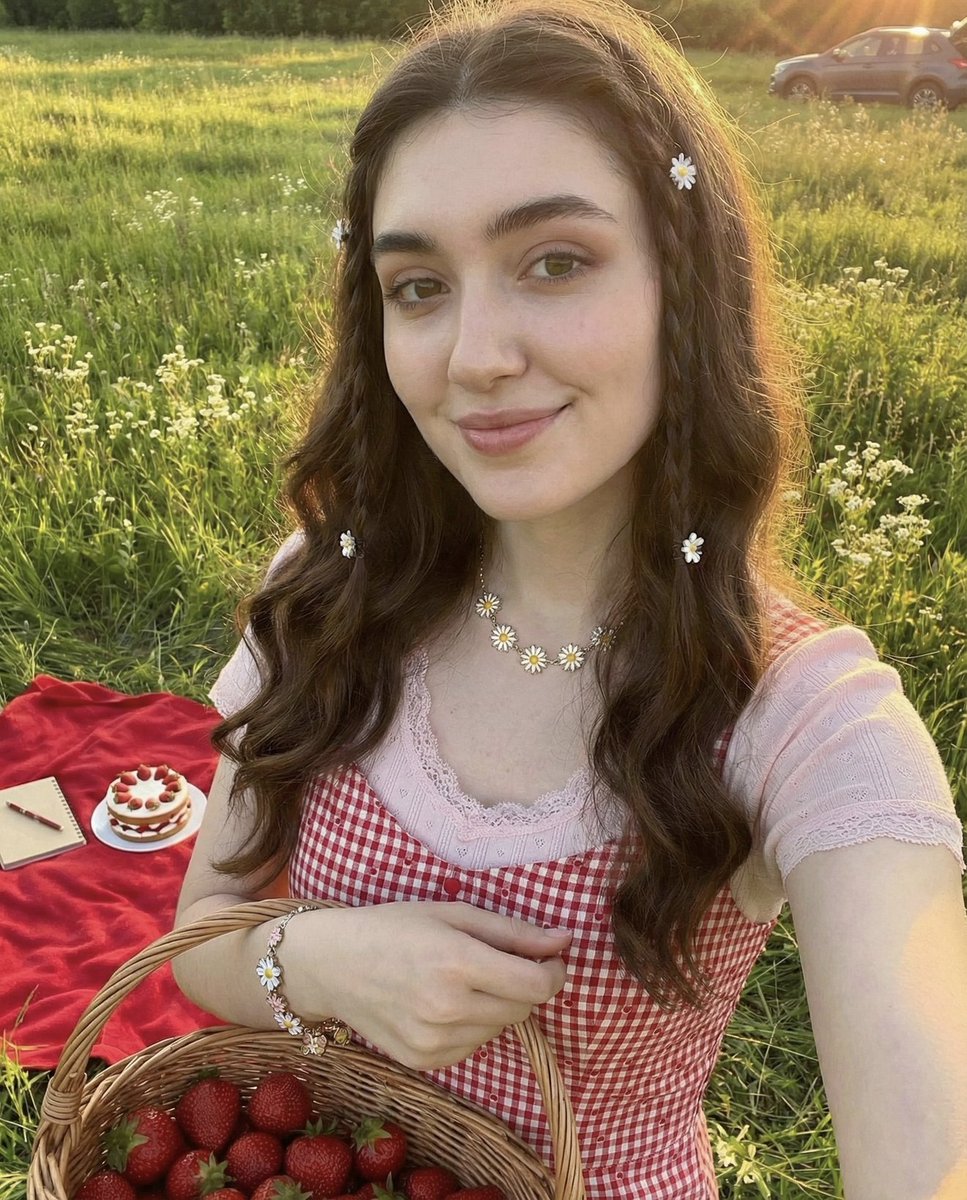
{"image_description":{"type":"bright outdoor selfie","subject":{"face_reference":"use the same facial features from the uploaded image","expression":"puckered lips, playful and sweet","hair":{"length":"long","style":"soft waves with small braids","details":"decorated with tiny white flower clips"},"outfit":{"top_layer":"red and white checkered dress with small heart patterns","inner_top":"light pink short-sleeve shirt with lace trim","accessories":["gold daisy necklace","gold bracelet with white floral charms"]}},"pose":{"camera_angle":"selfie, arm extended toward the camera","composition":"close-up upper body, centered face","interaction":"holding a wicker basket filled with strawberries"},"environment":{"setting":"picnic outdoors during golden hour","elements":["green grass field","white wildflowers","red picnic blanket","small strawberry cake","notebook on the blanket","parked car in the background"],"lighting":"warm golden sunlight creating soft highlights and glowy skin tones","time":"late afternoon / golden hour"},"aesthetic":{"style":"cute, summery, soft and warm","color_palette":["warm golden tones","pinks","reds","creamy whites","natural greens"],"mood":"playful, sweet, cozy picnic moment"}}}
Category
creative_scene
Model
Nano Banana Pro
Creator
Pixshop
Views4
Source ID
d53340b3-9dde-48a5-bbeb-1b4ae1cb257f
Published
Jan 14, 2026

Guide

About "{"image_description":{"type":"bright outdoor selfie","subject":{"face_reference":"use the same fa..."

What is this prompt for?

"{"image_description":{"type":"bright outdoor selfie","subject":{"face_reference":"use the same fa..." AI image prompt for Nano Banana Pro (creative_scene). cr…

The full copyable prompt and example visuals above are ready for AI image generation or one-click recreate in Picva.

How to use this prompt

  1. Step 1

    Open the prompt detail

    Review the example visuals, category, and full prompt text for "{"image_description":{"type":"bright outdoor selfie","subject":{"face_reference":"use the same fa...".

  2. Step 2

    Copy the prompt

    Copy the prompt body from this page, or load it directly in Studio.

  3. Step 3

    Pick a model (Nano Banana Pro)

    Prefer Nano Banana Pro. If you switch models, keep subject and composition and tweak style terms.

  4. Step 4

    Generate and export

    Recreate the look in Picva, or export into your workflow for editing and publishing.

FAQ

What is the "{"image_description":{"type":"bright outdoor selfie","subject":{"face_reference":"use the same fa..." prompt?
It is an AI image-generation prompt for Nano Banana Pro in the creative_scene category. This page includes the full prompt text, example visuals, and a one-click recreate path in Picva.
How do I use this prompt to generate an image?
Copy the prompt from this page, or use Generate / Studio. Paste it into a compatible image model, or recreate the look in Picva with optional reference images.
Which model is this prompt for?
This page lists Nano Banana Pro. Most descriptive prompts also transfer to nearby image models such as GPT Image, Flux, or Midjourney with light style tweaks.
Can I use the result commercially?
You can usually copy the prompt for creation, but commercial use of the final image depends on the model terms, reference-image rights, and the generated content. Follow the source author and platform rules.