17

{"prompt":"Hyper-realistic 8K street portrait, preserve the girl’s facial features from the refer...
Enlarge

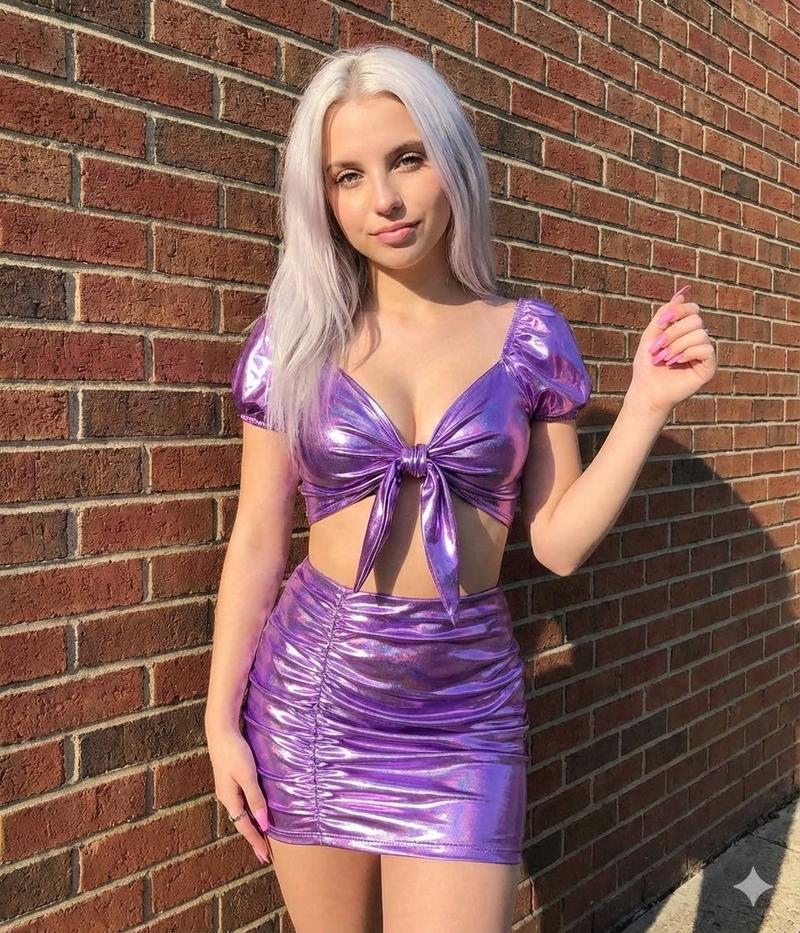
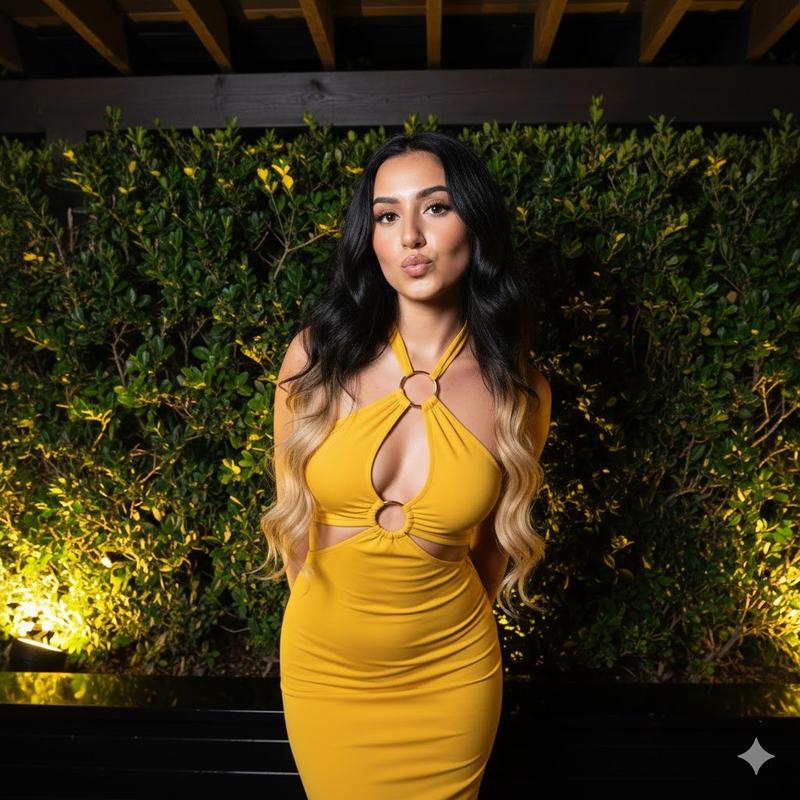
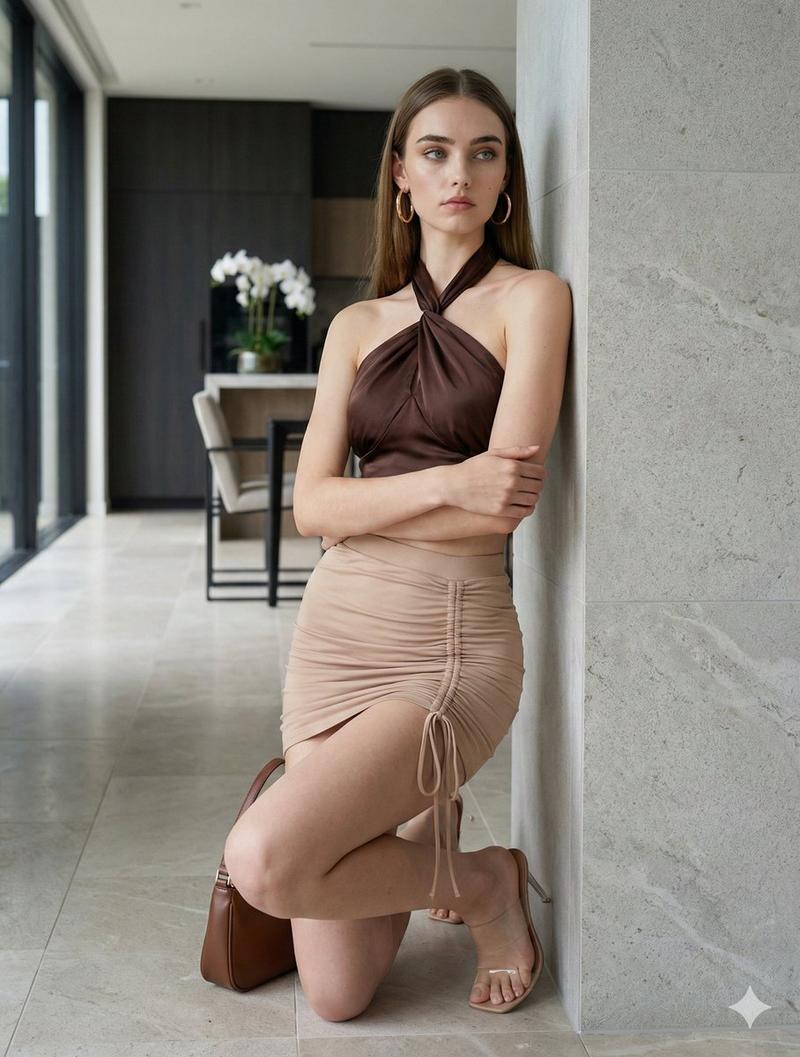
Example images

{"prompt":"Hyper-realistic 8K street portrait, preserve the girl’s facial features from the refer...

Prompt
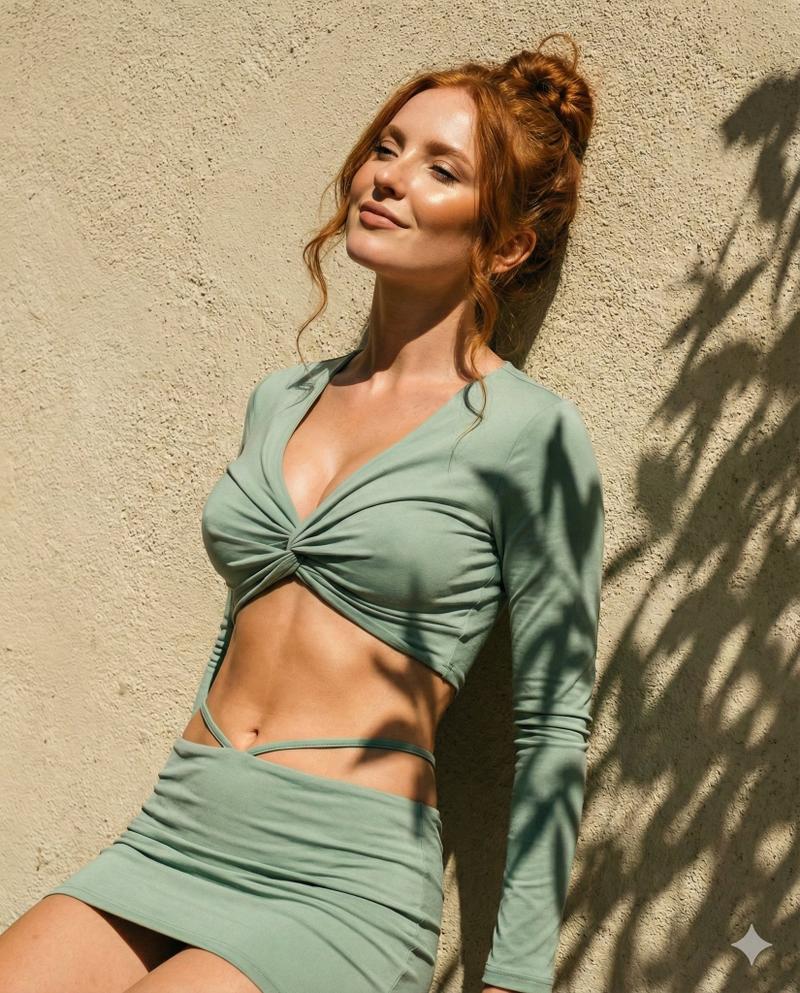
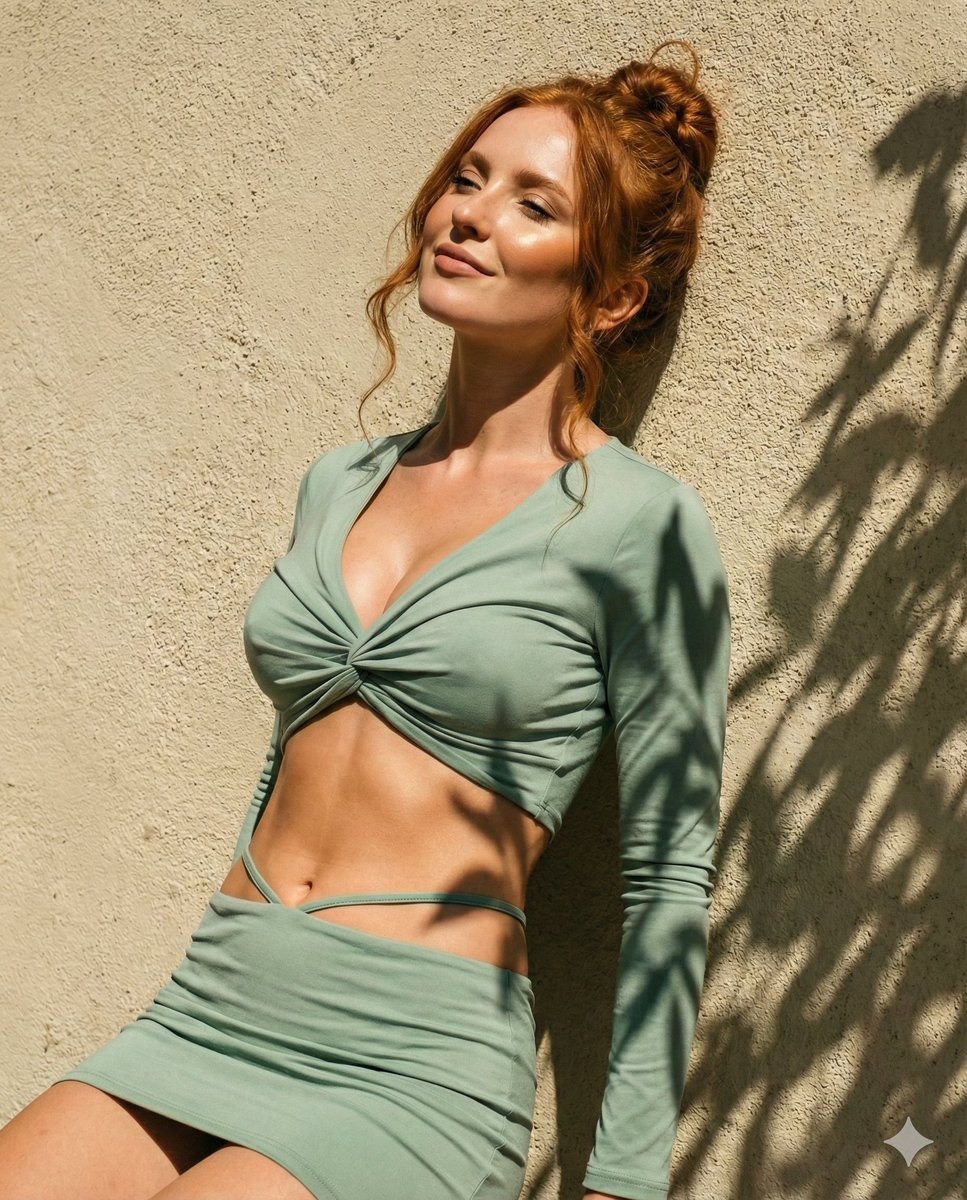
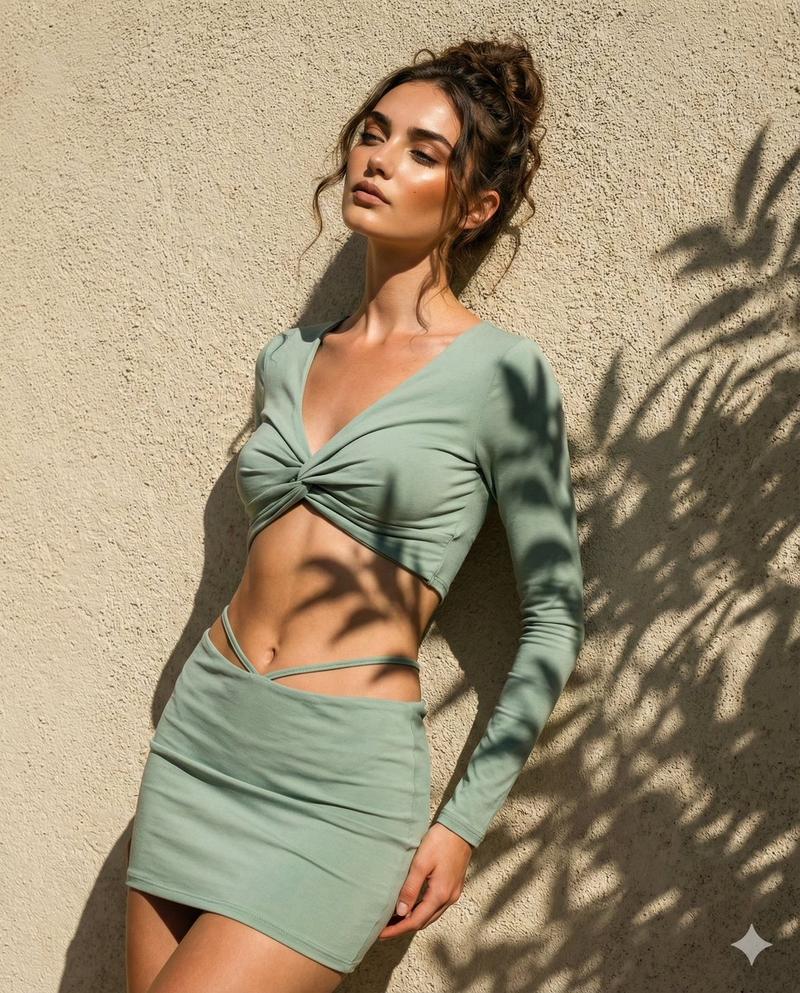
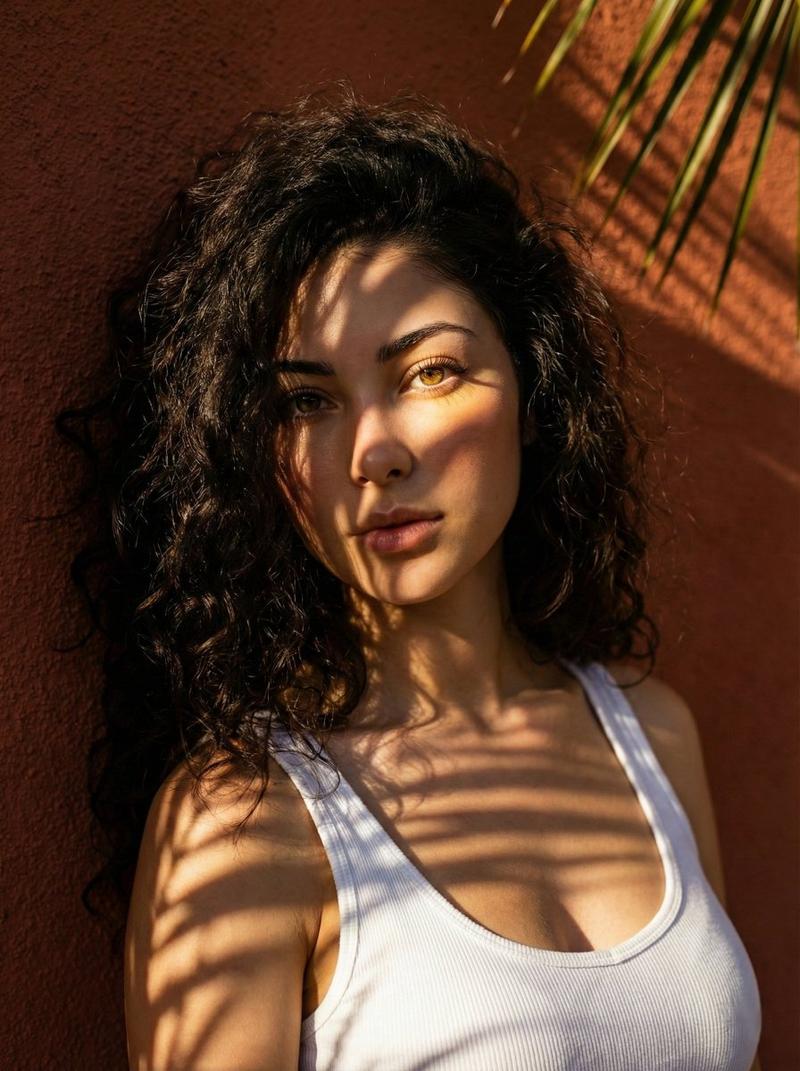
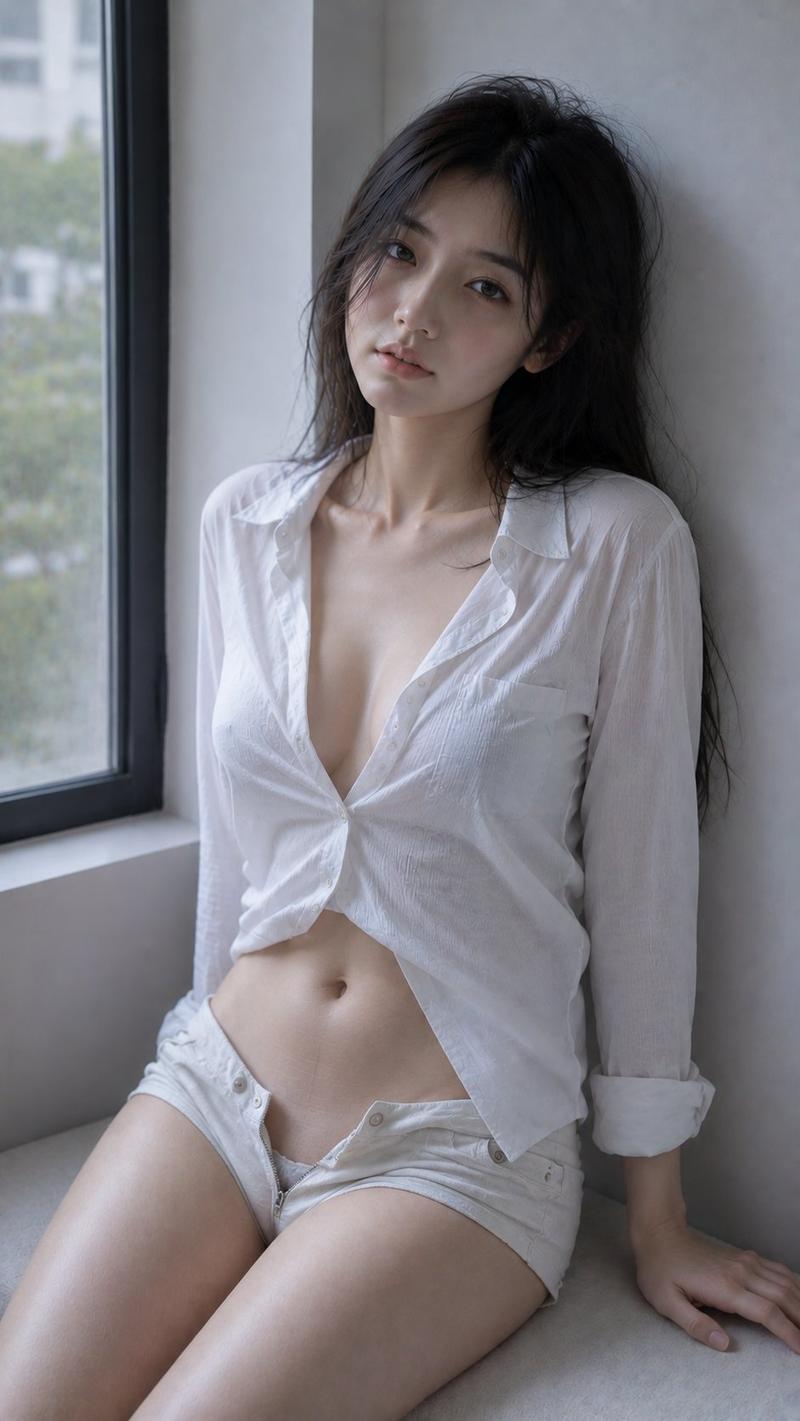
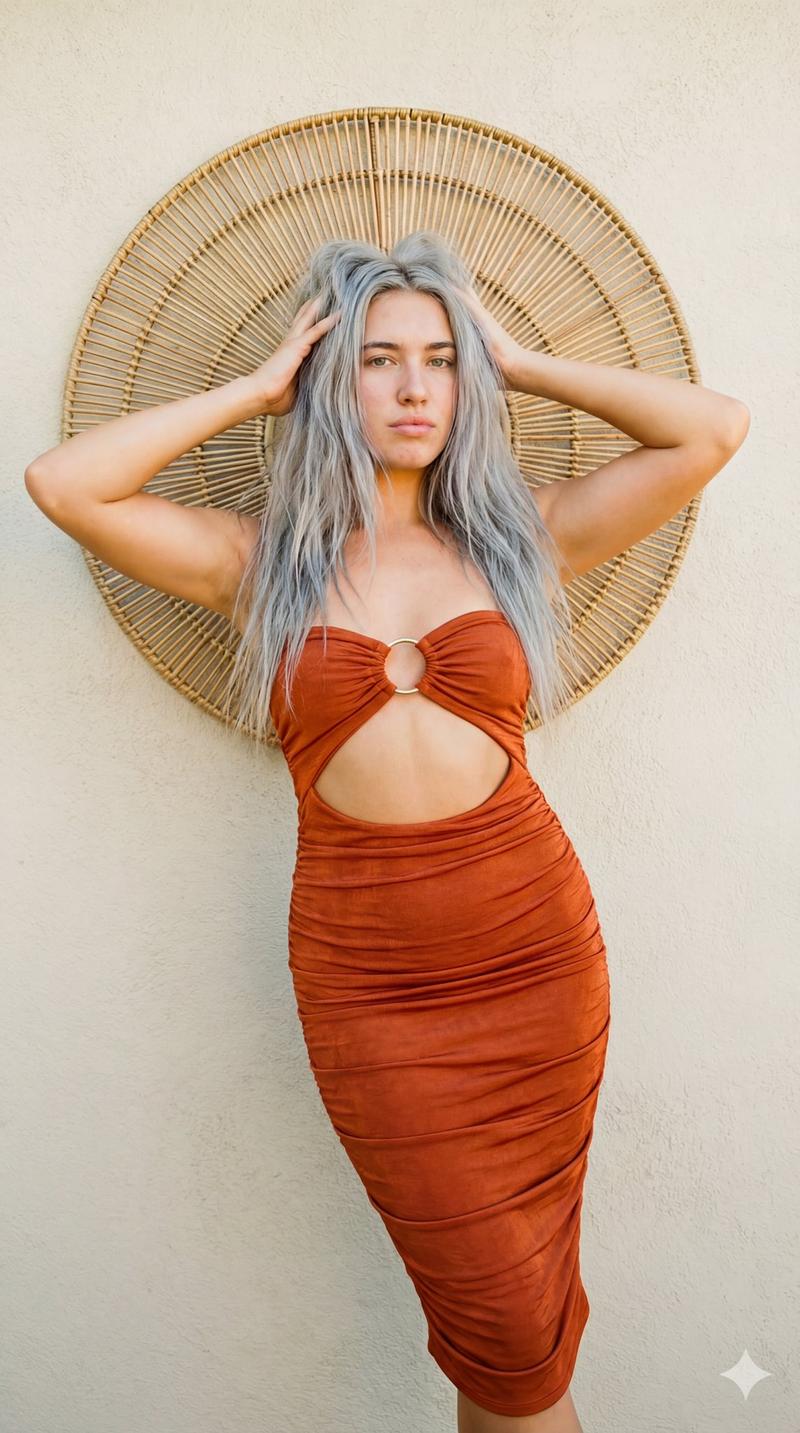
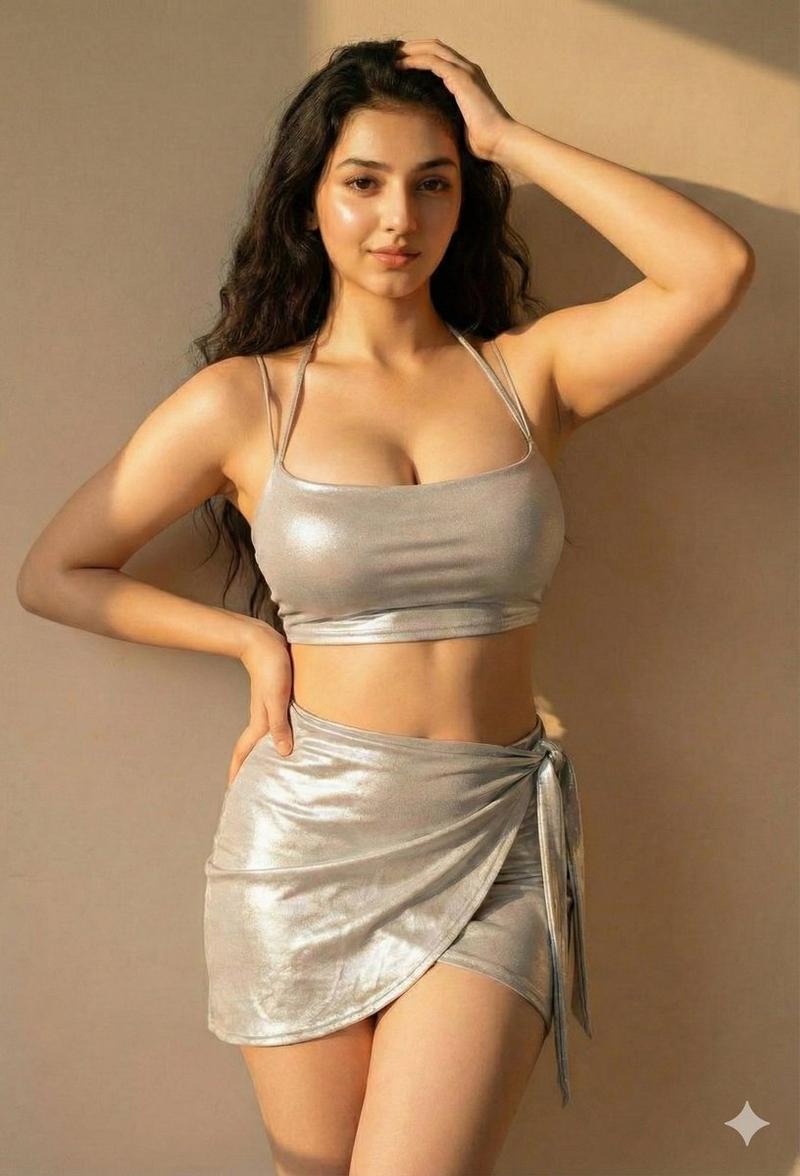
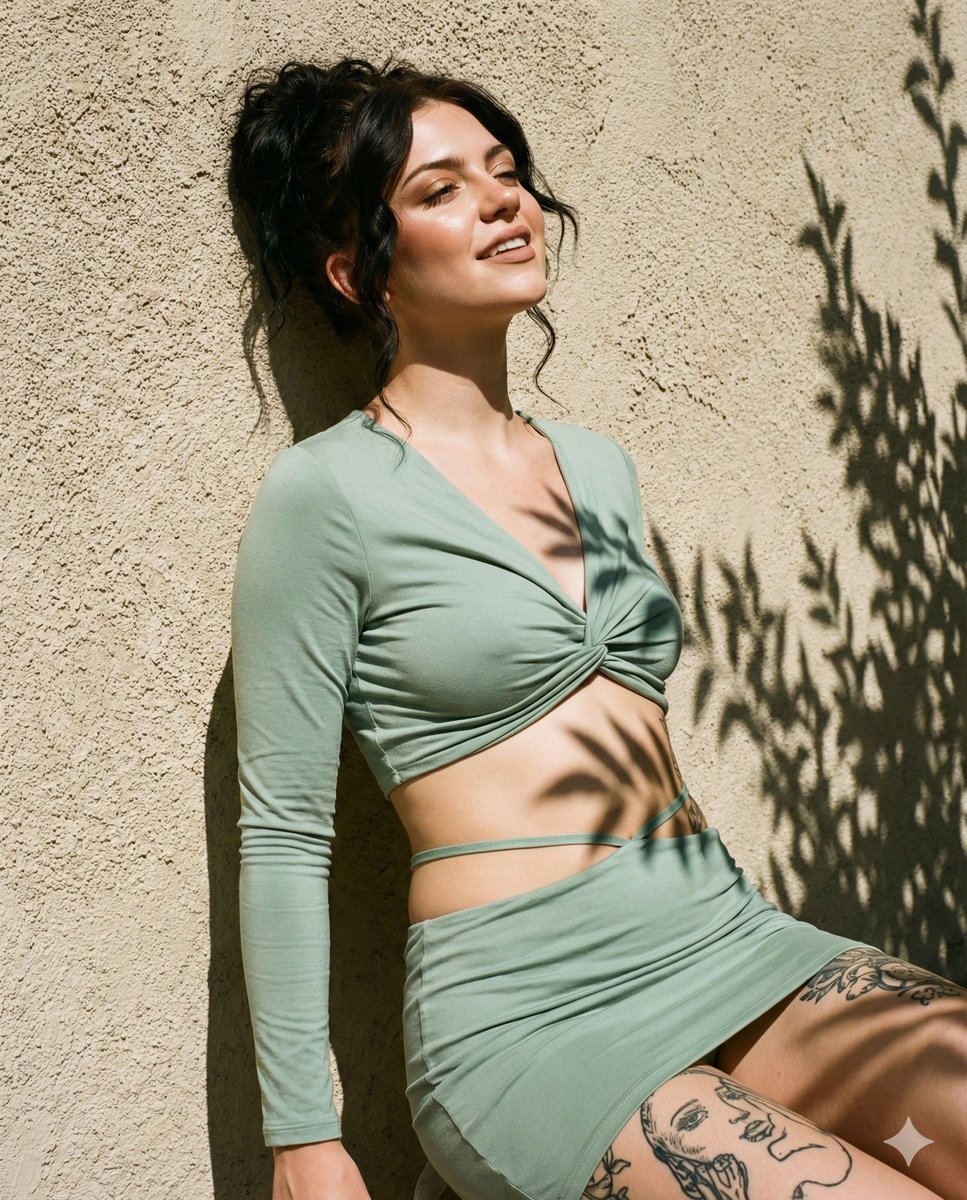
{"prompt":"Hyper-realistic 8K street portrait, preserve the girl’s facial features from the reference. Stylish outdoor shot: girl leaning back against a textured beige stucco wall under bright sun, relaxed contrapposto stance, head tilted back, eyes half-closed, expression enjoying warmth. Wearing a trendy sage-mint set: twisted-knot long-sleeve crop top, exposed midriff, mini skirt with thong-strap detail on waist. Sunkissed makeup: bronzer, strong highlighter, nude matte lips, defined contoured cheekbones. Hair in messy bun with loose wavy face-framing strands. Background: rough stucco wall with sharp botanical shadows cast by leaves. Camera: Fujifilm X-T4, Kodak Gold 200 film emulation, high aperture f/8 for background sharpness. Lighting: harsh mid-day sun, high contrast light–shadow pattern, crisp plant shadows across skin and wall. Warm yellow-green tones, summer vibe, high clarity, magazine aesthetic. Medium shot composition, textured wall filling the frame.","parameters":{"--ar":"4:5","--style":"raw","--v":"6.0"}}
Category
creative_scene
Model
Nano Banana Pro
Creator
Pixshop
Views3
Source ID
9ba75f71-bf08-4766-b484-71e1bedb74ac
Published
Jan 14, 2026

Guide

About "{"prompt":"Hyper-realistic 8K street portrait, preserve the girl’s facial features from the refer..."

What is this prompt for?

"{"prompt":"Hyper-realistic 8K street portrait, preserve the girl’s facial features from the refer..." AI image prompt for Nano Banana Pro (creative_scene). cr…

The full copyable prompt and example visuals above are ready for AI image generation or one-click recreate in Picva.

How to use this prompt

  1. Step 1

    Open the prompt detail

    Review the example visuals, category, and full prompt text for "{"prompt":"Hyper-realistic 8K street portrait, preserve the girl’s facial features from the refer...".

  2. Step 2

    Copy the prompt

    Copy the prompt body from this page, or load it directly in Studio.

  3. Step 3

    Pick a model (Nano Banana Pro)

    Prefer Nano Banana Pro. If you switch models, keep subject and composition and tweak style terms.

  4. Step 4

    Generate and export

    Recreate the look in Picva, or export into your workflow for editing and publishing.

FAQ

What is the "{"prompt":"Hyper-realistic 8K street portrait, preserve the girl’s facial features from the refer..." prompt?
It is an AI image-generation prompt for Nano Banana Pro in the creative_scene category. This page includes the full prompt text, example visuals, and a one-click recreate path in Picva.
How do I use this prompt to generate an image?
Copy the prompt from this page, or use Generate / Studio. Paste it into a compatible image model, or recreate the look in Picva with optional reference images.
Which model is this prompt for?
This page lists Nano Banana Pro. Most descriptive prompts also transfer to nearby image models such as GPT Image, Flux, or Midjourney with light style tweaks.
Can I use the result commercially?
You can usually copy the prompt for creation, but commercial use of the final image depends on the model terms, reference-image rights, and the generated content. Follow the source author and platform rules.