14

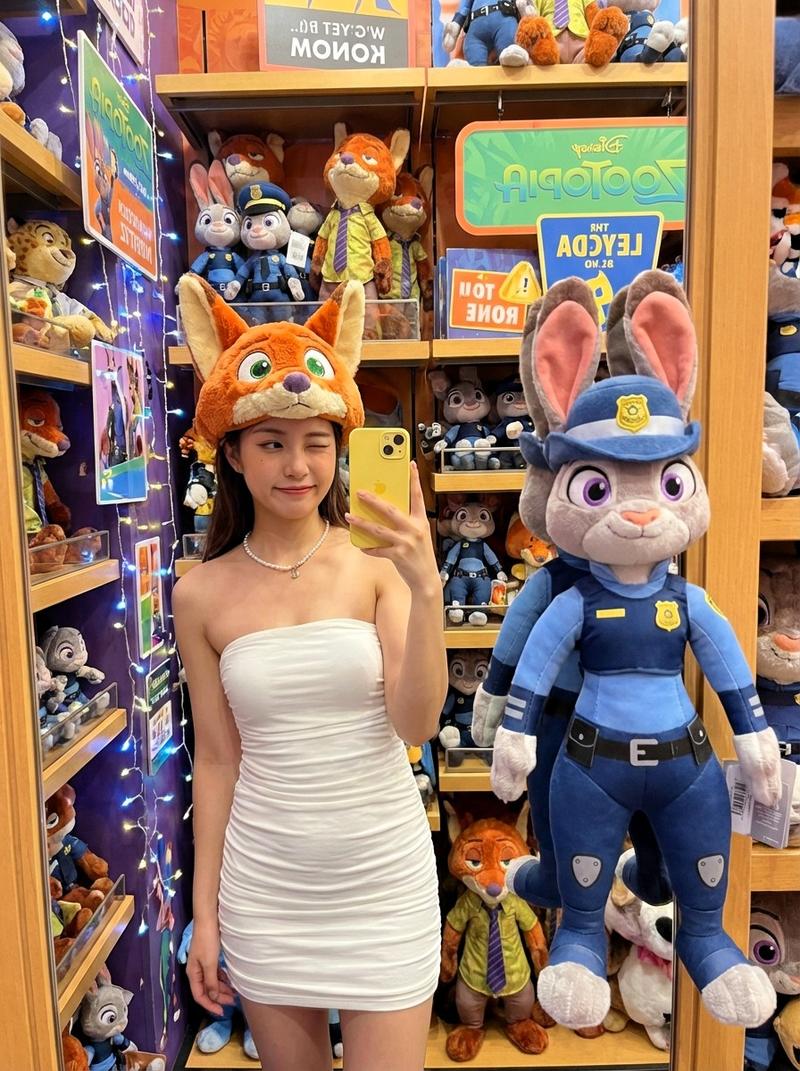
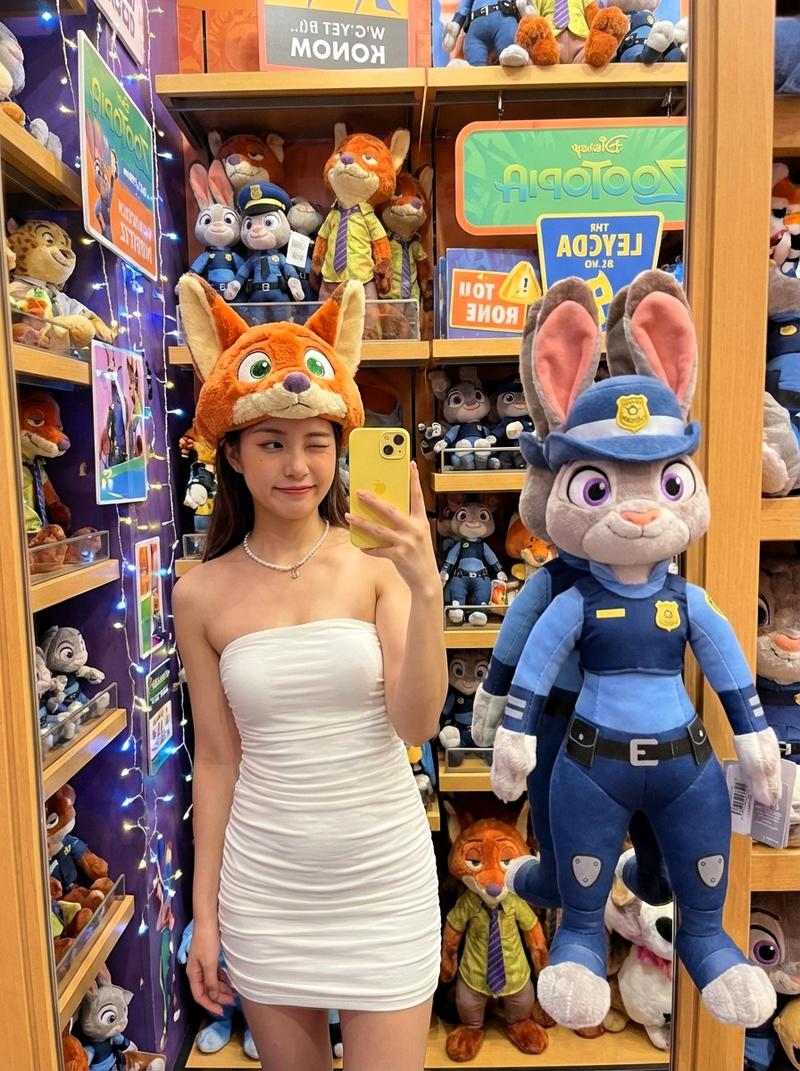
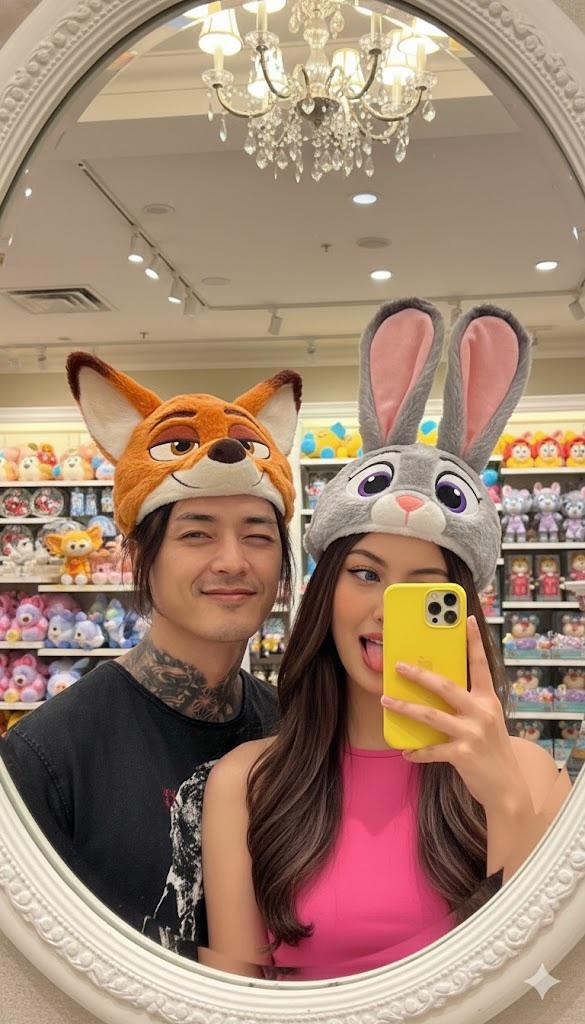
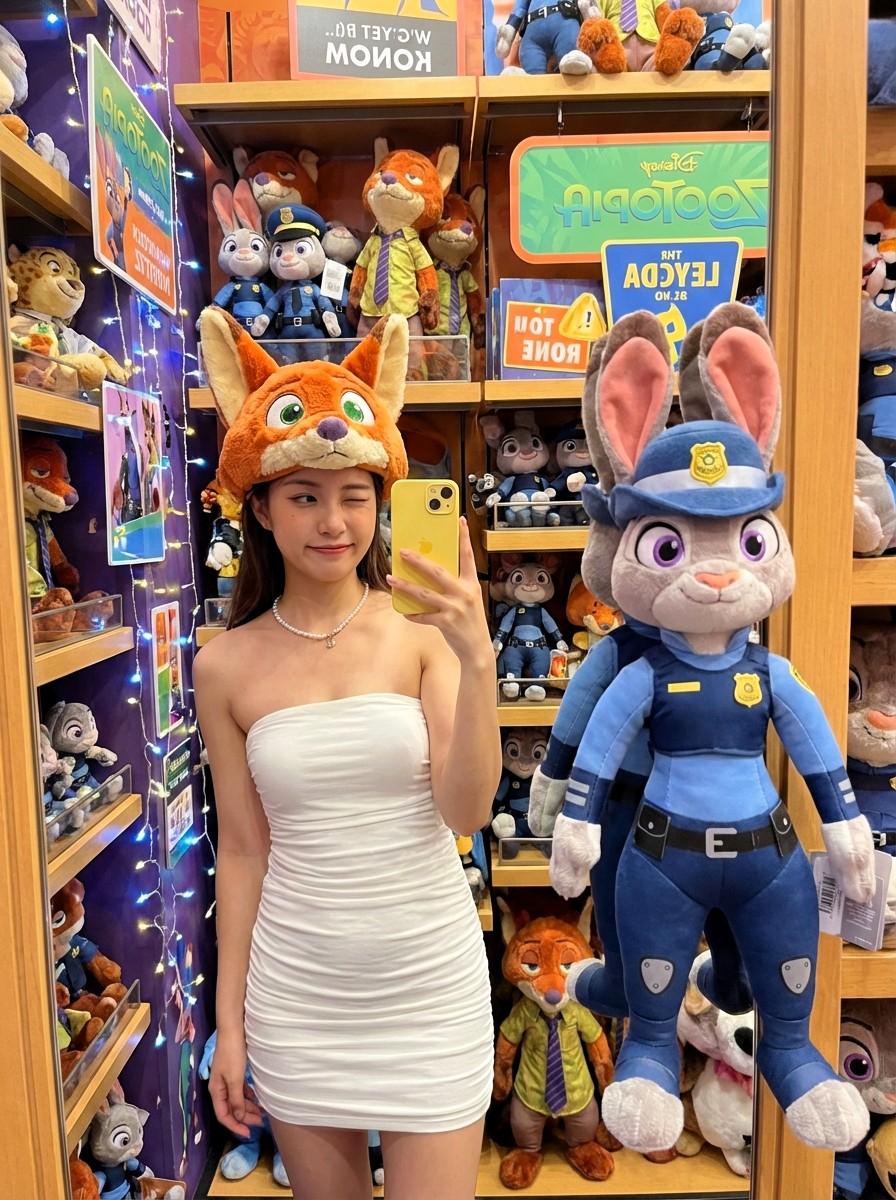
{"subject":"beautiful young woman mirror selfie in Disney store","outfit":"strapless white ruched...
Enlarge

Example images

{"subject":"beautiful young woman mirror selfie in Disney store","outfit":"strapless white ruched...

Prompt
{"subject":"beautiful young woman mirror selfie in Disney store","outfit":"strapless white ruched mini dress, pearl necklace","headwear":"fluffy orange Nick Wilde fox-ear hat with green eyes","phone":"yellow iPhone","reflection_companion":"life-size Judy Hopps police plush in uniform standing next to her","setting":"bright Zootopia section, shelves packed with plushies, festive lights","style":"playful wink, cute and flirty Disney selfie"}
Category
创意图片
Model
Nano Banana Pro
Creator
Pixshop
Views7
Source ID
9c069922-9a7c-4061-b7f5-38e7fc48cf9a
Published
Jan 14, 2026

Guide

About "{"subject":"beautiful young woman mirror selfie in Disney store","outfit":"strapless white ruched..."

What is this prompt for?

"{"subject":"beautiful young woman mirror selfie in Disney store","outfit":"strapless white ruched..." AI image prompt for Nano Banana Pro (创意图片). 创意图片 Copy it…

The full copyable prompt and example visuals above are ready for AI image generation or one-click recreate in Picva.

How to use this prompt

  1. Step 1

    Open the prompt detail

    Review the example visuals, category, and full prompt text for "{"subject":"beautiful young woman mirror selfie in Disney store","outfit":"strapless white ruched...".

  2. Step 2

    Copy the prompt

    Copy the prompt body from this page, or load it directly in Studio.

  3. Step 3

    Pick a model (Nano Banana Pro)

    Prefer Nano Banana Pro. If you switch models, keep subject and composition and tweak style terms.

  4. Step 4

    Generate and export

    Recreate the look in Picva, or export into your workflow for editing and publishing.

FAQ

What is the "{"subject":"beautiful young woman mirror selfie in Disney store","outfit":"strapless white ruched..." prompt?
It is an AI image-generation prompt for Nano Banana Pro in the 创意图片 category. This page includes the full prompt text, example visuals, and a one-click recreate path in Picva.
How do I use this prompt to generate an image?
Copy the prompt from this page, or use Generate / Studio. Paste it into a compatible image model, or recreate the look in Picva with optional reference images.
Which model is this prompt for?
This page lists Nano Banana Pro. Most descriptive prompts also transfer to nearby image models such as GPT Image, Flux, or Midjourney with light style tweaks.
Can I use the result commercially?
You can usually copy the prompt for creation, but commercial use of the final image depends on the model terms, reference-image rights, and the generated content. Follow the source author and platform rules.