15

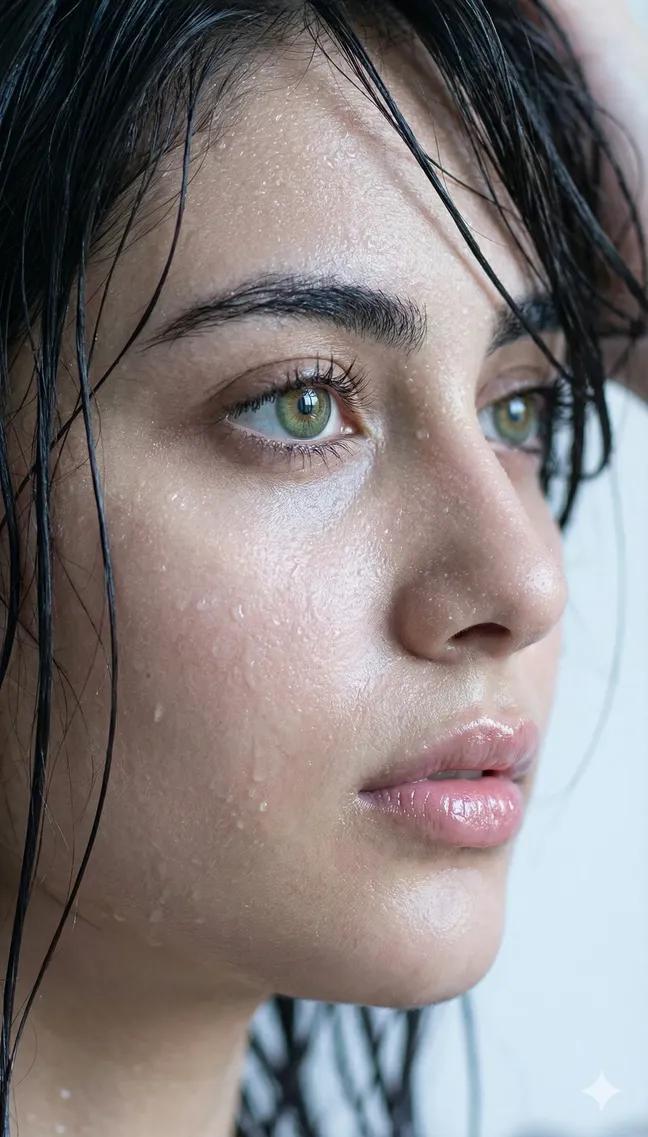
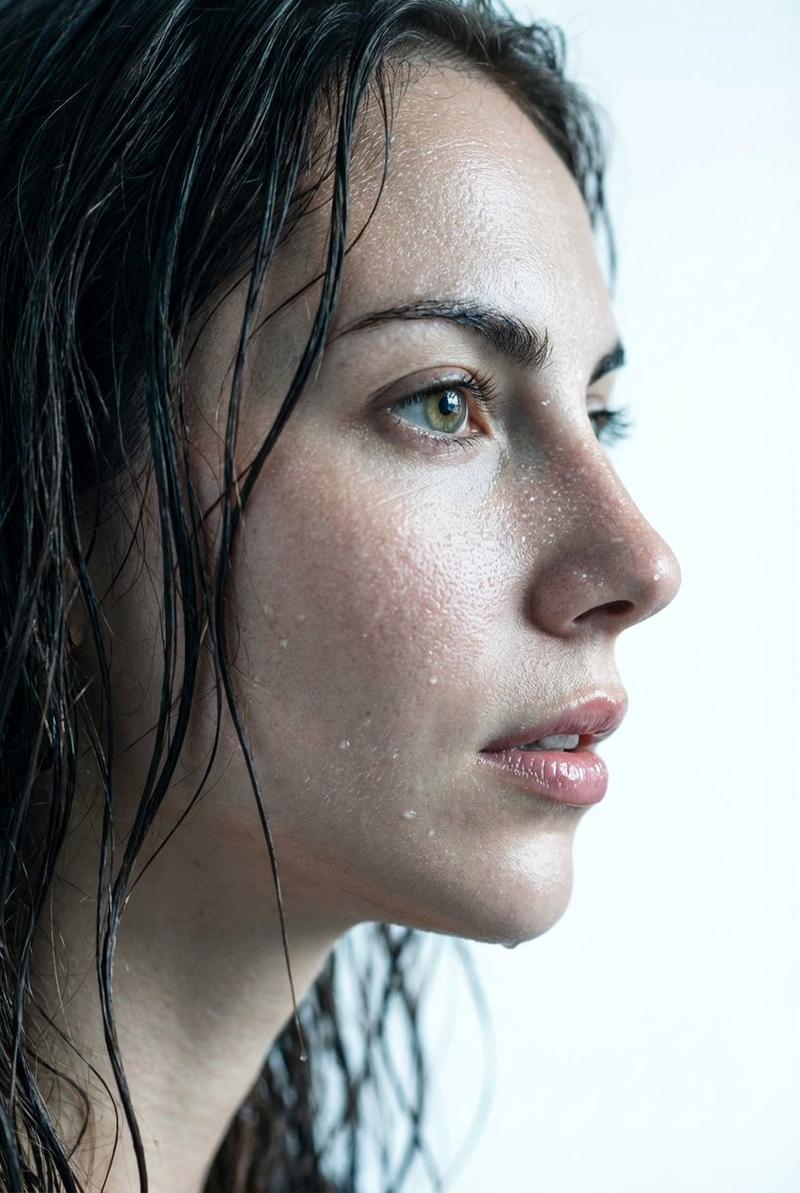
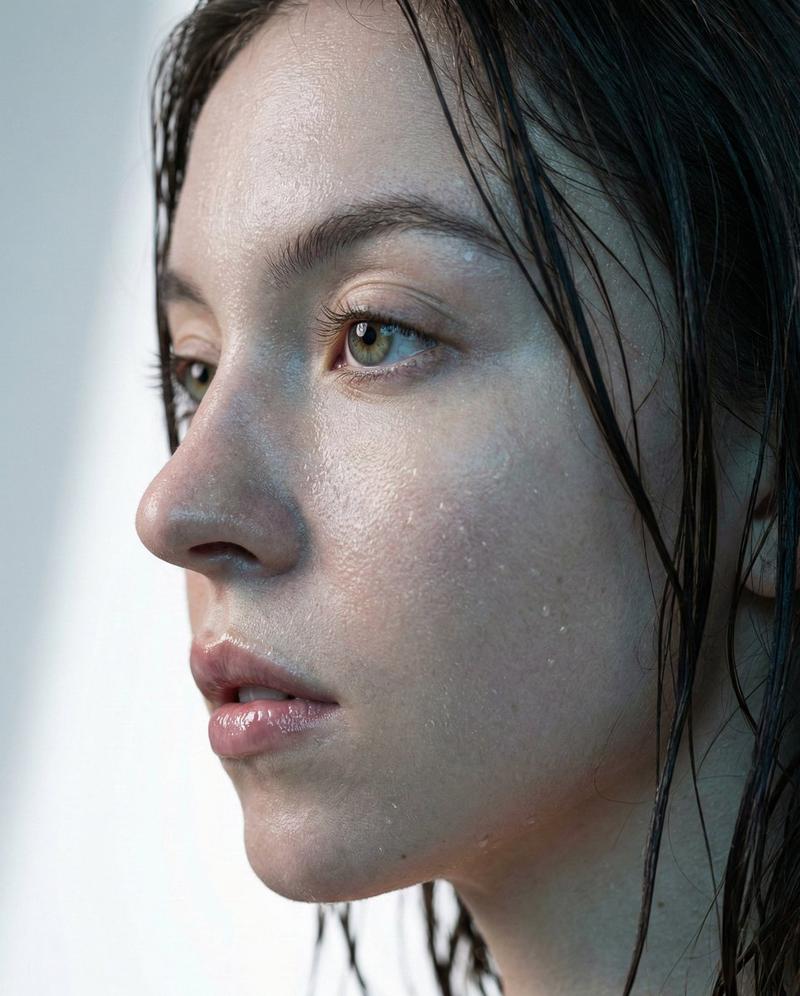
xtreme wet close-up portrait. Young woman's face in profile (use uploaded pictures for proper ref...
Enlarge

Example images

xtreme wet close-up portrait. Young woman's face in profile (use uploaded pictures for proper ref...

Prompt
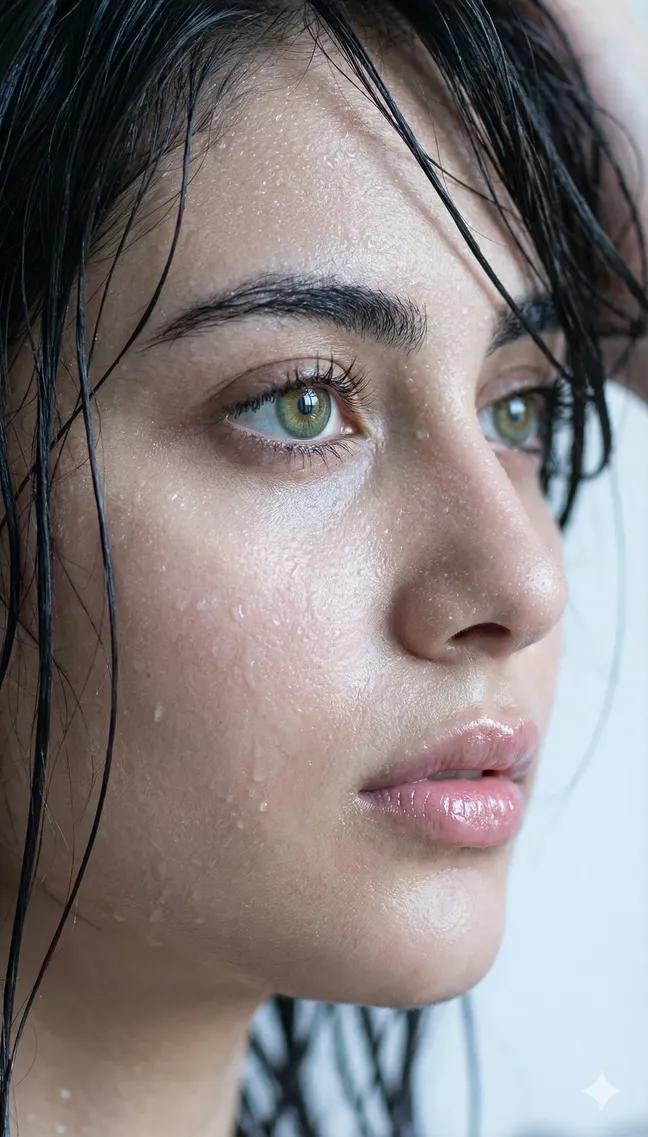
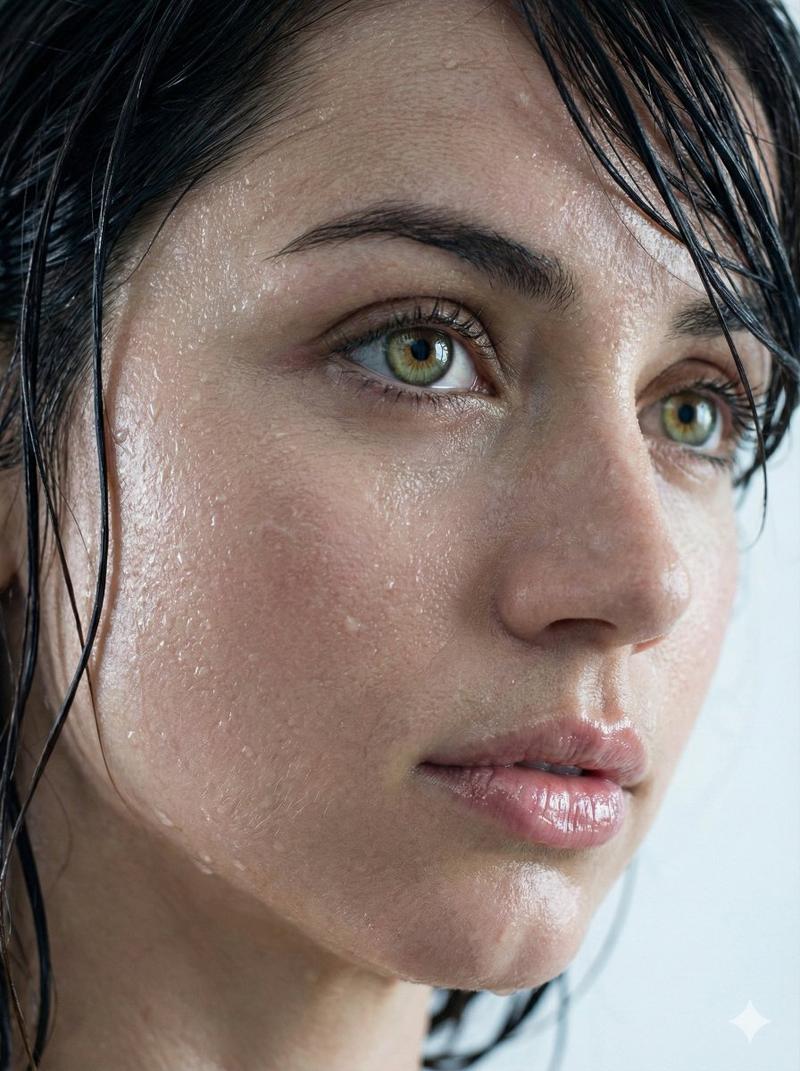
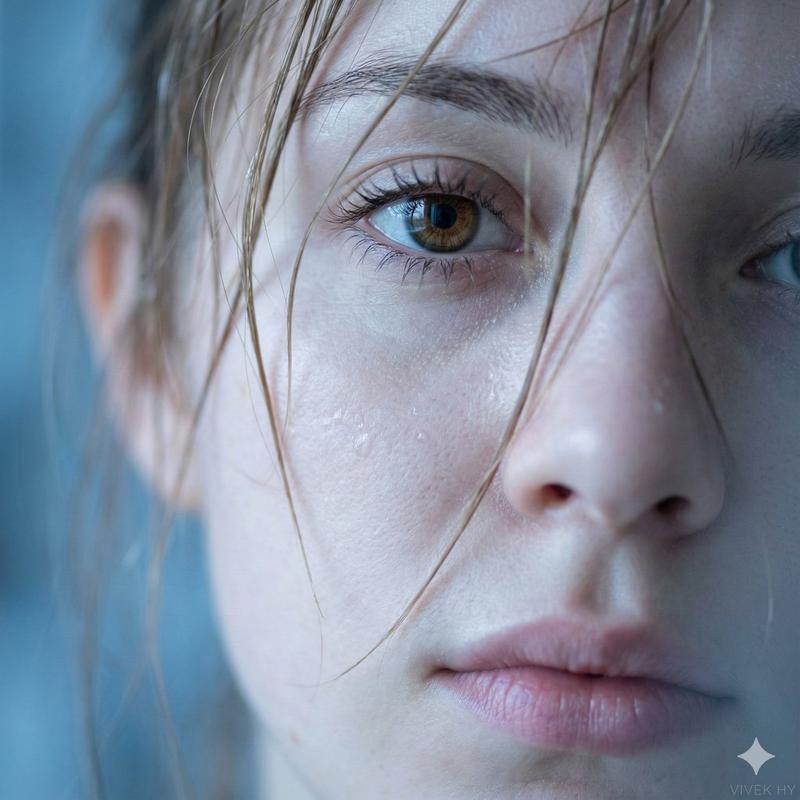
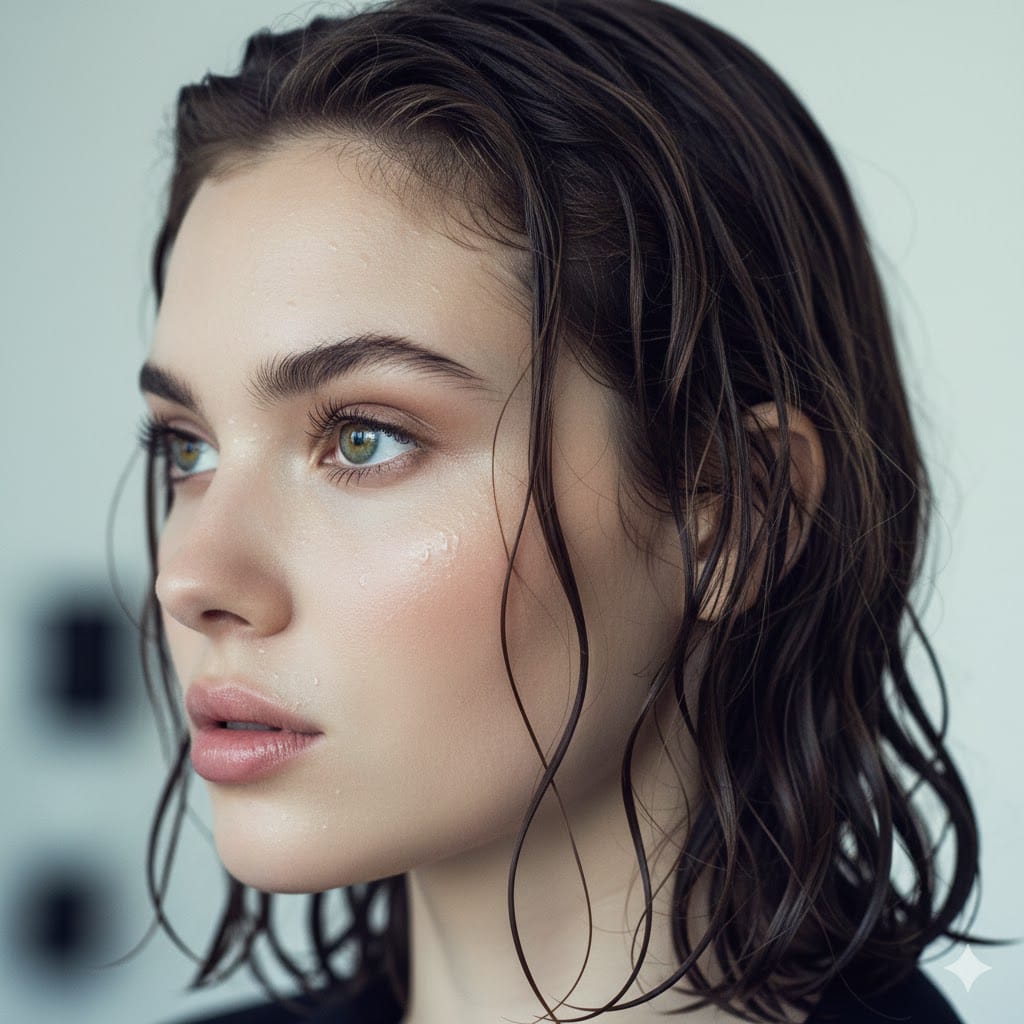
xtreme wet close-up portrait. Young woman's face in profile (use uploaded pictures for proper reference) Dark wet hair naturally glued to the skin. Fine droplets of water and thin sweat glistening realistically on her face. Focus on bright natural green/hazel eyes with realistic reflection avoid excessive shine. Moist and shiny lips, soft natural texture. Soft lighting and cool shades with a light grey/white bokeh background colour. Keep same facial features.
Category
创意图片
Model
Nano Banana Pro
Creator
Pixshop
Views4
Source ID
06ad488b-5e1e-444f-a391-34da4c084afc
Published
Jan 14, 2026

Guide

About "xtreme wet close-up portrait. Young woman's face in profile (use uploaded pictures for proper ref..."

What is this prompt for?

"xtreme wet close-up portrait. Young woman's face in profile (use uploaded pictures for proper ref..." AI image prompt for Nano Banana Pro (创意图片). 创意图片 Copy it…

The full copyable prompt and example visuals above are ready for AI image generation or one-click recreate in Picva.

How to use this prompt

  1. Step 1

    Open the prompt detail

    Review the example visuals, category, and full prompt text for "xtreme wet close-up portrait. Young woman's face in profile (use uploaded pictures for proper ref...".

  2. Step 2

    Copy the prompt

    Copy the prompt body from this page, or load it directly in Studio.

  3. Step 3

    Pick a model (Nano Banana Pro)

    Prefer Nano Banana Pro. If you switch models, keep subject and composition and tweak style terms.

  4. Step 4

    Generate and export

    Recreate the look in Picva, or export into your workflow for editing and publishing.

FAQ

What is the "xtreme wet close-up portrait. Young woman's face in profile (use uploaded pictures for proper ref..." prompt?
It is an AI image-generation prompt for Nano Banana Pro in the 创意图片 category. This page includes the full prompt text, example visuals, and a one-click recreate path in Picva.
How do I use this prompt to generate an image?
Copy the prompt from this page, or use Generate / Studio. Paste it into a compatible image model, or recreate the look in Picva with optional reference images.
Which model is this prompt for?
This page lists Nano Banana Pro. Most descriptive prompts also transfer to nearby image models such as GPT Image, Flux, or Midjourney with light style tweaks.
Can I use the result commercially?
You can usually copy the prompt for creation, but commercial use of the final image depends on the model terms, reference-image rights, and the generated content. Follow the source author and platform rules.