20

超写实合成微距摄影提示词
Enlarge

超写实合成微距摄影提示词

Prompt
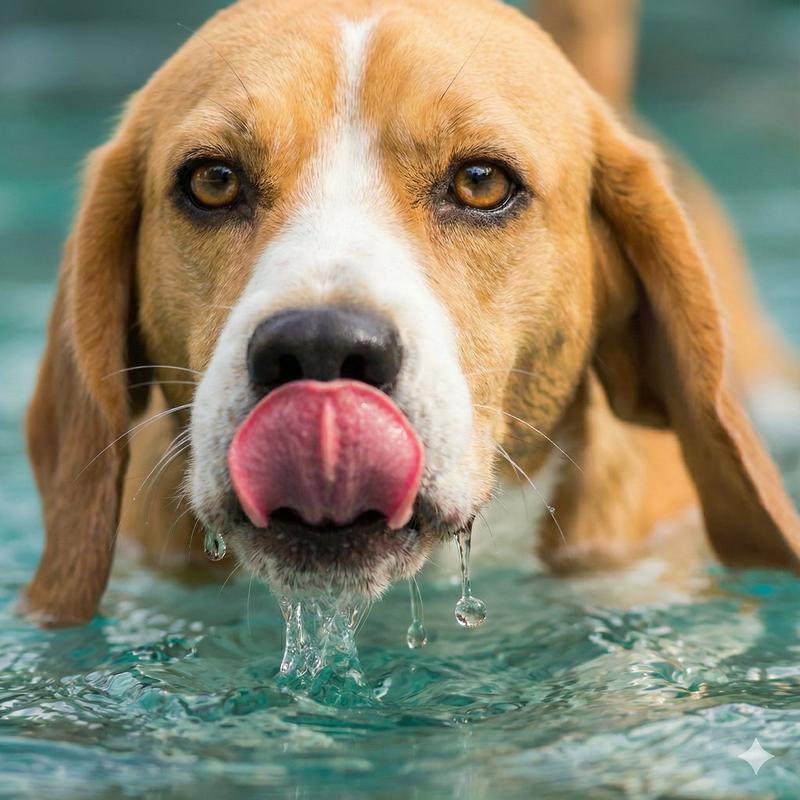
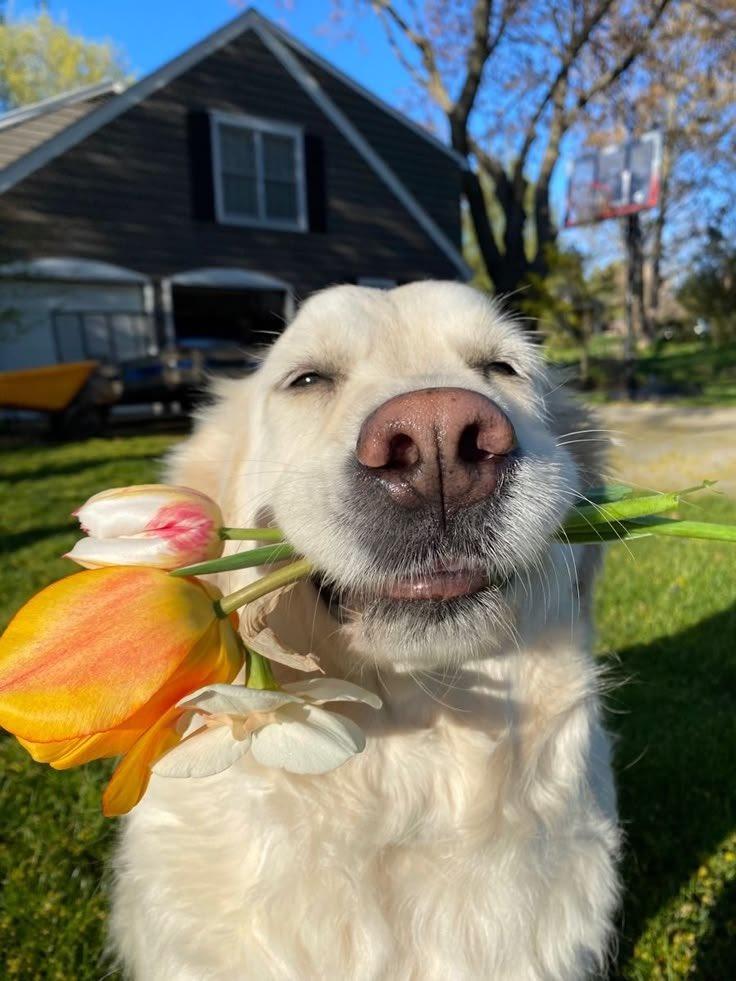
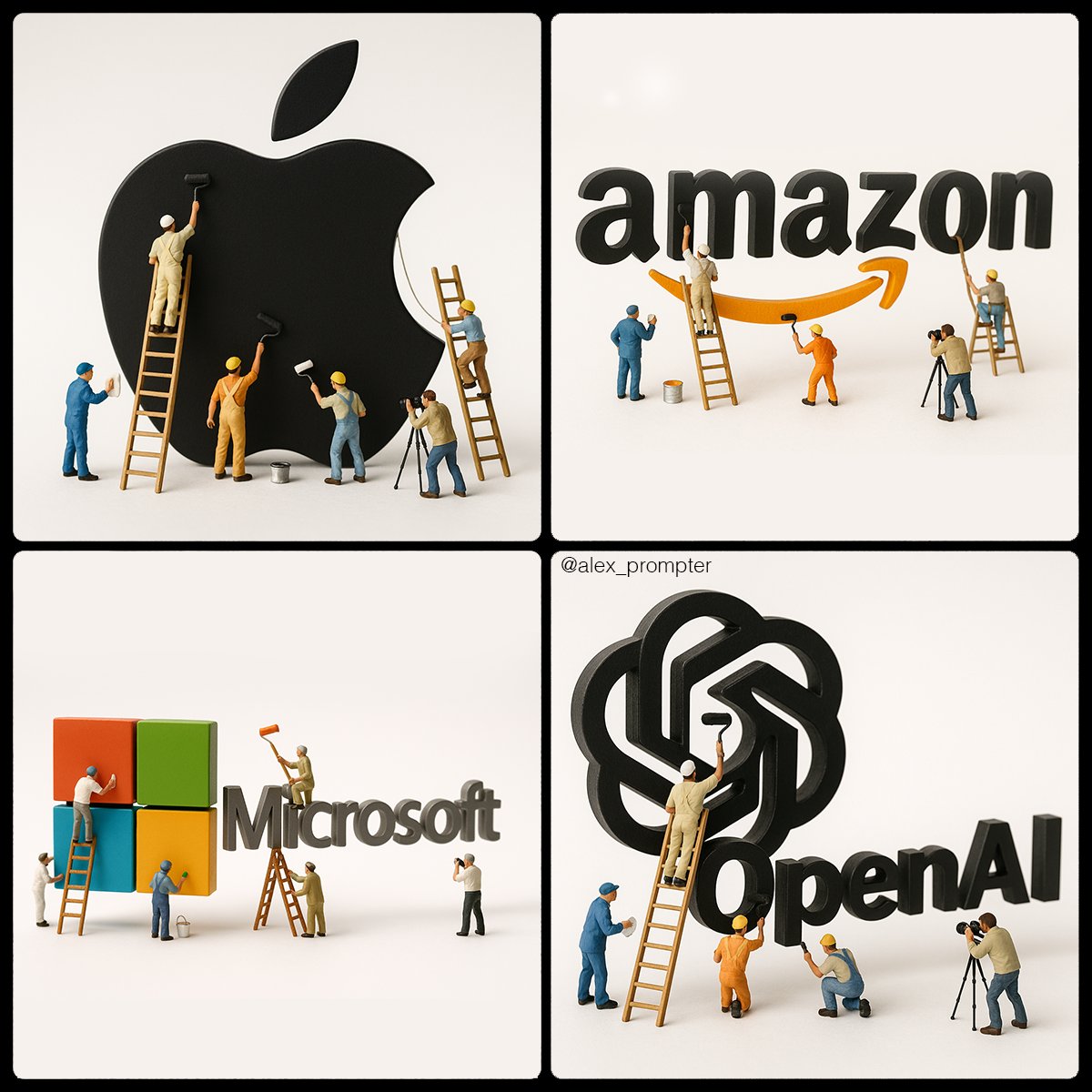
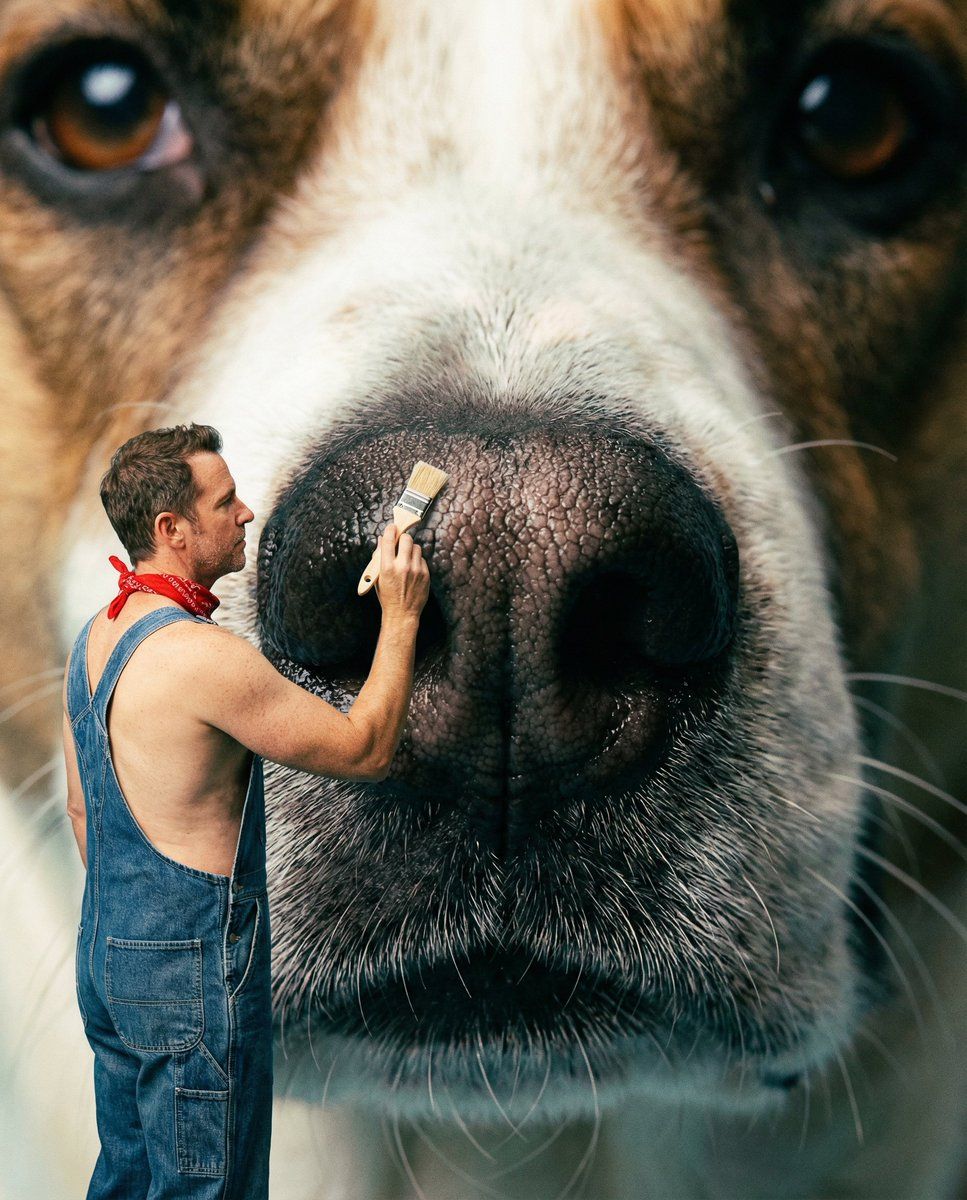
An award-winning hyper-realistic composite macro photograph featuring an extreme close-up of a {argument name="animal and facial feature" default="ANIMAL + FACIAL FEATURE"} with actual real human {argument name="workers profession" default="WORKERS/PROFESSION"} composited at miniature scale {argument name="specific action" default="PERFORMING SPECIFIC ACTION"}. The tiny people are genuine photographed humans - real skin with visible pores and imperfections, authentic hair texture, natural facial expressions, genuine fabric clothing with wrinkles and wear - not figurines or 3D models. Created using composite photography techniques where real humans are photographed separately and scaled down seamlessly into the macro shot. Microscopic detail captures every {argument name="relevant texture detail" default="RELEVANT TEXTURE DETAIL"}. Shot with Hasselblad H6D-100c, macro 120mm lens, 8k resolution. Contemporary pop-surrealism aesthetic.
Category
创意图片
Model
Nano Banana Pro
Views0
Source ID
82921a2c-396d-4e51-973b-239665fd6e35
Published
Mar 8, 2026

Guide

About "超写实合成微距摄影提示词"

What is this prompt for?

"超写实合成微距摄影提示词" AI image prompt for Nano Banana Pro (创意图片). 一个结构化的提示,用于生成一张超现实的合成微距照片,其特点是动物面部特征的特写镜头,与正在执行特定动作的微型真实人类工人无缝合成,强调微观细节和当代波普超现实主义美学。 --- 一张屡获殊荣的超写实合…

The full copyable prompt and example visuals above are ready for AI image generation or one-click recreate in Picva.

How to use this prompt

  1. Step 1

    Open the prompt detail

    Review the example visuals, category, and full prompt text for "超写实合成微距摄影提示词".

  2. Step 2

    Copy the prompt

    Copy the prompt body from this page, or load it directly in Studio.

  3. Step 3

    Pick a model (Nano Banana Pro)

    Prefer Nano Banana Pro. If you switch models, keep subject and composition and tweak style terms.

  4. Step 4

    Generate and export

    Recreate the look in Picva, or export into your workflow for editing and publishing.

FAQ

What is the "超写实合成微距摄影提示词" prompt?
It is an AI image-generation prompt for Nano Banana Pro in the 创意图片 category. This page includes the full prompt text, example visuals, and a one-click recreate path in Picva.
How do I use this prompt to generate an image?
Copy the prompt from this page, or use Generate / Studio. Paste it into a compatible image model, or recreate the look in Picva with optional reference images.
Which model is this prompt for?
This page lists Nano Banana Pro. Most descriptive prompts also transfer to nearby image models such as GPT Image, Flux, or Midjourney with light style tweaks.
Can I use the result commercially?
You can usually copy the prompt for creation, but commercial use of the final image depends on the model terms, reference-image rights, and the generated content. Follow the source author and platform rules.