17

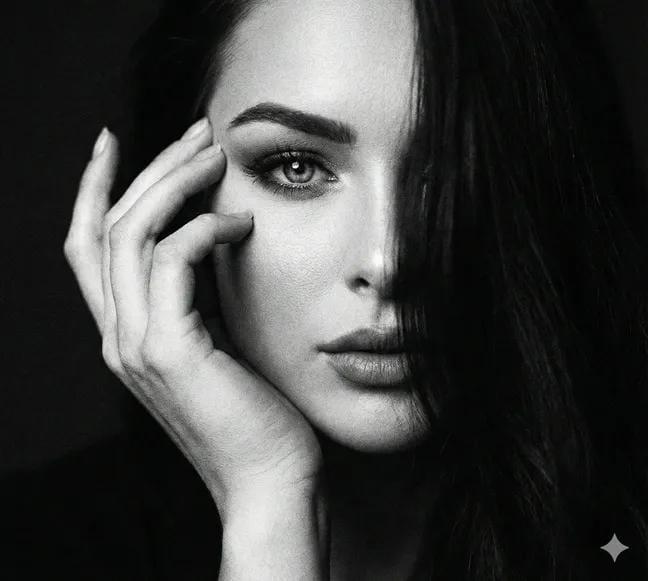
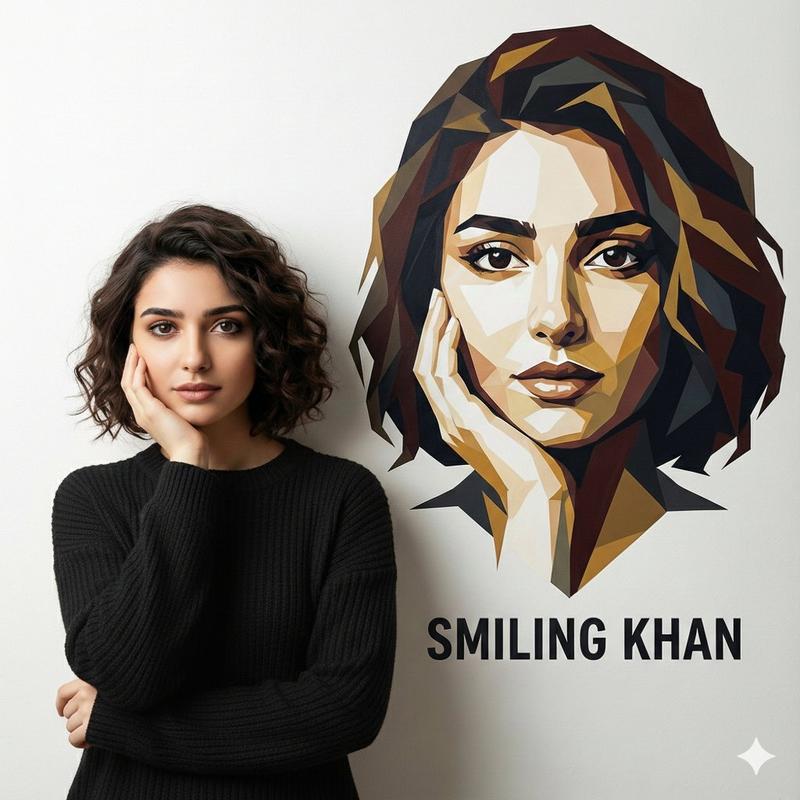
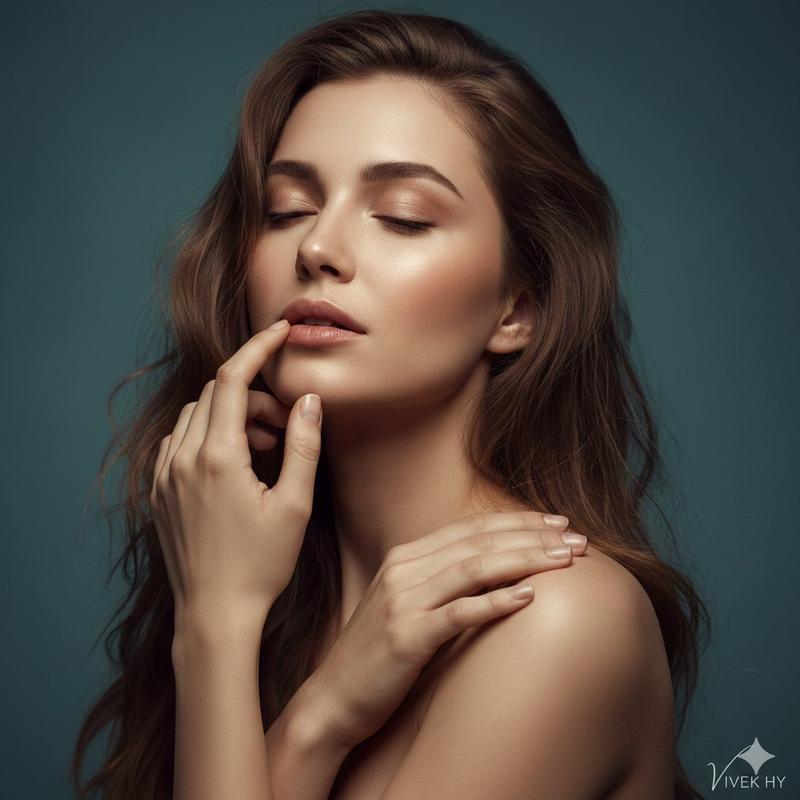
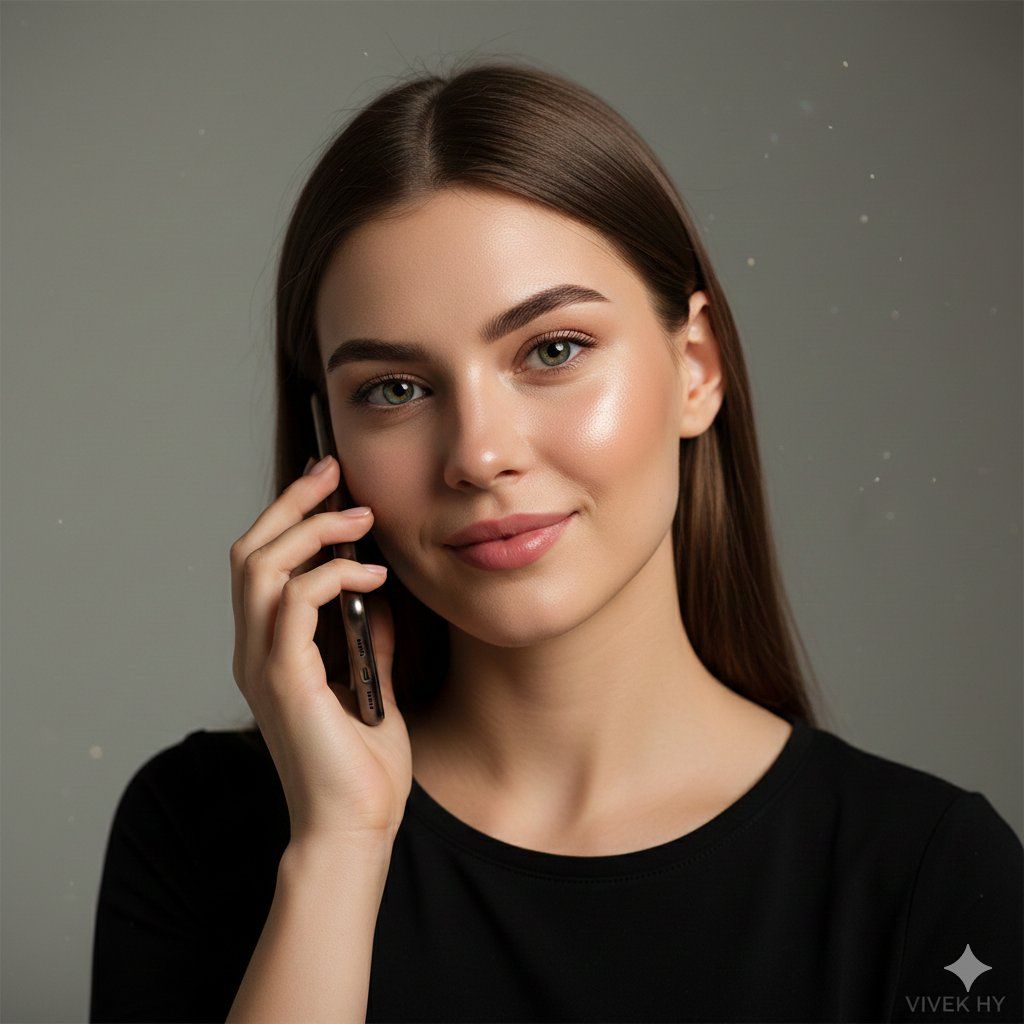
8K 超写实电话肖像
Enlarge

8K 超写实电话肖像

Prompt
{
  "quality": "8K hyper-realistic portrait, ultra-fine skin texture, cinematic lighting",
  "face_preservation": {
    "match_reference_face": true,
    "preserve_details": [
      "eye color and reflections",
      "natural skin tone and pores",
      "eyebrow thickness and shape",
      "lip texture and natural gloss",
      "hairline and strand flow"
    ]
  },
  "scene": "minimal indoor studio setup with soft grey backdrop, gentle ambient falloff, subtle bokeh particles for depth",
  "subject": {
    "type": "young woman on a call",
    "pose": "holding phone with one hand near cheek, soft smile, relaxed jawline, head slightly tilted",
    "description": "smooth glowing skin, green expressive eyes, defined brows, natural pink lips, straight medium-length brown hair",
    "clothing": "simple black top with clean neckline and soft fabric texture",
    "additional_details": "natural blush, realistic light reflections on face, slight shadow under the chin"
  },
  "mood": "calm, intimate, warm realism capturing a candid emotional moment",
  "camera": {
    "frame": "close-up portrait",
    "focus": "sharp on eyes and facial features, smooth background blur",
    "lens": "85mm portrait lens style, soft cinematic tones"
  },
  "lighting": "soft diffused key light from front-left, mild rim light on hair, natural glossy highlights on skin",
  "signature": "VIVEK HY"
}
Category
创意图片
Model
Nano Banana Pro
Creator
Vivek HY
Views0
Source ID
c313d177-6fbd-4ec7-9113-a1ab080bb2bd
Published
Mar 8, 2026

Guide

About "8K 超写实电话肖像"

What is this prompt for?

"8K 超写实电话肖像" AI image prompt for Nano Banana Pro (创意图片). 一个高度详细、结构化的提示,用于生成一张年轻女性打电话的 8K 超写实肖像,强调极致细腻的皮肤纹理、电影级光照,并严格保留参考图像中的面部细节。 --- ```json { "quality": "8K…

The full copyable prompt and example visuals above are ready for AI image generation or one-click recreate in Picva.

How to use this prompt

  1. Step 1

    Open the prompt detail

    Review the example visuals, category, and full prompt text for "8K 超写实电话肖像".

  2. Step 2

    Copy the prompt

    Copy the prompt body from this page, or load it directly in Studio.

  3. Step 3

    Pick a model (Nano Banana Pro)

    Prefer Nano Banana Pro. If you switch models, keep subject and composition and tweak style terms.

  4. Step 4

    Generate and export

    Recreate the look in Picva, or export into your workflow for editing and publishing.

FAQ

What is the "8K 超写实电话肖像" prompt?
It is an AI image-generation prompt for Nano Banana Pro in the 创意图片 category. This page includes the full prompt text, example visuals, and a one-click recreate path in Picva.
How do I use this prompt to generate an image?
Copy the prompt from this page, or use Generate / Studio. Paste it into a compatible image model, or recreate the look in Picva with optional reference images.
Which model is this prompt for?
This page lists Nano Banana Pro. Most descriptive prompts also transfer to nearby image models such as GPT Image, Flux, or Midjourney with light style tweaks.
Can I use the result commercially?
You can usually copy the prompt for creation, but commercial use of the final image depends on the model terms, reference-image rights, and the generated content. Follow the source author and platform rules.