19

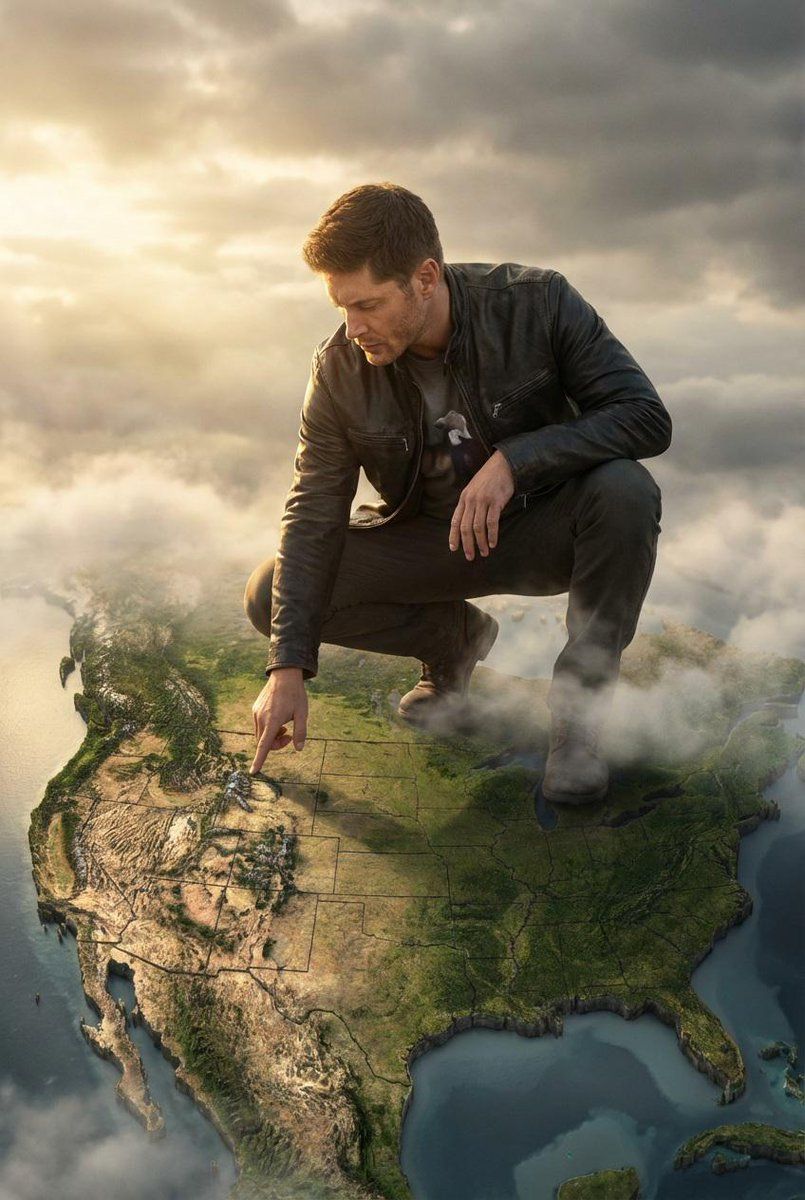
电影巨制 3D 浮雕地图
Enlarge

电影巨制 3D 浮雕地图

Prompt
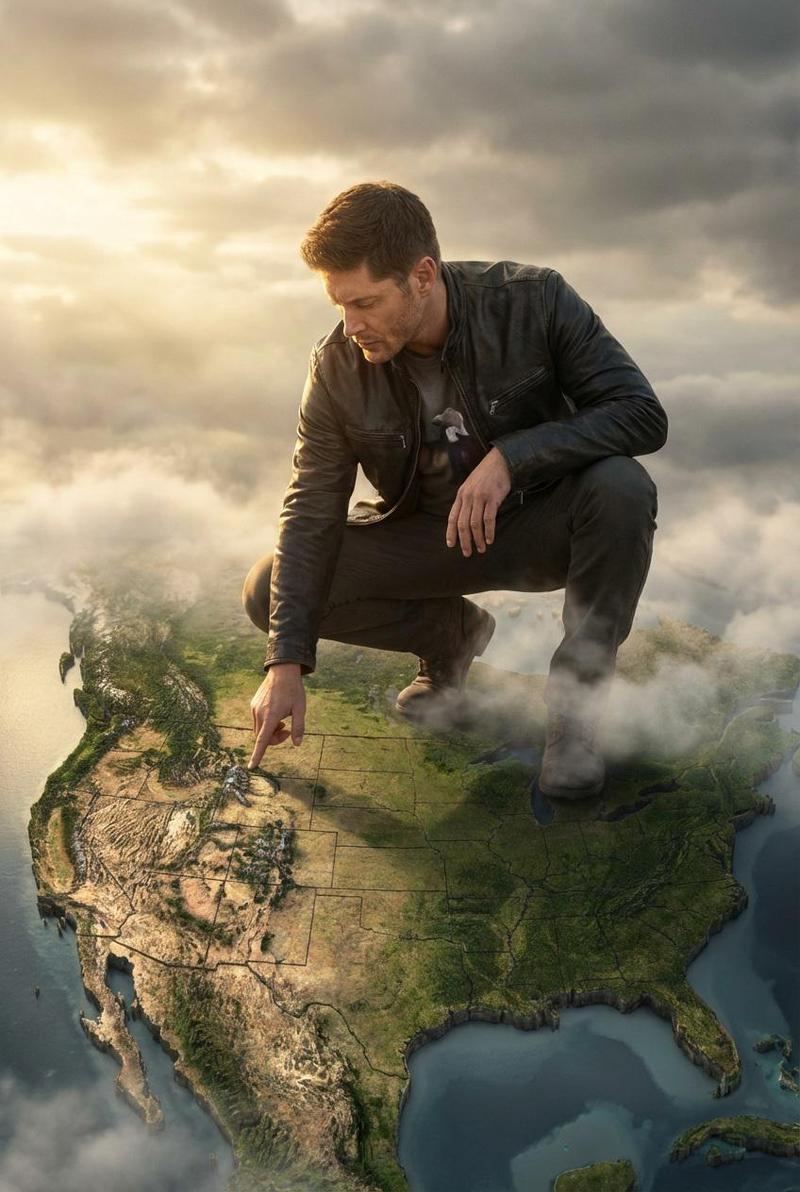
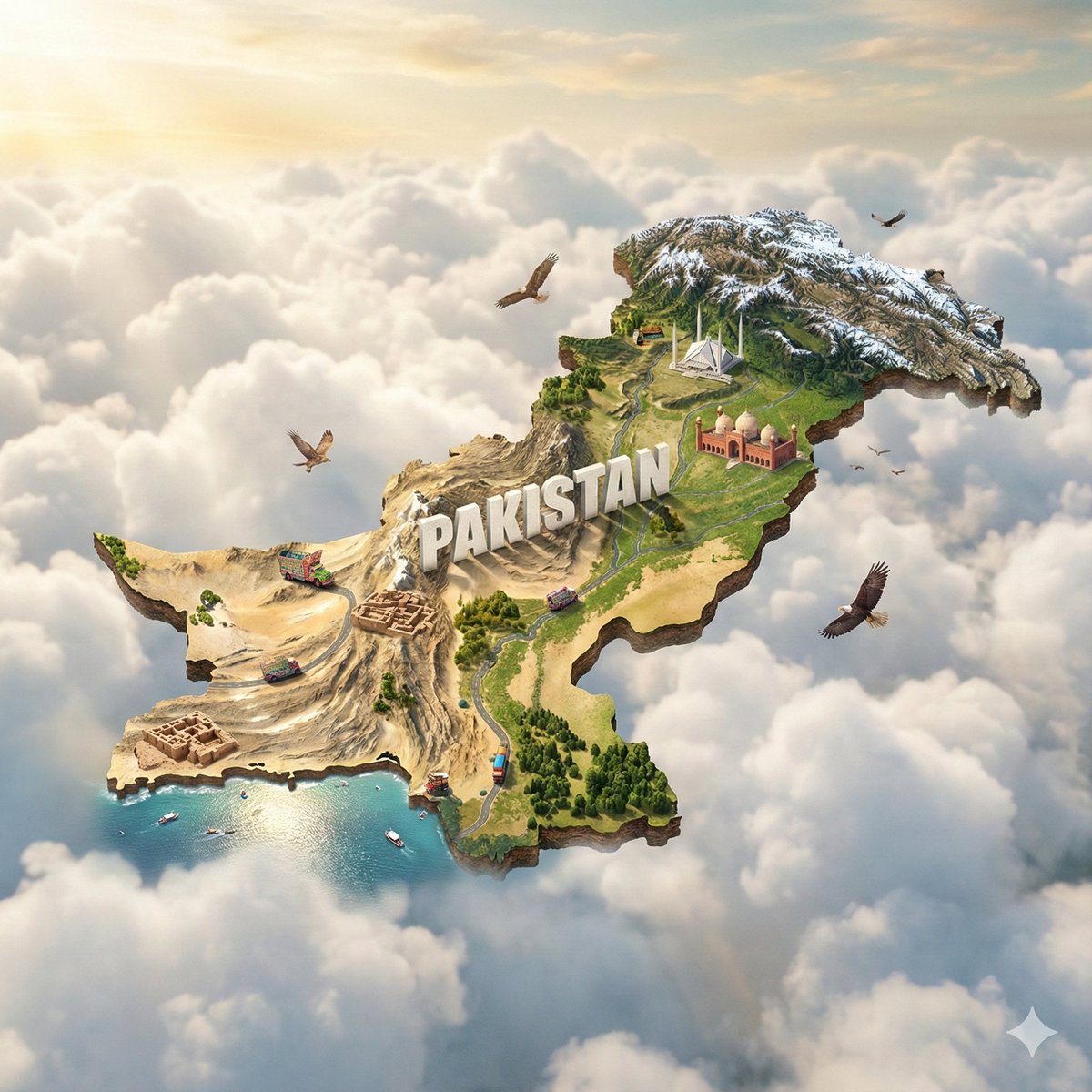
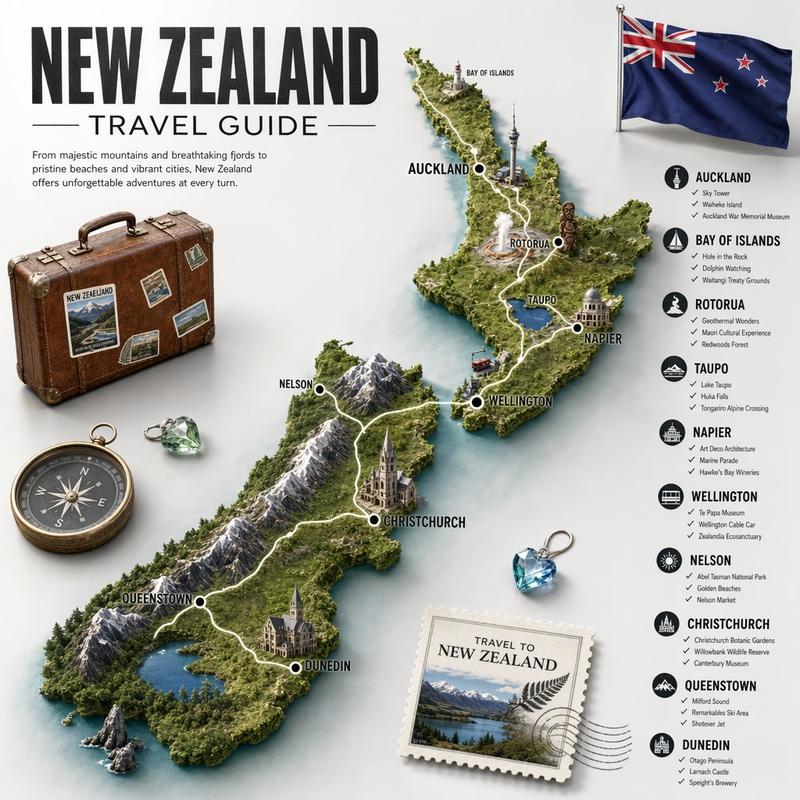
Create a dramatic cinematic photo of the man from the reference, crouching above a giant 3D relief map of [{argument name="country" default="COUNTRY"}]. The map should automatically adapt to the chosen location, showing realistic coastlines, mountains, forests, and terrain details. The man's clothing must match the cultural or regional style of the selected country, naturally blending into the environment while keeping his facial features and proportions unchanged. He touches one specific area on the map with his fingertip while soft clouds drift around his feet. Warm sunlight breaks through the sky, casting golden highlights across the landscape. The perspective feels epic and surreal, blending portrait photography with a world-builder aesthetic. High-resolution, atmospheric, fantasy-editorial style
Category
创意图片
Model
Nano Banana Pro
Views0
Source ID
030bfe63-8397-4b62-9708-92ee0354d052
Published
Mar 8, 2026

Guide

About "电影巨制 3D 浮雕地图"

What is this prompt for?

"电影巨制 3D 浮雕地图" AI image prompt for Nano Banana Pro (创意图片). 生成一张戏剧性、电影感的照片,内容为一个人蹲伏在一张指定国家的巨大 3D 浮雕地图上,将肖像摄影与世界构建者的美学融为一体,并要求人物的服装与该地区的风格相匹配。 --- 创作一张富有戏剧性的电影风格…

The full copyable prompt and example visuals above are ready for AI image generation or one-click recreate in Picva.

How to use this prompt

  1. Step 1

    Open the prompt detail

    Review the example visuals, category, and full prompt text for "电影巨制 3D 浮雕地图".

  2. Step 2

    Copy the prompt

    Copy the prompt body from this page, or load it directly in Studio.

  3. Step 3

    Pick a model (Nano Banana Pro)

    Prefer Nano Banana Pro. If you switch models, keep subject and composition and tweak style terms.

  4. Step 4

    Generate and export

    Recreate the look in Picva, or export into your workflow for editing and publishing.

FAQ

What is the "电影巨制 3D 浮雕地图" prompt?
It is an AI image-generation prompt for Nano Banana Pro in the 创意图片 category. This page includes the full prompt text, example visuals, and a one-click recreate path in Picva.
How do I use this prompt to generate an image?
Copy the prompt from this page, or use Generate / Studio. Paste it into a compatible image model, or recreate the look in Picva with optional reference images.
Which model is this prompt for?
This page lists Nano Banana Pro. Most descriptive prompts also transfer to nearby image models such as GPT Image, Flux, or Midjourney with light style tweaks.
Can I use the result commercially?
You can usually copy the prompt for creation, but commercial use of the final image depends on the model terms, reference-image rights, and the generated content. Follow the source author and platform rules.