17

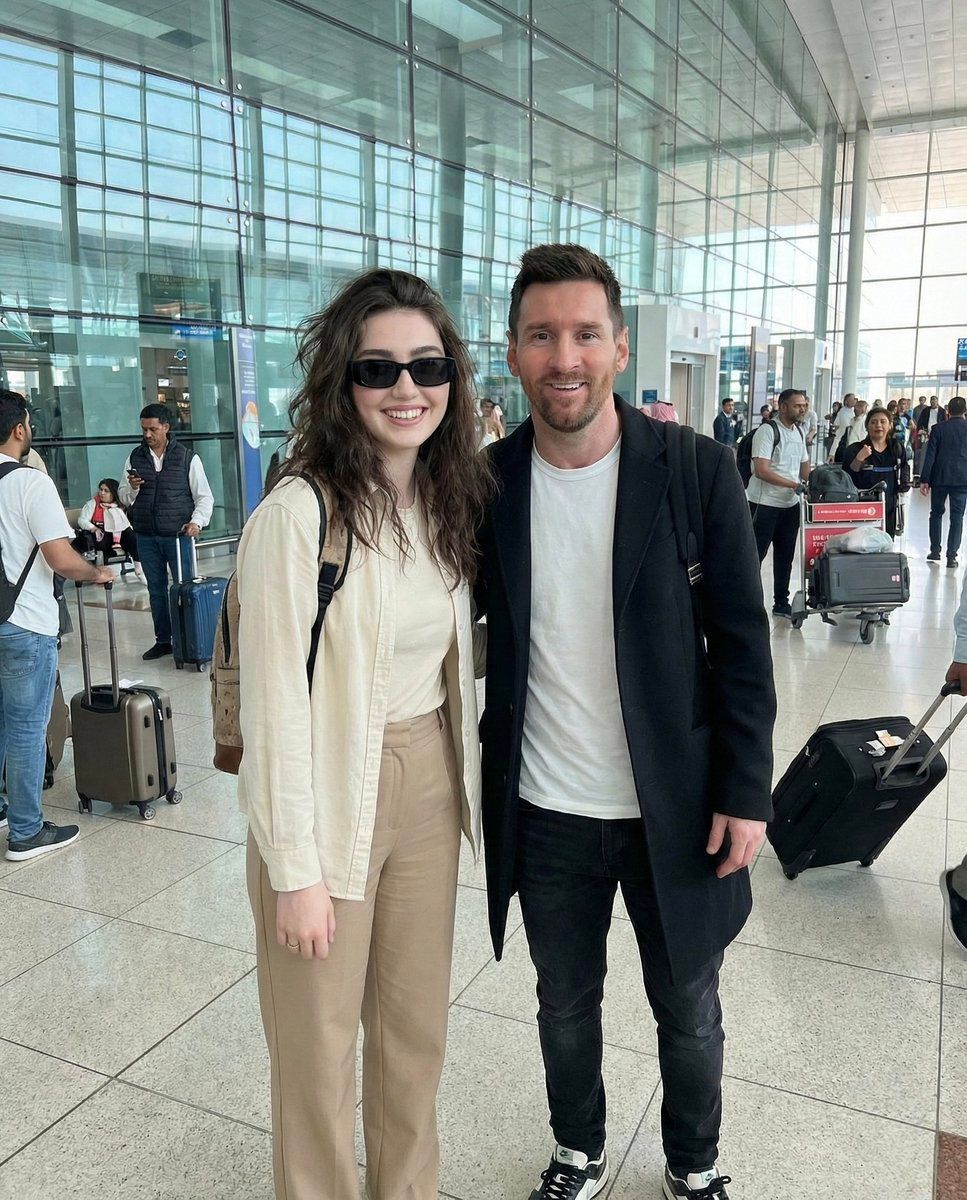
超逼真名人偶遇自拍
Enlarge

超逼真名人偶遇自拍

Prompt
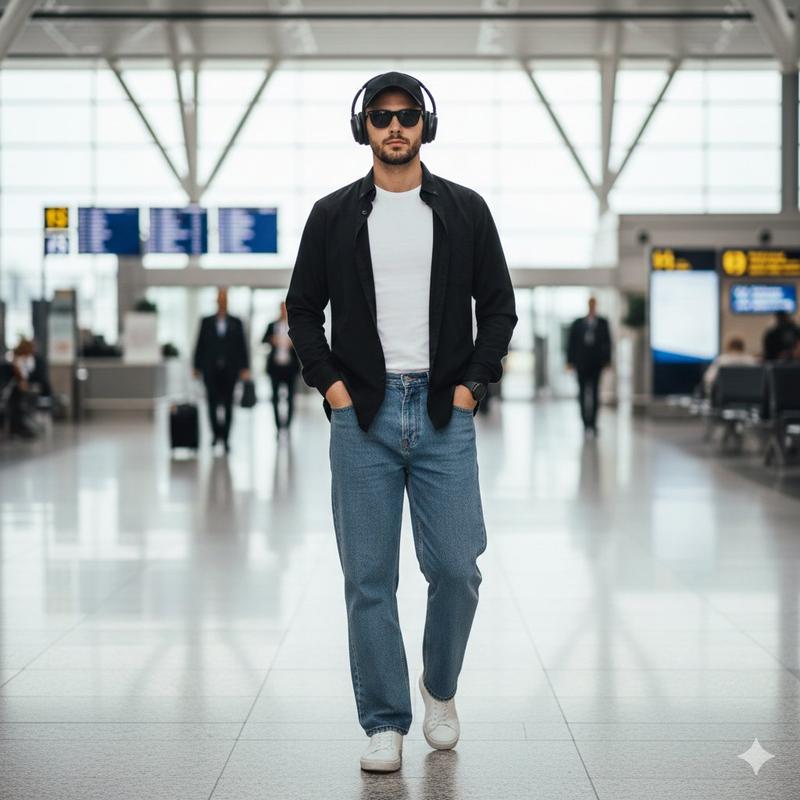
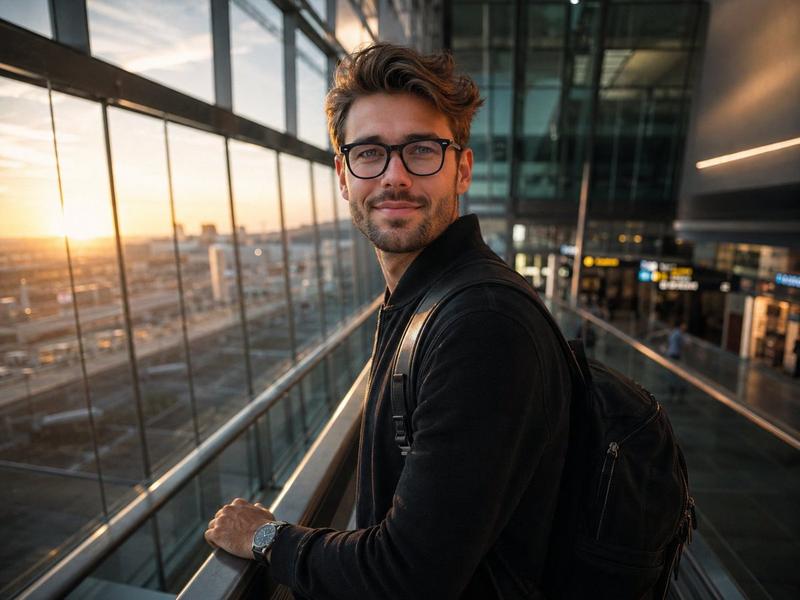
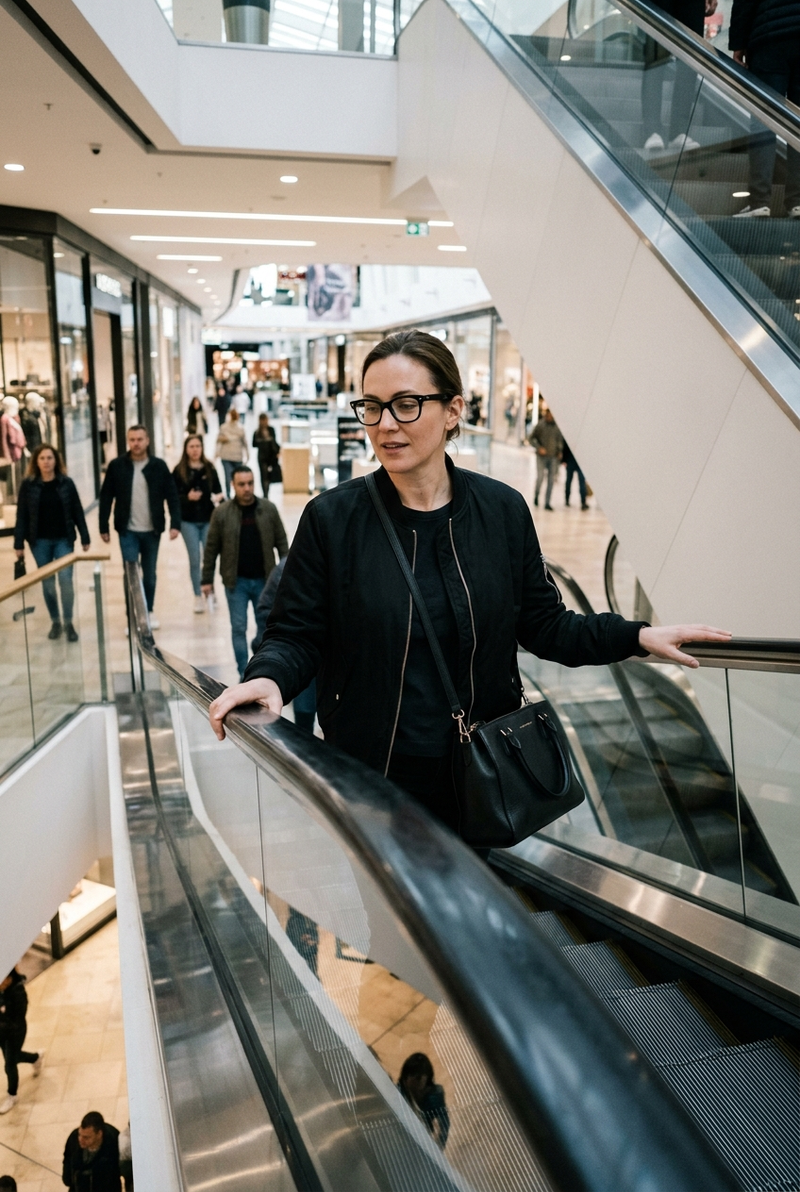
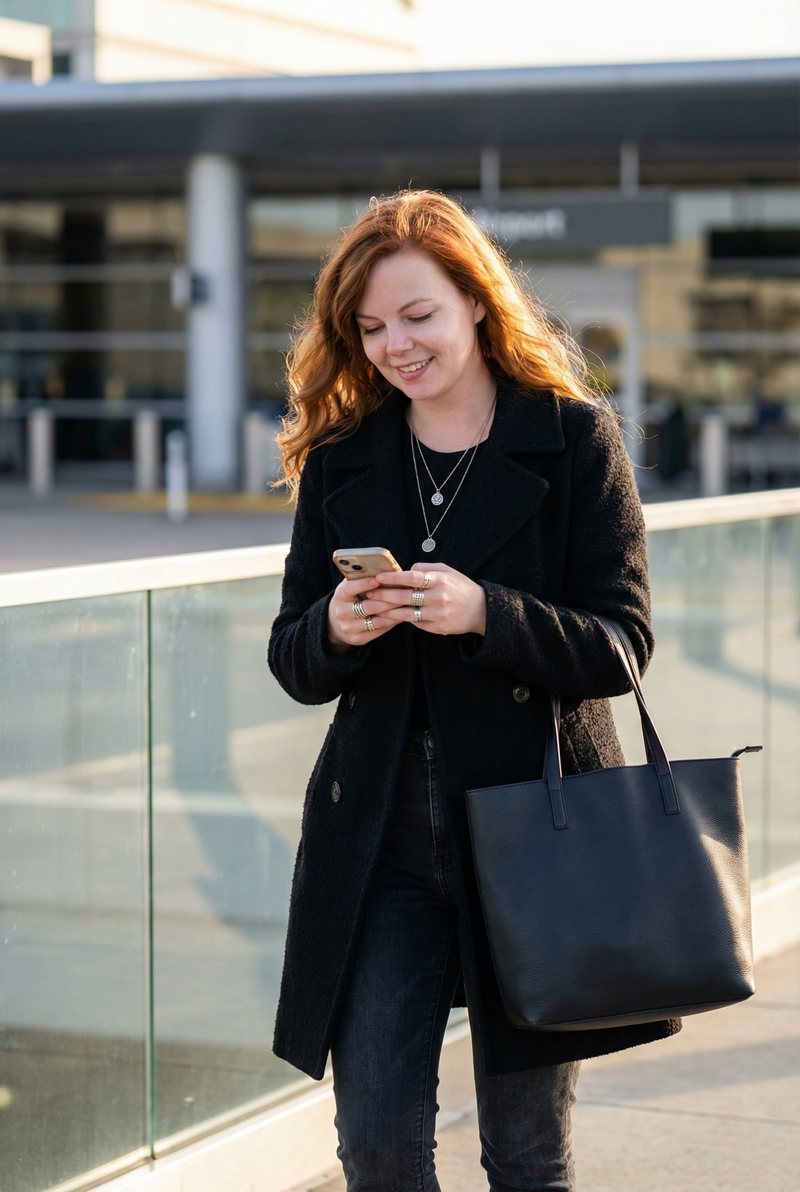
A realistic high-resolution photograph of me standing beside world-famous footballer {argument name="celebrity name" default="Lionel Messi"} at an international airport in {argument name="location" default="Dubai"}. Both of us are smiling naturally and posing for a casual photo. I am a young girl, dark brown messy hairs wearing {argument name="user attire" default="beige pants, a light cream shirt, rectangular black sunglasses, and a backpack"}. {argument name="celebrity name" default="Lionel Messi"} is wearing {argument name="celebrity attire" default="a white t-shirt, black coat, black jeans, and sneakers"}. The background shows a modern glass airport terminal with people around. Natural daylight, candid celebrity encounter vibe, ultra-realistic, sharp focus, professional photography, 4K quality, realistic skin tones.
Category
创意图片
Model
Nano Banana Pro
Creator
Zara
Views0
Source ID
92002fcd-ab09-4902-b008-914d84d3af94
Published
Mar 8, 2026

Guide

About "超逼真名人偶遇自拍"

What is this prompt for?

"超逼真名人偶遇自拍" AI image prompt for Nano Banana Pro (创意图片). 一个提示,旨在创建一张超现实、高分辨率的照片,内容是用户在现代机场与莱昂内尔·梅西随意摆姿势合影,重点突出偶遇名人的抓拍感和清晰的摄影细节。 --- 一张我与世界著名足球运动员 {argument name…

The full copyable prompt and example visuals above are ready for AI image generation or one-click recreate in Picva.

How to use this prompt

  1. Step 1

    Open the prompt detail

    Review the example visuals, category, and full prompt text for "超逼真名人偶遇自拍".

  2. Step 2

    Copy the prompt

    Copy the prompt body from this page, or load it directly in Studio.

  3. Step 3

    Pick a model (Nano Banana Pro)

    Prefer Nano Banana Pro. If you switch models, keep subject and composition and tweak style terms.

  4. Step 4

    Generate and export

    Recreate the look in Picva, or export into your workflow for editing and publishing.

FAQ

What is the "超逼真名人偶遇自拍" prompt?
It is an AI image-generation prompt for Nano Banana Pro in the 创意图片 category. This page includes the full prompt text, example visuals, and a one-click recreate path in Picva.
How do I use this prompt to generate an image?
Copy the prompt from this page, or use Generate / Studio. Paste it into a compatible image model, or recreate the look in Picva with optional reference images.
Which model is this prompt for?
This page lists Nano Banana Pro. Most descriptive prompts also transfer to nearby image models such as GPT Image, Flux, or Midjourney with light style tweaks.
Can I use the result commercially?
You can usually copy the prompt for creation, but commercial use of the final image depends on the model terms, reference-image rights, and the generated content. Follow the source author and platform rules.