18

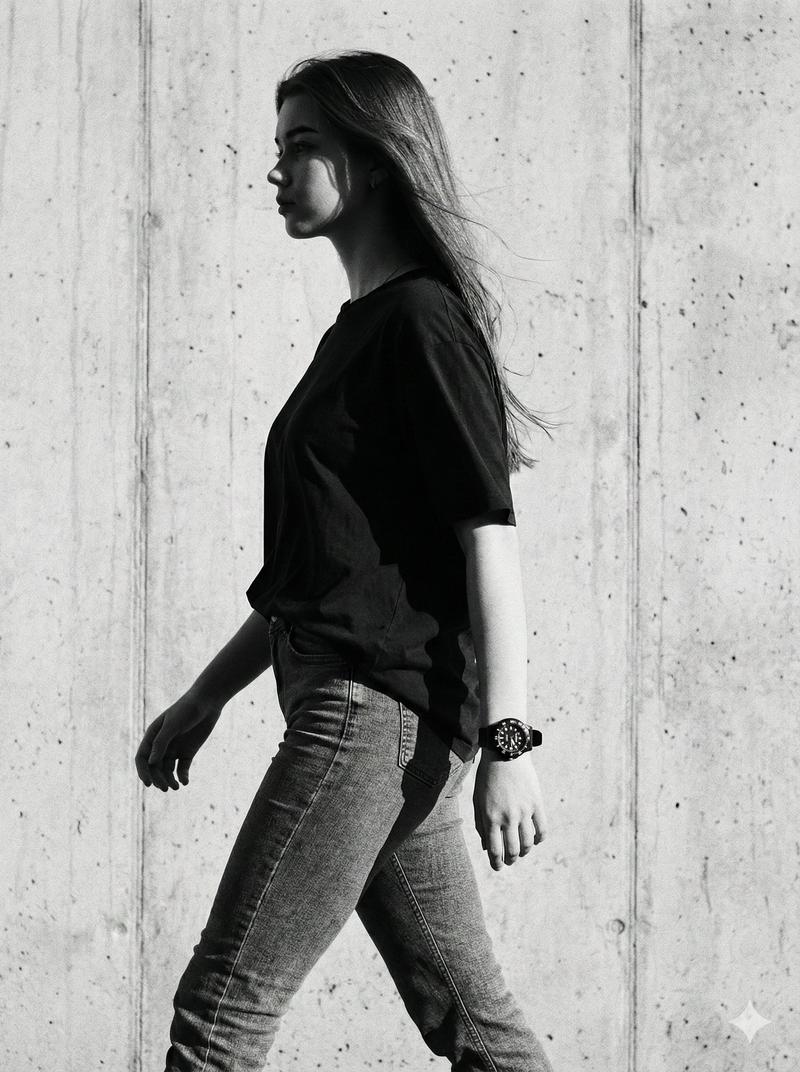
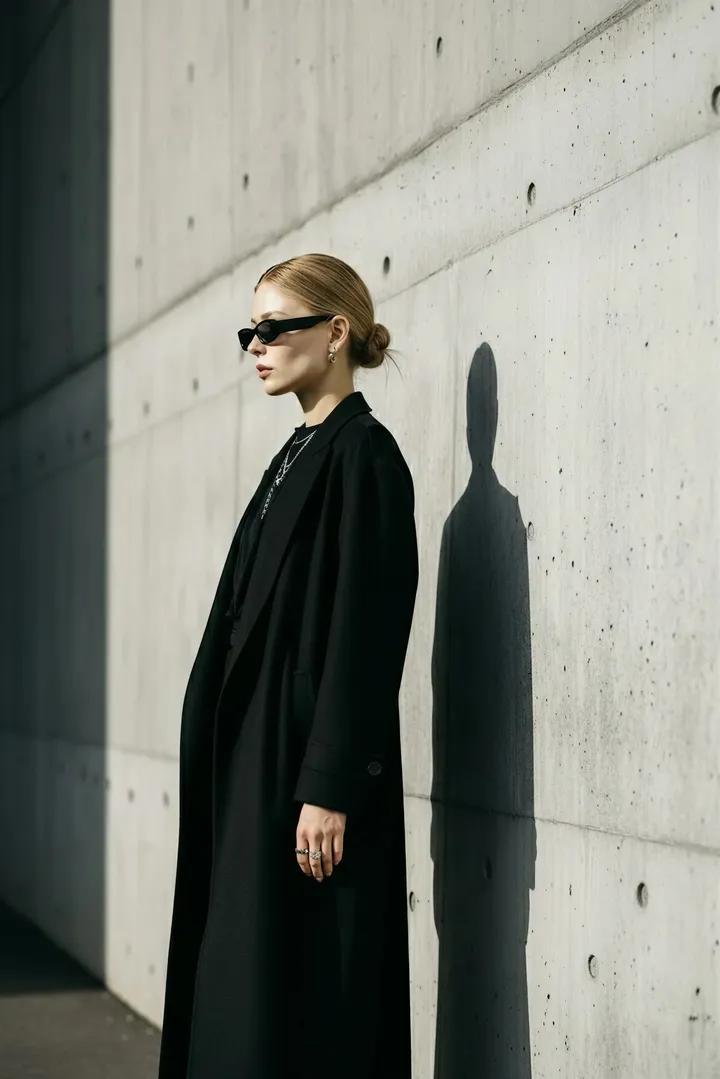
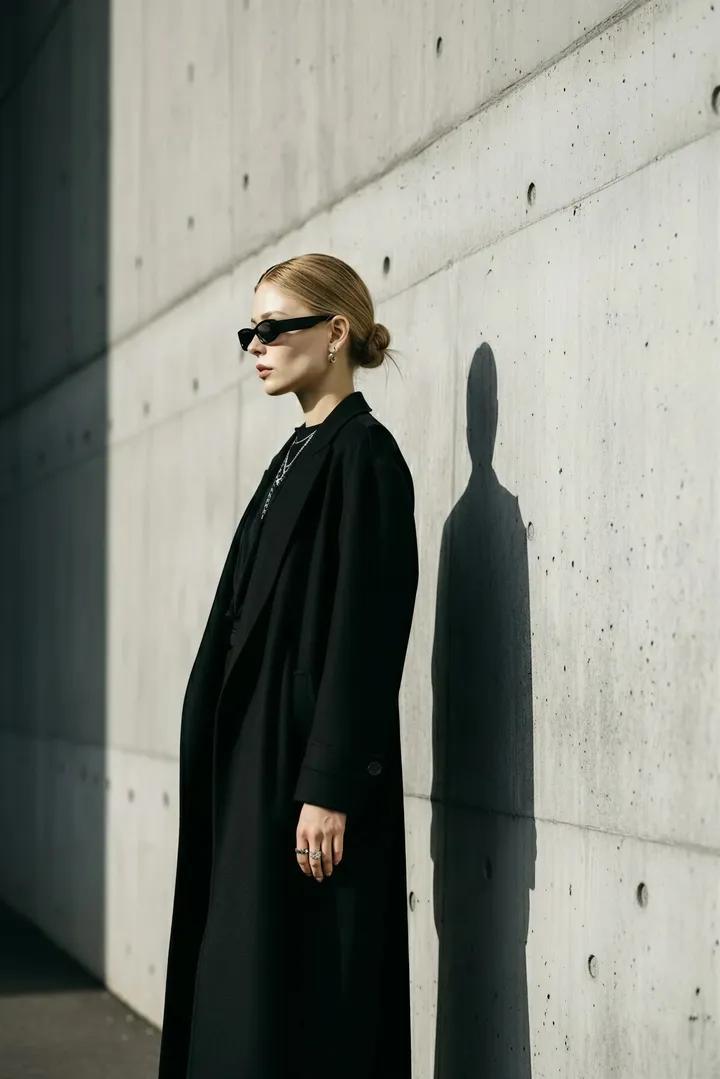
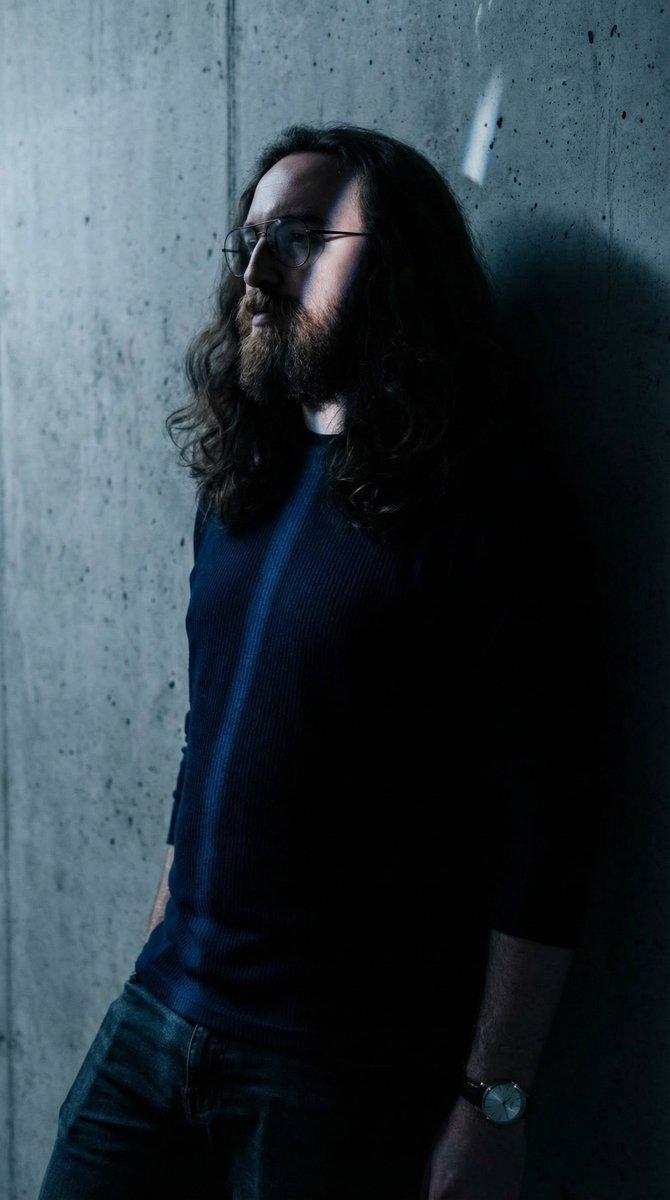
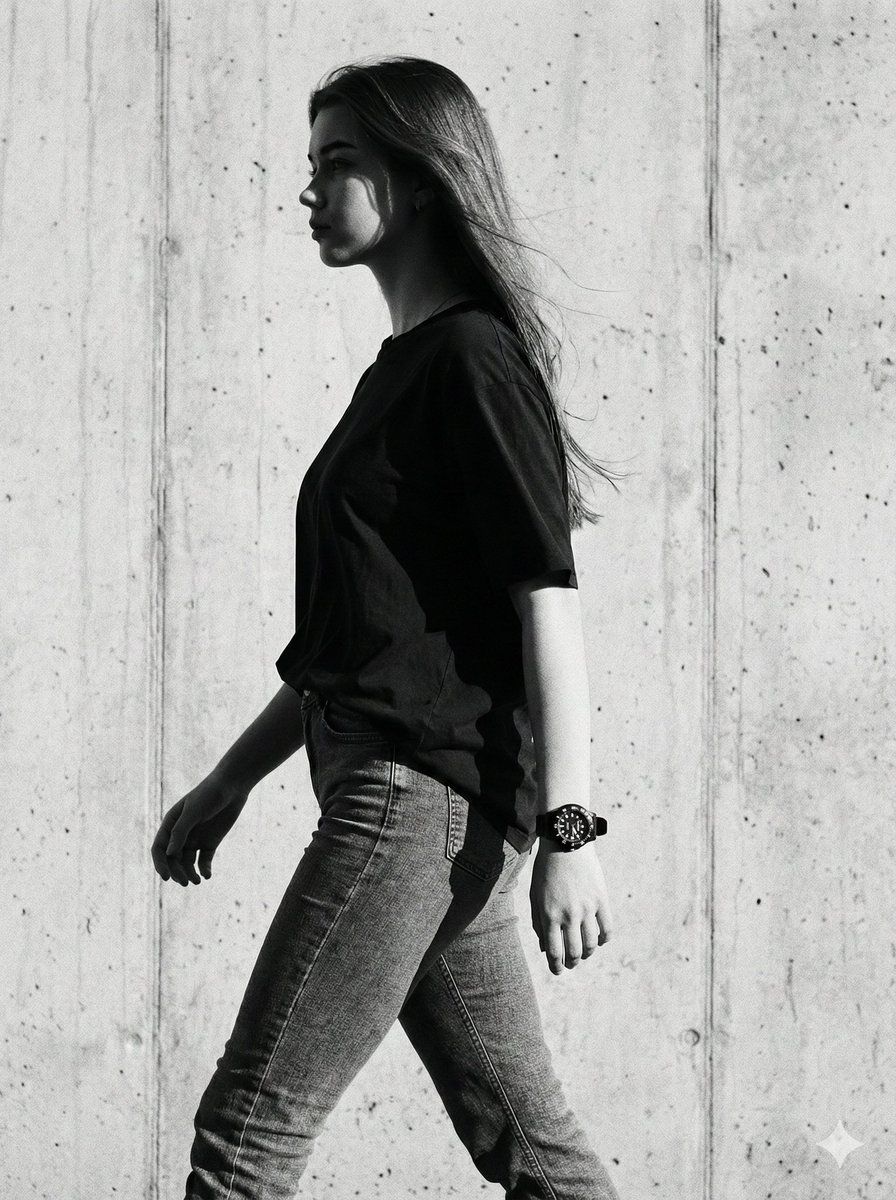
电影级黑白高定肖像
Enlarge

电影级黑白高定肖像

Prompt
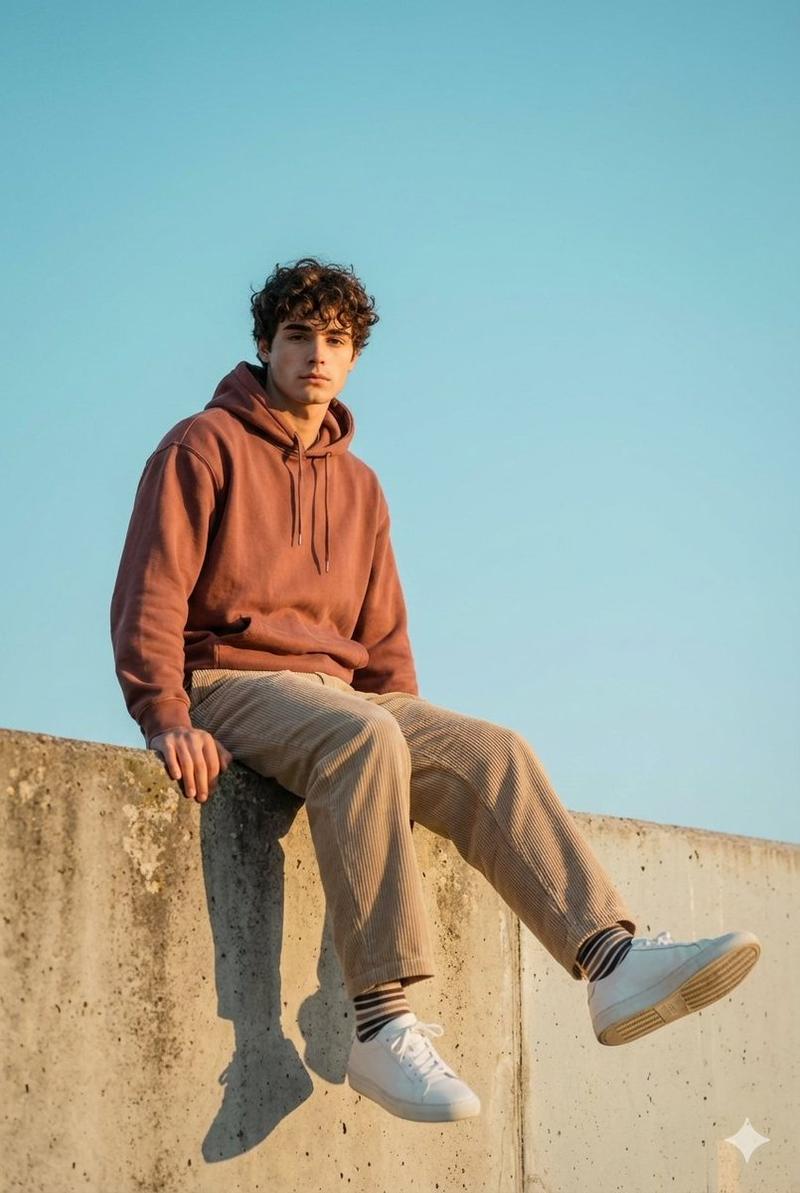
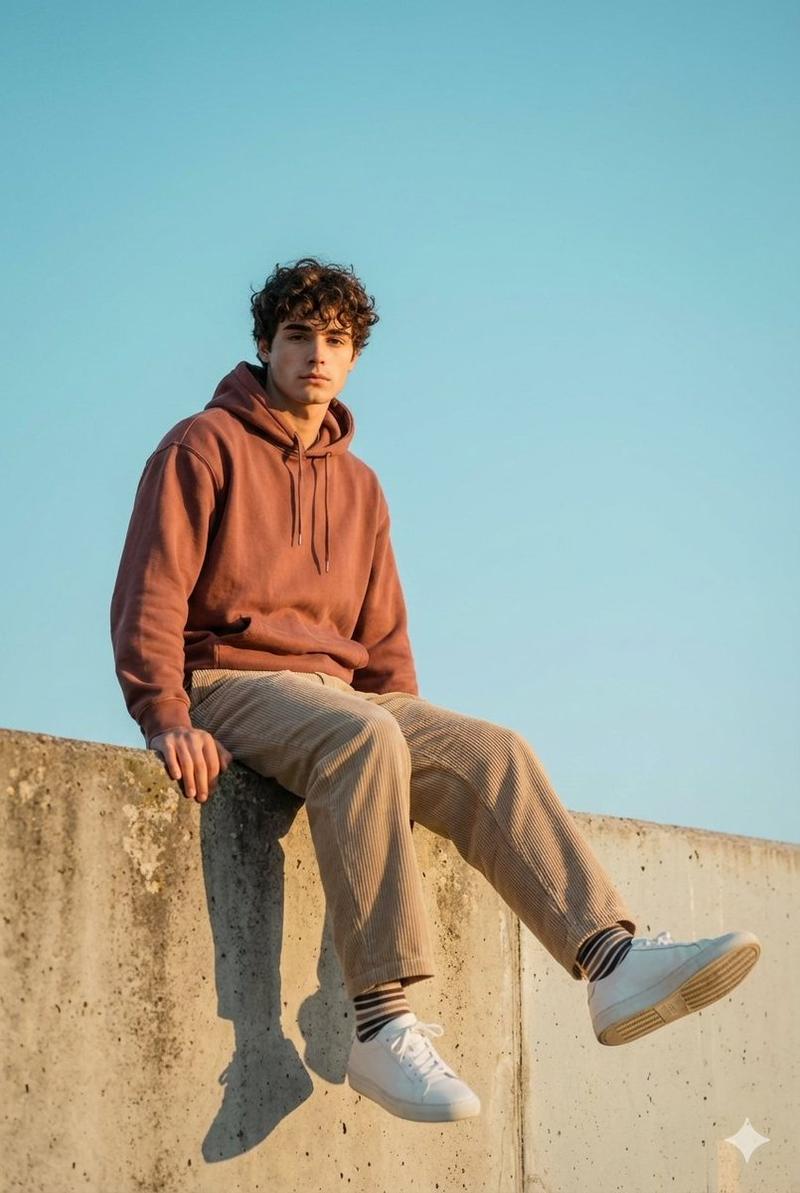
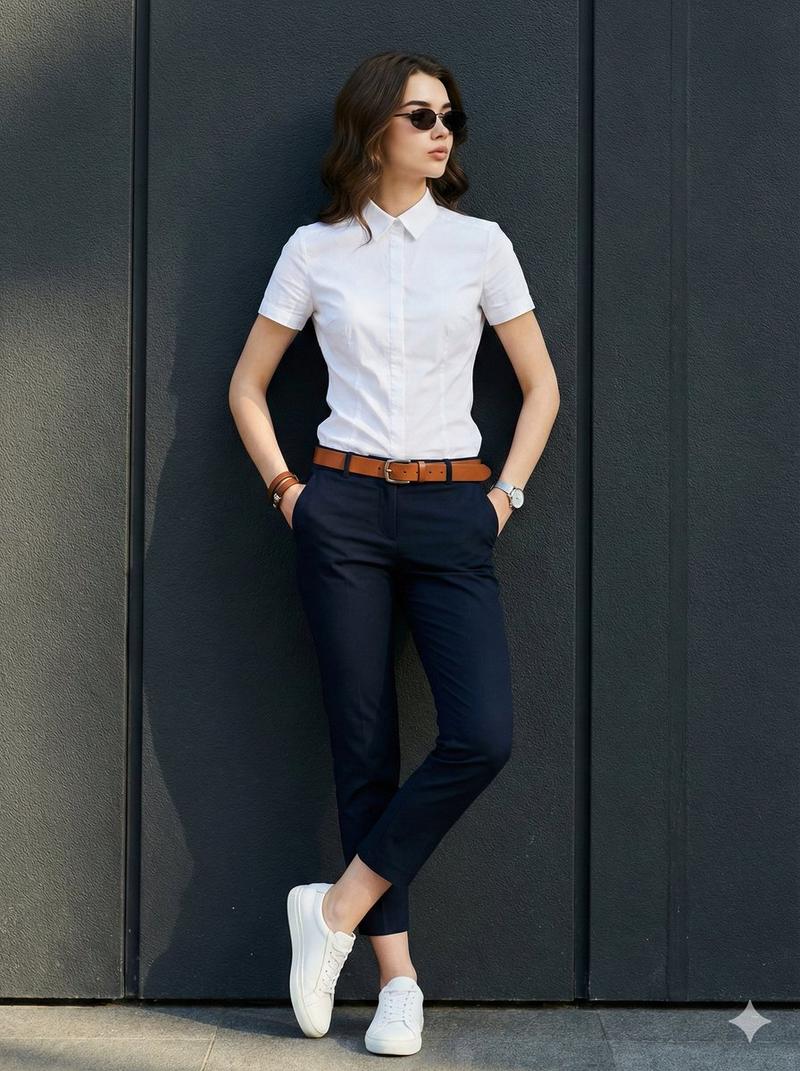
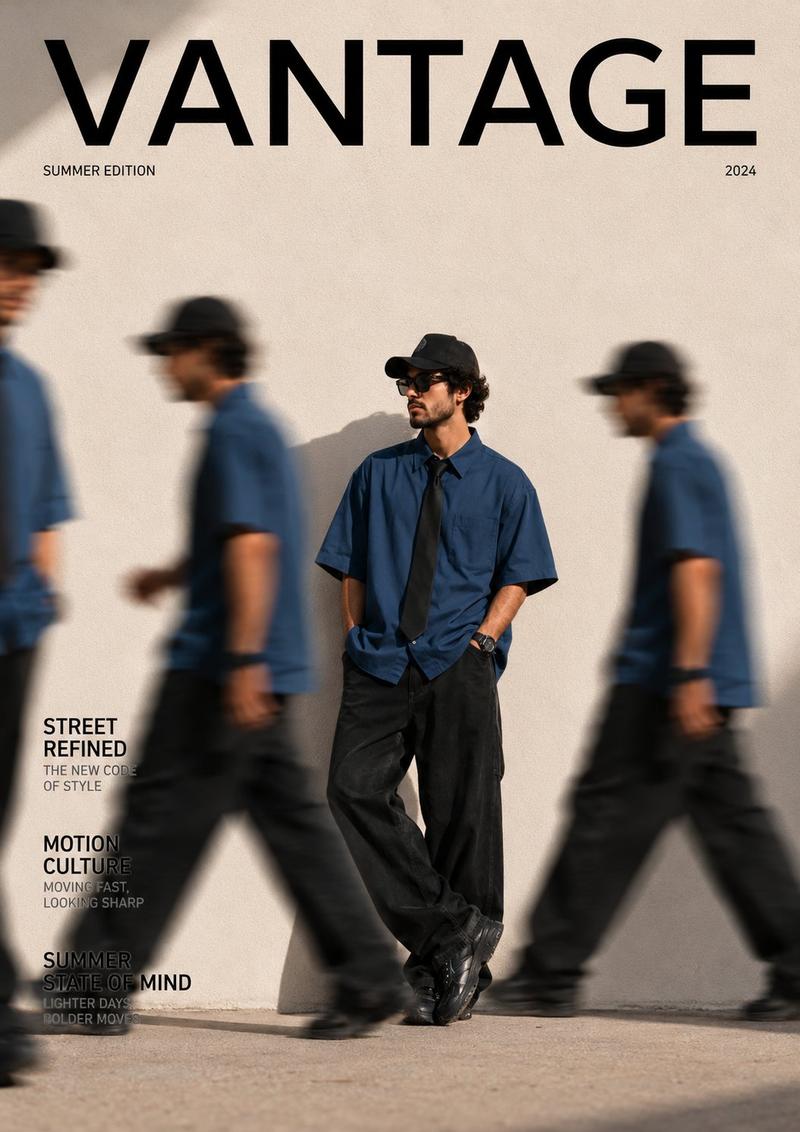
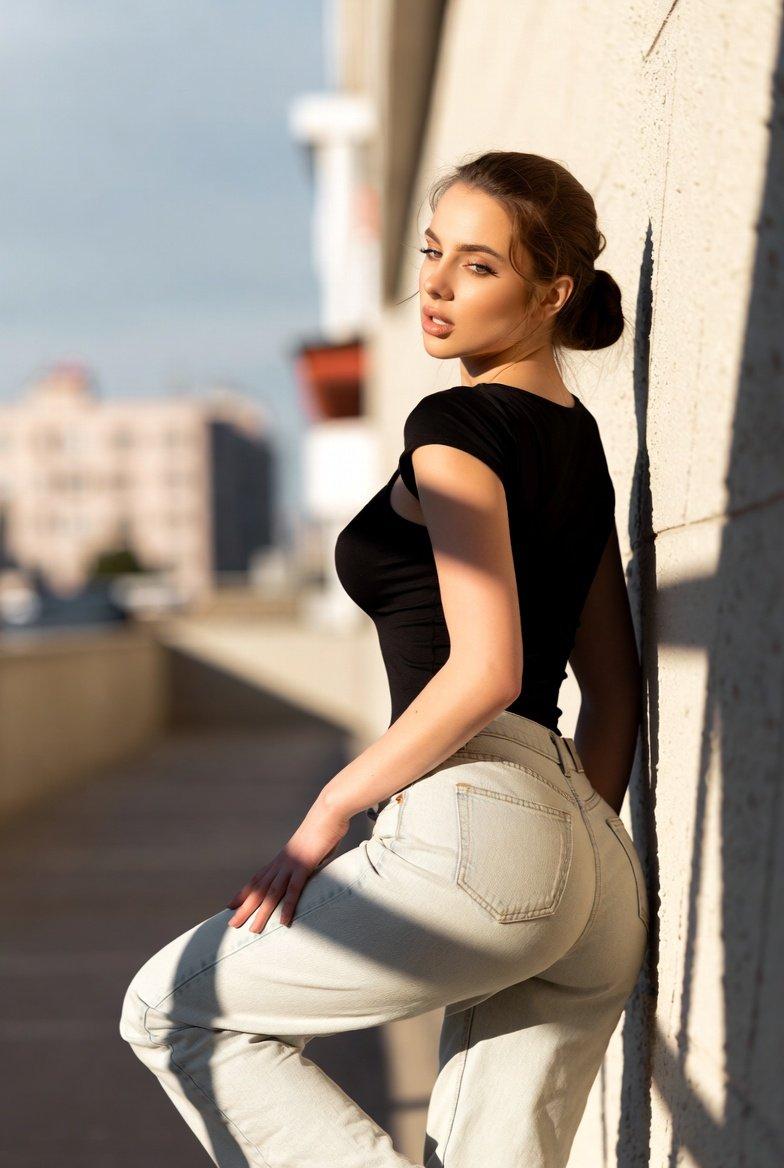
A cinematic black-and-white portrait of a young woman (the attached person reference, 100% exact facial features and 100% exact hairstyle) walking in profile view. Side lighting casts strong contrast and deep shadows across her face and body. She is wearing a loose black T-shirt paired with fitted jeans, accessorized with a black Navy Force watch on her right wrist. Her stride is confident, with her hair slightly moving in the air. She weighs {argument name="weight" default="75 kg"} and is {argument name="height" default="170 cm"} tall. The background features a modern concrete wall with vertical texture, creating a moody and artistic atmosphere. Lighting is soft yet directional from the left side, emphasizing realistic texture and depth. The composition is elegant and minimalist, in a professional high-fashion photography style.
Category
创意图片
Model
Nano Banana Pro
Views0
Source ID
0cfbb87b-ffb3-45c4-a46b-ce8980503040
Published
Mar 8, 2026

Guide

About "电影级黑白高定肖像"

What is this prompt for?

"电影级黑白高定肖像" AI image prompt for Nano Banana Pro (创意图片). 这是一个为 Nano banana Pro 设计的提示,旨在生成一张电影风格的黑白肖像,描绘一位年轻女性侧身行走。它指定了强烈的侧光以营造高对比度和深阴影,详细的服装(宽松的黑色 T 恤、修身牛仔裤、海军部…

The full copyable prompt and example visuals above are ready for AI image generation or one-click recreate in Picva.

How to use this prompt

  1. Step 1

    Open the prompt detail

    Review the example visuals, category, and full prompt text for "电影级黑白高定肖像".

  2. Step 2

    Copy the prompt

    Copy the prompt body from this page, or load it directly in Studio.

  3. Step 3

    Pick a model (Nano Banana Pro)

    Prefer Nano Banana Pro. If you switch models, keep subject and composition and tweak style terms.

  4. Step 4

    Generate and export

    Recreate the look in Picva, or export into your workflow for editing and publishing.

FAQ

What is the "电影级黑白高定肖像" prompt?
It is an AI image-generation prompt for Nano Banana Pro in the 创意图片 category. This page includes the full prompt text, example visuals, and a one-click recreate path in Picva.
How do I use this prompt to generate an image?
Copy the prompt from this page, or use Generate / Studio. Paste it into a compatible image model, or recreate the look in Picva with optional reference images.
Which model is this prompt for?
This page lists Nano Banana Pro. Most descriptive prompts also transfer to nearby image models such as GPT Image, Flux, or Midjourney with light style tweaks.
Can I use the result commercially?
You can usually copy the prompt for creation, but commercial use of the final image depends on the model terms, reference-image rights, and the generated content. Follow the source author and platform rules.