17

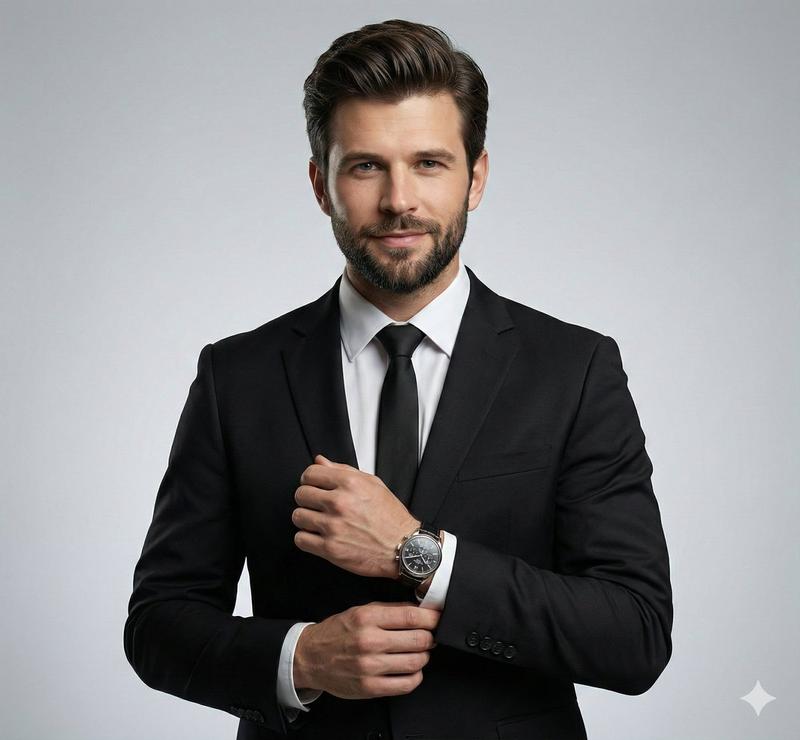
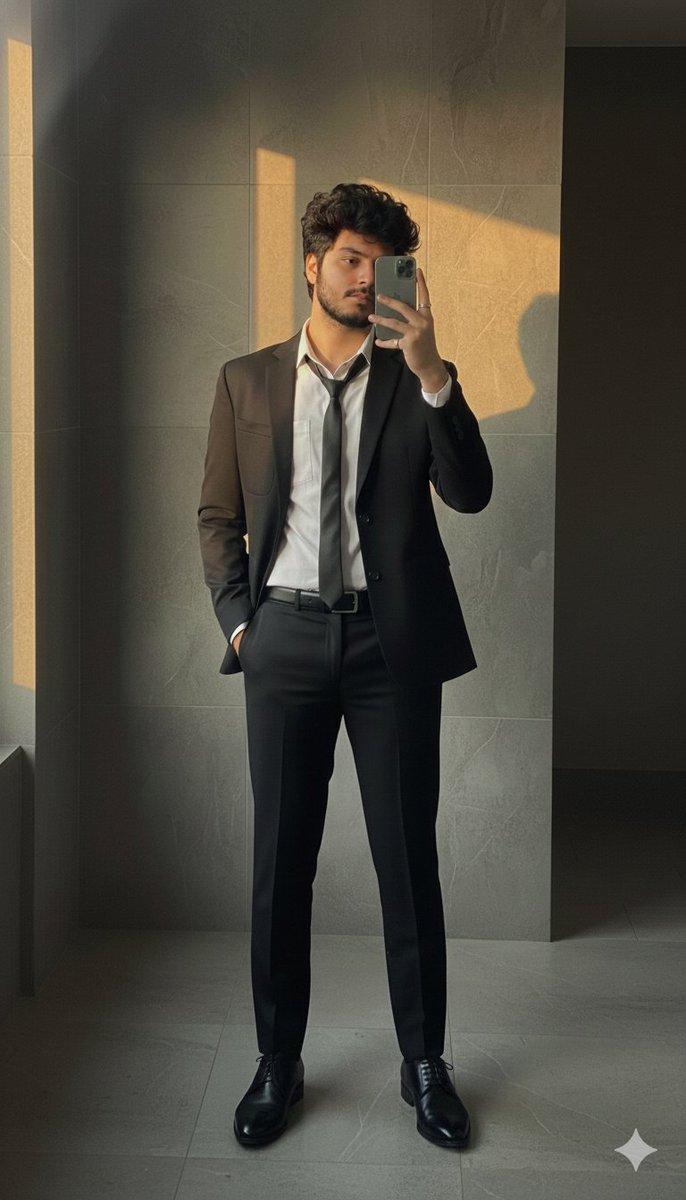
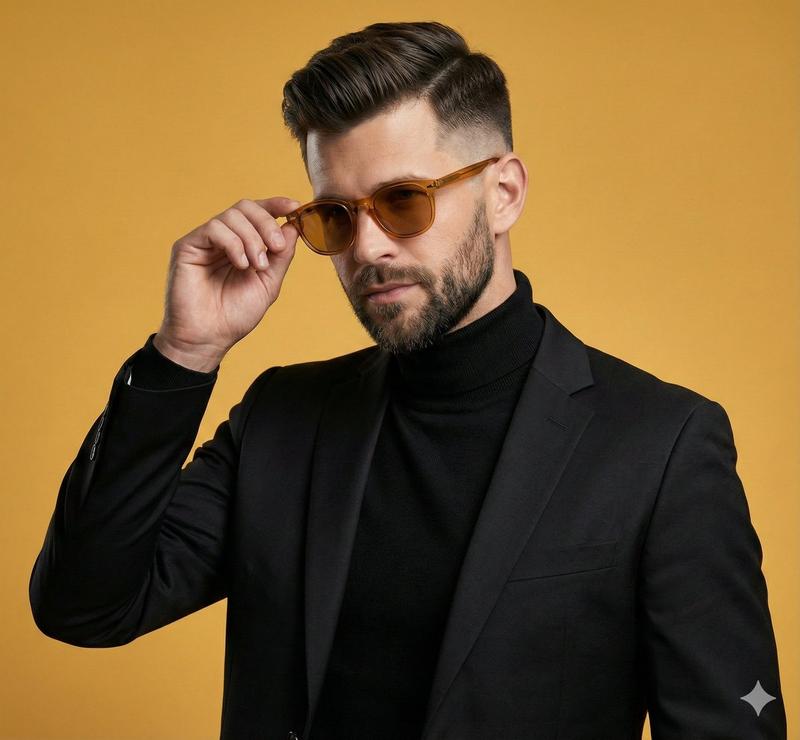
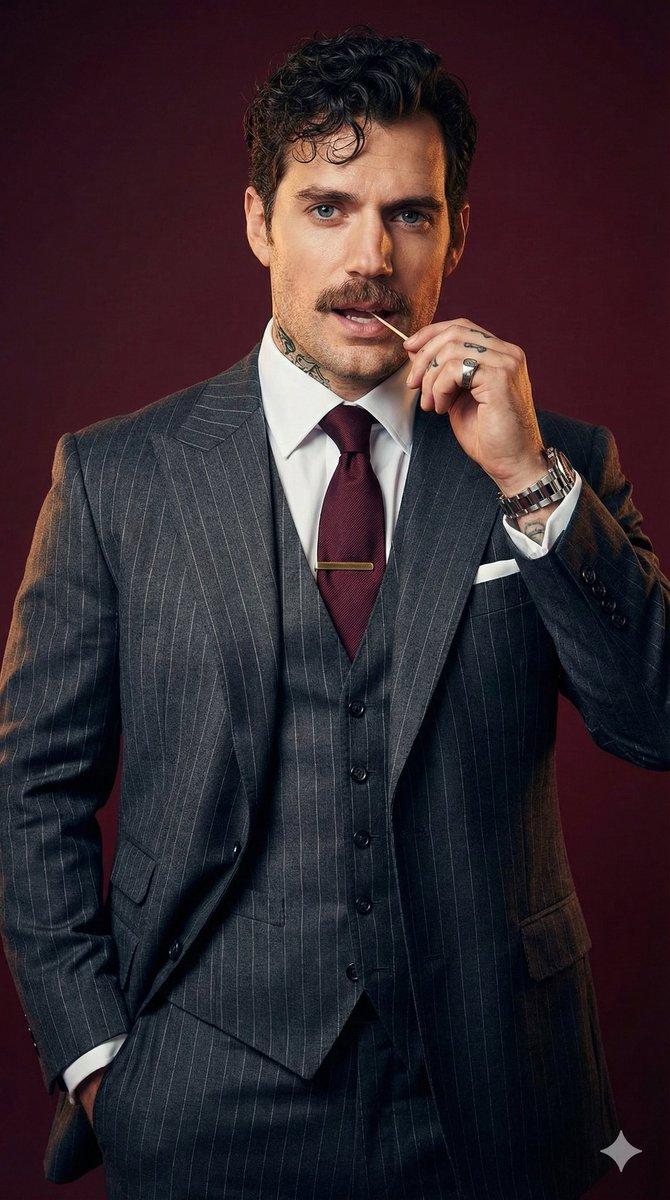
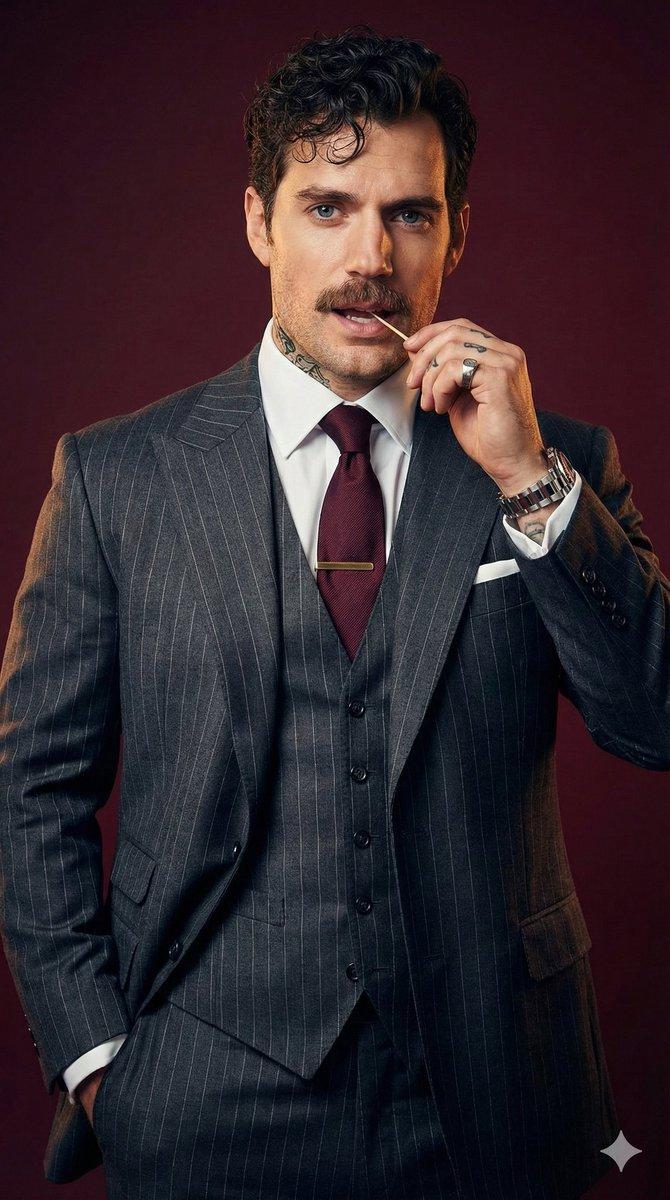
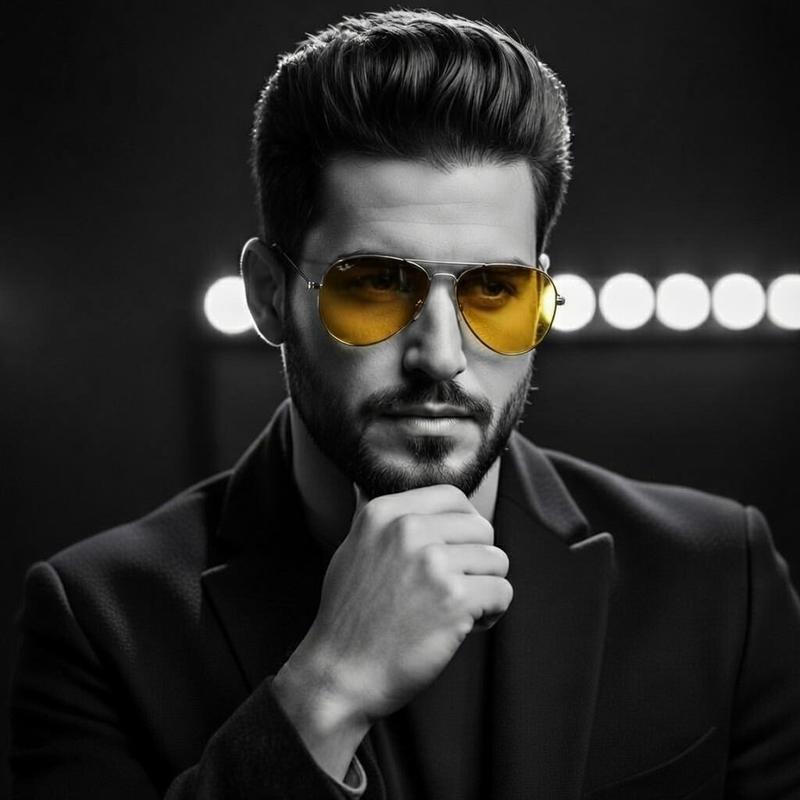
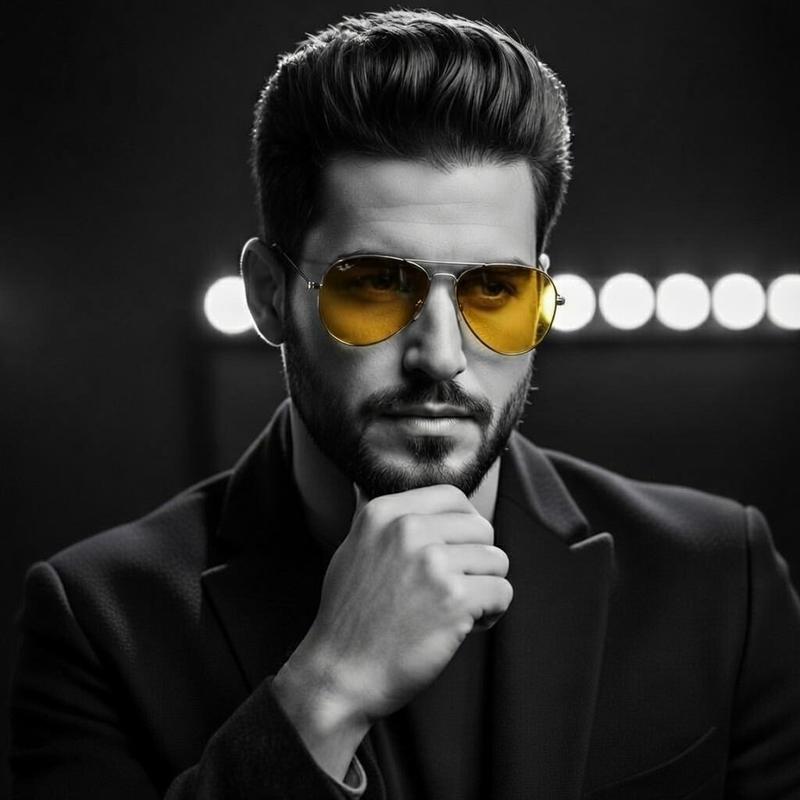
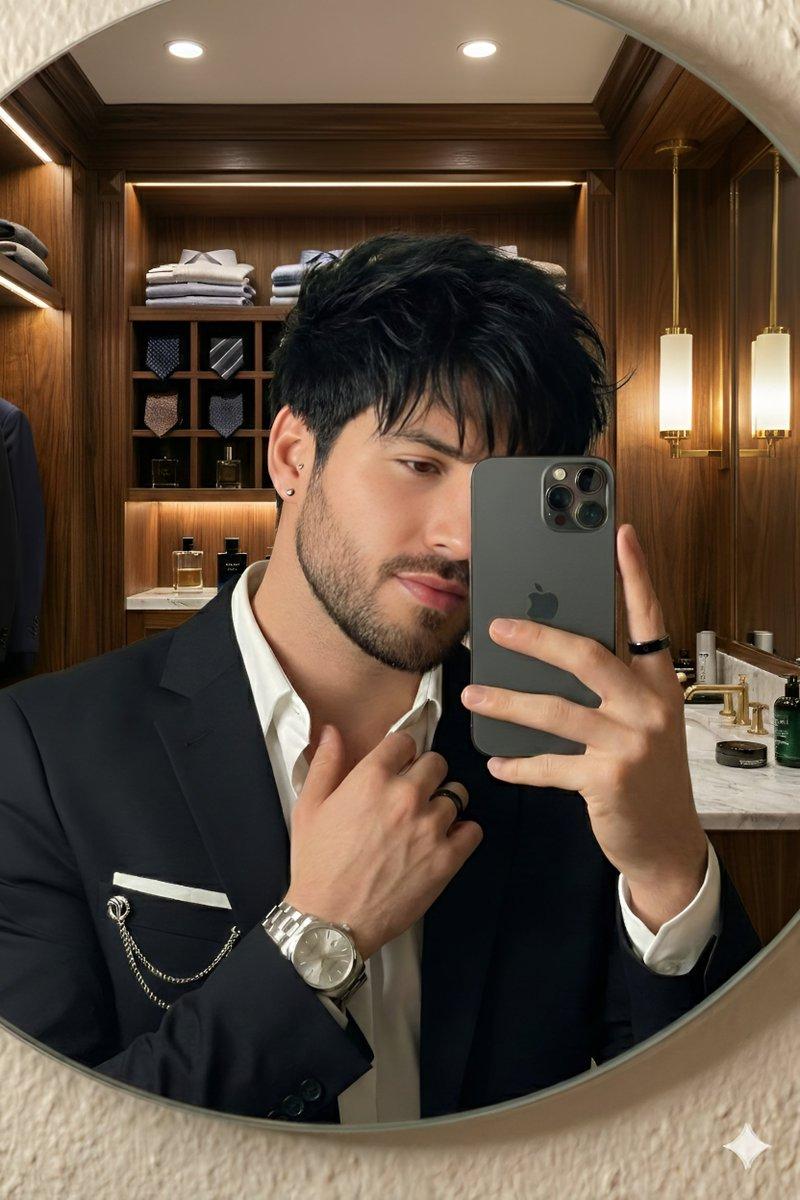
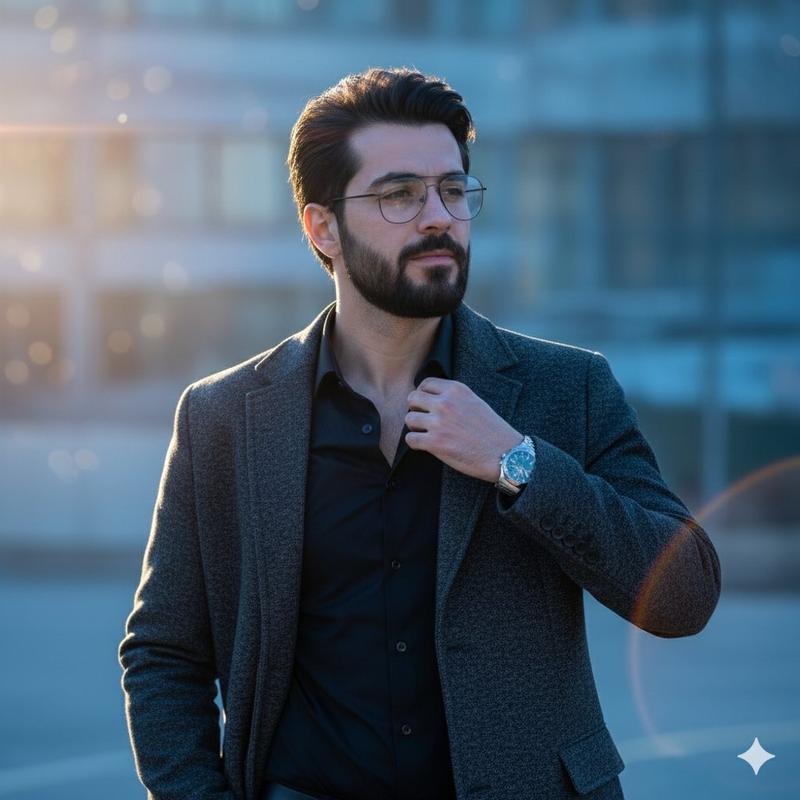
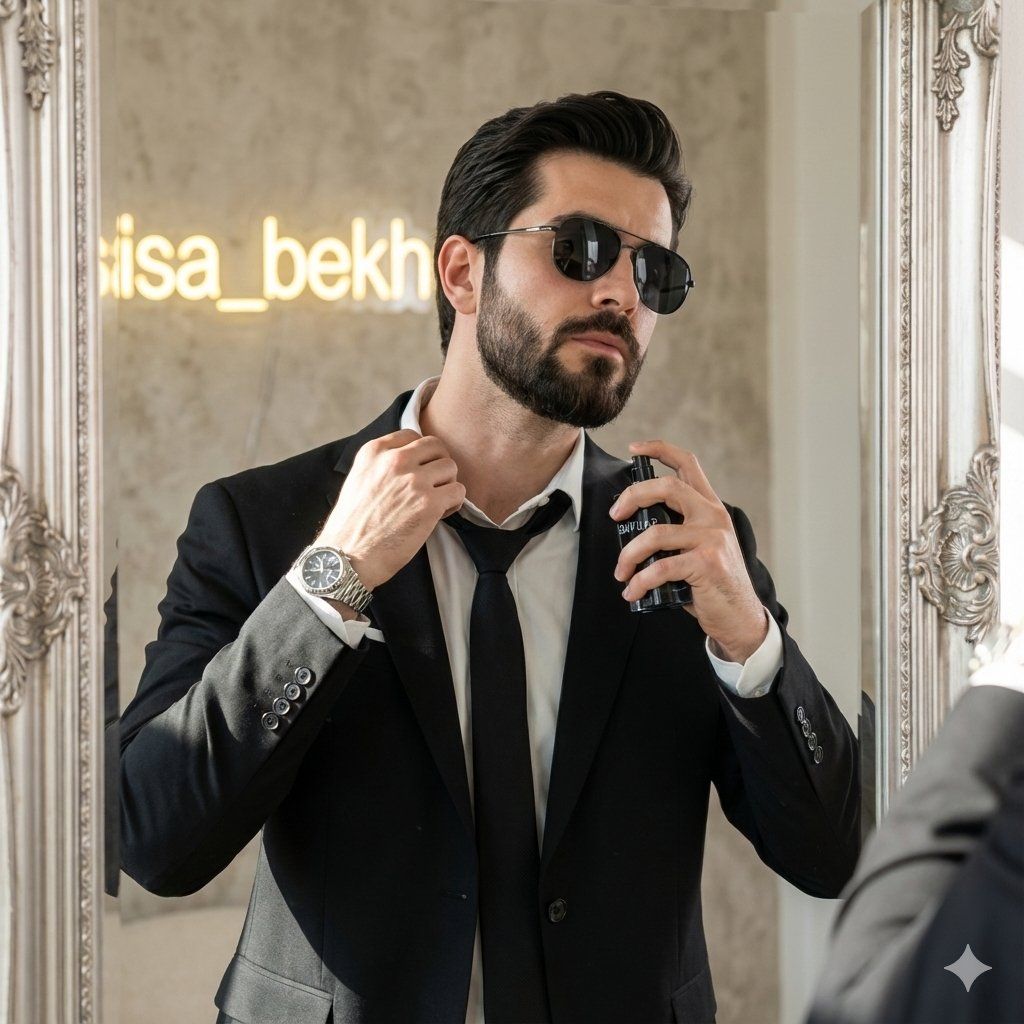
时尚男士的电影感时尚肖像
Enlarge

时尚男士的电影感时尚肖像

Prompt
{
  "Objective": "Create a hyper-realistic, cinematic fashion portrait of a stylish young man posing confidently in front of a designer mirror.",

  "Subject": {
    "Gender": "Male",
    "Appearance": {
      "Expression": "Confident, composed, stylish",
      "Facial_Features": "Sharp, clean facial structure with natural skin texture",
      "Accessories": [
        "{argument name="accessory 1" default="Sunglasses"}",
        "{argument name="accessory 2" default="Luxury wristwatch"}"
      ]
    },
    "Wardrobe": {
      "Suit": "{argument name="suit color" default="Black tailored suit"}",
      "Shirt": "Crisp white shirt",
      "Tie": "Loose black tie",
      "Pants": "Black trousers"
    },
    "Pose_and
Category
创意图片
Model
Nano Banana Pro
Creator
Taaruk
Views0
Source ID
45d4d971-d20b-4af3-bdd7-321764da451c
Published
Mar 8, 2026

Guide

About "时尚男士的电影感时尚肖像"

What is this prompt for?

"时尚男士的电影感时尚肖像" AI image prompt for Nano Banana Pro (创意图片). 一个结构化的 JSON 提示词,旨在生成一张超现实、电影感的时尚肖像照:一位身穿黑色定制西装的时尚年轻男士,自信地在设计师镜子前摆姿势。 --- { "Objective": "创作一张超现实、电影感…

The full copyable prompt and example visuals above are ready for AI image generation or one-click recreate in Picva.

How to use this prompt

  1. Step 1

    Open the prompt detail

    Review the example visuals, category, and full prompt text for "时尚男士的电影感时尚肖像".

  2. Step 2

    Copy the prompt

    Copy the prompt body from this page, or load it directly in Studio.

  3. Step 3

    Pick a model (Nano Banana Pro)

    Prefer Nano Banana Pro. If you switch models, keep subject and composition and tweak style terms.

  4. Step 4

    Generate and export

    Recreate the look in Picva, or export into your workflow for editing and publishing.

FAQ

What is the "时尚男士的电影感时尚肖像" prompt?
It is an AI image-generation prompt for Nano Banana Pro in the 创意图片 category. This page includes the full prompt text, example visuals, and a one-click recreate path in Picva.
How do I use this prompt to generate an image?
Copy the prompt from this page, or use Generate / Studio. Paste it into a compatible image model, or recreate the look in Picva with optional reference images.
Which model is this prompt for?
This page lists Nano Banana Pro. Most descriptive prompts also transfer to nearby image models such as GPT Image, Flux, or Midjourney with light style tweaks.
Can I use the result commercially?
You can usually copy the prompt for creation, but commercial use of the final image depends on the model terms, reference-image rights, and the generated content. Follow the source author and platform rules.