从参考图像生成电影级联系表
Prompt
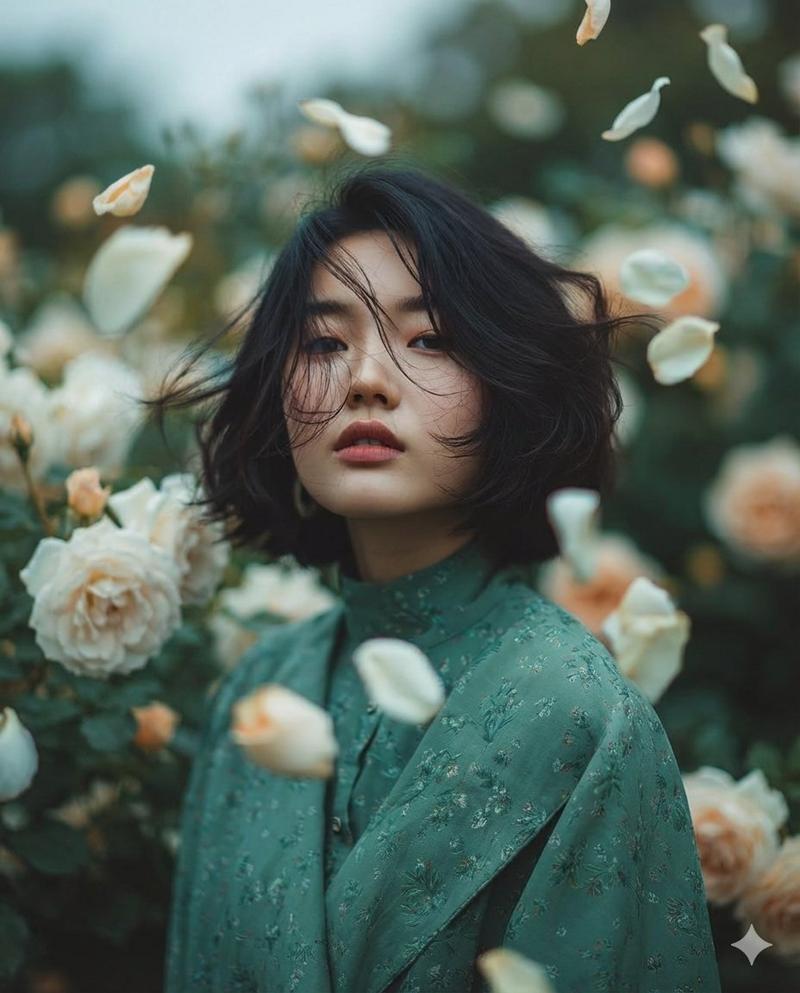
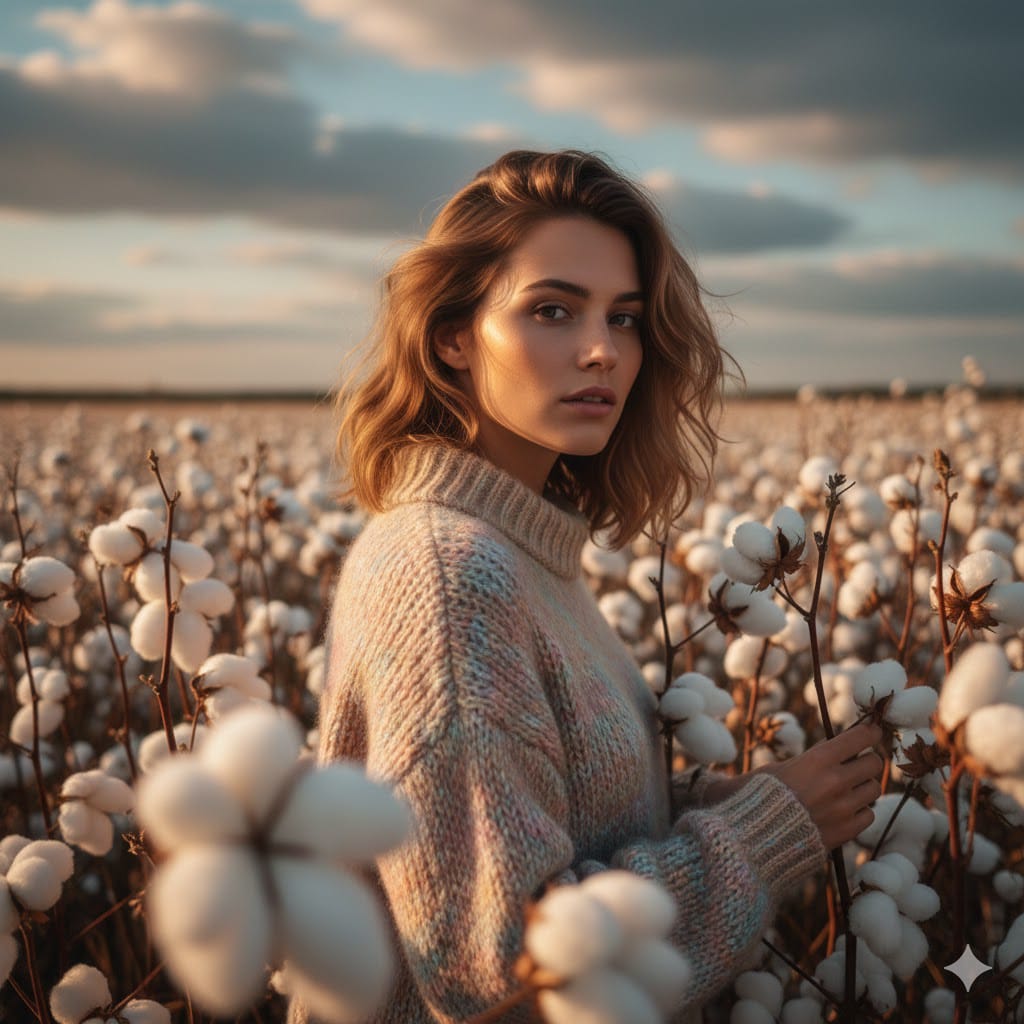
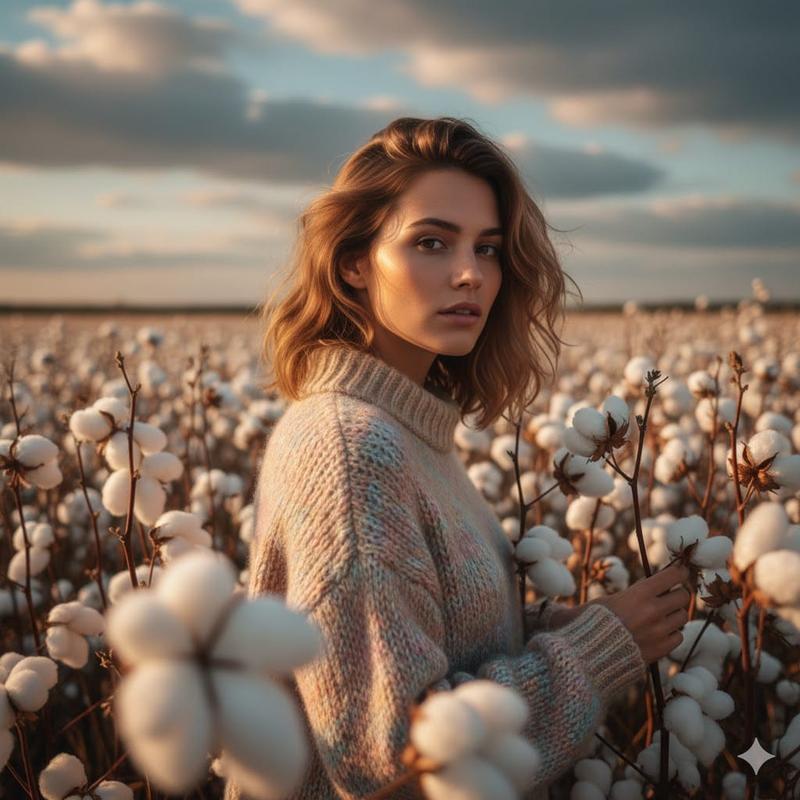
Study the uploaded image carefully and fully internalize the scene: the subject’s appearance, clothing, posture, emotional state, and the surrounding environment. Treat this moment as a single frozen point in time.
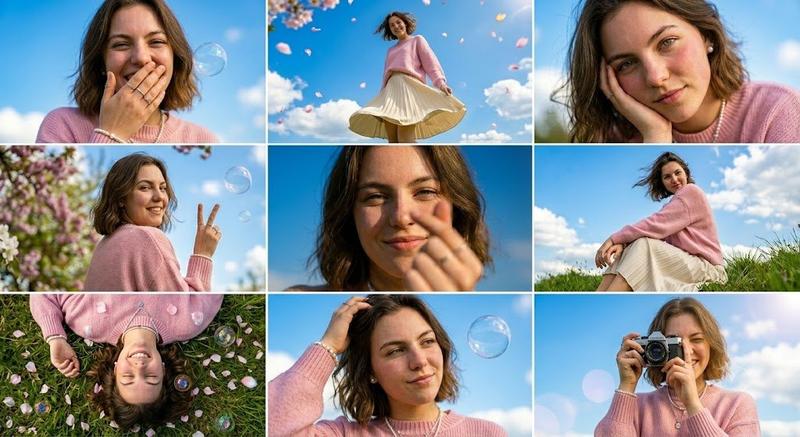
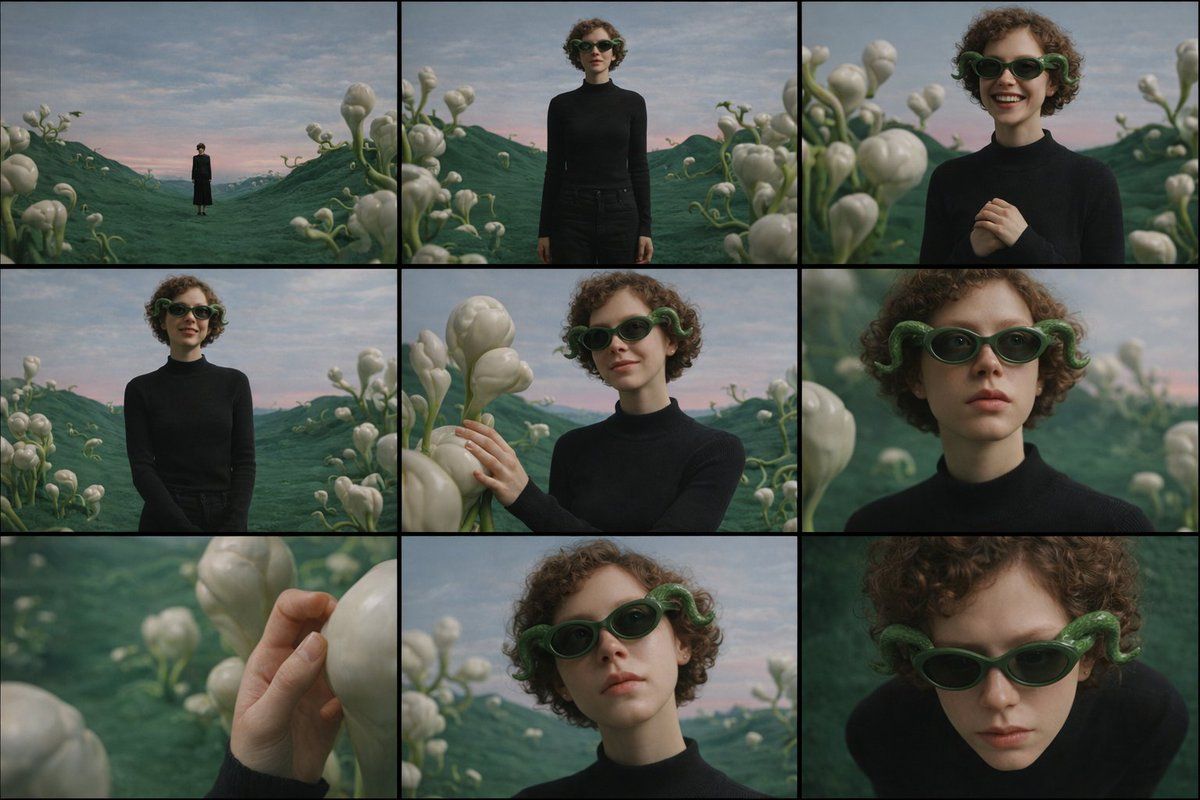
Create a cinematic image set that feels like a photographer methodically explored this exact moment from multiple distances and angles, without changing anything about the subject or location.
All images must clearly belong to the same scene, captured under the same lighting conditions, weather, and atmosphere. Nothing in the world changes — only the camera position and framing evolve.
The emotional tone should remain consistent throughout the set, subtly expressed through posture, gaze, and micro-expressions rather than exaggerated acting.
Begin by observing the subject within the environment from afar, letting the surroundings dominate the frame and establish scale and mood.
Gradually move closer, allowing the subject’s full presence to emerge, then narrowing attention toward body language and facial expression.
End with intimate perspectives that reveal small but meaningful details — texture, touch, or eye focus — before shifting perspective above and below the subject to suggest reflection, vulnerability, or quiet resolve.
Across the sequence:
Wider views should emphasize space and atmosphere
Mid-range views should emphasize posture and emotional context
Close views should isolate feeling and detail
Perspective shifts (low and high angles) should feel purposeful and cinematic, not decorative
Depth of field must behave naturally: distant views remain mostly sharp, while closer frames introduce shallow focus and gentle background separation.
The final result should read as a cohesive 3×3 cinematic contact sheet, as if selected from a single roll of film documenting one emotional moment from multiple viewpoints.
No text, symbols, signage, watermarks, numbers, or graphic elements may appear anywhere in the images.
Photorealistic rendering, cinematic color grading, and consistent visual realism are mandatory.
- Category
- 创意图片
- Model
- Nano Banana Pro
- Creator
- DStudioproject
- Source ID
- 7ddd6764-f0de-4c96-b39b-6c7156d294fd
- Published
- Mar 8, 2026
Views0