14

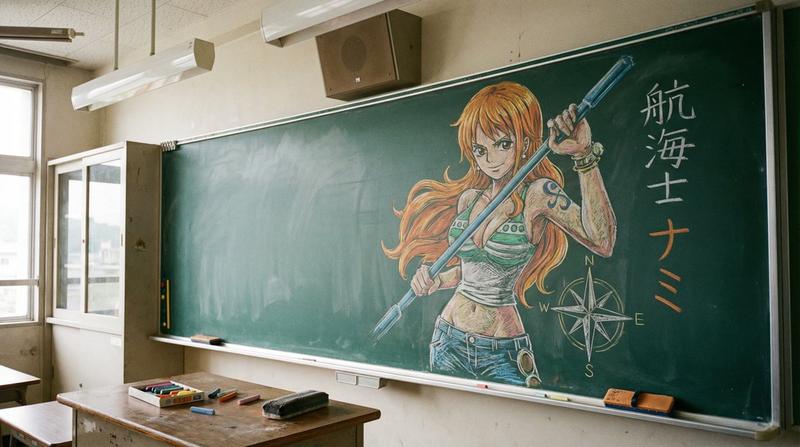
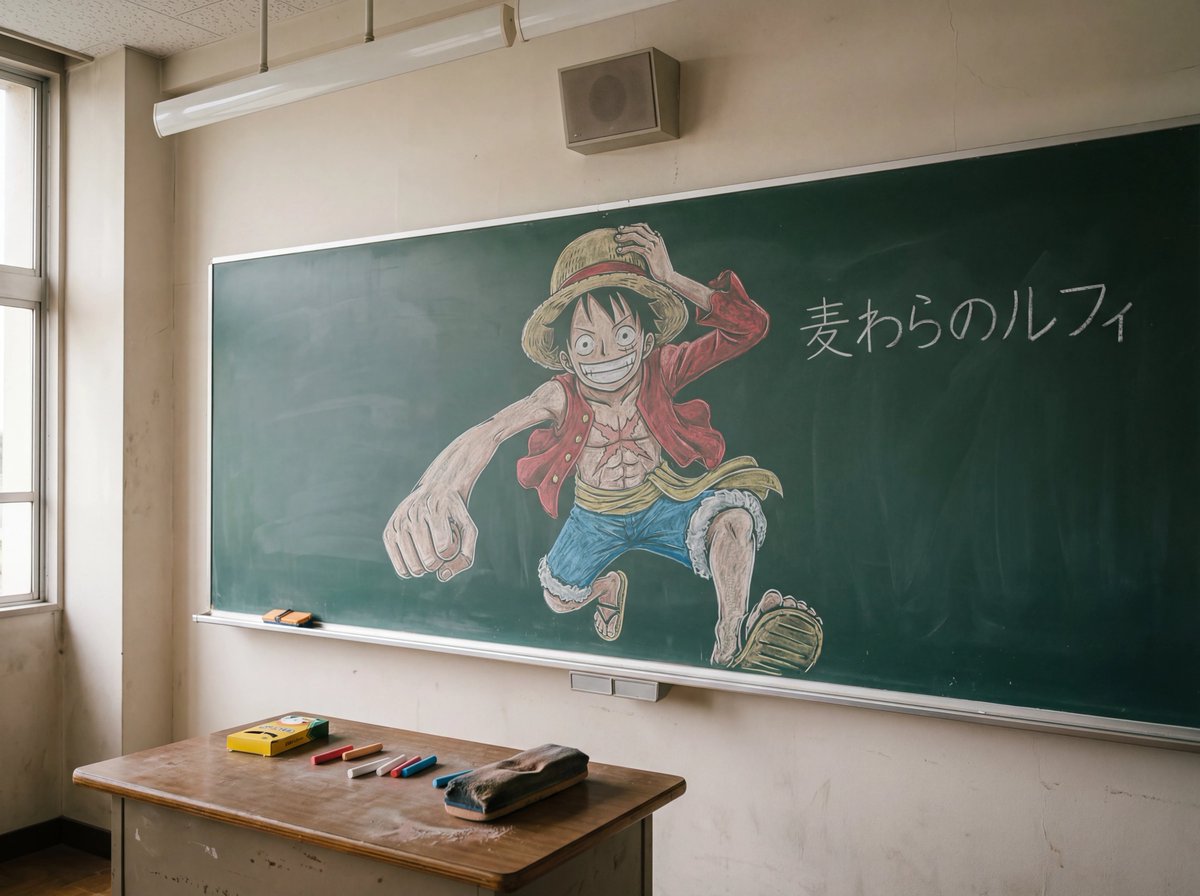
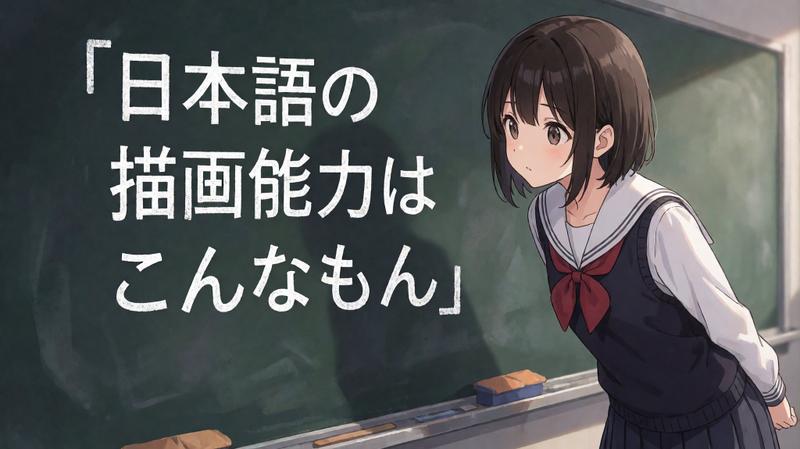
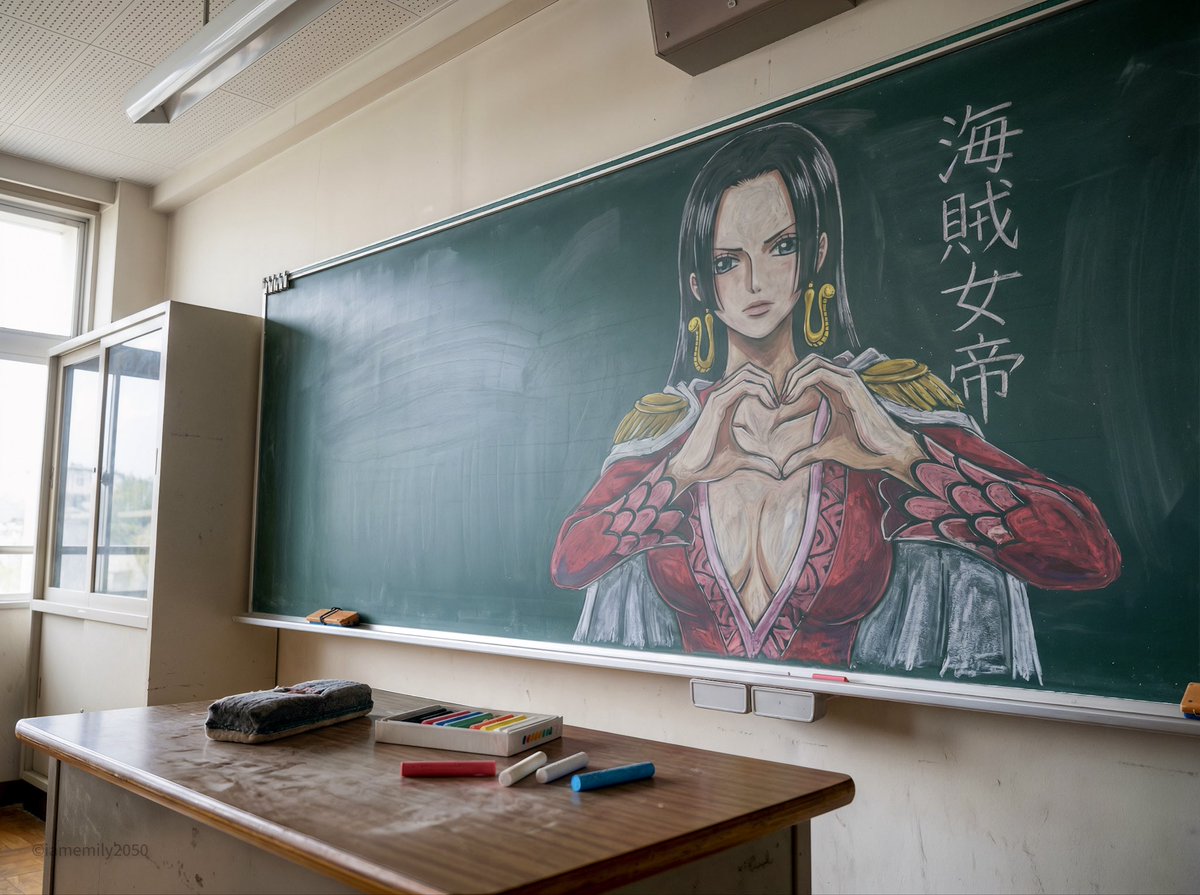
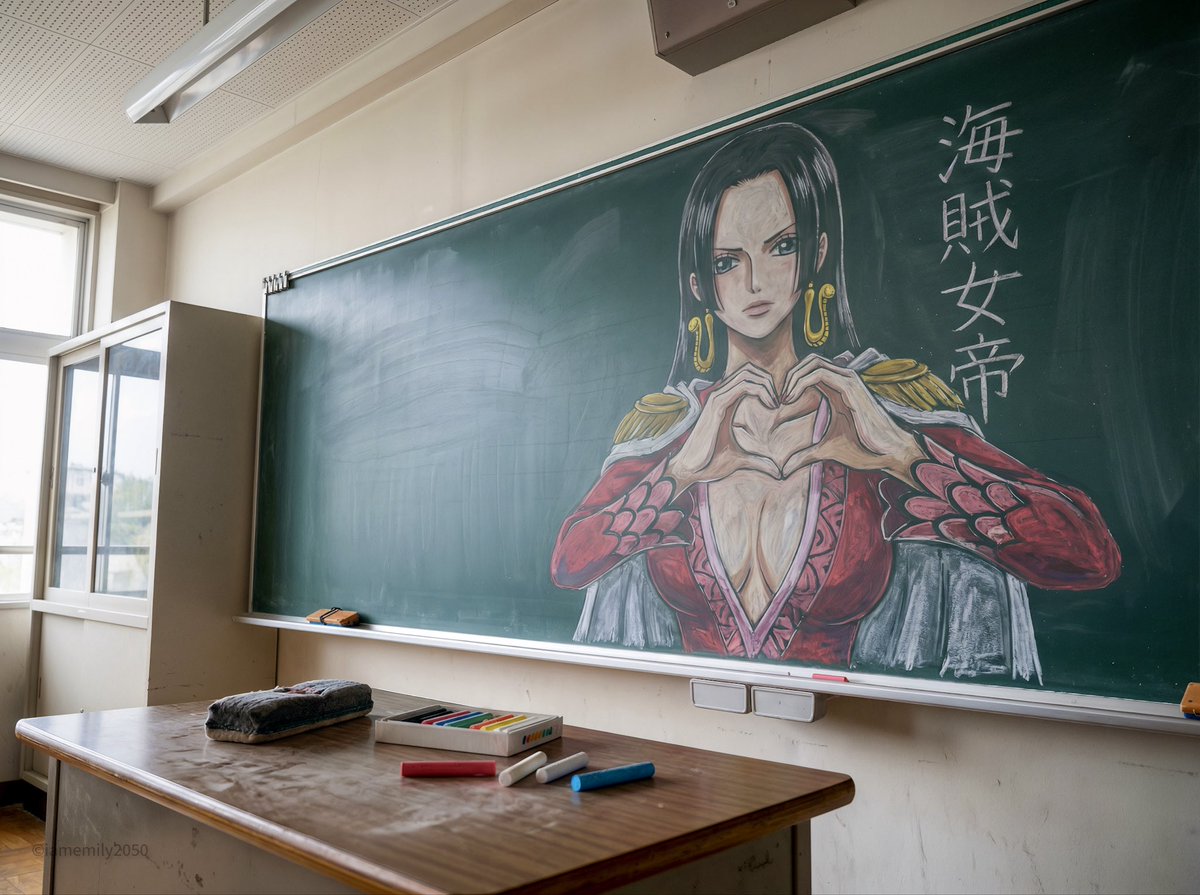
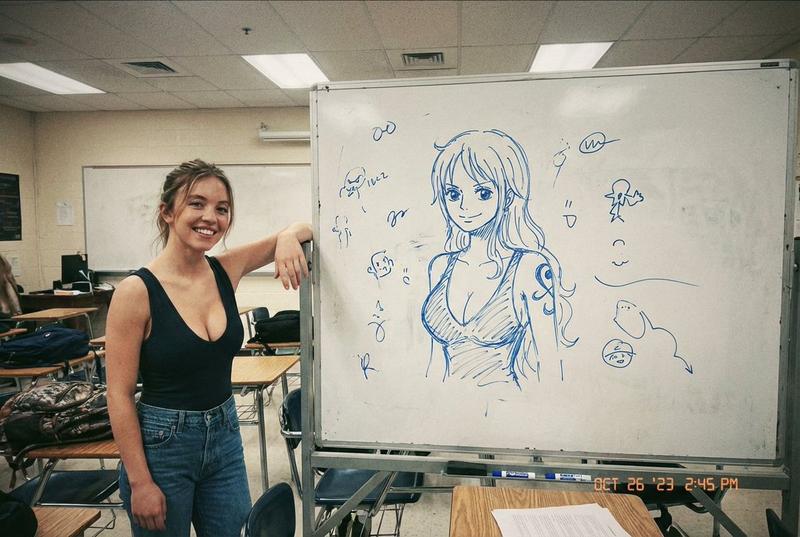
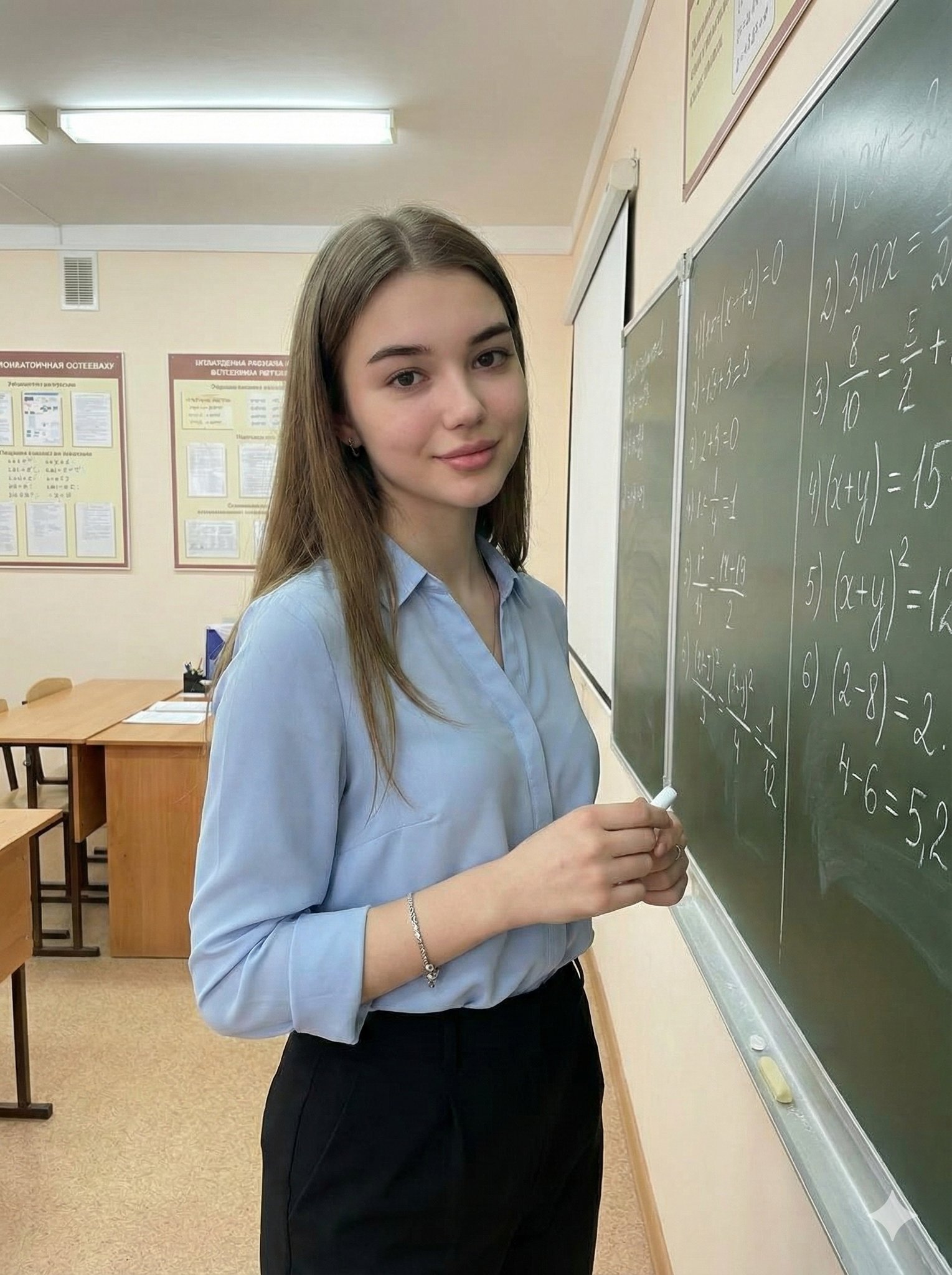
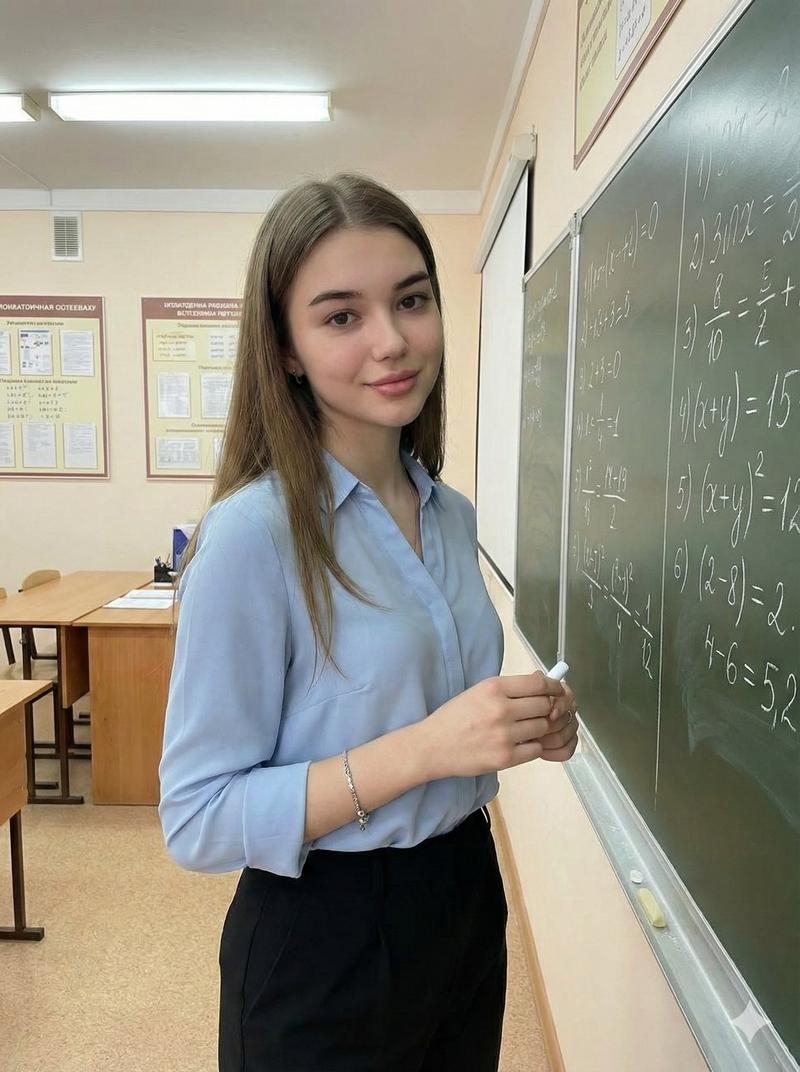
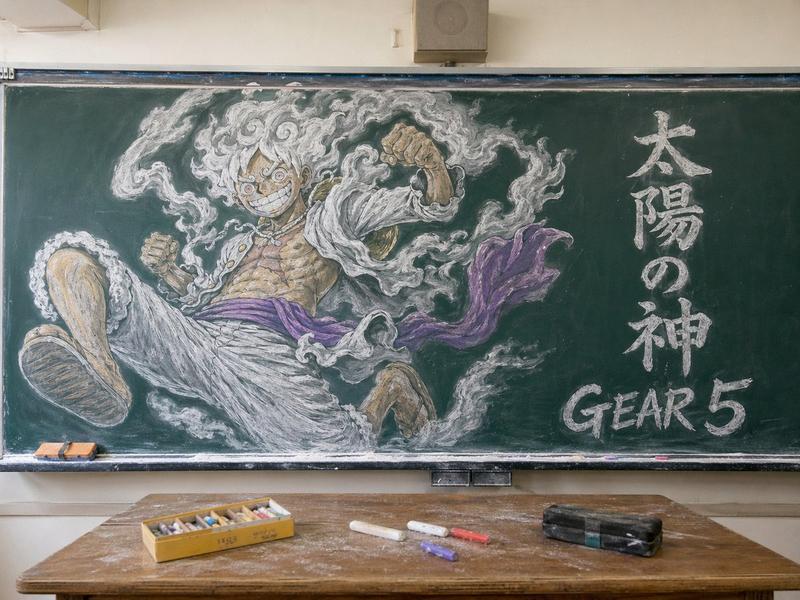
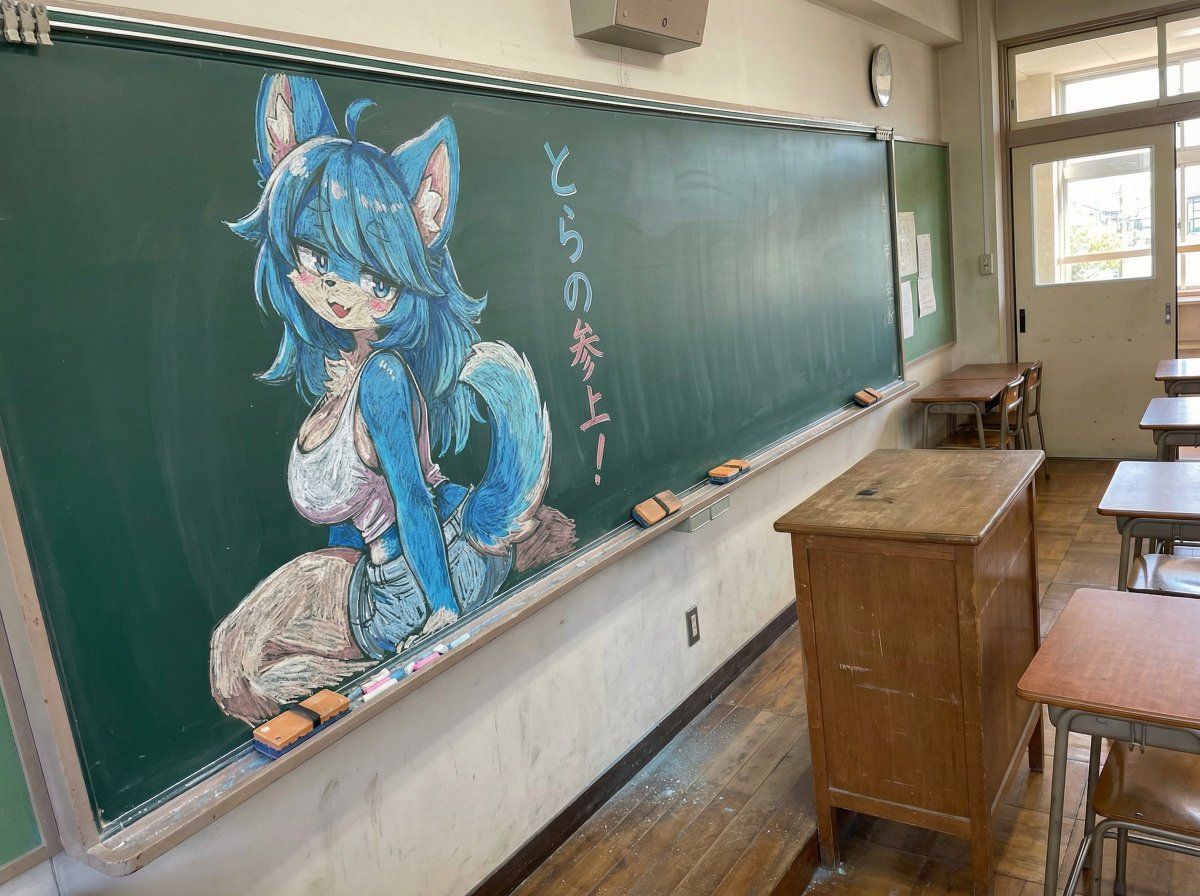
教室黑板上的粉笔画插图
Enlarge

教室黑板上的粉笔画插图

Prompt
イラストを黒板にチョークで描く、色チョークを使うこと、黒板は斜めから撮影すること、日本の教室の風景、黒板は壁にすえつけられており、教卓が前にある、イラストの横に同じくチョークで「{argument name="黒板の文字" default="とらの参上!"}」と書かれている
Category
创意图片
Model
Nano Banana Pro
Creator
とらの
Views0
Source ID
dff8b941-6de0-4e79-8d67-782f46caf9b6
Published
Mar 8, 2026

Guide

About "教室黑板上的粉笔画插图"

What is this prompt for?

"教室黑板上的粉笔画插图" AI image prompt for Nano Banana Pro (创意图片). 提示词:将插画渲染成一幅色彩鲜艳的粉笔画,画在日本教室的黑板上,从某个角度观看,旁边写着特定的短语。 --- 用彩色粉笔在黑板上画插画。黑板从斜角拍摄,背景是日本教室。黑板固定在墙上,前面有一张讲台。在…

The full copyable prompt and example visuals above are ready for AI image generation or one-click recreate in Picva.

How to use this prompt

  1. Step 1

    Open the prompt detail

    Review the example visuals, category, and full prompt text for "教室黑板上的粉笔画插图".

  2. Step 2

    Copy the prompt

    Copy the prompt body from this page, or load it directly in Studio.

  3. Step 3

    Pick a model (Nano Banana Pro)

    Prefer Nano Banana Pro. If you switch models, keep subject and composition and tweak style terms.

  4. Step 4

    Generate and export

    Recreate the look in Picva, or export into your workflow for editing and publishing.

FAQ

What is the "教室黑板上的粉笔画插图" prompt?
It is an AI image-generation prompt for Nano Banana Pro in the 创意图片 category. This page includes the full prompt text, example visuals, and a one-click recreate path in Picva.
How do I use this prompt to generate an image?
Copy the prompt from this page, or use Generate / Studio. Paste it into a compatible image model, or recreate the look in Picva with optional reference images.
Which model is this prompt for?
This page lists Nano Banana Pro. Most descriptive prompts also transfer to nearby image models such as GPT Image, Flux, or Midjourney with light style tweaks.
Can I use the result commercially?
You can usually copy the prompt for creation, but commercial use of the final image depends on the model terms, reference-image rights, and the generated content. Follow the source author and platform rules.