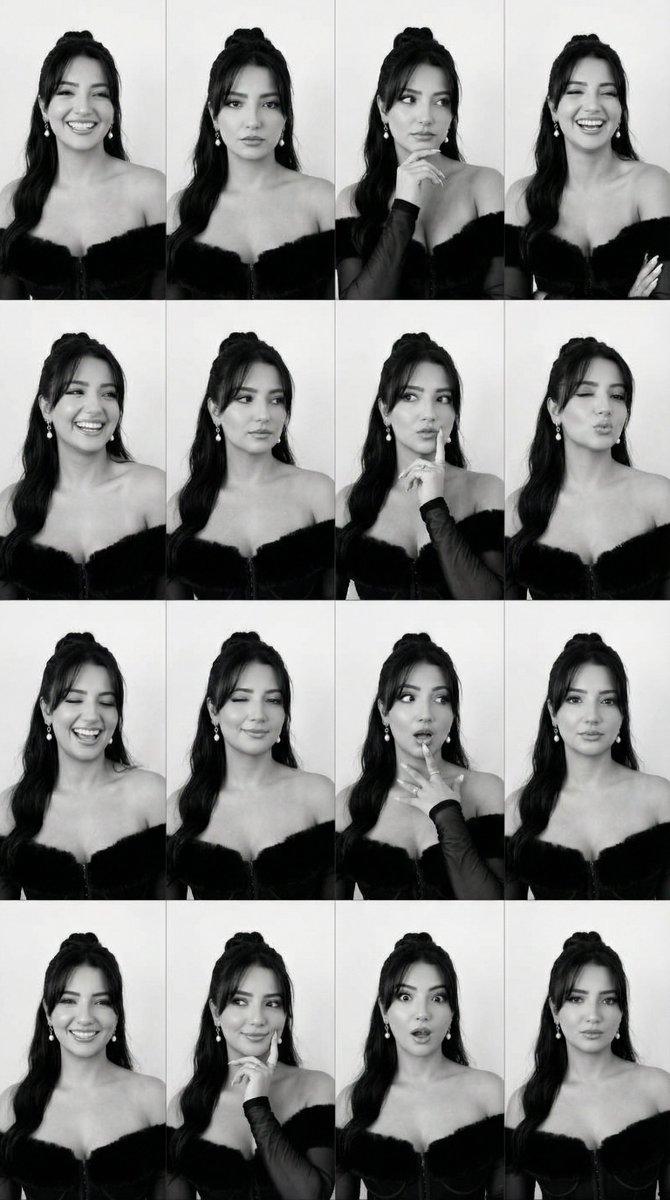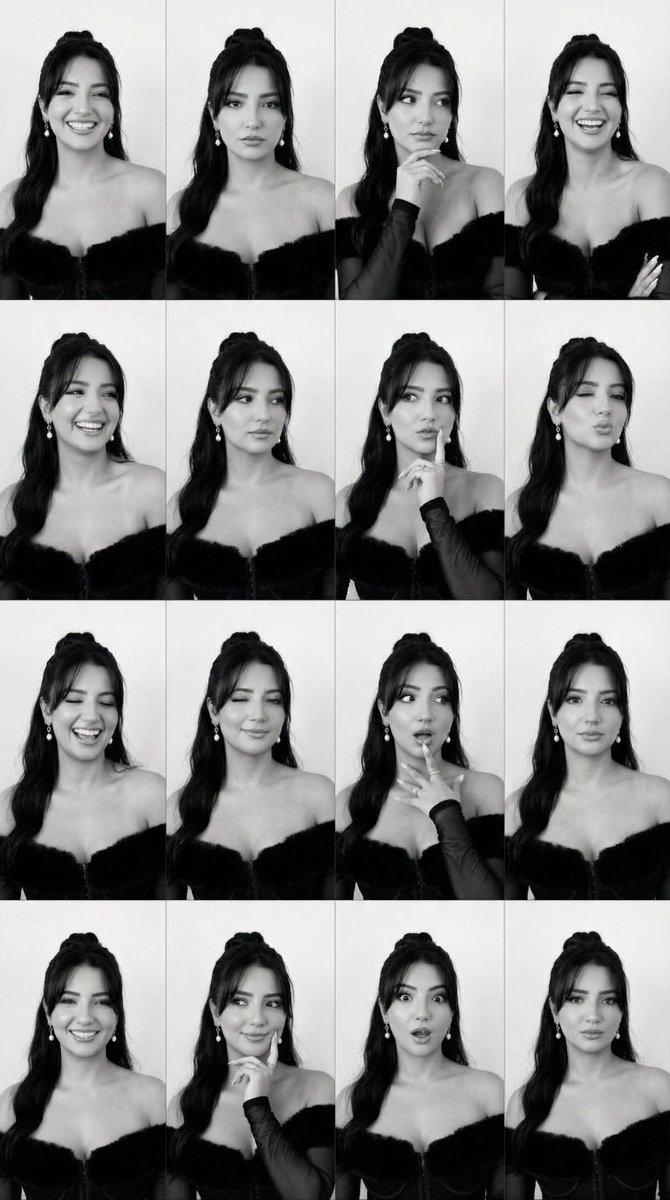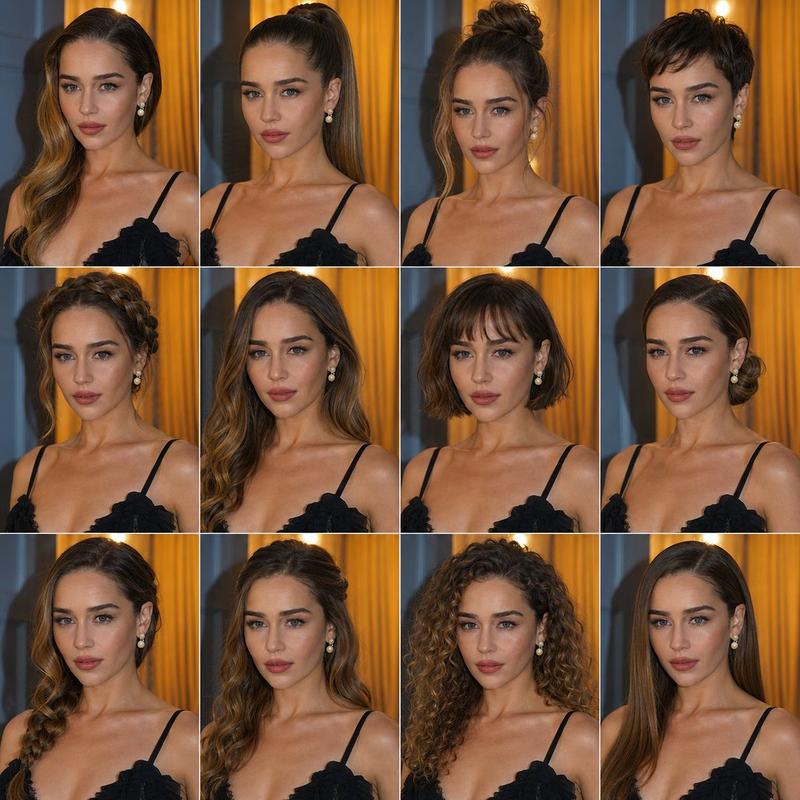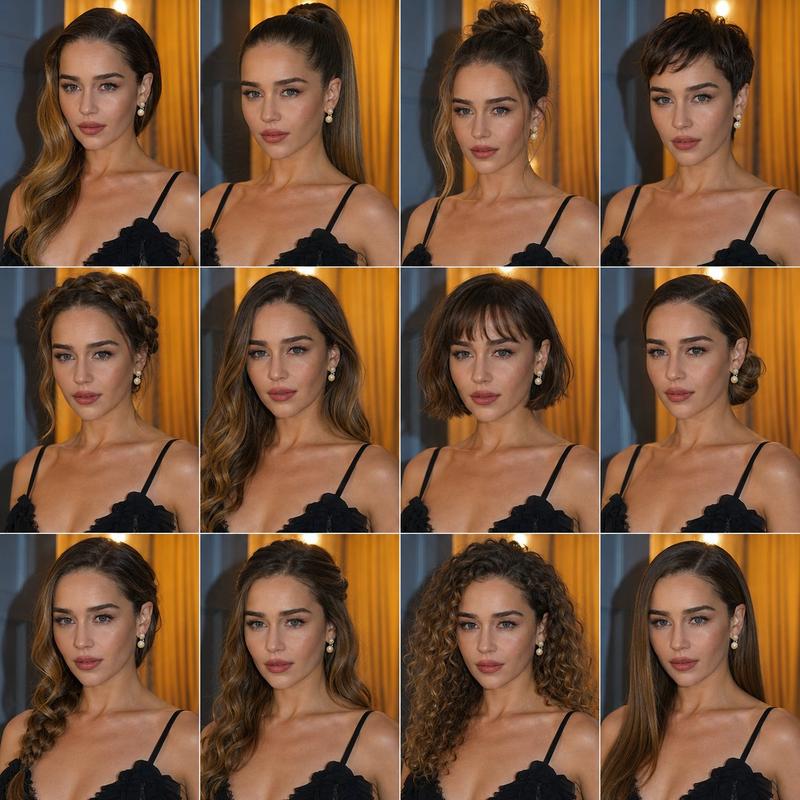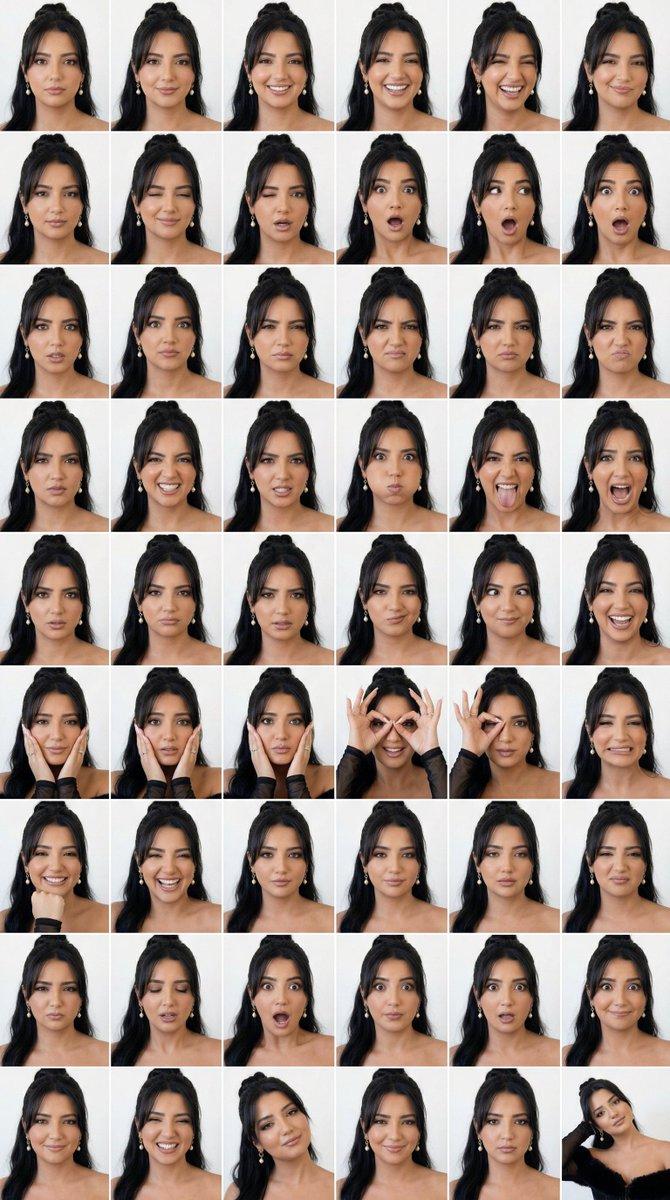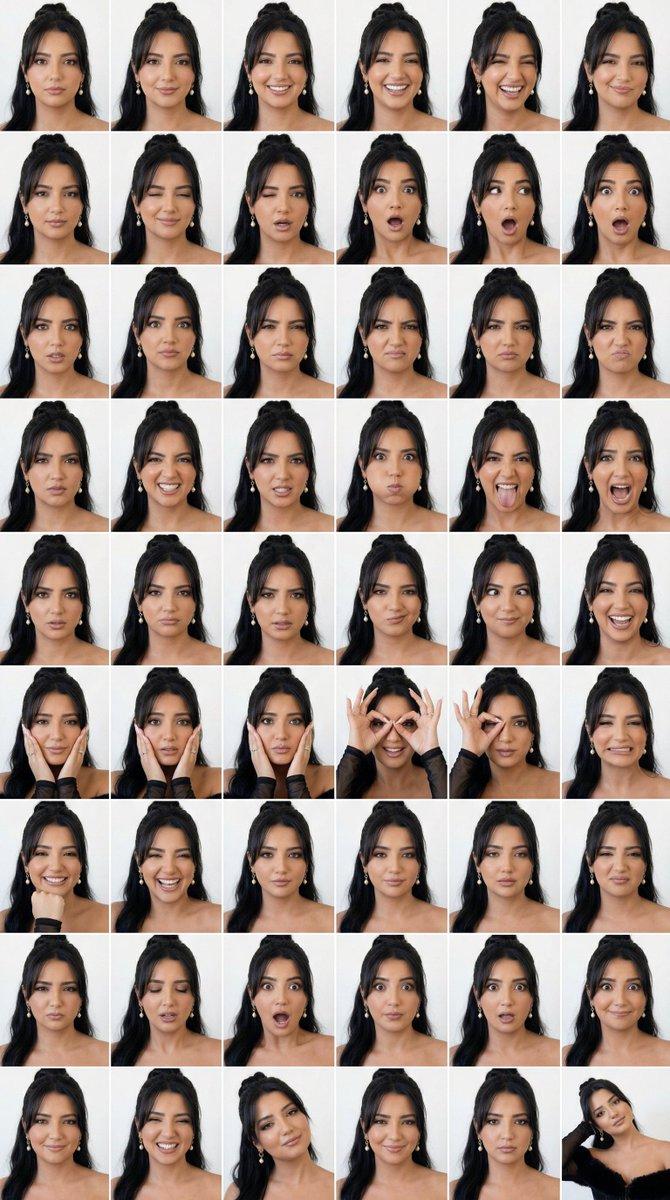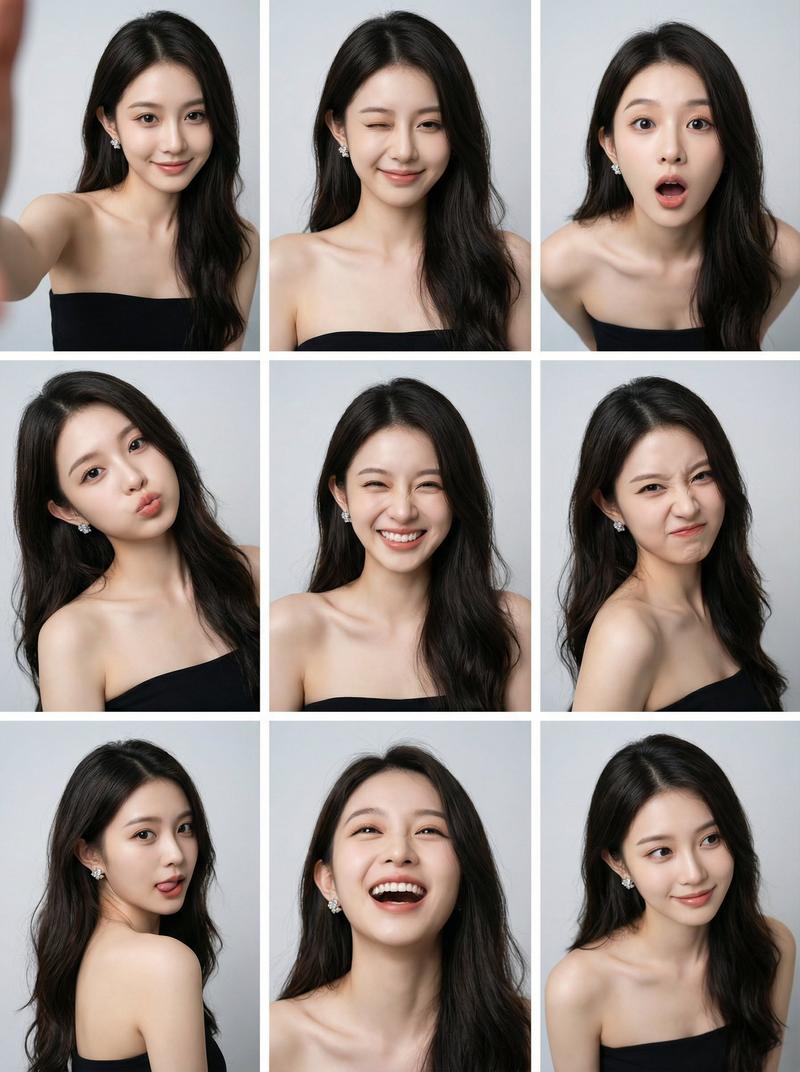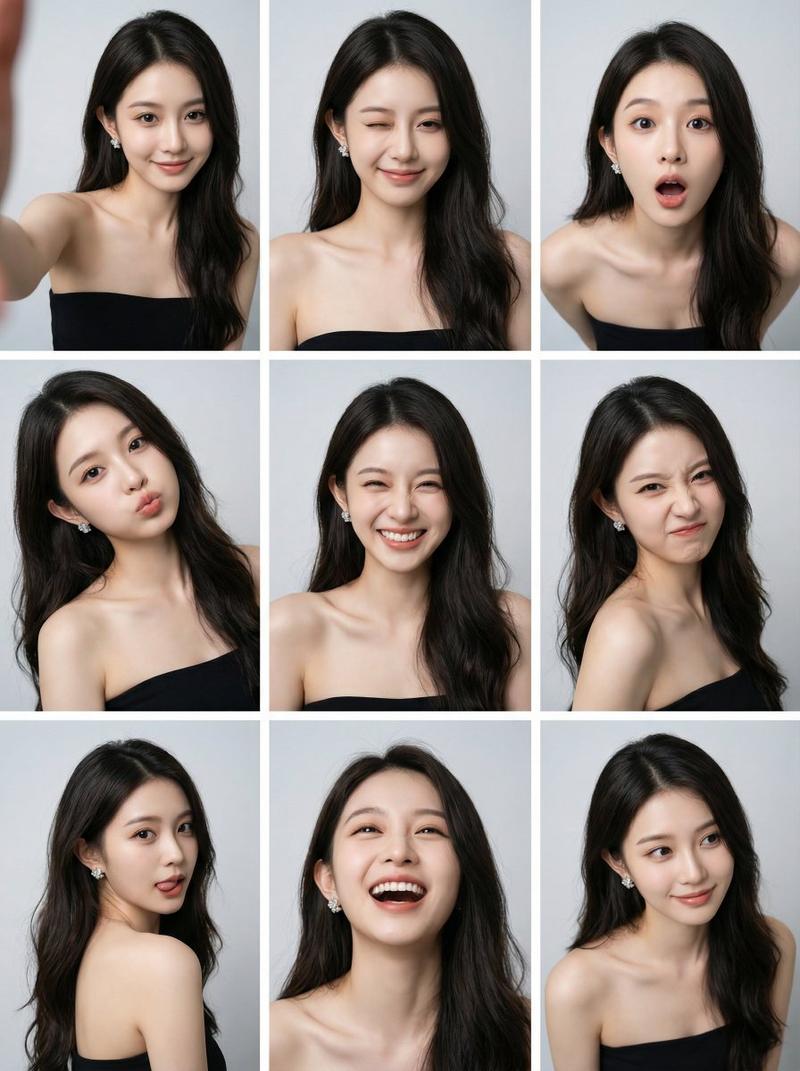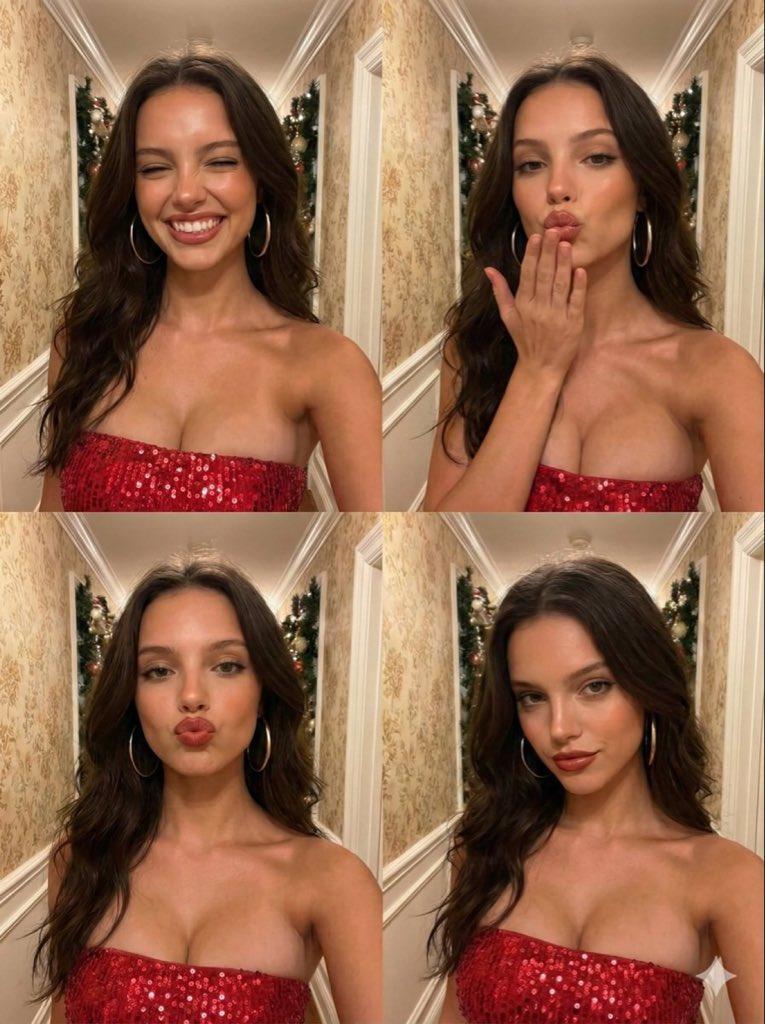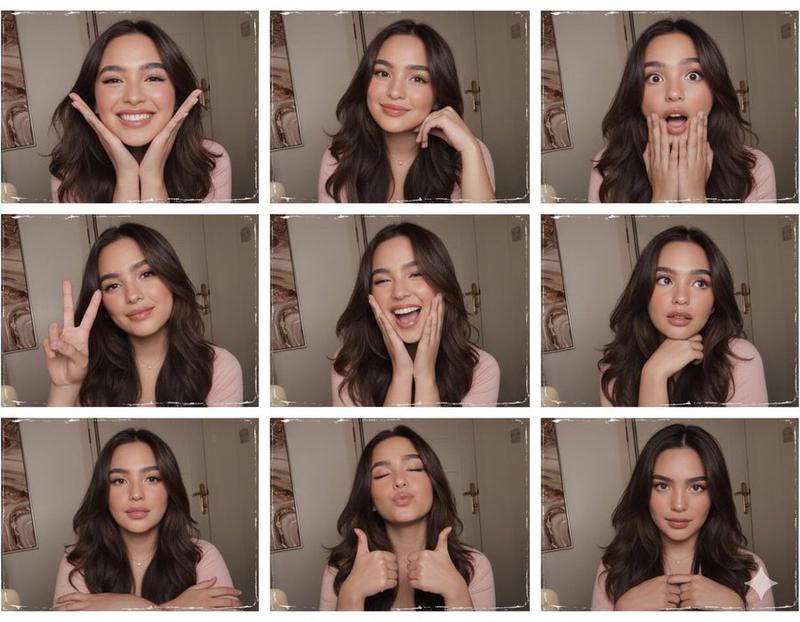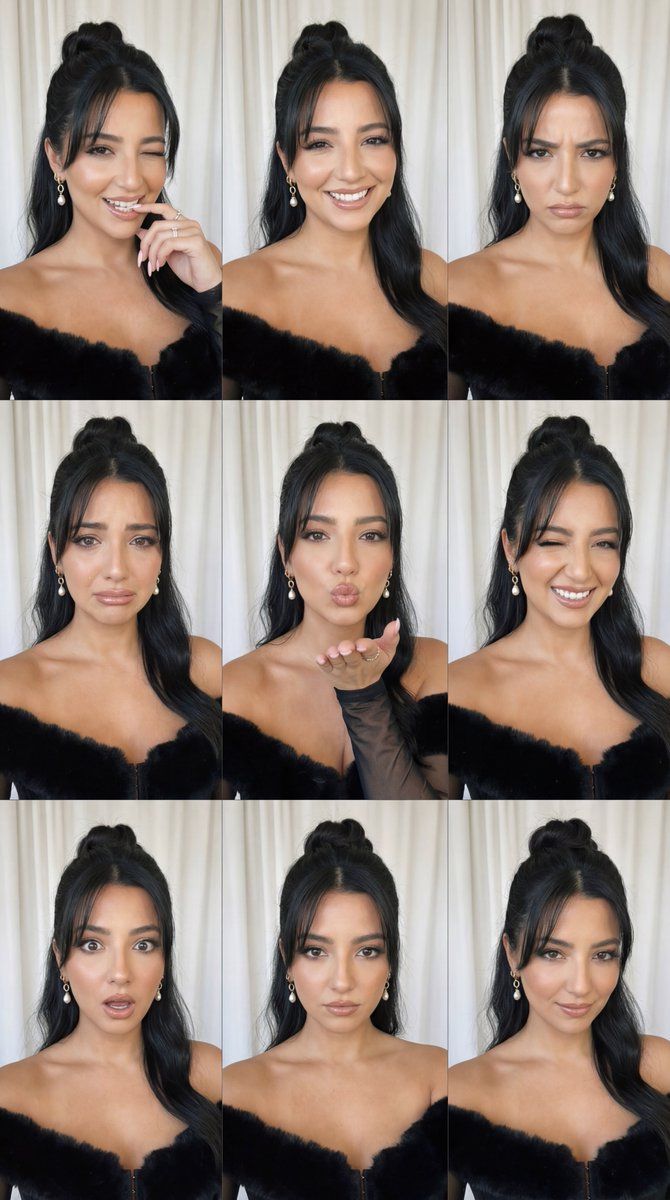
90 年代自拍情绪网格与身份锁
Prompt
{
  "request_metadata": {
    "model": "Nano Banana Pro",
    "content_type": "photorealistic_90s_selfie_emotion_grid",
    "quality_preset": "ultra",
    "format_aspect_ratio": "1:1",
    "output": "3x3_grid"
  },

  "layout": {
    "type": "3x3_grid",
    "description": "Same person in all 9 frames. Keep identity locked. Same room, same curtain backdrop, same outfit, same lighting. Only facial expression/emotion + micro-gesture changes per frame.",
    "frame_labels": [
      "1) Flirty bite + wink",
      "2) Happy smile",
      "3) Angry",
      "4) Crying",
      "5) Blowing a kiss",
      "6) Playful wink",
      "7) Surprised",
      "8) Serious/neutral",
      "9) Smirk/confident"
    ]
  },

  "source": {
    "mode": "image_reference",
    "reference_images": {
      "primary": "base_person_image"
    },
    "preserve": {
      "same_person": true,
      "identity_lock": true,
      "keep_face": true,
      "keep_hair": true,
      "keep_outfit": true,
      "keep_skin_tone": true,
      "keep_freckles": true,
      "keep_eye_color": true,
      "keep_earrings": true
    }
  },

  "global_scene": {
    "shot_type": "close-up selfie portrait",
    "camera_pose": "right hand holding the camera for selfie, arm slightly forward",
    "body_pose": "body tilted slightly to the right",
    "environment": "a room with a grayish-white curtain backdrop, soft out-of-focus folds",
    "lighting": {
      "type": "natural_window_light",
      "direction": "front",
      "quality": "soft but bright",
      "notes": "keep consistent across all 9 frames; no lighting changes between frames"
    },
    "style": {
      "look": "90s camera selfie",
      "grain": "subtle film grain",
      "flash_feel": "mild on-camera flash feel (soft pop, not harsh)",
      "realism": "authentic candid realism"
    },
    "quality": {
      "detail": "high detail",
      "skin_texture": "natural skin texture, visible pores, realistic freckles",
      "retouching": "minimal; avoid smoothing/beauty filter"
    },
    "composition_lock": {
      "keep_framing": true,
      "keep_camera_distance": true,
      "keep_head_position": "only micro-variations allowed",
      "keep_background": true
    }
  },

  "subject": {
    "gender": "female",
    "age_group": "young_adult",
    "identity": "EXACT same face as reference (do not change facial structure, eyes, nose, lips, jawline)",
    "hair": "dark brown with highlights, high messy bun, bangs circling the forehead",
    "accessories": "diamond hoop earrings",
    "skin_details": "freckles around nose and cheekbones",
    "makeup": {
      "style": "natural",
      "blush": "subtle pink",
      "eyeliner": "defined cat-eye",
      "lashes": "curled",
      "lip": "glossy nude",
      "eyes": "brownish-green"
    },
    "outfit": "strapless black knit mini dress"
  },

  "frames": [
    {
      "id": 1,
      "emotion": "flirtatious",
      "expression_action": "biting her index finger g"
    }
  ]
}- Category
- 创意图片
- Model
- Nano Banana Pro
- Creator
- Özge Döner
- Source ID
- f9c214f9-3996-44c8-bbbb-91afdea753d4
- Published
- Mar 8, 2026
Views0