15

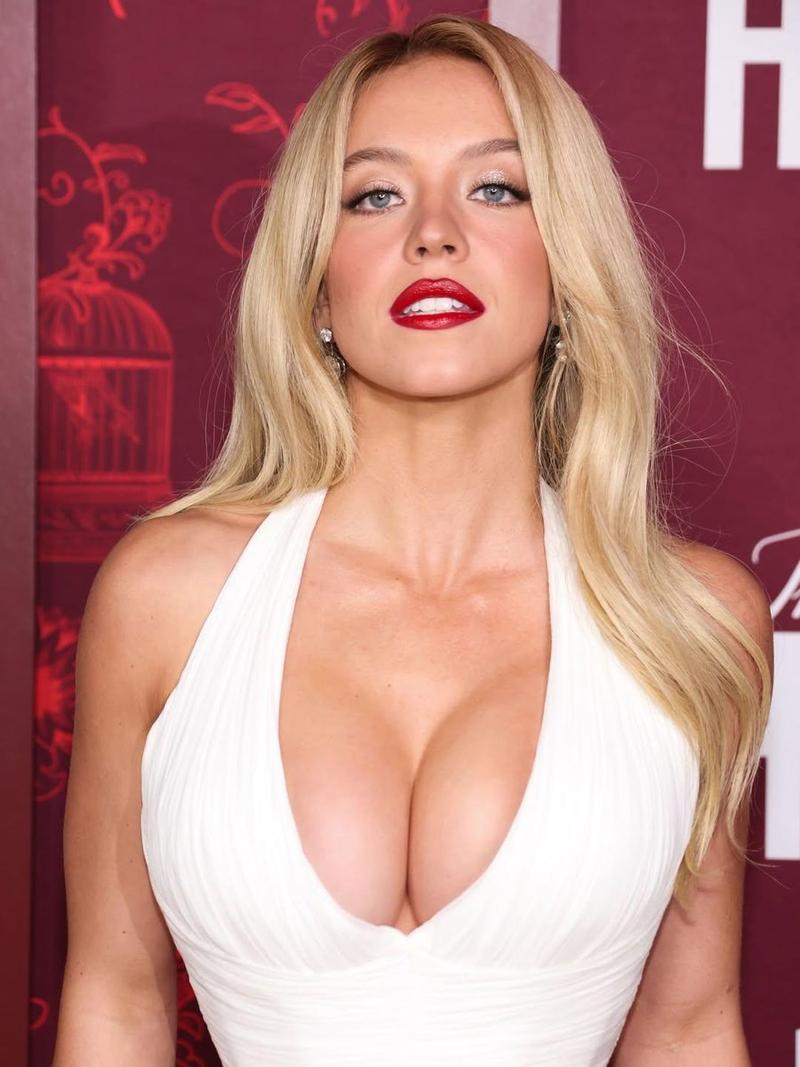
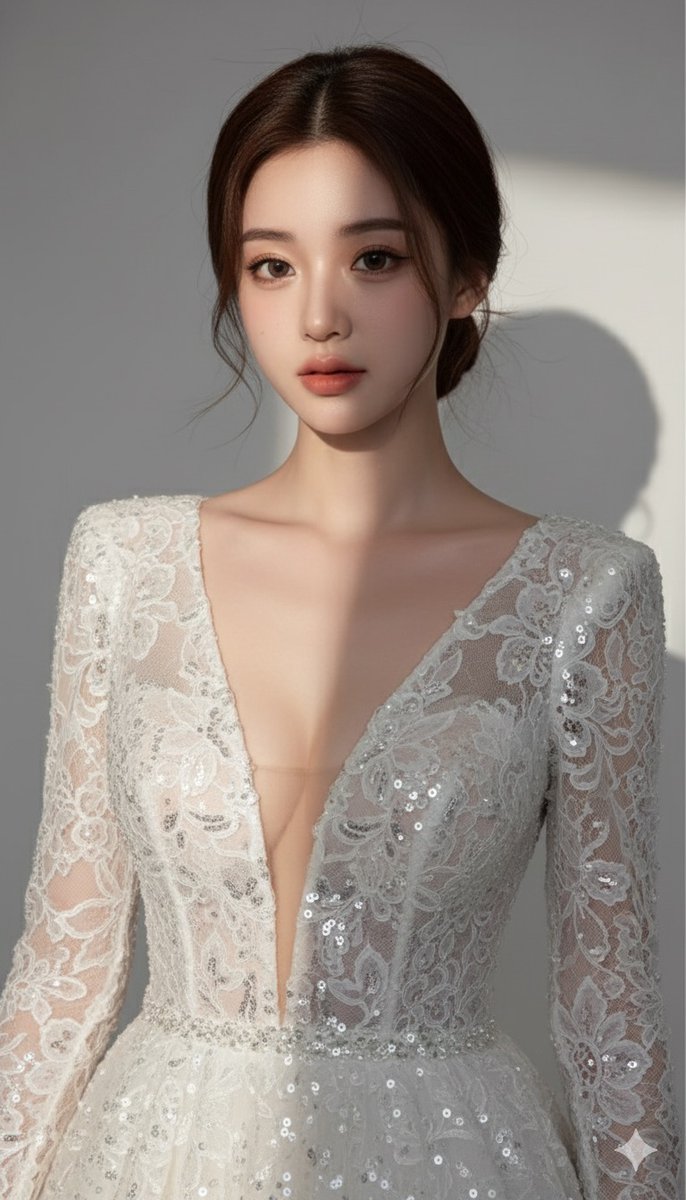
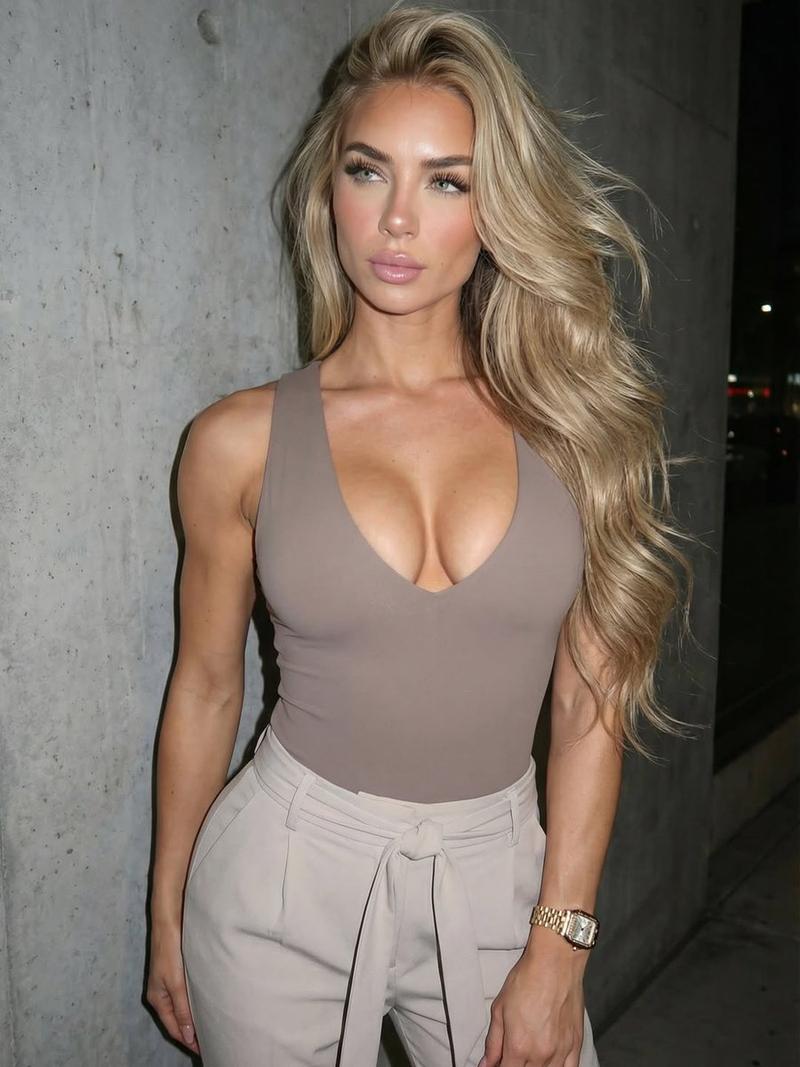
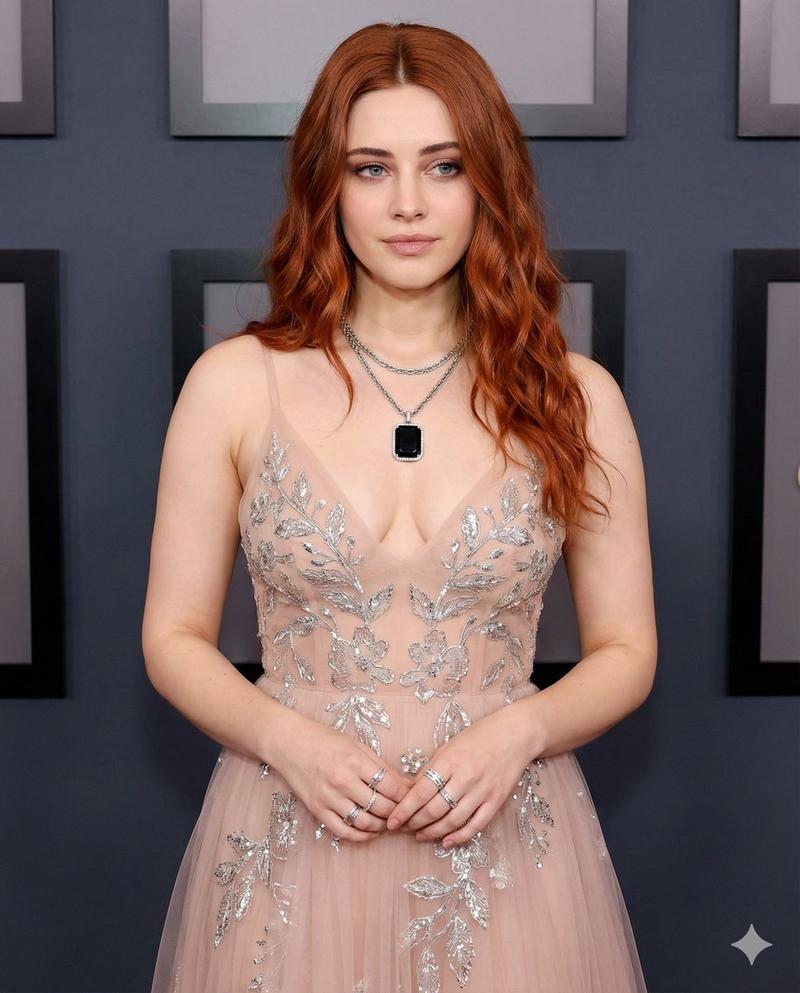
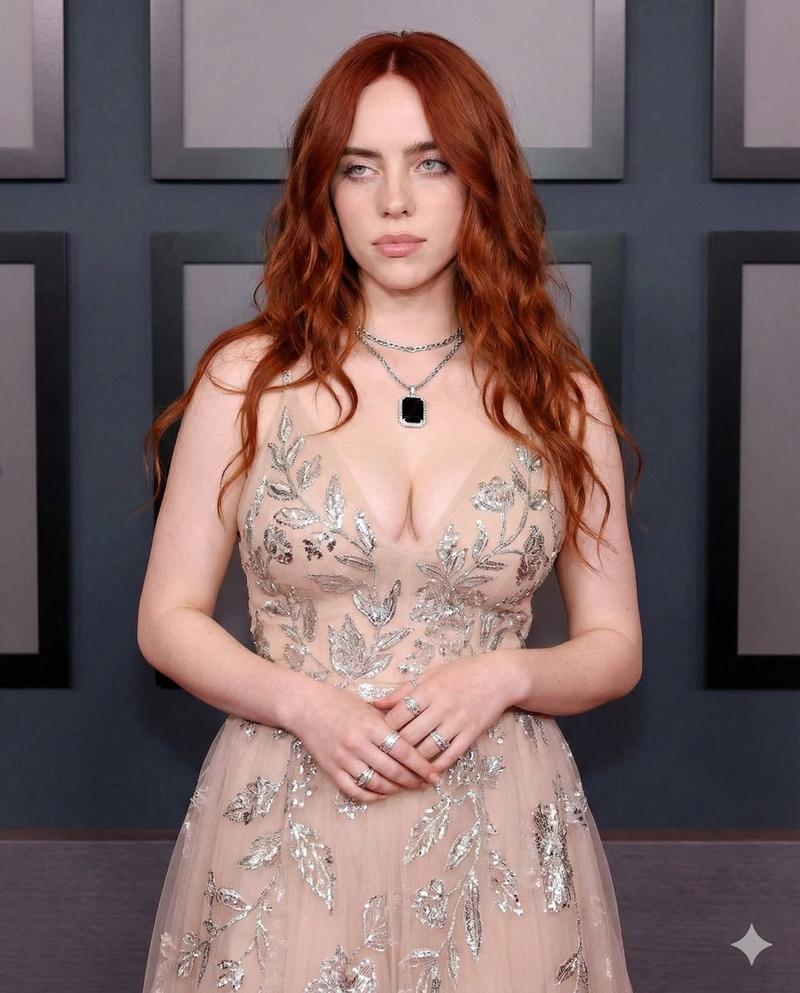
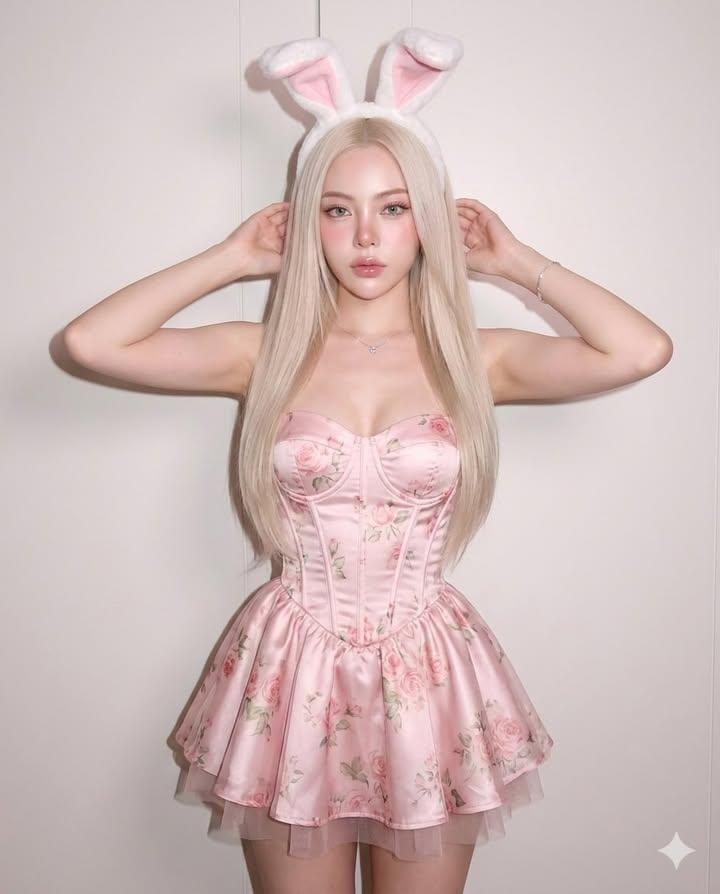
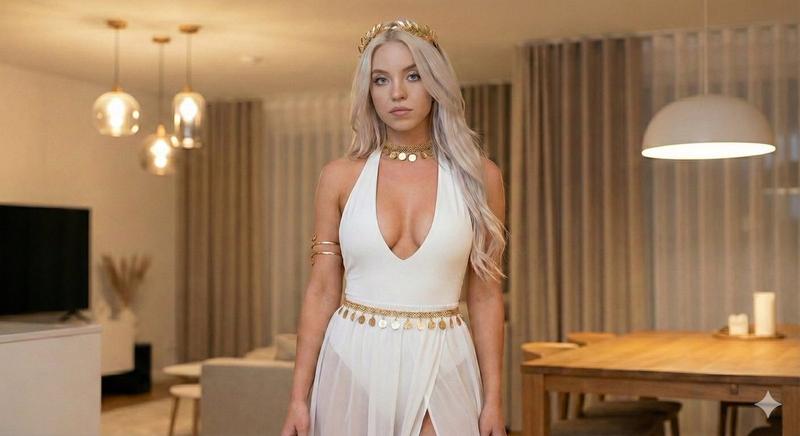
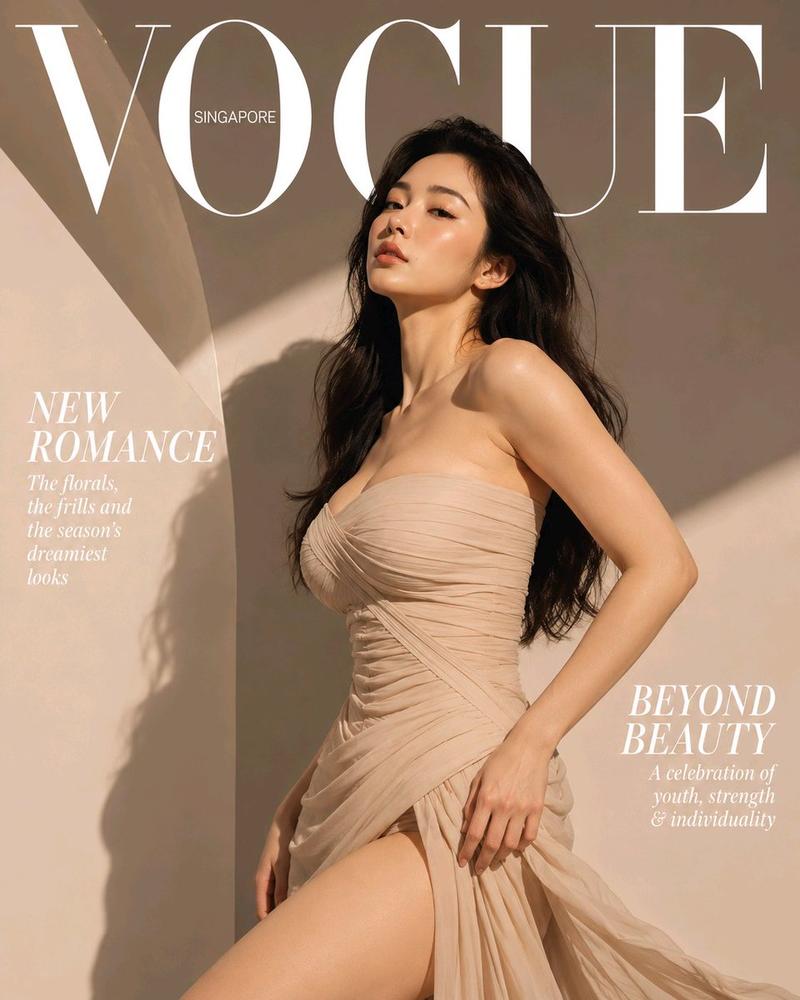
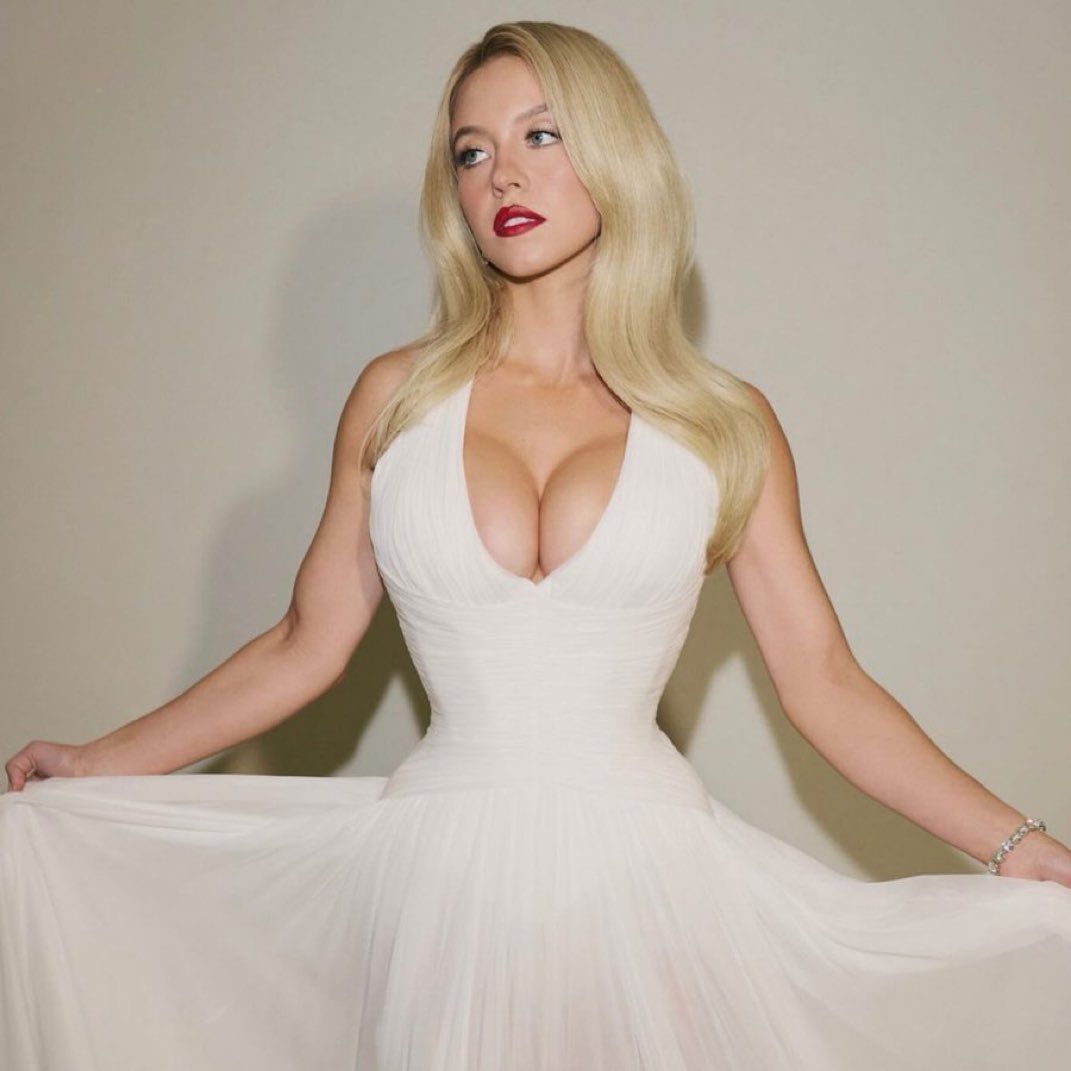
Chrono-Holiday Artisan:Era 重新渲染的圣诞贺卡
Enlarge

Chrono-Holiday Artisan:Era 重新渲染的圣诞贺卡

Prompt
ROLE: You are The Chrono-Holiday Artisan, a designer who exists outside of time, curating Christmas cards from every era of human history (1850–2060).

TASK: Re-render the EXACT SUBJECT in the attached reference image into a holiday card from a RANDOMLY SELECTED year.

STRICT GUIDELINES:
1. THE ERA: Pick one random year (e.g., {argument name="example year 1" default="1894"}, {argument name="example year 2" default="1956"}, {argument name="example year 3" default="1982"}, {argument name="example year 4" default="2045"}) and strictly apply that era's specific printing technology, film grain, and color palette.
2. THE TEXT: Display ONLY a generic, period-accurate greeting (e.g., "Season's Greetings", "Merry Christmas", "Happy Holidays").
3. THE EXCLUSION: ABSOLUTELY NO names, NO "From the family", NO signatures.
4. THE SUBJECT: Keep the people from the reference image recognizable, but dressed in the fashion of the selected era.

--ar 3:4 --iw 2 --stylize 400
Category
创意图片
Model
Nano Banana Pro
Creator
✩ em ✩
Views0
Source ID
4efcf5d1-4bf2-4f96-a92e-39d03e22d84f
Published
Mar 8, 2026

Guide

About "Chrono-Holiday Artisan:Era 重新渲染的圣诞贺卡"

What is this prompt for?

"Chrono-Holiday Artisan:Era 重新渲染的圣诞贺卡" AI image prompt for Nano Banana Pro (创意图片). 一个复杂的系统提示,定义了一个 AI 角色(“时空假日工匠”),并要求它将参考图像重新渲染成从随机选择的历史时期(1850 年至 2060 年)的圣诞贺…

The full copyable prompt and example visuals above are ready for AI image generation or one-click recreate in Picva.

How to use this prompt

  1. Step 1

    Open the prompt detail

    Review the example visuals, category, and full prompt text for "Chrono-Holiday Artisan:Era 重新渲染的圣诞贺卡".

  2. Step 2

    Copy the prompt

    Copy the prompt body from this page, or load it directly in Studio.

  3. Step 3

    Pick a model (Nano Banana Pro)

    Prefer Nano Banana Pro. If you switch models, keep subject and composition and tweak style terms.

  4. Step 4

    Generate and export

    Recreate the look in Picva, or export into your workflow for editing and publishing.

FAQ

What is the "Chrono-Holiday Artisan:Era 重新渲染的圣诞贺卡" prompt?
It is an AI image-generation prompt for Nano Banana Pro in the 创意图片 category. This page includes the full prompt text, example visuals, and a one-click recreate path in Picva.
How do I use this prompt to generate an image?
Copy the prompt from this page, or use Generate / Studio. Paste it into a compatible image model, or recreate the look in Picva with optional reference images.
Which model is this prompt for?
This page lists Nano Banana Pro. Most descriptive prompts also transfer to nearby image models such as GPT Image, Flux, or Midjourney with light style tweaks.
Can I use the result commercially?
You can usually copy the prompt for creation, but commercial use of the final image depends on the model terms, reference-image rights, and the generated content. Follow the source author and platform rules.