17

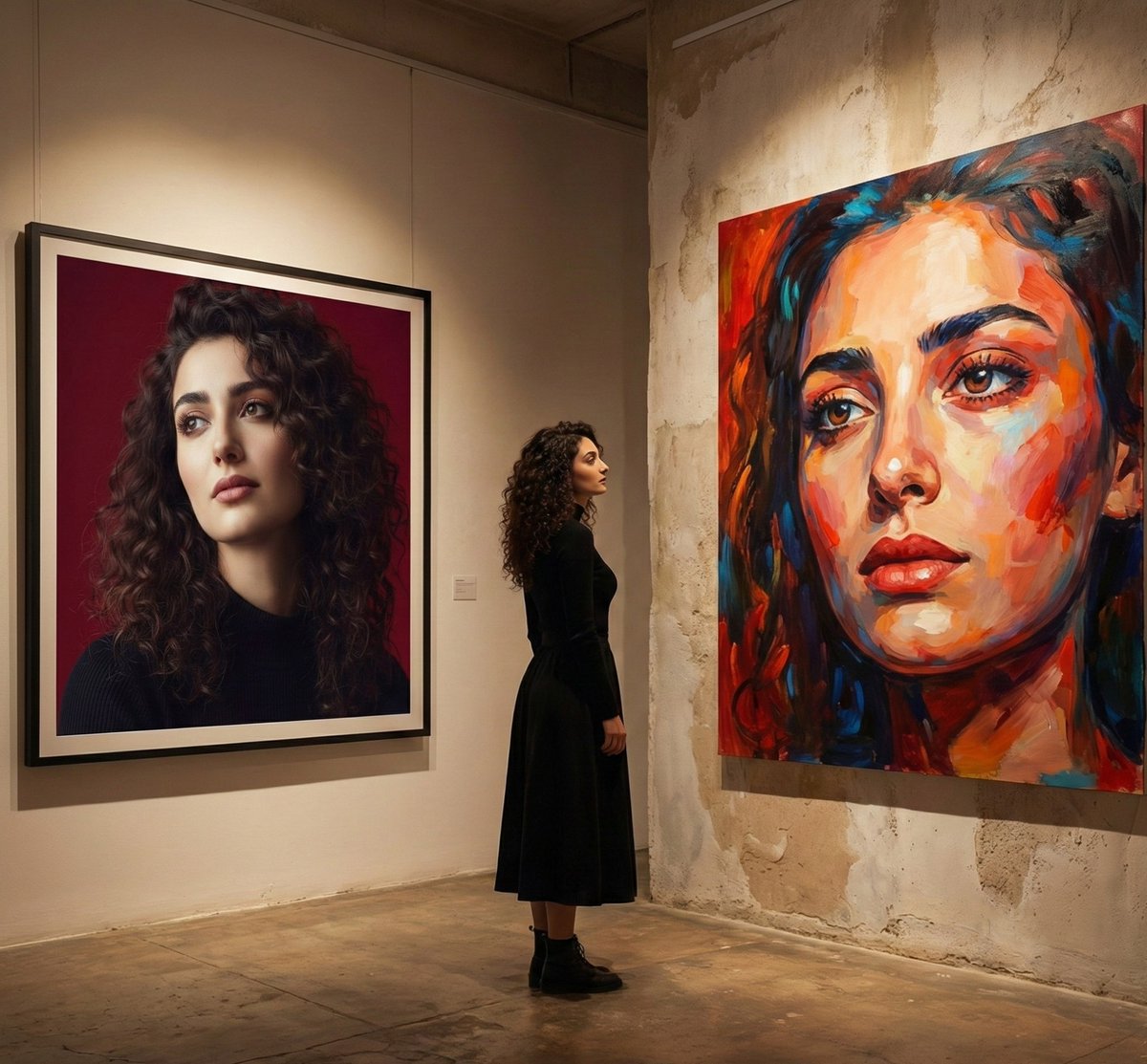
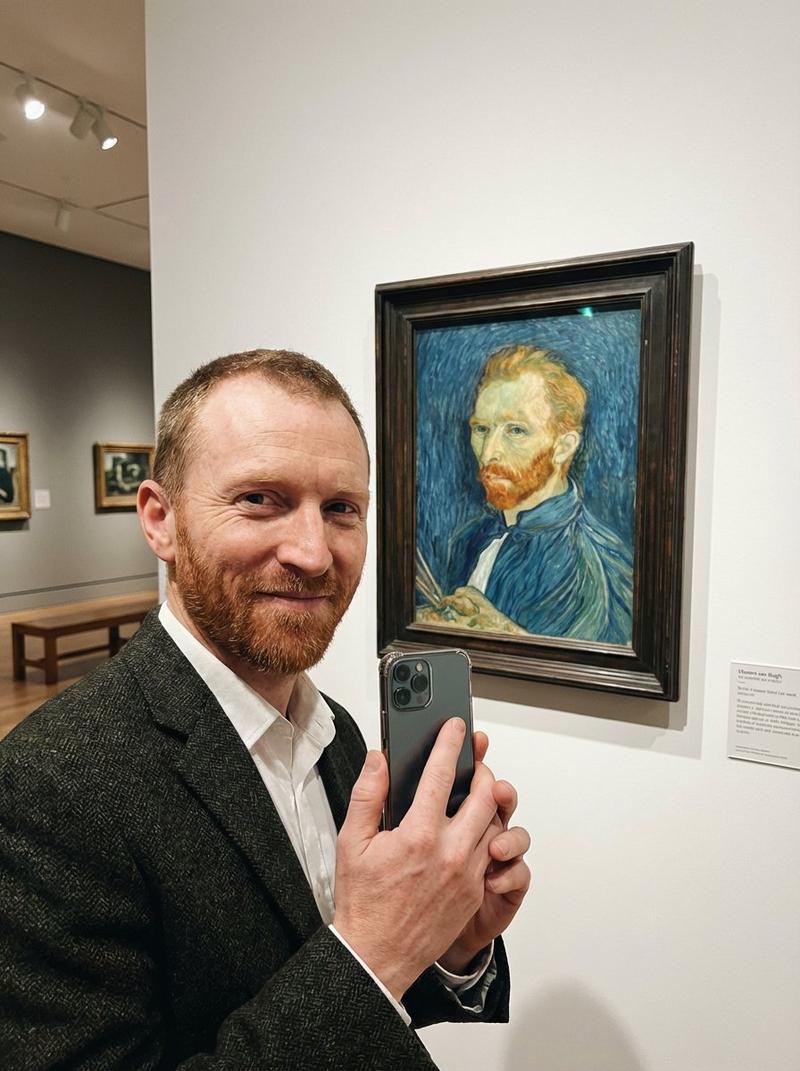
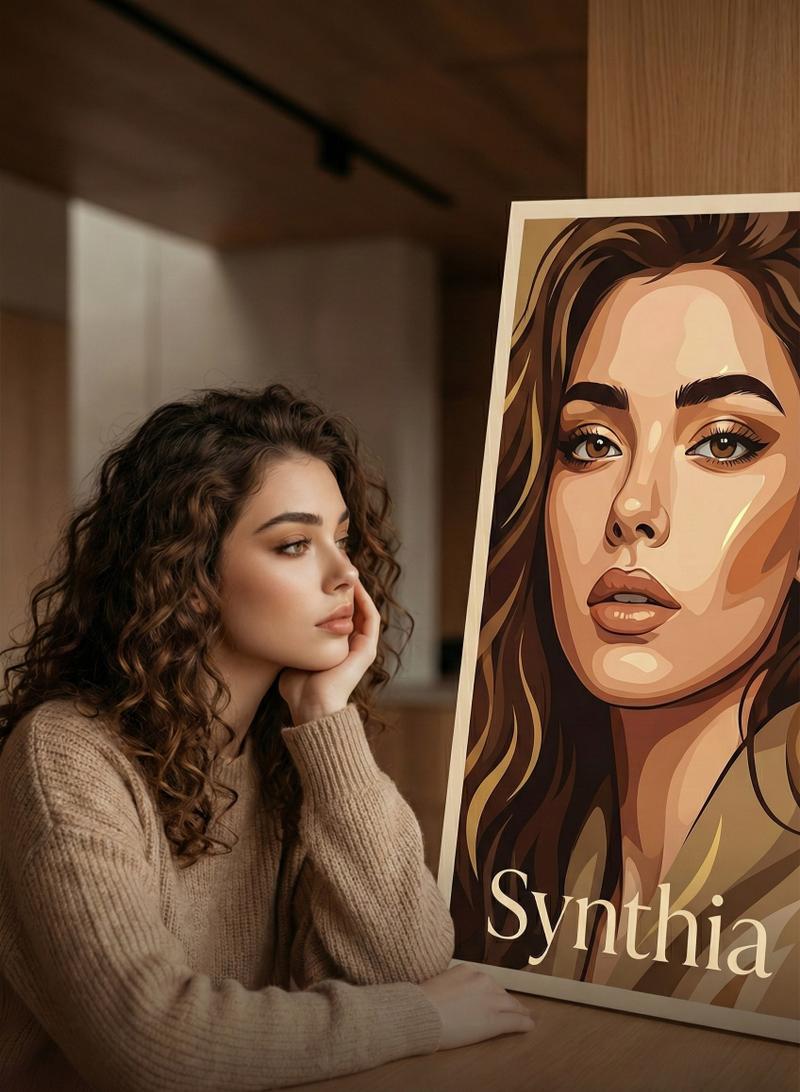
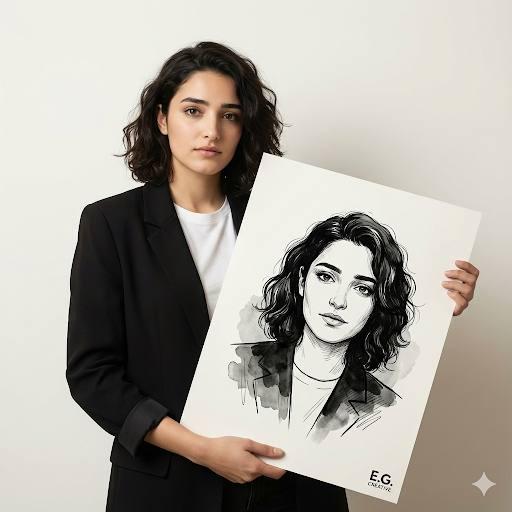
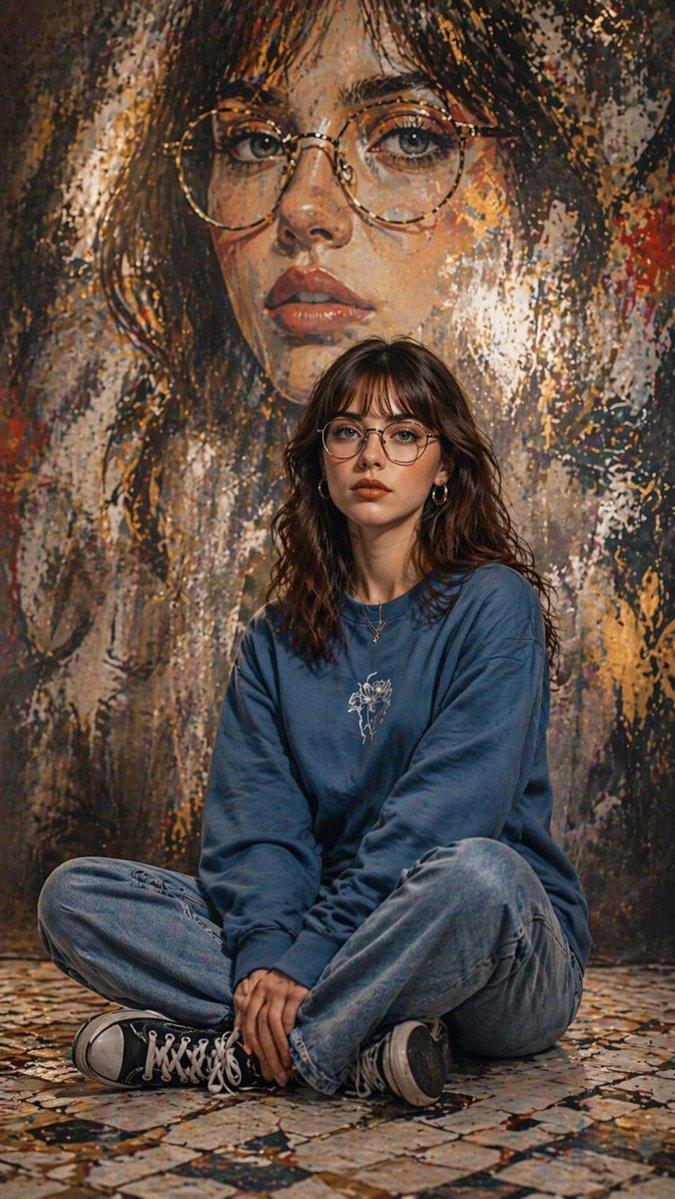
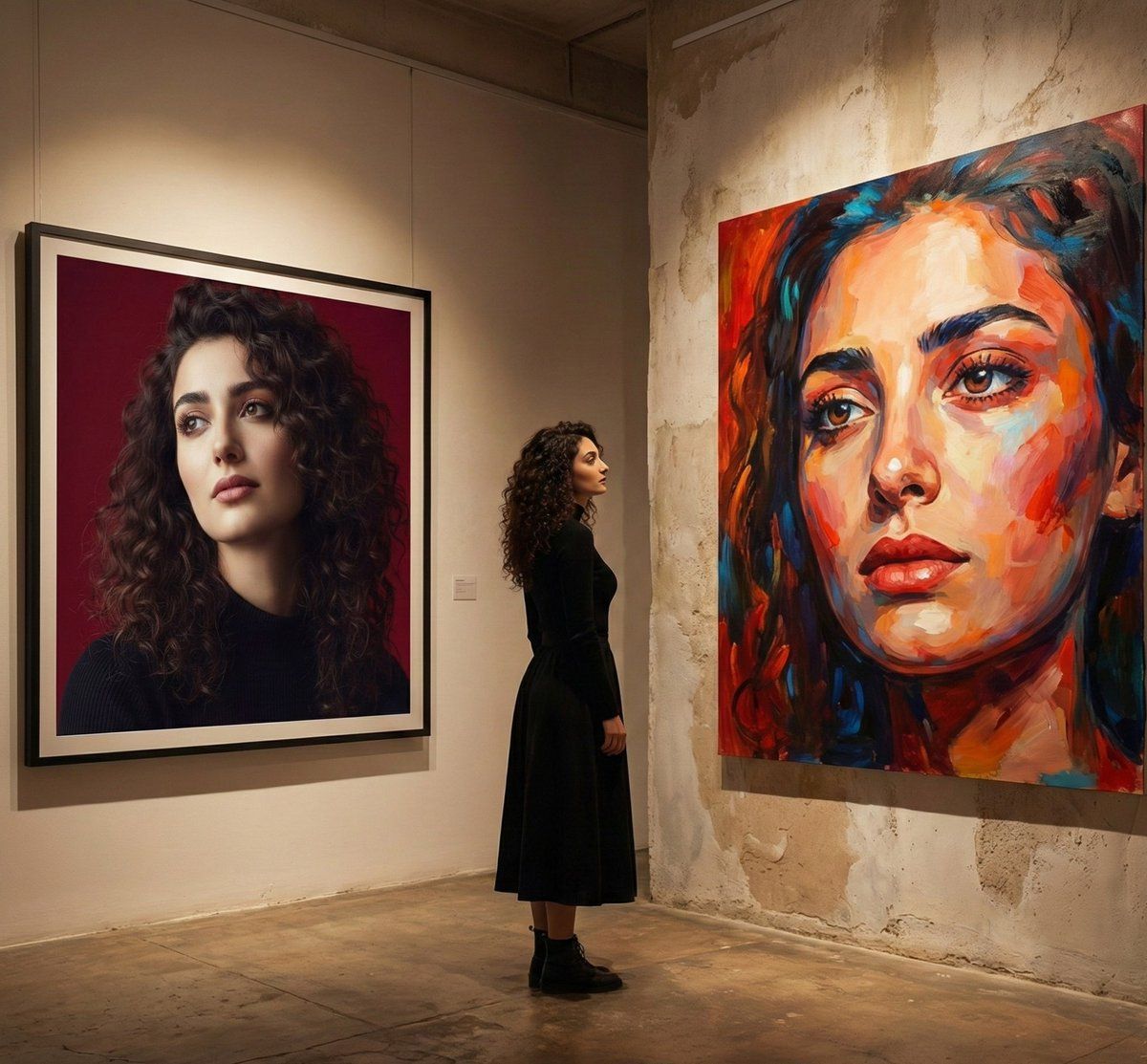
电影画廊内景:现实主义与抽象主义
Enlarge

电影画廊内景:现实主义与抽象主义

Prompt
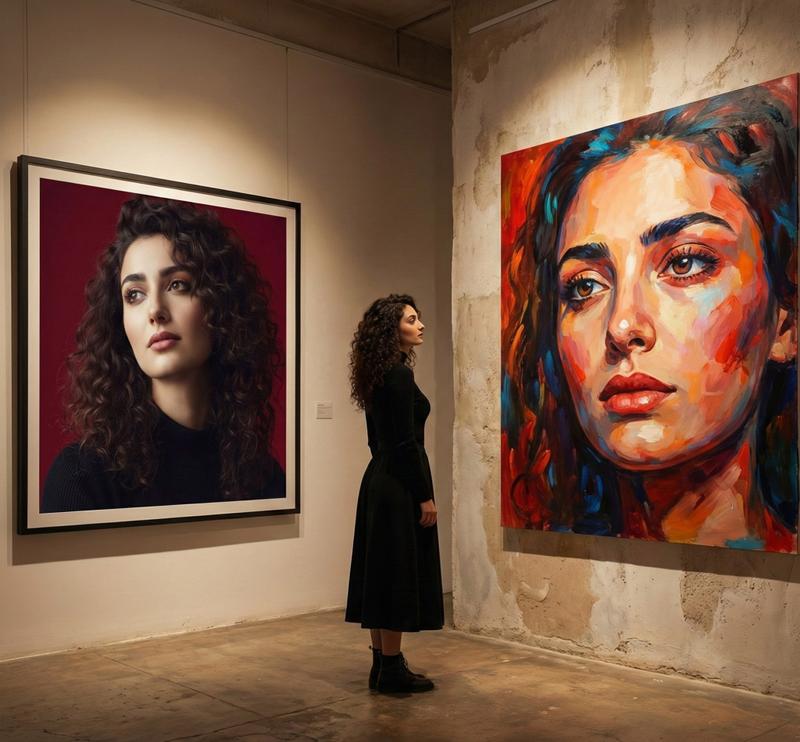
A cinematic fine-art gallery interior with warm, moody lighting. A woman with curly dark hair, wearing a long black dress and ankle boots, stands thoughtfully between two large portrait artworks. On the left, a hyper-realistic photographic portrait with deep burgundy background, soft studio lighting, sharp facial detail, and elegant color grading. On the right, an expressive oil painting of the same woman, created with bold brush strokes, vibrant reds, blues, and oranges, emphasizing emotion and texture. Google Gemini Minimalist gallery walls with worn plaster textures, polished concrete floor, museum-style composition, shallow depth of field, cinematic framing, high realism, artistic contrast between realism and abstraction, gallery exhibition atmosphere, 8K detail, professional fine-art photography style.
Category
创意图片
Model
Nano Banana Pro
Creator
Synthia
Views0
Source ID
ba89be5f-86aa-4b5d-bac4-98af0a14fe2b
Published
Mar 8, 2026

Guide

About "电影画廊内景:现实主义与抽象主义"

What is this prompt for?

"电影画廊内景:现实主义与抽象主义" AI image prompt for Nano Banana Pro (创意图片). 一个电影级的艺术场景的详细提示:一位女性站在自己的两幅肖像之间,一幅是超现实主义摄影作品,另一幅是表现主义油画。该提示着重于在一个单一、情绪化的画廊环境中对比不同的艺术风格。 --- 一个电影…

The full copyable prompt and example visuals above are ready for AI image generation or one-click recreate in Picva.

How to use this prompt

  1. Step 1

    Open the prompt detail

    Review the example visuals, category, and full prompt text for "电影画廊内景:现实主义与抽象主义".

  2. Step 2

    Copy the prompt

    Copy the prompt body from this page, or load it directly in Studio.

  3. Step 3

    Pick a model (Nano Banana Pro)

    Prefer Nano Banana Pro. If you switch models, keep subject and composition and tweak style terms.

  4. Step 4

    Generate and export

    Recreate the look in Picva, or export into your workflow for editing and publishing.

FAQ

What is the "电影画廊内景:现实主义与抽象主义" prompt?
It is an AI image-generation prompt for Nano Banana Pro in the 创意图片 category. This page includes the full prompt text, example visuals, and a one-click recreate path in Picva.
How do I use this prompt to generate an image?
Copy the prompt from this page, or use Generate / Studio. Paste it into a compatible image model, or recreate the look in Picva with optional reference images.
Which model is this prompt for?
This page lists Nano Banana Pro. Most descriptive prompts also transfer to nearby image models such as GPT Image, Flux, or Midjourney with light style tweaks.
Can I use the result commercially?
You can usually copy the prompt for creation, but commercial use of the final image depends on the model terms, reference-image rights, and the generated content. Follow the source author and platform rules.