20

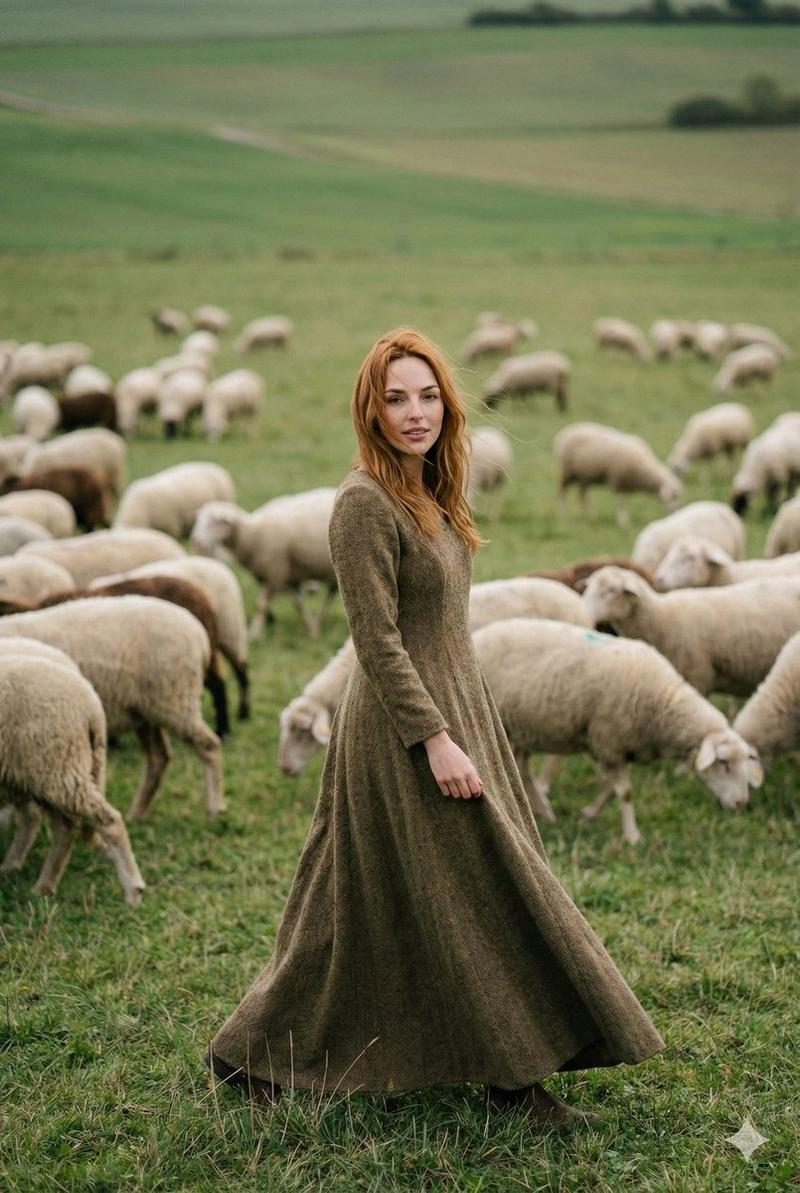
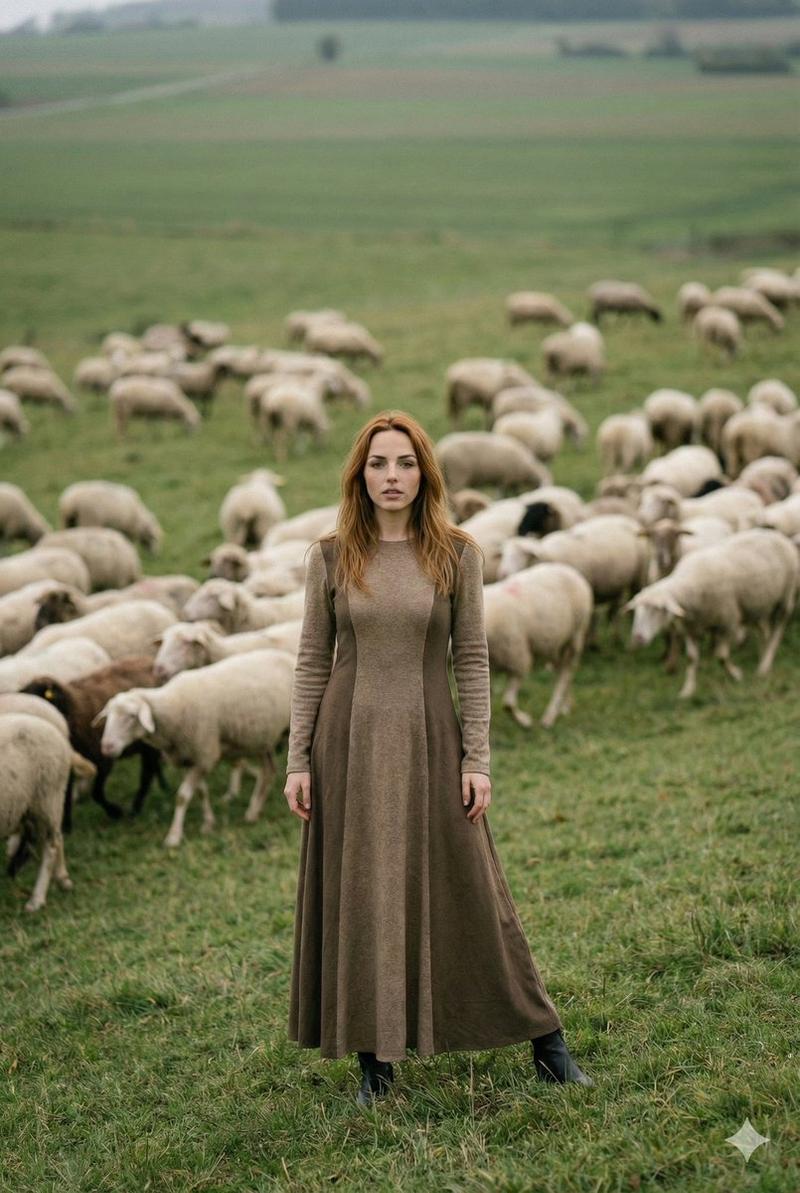
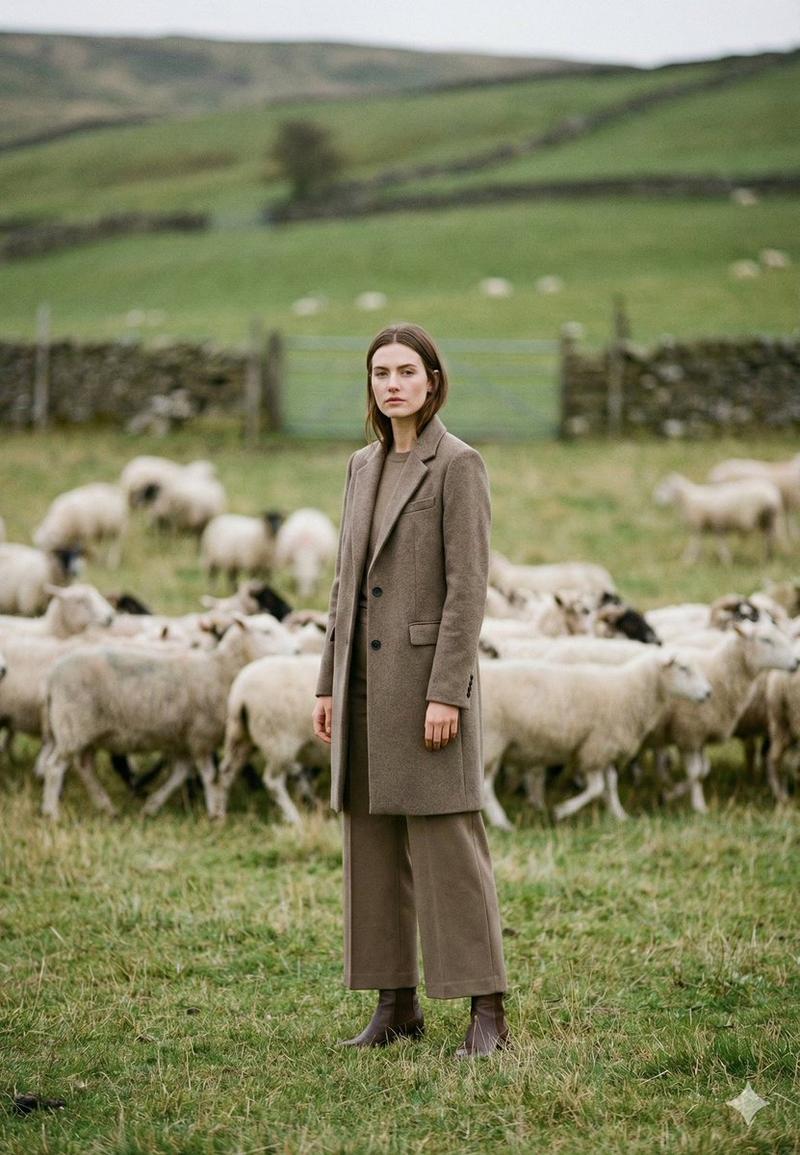
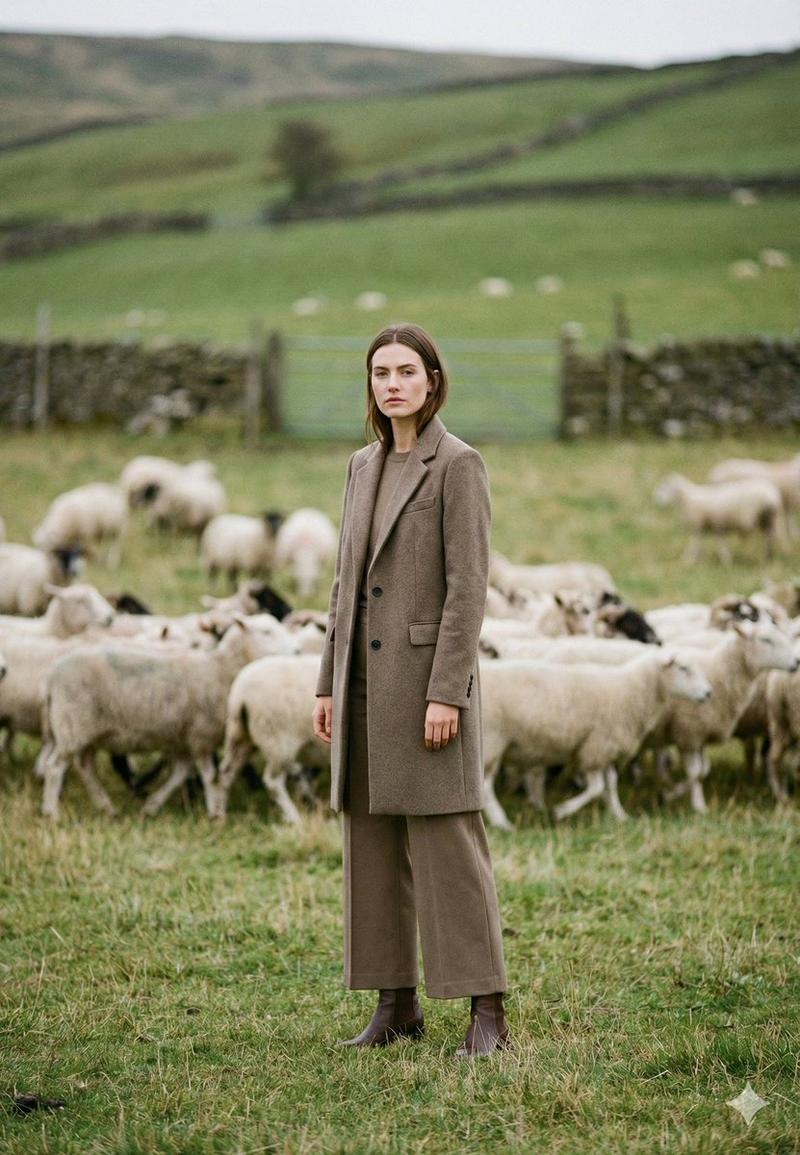
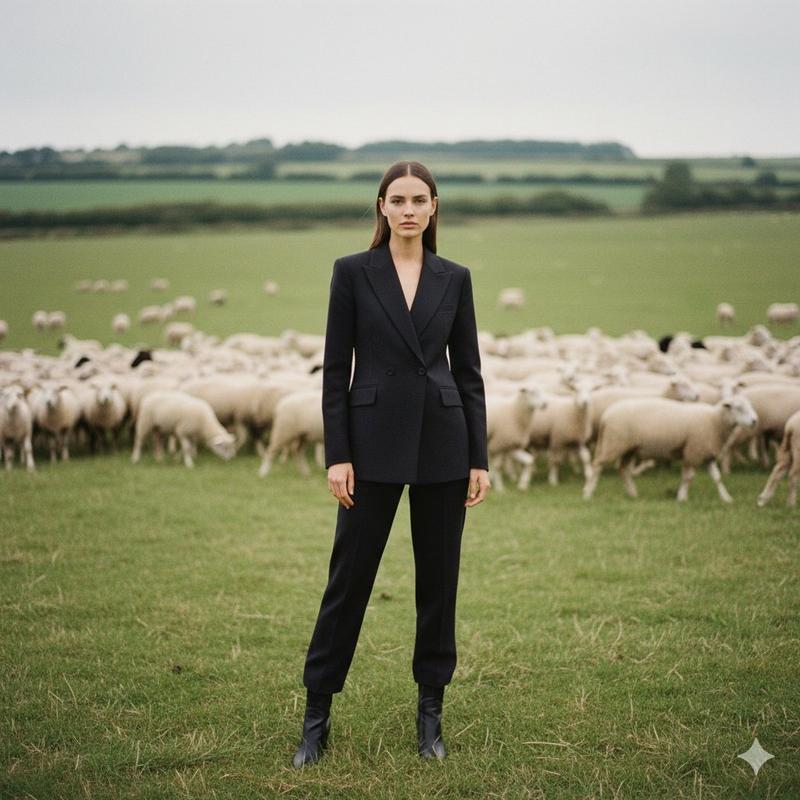
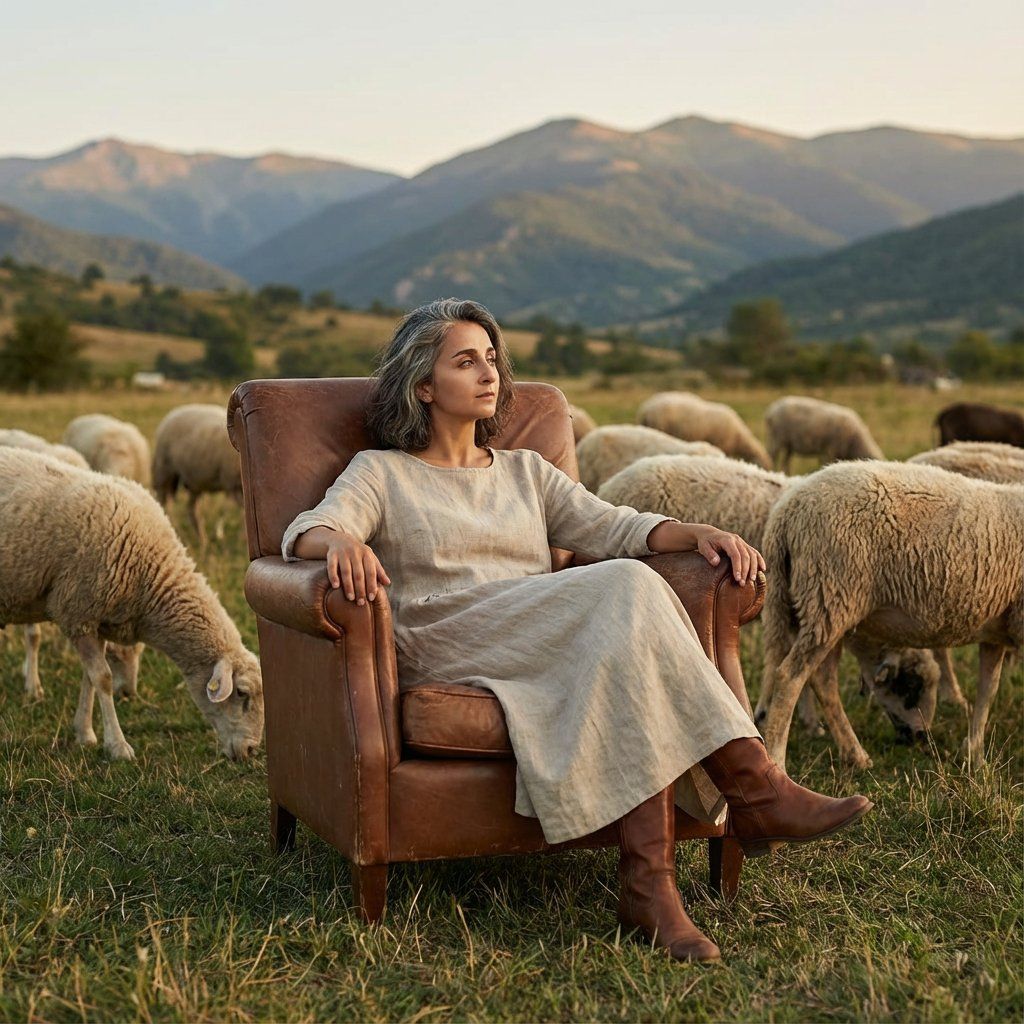
坐在扶手椅上与绵羊合影的女性编辑摄影
Enlarge

坐在扶手椅上与绵羊合影的女性编辑摄影

Prompt
{
  "colors": {
    "palette": [
      "#4B4B4B",
      "#8B6C5C",
      "#D9D3C5",
      "#2B3A42",
      "#A59C84"
    ],
    "dominant_colors": {
      "foreground": "#D9D3C5",
      "background": "#A59C84",
      "accents": "#8B6C5C"
    }
  },
  "typography": null,
  "composition": {
    "layout": "Portrait",
    "focal_point": "Central subject (woman in armchair)",
    "framing": "Wide shot, full body view, natural landscape background",
    "depth_of_field": "Deep, with sharp focus on subject and mid-ground sheep, soft background mountains"
  },
  "effects": {
    "lighting": "Warm, golden hour sunlight, soft shadows",
    "atmosphere": "Pastoral, serene, natural, editorial photography",
    "texture": "Fabric of dress, leather of chair and boots, grass, wool of sheep"
  }
}
Category
创意图片
Model
Nano Banana Pro
Views0
Source ID
f9cbb9aa-de7a-482f-a5c8-60d3887d1115
Published
Mar 8, 2026

Guide

About "坐在扶手椅上与绵羊合影的女性编辑摄影"

What is this prompt for?

"坐在扶手椅上与绵羊合影的女性编辑摄影" AI image prompt for Nano Banana Pro (创意图片). 一个 JSON 提示,指定了用于生成一张社论照片的视觉元素、构图和调色板。场景中,一位女士坐在扶手椅上,背景是带有绵羊的自然景观,利用温暖的黄金时段光线和深景深。 --- ```json…

The full copyable prompt and example visuals above are ready for AI image generation or one-click recreate in Picva.

How to use this prompt

  1. Step 1

    Open the prompt detail

    Review the example visuals, category, and full prompt text for "坐在扶手椅上与绵羊合影的女性编辑摄影".

  2. Step 2

    Copy the prompt

    Copy the prompt body from this page, or load it directly in Studio.

  3. Step 3

    Pick a model (Nano Banana Pro)

    Prefer Nano Banana Pro. If you switch models, keep subject and composition and tweak style terms.

  4. Step 4

    Generate and export

    Recreate the look in Picva, or export into your workflow for editing and publishing.

FAQ

What is the "坐在扶手椅上与绵羊合影的女性编辑摄影" prompt?
It is an AI image-generation prompt for Nano Banana Pro in the 创意图片 category. This page includes the full prompt text, example visuals, and a one-click recreate path in Picva.
How do I use this prompt to generate an image?
Copy the prompt from this page, or use Generate / Studio. Paste it into a compatible image model, or recreate the look in Picva with optional reference images.
Which model is this prompt for?
This page lists Nano Banana Pro. Most descriptive prompts also transfer to nearby image models such as GPT Image, Flux, or Midjourney with light style tweaks.
Can I use the result commercially?
You can usually copy the prompt for creation, but commercial use of the final image depends on the model terms, reference-image rights, and the generated content. Follow the source author and platform rules.