20

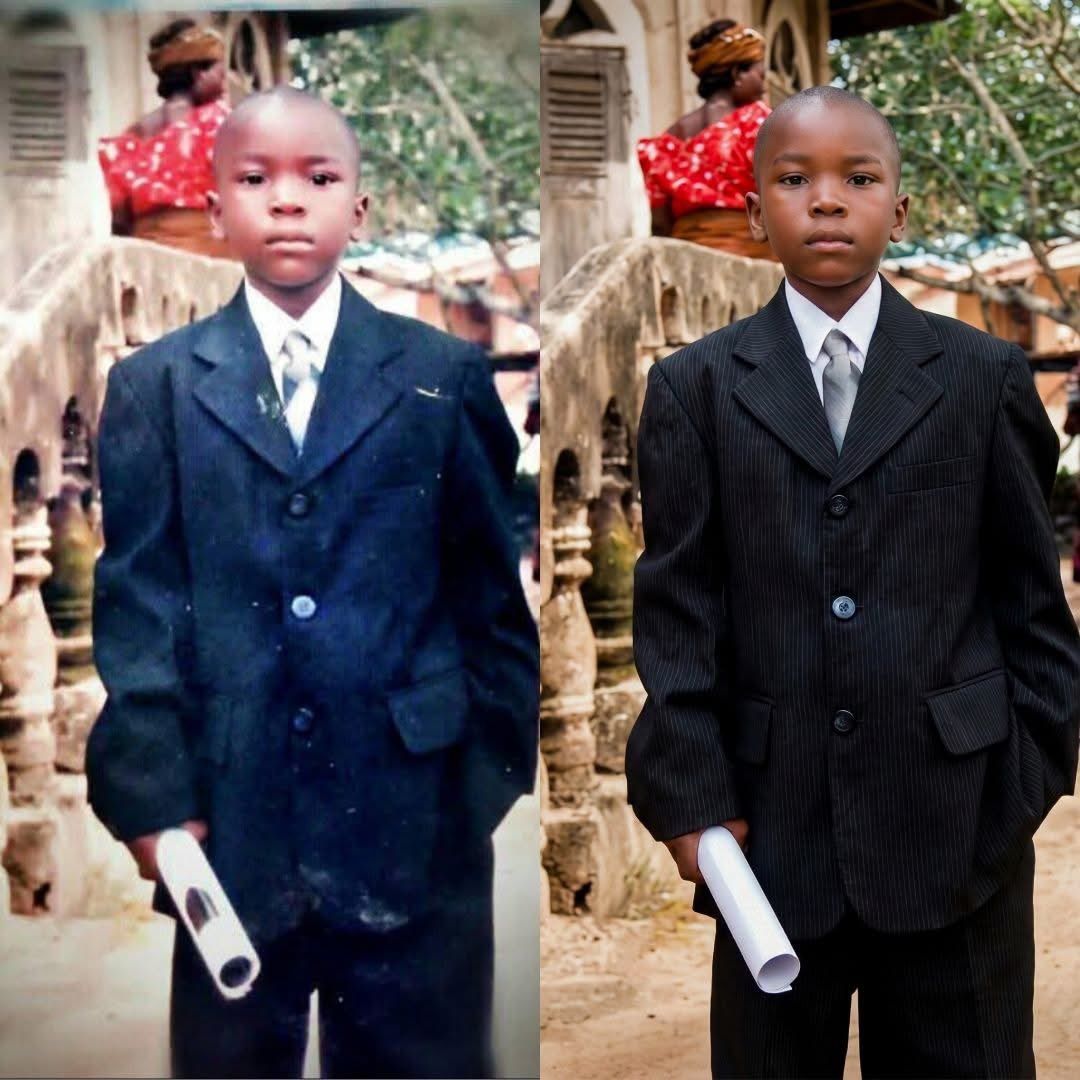
童年照片重新着色和修复提示
Enlarge

童年照片重新着色和修复提示

Prompt
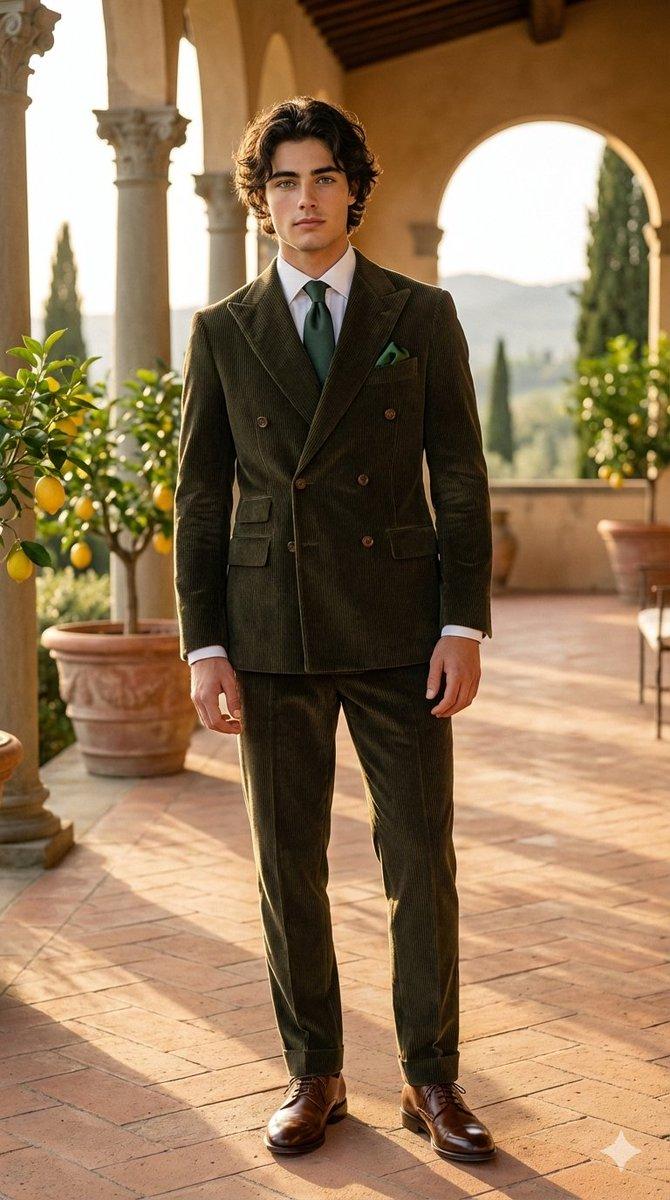
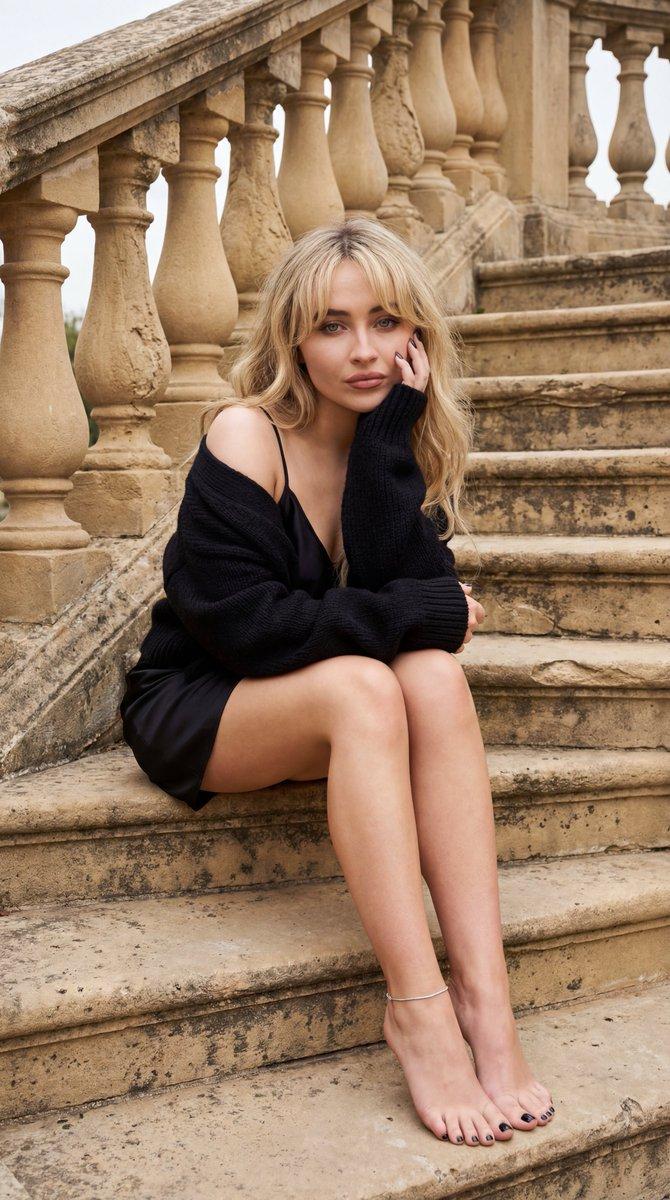
Recolonize this image into a modern digital
photography. Do not change the facial structure and features of the subject. Keep the background the same. The composition should be photorealistic, with sharp details in their clothes, skin textures, The lighting should highlight her expressions. The image should have a 9:16 aspect ratio.","size": "16k".

Negative_prompt:
"low resolution, CGI, cartoon style, plastic skin, over-smoothed face, distorted anatomy, extra fingers, bad hands, harsh lighting, flat lighting, blown highlights, motion blur, noise, grain, watermark, logo, text, oversharpening",
  "style": "photorealistic, cinematic realism, documentary-style",
  "resolution": "15360x8640",
  "aspect_ratio": "16:9",
  "camera": {
    "lens": "50mm prime",
    "aperture": "f/1.8",
    "iso": 100,
    "shutter_speed": "1/125"
  },
  "lighting": {
    "type": "soft natural daylight",
    "direction": "side-lit from windows",
    "contrast": "balanced"
  },
  "composition": {
    "framing": "medium shot",
    "angle": "eye-level",
    "depth_of_field": "shallow"
  },
  "quality_tags": [
    "16K",
    "ultra-realistic",
    "hyper-detailed",
    "cinematic",
    "education portrait",
    "full-frame look",
    "16:9 composition"
  ]
Category
创意图片
Model
Nano Banana Pro
Creator
Kisii 🕊
Views0
Source ID
87213c20-0d15-4429-93ba-72234bb7f66e
Published
Mar 8, 2026

Guide

About "童年照片重新着色和修复提示"

What is this prompt for?

"童年照片重新着色和修复提示" AI image prompt for Nano Banana Pro (创意图片). 一个为 Nano Banana Pro 设计的提示模板,用于将上传的童年照片重新着色并修复成现代高分辨率数码照片,严格保留拍摄对象的面部结构和特征,同时增强细节、光线和构图。 --- 将此图像重新着…

The full copyable prompt and example visuals above are ready for AI image generation or one-click recreate in Picva.

How to use this prompt

  1. Step 1

    Open the prompt detail

    Review the example visuals, category, and full prompt text for "童年照片重新着色和修复提示".

  2. Step 2

    Copy the prompt

    Copy the prompt body from this page, or load it directly in Studio.

  3. Step 3

    Pick a model (Nano Banana Pro)

    Prefer Nano Banana Pro. If you switch models, keep subject and composition and tweak style terms.

  4. Step 4

    Generate and export

    Recreate the look in Picva, or export into your workflow for editing and publishing.

FAQ

What is the "童年照片重新着色和修复提示" prompt?
It is an AI image-generation prompt for Nano Banana Pro in the 创意图片 category. This page includes the full prompt text, example visuals, and a one-click recreate path in Picva.
How do I use this prompt to generate an image?
Copy the prompt from this page, or use Generate / Studio. Paste it into a compatible image model, or recreate the look in Picva with optional reference images.
Which model is this prompt for?
This page lists Nano Banana Pro. Most descriptive prompts also transfer to nearby image models such as GPT Image, Flux, or Midjourney with light style tweaks.
Can I use the result commercially?
You can usually copy the prompt for creation, but commercial use of the final image depends on the model terms, reference-image rights, and the generated content. Follow the source author and platform rules.