20

闪光灯摄影生日肖像提示
Enlarge

闪光灯摄影生日肖像提示

Prompt
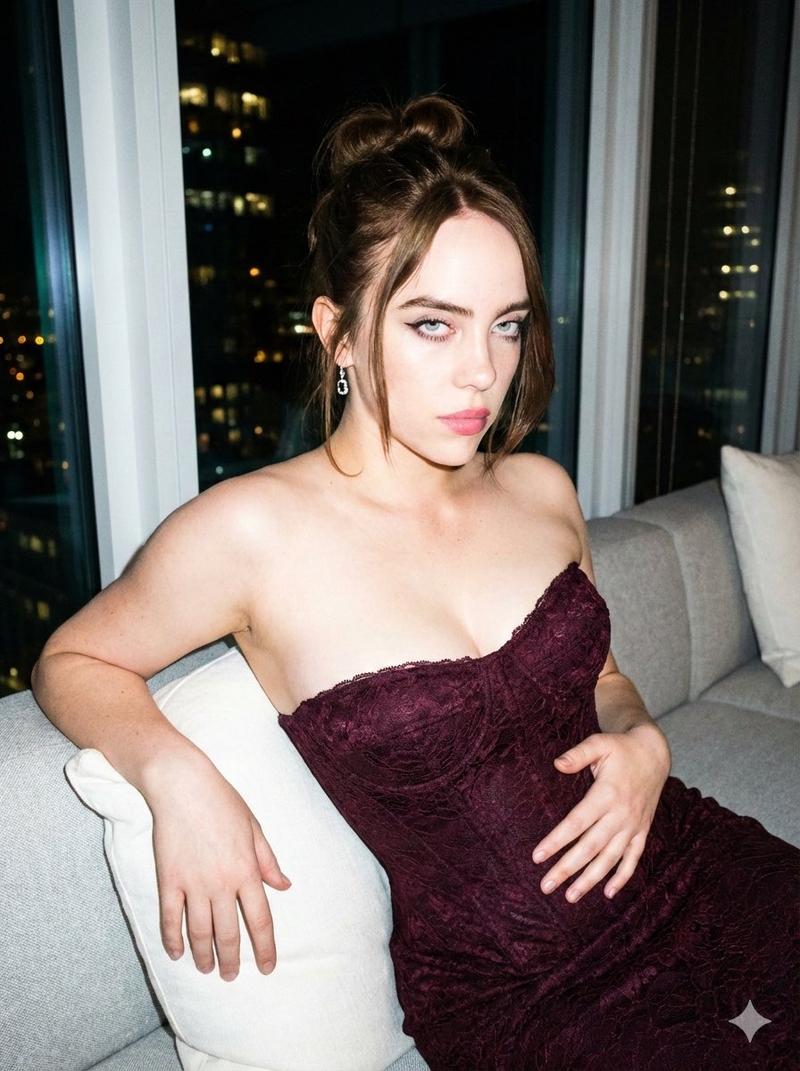
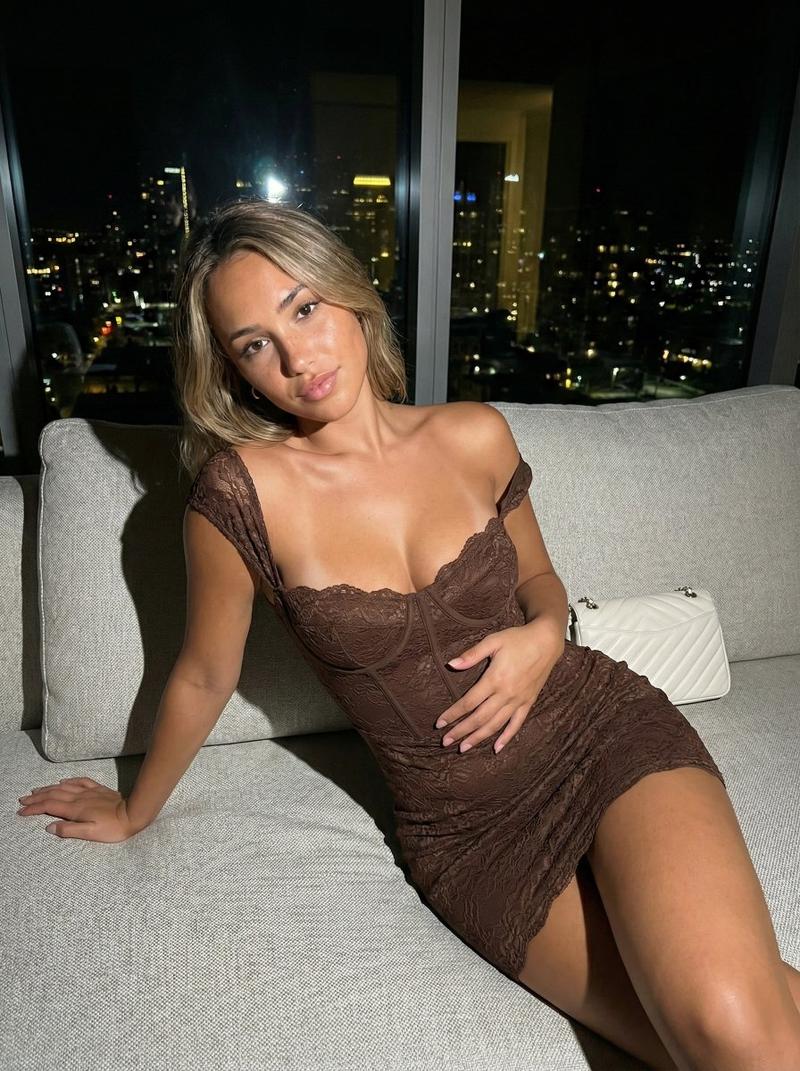
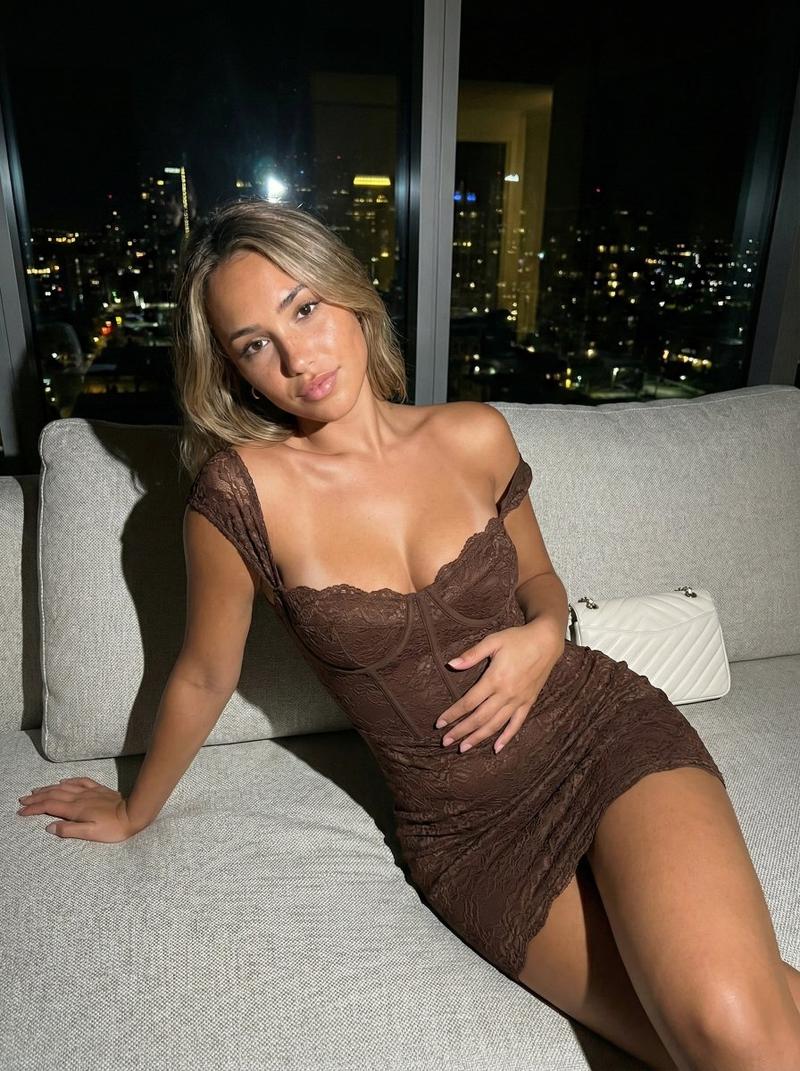
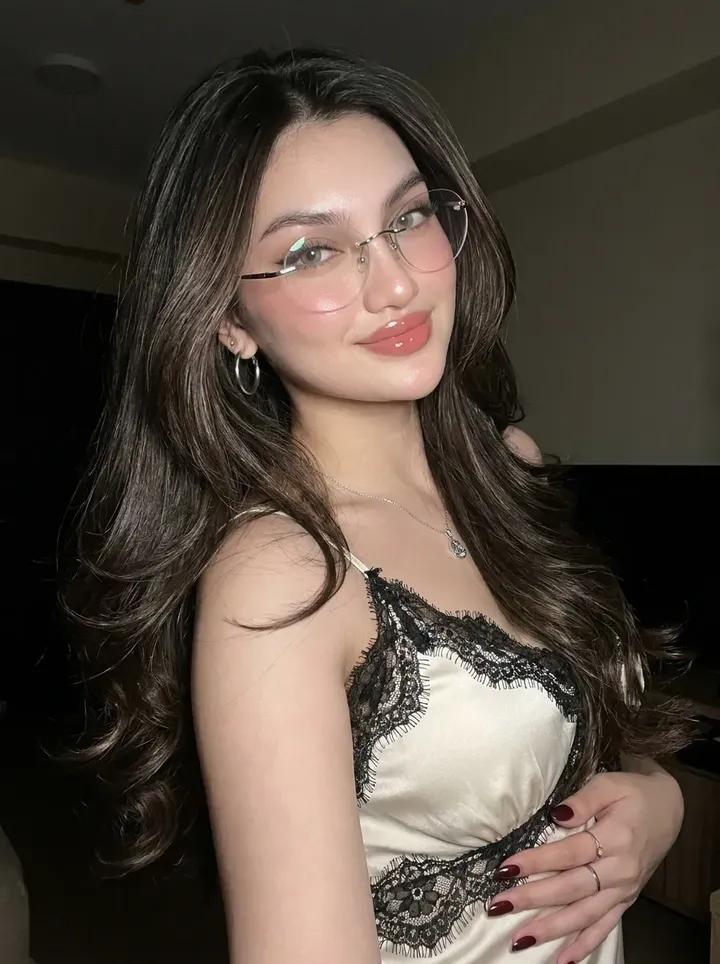
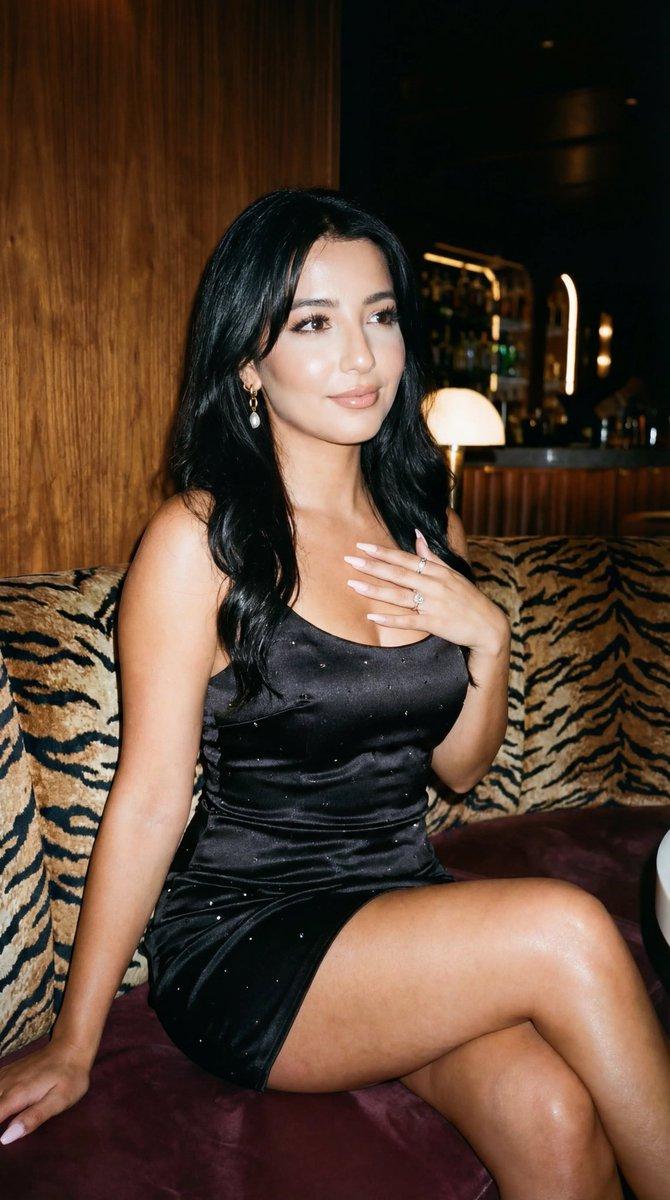
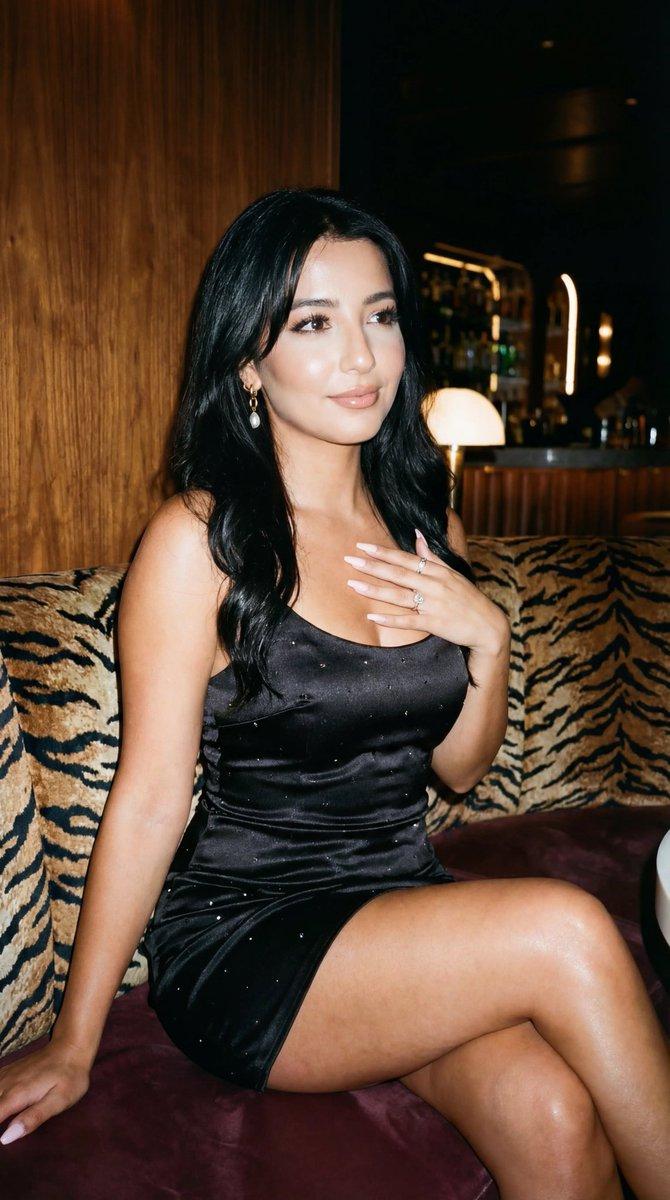
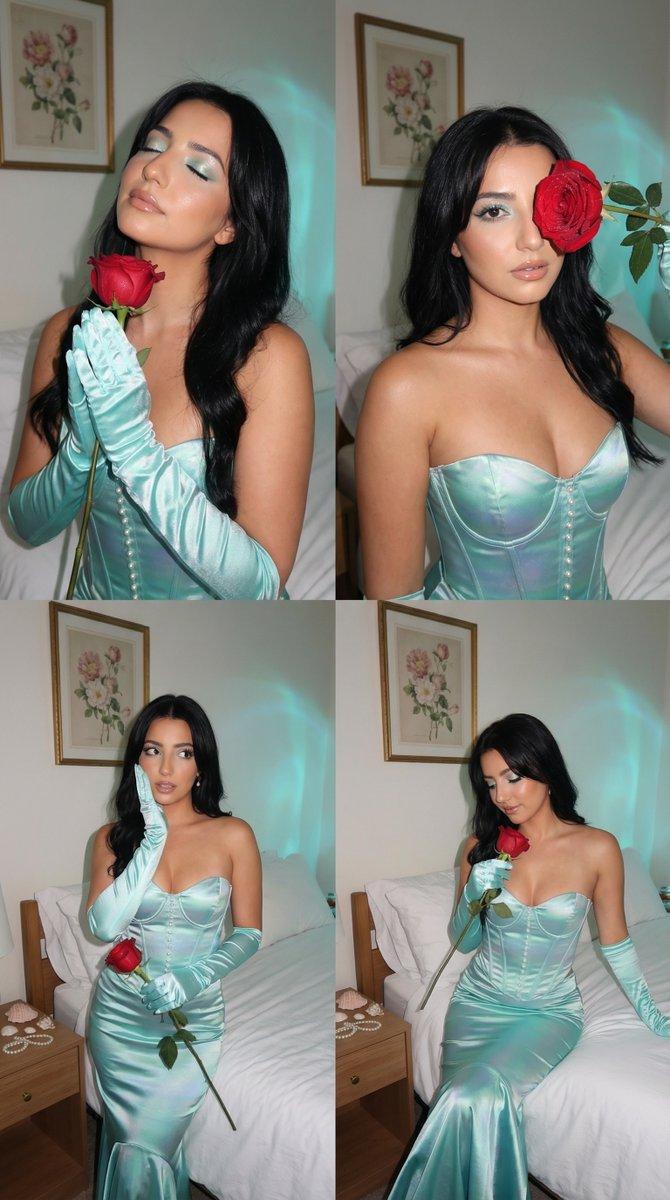
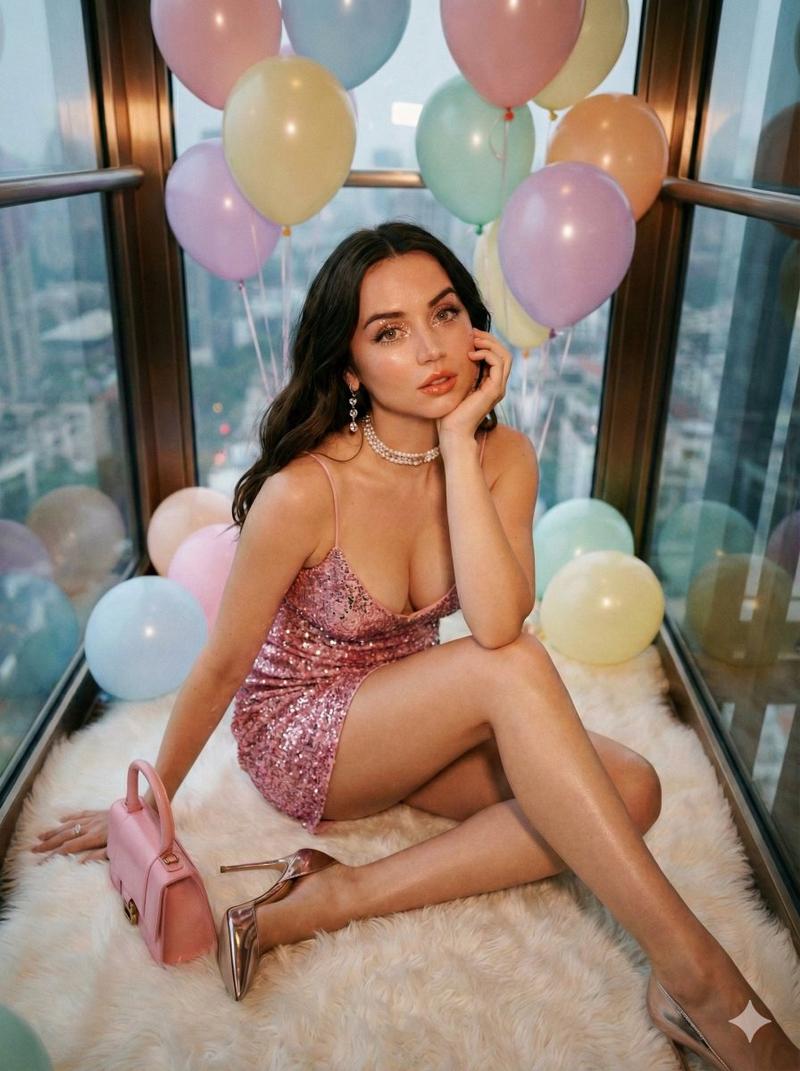
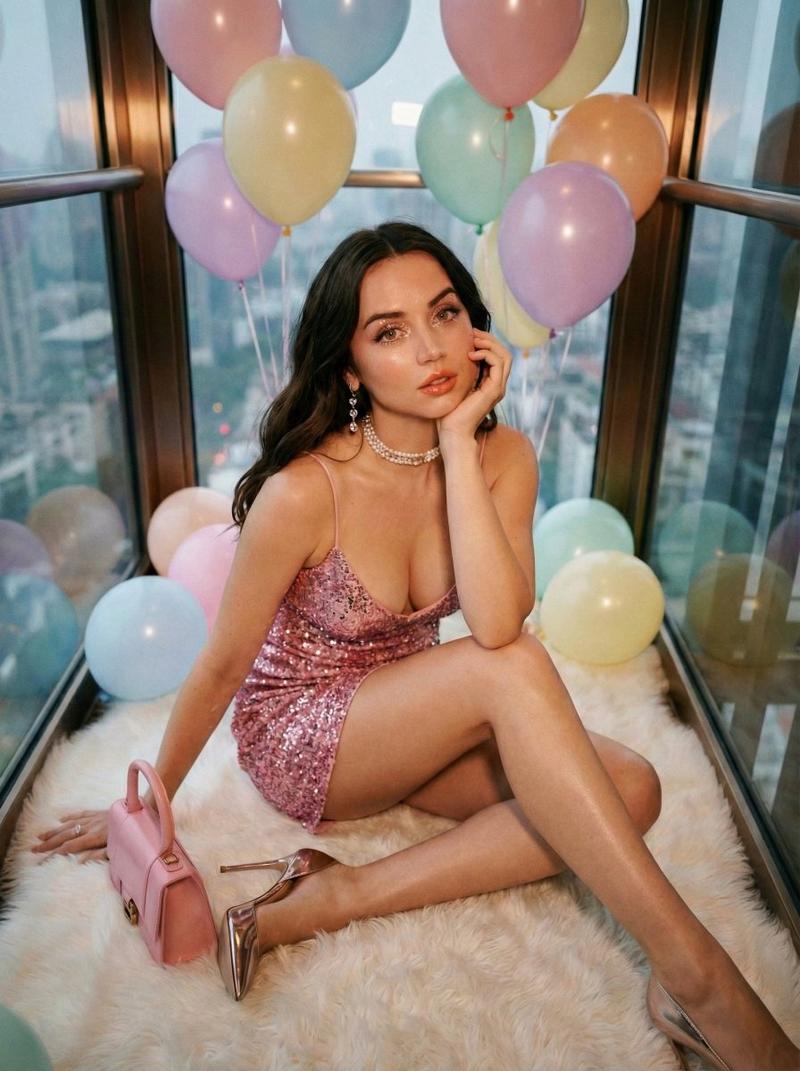
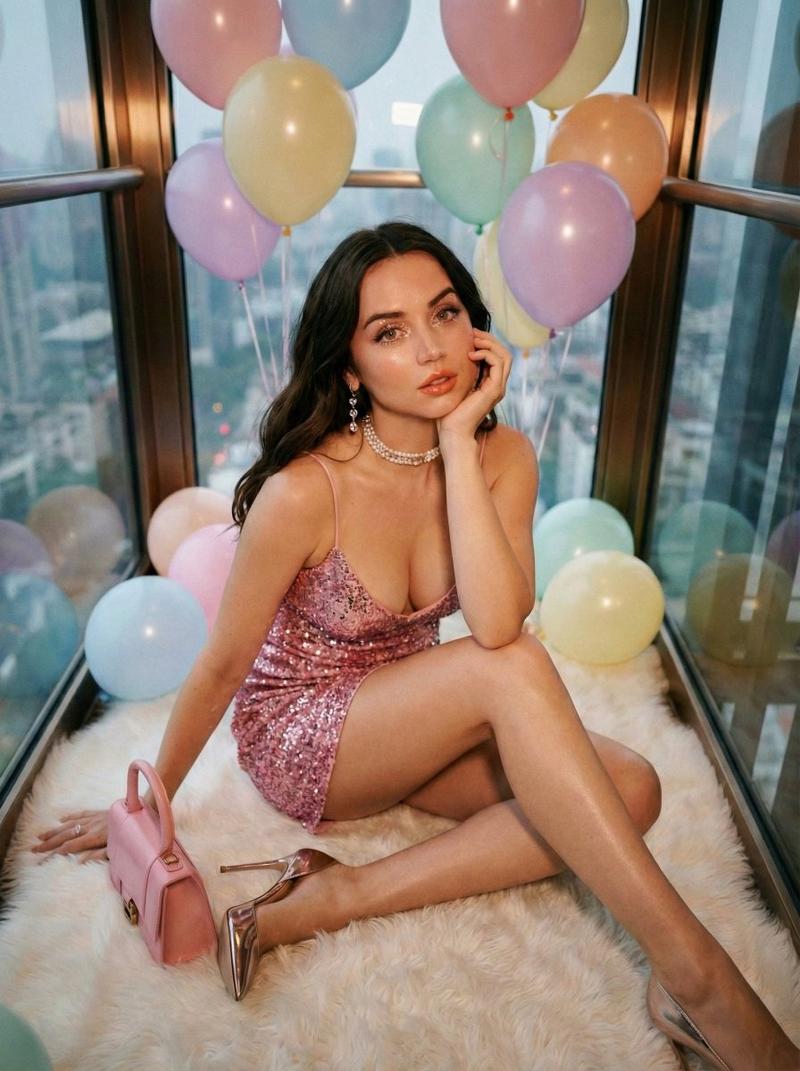
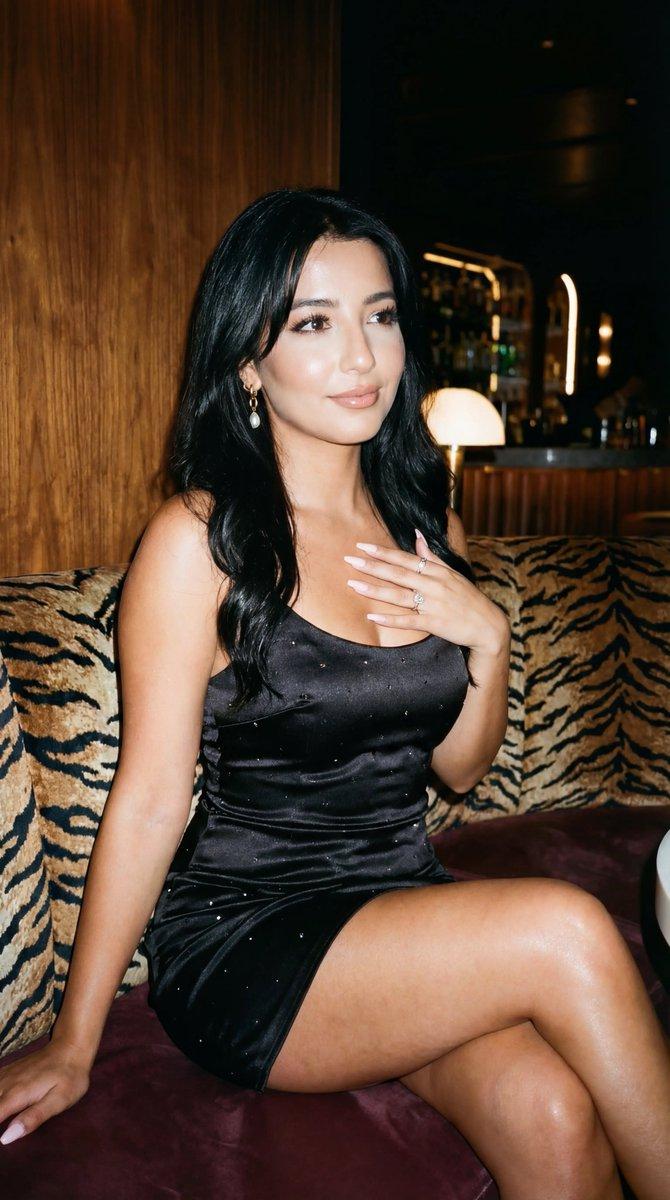
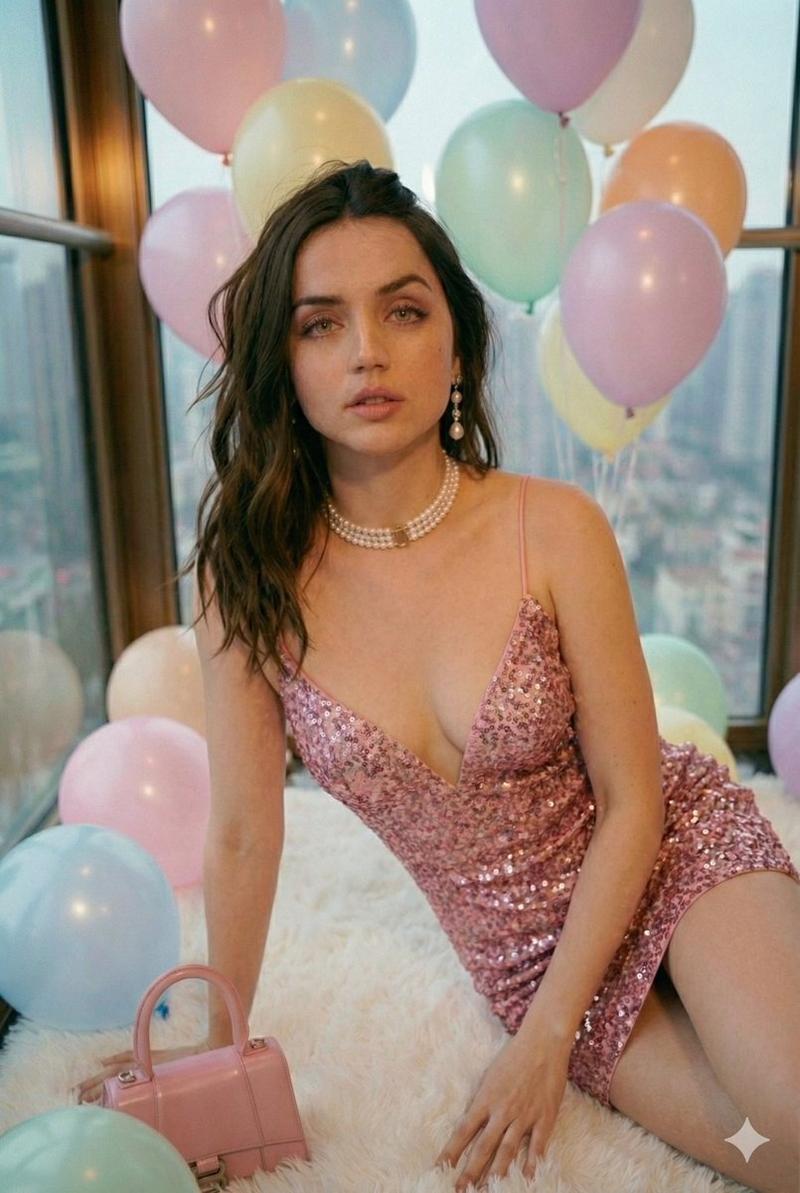
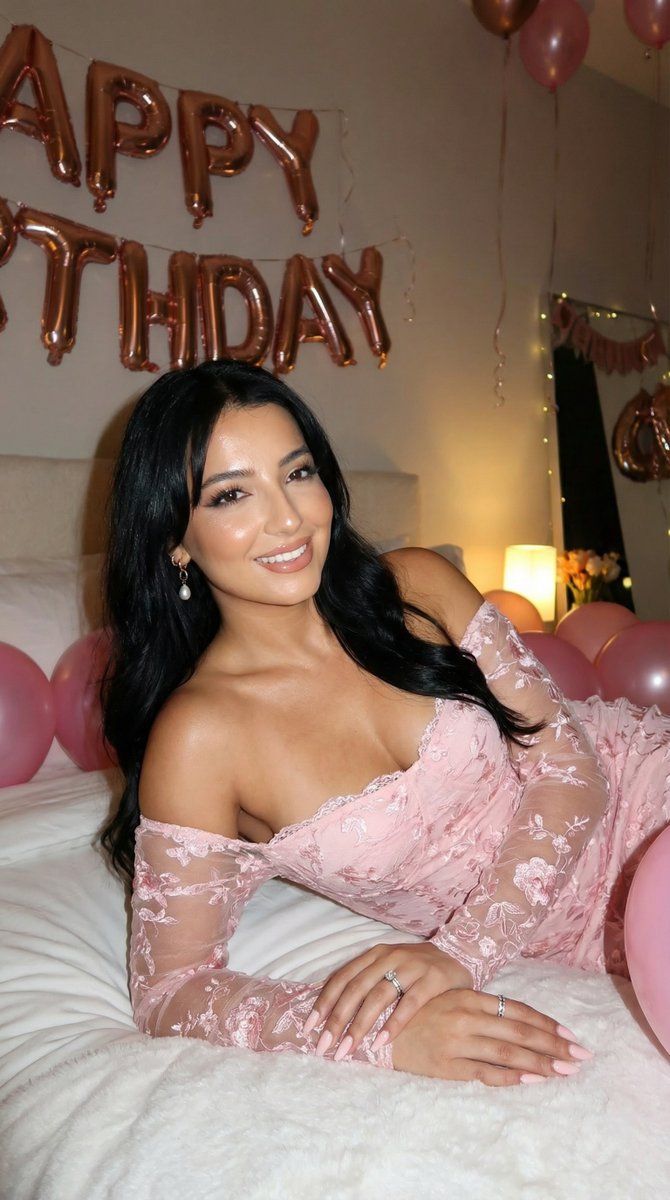
A high-resolution 3:4 birthday portrait of the person in the input image, keeping their exact face, identity, and features. Shot indoors at night with a strong camera flash that creates bright highlights, vivid reflections, and a lively party mood. The subject reclines on a white bed, turning toward the camera with a soft, confident smile, wearing a pastel pink off-shoulder lace dress with sheer long sleeves and floral texture. Rose-gold ‘HAPPY BIRTHDAY’ foil balloons on the wall reflect the flash intensely; some letters fall outside the frame. Pink balloons on the bed glow with specular reflections. Flash lighting makes the skin luminous and glossy, with sharp catchlights, defined contours, warm blush, glossy lips, and subtle shadows. The overall color style is vibrant, saturated, and Instagram-ready, with a fun, glamorous nightlife vibe.
Category
创意图片
Model
Nano Banana Pro
Views0
Source ID
20a3f1e6-eb97-4f56-b422-67406a76ec67
Published
Mar 8, 2026

Guide

About "闪光灯摄影生日肖像提示"

What is this prompt for?

"闪光灯摄影生日肖像提示" AI image prompt for Nano Banana Pro (创意图片). 为 Nano Banana Pro 生成高分辨率生日肖像(3:4 宽高比)的详细提示,肖像主体来自输入图像。场景设定在室内夜晚,利用强力相机闪光灯营造出充满活力、光泽感十足、适合 Instagram 分…

The full copyable prompt and example visuals above are ready for AI image generation or one-click recreate in Picva.

How to use this prompt

  1. Step 1

    Open the prompt detail

    Review the example visuals, category, and full prompt text for "闪光灯摄影生日肖像提示".

  2. Step 2

    Copy the prompt

    Copy the prompt body from this page, or load it directly in Studio.

  3. Step 3

    Pick a model (Nano Banana Pro)

    Prefer Nano Banana Pro. If you switch models, keep subject and composition and tweak style terms.

  4. Step 4

    Generate and export

    Recreate the look in Picva, or export into your workflow for editing and publishing.

FAQ

What is the "闪光灯摄影生日肖像提示" prompt?
It is an AI image-generation prompt for Nano Banana Pro in the 创意图片 category. This page includes the full prompt text, example visuals, and a one-click recreate path in Picva.
How do I use this prompt to generate an image?
Copy the prompt from this page, or use Generate / Studio. Paste it into a compatible image model, or recreate the look in Picva with optional reference images.
Which model is this prompt for?
This page lists Nano Banana Pro. Most descriptive prompts also transfer to nearby image models such as GPT Image, Flux, or Midjourney with light style tweaks.
Can I use the result commercially?
You can usually copy the prompt for creation, but commercial use of the final image depends on the model terms, reference-image rights, and the generated content. Follow the source author and platform rules.