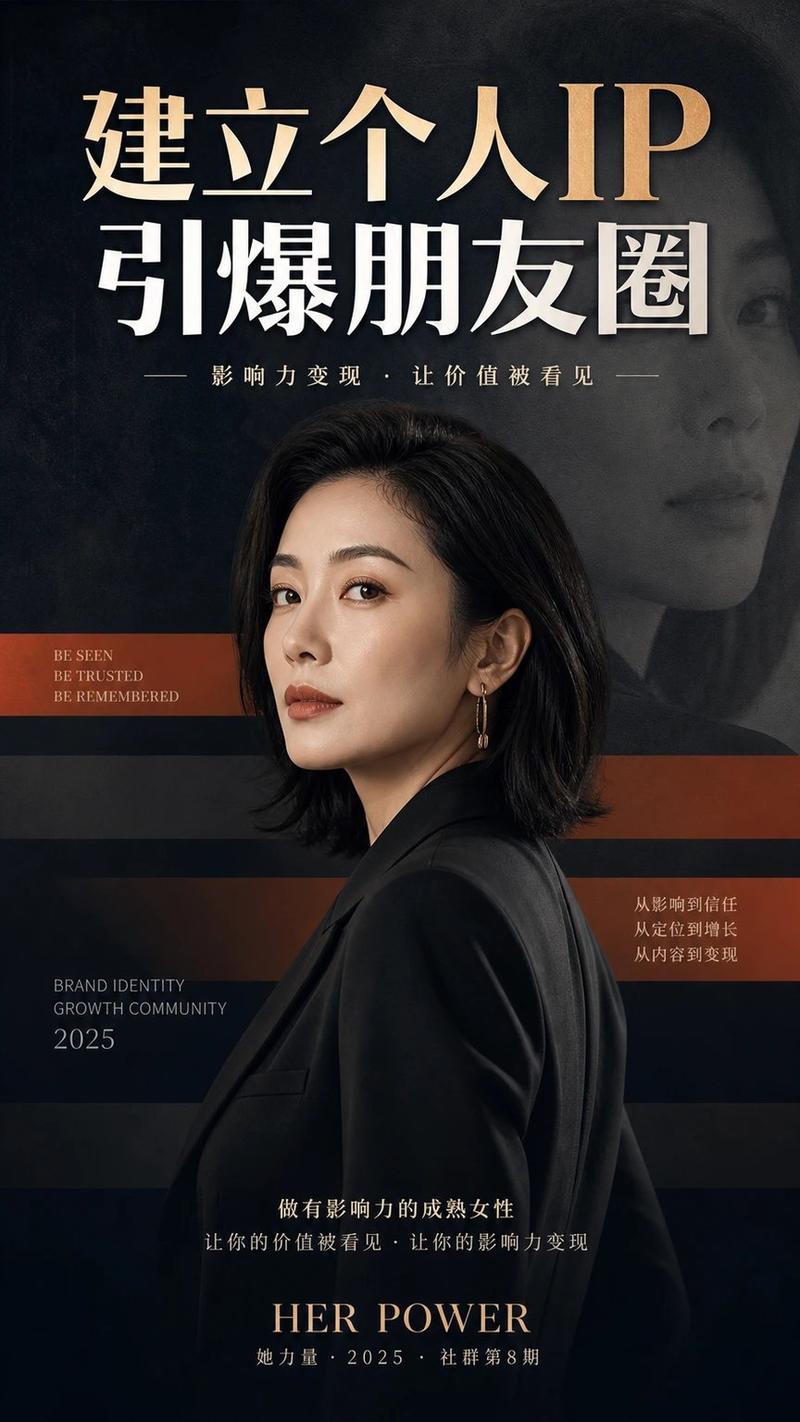
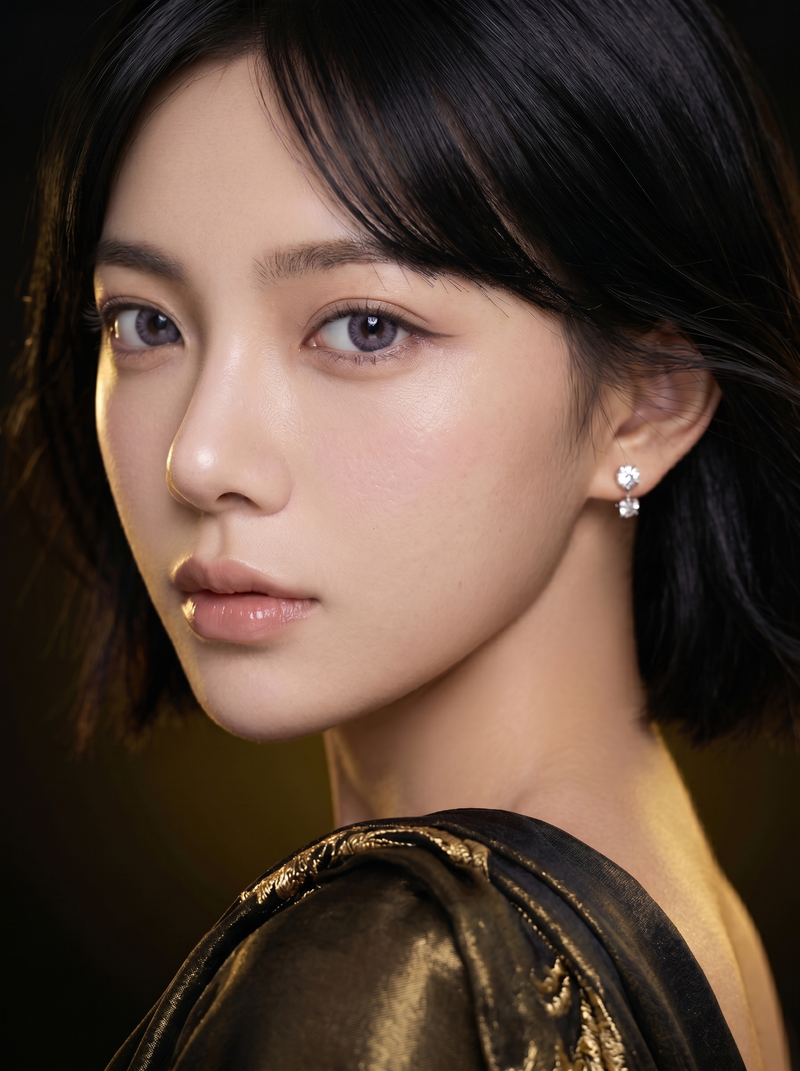
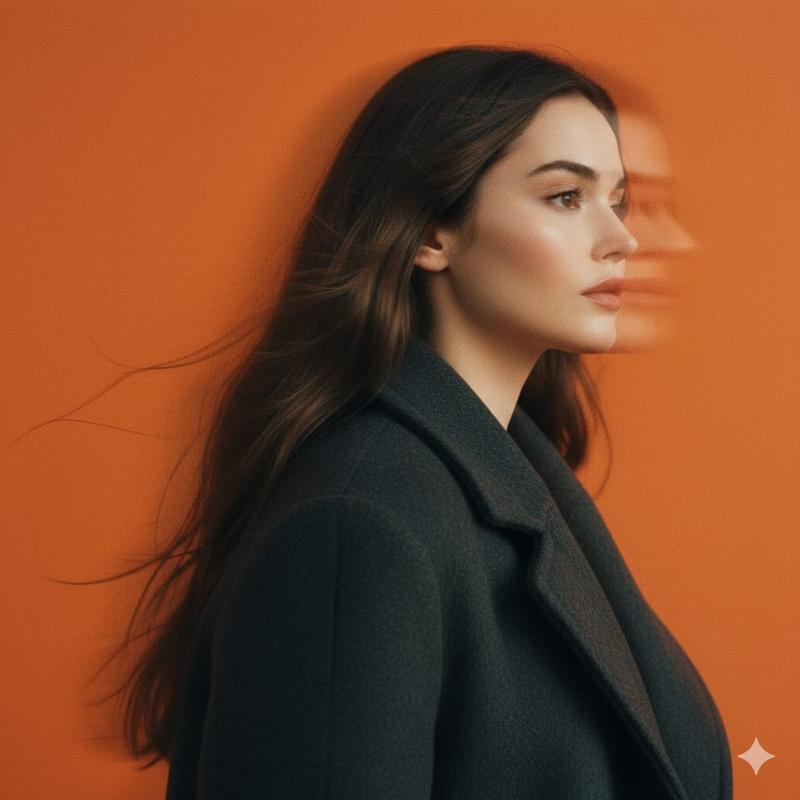
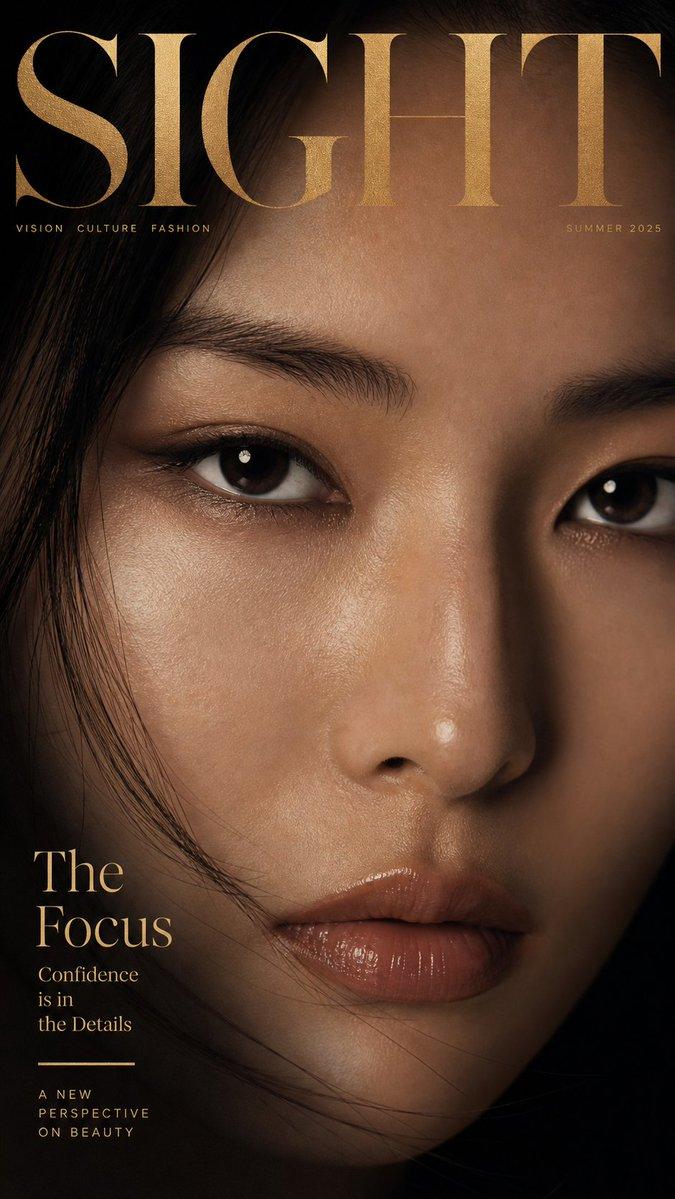
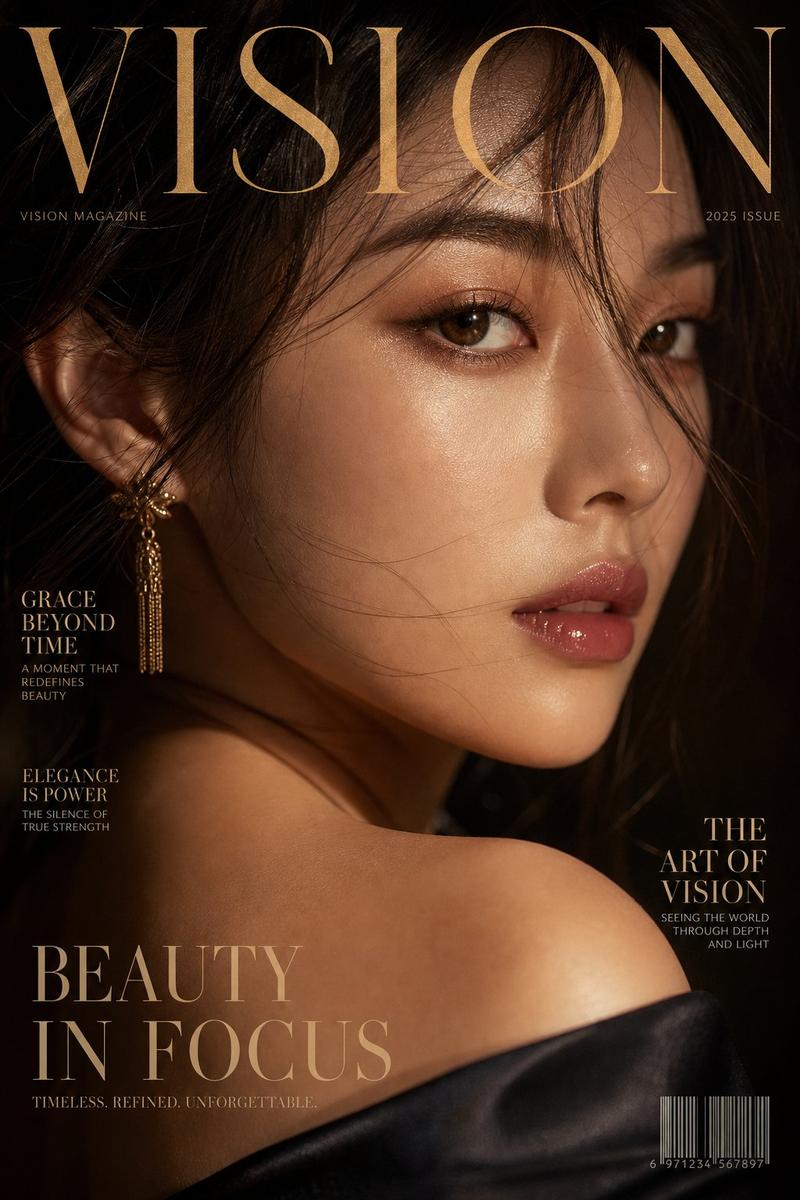
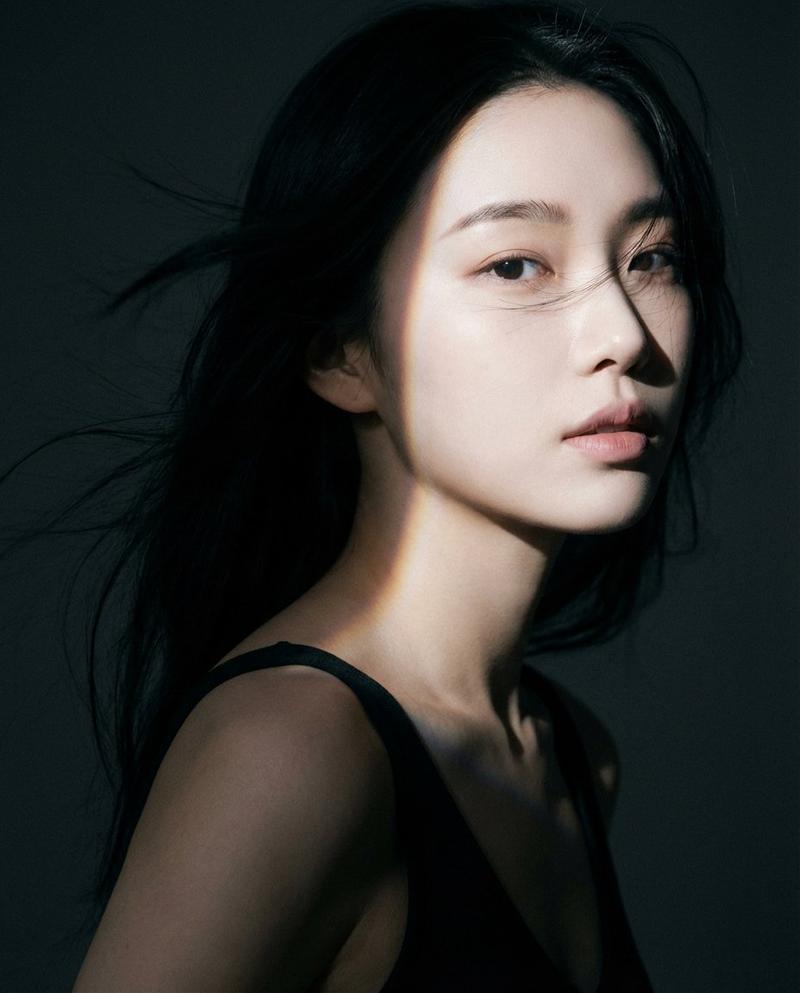
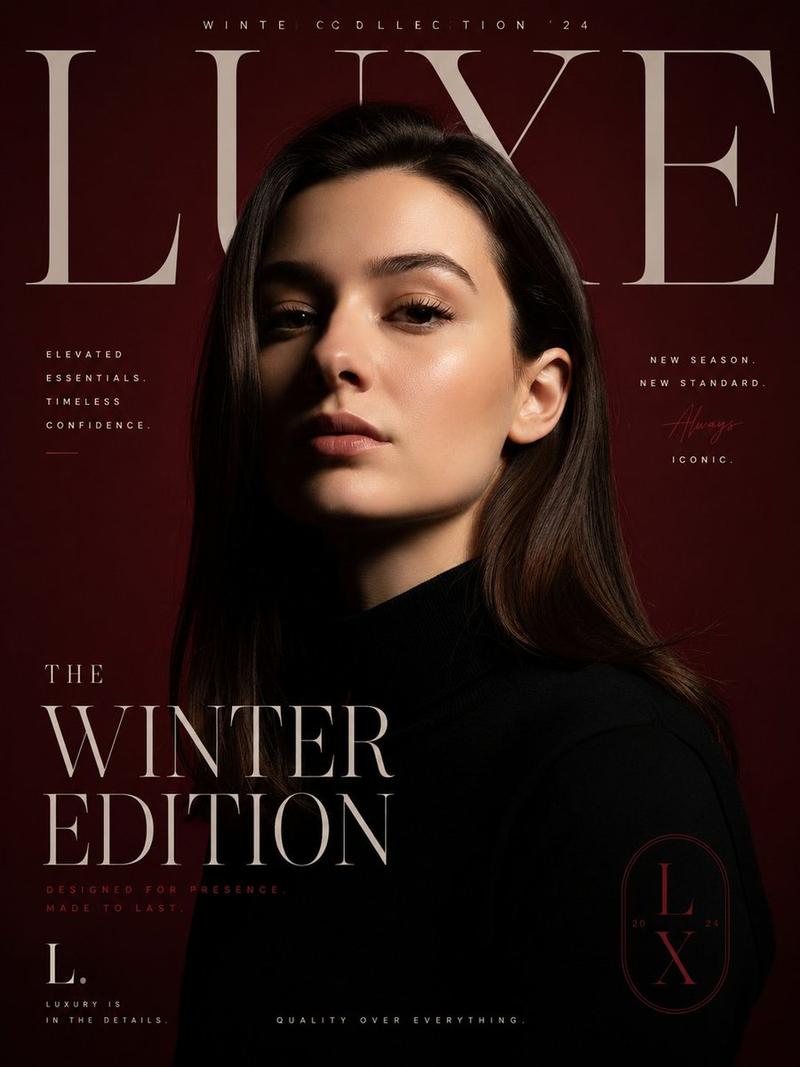
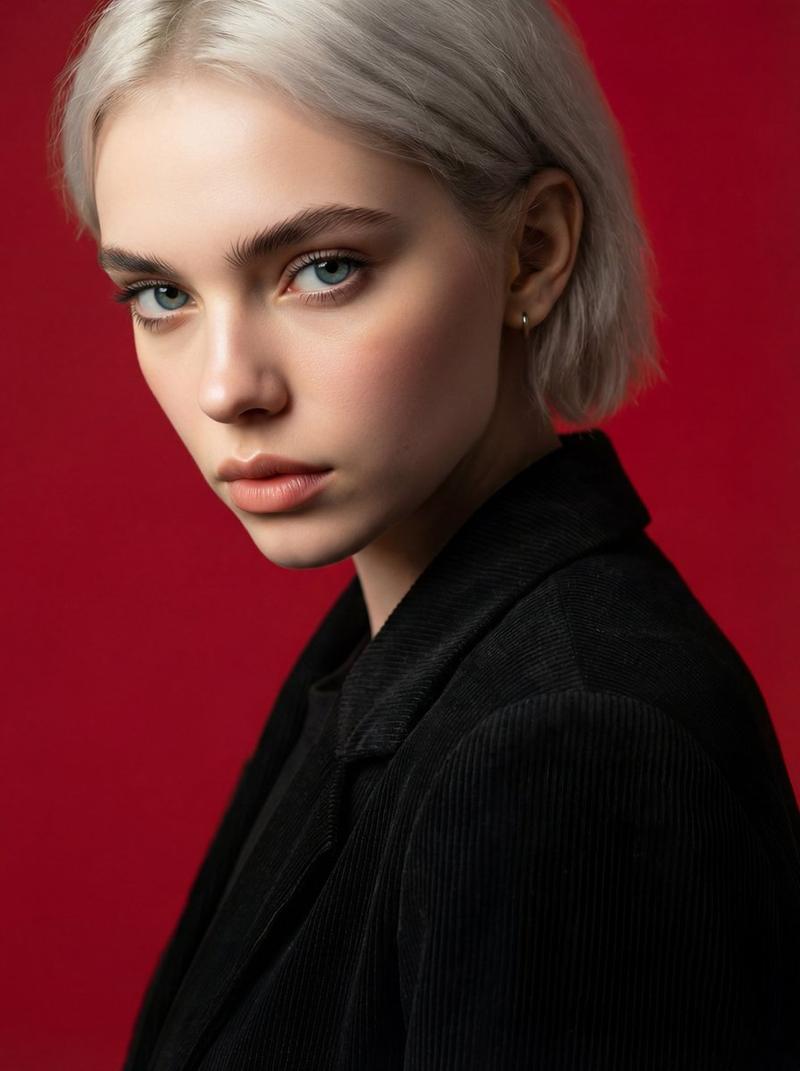
16

画廊墙面肖像,带身份锁
Enlarge

画廊墙面肖像,带身份锁

Prompt
基于【参考照片人物】
A high-quality 9:16 vertical portrait, 4k resolution. 
**Framing:** Medium-long shot (framed from the knees up, focusing on torso and head). 
**Subject:** The woman from the reference image, standing in 3/4 profile facing left, looking at the lens. She wears a structured black long trench coat. 
**Background:** An infinite, edge-to-edge gallery wall completely covered in a dense, seamless grid of black and white fashion portraits of herself. The photo wall fills 100% of the background frame behind her. No floor visible, no ceiling visible, just the texture of the photos. 
**Lighting:** Even, professional gallery lighting highlighting the coat's texture and the details of the background prints. 
**Quality:** Ultra-photorealistic, sharp focus, cinematic depth.
--ar 9:16 --v 6.0
Category
创意图片
Model
Nano Banana Pro
Views0
Source ID
db6a6476-07d6-46d5-b82d-b3b7c9e3cef0
Published
Mar 8, 2026

Guide

About "画廊墙面肖像,带身份锁"

What is this prompt for?

"画廊墙面肖像,带身份锁" AI image prompt for Nano Banana Pro (创意图片). 一个用于图像生成的提示,它使用一张参考照片来保持主体的身份,同时将其置于一个戏剧性的、高级时装的场景中。主体被置于一面无缝墙壁前,墙壁上完全覆盖着他们自己的黑白肖像,强调电影般的超写实品质。 --- 基…

The full copyable prompt and example visuals above are ready for AI image generation or one-click recreate in Picva.

How to use this prompt

  1. Step 1

    Open the prompt detail

    Review the example visuals, category, and full prompt text for "画廊墙面肖像,带身份锁".

  2. Step 2

    Copy the prompt

    Copy the prompt body from this page, or load it directly in Studio.

  3. Step 3

    Pick a model (Nano Banana Pro)

    Prefer Nano Banana Pro. If you switch models, keep subject and composition and tweak style terms.

  4. Step 4

    Generate and export

    Recreate the look in Picva, or export into your workflow for editing and publishing.

FAQ

What is the "画廊墙面肖像,带身份锁" prompt?
It is an AI image-generation prompt for Nano Banana Pro in the 创意图片 category. This page includes the full prompt text, example visuals, and a one-click recreate path in Picva.
How do I use this prompt to generate an image?
Copy the prompt from this page, or use Generate / Studio. Paste it into a compatible image model, or recreate the look in Picva with optional reference images.
Which model is this prompt for?
This page lists Nano Banana Pro. Most descriptive prompts also transfer to nearby image models such as GPT Image, Flux, or Midjourney with light style tweaks.
Can I use the result commercially?
You can usually copy the prompt for creation, but commercial use of the final image depends on the model terms, reference-image rights, and the generated content. Follow the source author and platform rules.