抖音奢华夜景人像提示词
Prompt
[Subject]
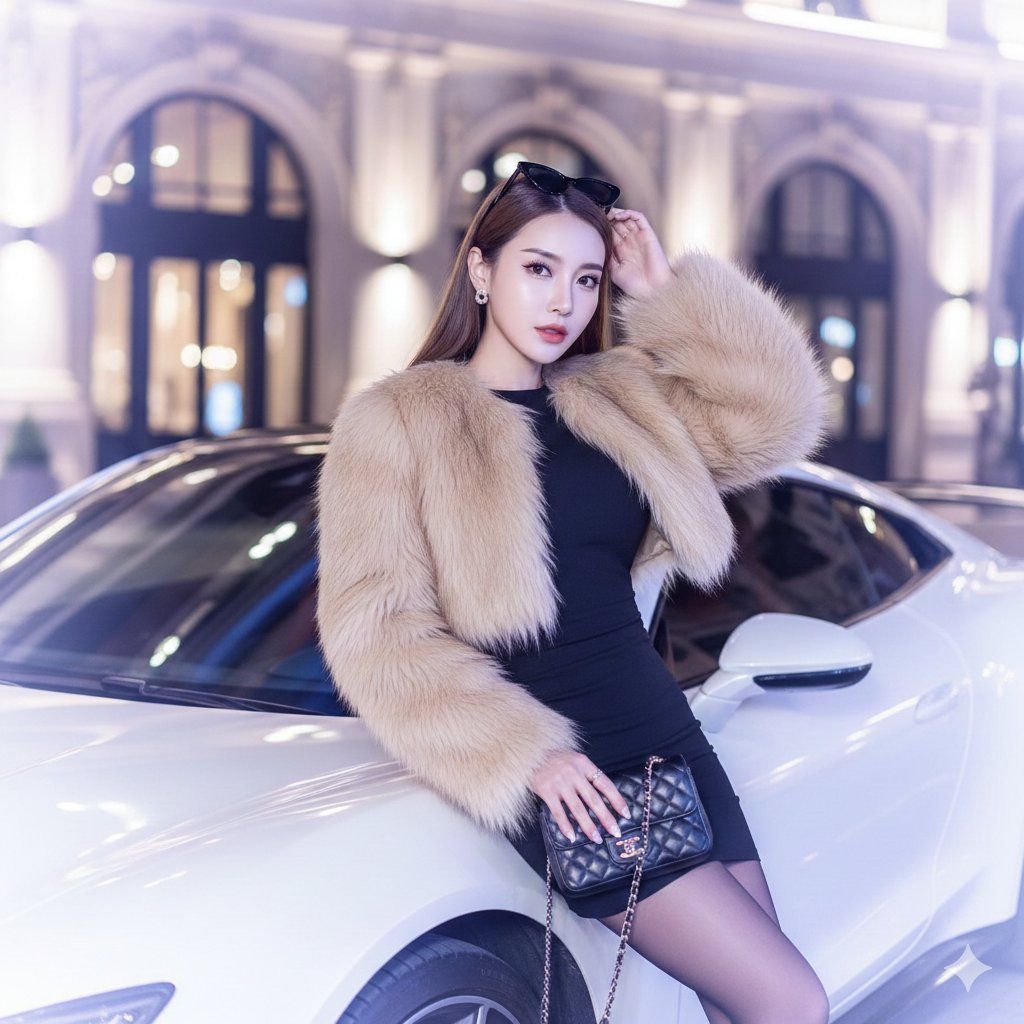
person = {argument name="person" default="Woman"}
facial_reference = {argument name="facial reference" default="EXACT_MATCH"}
hair_style = {argument name="hair style" default="Long, straight, brown"}
hair_action = {argument name="hair action" default="Raising arm to tuck hair behind ear"}
accessories = {argument name="accessories" default="Black sunglasses (worn in hair), black chain bag"}
outfit_base = {argument name="outfit base" default="Short black dress"}
outfit_outer = {argument name="outfit outer" default="Cropped beige faux fur jacket (long/thick fur)"}
legwear = {argument name="legwear" default="Sheer tights"}

[Environment]
location_type = {argument name="location type" default="European-style elegant buildings"}
time_of_day = {argument name="time of day" default="Night"}
lighting_style = {argument name="lighting style" default="Douyin-style soft white glow"}
lighting_temp = {argument name="lighting temp" default="Cool tones with warm highlights"}
atmosphere = {argument name="atmosphere" default="Ethereal, luxury, dreamy, elegant"}
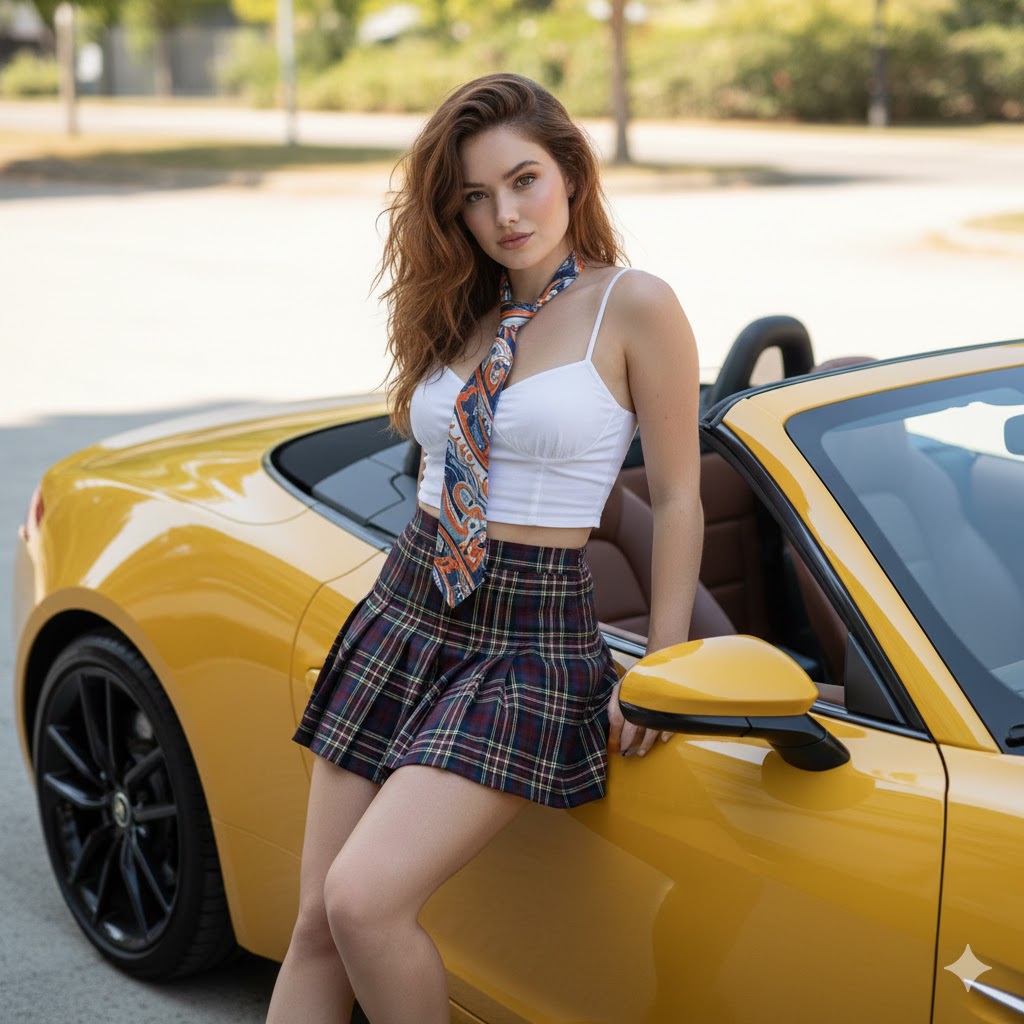
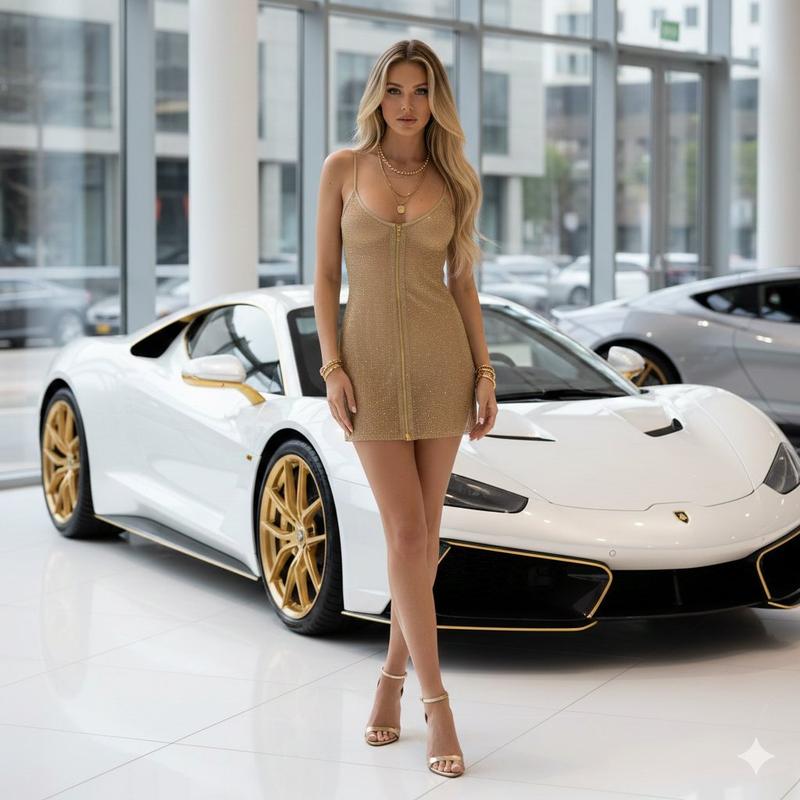
main_object = {argument name="main object" default="White luxury car"}
interaction = {argument name="interaction" default="Leaning confidently on car"}

[CameraSettings]
model = {argument name="camera model" default="Canon EOS R5"}
lens = {argument name="lens" default="50mm f/1.2"}
aperture = {argument name="aperture" default="f/1.8"}
iso = {argument name="iso" default="800"}
shutter_speed = {argument name="shutter speed" default="1/160s"}
white_balance = {argument name="white balance" default="4200K"}
focus = {argument name="focus" default="Sharp on subject"}
depth_of_field = {argument name="depth of field" default="Shallow (cinematic bokeh)"}

[PostProcessing]
skin_texture = {argument name="skin texture" default="Porcelain-white, luminous, smooth"}
aesthetic = {argument name="aesthetic" default="Douyin luxury"}
highlight_behavior = {argument name="highlight behavior" default="Slightly overexposed"}
visual_effects = {argument name="visual effects" default="Reflective car light effects, soft white glow"}- Category
- 创意图片
- Model
- Nano Banana Pro
- Creator
- Javeriya ✨
- Source ID
- cbcbe66d-c17f-43f7-a3f7-6cc07018aa8b
- Published
- Mar 8, 2026
Views0



![Create an epic premium automotive poster of [CAR MODEL]](https://whqgdndlpxjbwosvipip.supabase.co/storage/v1/render/image/public/prompt-source-media/promptsref/work-2474/image-1-8334e1421995e79a.png?width=800&quality=75&resize=contain)