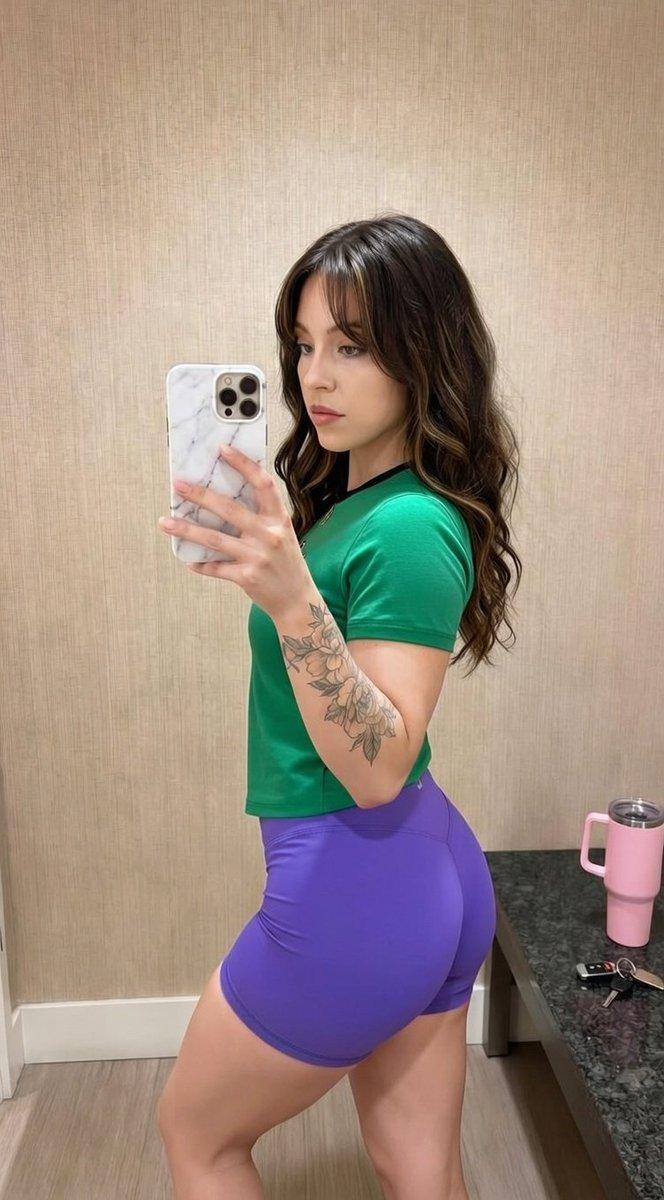
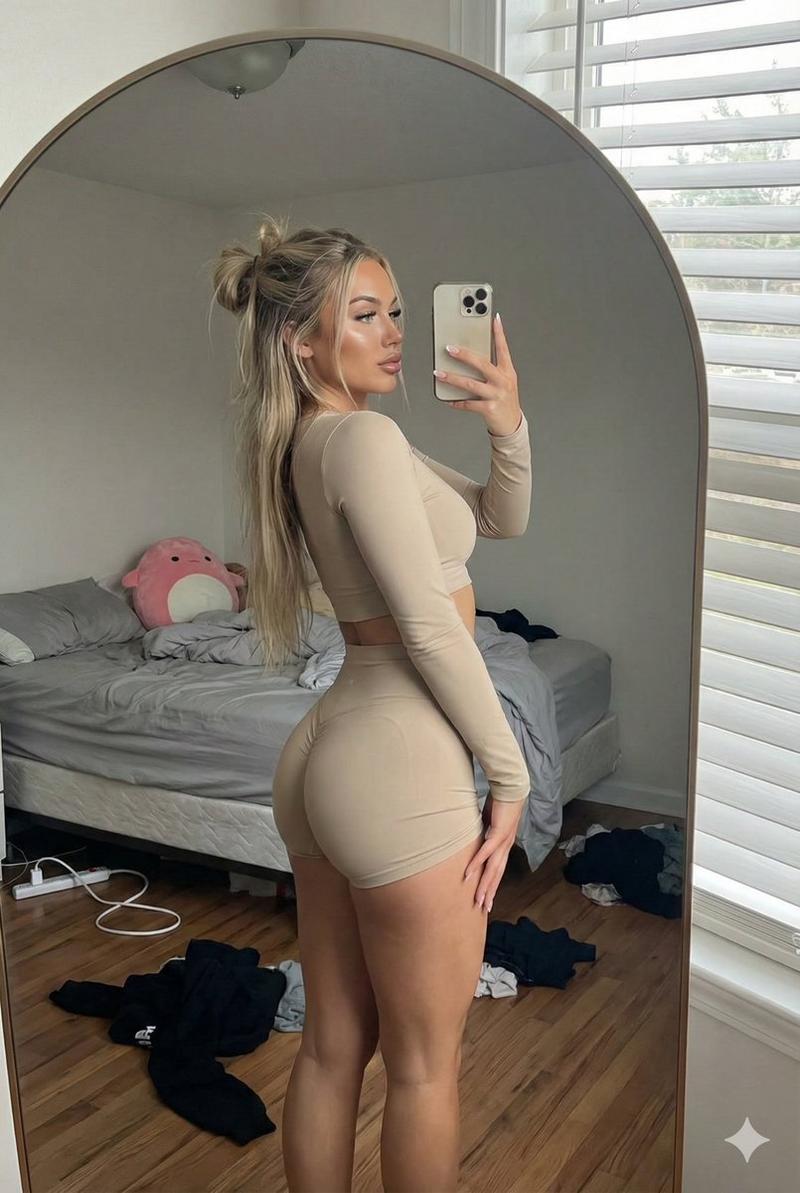
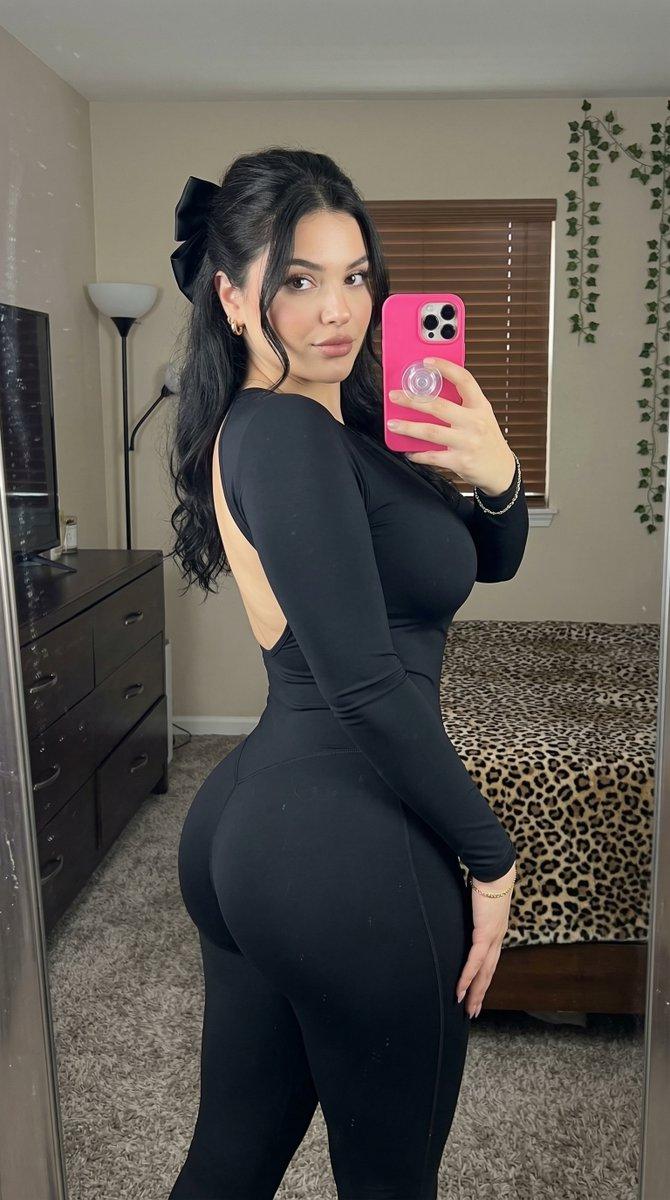
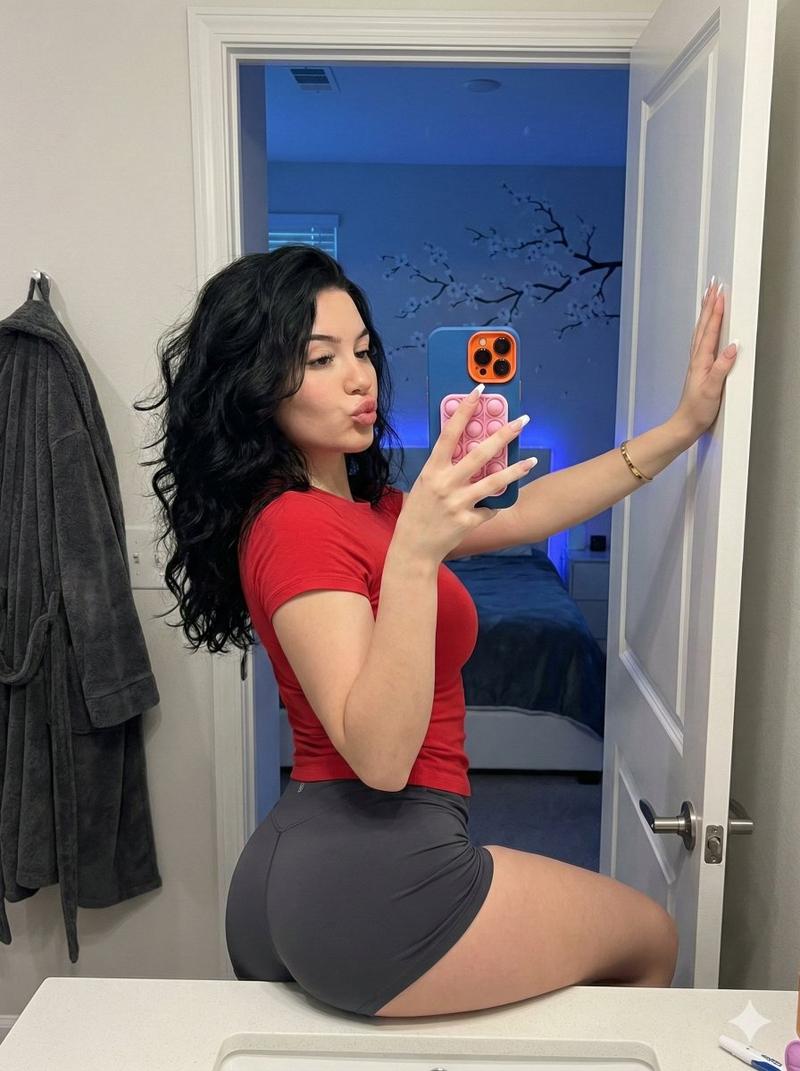
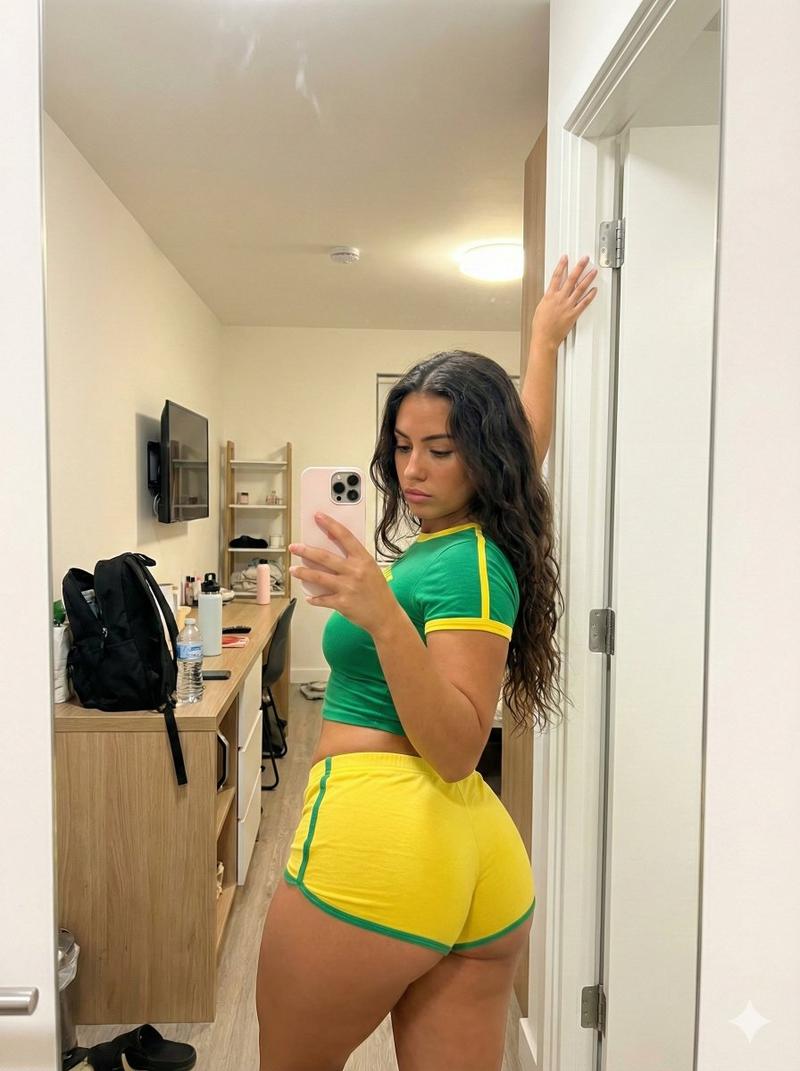
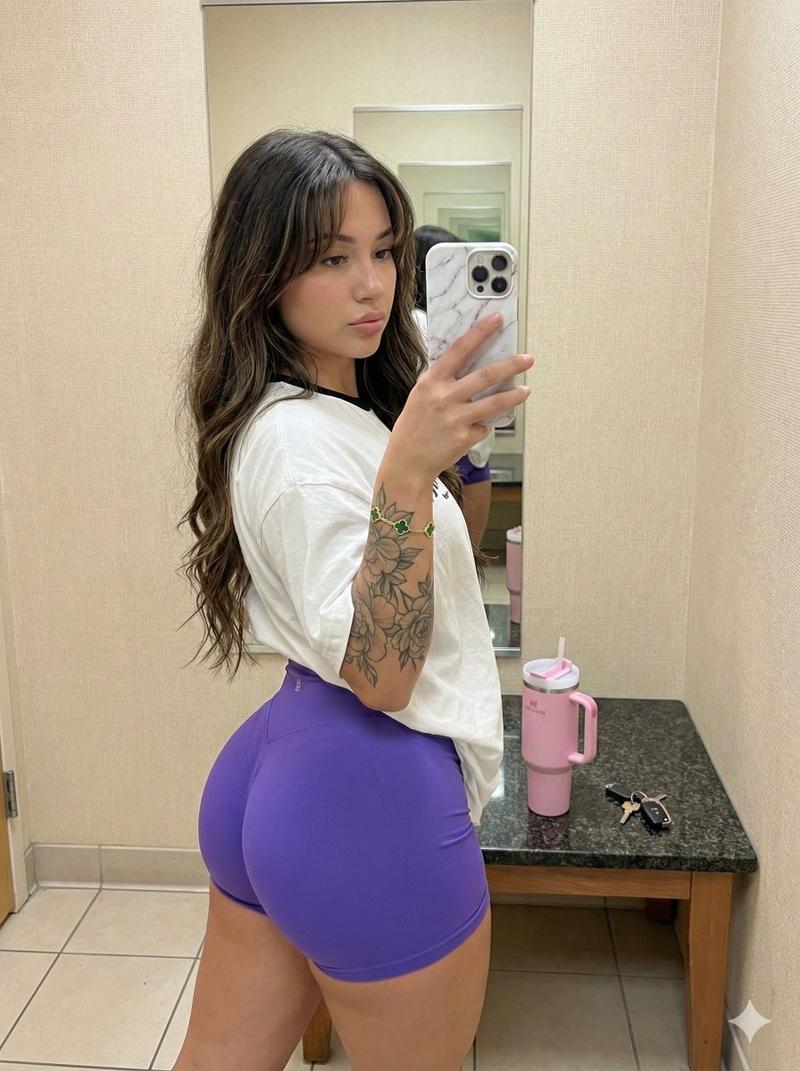
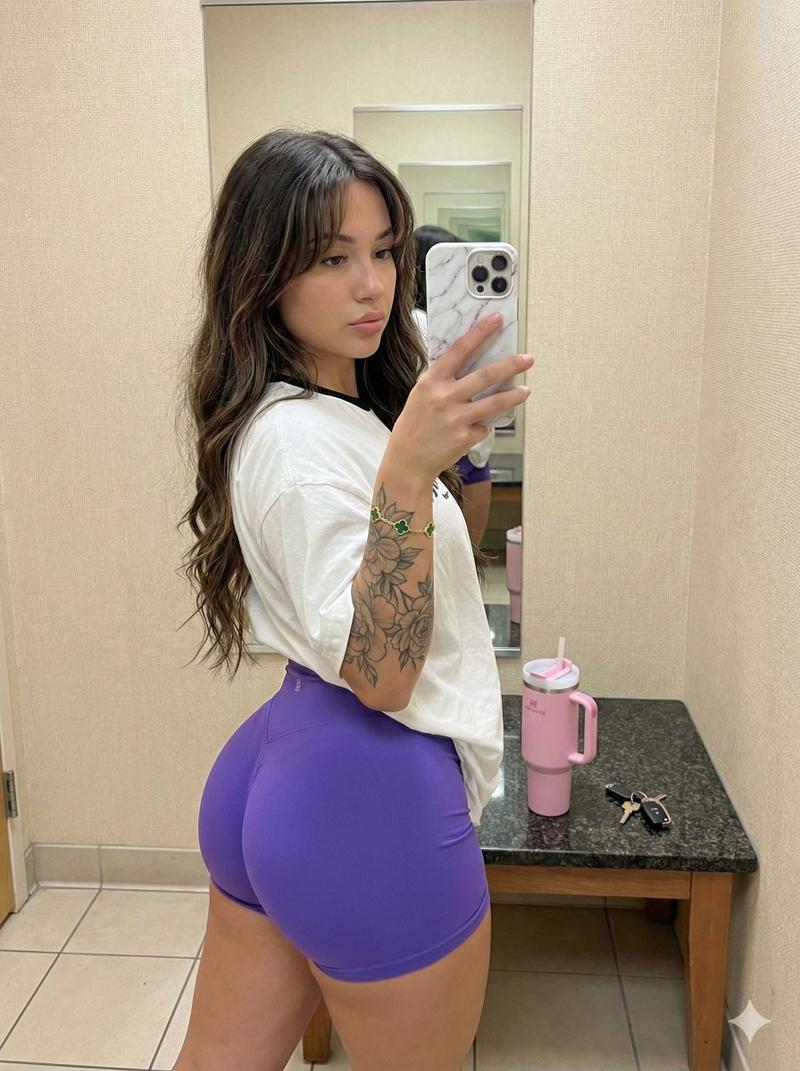
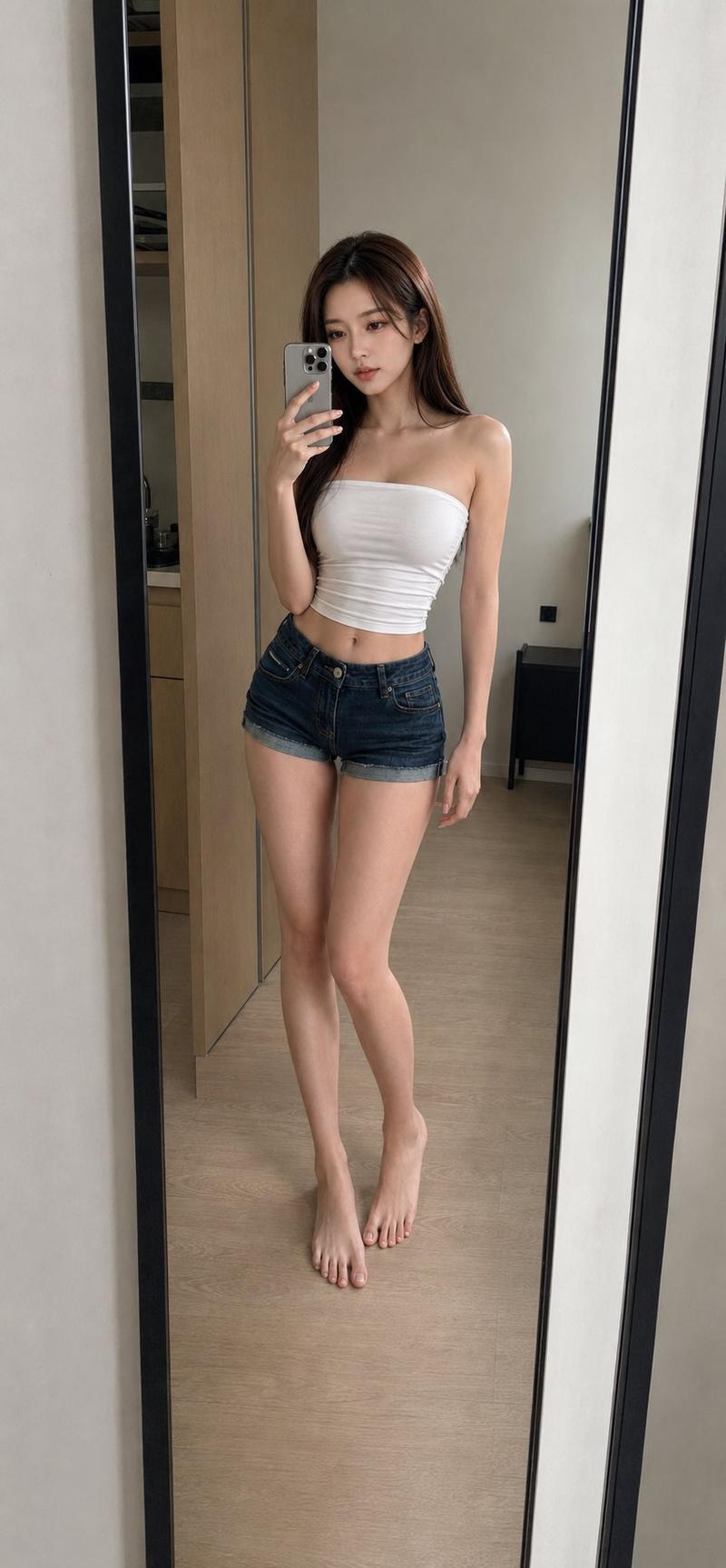
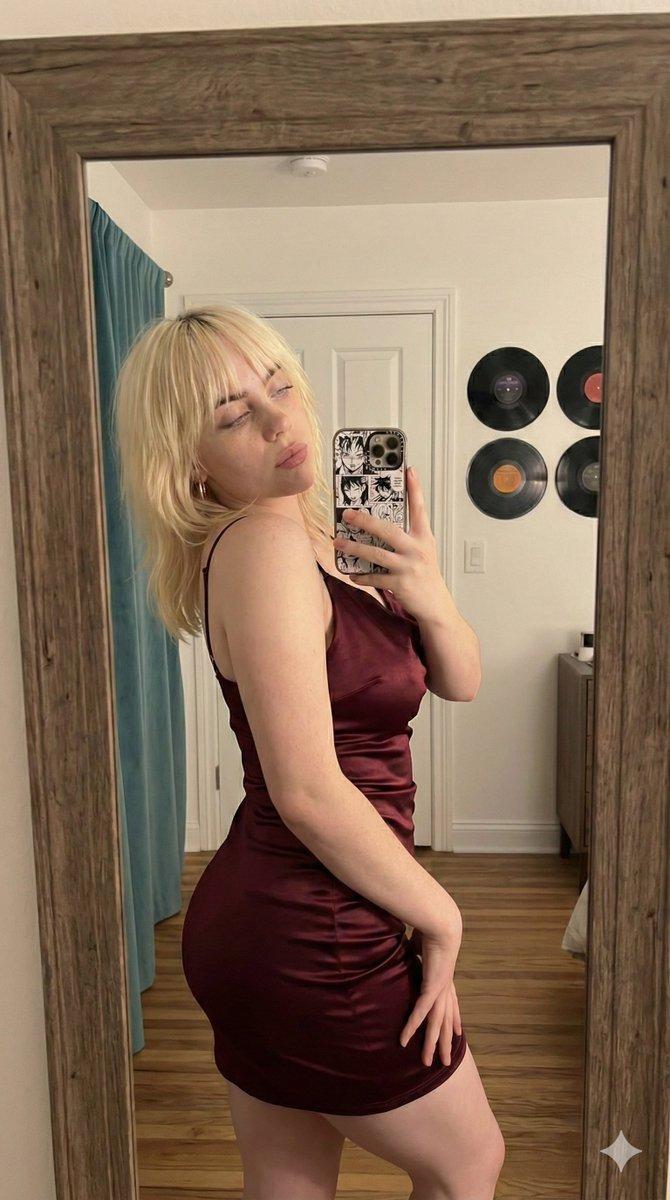
身份锁定镜像自拍姿势重现提示
Prompt
{
  "template_id": "mirror_side_pose_workout_shorts_ultralock_v1_compact",
  "version": "1.0.1",
  "intent": "Recreate a mirror selfie of a woman in a fitted crop t-shirt and high-waisted workout shorts, allowing only identity replacement while locking all scene parameters.",
  "subject_identity_lock": {
    "replace_identity_only": true,
    "preserve_body_proportions": true,
    "preserve_skin_tone_range": true,
    "preserve_hair_length_category": "medium-long",
    "hair_color_band": "light-brown_with_highlights",
    "face_direction_degrees": {
      "yaw_right": 55,
      "pitch_down": 8,
      "roll": 0
    },
    "expression_tone": "soft_neutral",
    "age_band_years": [
      20,
      35
    ]
  },
  "camera_lock": {
    "lens_focal_length_mm": 26,
    "sensor_format": "full_frame_eq",
    "camera_distance_m": 1.2,
    "camera_height_m": 1.45,
    "camera_tilt_degrees": {
      "pitch_down": -2
    },
    "framing": {
      "aspect_ratio": "9:16",
      "subject_fill_fraction": 0.8,
      "center_bias_xy": [
        0.52,
        0.52
      ]
    },
    "mirror_geometry": {
      "plane_alignment": "parallel",
      "distance_m": 0.6,
      "dimensions_m": [
        0.9,
        2.1
      ]
    }
  },
  "phone_lock": {
    "hand": "right",
    "position_xy": [
      0.38,
      0.47
    ],
    "orientation_degrees": {
      "yaw": 2
    },
    "grip": "fingers_wrapped_thumb_along_edge"
  },
  "pose_lock": {
    "global_orientation": {
      "pelvis_yaw_deg": 80,
      "torso_yaw_deg": 65,
      "head_yaw_deg": 55
    },
    "spine": {
      "lumbar_curve": "soft",
      "thoracic_curve": "upright"
    },
    "legs": {
      "supporting": {
        "side": "left",
        "knee_deg": 8,
        "foot_angle_deg": 12,
        "foot_contact": "flat"
      },
      "rear": {
        "side": "right",
        "knee_deg": 22,
        "toe_contact": "forefoot",
        "heel_elevation_cm": 2.5
      }
    },
    "arms": {
      "right": {
        "shoulder_flex_deg": 35,
        "elbow_flex_deg": 90,
        "hand_pos_xy": [
          0.38,
          0.47
        ]
      },
      "left": {
        "visibility": "minimal"
      }
    },
    "hips": {
      "pelvis_tilt_deg": 6,
      "weight_distribution": [
        0.8,
        0.2
      ]
    },
    "neck_head": {
      "chin_down_deg": 6,
      "gaze": "toward_phone"
    }
  },
  "clothing_geometry_lock": {
    "top": {
      "type": "crop_tshirt",
      "color": "soft_white",
      "sleeves": "short",
      "hem": "above_navel",
      "fabric": {
        "stretch": "horizontal",
        "wrinkle_zones": [
          "under_bust",
          "side_seams"
        ]
      }
    },
    "bottom": {
      "type": "workout_shorts_high_waist",
      "coverage": "full",
      "inseam_cm": 7,
      "color": "lilac_with_subtle_stripes",
      "waistband_cm": 6,
      "leg_opening_ratio": 0.85,
      "stretch_zones": [
        "glutes",
        "outer_hips"
      ]
    }
  }
}- Category
- 创意图片
- Model
- Nano Banana Pro
- Creator
- Sienna
- Source ID
- bc8c6c4d-5f2c-4e18-b1d1-70574f9a856b
- Published
- Mar 8, 2026
Views0