14

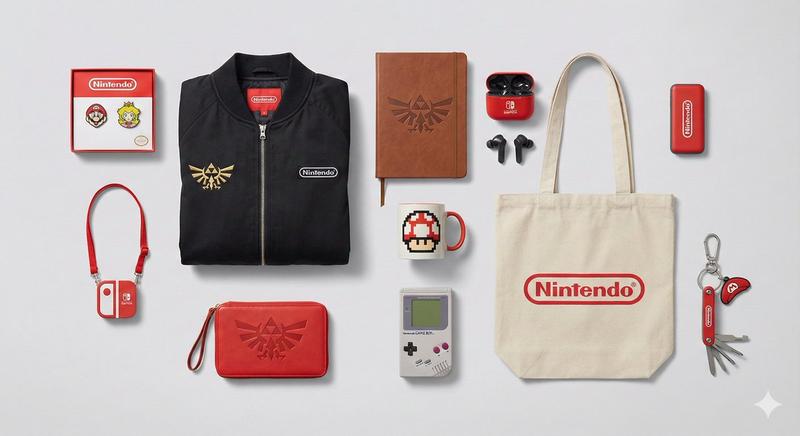
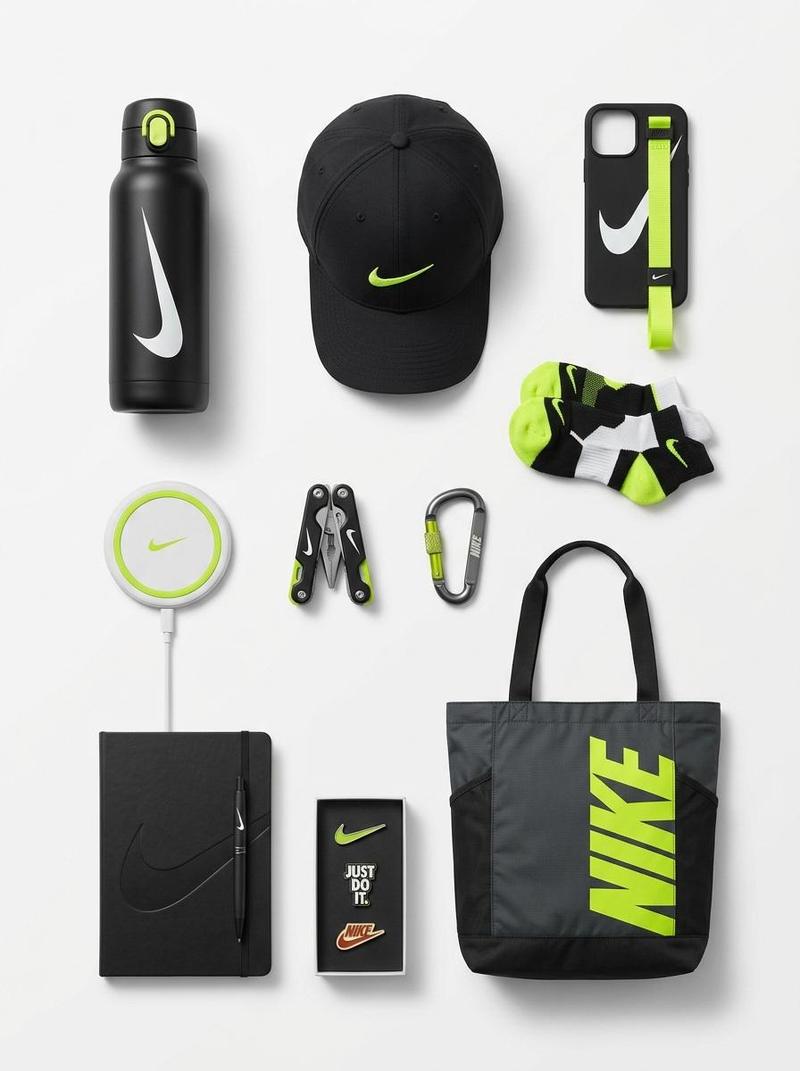
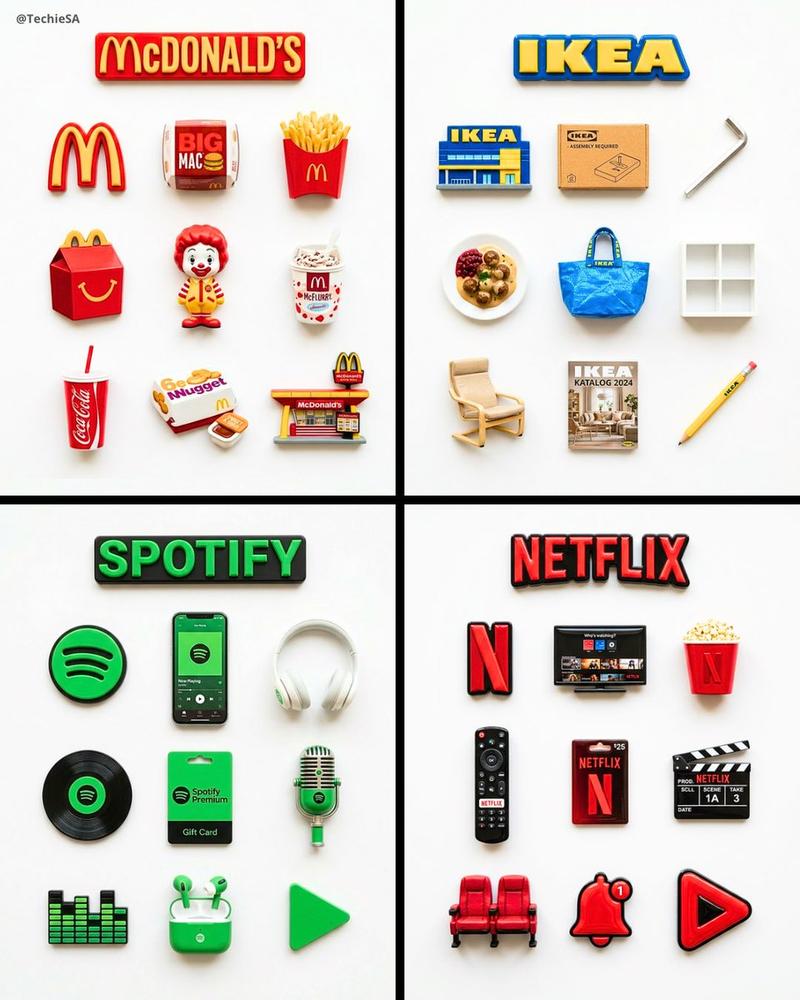
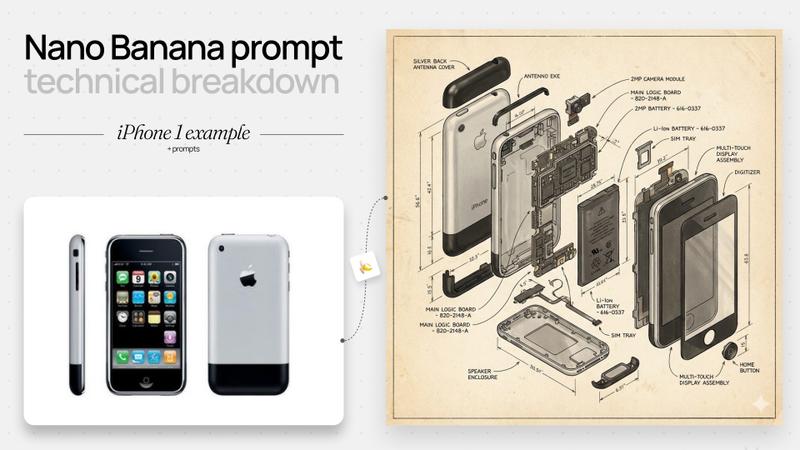
平铺式产品摄影提示(发明)
Enlarge

平铺式产品摄影提示(发明)

Prompt
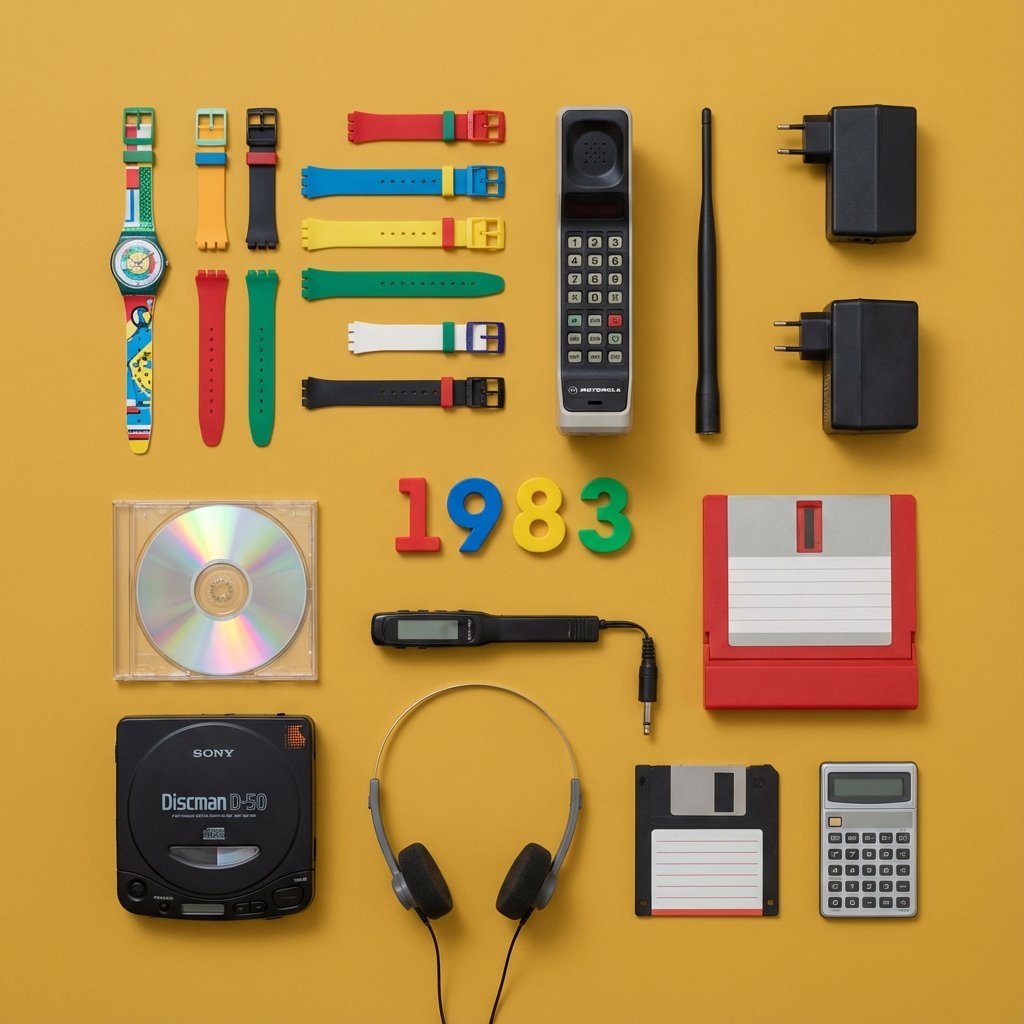
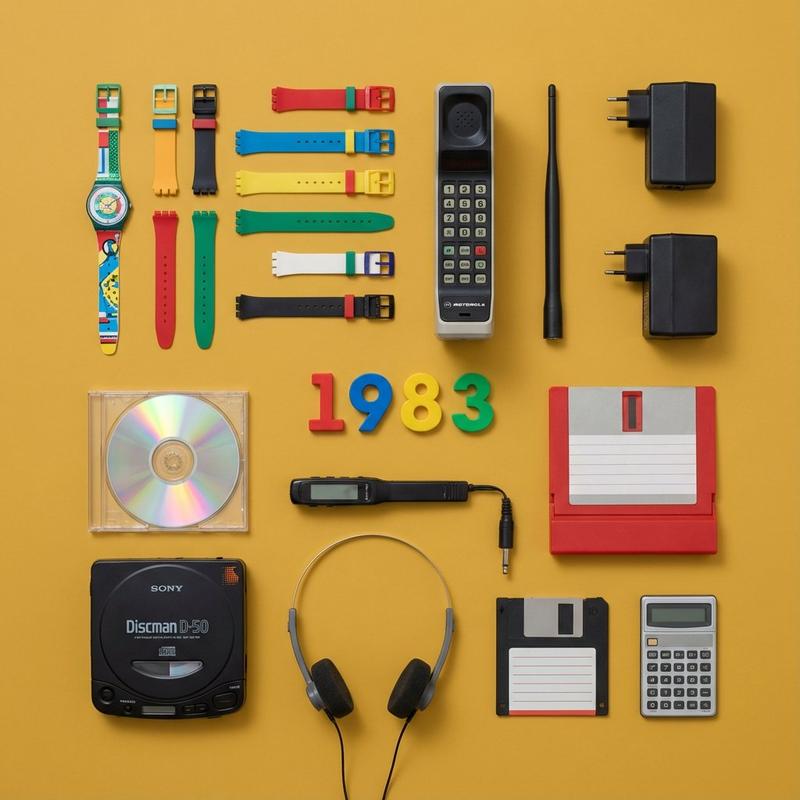
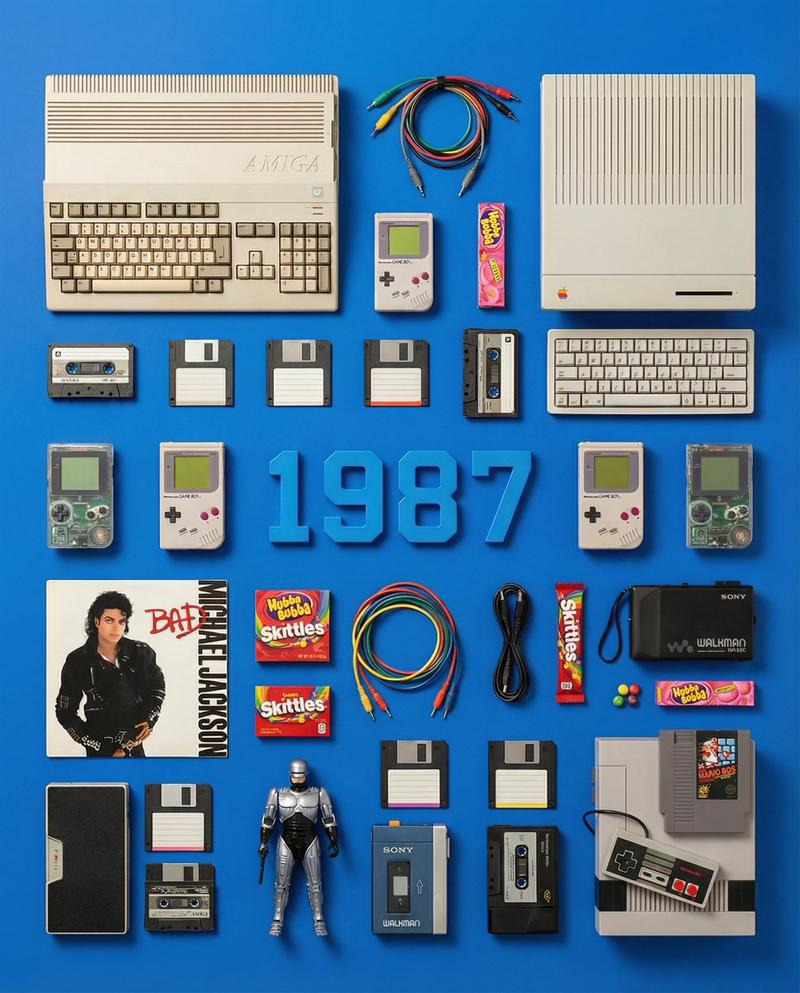
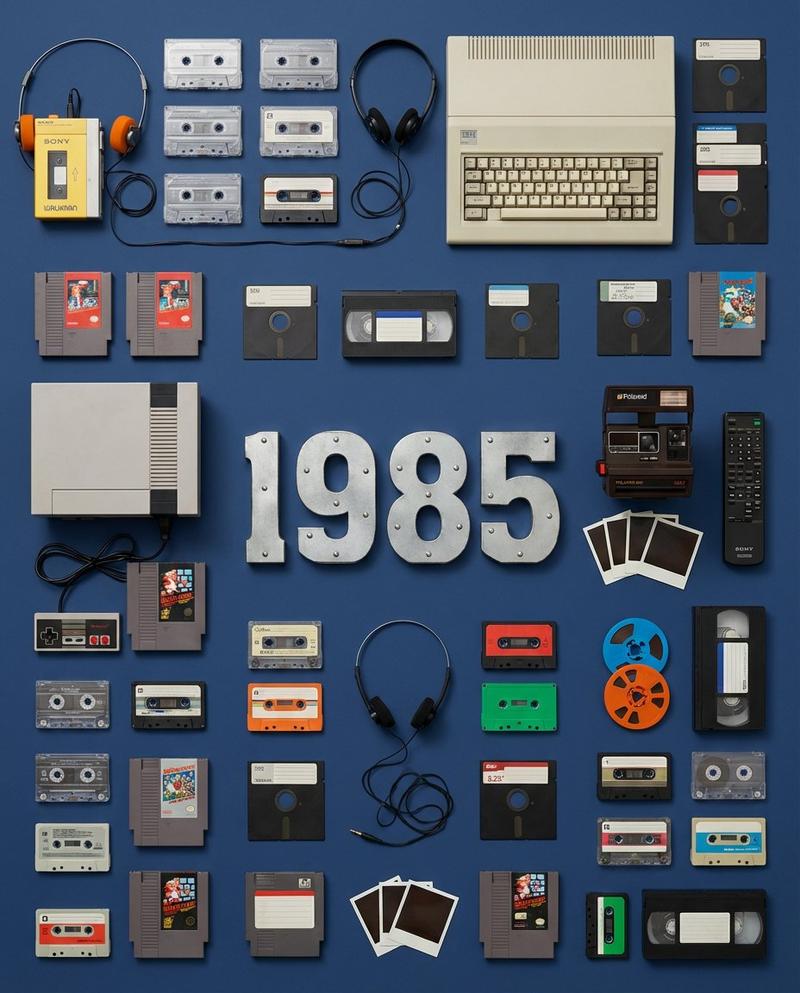
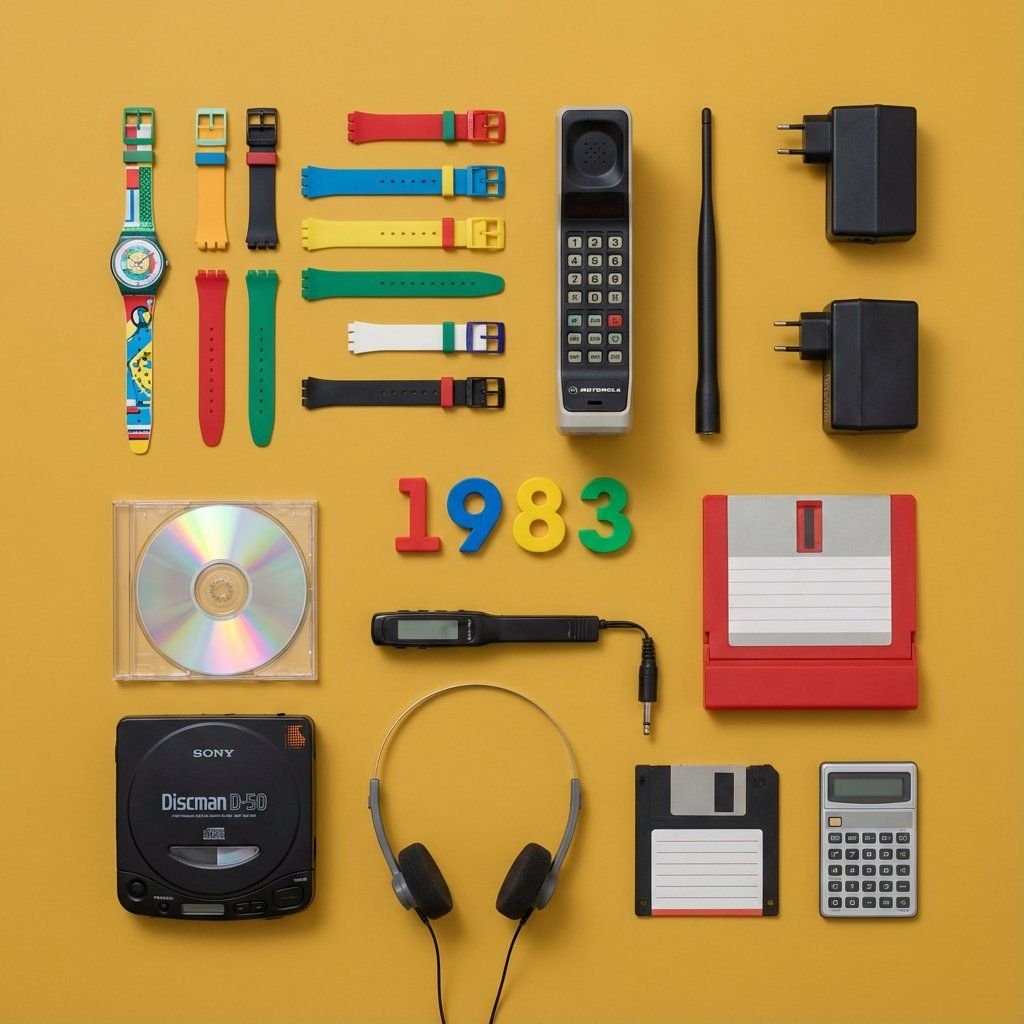
Do this for {argument name="year" default="1983"} > You are a Professional Product Photographer specializing in knolling Flat Lay photography. I will provide a Year or inventor. Step 1: The Selection.  > Identify 3 to 5 inventions from that year, plus 5-7 smaller related accessories (e.g., if the invention is a camera, include film rolls; if it's a car part, include a wrench).

Step 2: The Layout. Arrange all items on a flat, solid-colored matte background (choose a color that contrasts well with the items).

The Grid: Align everything at perfect 90-degree angles. Organize them by size and shape.

The Vibe: Deconstructed, organized, satisfying, geometric.

The Lighting:

Soft, flat, overhead studio lighting (shadowless).

Output:

 A single 4:5 image.

The Year (e.g., "1955") should be arranged using physical typography (like metal letters or cut paper) placed in the center of the grid.

Style: Wes Anderson symmetry, high-end commercial advertising, vibrant.
Category
创意图片
Model
Nano Banana Pro
Creator
Gadgetify
Views0
Source ID
bef717b1-5e3c-4f7c-9c73-0f676d963a71
Published
Mar 8, 2026

Guide

About "平铺式产品摄影提示(发明)"

What is this prompt for?

"平铺式产品摄影提示(发明)" AI image prompt for Nano Banana Pro (创意图片). 这是一个为 Nano Banana Pro 设计的结构化提示模板,旨在利用平铺式(knolling flat lay)摄影风格,可视化特定年份的小工具和发明。该提示要求识别 3-5 种发明和相关配件…

The full copyable prompt and example visuals above are ready for AI image generation or one-click recreate in Picva.

How to use this prompt

  1. Step 1

    Open the prompt detail

    Review the example visuals, category, and full prompt text for "平铺式产品摄影提示(发明)".

  2. Step 2

    Copy the prompt

    Copy the prompt body from this page, or load it directly in Studio.

  3. Step 3

    Pick a model (Nano Banana Pro)

    Prefer Nano Banana Pro. If you switch models, keep subject and composition and tweak style terms.

  4. Step 4

    Generate and export

    Recreate the look in Picva, or export into your workflow for editing and publishing.

FAQ

What is the "平铺式产品摄影提示(发明)" prompt?
It is an AI image-generation prompt for Nano Banana Pro in the 创意图片 category. This page includes the full prompt text, example visuals, and a one-click recreate path in Picva.
How do I use this prompt to generate an image?
Copy the prompt from this page, or use Generate / Studio. Paste it into a compatible image model, or recreate the look in Picva with optional reference images.
Which model is this prompt for?
This page lists Nano Banana Pro. Most descriptive prompts also transfer to nearby image models such as GPT Image, Flux, or Midjourney with light style tweaks.
Can I use the result commercially?
You can usually copy the prompt for creation, but commercial use of the final image depends on the model terms, reference-image rights, and the generated content. Follow the source author and platform rules.