17

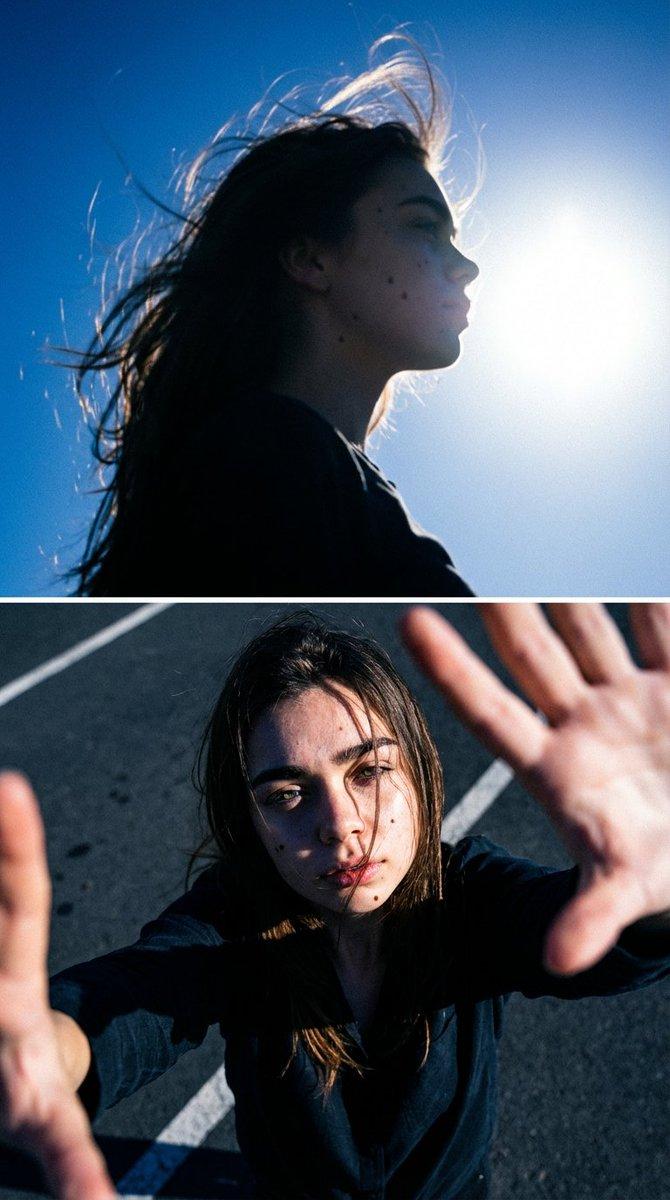
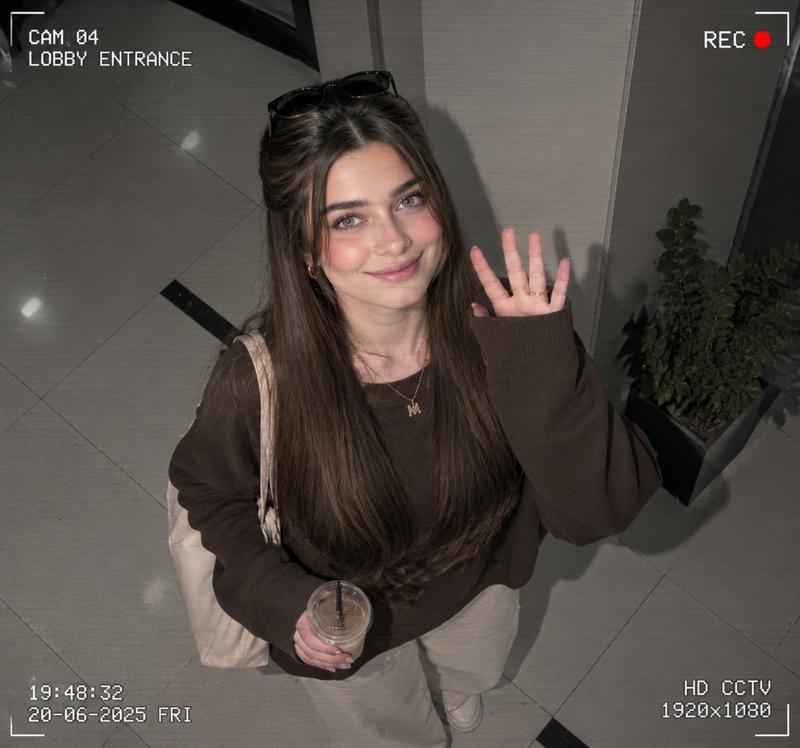
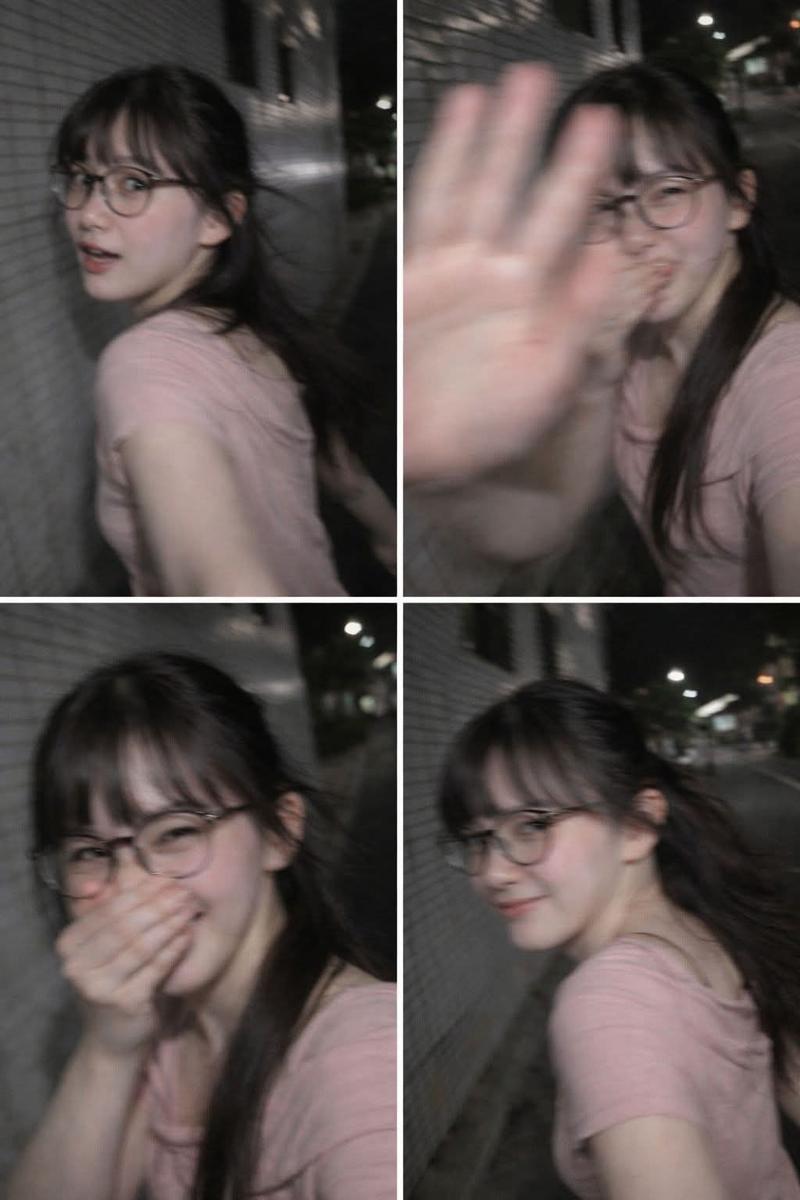
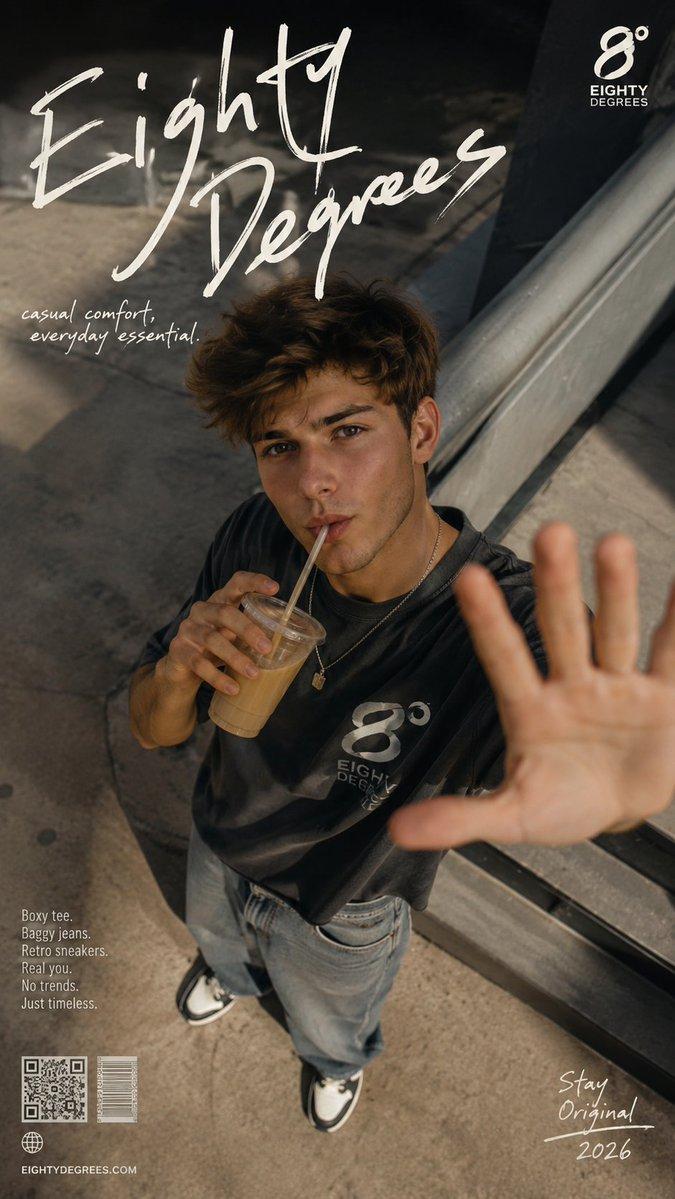
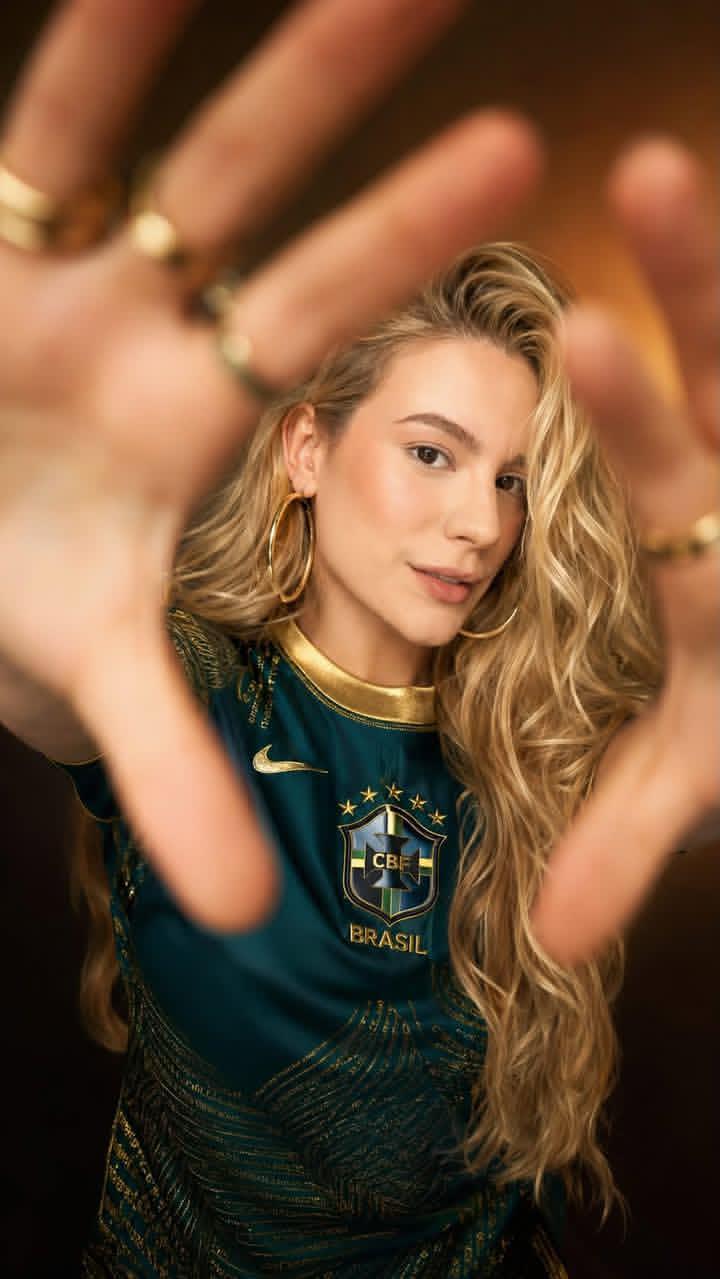
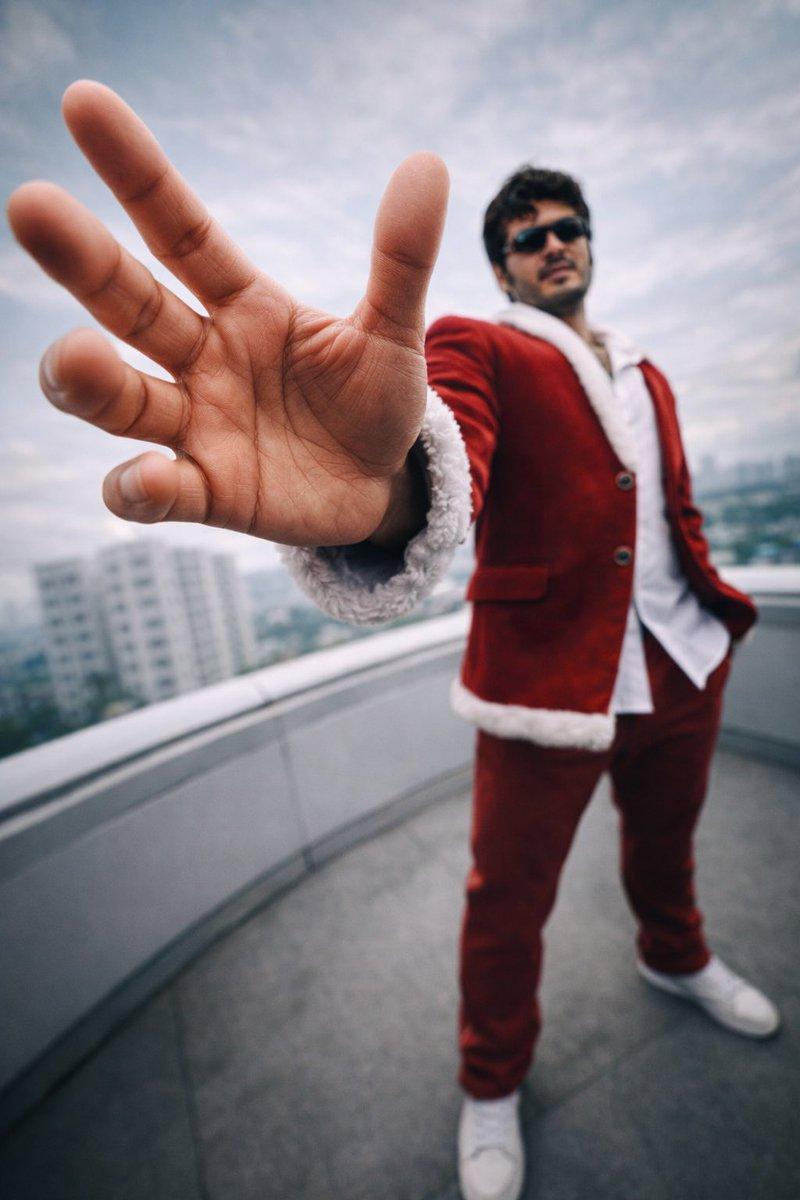
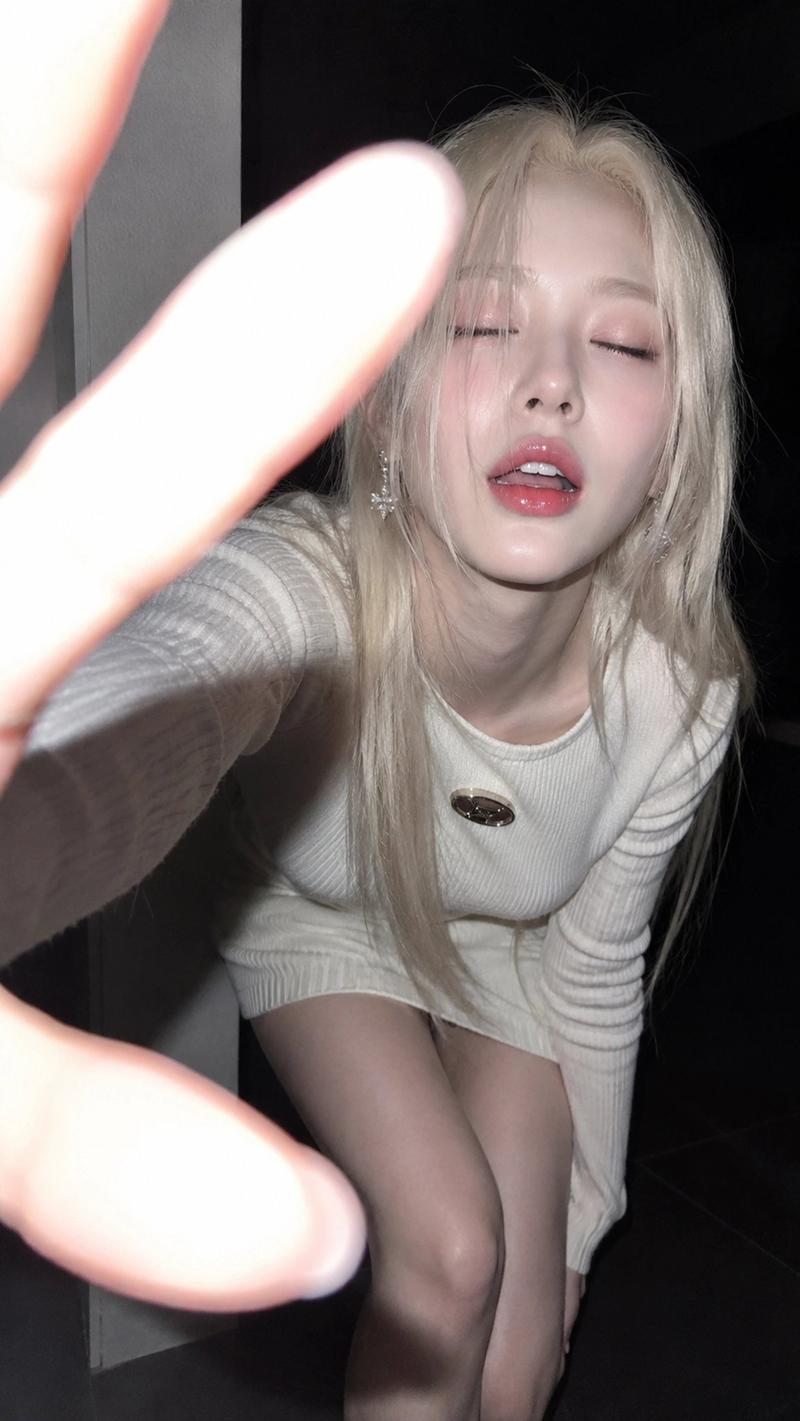
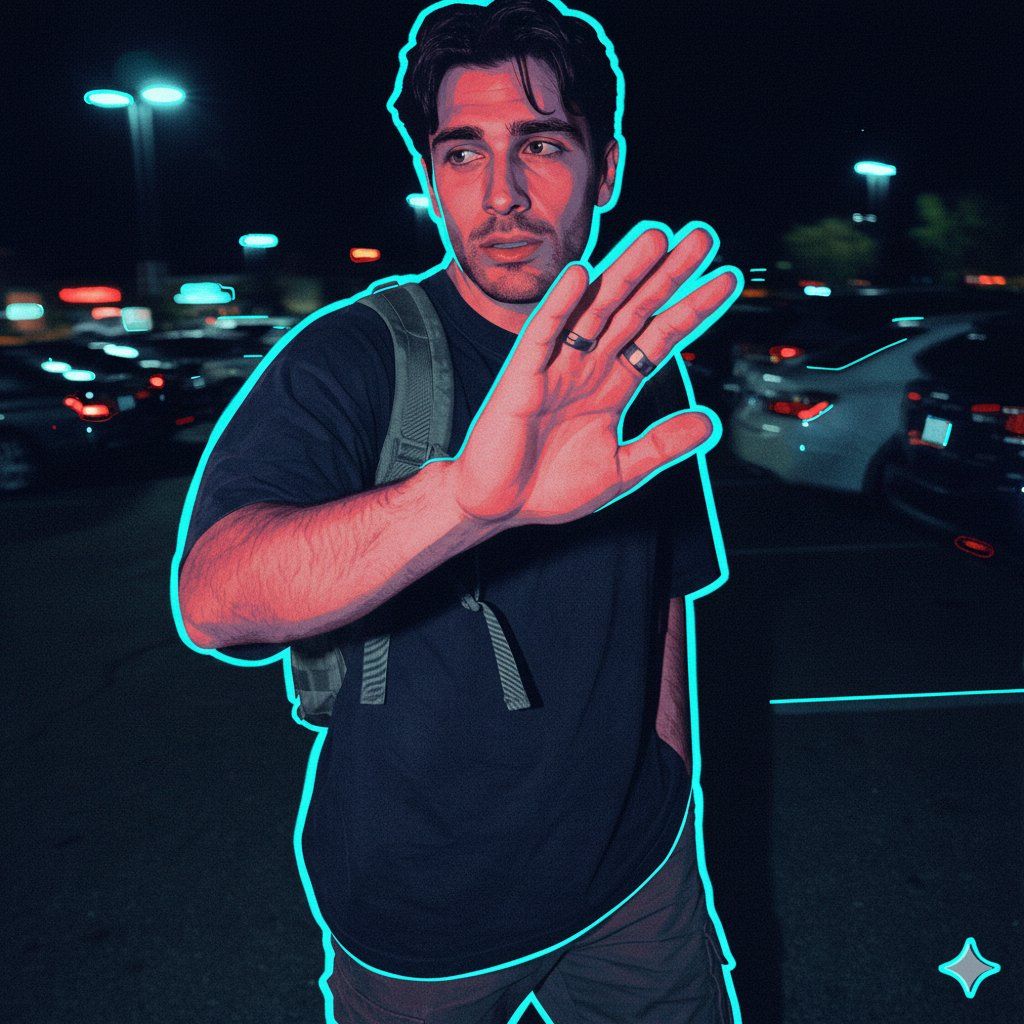
赛博朋克黑色矢量风格迁移提示词
Enlarge

赛博朋克黑色矢量风格迁移提示词

Prompt
{
  "action": "generate",
  "aspect_ratio": "1:1",
  "prompt_details": {
    "style": "Vector illustration with a synthwave noir aesthetic, digital flat art with grainy texture",
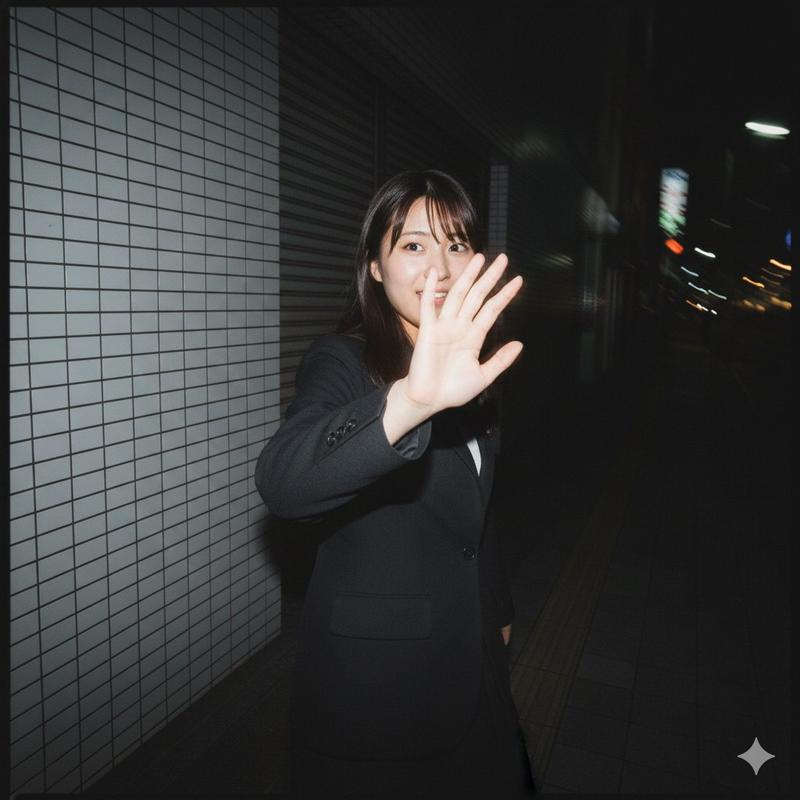
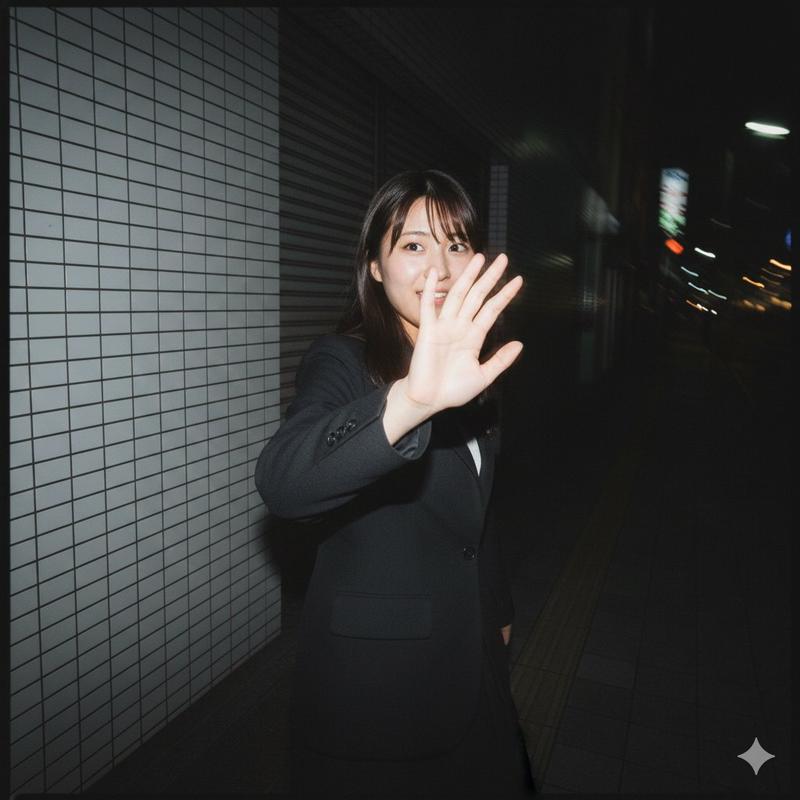
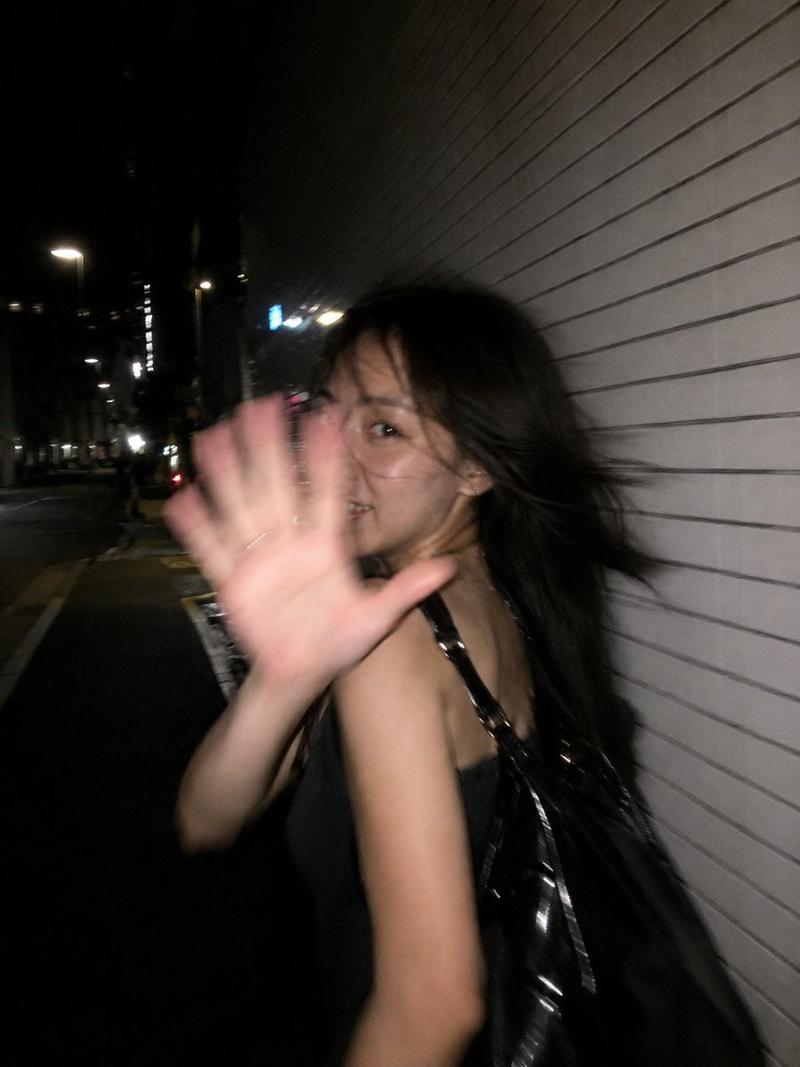
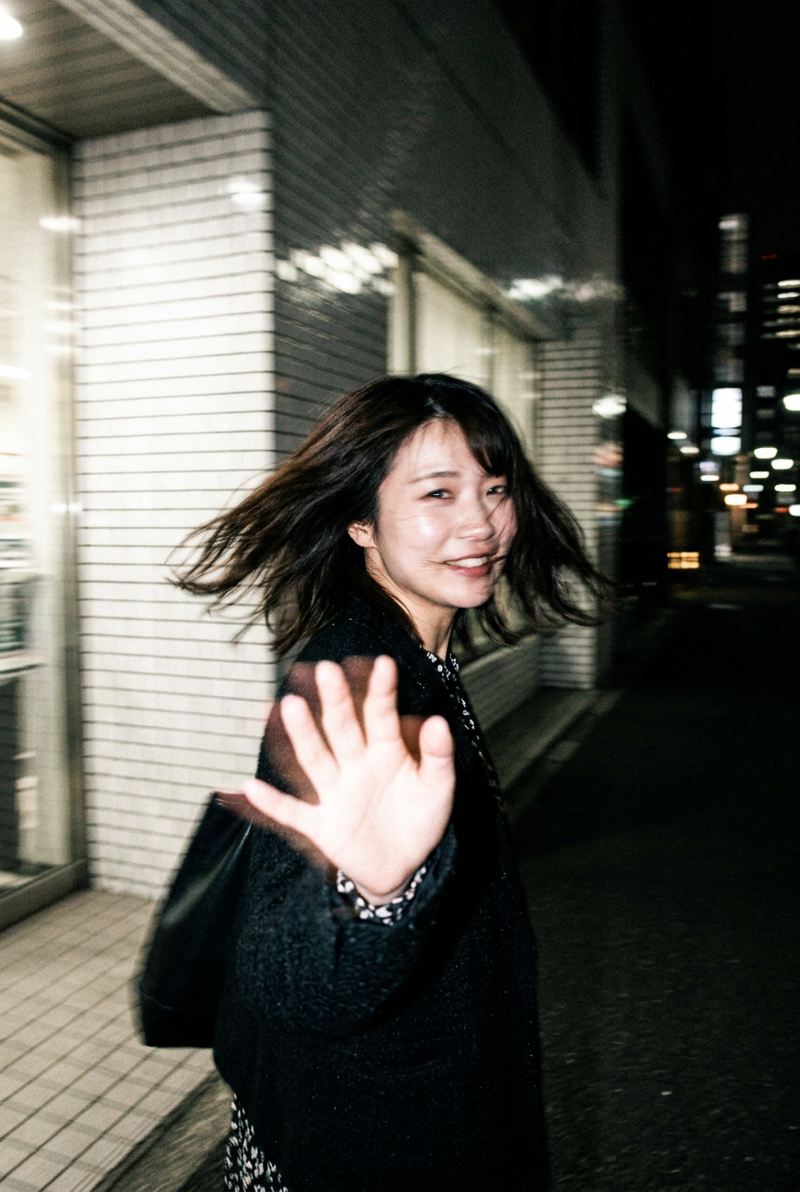
    "subject": "A person whose facial identity and features are preserved exactly as in the reference image",
    "lighting": "High-contrast dual-tone lighting, cyan rim lighting combined with deep red ambient highlights, cinematic chiaroscuro effect",
    "color_palette": "Deep navy blue, electric cyan, vibrant crimson, and charcoal black",
    "composition": "Minimalist portrait, centered or profile view, clean sharp edges with subtle film grain overlay",
    "environment": "Void-like dark background to emphasize the glow and silhouette",
    "technical_specs": "Clean vector lines, duotone shading, graphic novel influence, sharp focus on facial contours"
  }
}
Category
创意图片
Model
Nano Banana Pro
Creator
Kaan
Views0
Source ID
e192bede-bcbe-45b9-8ca3-38f86d51e541
Published
Mar 8, 2026

Guide

About "赛博朋克黑色矢量风格迁移提示词"

What is this prompt for?

"赛博朋克黑色矢量风格迁移提示词" AI image prompt for Nano Banana Pro (创意图片). 一个用于图像到图像风格转换操作的 JSON 提示,将参考图像转换为具有赛博朋克黑色电影美学的矢量插画。它强调高对比度的双色调照明(青色和深红色)、保留面部特征,以及带有微妙胶片颗粒叠加的干净矢量…

The full copyable prompt and example visuals above are ready for AI image generation or one-click recreate in Picva.

How to use this prompt

  1. Step 1

    Open the prompt detail

    Review the example visuals, category, and full prompt text for "赛博朋克黑色矢量风格迁移提示词".

  2. Step 2

    Copy the prompt

    Copy the prompt body from this page, or load it directly in Studio.

  3. Step 3

    Pick a model (Nano Banana Pro)

    Prefer Nano Banana Pro. If you switch models, keep subject and composition and tweak style terms.

  4. Step 4

    Generate and export

    Recreate the look in Picva, or export into your workflow for editing and publishing.

FAQ

What is the "赛博朋克黑色矢量风格迁移提示词" prompt?
It is an AI image-generation prompt for Nano Banana Pro in the 创意图片 category. This page includes the full prompt text, example visuals, and a one-click recreate path in Picva.
How do I use this prompt to generate an image?
Copy the prompt from this page, or use Generate / Studio. Paste it into a compatible image model, or recreate the look in Picva with optional reference images.
Which model is this prompt for?
This page lists Nano Banana Pro. Most descriptive prompts also transfer to nearby image models such as GPT Image, Flux, or Midjourney with light style tweaks.
Can I use the result commercially?
You can usually copy the prompt for creation, but commercial use of the final image depends on the model terms, reference-image rights, and the generated content. Follow the source author and platform rules.