18

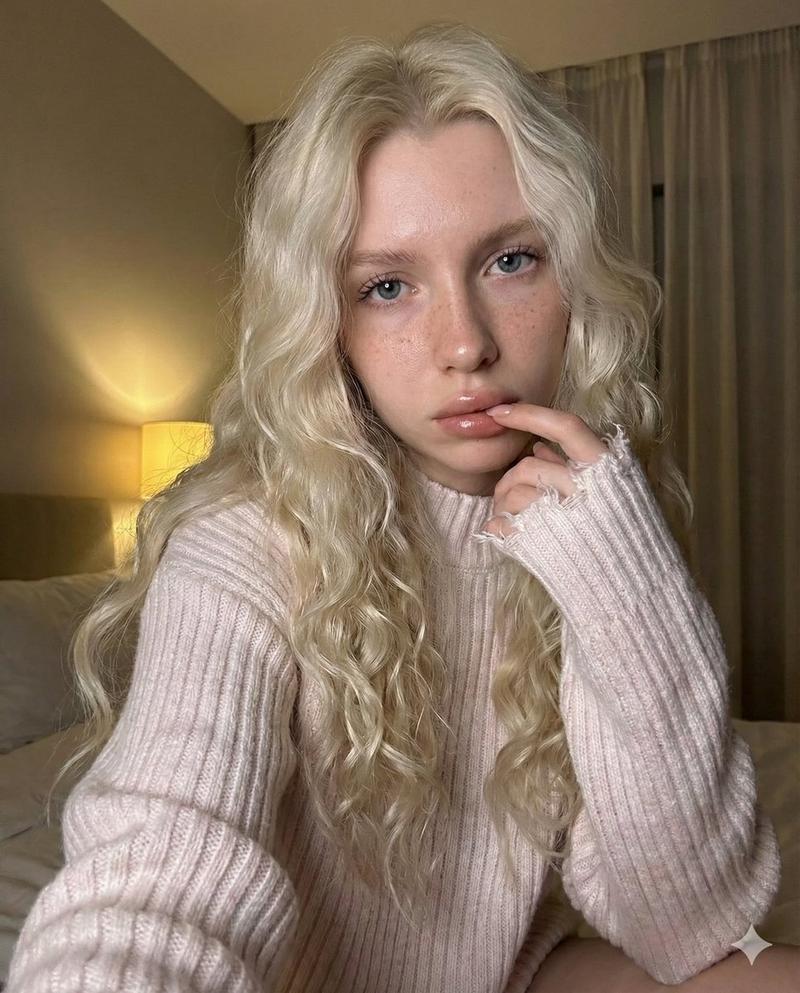
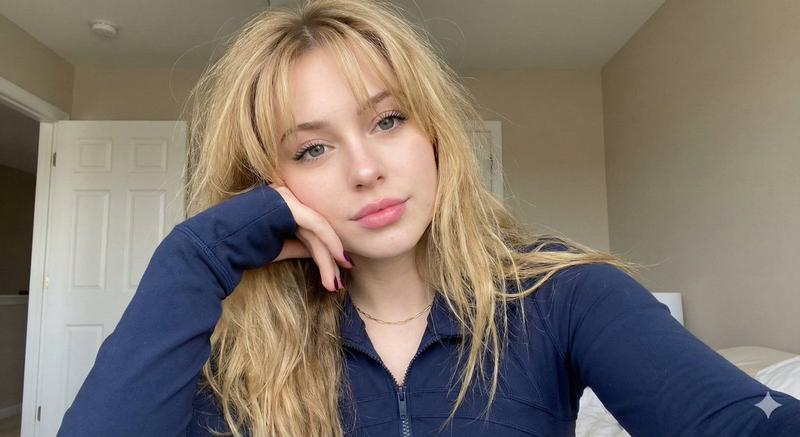
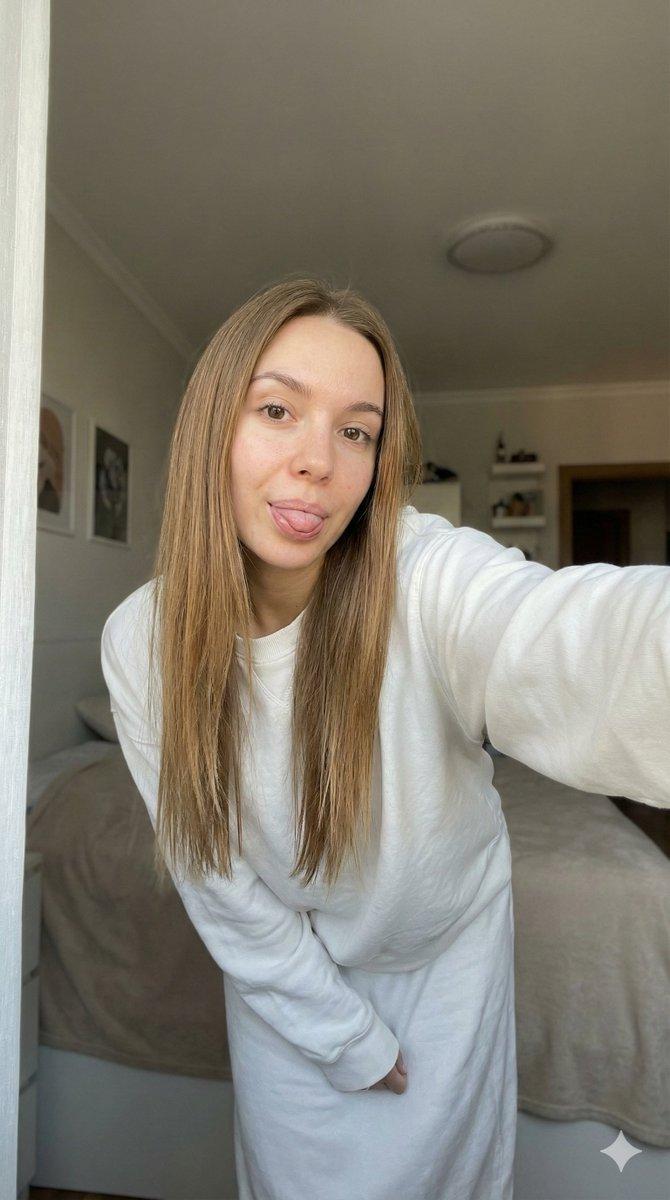
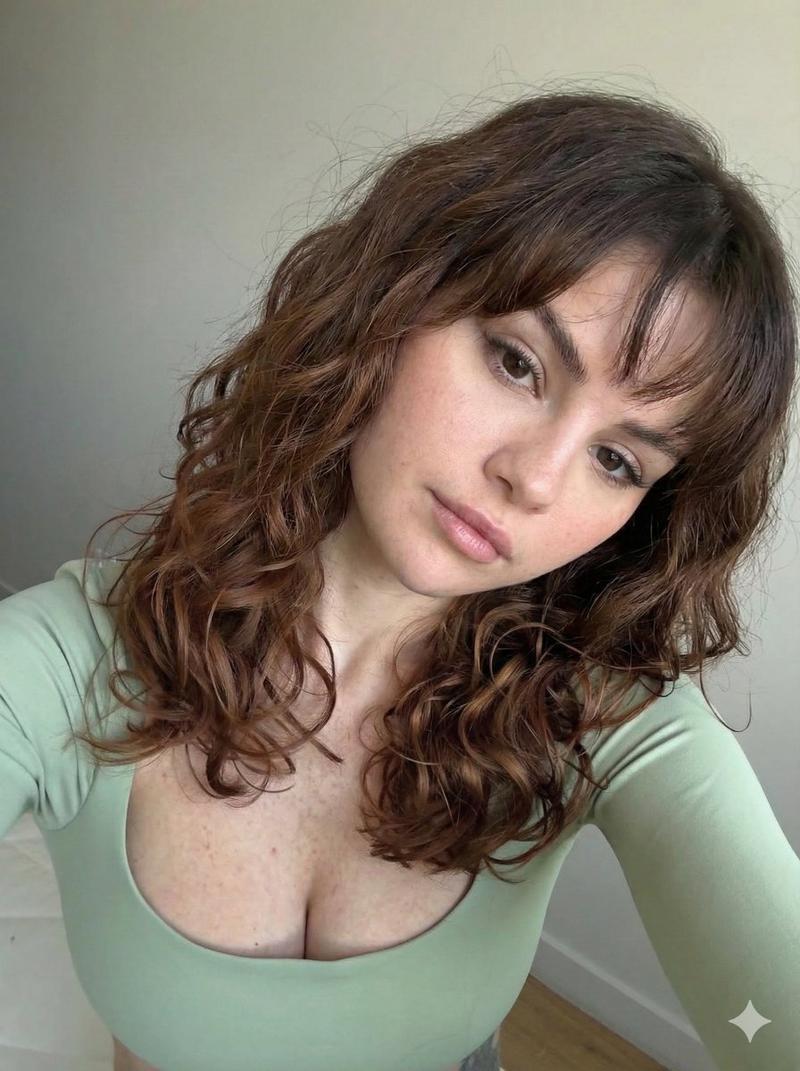
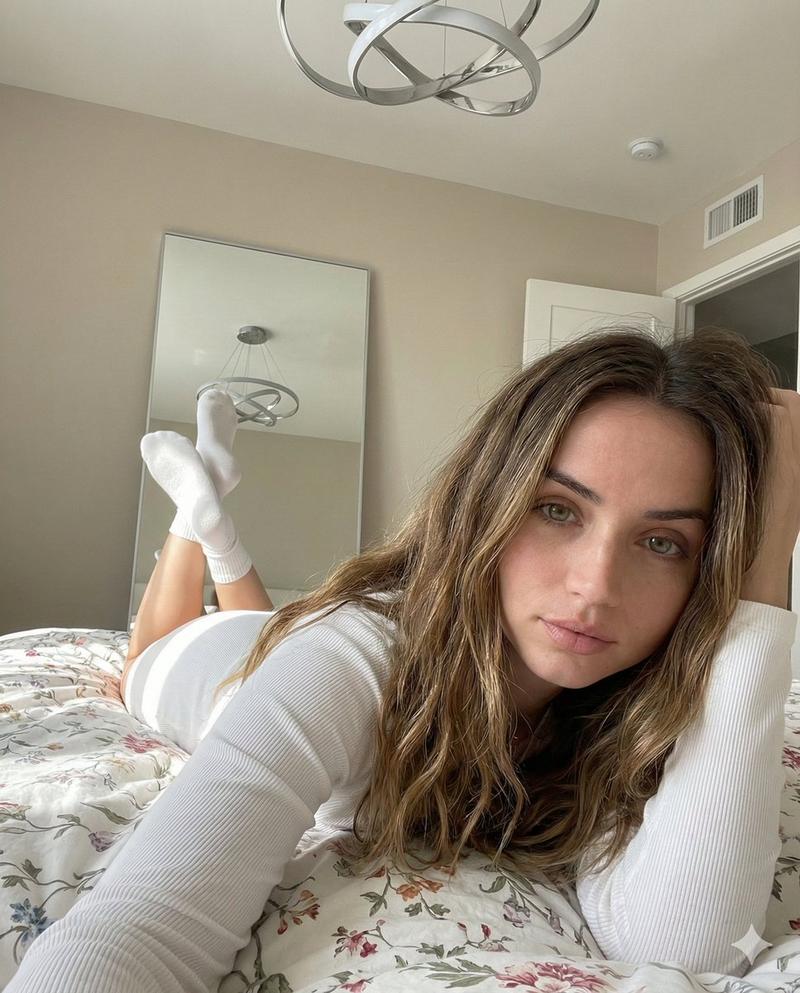
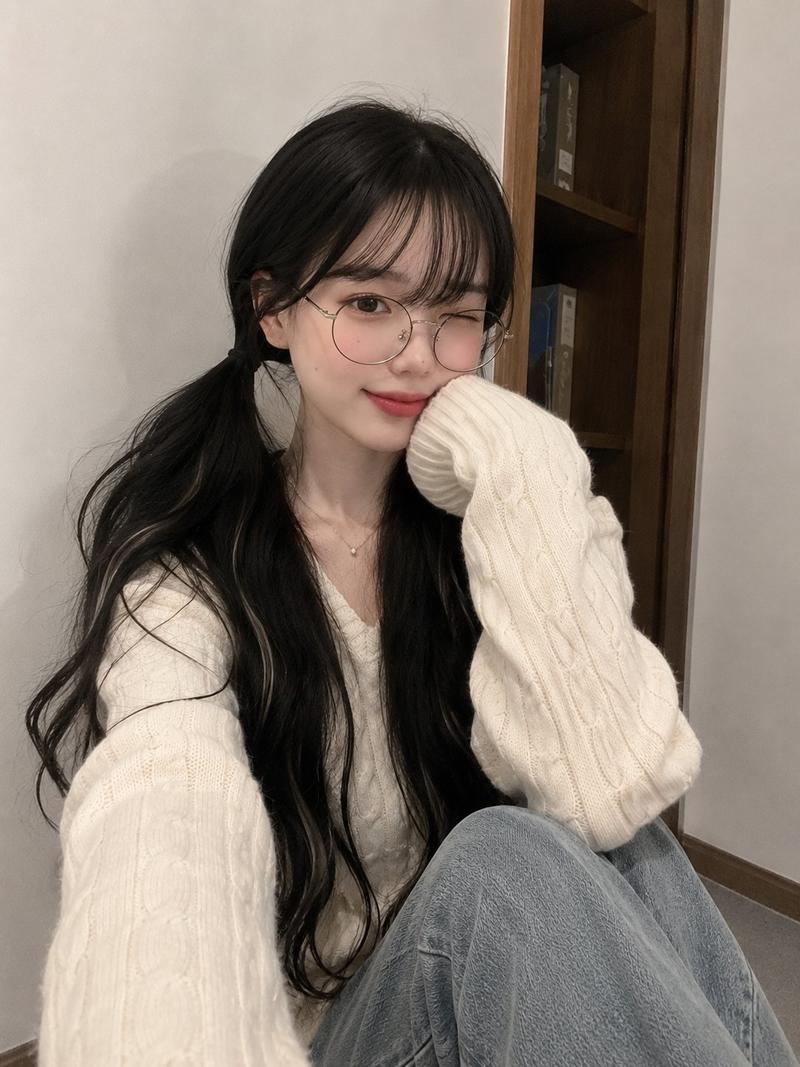
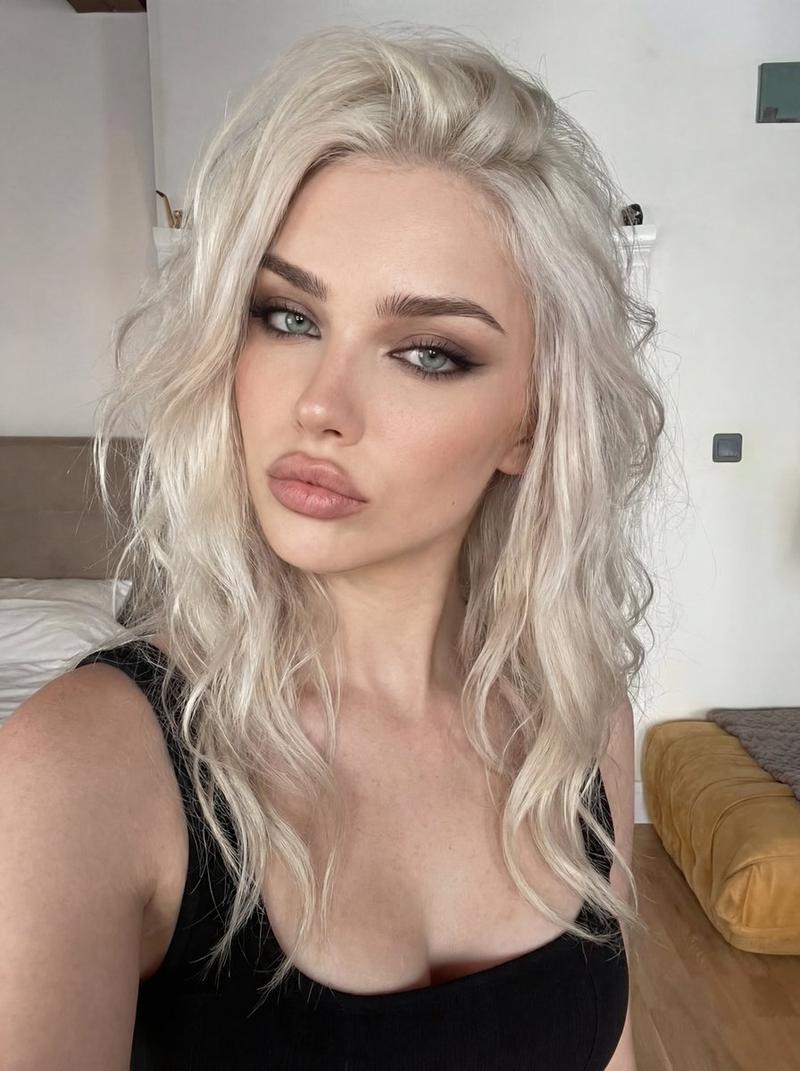
柔焦高角度自拍提示
Enlarge

柔焦高角度自拍提示

Prompt
{
  "image_type": "{argument name="image type" default="Photorealistic high-angle selfie"}",
  "subject": "{argument name="subject" default="Beautiful young woman"}",
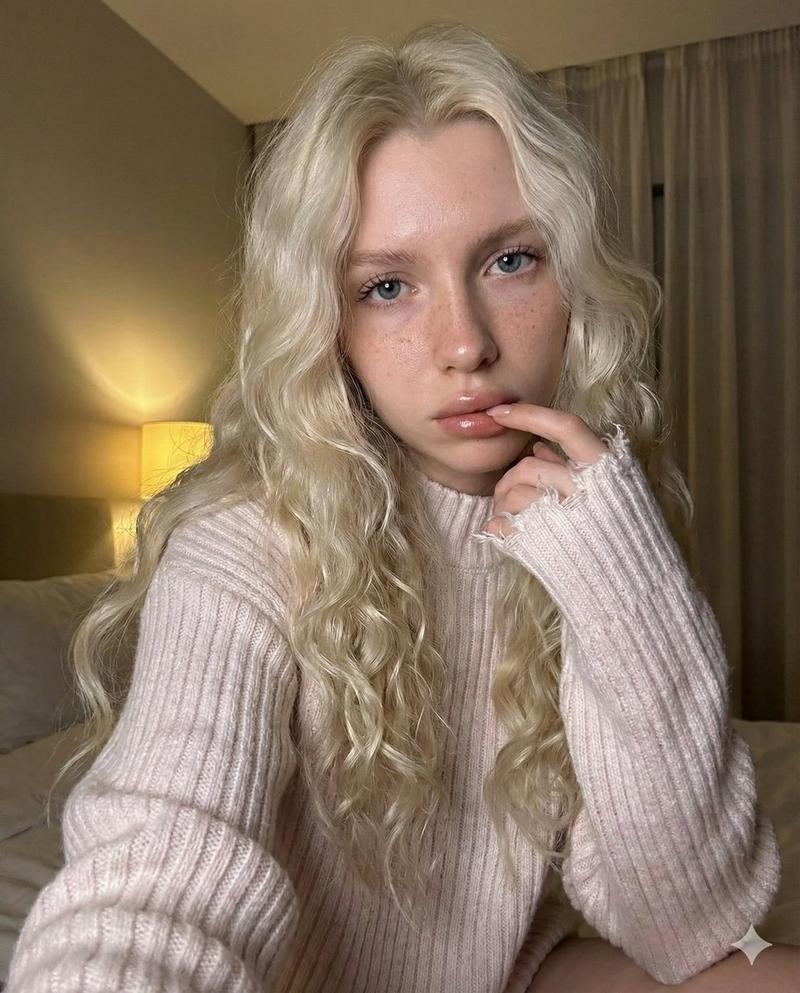
  "hair": "{argument name="hair description" default="Very long, messy black hair with curtain bangs framing her face; the thick hair falls heavily over her shoulders and chest"}",
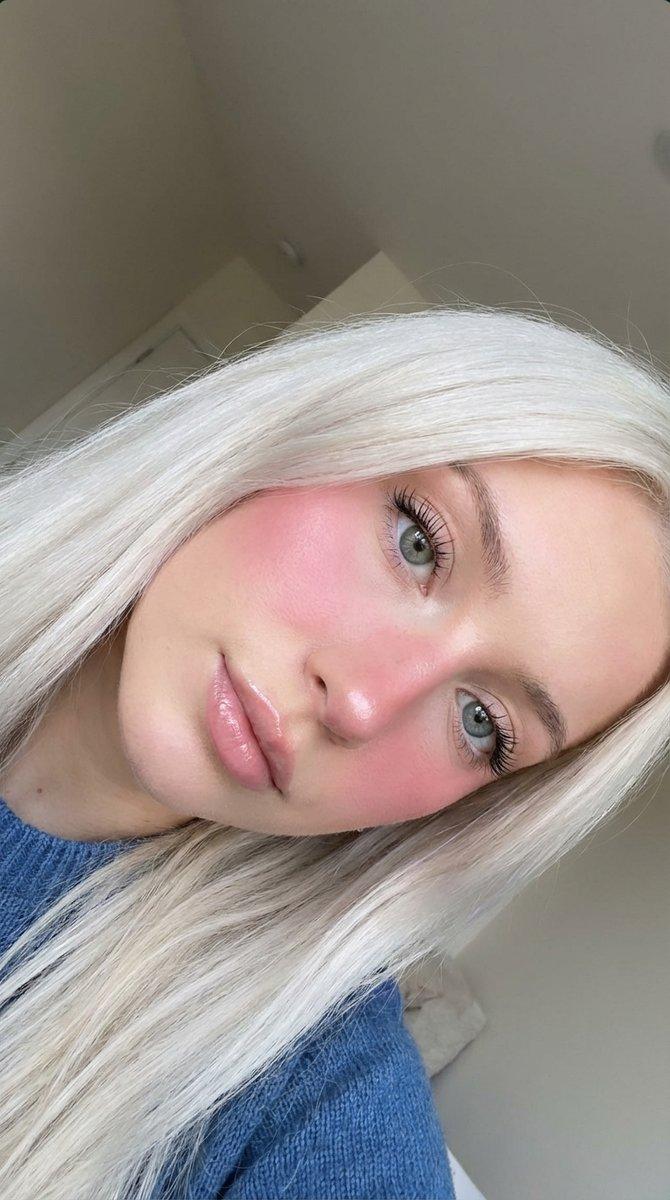
  "eyes": "{argument name="eyes description" default="Striking light green eyes, long eyelashes"}",
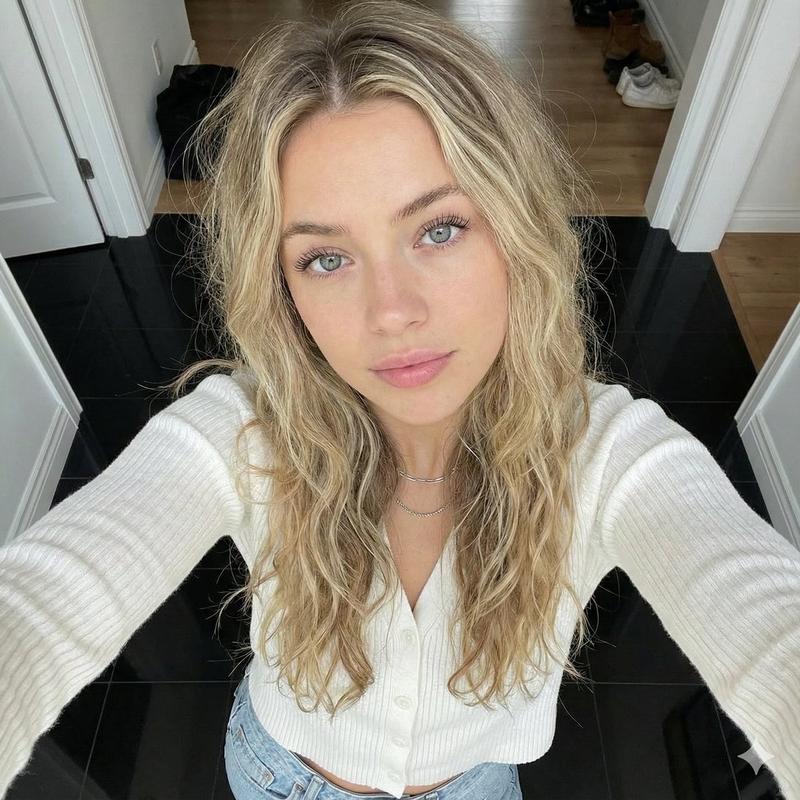
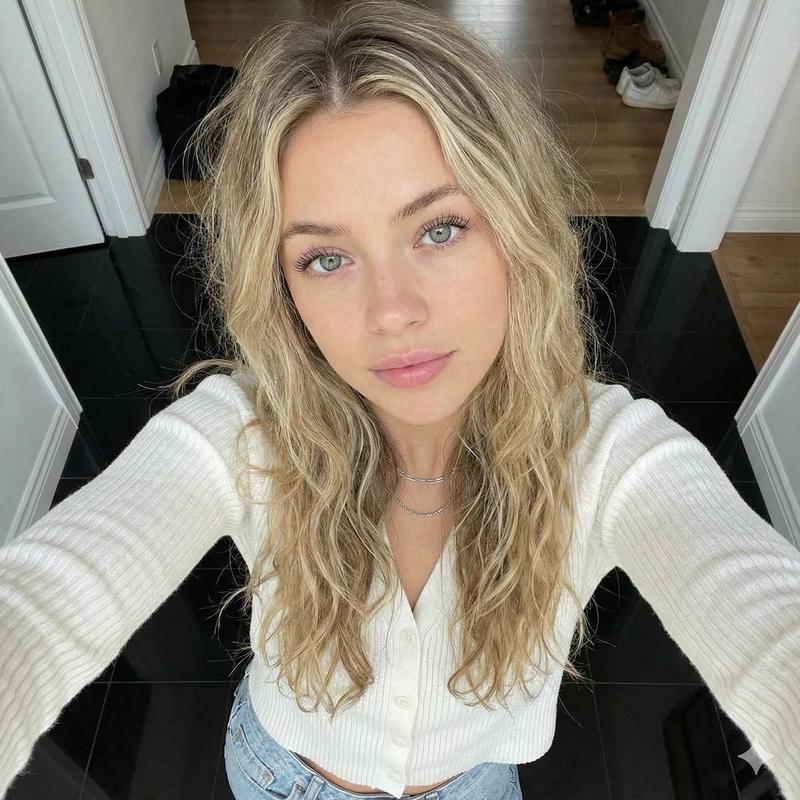
  "face_and_makeup": "{argument name="face and makeup" default="Prominent pink blush on her cheeks, glowy makeup with highlighter on the tip of her nose, slightly parted soft warm pink lips, highly detailed skin texture"}",
  "clothing": "{argument name="clothing" default="Black and white striped v-neck knit sweater"}",
  "accessories": "{argument name="accessories" default="Layered necklaces with a crystal pendant"}",
  "pose": "{argument name="pose" default="Sitting and looking directly up at the camera, bent knee is visible in the immediate foreground"}",
  "background": "{argument name="background" default="Blurred bedroom ceiling"}",
  "lighting": "{argument name="lighting" default="Soft purple ambient lighting"}",
  "style": "{argument name="style" default="Soft focus, aesthetic style, 8k resolution"}"
Category
创意图片
Model
Nano Banana Pro
Views0
Source ID
1de15582-3b0a-48ad-a567-82f680e5dd7e
Published
Mar 8, 2026

Guide

About "柔焦高角度自拍提示"

What is this prompt for?

"柔焦高角度自拍提示" AI image prompt for Nano Banana Pro (创意图片). 一个为 Gemini Nano Banana Pro 设计的提示,用于生成一张逼真的、高角度自拍,画面中是一位拥有乌黑长发、迷人绿眼睛的年轻美女,在柔和的紫色环境光下,强调美学风格和 8k 分辨率。 ---…

The full copyable prompt and example visuals above are ready for AI image generation or one-click recreate in Picva.

How to use this prompt

  1. Step 1

    Open the prompt detail

    Review the example visuals, category, and full prompt text for "柔焦高角度自拍提示".

  2. Step 2

    Copy the prompt

    Copy the prompt body from this page, or load it directly in Studio.

  3. Step 3

    Pick a model (Nano Banana Pro)

    Prefer Nano Banana Pro. If you switch models, keep subject and composition and tweak style terms.

  4. Step 4

    Generate and export

    Recreate the look in Picva, or export into your workflow for editing and publishing.

FAQ

What is the "柔焦高角度自拍提示" prompt?
It is an AI image-generation prompt for Nano Banana Pro in the 创意图片 category. This page includes the full prompt text, example visuals, and a one-click recreate path in Picva.
How do I use this prompt to generate an image?
Copy the prompt from this page, or use Generate / Studio. Paste it into a compatible image model, or recreate the look in Picva with optional reference images.
Which model is this prompt for?
This page lists Nano Banana Pro. Most descriptive prompts also transfer to nearby image models such as GPT Image, Flux, or Midjourney with light style tweaks.
Can I use the result commercially?
You can usually copy the prompt for creation, but commercial use of the final image depends on the model terms, reference-image rights, and the generated content. Follow the source author and platform rules.