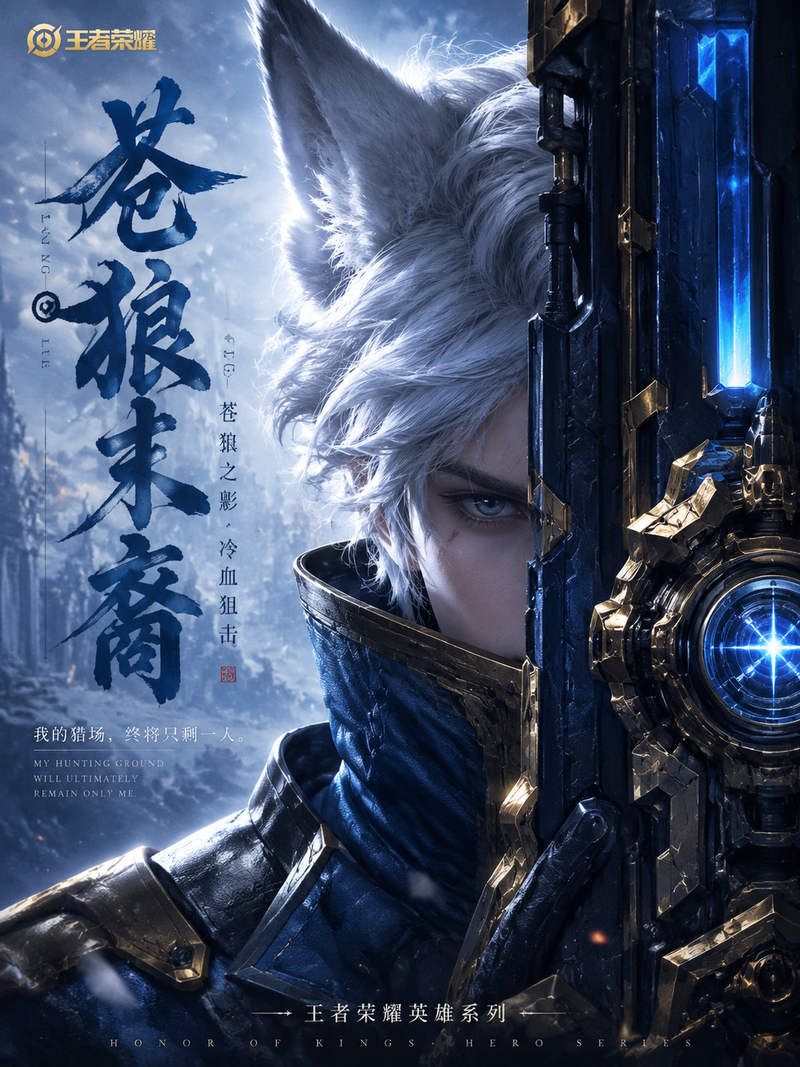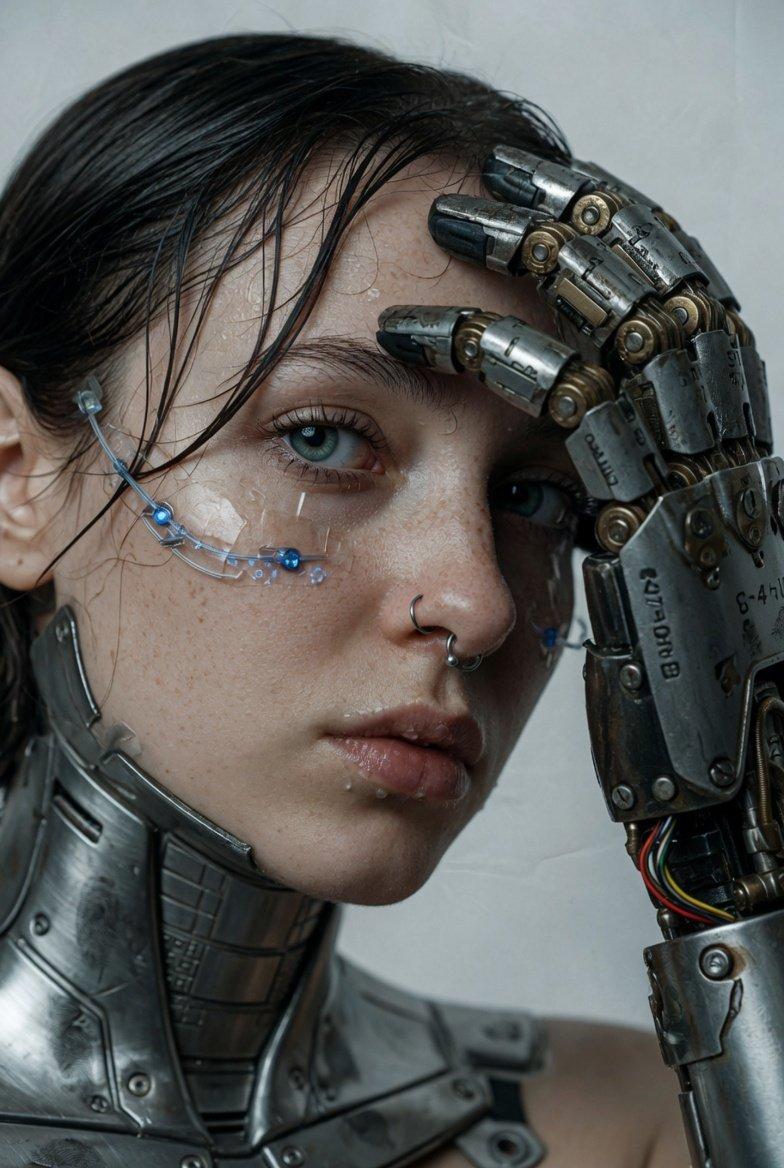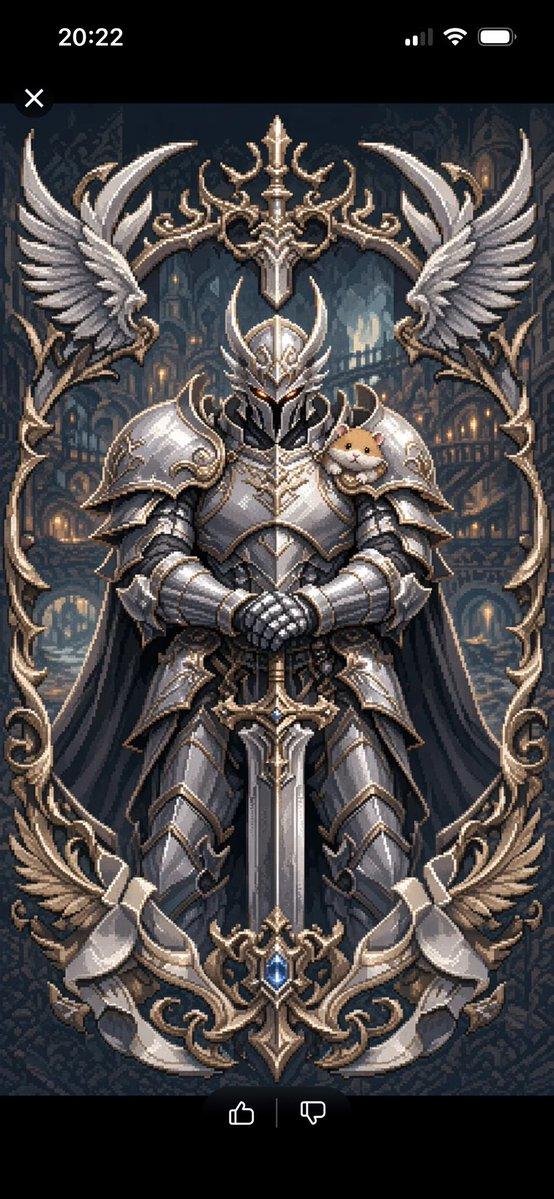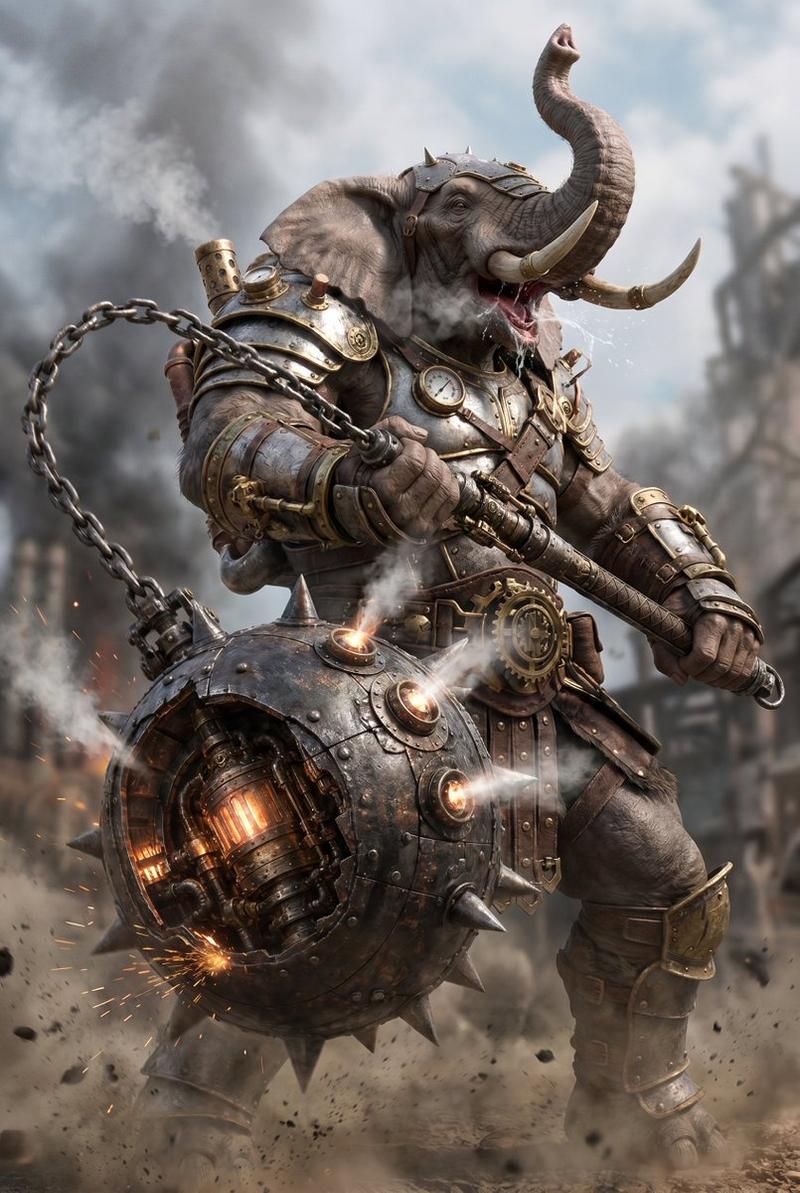
19

工业蓝图生成提示词
Enlarge

工业蓝图生成提示词

Prompt
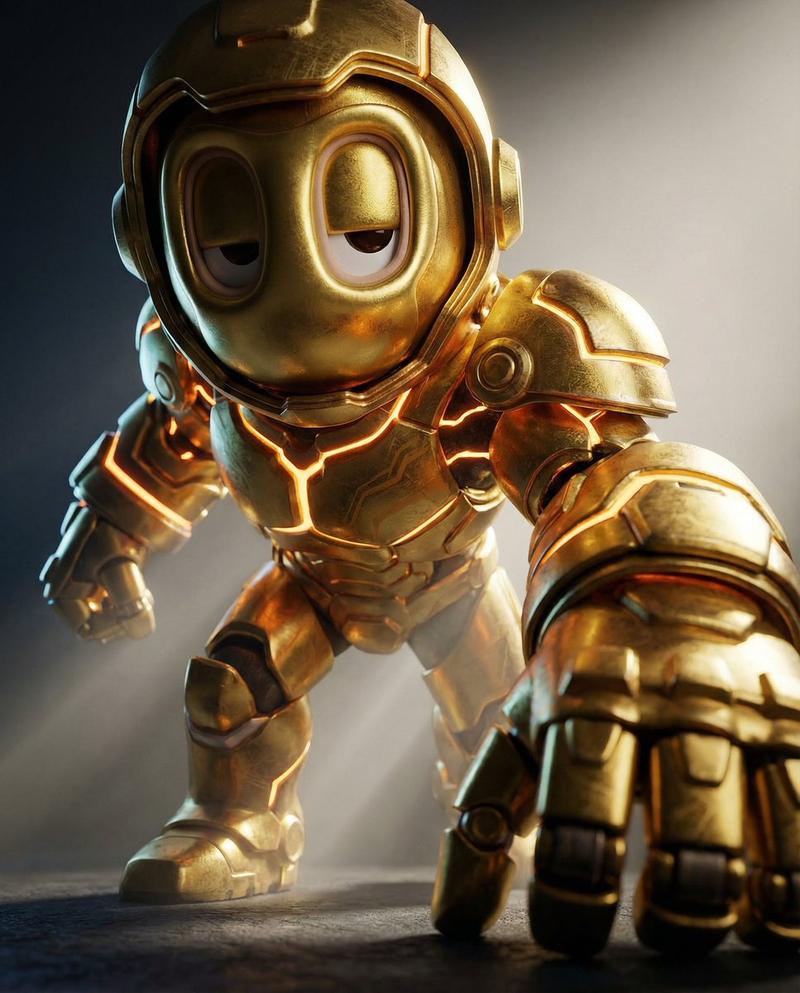
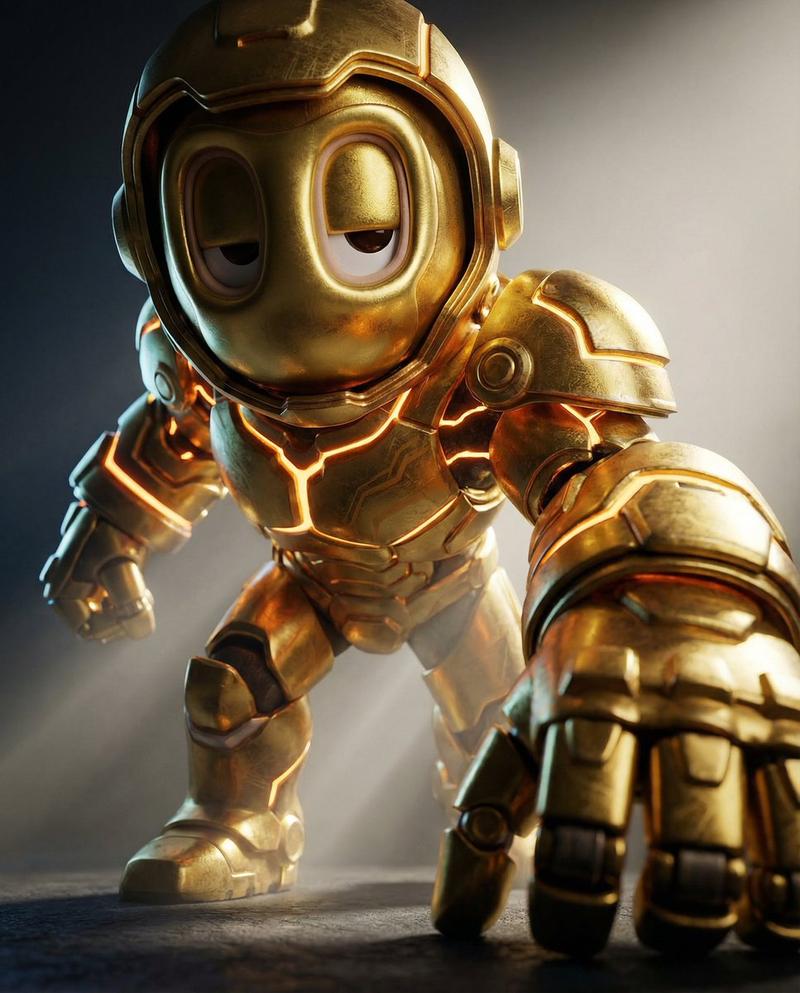
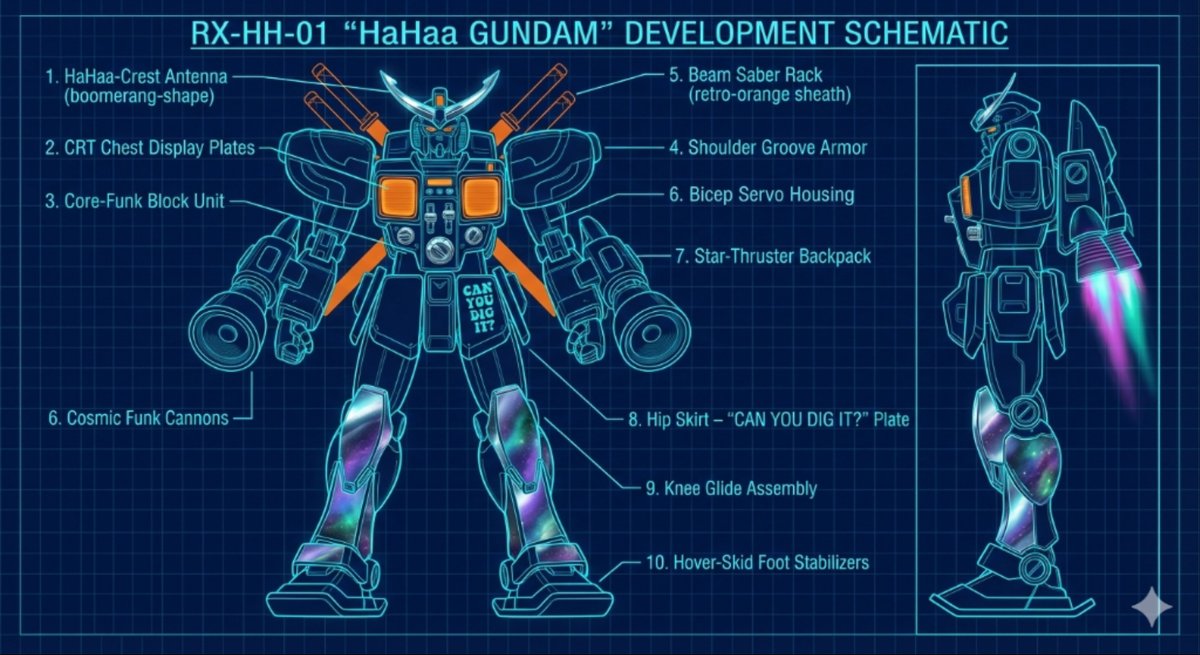
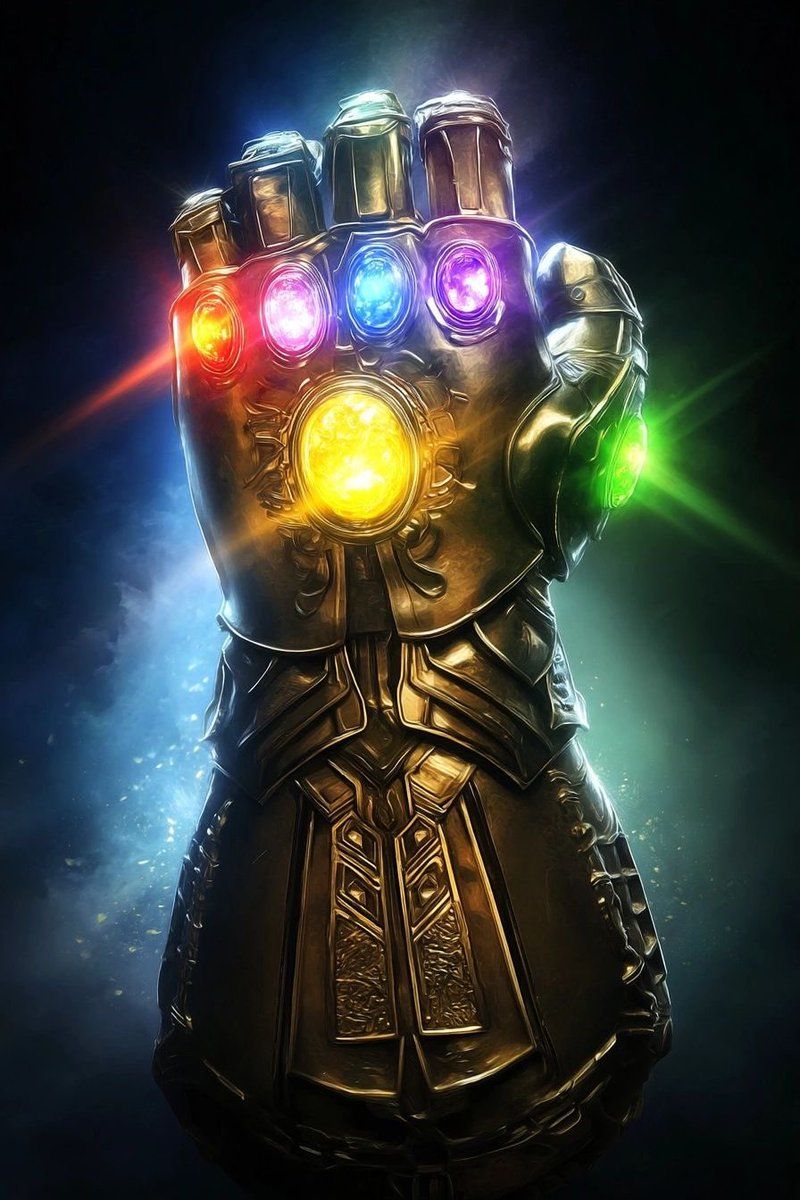
“Analyze the uploaded reference image to understand the mechanical structure and geometry of the object. Generate a comprehensive, industrial-level blueprint of this specific product. Present the design as a professional orthographic projection, featuring clear plan, elevation, and section views to detail the internal and external construction. Deconstruct the assembly into its primary components and apply legible, technical text labels (denominations) for each part using a standardized sans-serif engineering font. Render the visual in a classic blueprint aesthetic with precise white vector-style lines on a deep blue grid background, ensuring high contrast and professional accuracy suitable for manufacturing documentation.”
Category
创意图片
Model
Nano Banana Pro
Views0
Source ID
88f041e6-3016-4db7-acac-b01b84762e3e
Published
Mar 8, 2026

Guide

About "工业蓝图生成提示词"

What is this prompt for?

"工业蓝图生成提示词" AI image prompt for Nano Banana Pro (创意图片). 这是一个为图像到图像生成设计的提示,指示 AI 分析上传的参考图像,并生成该物体的全面、工业级的蓝图。它指定了正交投影、技术文本标签和经典的蓝图美学(深蓝色网格上的白色矢量线条)。 --- “分析上传的参考…

The full copyable prompt and example visuals above are ready for AI image generation or one-click recreate in Picva.

How to use this prompt

  1. Step 1

    Open the prompt detail

    Review the example visuals, category, and full prompt text for "工业蓝图生成提示词".

  2. Step 2

    Copy the prompt

    Copy the prompt body from this page, or load it directly in Studio.

  3. Step 3

    Pick a model (Nano Banana Pro)

    Prefer Nano Banana Pro. If you switch models, keep subject and composition and tweak style terms.

  4. Step 4

    Generate and export

    Recreate the look in Picva, or export into your workflow for editing and publishing.

FAQ

What is the "工业蓝图生成提示词" prompt?
It is an AI image-generation prompt for Nano Banana Pro in the 创意图片 category. This page includes the full prompt text, example visuals, and a one-click recreate path in Picva.
How do I use this prompt to generate an image?
Copy the prompt from this page, or use Generate / Studio. Paste it into a compatible image model, or recreate the look in Picva with optional reference images.
Which model is this prompt for?
This page lists Nano Banana Pro. Most descriptive prompts also transfer to nearby image models such as GPT Image, Flux, or Midjourney with light style tweaks.
Can I use the result commercially?
You can usually copy the prompt for creation, but commercial use of the final image depends on the model terms, reference-image rights, and the generated content. Follow the source author and platform rules.