20

吉卜力工作室风格迁移提示词
Enlarge

吉卜力工作室风格迁移提示词

Prompt
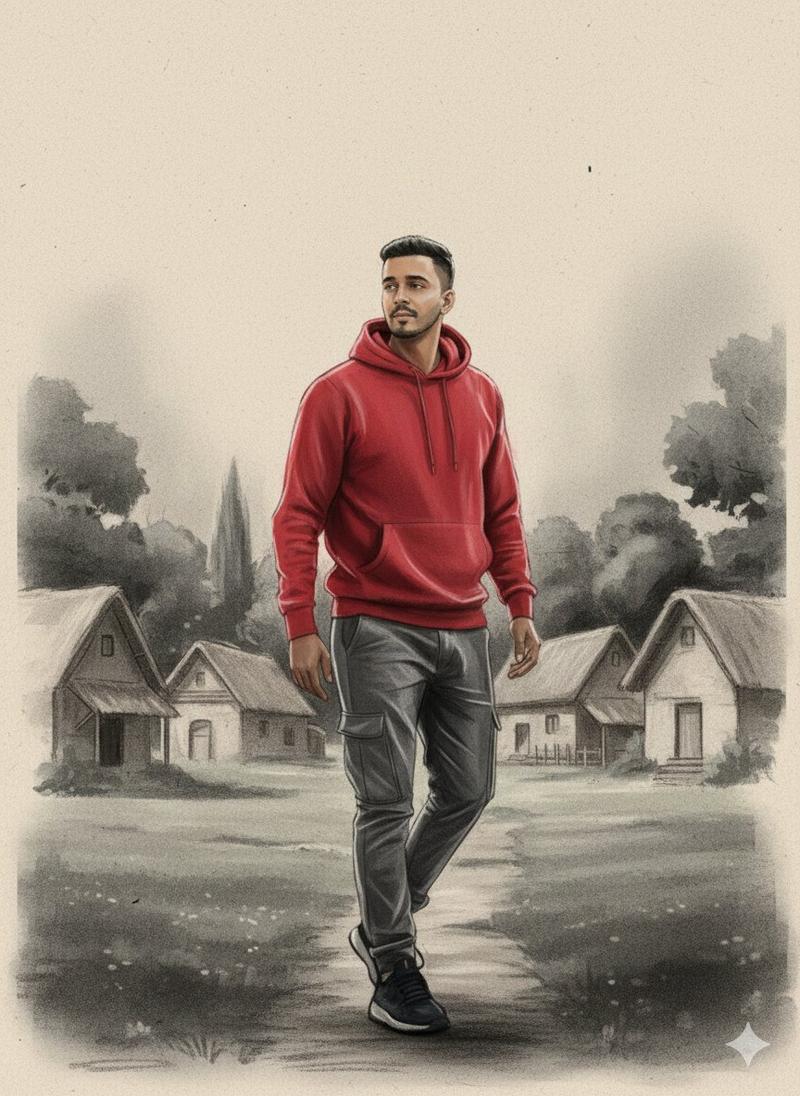
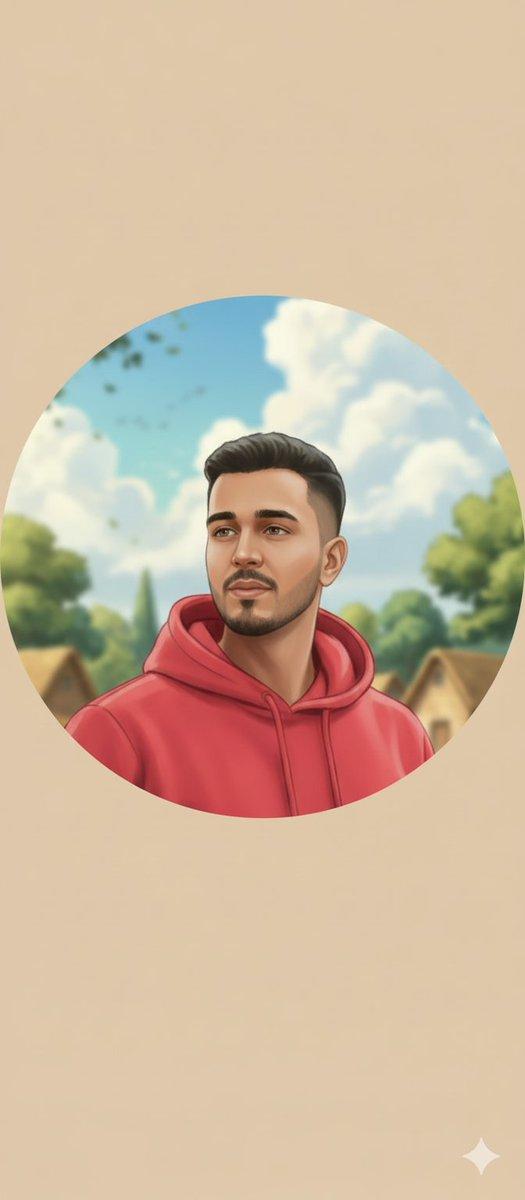
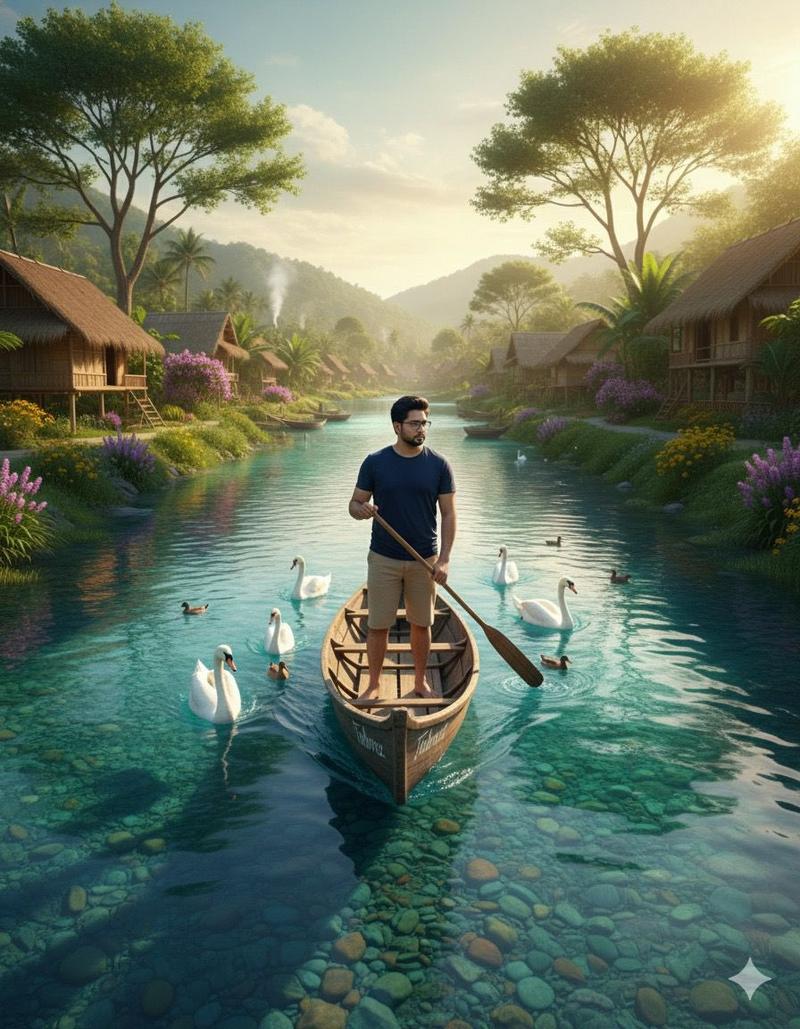
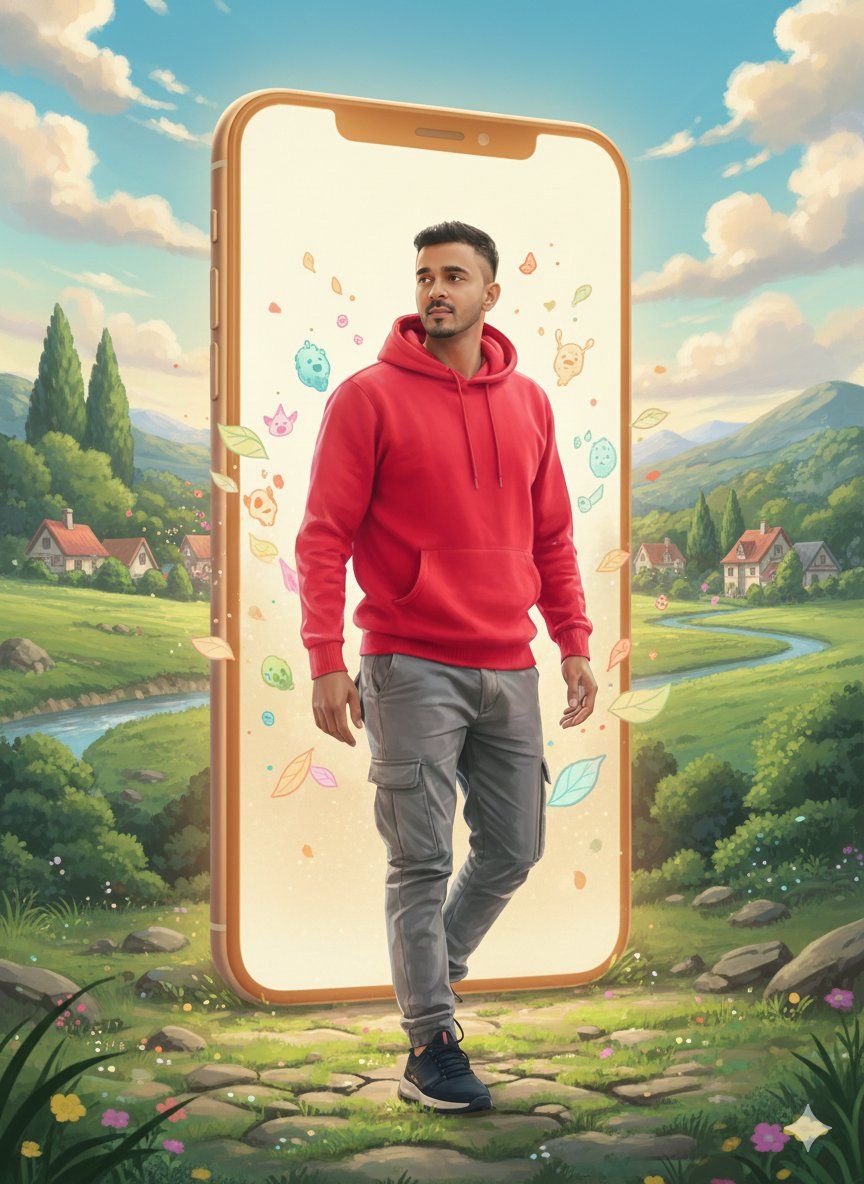
Create a Studio Ghibli–inspired illustration based on the uploaded reference image.
Preserve the person’s face structure, expression, gender, and pose exactly as in the original image.

Transform the art style into classic Ghibli animation:
– soft hand-drawn lines
– warm pastel color palette
– gentle anime proportions
– expressive eyes with natural emotions
– smooth skin texture, painterly shading

Environment:
Add a dreamy, peaceful Ghibli-style background that matches the mood of the image
(such as lush green fields, soft clouds, glowing sunlight, floating particles, or a cozy fantasy village).

Lighting & Mood:
– soft golden light
– calm, nostalgic, magical atmosphere
– cinematic anime feel

Quality:
High detail, ultra-clean illustration, 4k quality,
no realism, no photorealistic texture, pure anime hand-drawn look.
Category
创意图片
Model
Nano Banana Pro
Views0
Source ID
626ab379-5c9b-4b1c-8853-9f1303638150
Published
Mar 8, 2026

Guide

About "吉卜力工作室风格迁移提示词"

What is this prompt for?

"吉卜力工作室风格迁移提示词" AI image prompt for Nano Banana Pro (创意图片). 这是一个为图生图生成设计的提示词,指示 AI 将上传的参考照片转换为吉卜力工作室风格的插画。它要求在保留主体身份和姿势的同时,应用吉卜力风格的特征:柔和的手绘线条、温暖的蜡笔色调、富有表现力的眼睛,…

The full copyable prompt and example visuals above are ready for AI image generation or one-click recreate in Picva.

How to use this prompt

  1. Step 1

    Open the prompt detail

    Review the example visuals, category, and full prompt text for "吉卜力工作室风格迁移提示词".

  2. Step 2

    Copy the prompt

    Copy the prompt body from this page, or load it directly in Studio.

  3. Step 3

    Pick a model (Nano Banana Pro)

    Prefer Nano Banana Pro. If you switch models, keep subject and composition and tweak style terms.

  4. Step 4

    Generate and export

    Recreate the look in Picva, or export into your workflow for editing and publishing.

FAQ

What is the "吉卜力工作室风格迁移提示词" prompt?
It is an AI image-generation prompt for Nano Banana Pro in the 创意图片 category. This page includes the full prompt text, example visuals, and a one-click recreate path in Picva.
How do I use this prompt to generate an image?
Copy the prompt from this page, or use Generate / Studio. Paste it into a compatible image model, or recreate the look in Picva with optional reference images.
Which model is this prompt for?
This page lists Nano Banana Pro. Most descriptive prompts also transfer to nearby image models such as GPT Image, Flux, or Midjourney with light style tweaks.
Can I use the result commercially?
You can usually copy the prompt for creation, but commercial use of the final image depends on the model terms, reference-image rights, and the generated content. Follow the source author and platform rules.