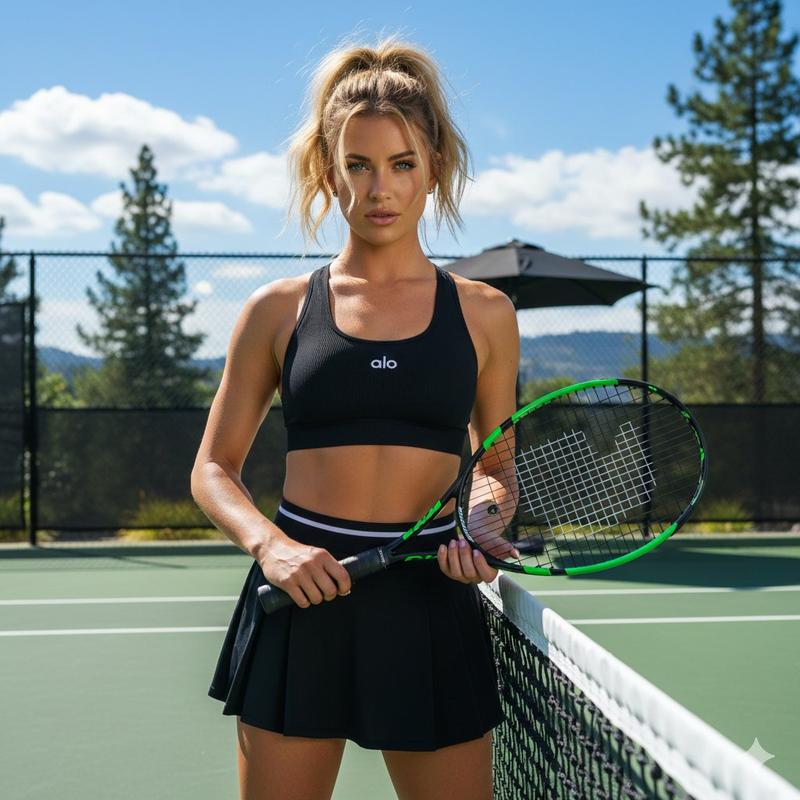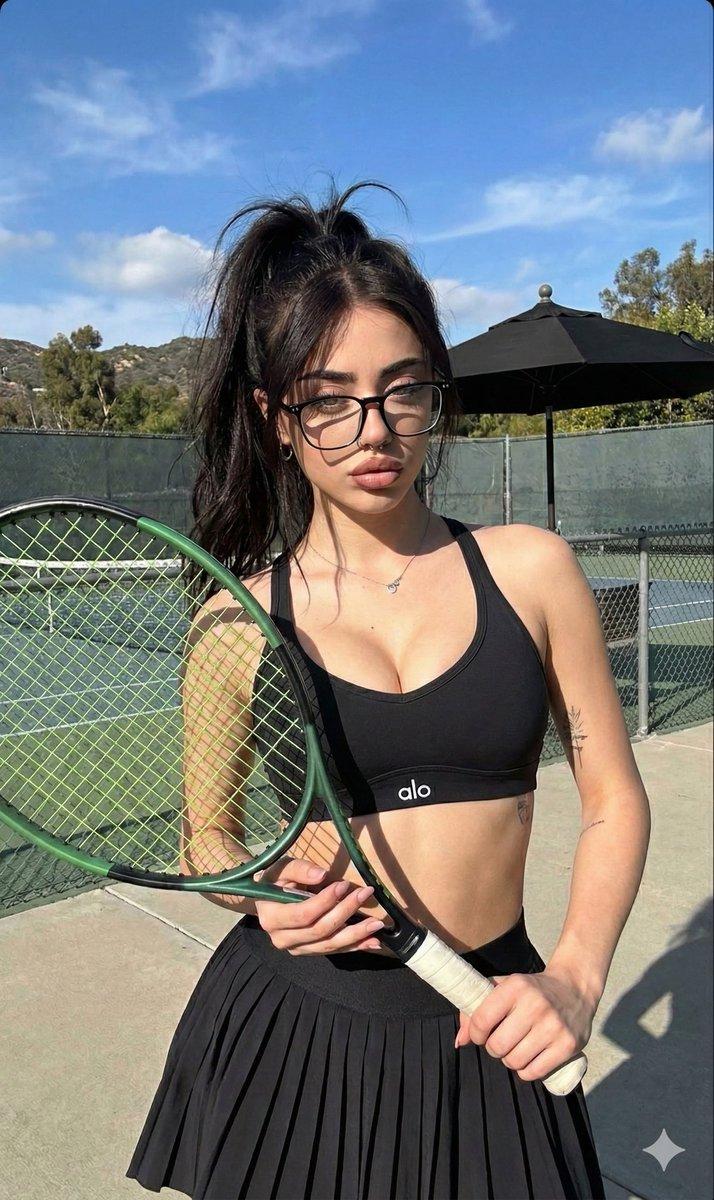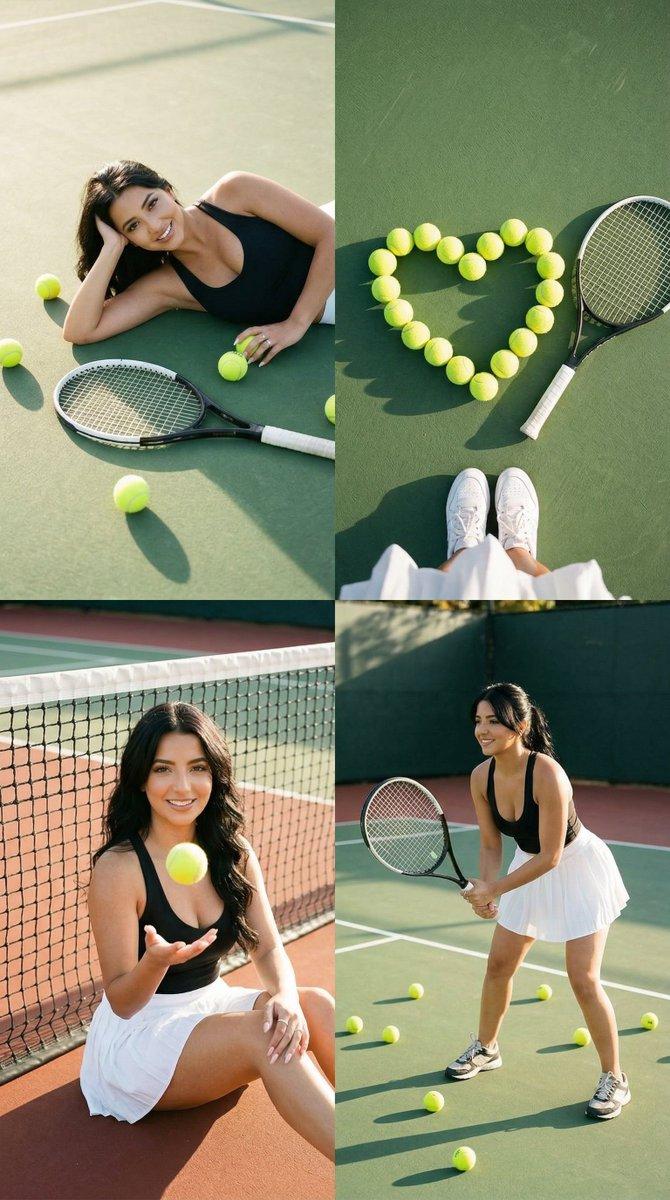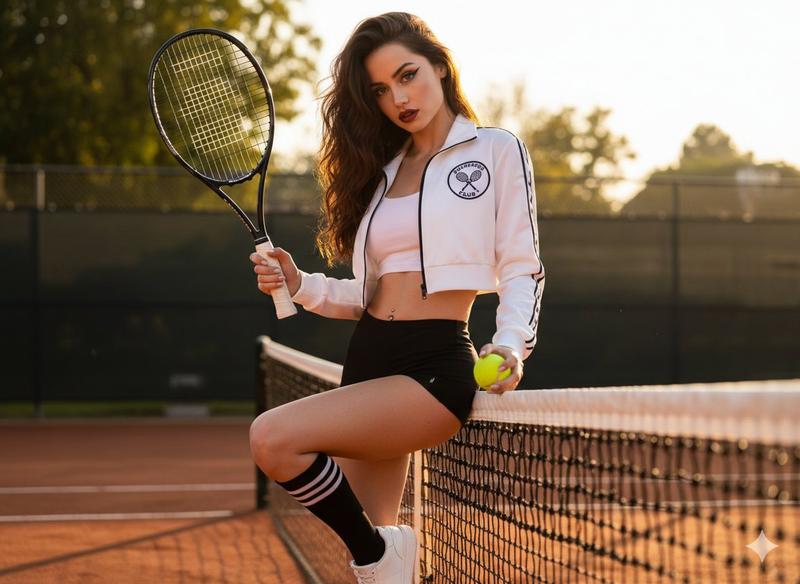
逼真的网球运动员提示
Prompt
{
  "image_prompt_structure": {
    "subject": {
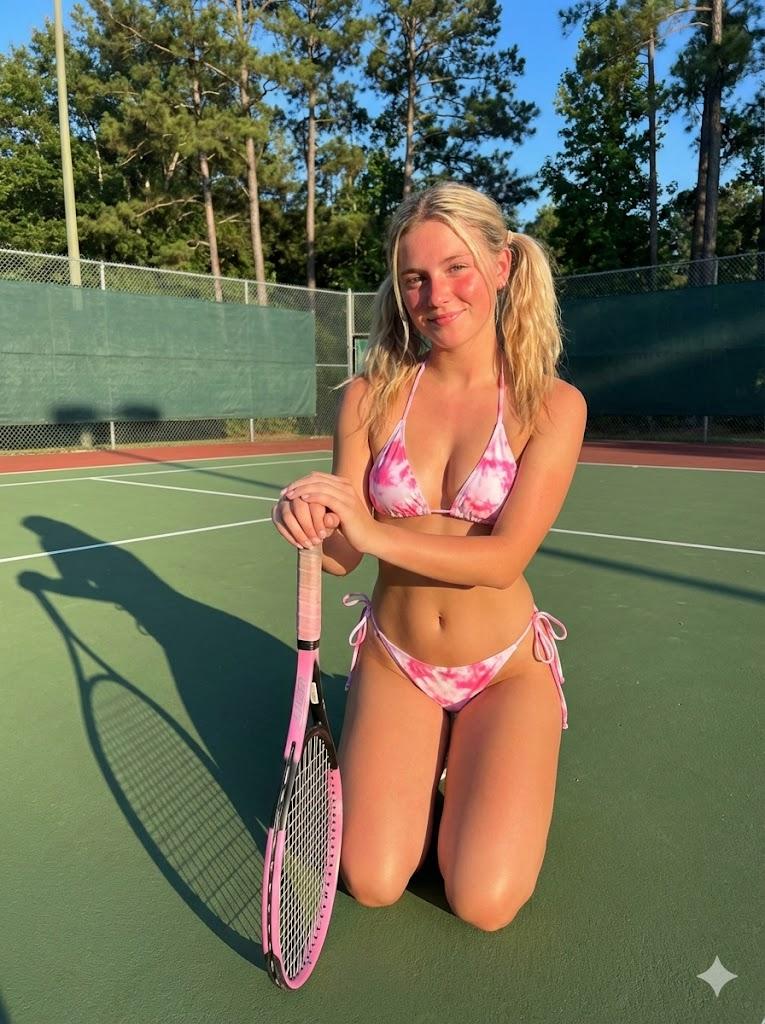
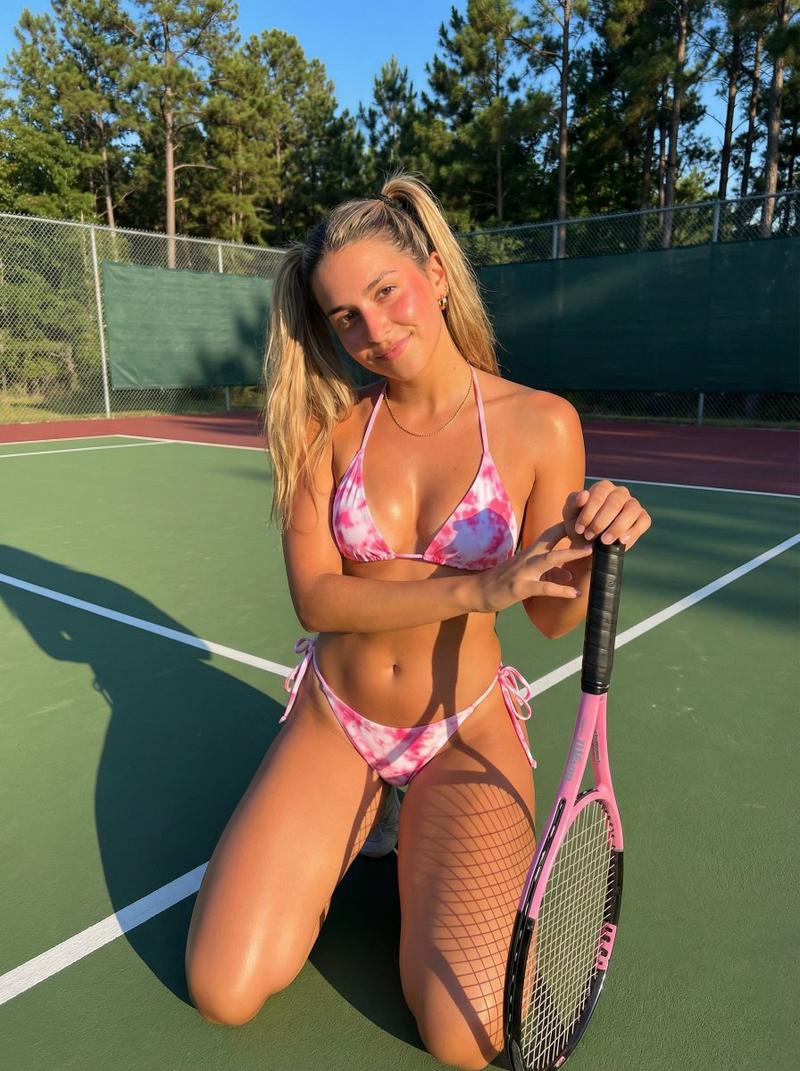
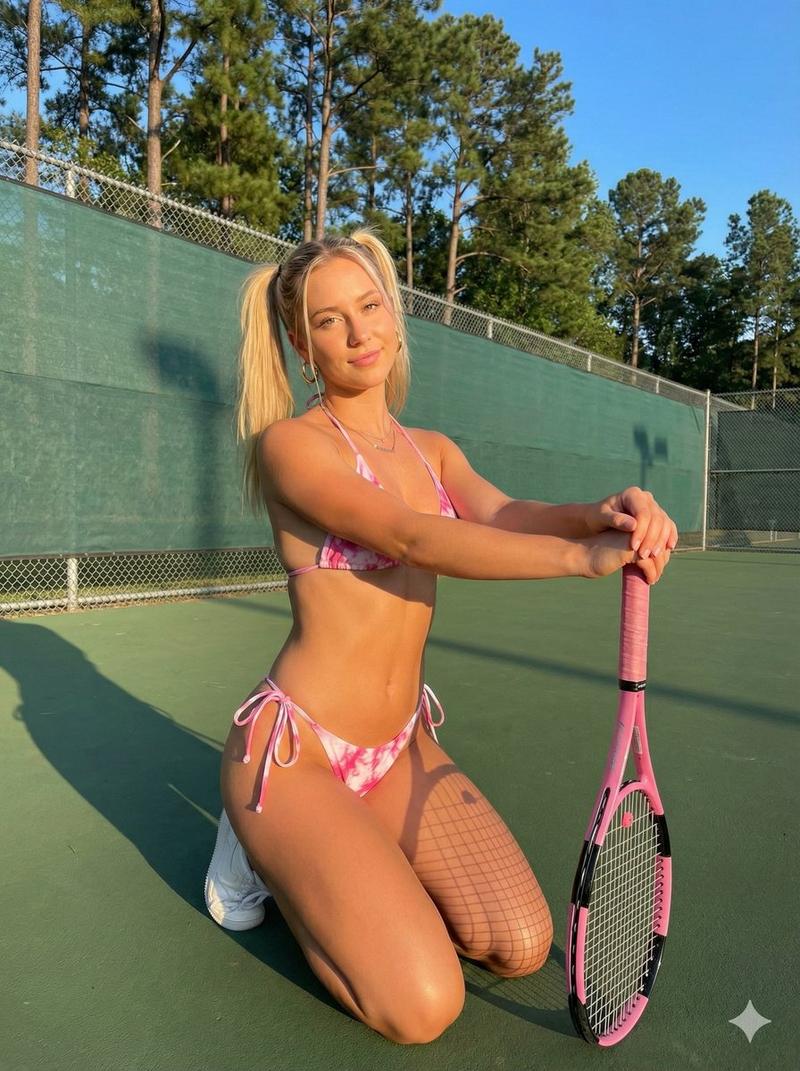
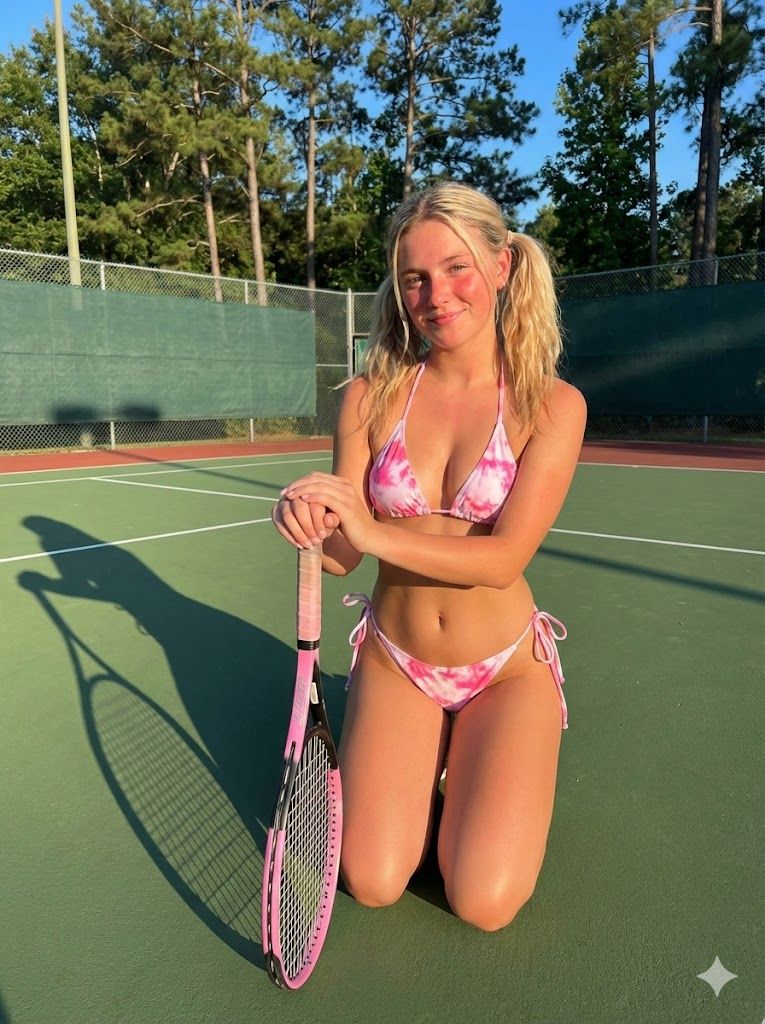
      "demographics": "Young woman, roughly 20-25 years old, Caucasian",
      "body_type": "Fit, athletic, slender build, visible abdominal definition",
      "skin": {
        "tone": "Fair to light tan, sun-kissed",
        "texture": "Natural skin texture, visible pores, slight sheen from sunlight, realistic skin shading",
        "details": "Soft natural highlights on shoulders and thighs, slight flush on cheeks"
      },
      "facial_features": {
        "expression": "Soft, relaxed smile, confident but casual, looking directly at camera",
        "eyes": "Light blue-grey, natural eyelashes, direct gaze, slight squint from sunlight",
        "nose": "Small, button nose, straight bridge",
        "lips": "Natural pink color, soft texture, closed mouth smile",
        "cheeks": "High cheekbones, rosy/sun-flushed complexion",
        "makeup": "Minimal/natural look, 'no-makeup' makeup style"
      },
      "hair": {
        "style": "High pigtails secured with hair ties",
        "color": "Blonde, sun-bleached highlights",
        "texture": "Straight but slightly messy, wind-swept flyaways, unkempt casual look"
      }
    },
    "attire": {
      "type": "String bikini",
      "pattern": "{argument name="bikini pattern" default="Pink and white tie-dye/marble pattern"}",
      "details": "Triangle top, side-tie bottoms, thin strings, visible knot on hip"
    },
    "accessories": {
      "jewelry": "Gold chain necklace, small gold hoop earrings"
    },
    "pose_and_action": {
      "posture": "Kneeling on the ground, leaning forward slightly",
      "hands": "Resting stacked on top of the tennis racket handle",
      "orientation": "Front-facing body, head tilted slightly to the side"
    },
    "props": {
      "item": "Tennis racket",
      "color": "Pink and black frame, white grip tape",
      "position": "Vertical, head of racket resting on the ground, handle pointing up supporting the subject's hands"
    },
    "environment": {
      "location": "Outdoor tennis court",
      "ground_surface": "Green hard court surface with white boundary lines, maroon/red out-of-bounds area visible in bottom left",
      "background": "Green windscreen attached to chain-link fence, tall pine trees visible above the fence line, clear blue sky peeking through"
    },
    "lighting": {
      "type": "Natural sunlight, Golden Hour",
      "direction": "Side-lit/Front-lit from the right",
      "shadows": "Hard shadow cast by the subject onto the green court to the left, distinct shadow of the racket mesh"
    },
    "technical_specs": {
      "camera_angle": "Eye-level to slightly high angle",
      "focus": "Sharp focus on subject, slightly softer background",
      "aspect_ratio": "3:4 (Portrait)",
      "style": "Photorealistic, candid social media aesthetic, high definition"
    }
  }
}- Category
- 创意图片
- Model
- Nano Banana Pro
- Creator
- sammy
- Source ID
- 5bf21d77-f641-4eea-947a-6402e5301db1
- Published
- Mar 8, 2026
Views0