16

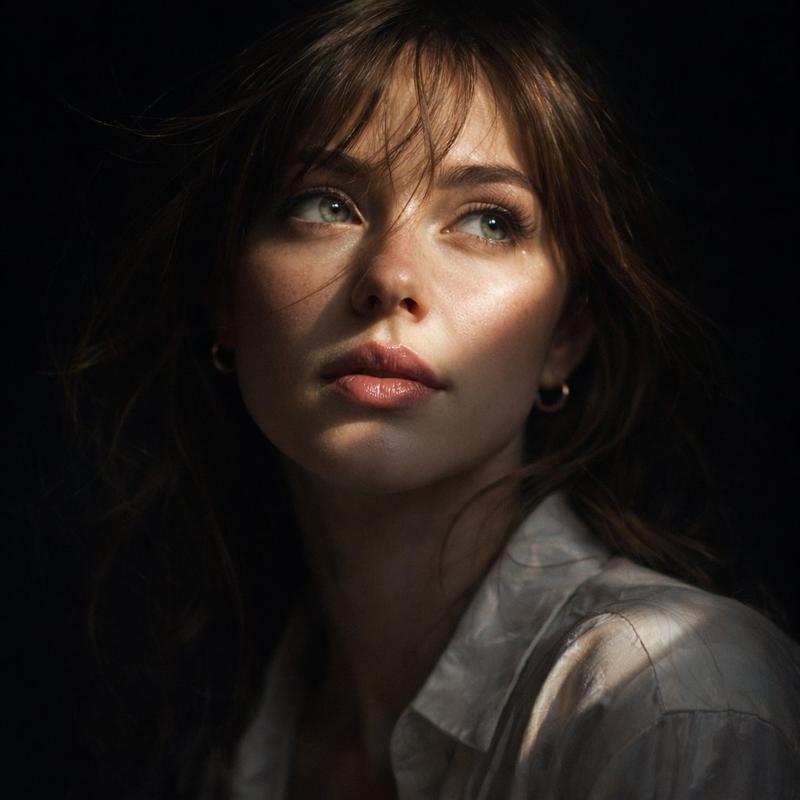
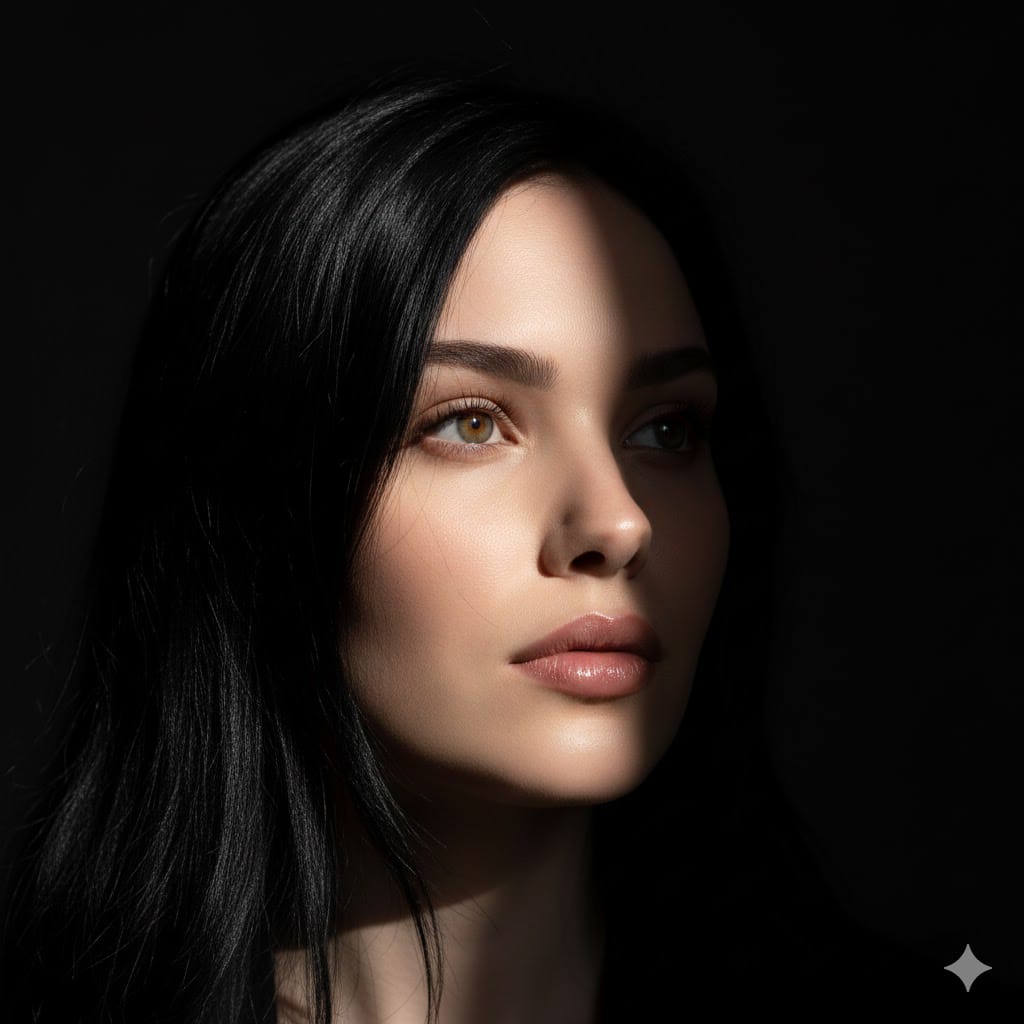
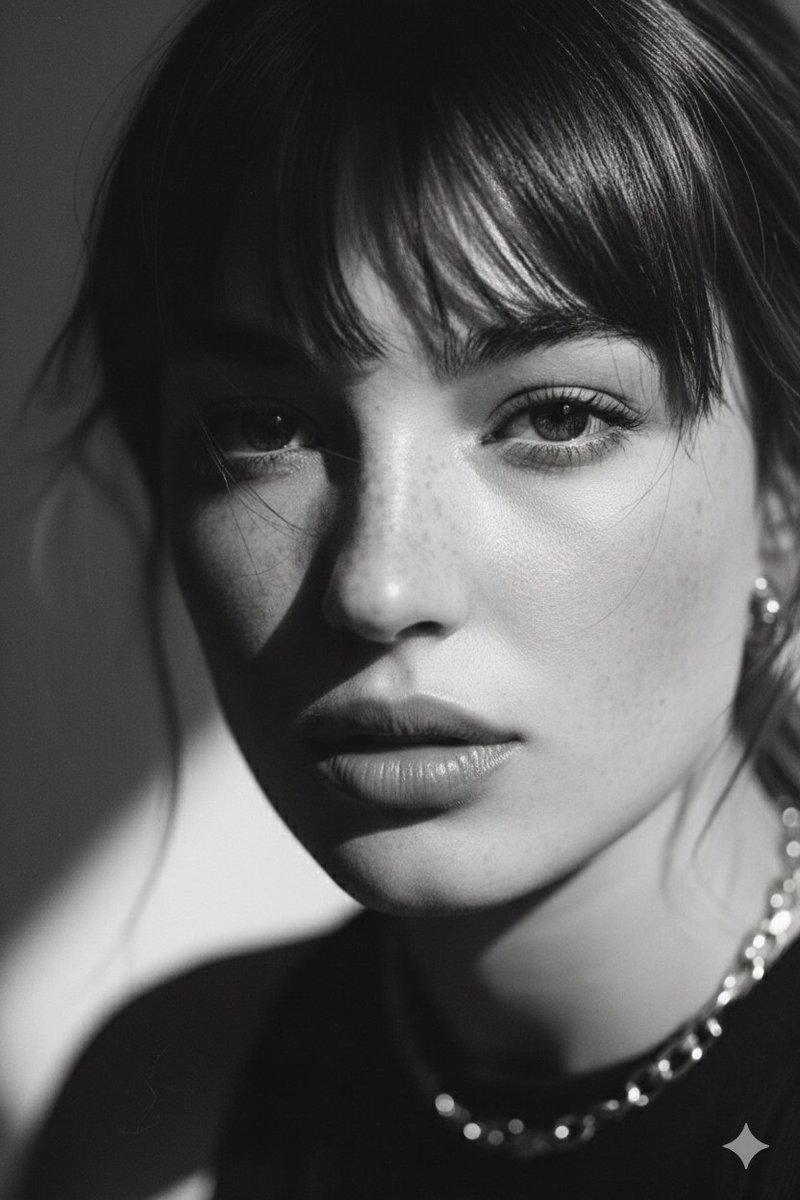
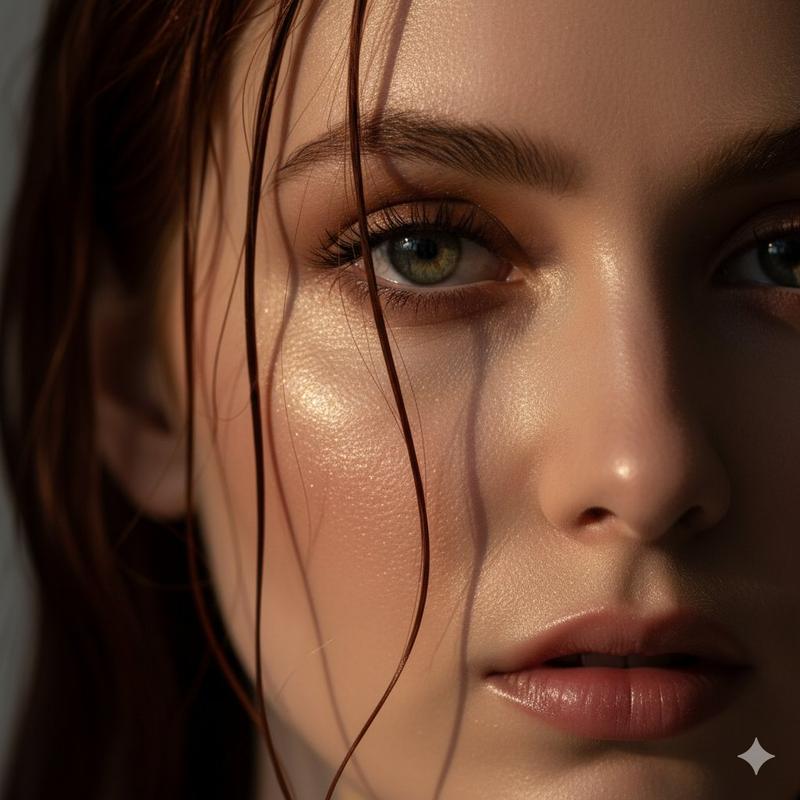
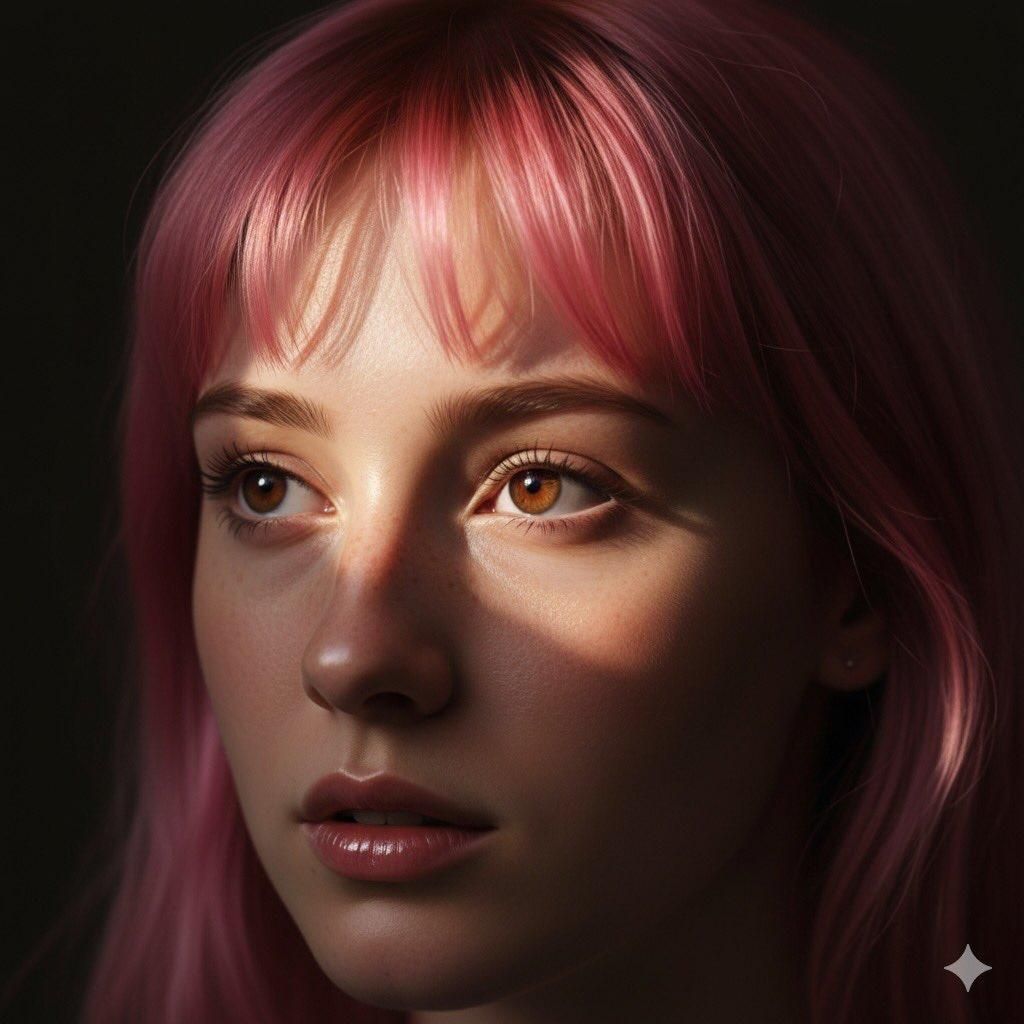
粉色头发的电影特写肖像
Enlarge

粉色头发的电影特写肖像

Prompt
{
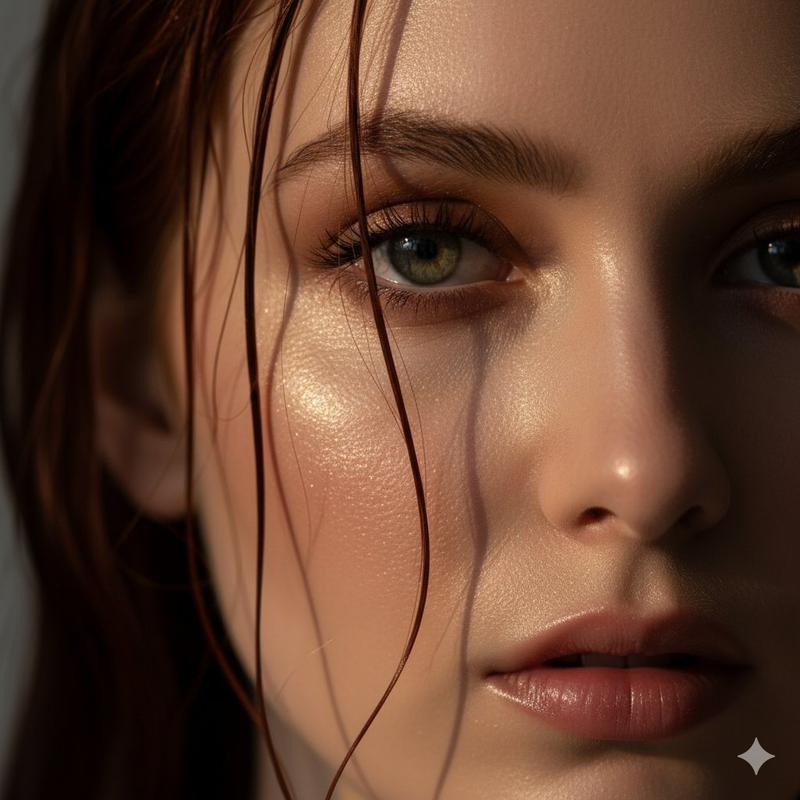
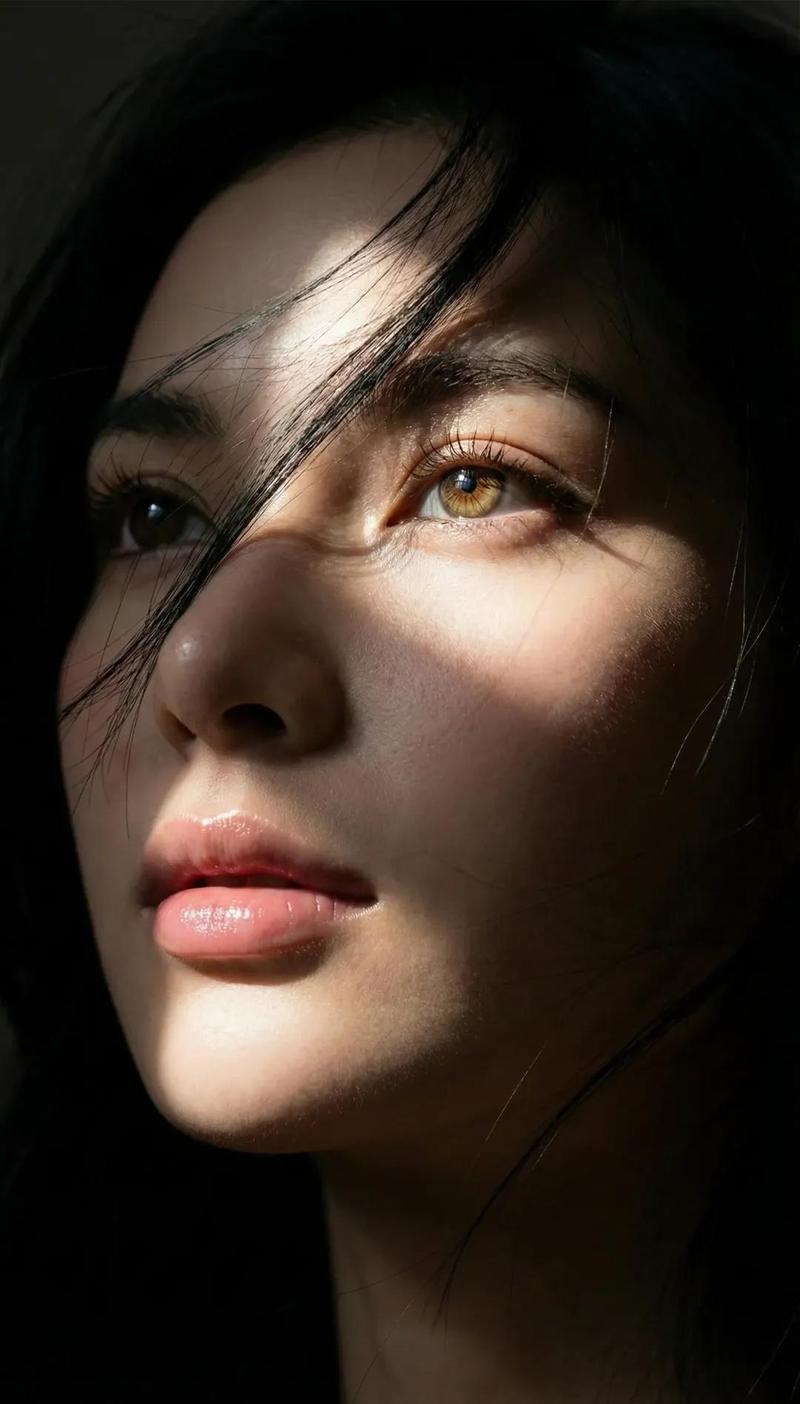
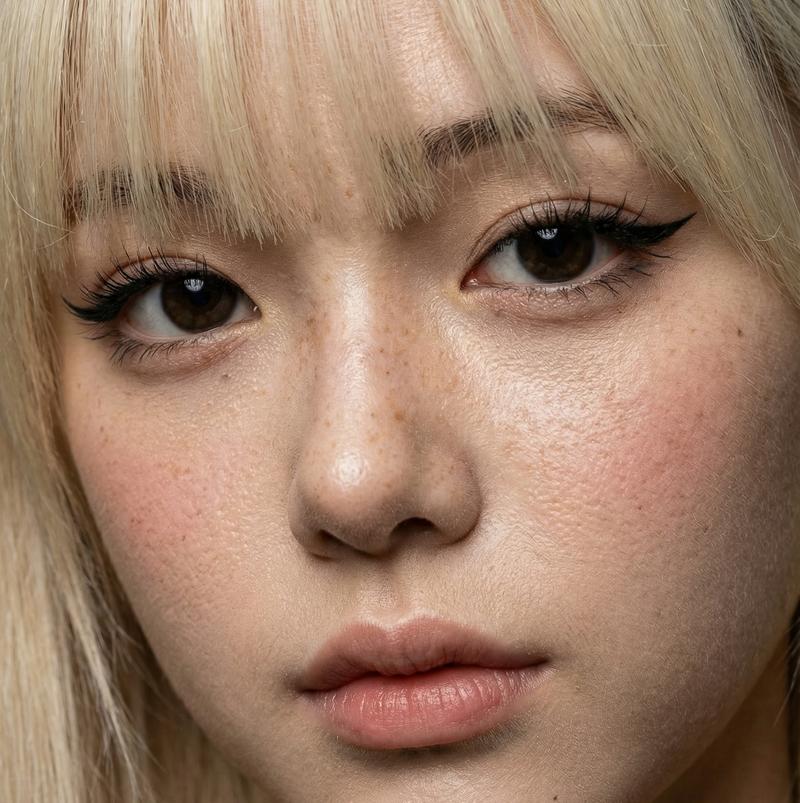
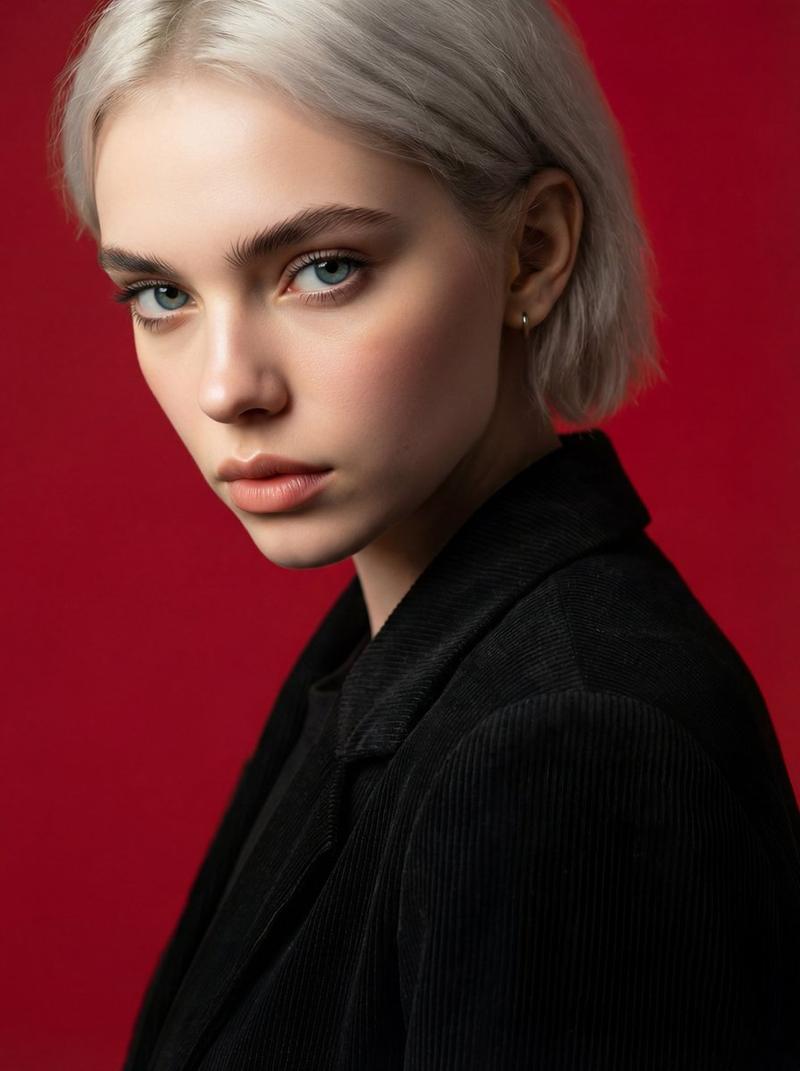
  "Objective": "Create an ultra-realistic cinematic close-up portrait of a young woman with a soft, dreamy, and emotionally intimate aesthetic.",

  "Subject": {
    "Gender": "Female",
    "Age_Group": "Young adult",
    "Appearance": {
      "Hair": {
        "Color": "{argument name="hair color" default="Soft pink"}",
        "Style": "Wispy bangs with natural flow"
      },
      "Eyes": {
        "Color": "Warm brown",
        "Detail": "Eyes reflecting soft light with emotional depth"
      },
      "Facial_Features": "Delicate, balanced facial structure",
      "Skin": {
        "Texture": "Smooth natural skin texture",
        "Details": "Subtle freckles visible",
        "Finish": "Photorealistic, natural, non-retouched look"
      },
      "Expression": "Intimate, calm, gentle, emotionally serene"
    }
  }
Category
创意图片
Model
Nano Banana Pro
Creator
Taaruk
Views0
Source ID
e4a68459-3983-4fd6-9450-5d65a1f3781d
Published
Mar 8, 2026

Guide

About "粉色头发的电影特写肖像"

What is this prompt for?

"粉色头发的电影特写肖像" AI image prompt for Nano Banana Pro (创意图片). 一个用于 Gemini Nano Banana Pro 模型的结构化提示词,旨在生成一张年轻女性的超逼真电影特写肖像。该提示词指定了柔和的粉色头发、温暖的棕色眼睛、细微的雀斑和一种亲密、宁静的表情,强调…

The full copyable prompt and example visuals above are ready for AI image generation or one-click recreate in Picva.

How to use this prompt

  1. Step 1

    Open the prompt detail

    Review the example visuals, category, and full prompt text for "粉色头发的电影特写肖像".

  2. Step 2

    Copy the prompt

    Copy the prompt body from this page, or load it directly in Studio.

  3. Step 3

    Pick a model (Nano Banana Pro)

    Prefer Nano Banana Pro. If you switch models, keep subject and composition and tweak style terms.

  4. Step 4

    Generate and export

    Recreate the look in Picva, or export into your workflow for editing and publishing.

FAQ

What is the "粉色头发的电影特写肖像" prompt?
It is an AI image-generation prompt for Nano Banana Pro in the 创意图片 category. This page includes the full prompt text, example visuals, and a one-click recreate path in Picva.
How do I use this prompt to generate an image?
Copy the prompt from this page, or use Generate / Studio. Paste it into a compatible image model, or recreate the look in Picva with optional reference images.
Which model is this prompt for?
This page lists Nano Banana Pro. Most descriptive prompts also transfer to nearby image models such as GPT Image, Flux, or Midjourney with light style tweaks.
Can I use the result commercially?
You can usually copy the prompt for creation, but commercial use of the final image depends on the model terms, reference-image rights, and the generated content. Follow the source author and platform rules.