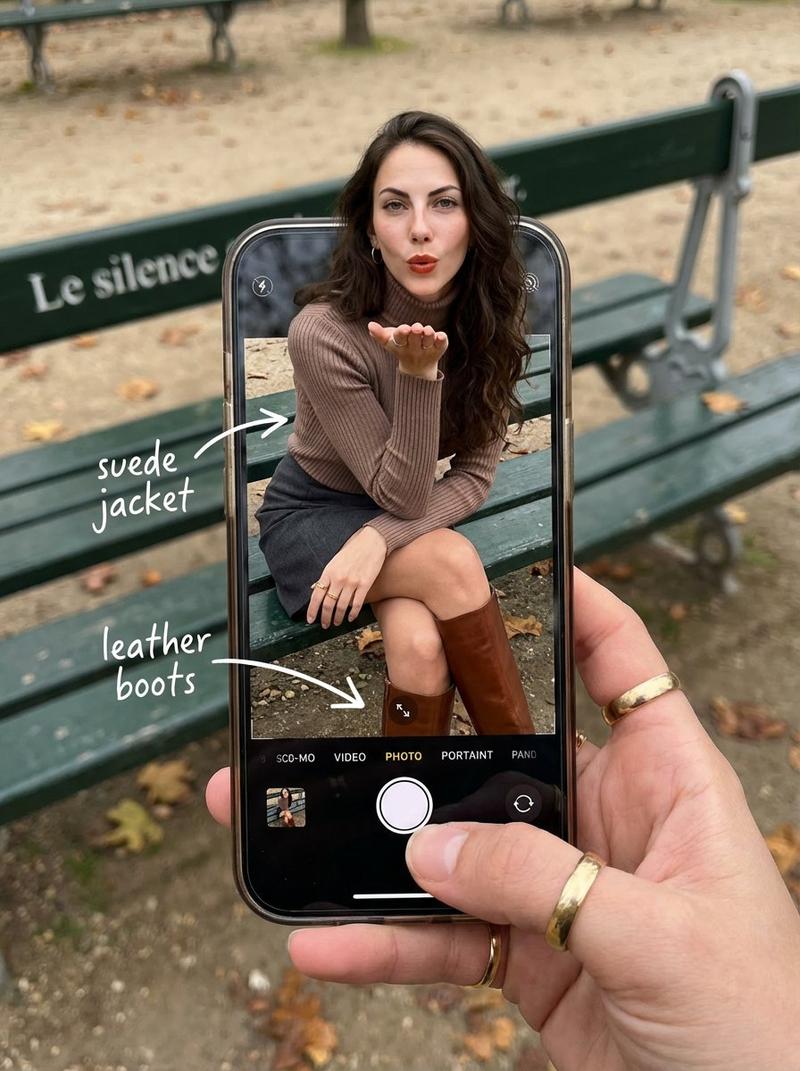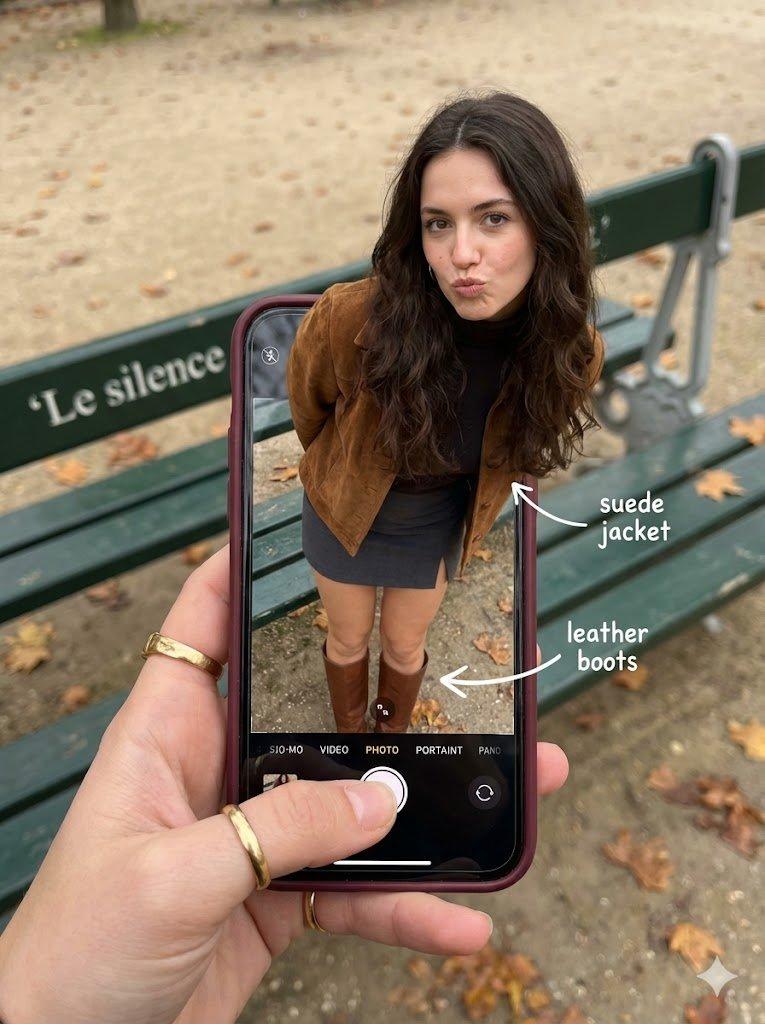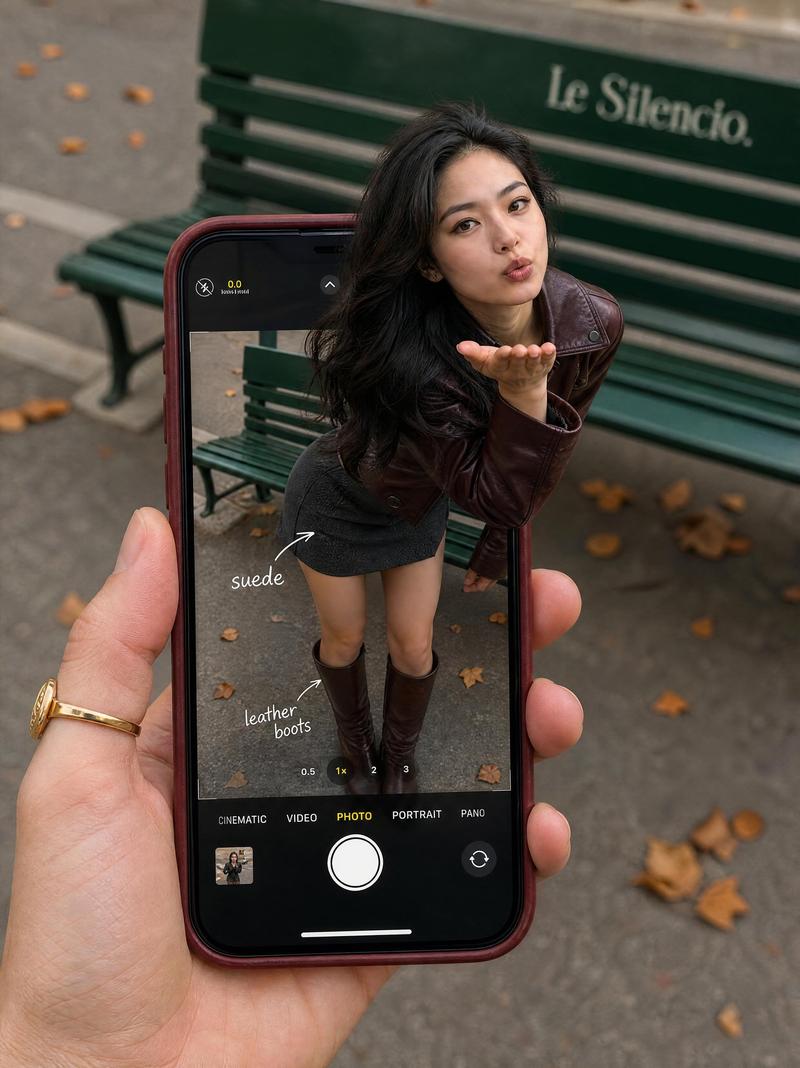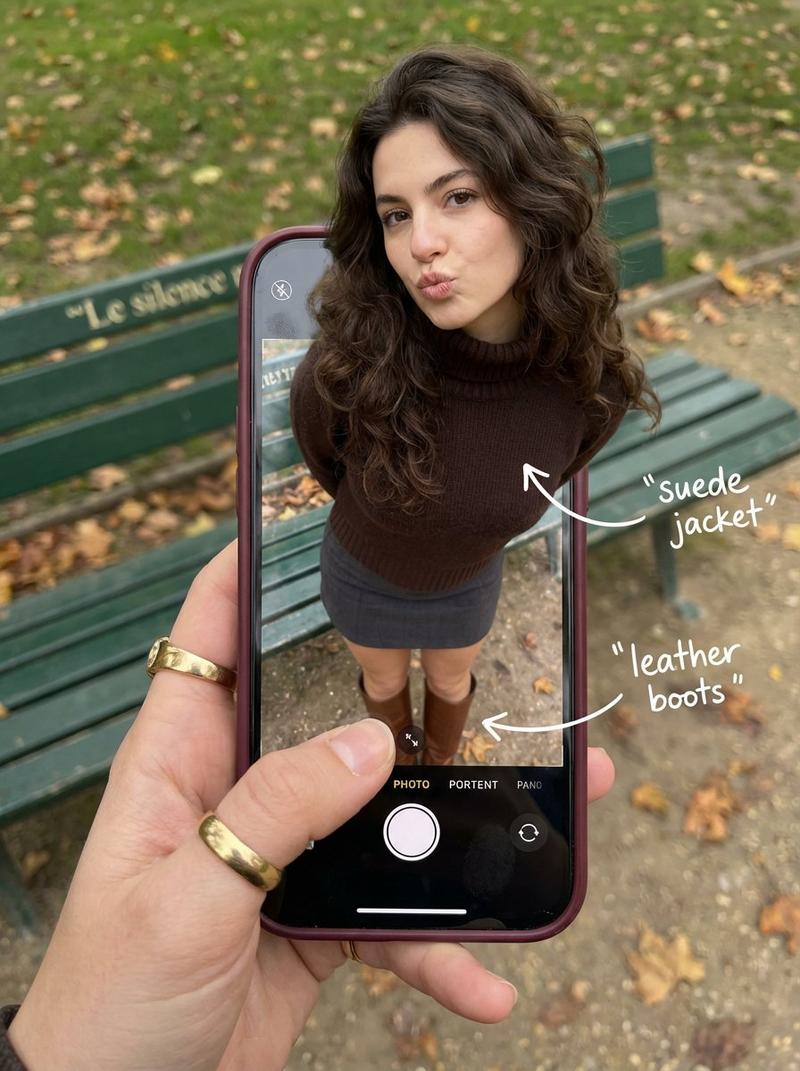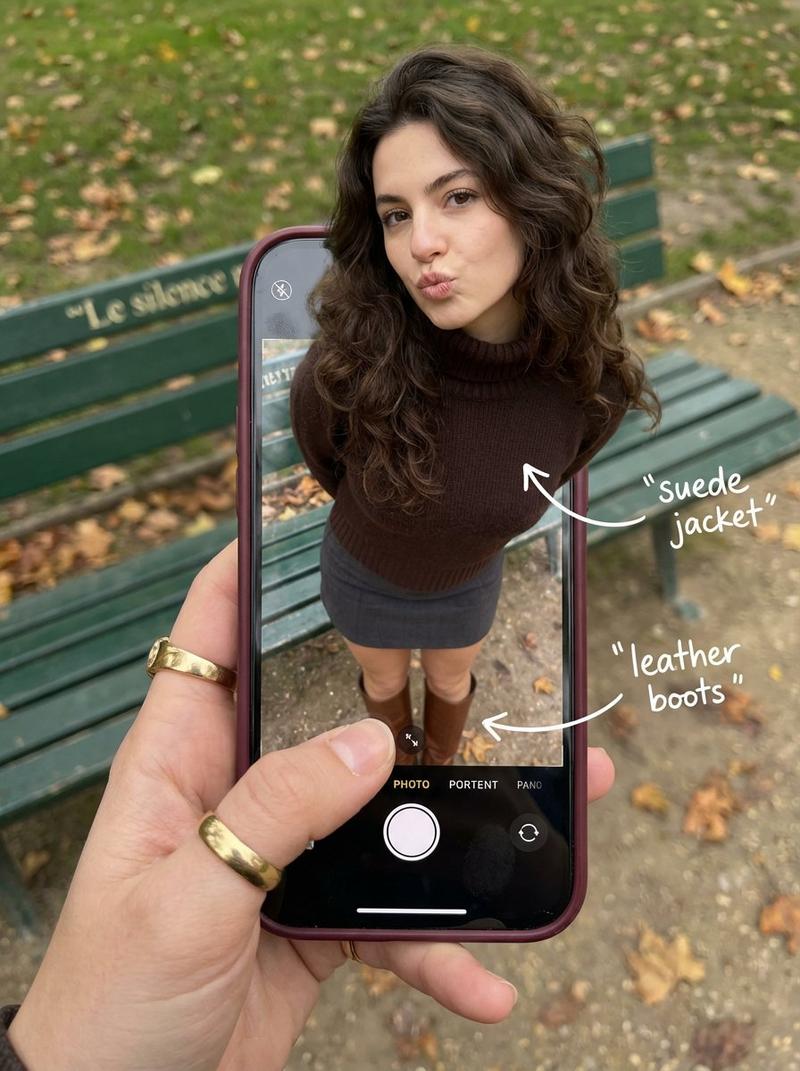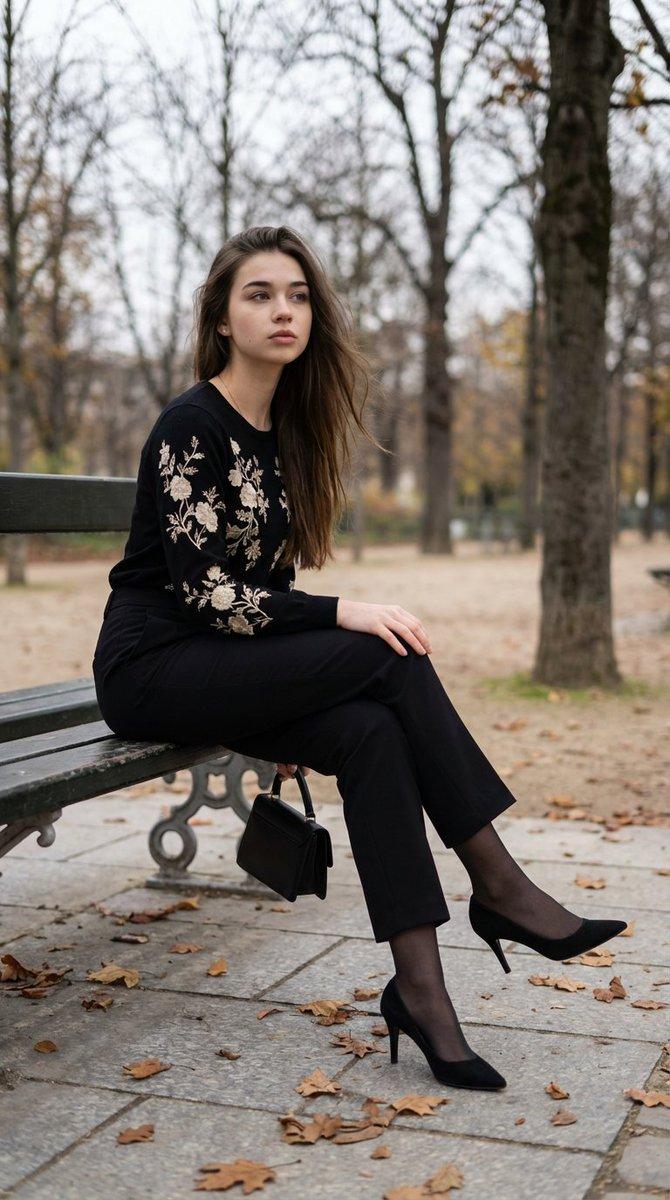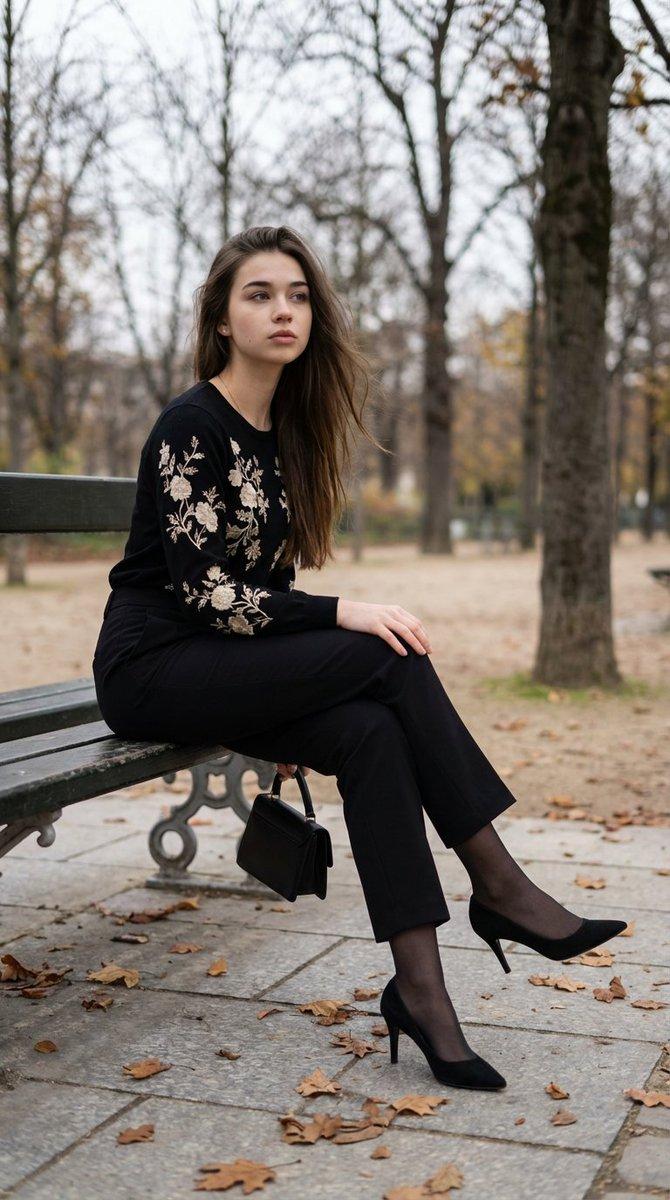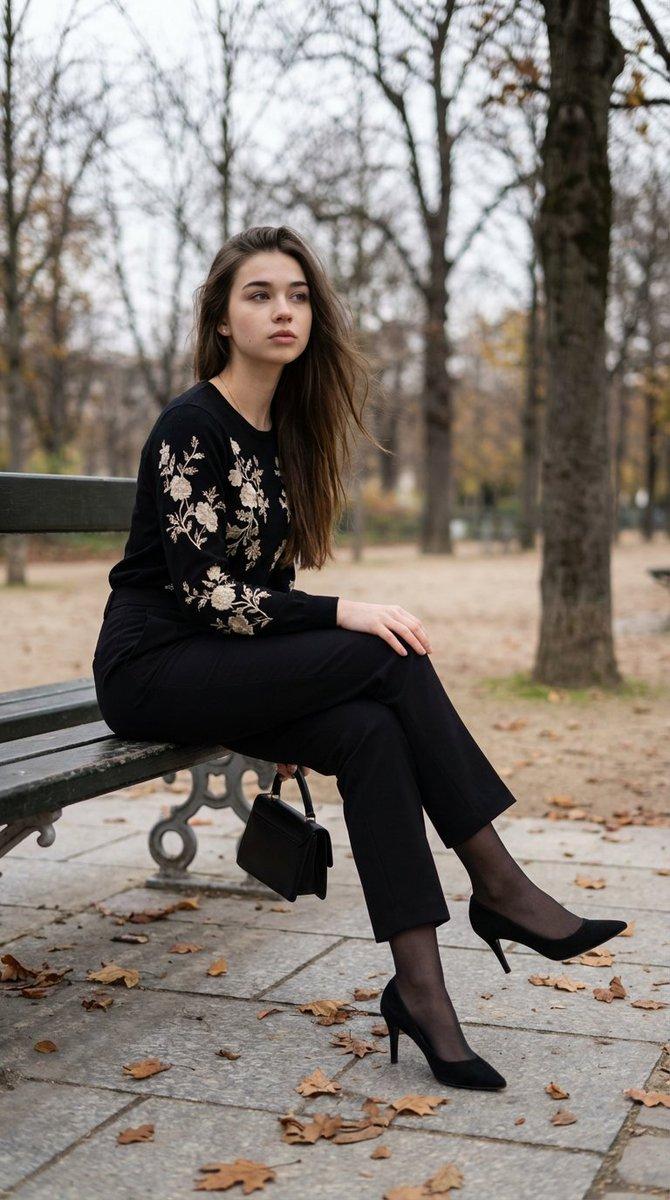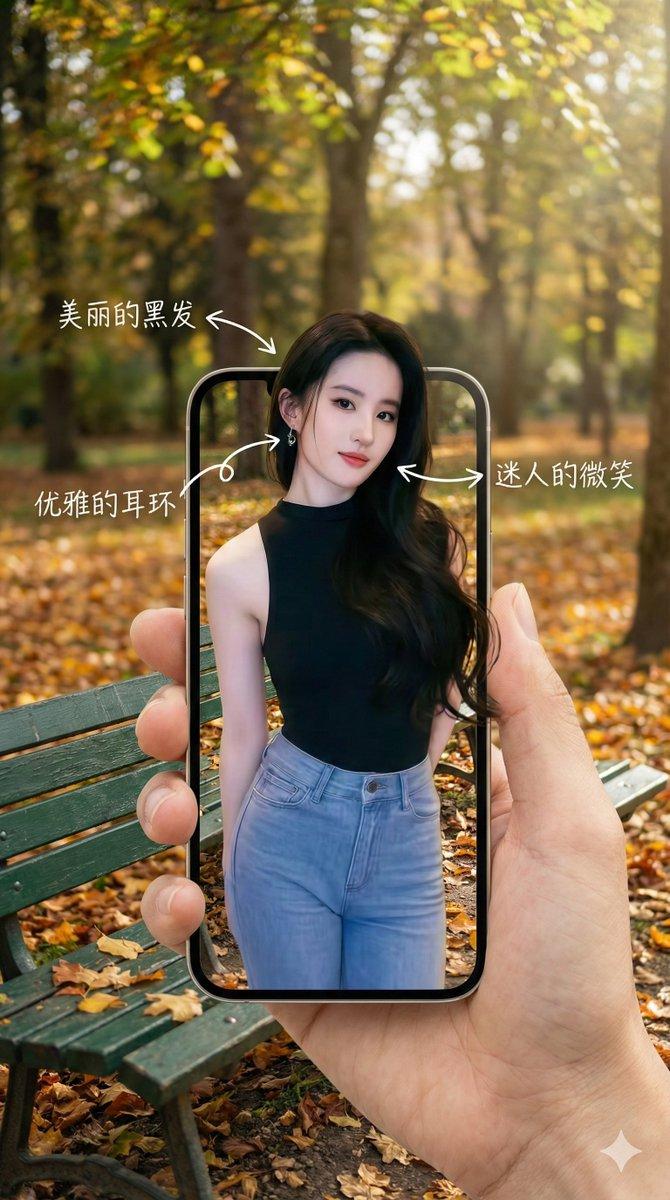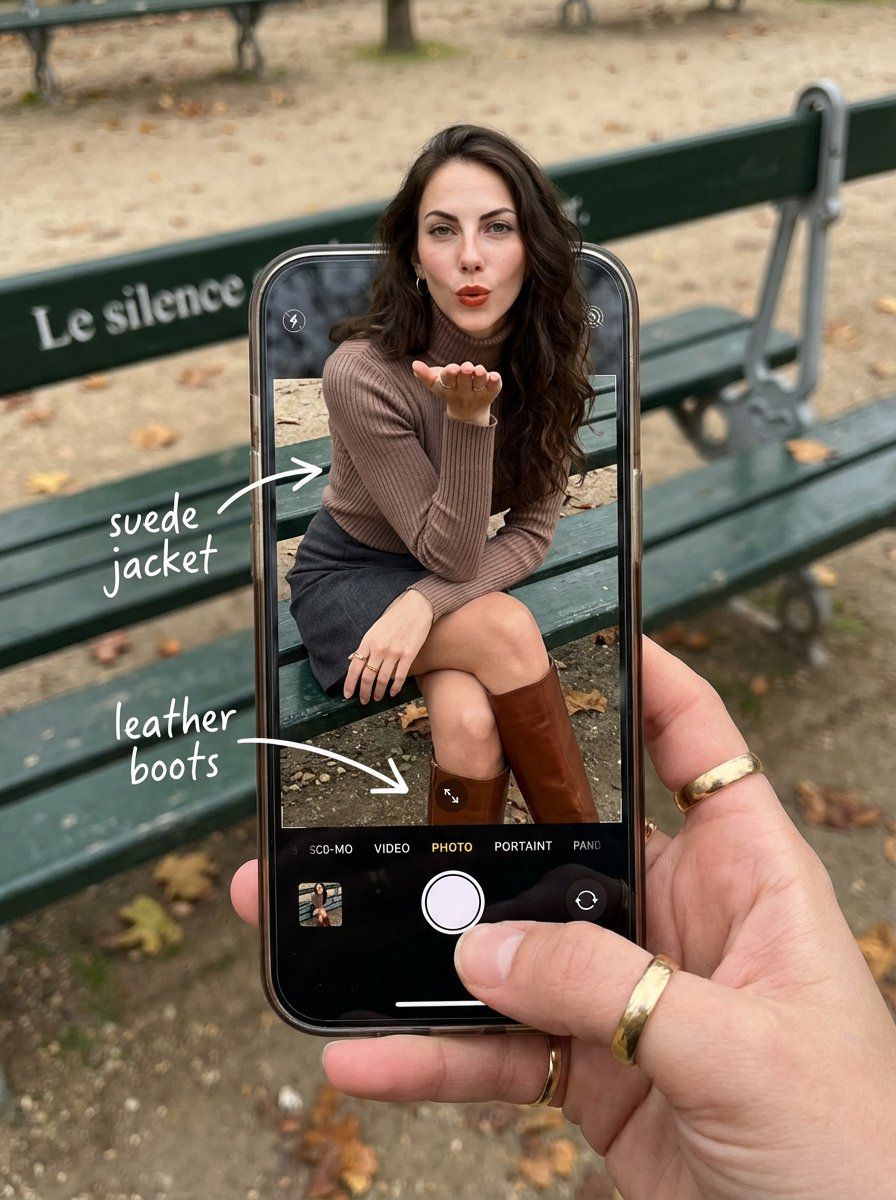
OOTD 分解:智能手机弹出式错觉
Prompt
{
  "image_metadata": {
    "format_version": "2.1.0",
    "aspect_ratio": "3:4",
    "shot_type": "Composite Hyper-Realistic POV",
    "concept": "OOTD Breakdown / Smartphone Pop-out Illusion"
  },
  "subject_profile": {
    "identity": {
      "ethnicity": "Caucasian",
      "age_range": "20-25 years old",
      "identity_consistency": "100% face and body preservation"
    },
    "facial_architecture": {
      "features": {
        "L
      "mouth": {
        "expression": "Chic pout / blowing a kiss",
        "detail": "Natural lip texture, soft sheen"
      },
      "makeup_style": {
        "type": "Natural Glam",
        "foundation": "Matte, seamless blend",
        "details": "Subtle eyeliner, defined brows"
      }
    },
    "hair_mechanics": {
      "color": "Deep dark brown",
      "style": "Long voluminous waves",
      "physics": "Wind-blown effect, realistic strand separation",
      "texture": "High-gloss shine, soft highlights"
    },
    "body_anatomy": {
      "frame": "Petite, athletic-lean",
      "waist": "Highly defined",
      "skin_rendering": {
        "tone": "Fair/Pale",
        "texture": "Pore-level detail, natural imperfections, no plastic smoothing",
        "lighting": "Soft overcast daylight occlusion"
      }
    }
  },
  "wardrobe_and_styling": {
    "top_layer": {
      "item": "Turtleneck sweater",
      "color": "Mocha / Earthy Brown",
      "material": "High-quality ribbed textile, macro knit detail"
    },
    "bottom_layer": {
      "item": "Mini Skirt",
      "color": "Dark Grey",
      "material": "Heavy wool or denim texture"
    },
    "footwear": {
      "item": "Tall Leather Boots",
      "color": "Rich Brown",
      "material": "Polished leather with realistic creases",
      "location": "Displayed exclusively within the phone screen boundaries"
    }
  },
  "device_and_interface": {
    "hardware": {
      "model": "Modern High-End Smartphone",
      "case": "Burgundy matte finish",
      "hand_interaction": "Held by a photographer’s hand with gold rings on fingers"
    },
    "software_ui": {
      "app": "iOS Camera Interface",
      "interactive_elements": [
        "White circular shutter button",
        "Selected mode: 'PHOTO' in yellow/white text",
        "Zoom indicators and grid lines"
      ],
      "screen_condition": "Active OLED glow, realistic fingerprint smudges, sharp pixels"
    },
    "augmented_overlay": {
      "style": "Handwritten white marker",
      "annotations": [
        { "text": "suede jacket", "pointer": "arrow to upper body" },
        { "text": "leather boots", "pointer": "arrow to boots on screen" }
      ]
    }
  },
  "environment_optics": {
    "location": "Parisian Park, Autumn",
    "background_elements": {
      "furniture": "Classic green metal park bench",
      "typography": "Weathered text 'Le silence' on bench backrest",
      "ground": "Grey gravel path with fallen orange/yellow autumn leaves"
    },
    "lighting_"
  }
}- Category
- 创意图片
- Model
- Nano Banana Pro
- Creator
- Melis✨
- Source ID
- 306fe5d2-250f-4b5c-a10a-aab1e098e3ca
- Published
- Mar 8, 2026
Views0