17

通过 JSON 和 UV 贴图元提示创建纹理
Enlarge

通过 JSON 和 UV 贴图元提示创建纹理

Prompt
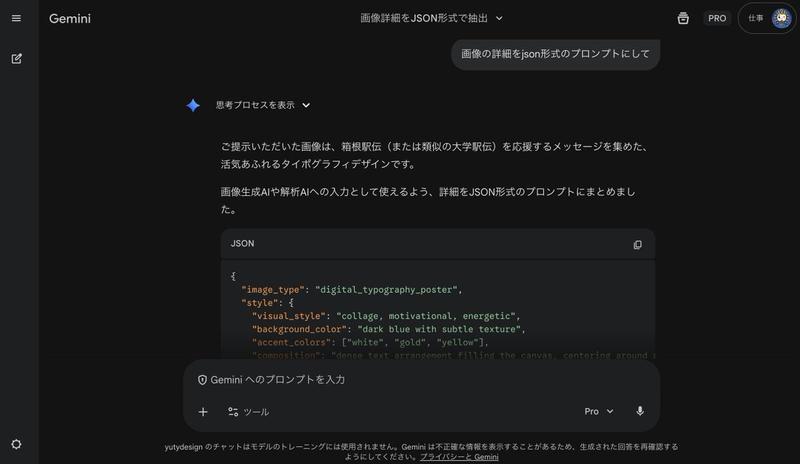
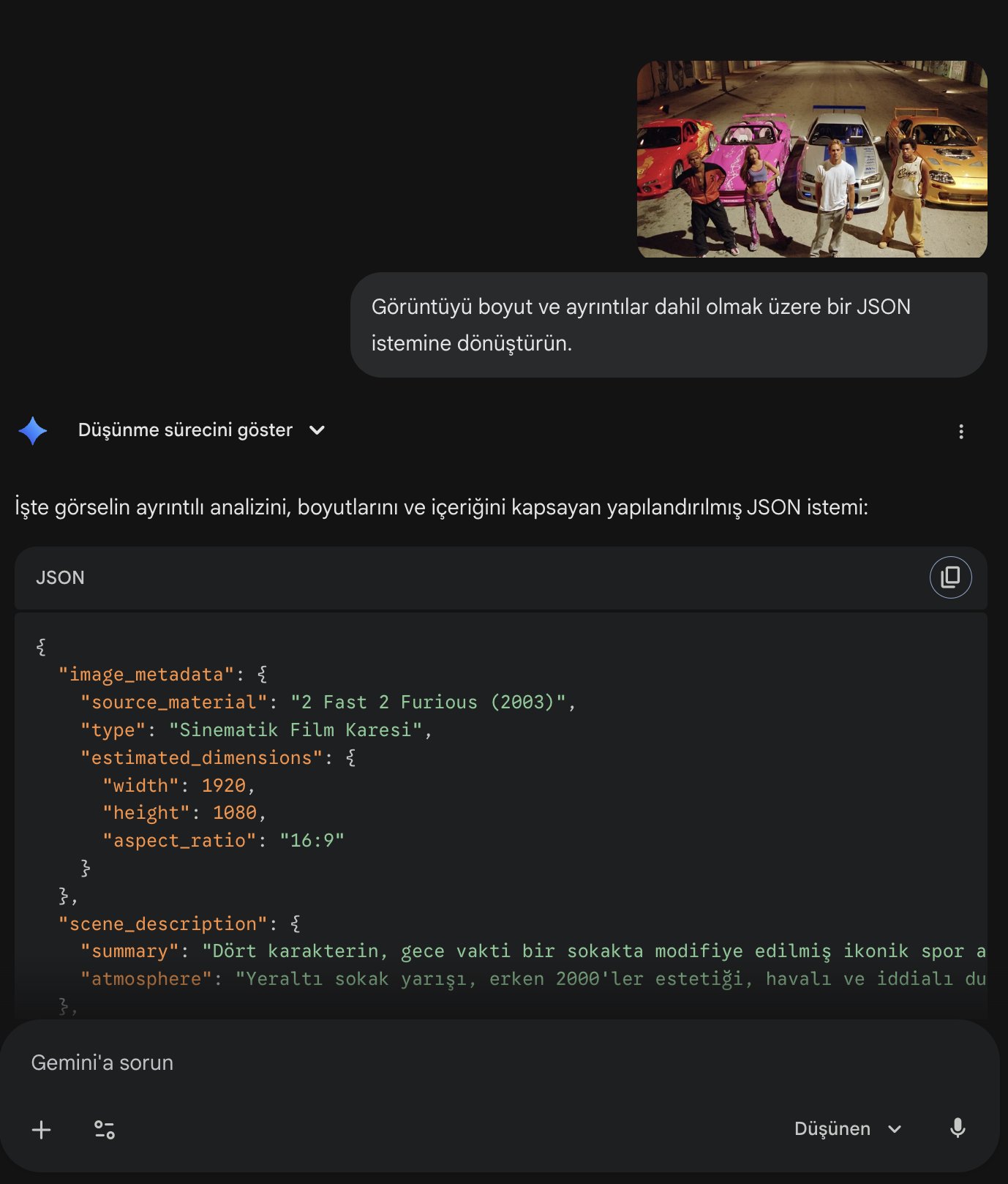
まず、**元にしたい画像(花・服・模様など)**を分析させる。

ChatGPTへの指示:

「この画像を、サイズ・色・形・ディティールまで含めてJSONプロンプト化して」

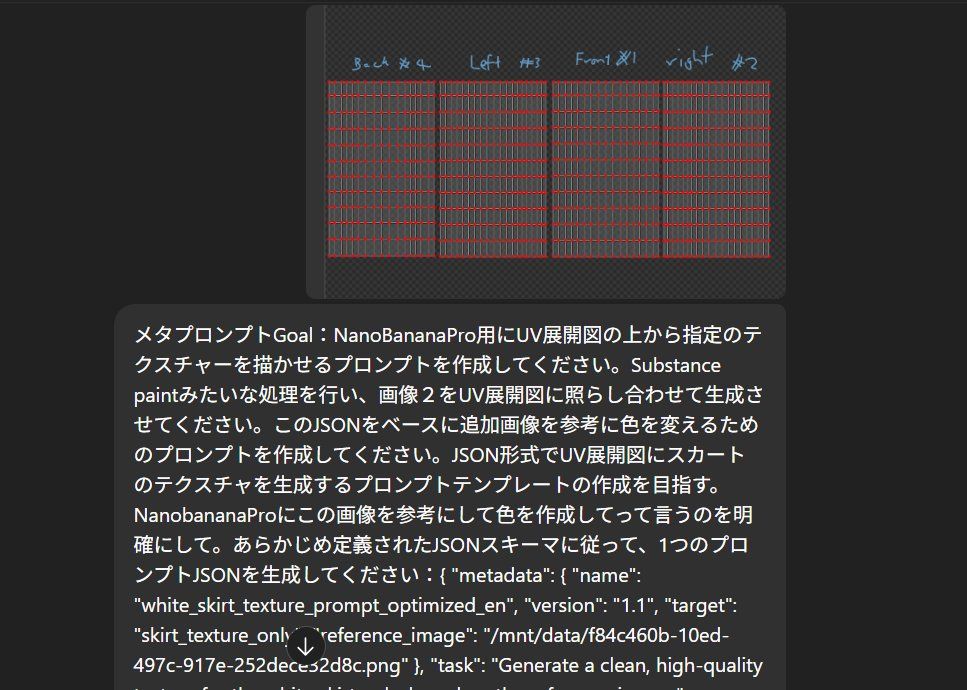
指示:「メタプロンプトGoal:NanoBananaPro用にUV展開図の上から指定のテクスチャーを描かせるプロンプトを作成してください。Substance paintみたいな処理を行い、画像2をUV展開図に照らし合わせて生成させてください。このJSONをベースに追加画像を参考に色を変えるためのプロンプトを作成してください。JSON形式でUV展開図にスカートのテクスチャを生成するプロンプトテンプレートの作成を目指す。NanobananaProにこの画像を参考にして色を作成してって言うのを明確にして。あらかじめ定義されたJSONスキーマに従って、1つのプロンプトJSONを生成してください:…」
Category
创意图片
Model
Nano Banana Pro
Creator
Mata3
Views0
Source ID
ad4e3e42-ecf5-462b-b83d-c1bad7c2fc6c
Published
Mar 8, 2026

Guide

About "通过 JSON 和 UV 贴图元提示创建纹理"

What is this prompt for?

"通过 JSON 和 UV 贴图元提示创建纹理" AI image prompt for Nano Banana Pro (创意图片). 使用 Nano Banana Pro 创建纹理是一个两步过程。首先,ChatGPT 会分析现有图像(例如,花朵、服装图案),并将其转换为详细的 JSON 提示,描述其尺寸、颜色、形…

The full copyable prompt and example visuals above are ready for AI image generation or one-click recreate in Picva.

How to use this prompt

  1. Step 1

    Open the prompt detail

    Review the example visuals, category, and full prompt text for "通过 JSON 和 UV 贴图元提示创建纹理".

  2. Step 2

    Copy the prompt

    Copy the prompt body from this page, or load it directly in Studio.

  3. Step 3

    Pick a model (Nano Banana Pro)

    Prefer Nano Banana Pro. If you switch models, keep subject and composition and tweak style terms.

  4. Step 4

    Generate and export

    Recreate the look in Picva, or export into your workflow for editing and publishing.

FAQ

What is the "通过 JSON 和 UV 贴图元提示创建纹理" prompt?
It is an AI image-generation prompt for Nano Banana Pro in the 创意图片 category. This page includes the full prompt text, example visuals, and a one-click recreate path in Picva.
How do I use this prompt to generate an image?
Copy the prompt from this page, or use Generate / Studio. Paste it into a compatible image model, or recreate the look in Picva with optional reference images.
Which model is this prompt for?
This page lists Nano Banana Pro. Most descriptive prompts also transfer to nearby image models such as GPT Image, Flux, or Midjourney with light style tweaks.
Can I use the result commercially?
You can usually copy the prompt for creation, but commercial use of the final image depends on the model terms, reference-image rights, and the generated content. Follow the source author and platform rules.