18

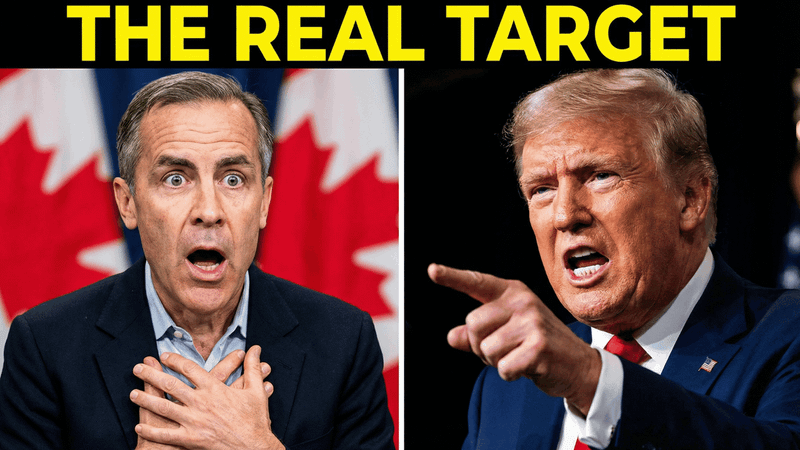
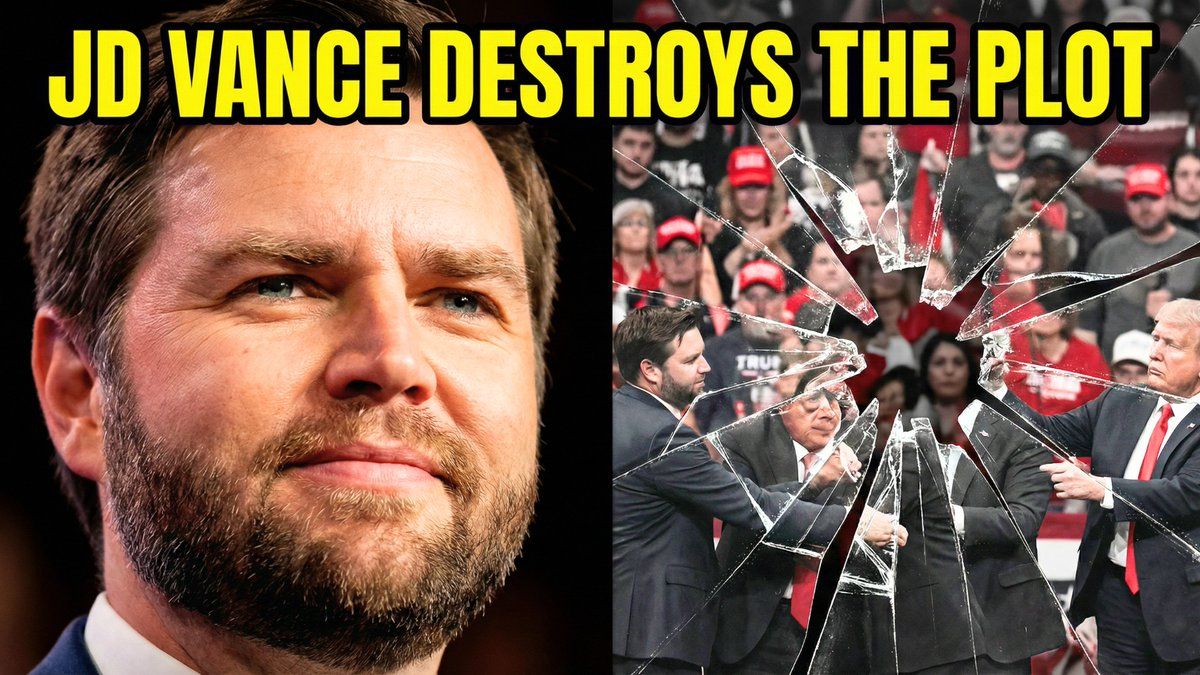
分屏 YouTube 缩略图:JD 范斯政治评论
Enlarge

分屏 YouTube 缩略图:JD 范斯政治评论

Prompt
Split-screen YouTube thumbnail composition. LEFT SIDE (60%): JD Vance's face, professional warm lighting, determined confident expression with slight smirk, slight low angle shot looking up, high contrast and saturated colors, dark blurred background, heroic and resolute mood. RIGHT SIDE (40%): Shattered fractured glass effect overlaying darkened desaturated images of MAGA supporters and political figures pulling in different directions, visible crack lines and fragmentation throughout, chaotic and divided composition, dark grays and muted reds, broken and unstable visual. TOP OF ENTIRE THUMBNAIL: Bold yellow text with thick black outline reading "{argument name="text" default="JD VANCE DESTROYS THE PLOT"}", text spans across both sides at top third.
Category
创意图片
Model
Nano Banana Pro
Views0
Source ID
4a96d1e2-cc83-4ee2-bb01-78bdb16fe7a4
Published
Mar 8, 2026

Guide

About "分屏 YouTube 缩略图:JD 范斯政治评论"

What is this prompt for?

"分屏 YouTube 缩略图:JD 范斯政治评论" AI image prompt for Nano Banana Pro (创意图片). 一个详细的提示,用于生成一个高对比度、分屏的 YouTube 缩略图,专为政治评论设计,其中包含 JD Vance 的英雄肖像,并与代表政治分裂的混乱、破碎玻璃叠加层形成对比。…

The full copyable prompt and example visuals above are ready for AI image generation or one-click recreate in Picva.

How to use this prompt

  1. Step 1

    Open the prompt detail

    Review the example visuals, category, and full prompt text for "分屏 YouTube 缩略图:JD 范斯政治评论".

  2. Step 2

    Copy the prompt

    Copy the prompt body from this page, or load it directly in Studio.

  3. Step 3

    Pick a model (Nano Banana Pro)

    Prefer Nano Banana Pro. If you switch models, keep subject and composition and tweak style terms.

  4. Step 4

    Generate and export

    Recreate the look in Picva, or export into your workflow for editing and publishing.

FAQ

What is the "分屏 YouTube 缩略图:JD 范斯政治评论" prompt?
It is an AI image-generation prompt for Nano Banana Pro in the 创意图片 category. This page includes the full prompt text, example visuals, and a one-click recreate path in Picva.
How do I use this prompt to generate an image?
Copy the prompt from this page, or use Generate / Studio. Paste it into a compatible image model, or recreate the look in Picva with optional reference images.
Which model is this prompt for?
This page lists Nano Banana Pro. Most descriptive prompts also transfer to nearby image models such as GPT Image, Flux, or Midjourney with light style tweaks.
Can I use the result commercially?
You can usually copy the prompt for creation, but commercial use of the final image depends on the model terms, reference-image rights, and the generated content. Follow the source author and platform rules.