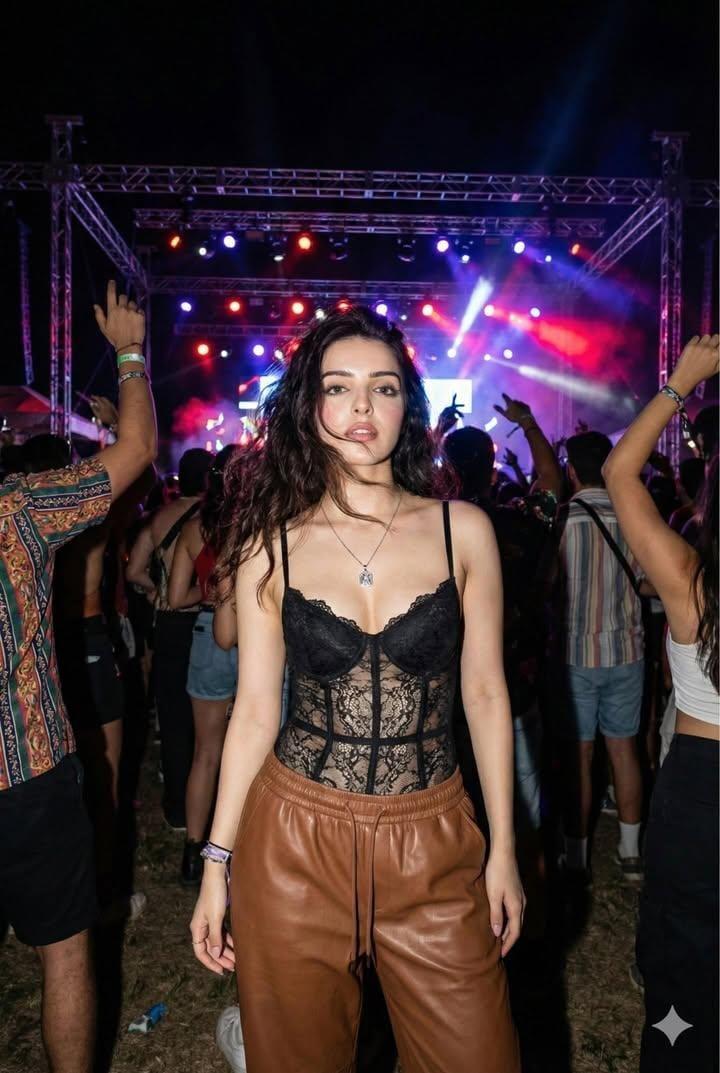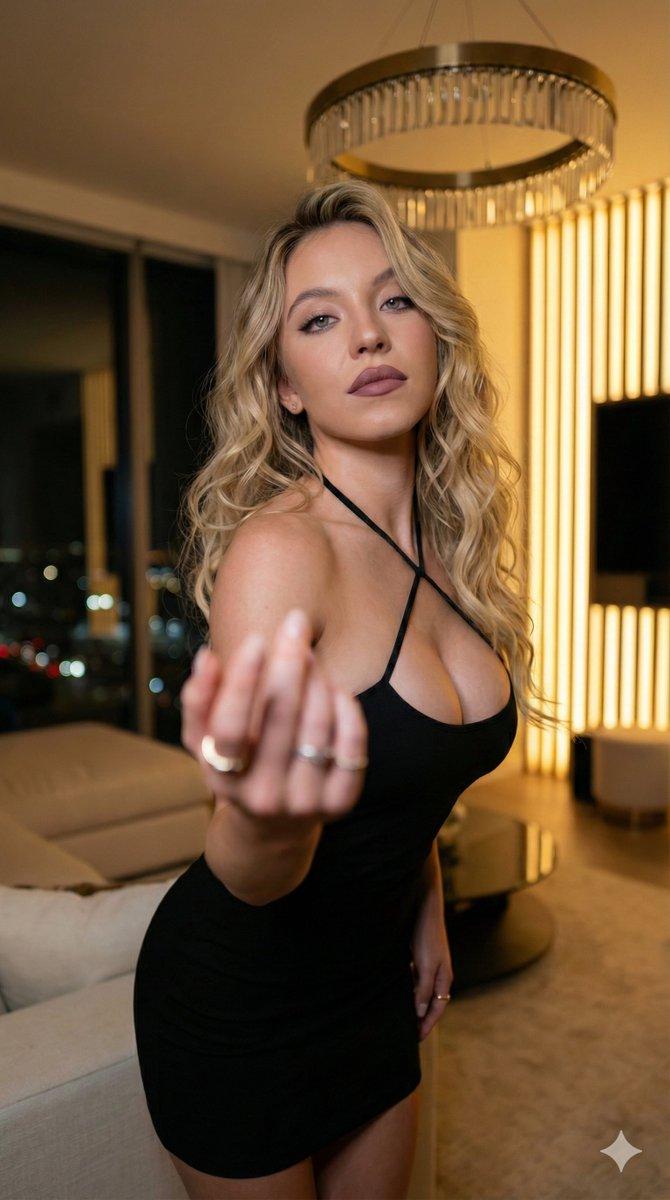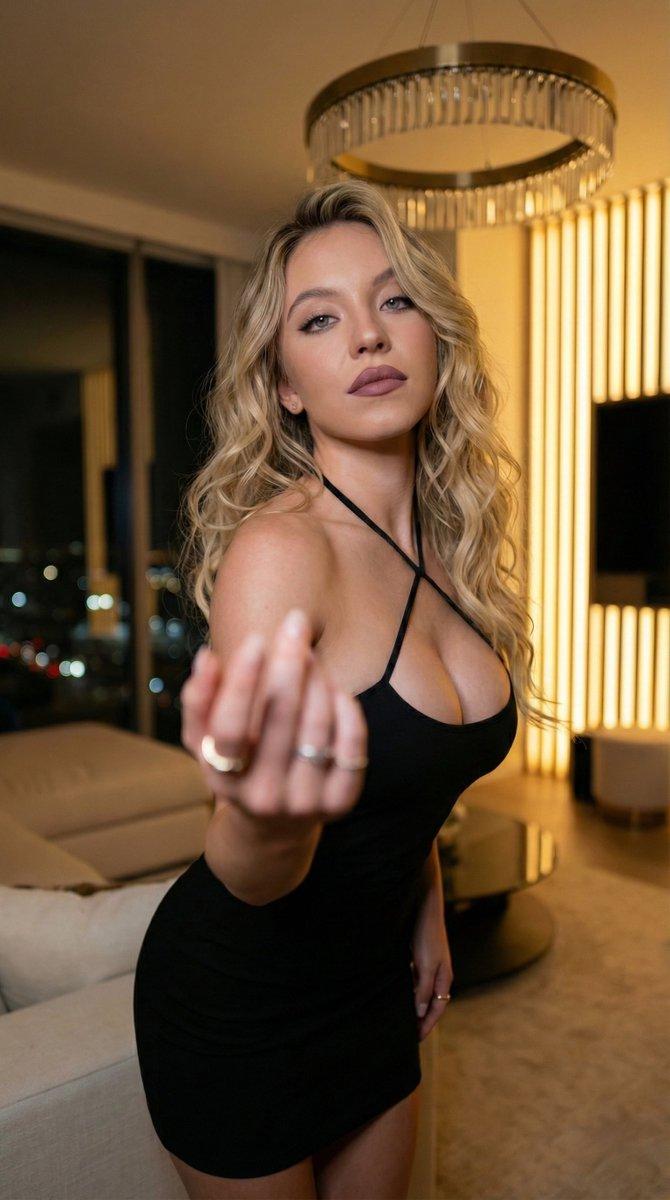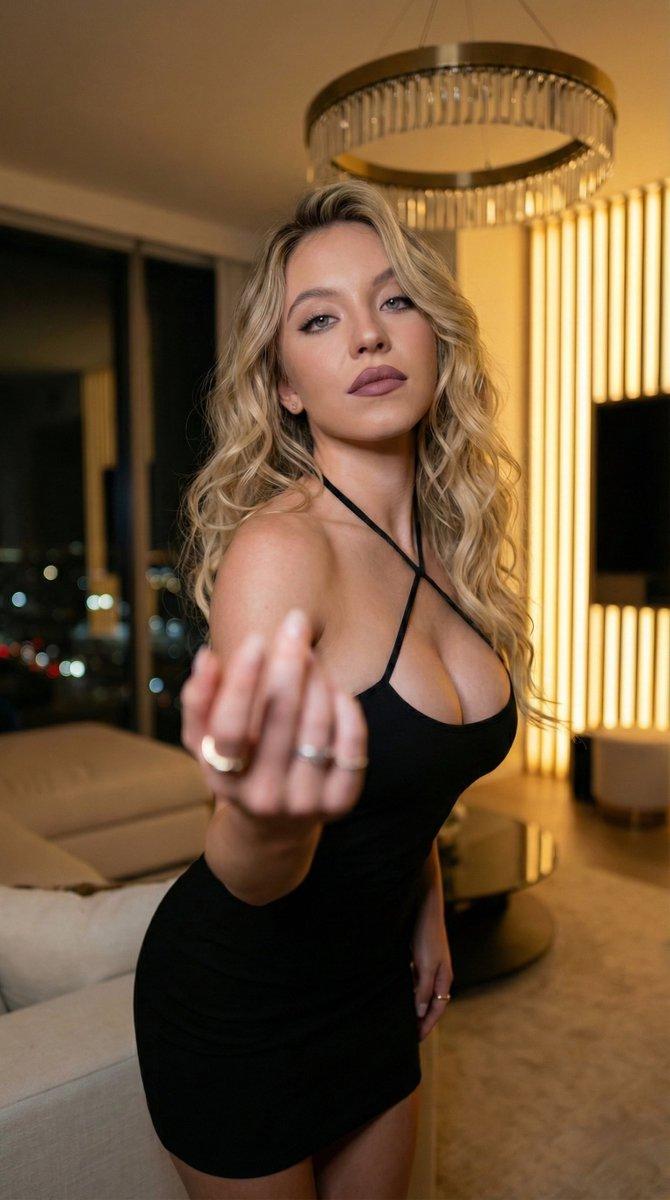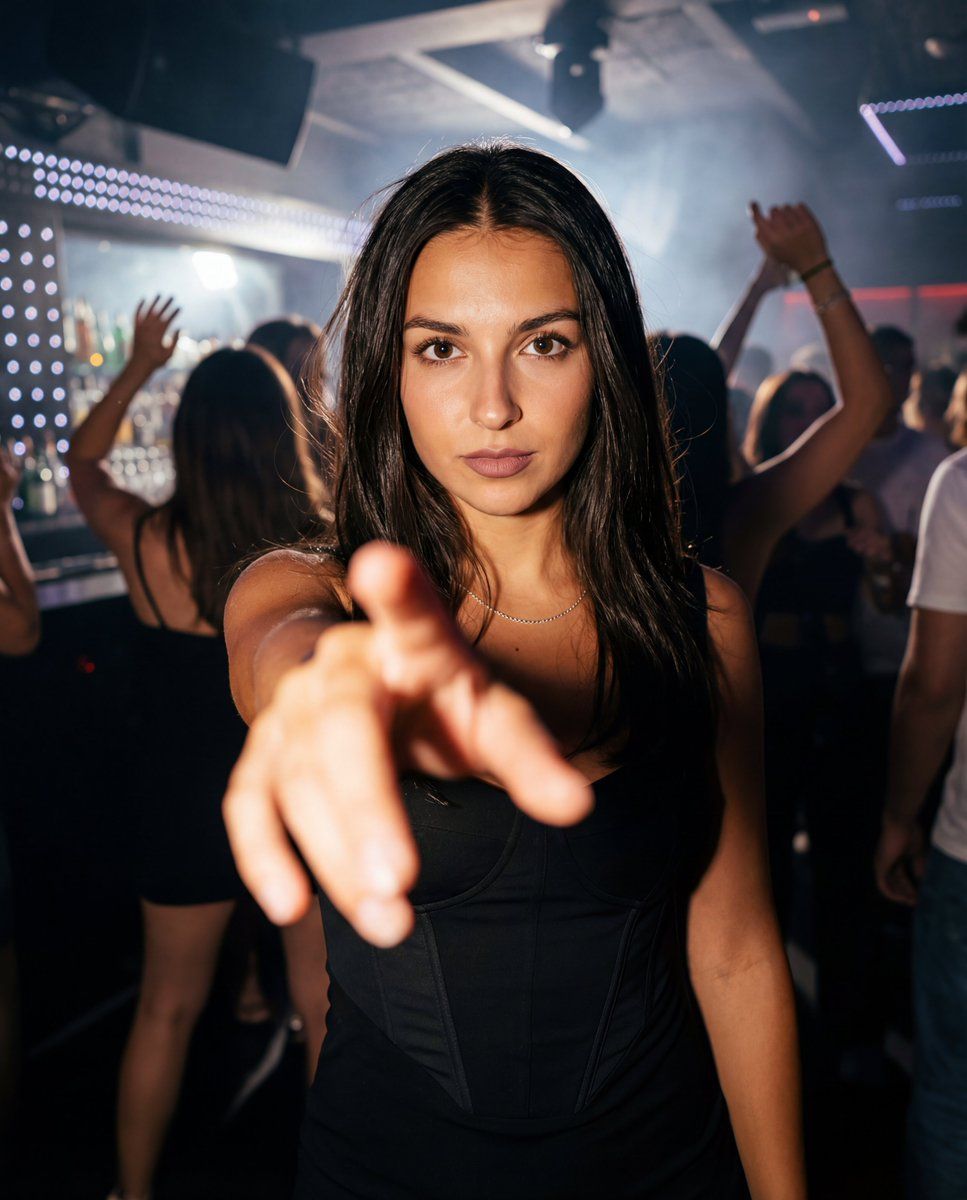
夜店时尚人像摄影:利用强制透视法
Prompt
{
  "meta": {
    "title": "Nightclub Reach — Side Accent Lock",
    "intent": "Photorealistic nightlife fashion portrait with forced-perspective reach",
    "generation_mode": "style_locked_repeatable",
    "repeatability_target": "High (pose, lens, lighting, wardrobe locked)",
    "no_text_or_watermarks": true
  },
  "format": {
    "aspect_ratio": "4:5",
    "orientation": "vertical",
    "resolution": "4096x5120",
    "detail": "ultra_high"
  },
  "camera": {
    "type": "full_frame_digital",
    "lens": {
      "focal_length_mm": 28,
      "aperture_f": 2.0,
      "focus_distance_m": 0.55,
      "dof": "face sharp, hand slightly soft",
      "distortion": "natural wide-angle"
    },
    "settings": {
      "shutter": "1/160",
      "iso": 800,
      "white_balance_k": 3400,
      "metering": "center-weighted on face"
    },
    "framing": {
      "shot": "medium close-up with foreground hand",
      "camera_height_m": 1.55,
      "tilt": "+5 degrees",
      "crop": "head slight margin, cut at mid-thigh",
      "horizontal_bias": "52% right"
    }
  },
  "subject": {
    "identity": {
      "age": "early 20s",
      "presentation": "female",
      "expression": "intense eye contact, confident calm"
    },
    "hair": {
      "style": "sleek, lightly tousled",
      "length": "mid-back",
      "part": "center",
      "color": "deep brunette"
    },
    "makeup": {
      "lashes": "long, thick, separated",
      "liner": "defined black lower lash, thin upper line",
      "complexion": "natural texture, soft pearl cheek highlight",
      "lips": "neutral mauve satin"
    },
    "accessories": {
      "necklace": "delicate silver chain at collarbone",
      "earrings": "none or tiny studs"
    },
    "wardrobe": {
      "dress": {
        "type": "black corset dress",
        "fit": "snug, structured bodice",
        "details": "panel seaming, subtle asymmetric fashion detail",
        "finish": "matte with light satin sheen"
      }
    },
    "pose_lock": {
      "torso": "angled 15° camera-left",
      "shoulders": "slightly toward camera",
      "hand": {
        "action": "reaching toward lens",
        "frame_coverage": "25–35%",
        "fingers": "relaxed natural spread"
      },
      "head": "chin slightly down, eyes up to lens"
    }
  },
  "environment": {
    "location": "modern stylish nightclub",
    "time": "night",
    "crowd": {
      "density": "medium-high",
      "activity": "dancing",
      "faces": "soft and indistinct"
    },
    "set": {
      "elements": [
        "light haze",
        "LED or neon accents",
        "dark reflective surfaces",
        "blurred bar lights"
      ]
    }
  },
  "lighting": {
    "key": {
      "type": "side accent",
      "direction": "camera-left",
      "quality": "soft directional",
      "temp_k": 3200,
      "intensity": "dominant"
    },
    "fill": {
      "source": "ambient club light",
      "intensity": "low"
    },
    "rim": "s"
}- Category
- 创意图片
- Model
- Nano Banana Pro
- Creator
- Sienna
- Source ID
- e534c95a-bd36-44ec-be00-ac161f977541
- Published
- Mar 8, 2026
Views0