19

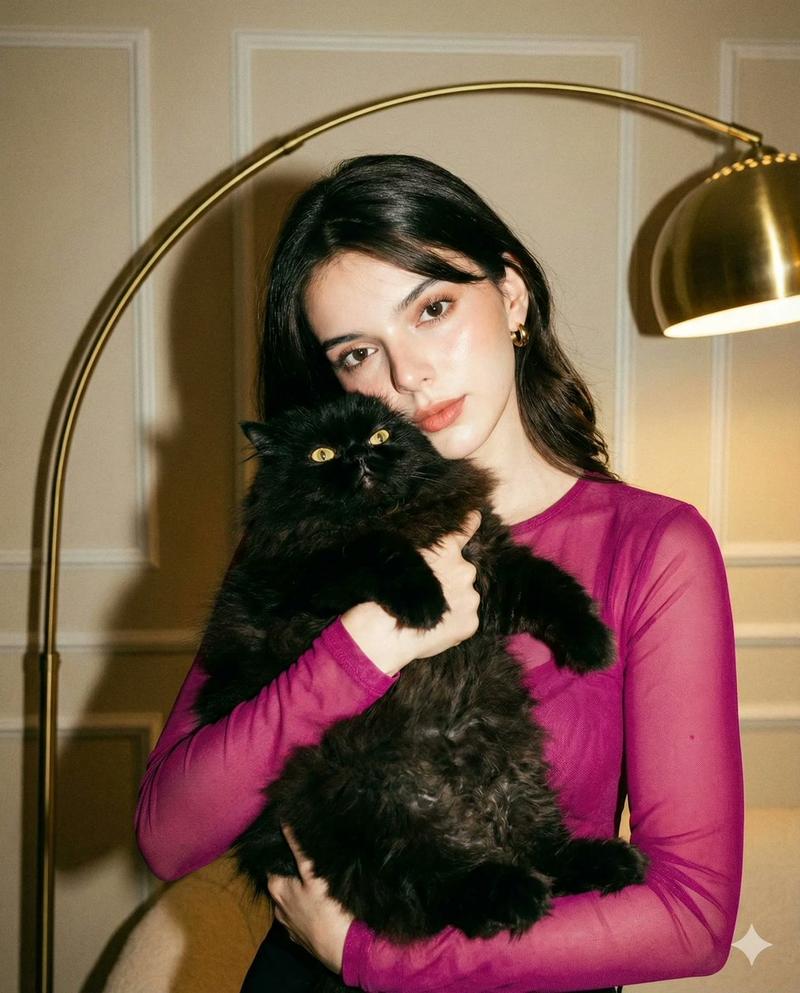
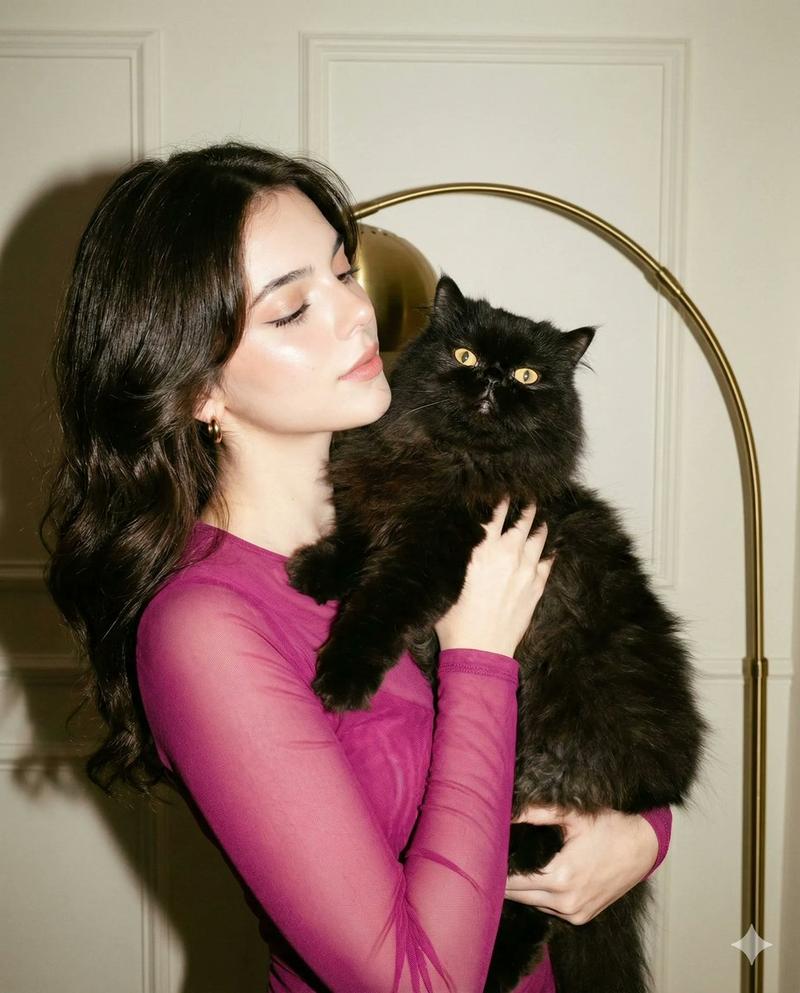
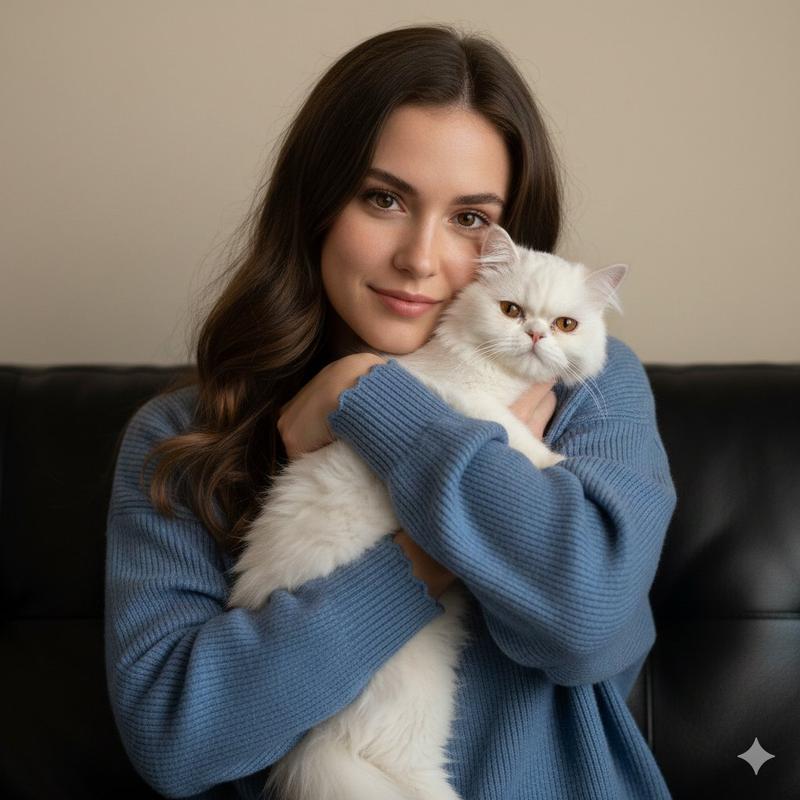
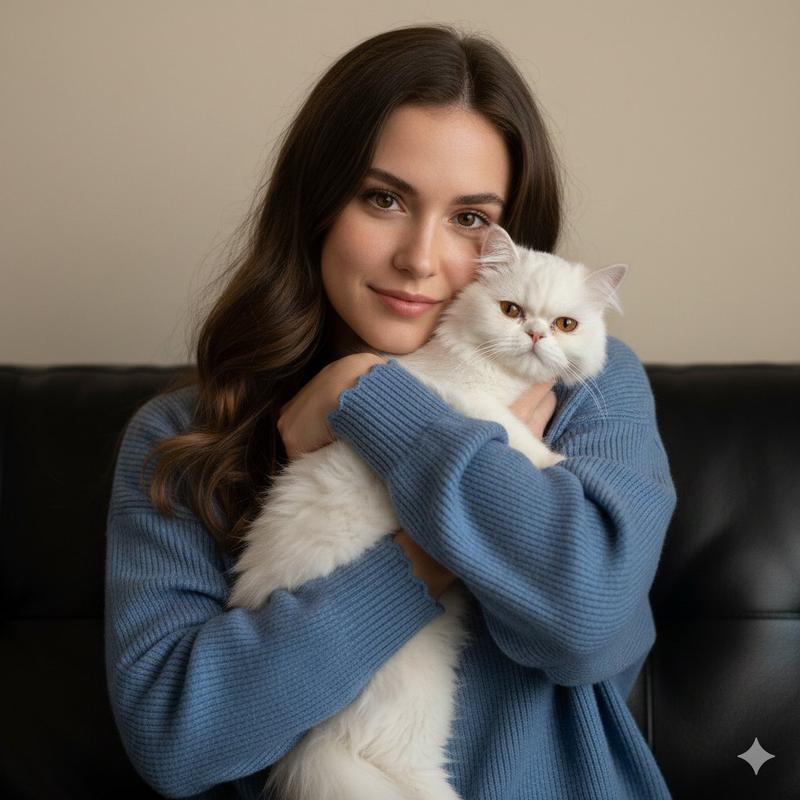
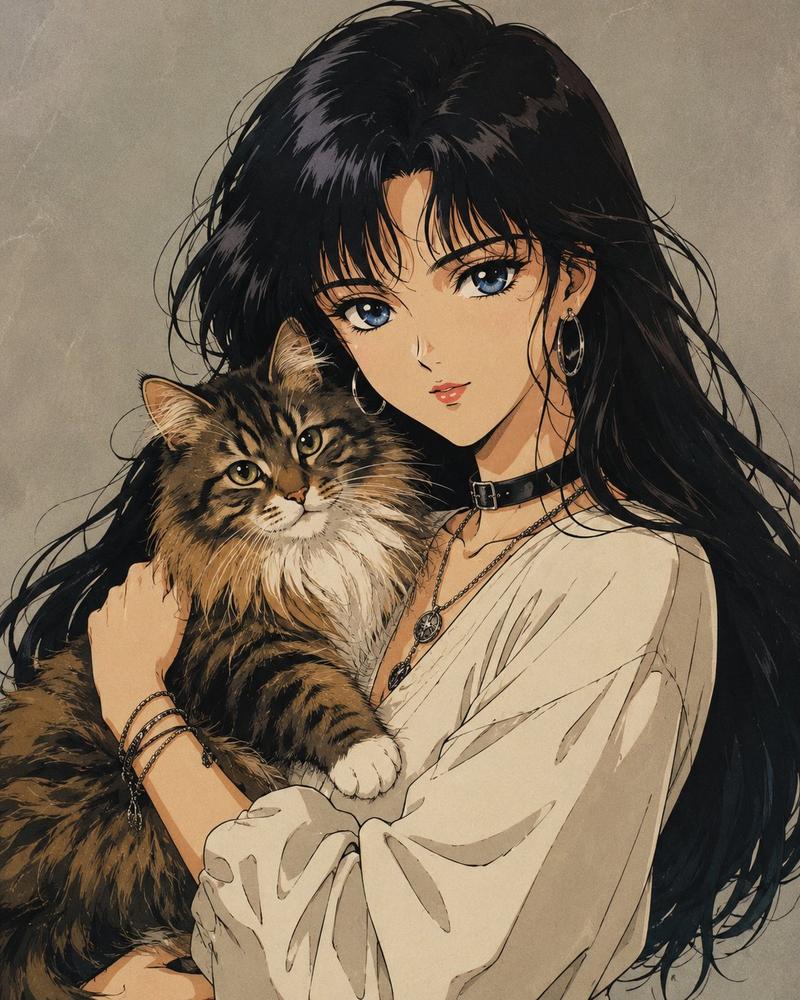
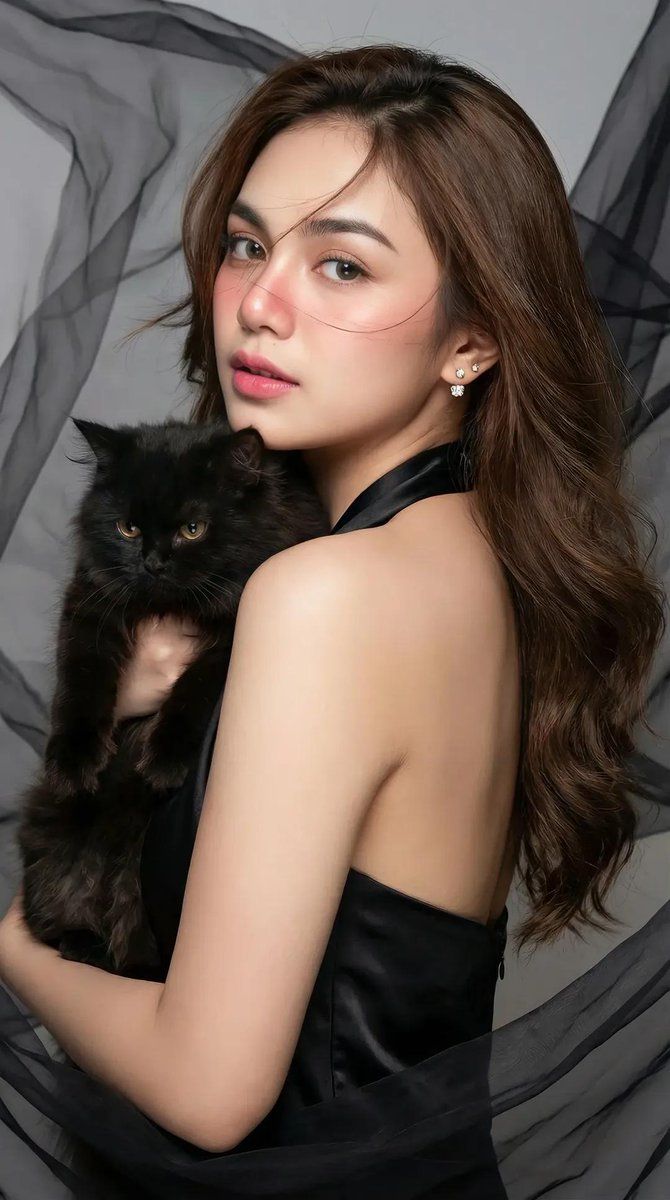
一位亚洲女性与一只黑猫的时尚肖像
Enlarge

一位亚洲女性与一只黑猫的时尚肖像

Prompt
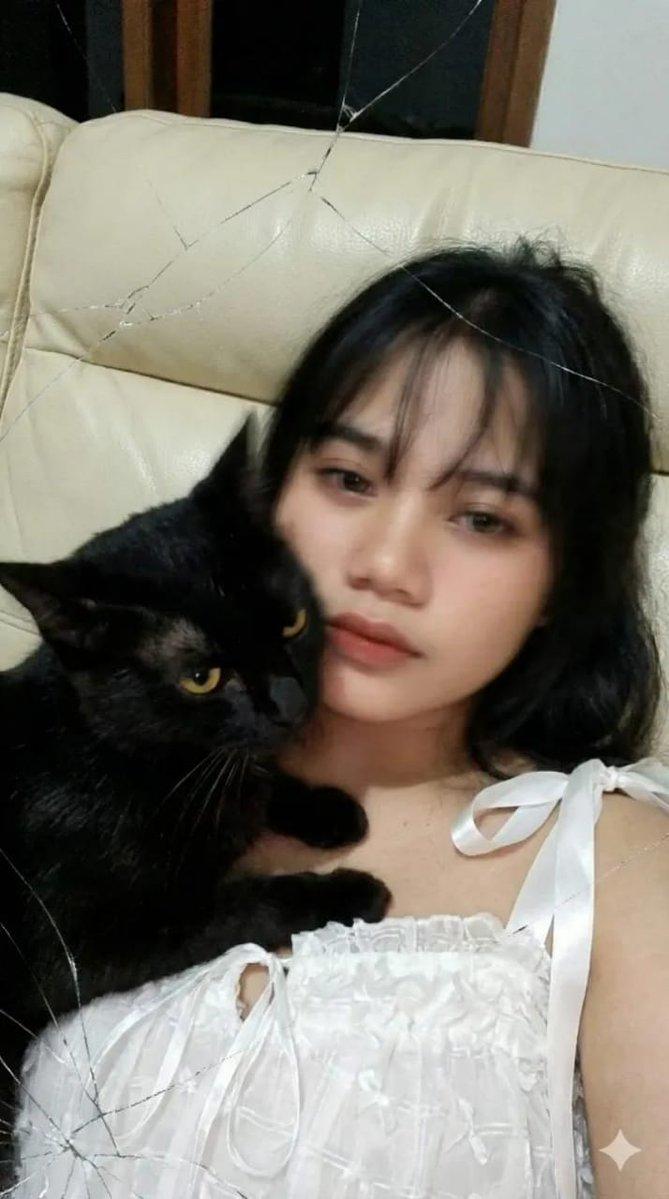
Create a 100% original portrait by copying the face I’ve attached and make a close-up high-fashion portrait as described:
A young Asian woman with long, smooth, wavy brown hair and fair skin is glancing back at the viewer over her shoulder. She has a soft expression, giving a captivated feeling, with light makeup emphasizing pink lips and well-defined eyebrows. Her cheeks are flushed up to the tip of her nose. She is wearing a black satin halter-neck dress. She is wrapped in flowing sheer fabric in black and gray tones, creating a mysterious and artistic background. Soft yet dimensional lighting highlights the facial details and fabric textures. Some hair strands softly float across her face, and she is also wearing small sparkling earrings visible on her ears. She is holding a black cat.
Category
创意图片
Model
Nano Banana Pro
Creator
simply
Views0
Source ID
9743ebaf-9d26-4091-9c78-ae0a2cab3db7
Published
Mar 8, 2026

Guide

About "一位亚洲女性与一只黑猫的时尚肖像"

What is this prompt for?

"一位亚洲女性与一只黑猫的时尚肖像" AI image prompt for Nano Banana Pro (创意图片). 一张用于高端时尚特写肖像的详细图像生成提示。它指定了拍摄对象的容貌、服装(黑色缎面露背连衣裙)、一只黑猫的存在,以及使用飘逸的薄纱织物营造的详细灯光和氛围效果。 --- 根据我提供的面部照片,…

The full copyable prompt and example visuals above are ready for AI image generation or one-click recreate in Picva.

How to use this prompt

  1. Step 1

    Open the prompt detail

    Review the example visuals, category, and full prompt text for "一位亚洲女性与一只黑猫的时尚肖像".

  2. Step 2

    Copy the prompt

    Copy the prompt body from this page, or load it directly in Studio.

  3. Step 3

    Pick a model (Nano Banana Pro)

    Prefer Nano Banana Pro. If you switch models, keep subject and composition and tweak style terms.

  4. Step 4

    Generate and export

    Recreate the look in Picva, or export into your workflow for editing and publishing.

FAQ

What is the "一位亚洲女性与一只黑猫的时尚肖像" prompt?
It is an AI image-generation prompt for Nano Banana Pro in the 创意图片 category. This page includes the full prompt text, example visuals, and a one-click recreate path in Picva.
How do I use this prompt to generate an image?
Copy the prompt from this page, or use Generate / Studio. Paste it into a compatible image model, or recreate the look in Picva with optional reference images.
Which model is this prompt for?
This page lists Nano Banana Pro. Most descriptive prompts also transfer to nearby image models such as GPT Image, Flux, or Midjourney with light style tweaks.
Can I use the result commercially?
You can usually copy the prompt for creation, but commercial use of the final image depends on the model terms, reference-image rights, and the generated content. Follow the source author and platform rules.