19

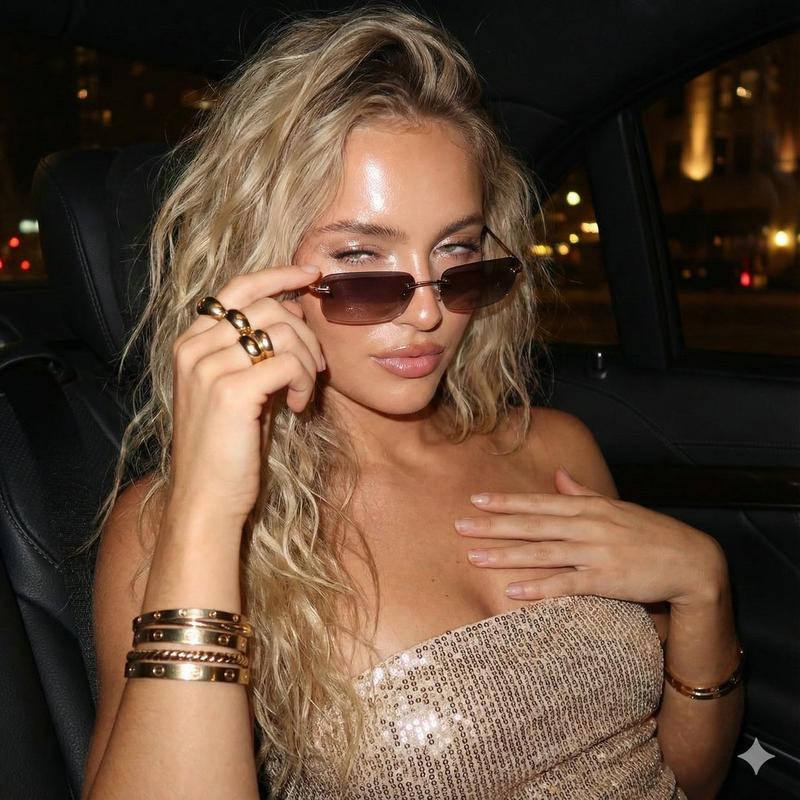
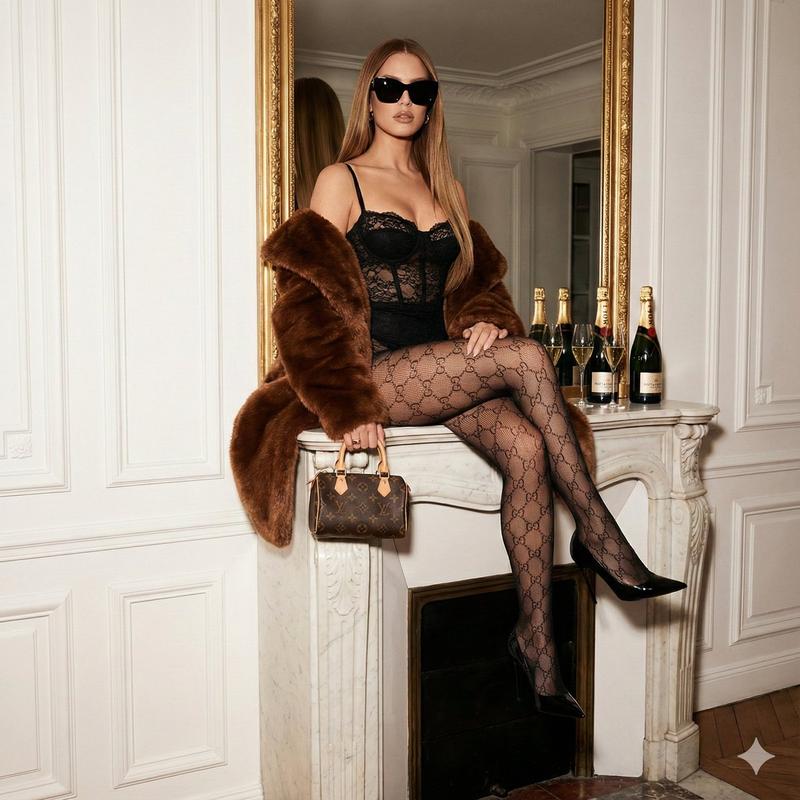
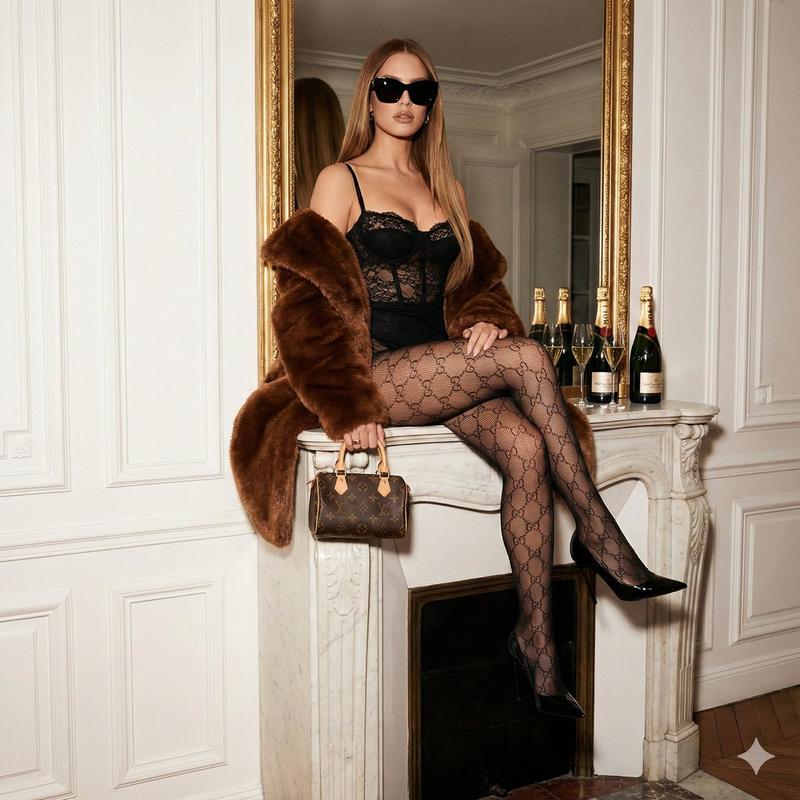
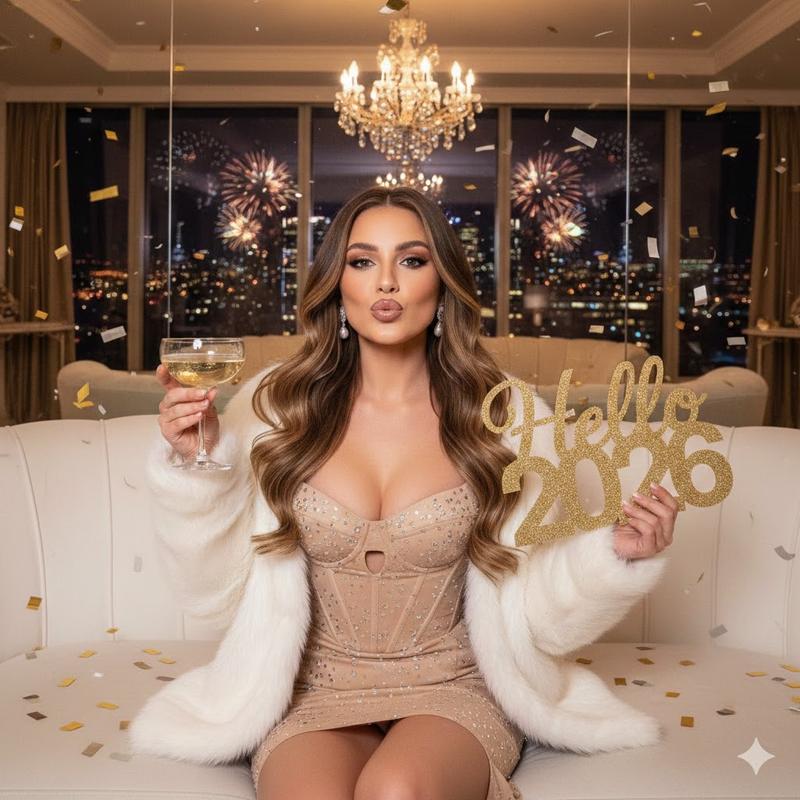
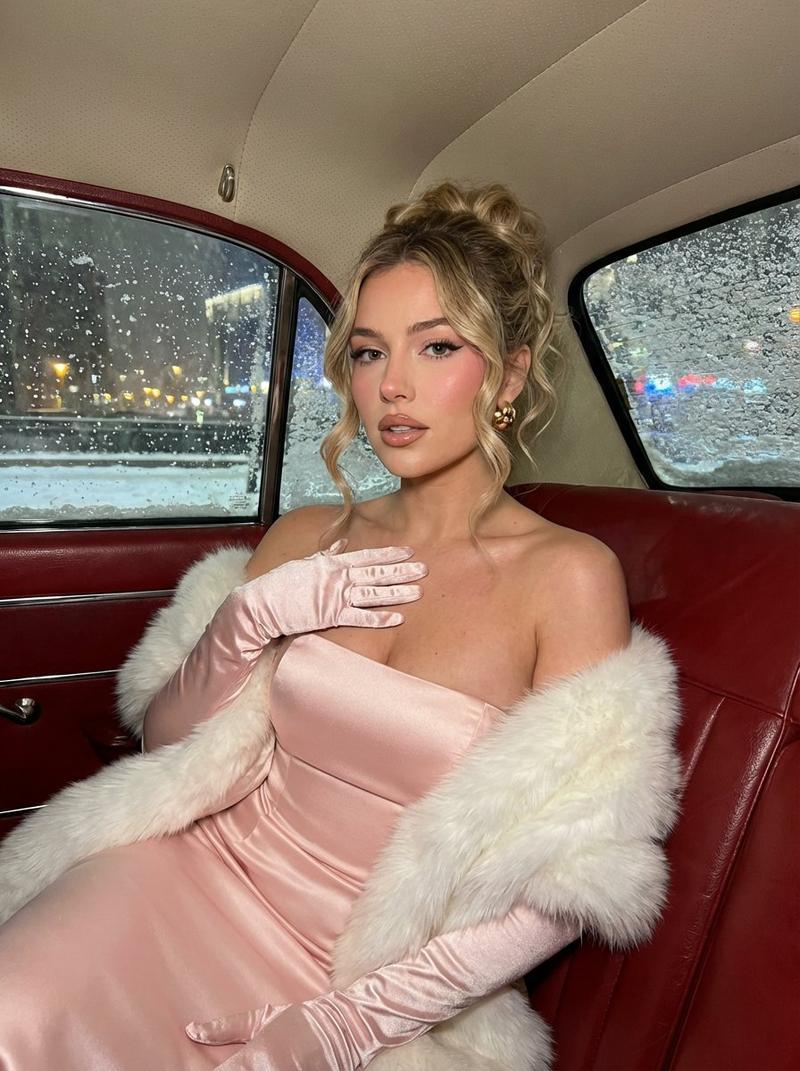
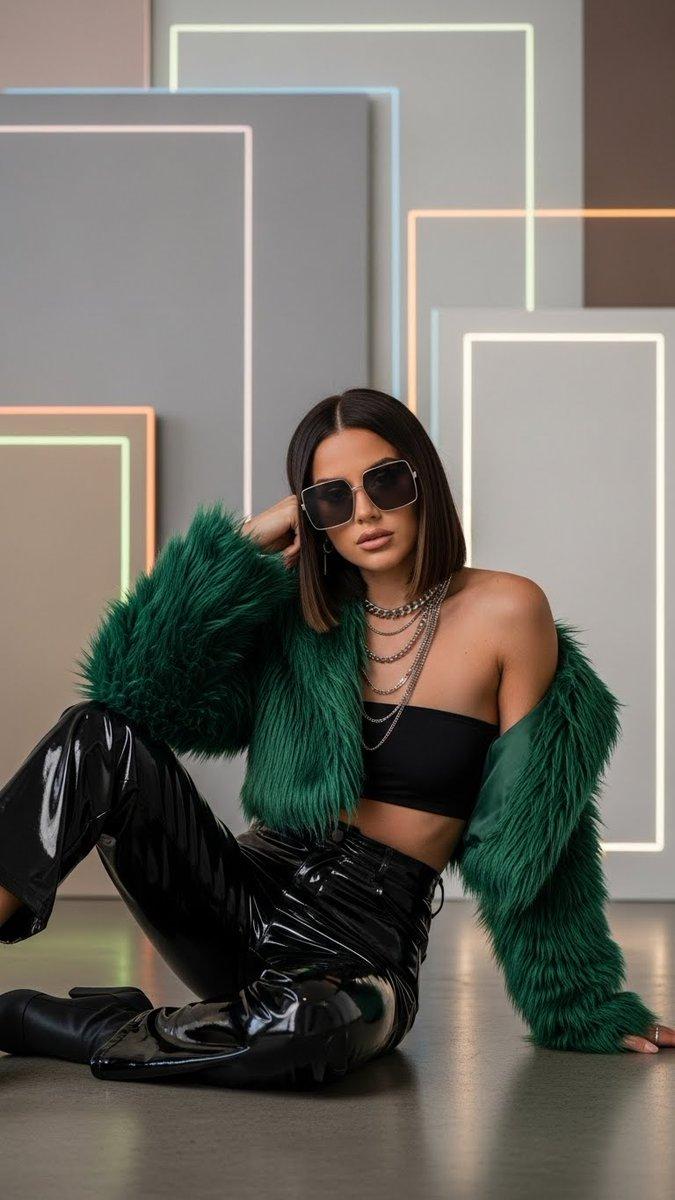
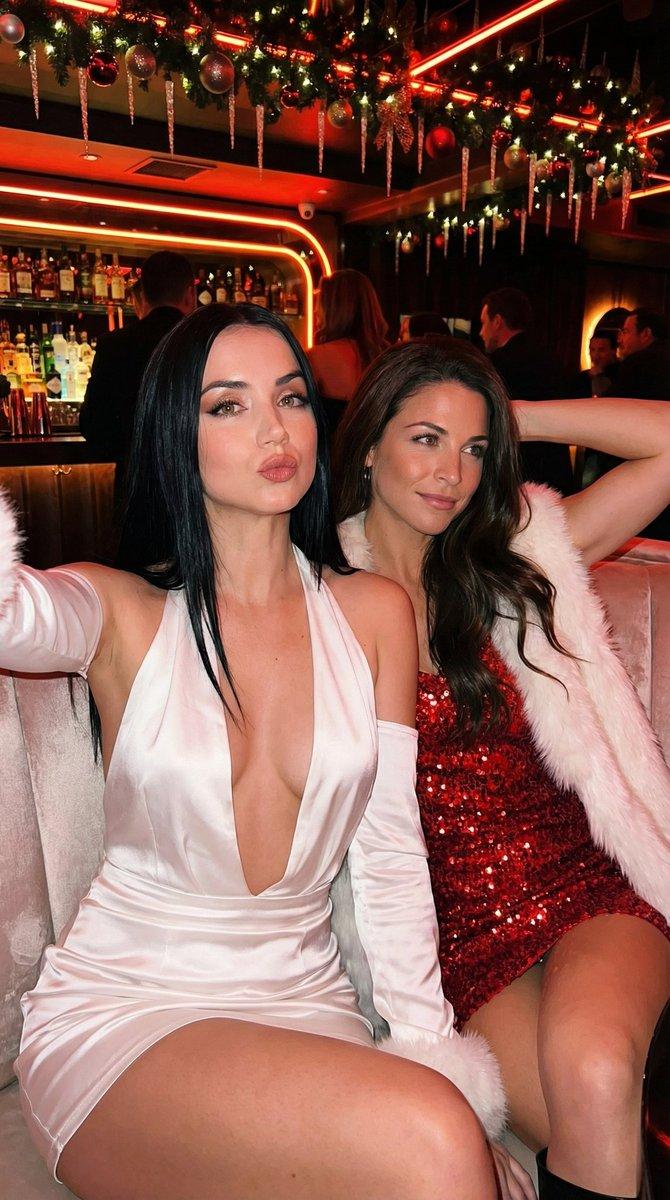
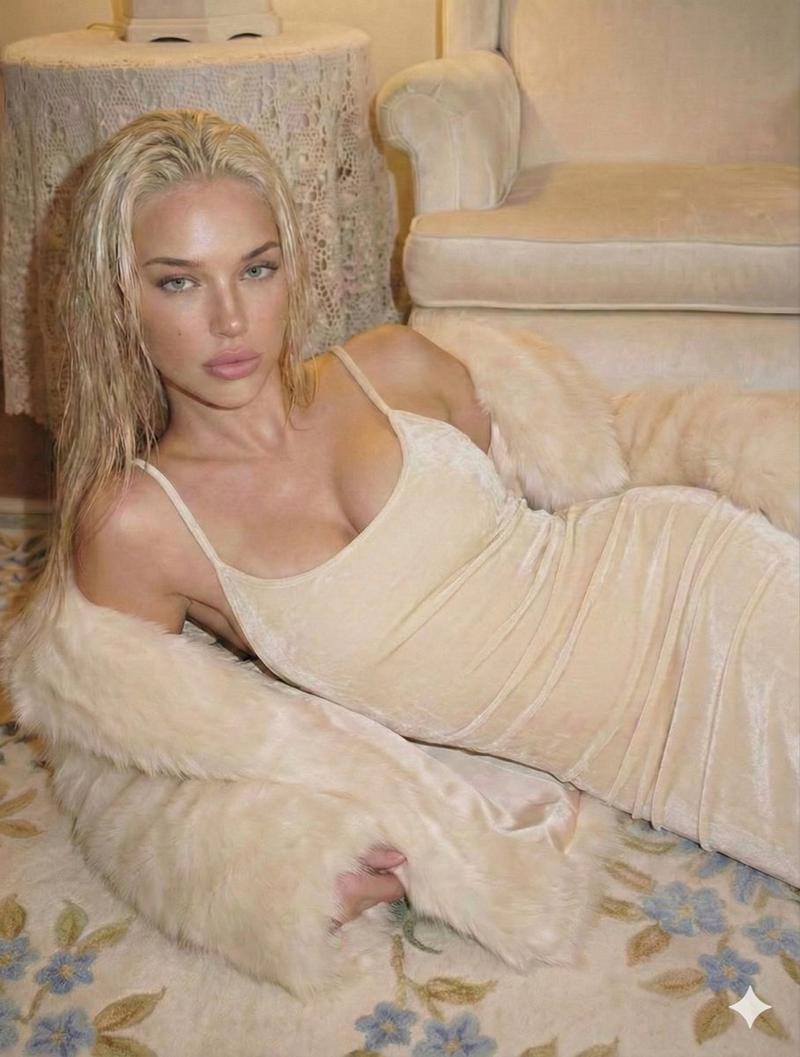
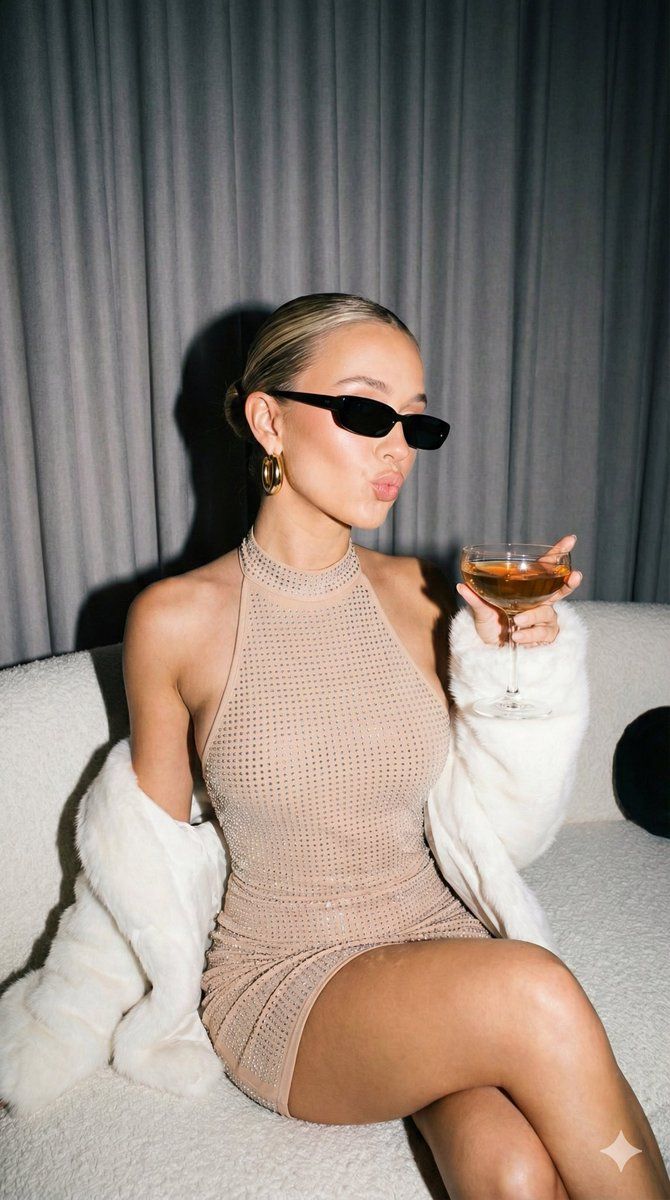
闪光灯直打,打造迷人夜奢人像
Enlarge

闪光灯直打,打造迷人夜奢人像

Prompt
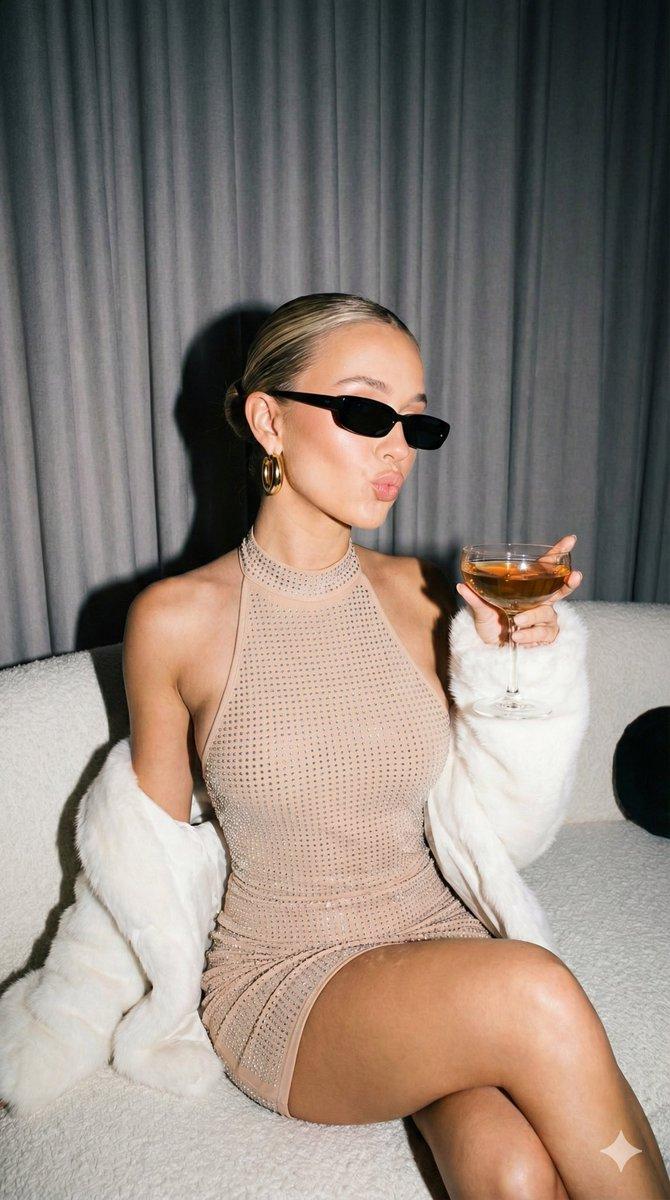
{
Image size - 1200×1200
  "image_prompt": {
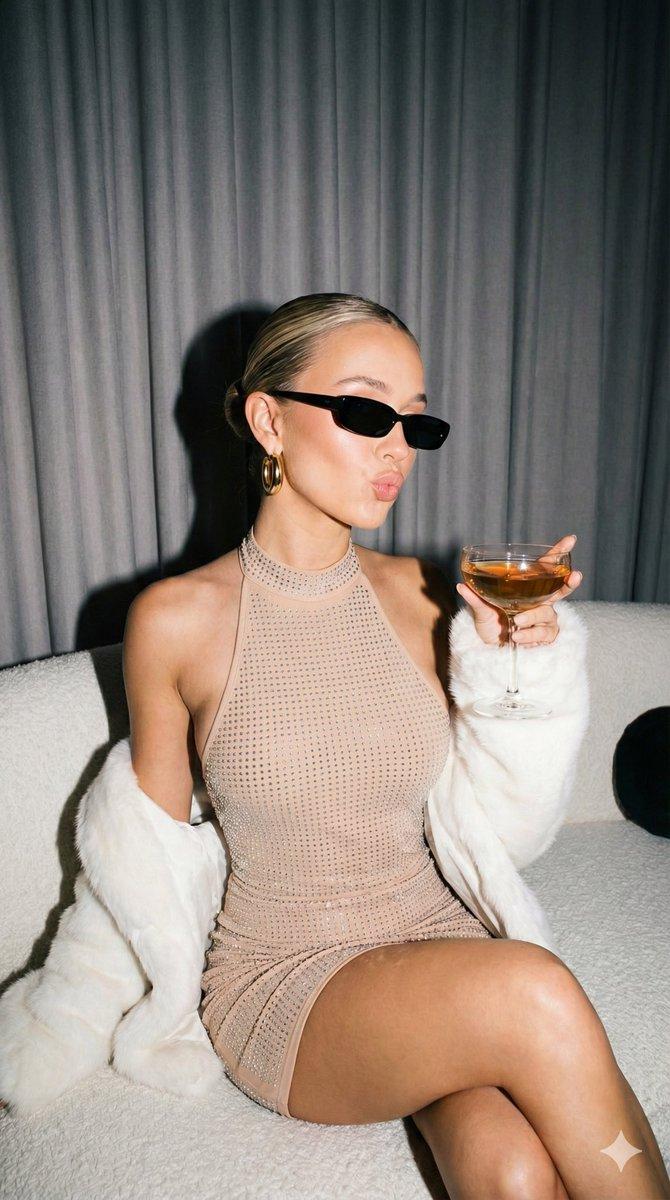
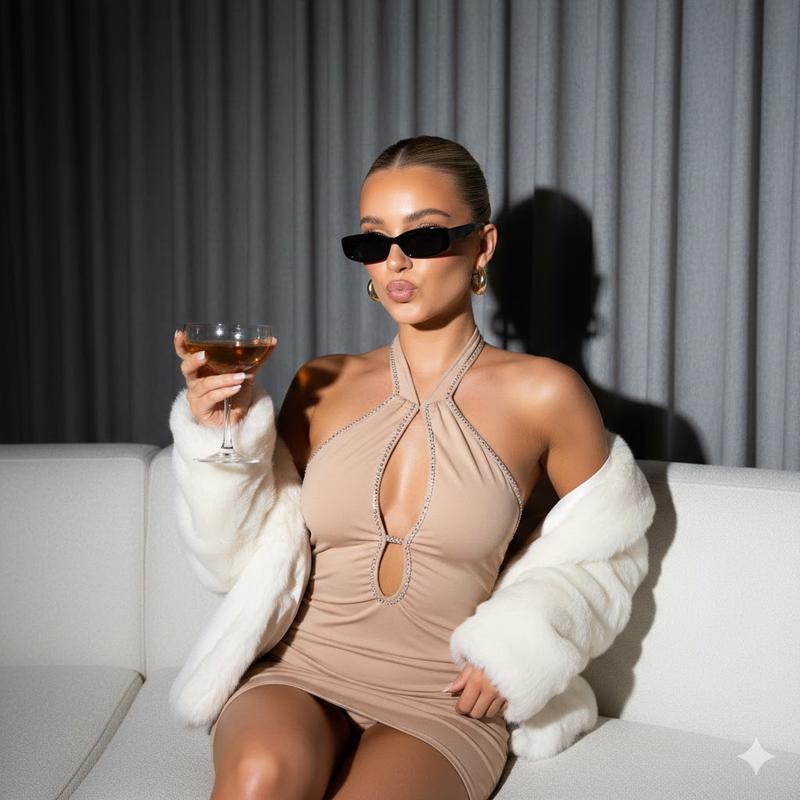
    "subject": {
      "type": "Young woman",
      "appearance": {
        "hair": "Sleek blonde hair pulled back into a tight bun",
        "skin": "Glowing, tanned complexion",
        "expression": "Playful 'kissy face' with puckered lips"
      }
    },
    "attire": {
      "dress": {
        "color": "Nude / Beige",
        "style": "Halter neck with a central keyhole cutout at the chest",
        "texture": "Embellished with small sparkling rhinestones or crystals throughout"
      },
      "outerwear": "{argument name="coat color" default="olive red"} plush faux-fur coat or stole, draped loosely around the elbows and forearms"
    },
    "accessories": {
      "eyewear": "Small, sleek rectangular black sunglasses",
      "jewelry": "Thick gold hoop earrings"
    },
    "action": {
      "pose": "Sitting relaxed on a sofa",
      "interaction": "Holding a coupe cocktail glass filled with amber liquid in the right hand, raised slightly"
    },
    "setting": {
      "location": "Indoors, likely a lounge or club",
      "background": "Grey curtain drapes",
      "furniture": "{argument name="sofa color" default="olive red"} textured sofa",
      "lighting": "Direct flash photography style with hard shadows behind the subject"
    },
    "mood": "Glamorous, chic, night-luxe, confident"
  }
}
Category
创意图片
Model
Nano Banana Pro
Views0
Source ID
56a9685d-f2bb-42ac-b8af-94e4986263d9
Published
Mar 8, 2026

Guide

About "闪光灯直打,打造迷人夜奢人像"

What is this prompt for?

"闪光灯直打,打造迷人夜奢人像" AI image prompt for Nano Banana Pro (创意图片). 为 Gemini Nano Banana Pro 生成一张迷人、时尚的年轻女性肖像的提示,背景设定在休息室或俱乐部。主体身穿一件裸色水晶点缀露背连衣裙,搭配橄榄红人造皮草外套、太阳镜和金色大耳环。…

The full copyable prompt and example visuals above are ready for AI image generation or one-click recreate in Picva.

How to use this prompt

  1. Step 1

    Open the prompt detail

    Review the example visuals, category, and full prompt text for "闪光灯直打,打造迷人夜奢人像".

  2. Step 2

    Copy the prompt

    Copy the prompt body from this page, or load it directly in Studio.

  3. Step 3

    Pick a model (Nano Banana Pro)

    Prefer Nano Banana Pro. If you switch models, keep subject and composition and tweak style terms.

  4. Step 4

    Generate and export

    Recreate the look in Picva, or export into your workflow for editing and publishing.

FAQ

What is the "闪光灯直打,打造迷人夜奢人像" prompt?
It is an AI image-generation prompt for Nano Banana Pro in the 创意图片 category. This page includes the full prompt text, example visuals, and a one-click recreate path in Picva.
How do I use this prompt to generate an image?
Copy the prompt from this page, or use Generate / Studio. Paste it into a compatible image model, or recreate the look in Picva with optional reference images.
Which model is this prompt for?
This page lists Nano Banana Pro. Most descriptive prompts also transfer to nearby image models such as GPT Image, Flux, or Midjourney with light style tweaks.
Can I use the result commercially?
You can usually copy the prompt for creation, but commercial use of the final image depends on the model terms, reference-image rights, and the generated content. Follow the source author and platform rules.