20

崎岖地貌中的电影感时尚大片
Enlarge

崎岖地貌中的电影感时尚大片

Prompt
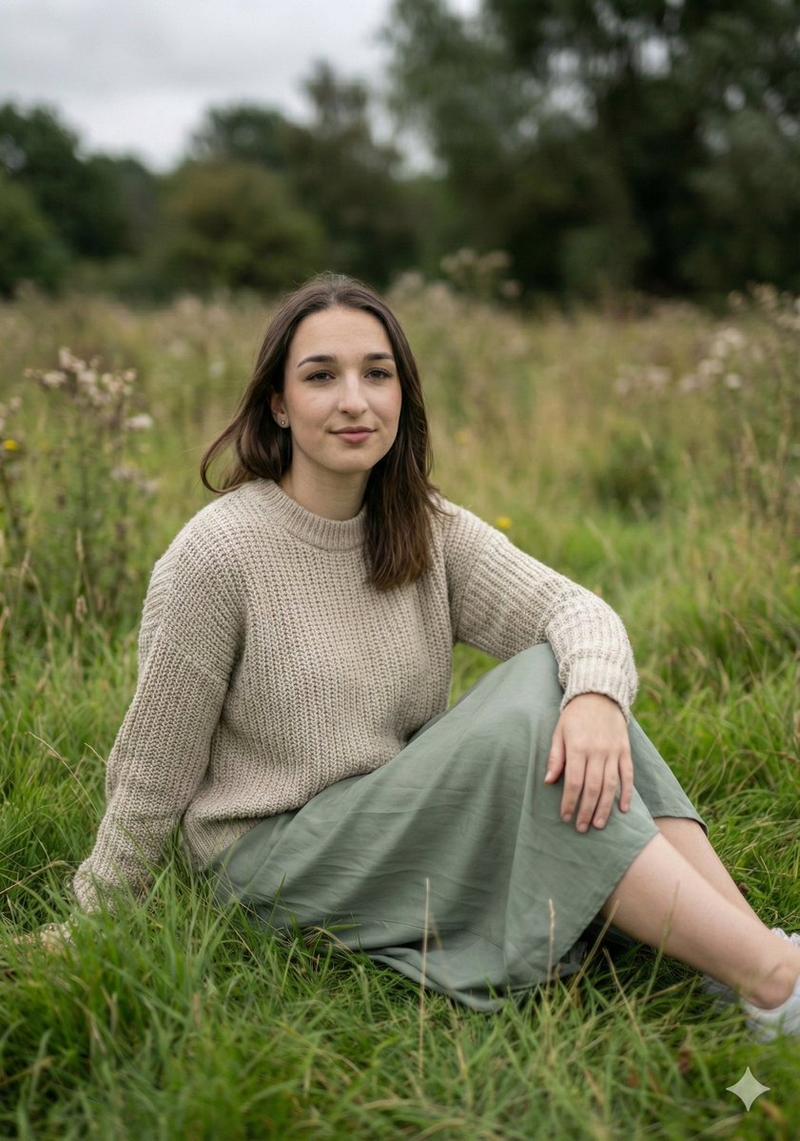
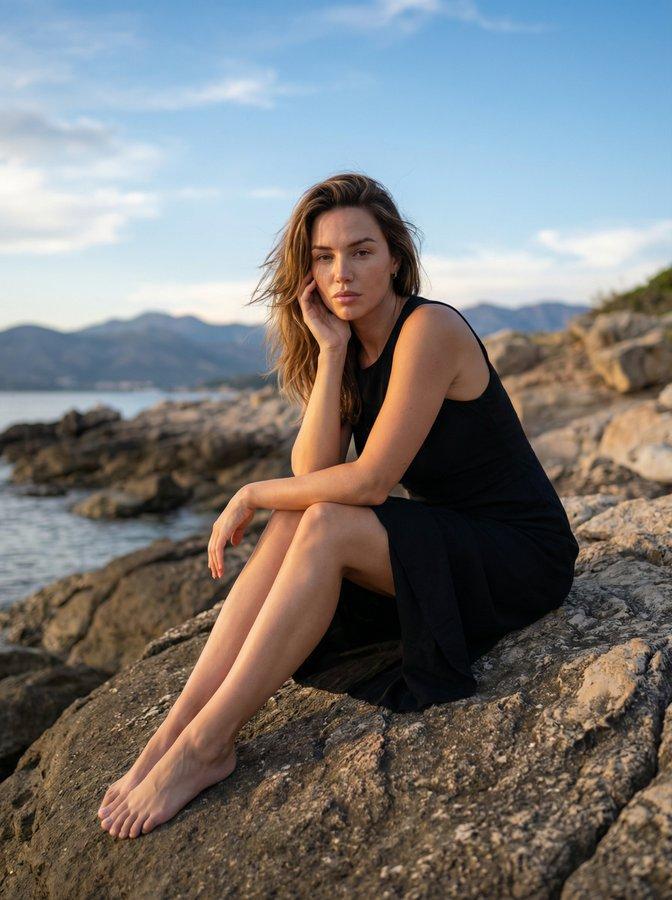
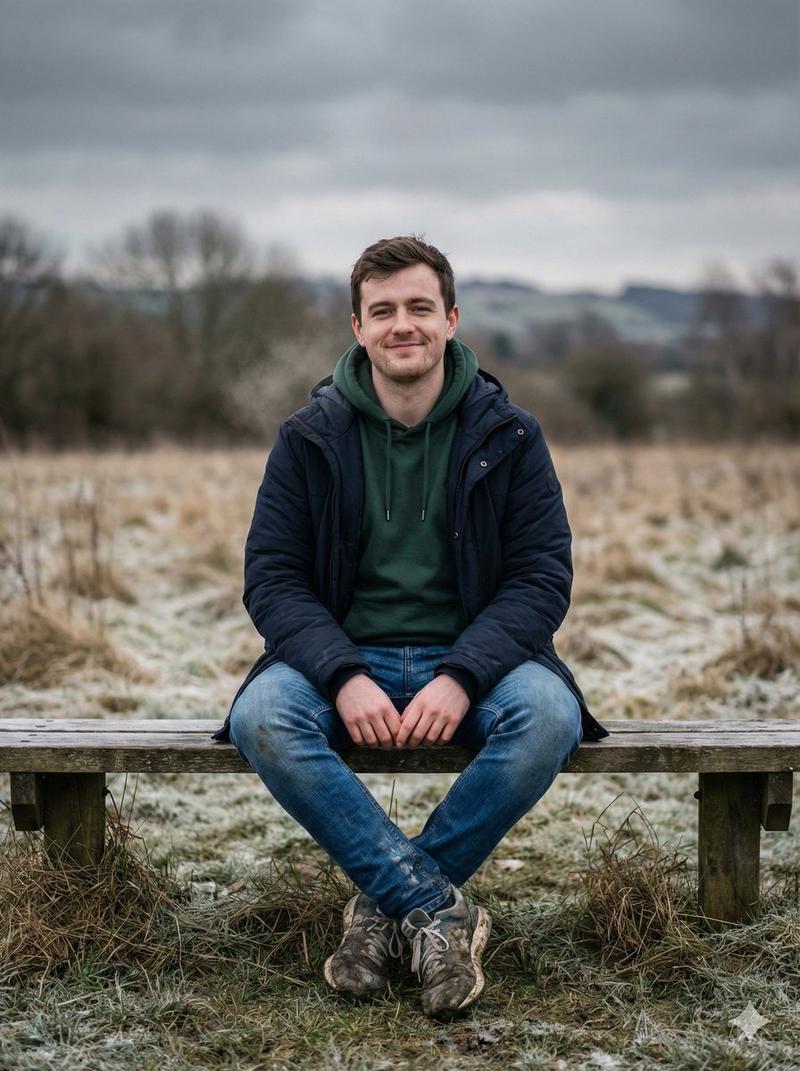
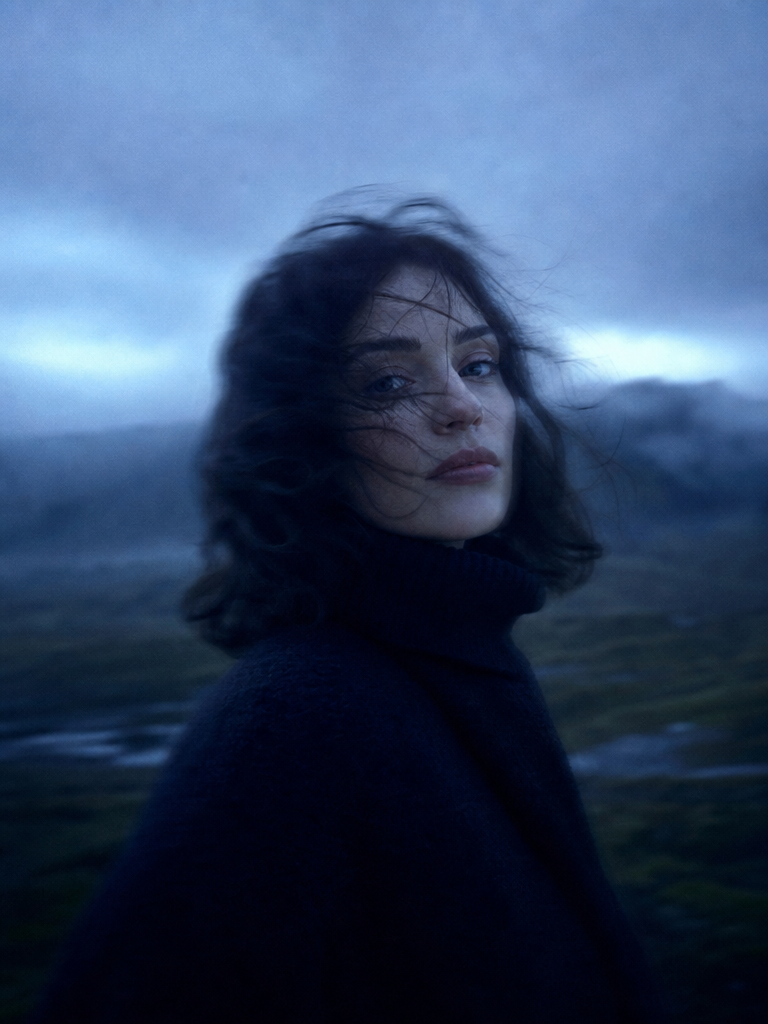
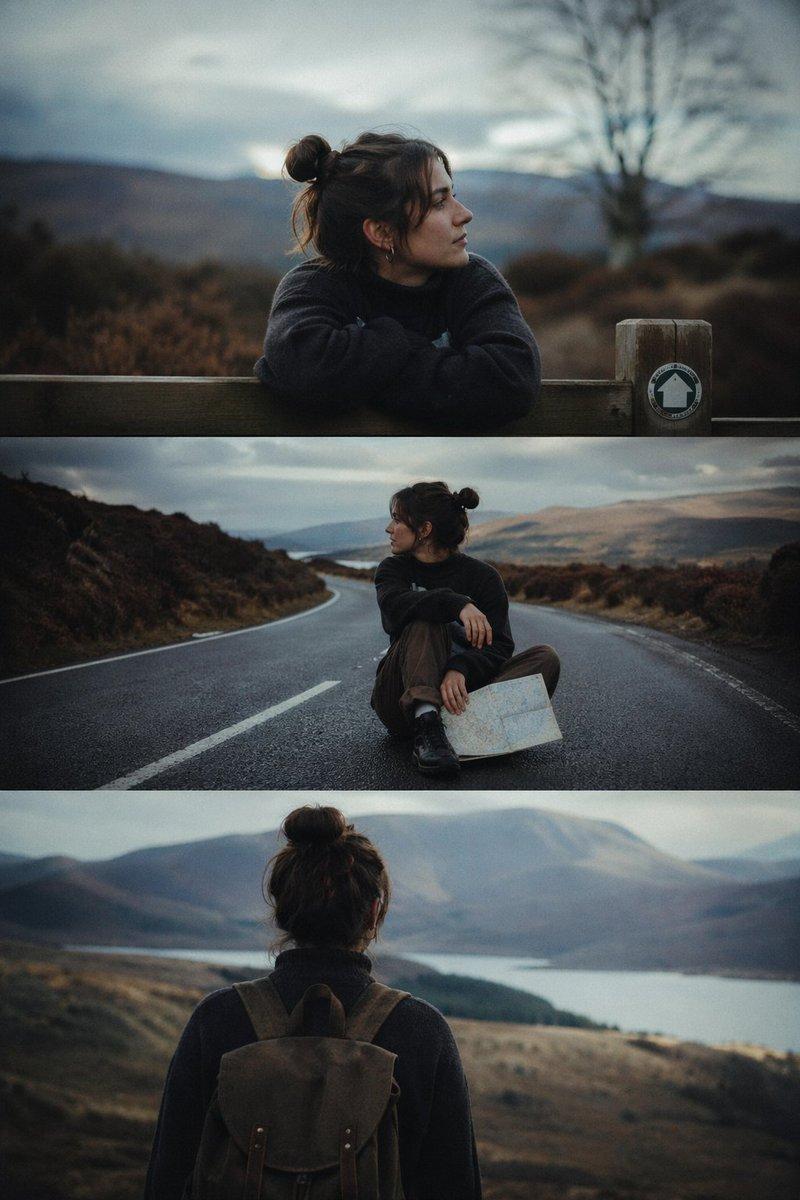
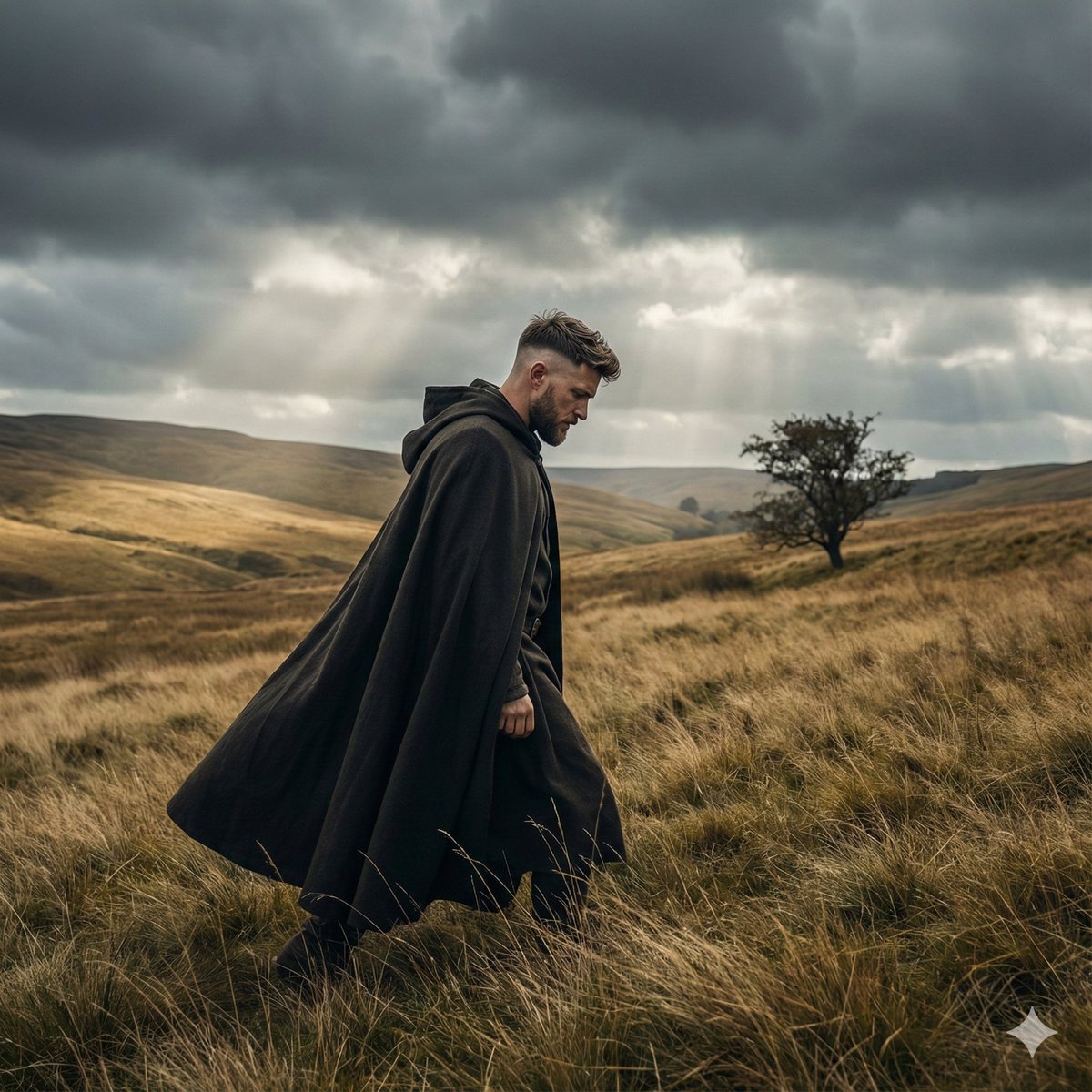
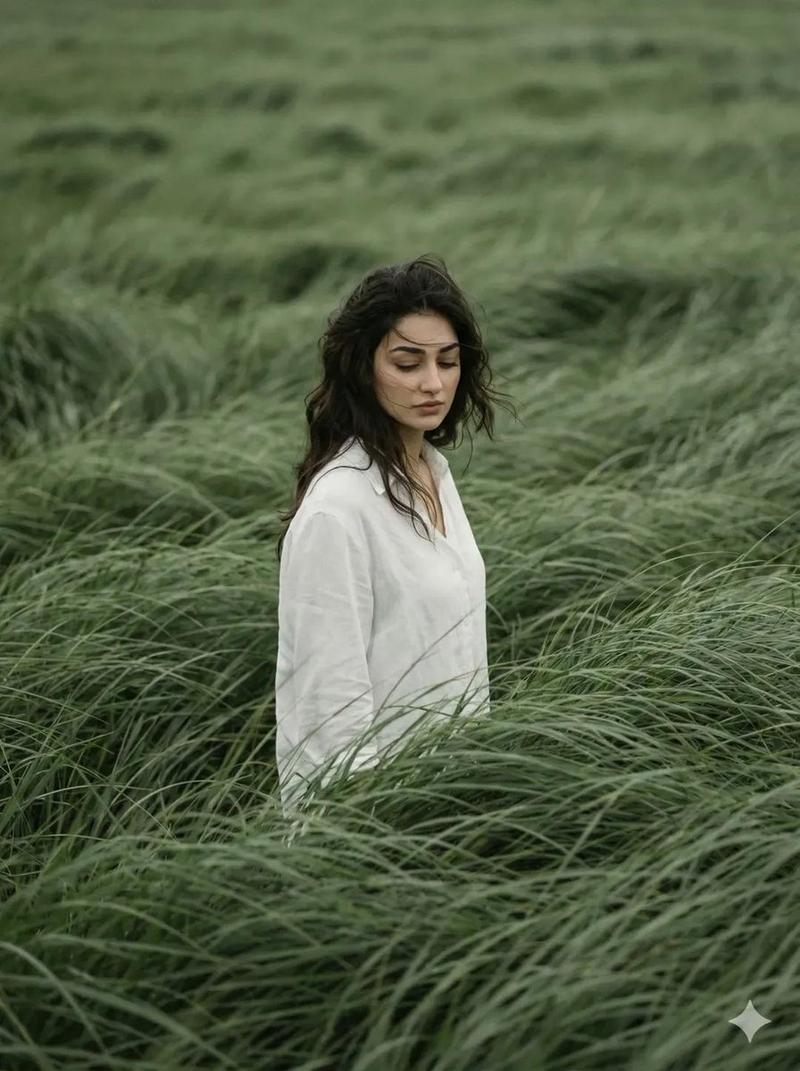
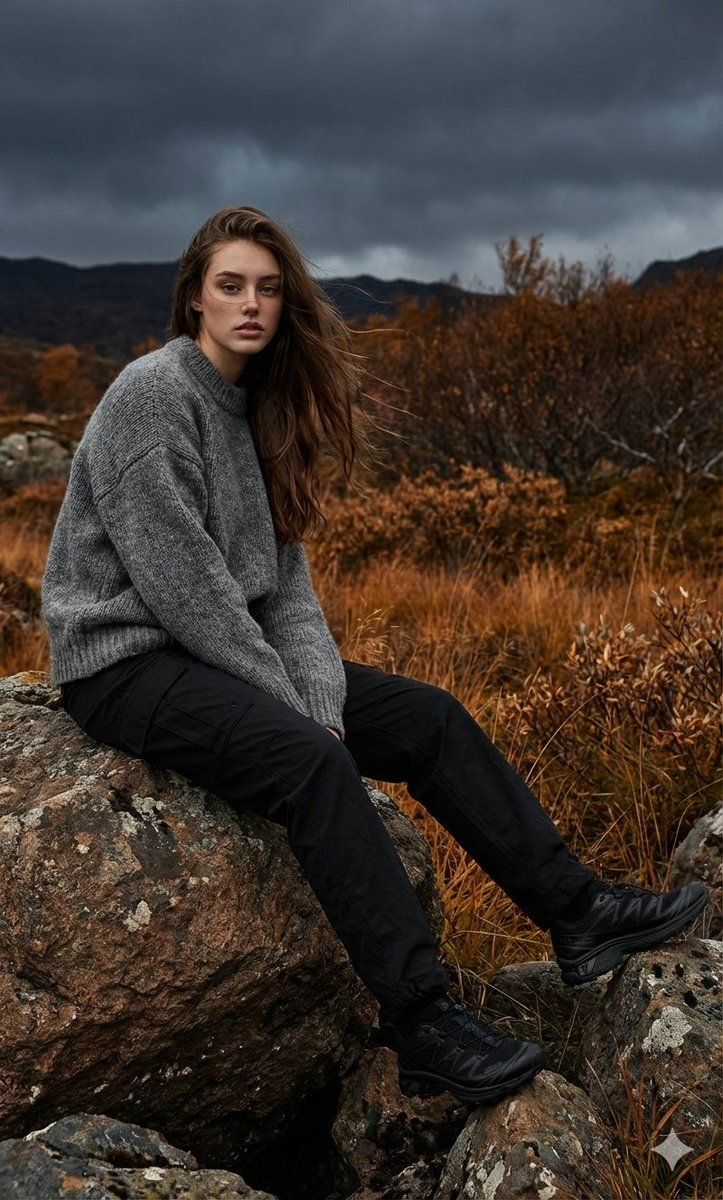
The model sits on a rock with her legs stretched to the side, against a backdrop of a dramatic dark sky and a rocky landscape, with dense grass and autumn vegetation on both sides. She is wearing a {argument name="sweater color" default="gray"} wool sweater, {argument name="pants color" default="black"} cargo-style pants, and tactical sneakers. The atmosphere of the shot is austere, elegant, and cinematic. Her hair is slightly blowing in the wind. The light is soft and diffused, as if before a storm, creating realistic shadows and emphasizing the rich texture of the fabric. Background: a moody rocky landscape; cinematic lighting, detailed fabric texture, dramatic cloudy sky, autumn palette, 8K realism, professional studio-quality fashion lighting.
Category
创意图片
Model
Nano Banana Pro
Creator
Harboriis
Views0
Source ID
3eef72a9-b175-4a51-9a74-a36428115b29
Published
Mar 8, 2026

Guide

About "崎岖地貌中的电影感时尚大片"

What is this prompt for?

"崎岖地貌中的电影感时尚大片" AI image prompt for Nano Banana Pro (创意图片). 一个详细的图像生成提示,用于创作一张电影级、高写实度的时尚摄影作品:画面中,模特置身于一个情绪化的多岩石地貌中,光线富有戏剧性,重点突出纹理和氛围。 --- 模特坐在一块岩石上,双腿伸向一侧,背景是…

The full copyable prompt and example visuals above are ready for AI image generation or one-click recreate in Picva.

How to use this prompt

  1. Step 1

    Open the prompt detail

    Review the example visuals, category, and full prompt text for "崎岖地貌中的电影感时尚大片".

  2. Step 2

    Copy the prompt

    Copy the prompt body from this page, or load it directly in Studio.

  3. Step 3

    Pick a model (Nano Banana Pro)

    Prefer Nano Banana Pro. If you switch models, keep subject and composition and tweak style terms.

  4. Step 4

    Generate and export

    Recreate the look in Picva, or export into your workflow for editing and publishing.

FAQ

What is the "崎岖地貌中的电影感时尚大片" prompt?
It is an AI image-generation prompt for Nano Banana Pro in the 创意图片 category. This page includes the full prompt text, example visuals, and a one-click recreate path in Picva.
How do I use this prompt to generate an image?
Copy the prompt from this page, or use Generate / Studio. Paste it into a compatible image model, or recreate the look in Picva with optional reference images.
Which model is this prompt for?
This page lists Nano Banana Pro. Most descriptive prompts also transfer to nearby image models such as GPT Image, Flux, or Midjourney with light style tweaks.
Can I use the result commercially?
You can usually copy the prompt for creation, but commercial use of the final image depends on the model terms, reference-image rights, and the generated content. Follow the source author and platform rules.