14

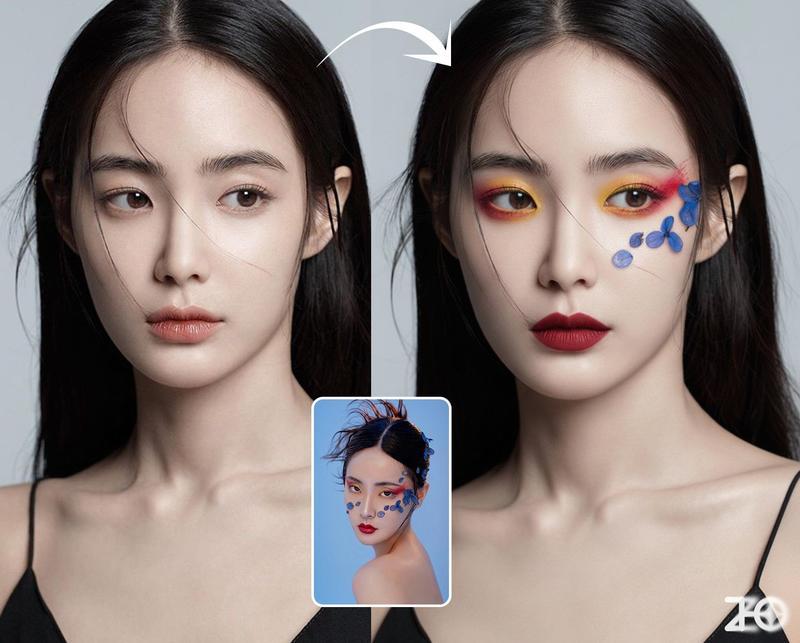
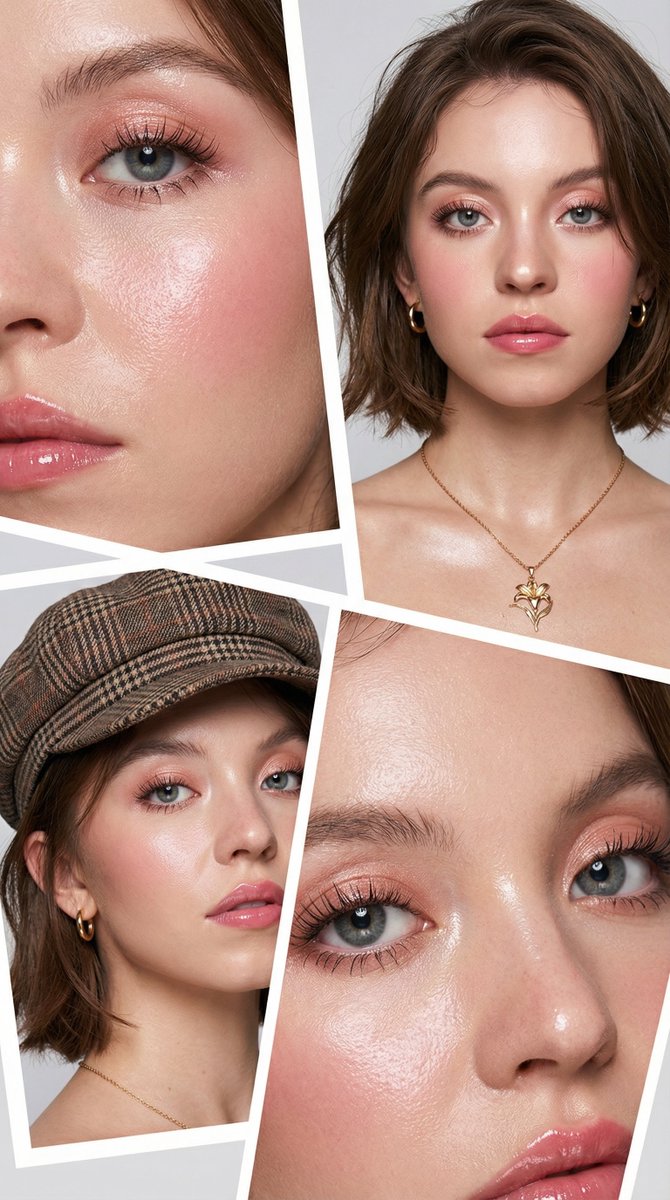
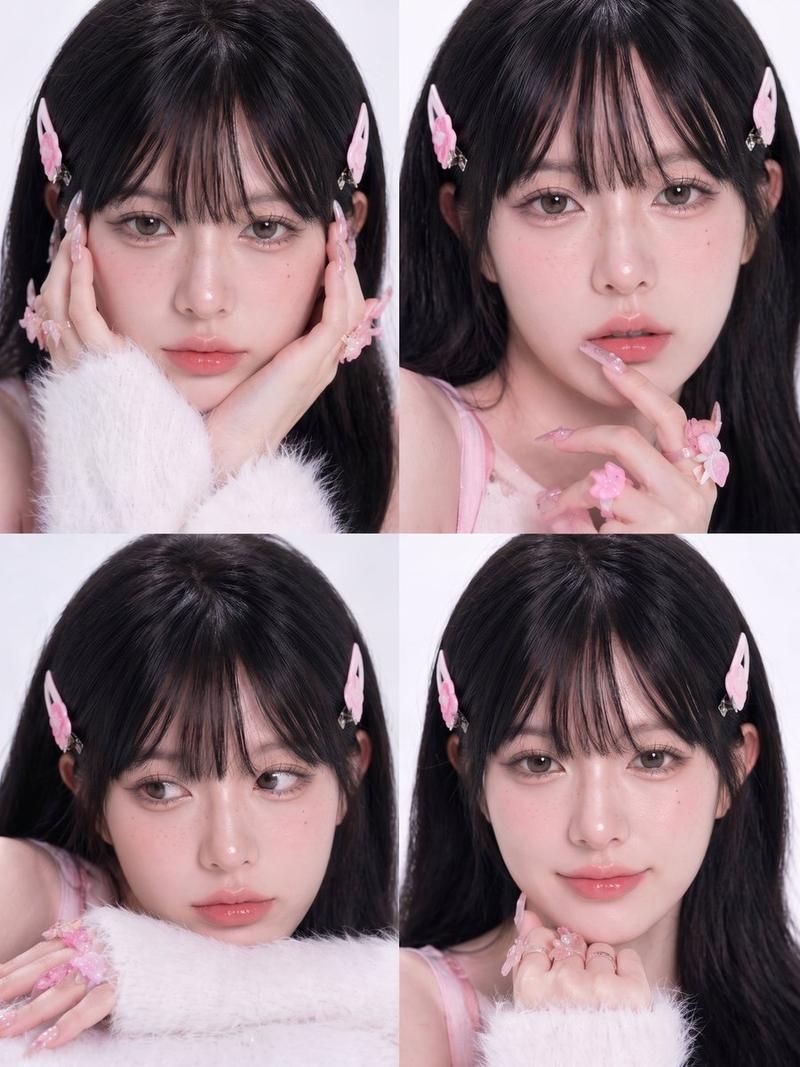
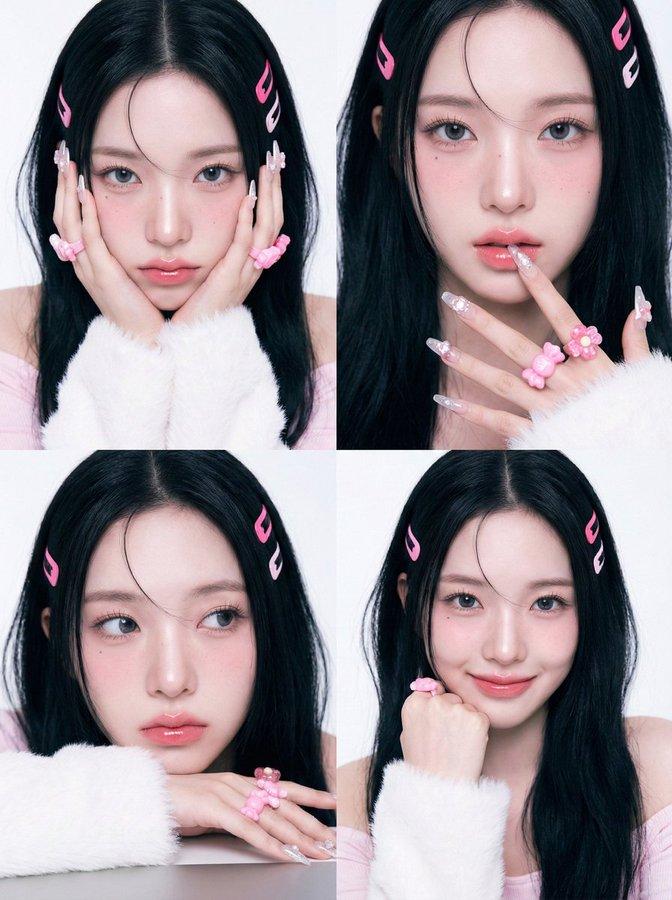
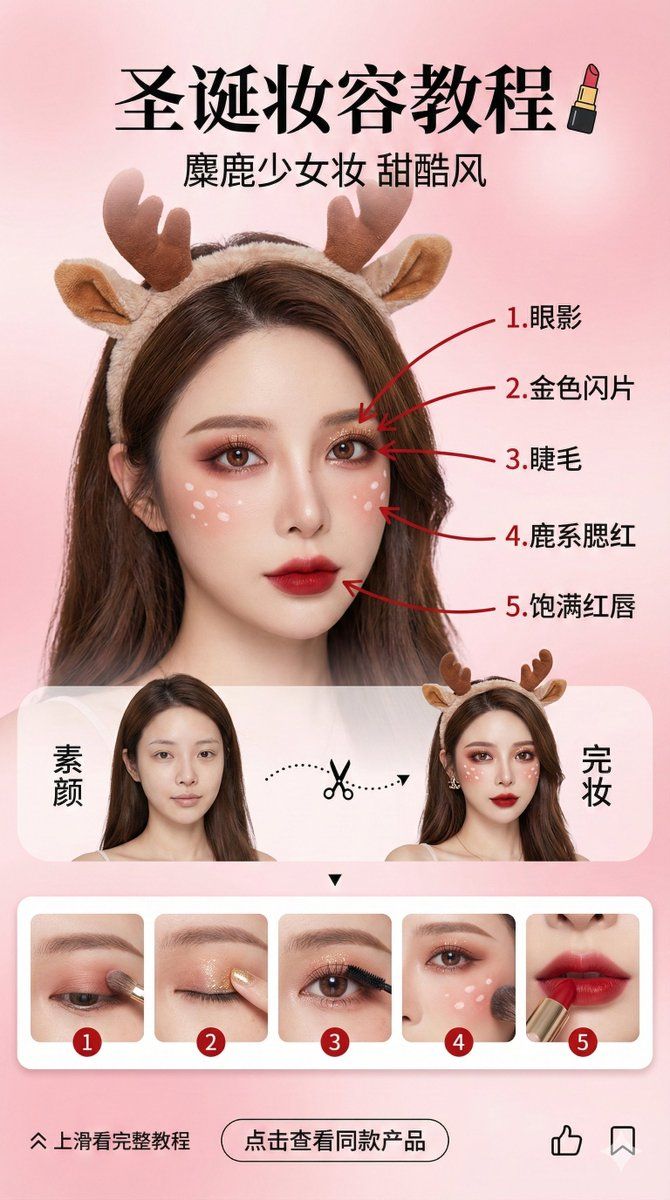
美妆博主圣诞妆容教程界面
Enlarge

美妆博主圣诞妆容教程界面

Prompt
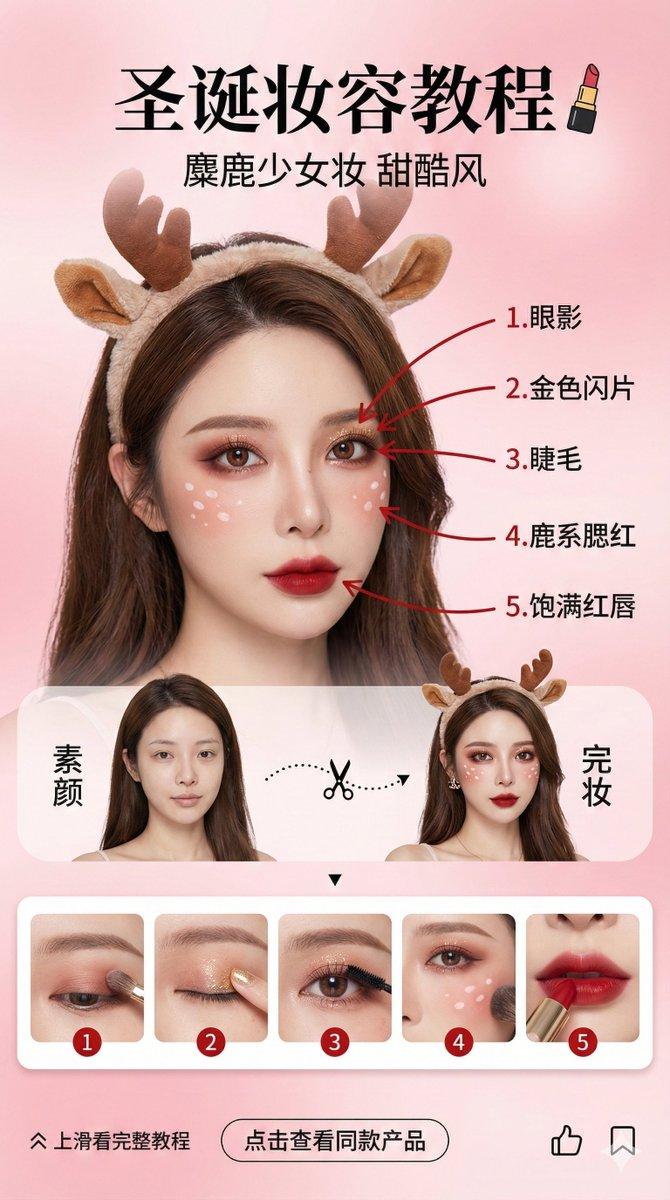
竖屏社交媒体故事设计 (9:16 宽高比),美妆博主圣诞妆容教程界面。背景为柔和的高级感粉色渐变,营造甜美梦幻氛围。
核心视觉:
人物一致性(最高权重): 画面中央展示一位亚洲女性美妆博主,面部特征、五官及发型必须严格、完美地复刻上传的参考图片人物。
妆容与配饰: 极度精致的“圣诞麋鹿甜酷妆”。眼妆为红棕色晕染,面部有白色小鹿斑点,头戴毛绒驯鹿角发箍。
红笔标记与步骤对应(逻辑核心): 在右侧完妆人物的面部,使用醒目的红色墨水笔引出5条指示线,分别指向妆容的5个关键部位,并按顺序标注中文:1. 眼影;2. 金色闪片;3. 睫毛;4. 鹿系腮红;5. 饱满红唇。
排版布局:
顶部: 中文标题“圣诞妆容教程”,搭配口红图标。副标题“麋鹿少女妆 甜酷风”。
中部(对比区): 左右分屏设计。左侧为该人物“素颜”,右侧为“完妆”。中间用虚线和剪刀图标连接。
下部(强关联步骤预览区): 设置横向滑动的圆角卡片栏,展示5个与面部标记严格对应的步骤图:
卡片1:眼部涂抹眼影的特写;
卡片2:用手指点缀金色闪片的特写;
卡片3:夹睫毛或刷睫毛的特写;
卡片4:面颊扫腮红和画鹿斑的特写;
卡片5:涂抹红色口红的嘴唇特写。 每张卡片左上角需清晰标注数字1-5,与面部红笔标记的序号呼应。
底部(互动区): “上滑看完整教程”箭头,“点击查看同款产品”按钮,点赞与收藏图标。
风格: 高清商业摄影质感结合UI设计,光影通透,色彩鲜艳,肤质细腻真实,时尚杂志排版风格。 --ar 9:16
Category
创意图片
Model
Nano Banana Pro
Views0
Source ID
32cdab4d-31a1-40a7-8c6f-ede2959f1cb2
Published
Mar 8, 2026

Guide

About "美妆博主圣诞妆容教程界面"

What is this prompt for?

"美妆博主圣诞妆容教程界面" AI image prompt for Nano Banana Pro (创意图片). 一个高度具体的提示,用于生成一个垂直的社交媒体故事设计(9:16 宽高比),模拟美妆博主的圣诞妆容教程界面。它要求严格复制参考人物的面部,呈现“驯鹿甜酷妆”造型,并在完成的妆容上用红色笔标记,以对应底…

The full copyable prompt and example visuals above are ready for AI image generation or one-click recreate in Picva.

How to use this prompt

  1. Step 1

    Open the prompt detail

    Review the example visuals, category, and full prompt text for "美妆博主圣诞妆容教程界面".

  2. Step 2

    Copy the prompt

    Copy the prompt body from this page, or load it directly in Studio.

  3. Step 3

    Pick a model (Nano Banana Pro)

    Prefer Nano Banana Pro. If you switch models, keep subject and composition and tweak style terms.

  4. Step 4

    Generate and export

    Recreate the look in Picva, or export into your workflow for editing and publishing.

FAQ

What is the "美妆博主圣诞妆容教程界面" prompt?
It is an AI image-generation prompt for Nano Banana Pro in the 创意图片 category. This page includes the full prompt text, example visuals, and a one-click recreate path in Picva.
How do I use this prompt to generate an image?
Copy the prompt from this page, or use Generate / Studio. Paste it into a compatible image model, or recreate the look in Picva with optional reference images.
Which model is this prompt for?
This page lists Nano Banana Pro. Most descriptive prompts also transfer to nearby image models such as GPT Image, Flux, or Midjourney with light style tweaks.
Can I use the result commercially?
You can usually copy the prompt for creation, but commercial use of the final image depends on the model terms, reference-image rights, and the generated content. Follow the source author and platform rules.