20

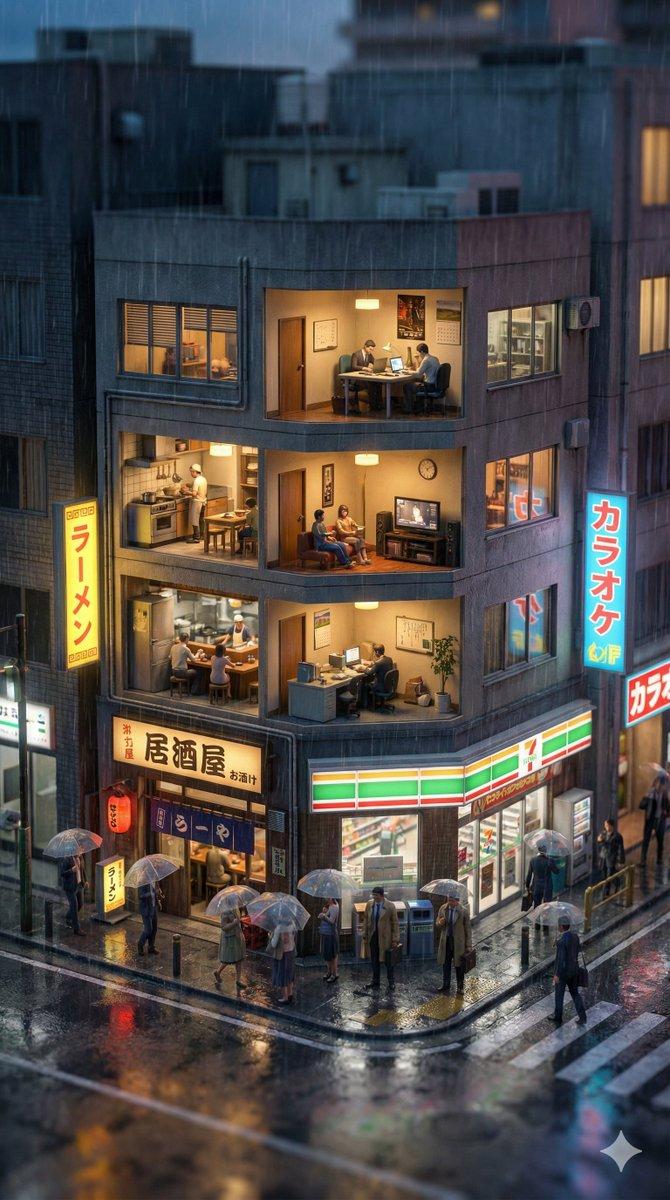
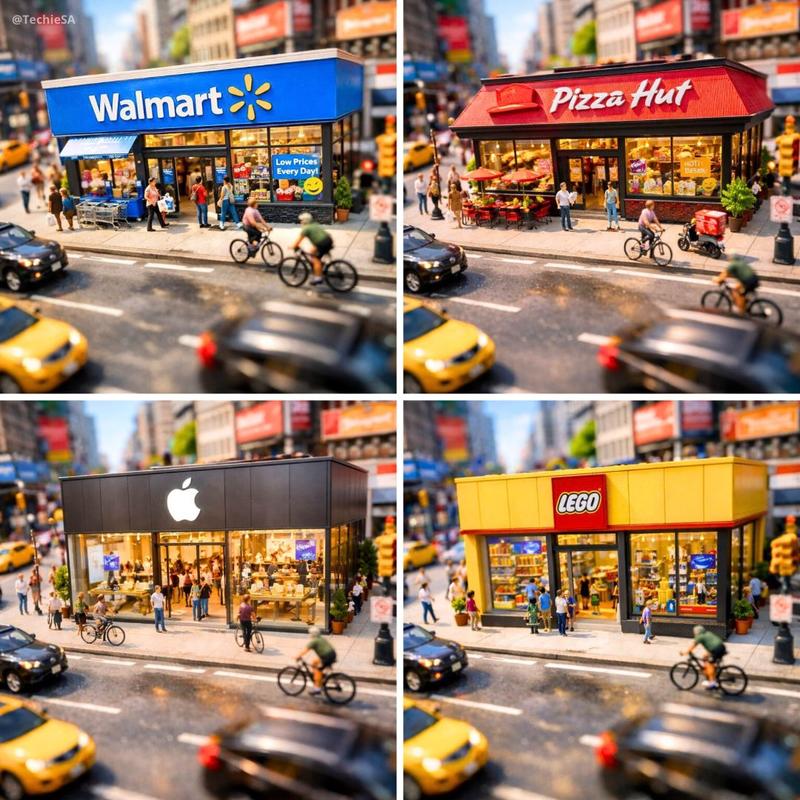
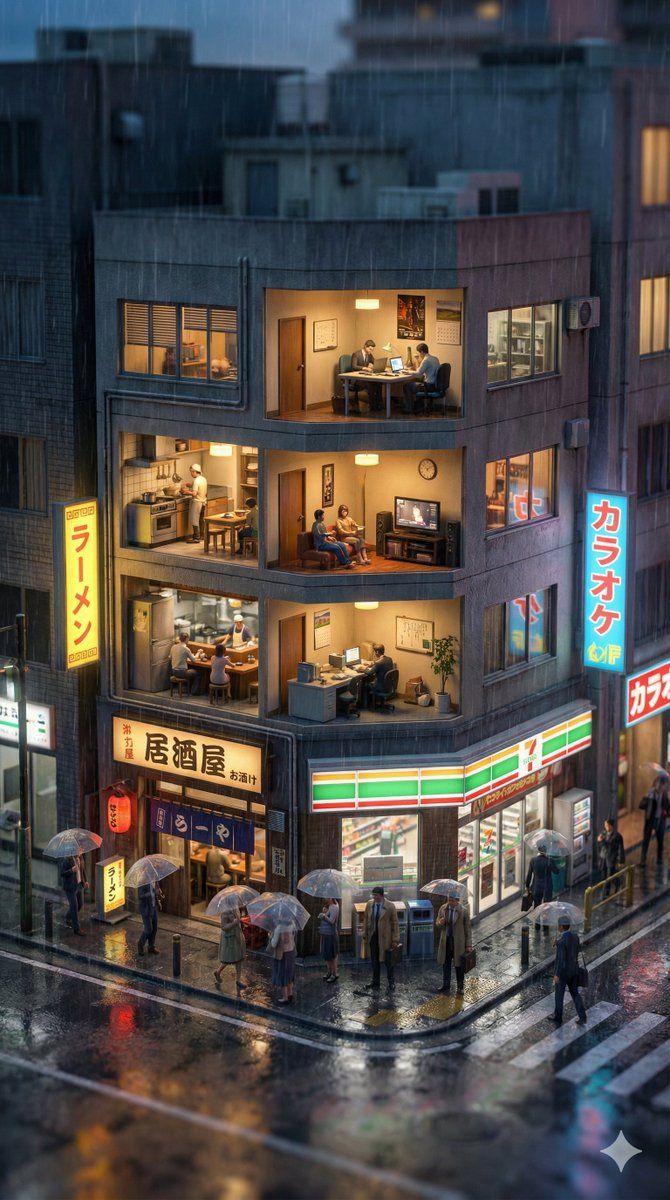
垂直移轴微缩城市横截面
Enlarge

垂直移轴微缩城市横截面

Prompt
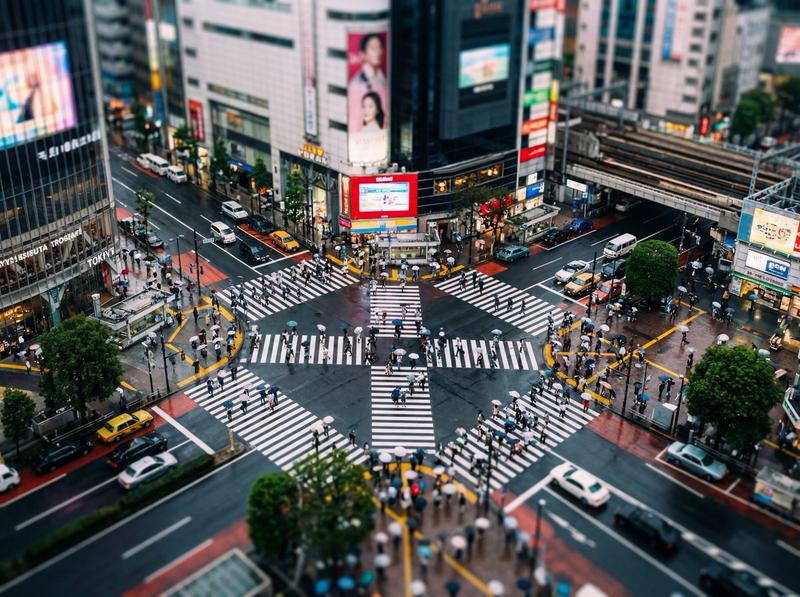
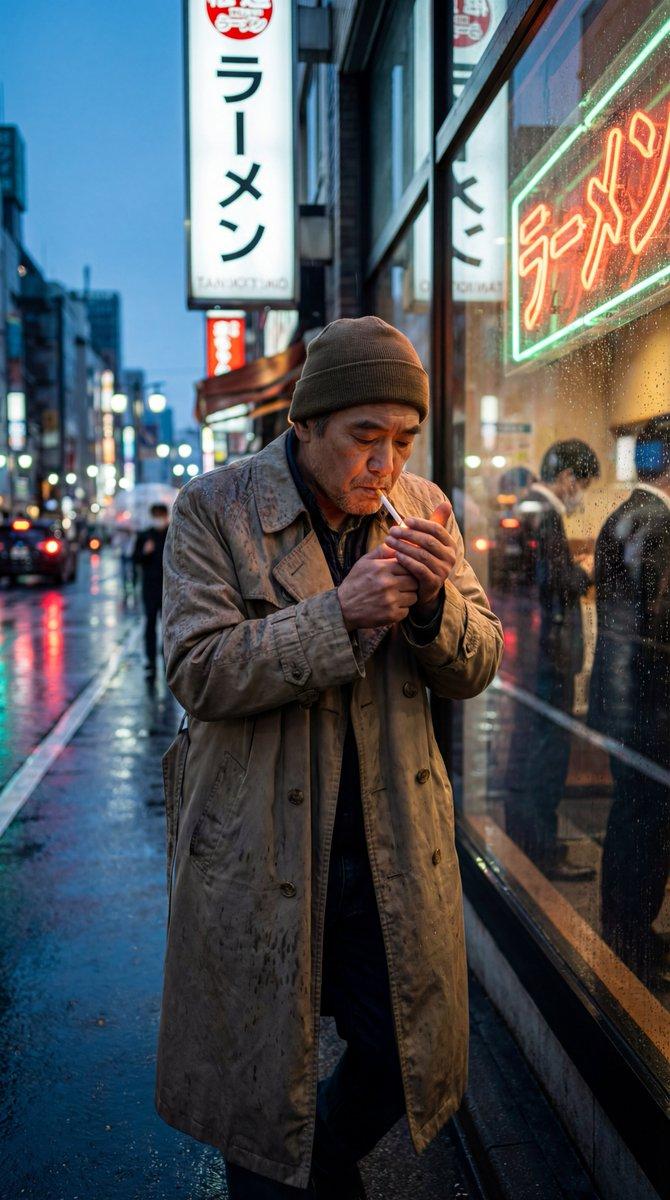
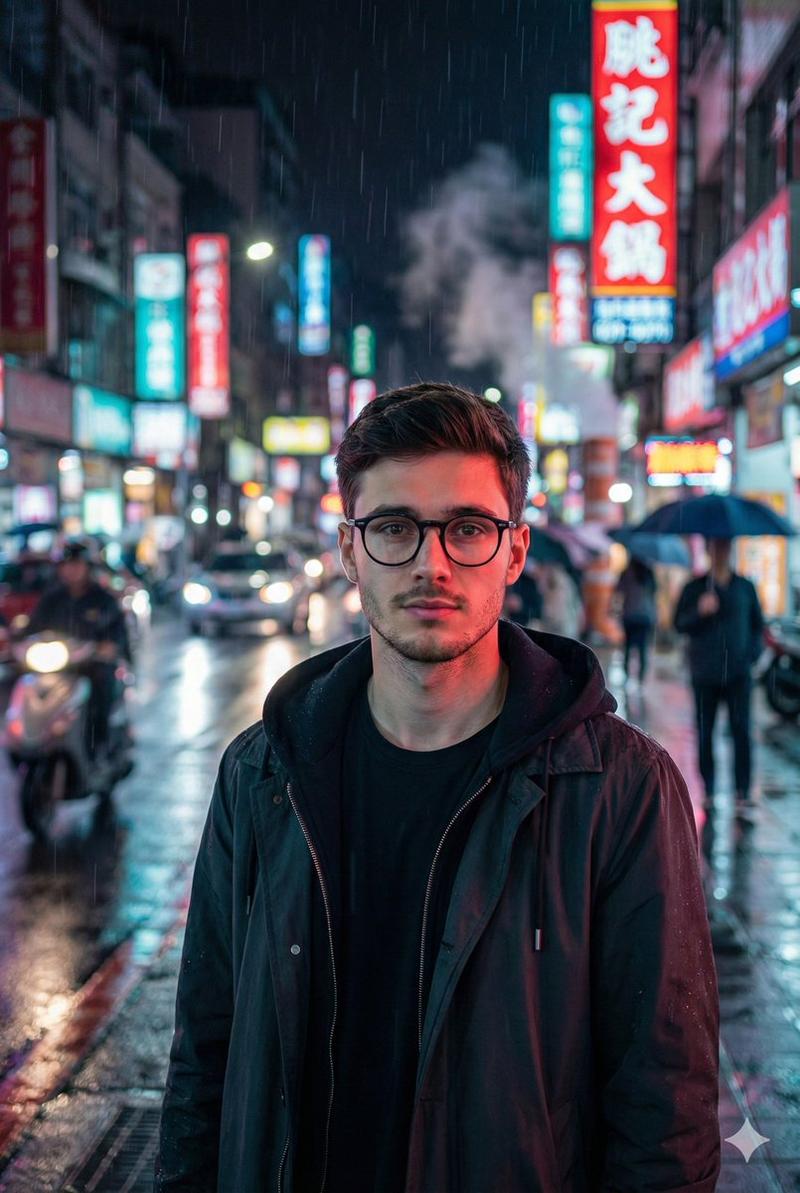
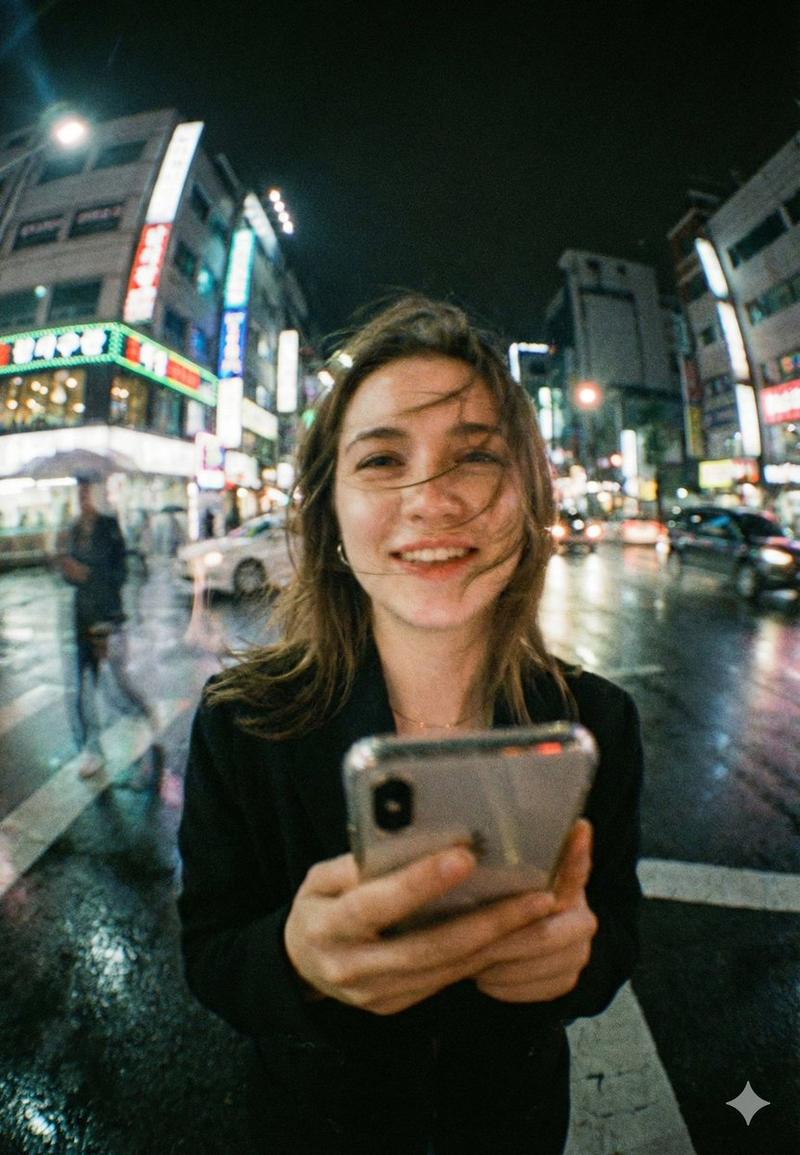
A hyper-realistic vertical tilt-shift photograph of a cross-section of a typical building in {argument name="city name" default="{city_name}"} during {argument name="current time" default="{current_time}"}. The current weather is {argument name="current weather" default="{current_weather}"}. The scene looks like an intricate miniature diorama. The lighting and sky color accurately reflect the {argument name="current time" default="{current_time}"}, while the street textures and atmosphere visually demonstrate the {argument name="current weather" default="{current_weather}"} conditions. At street level, the environment is lifelike. Tiny detailed figures are visible going about their activities. Strong miniature effect with heavy blur at the top and bottom. 8k resolution, volumetric lighting. --ar 9:16
Category
创意图片
Model
Nano Banana Pro
Creator
两斤
Views0
Source ID
d324ca45-c1df-489d-b03d-03e4900e3bc2
Published
Mar 8, 2026

Guide

About "垂直移轴微缩城市横截面"

What is this prompt for?

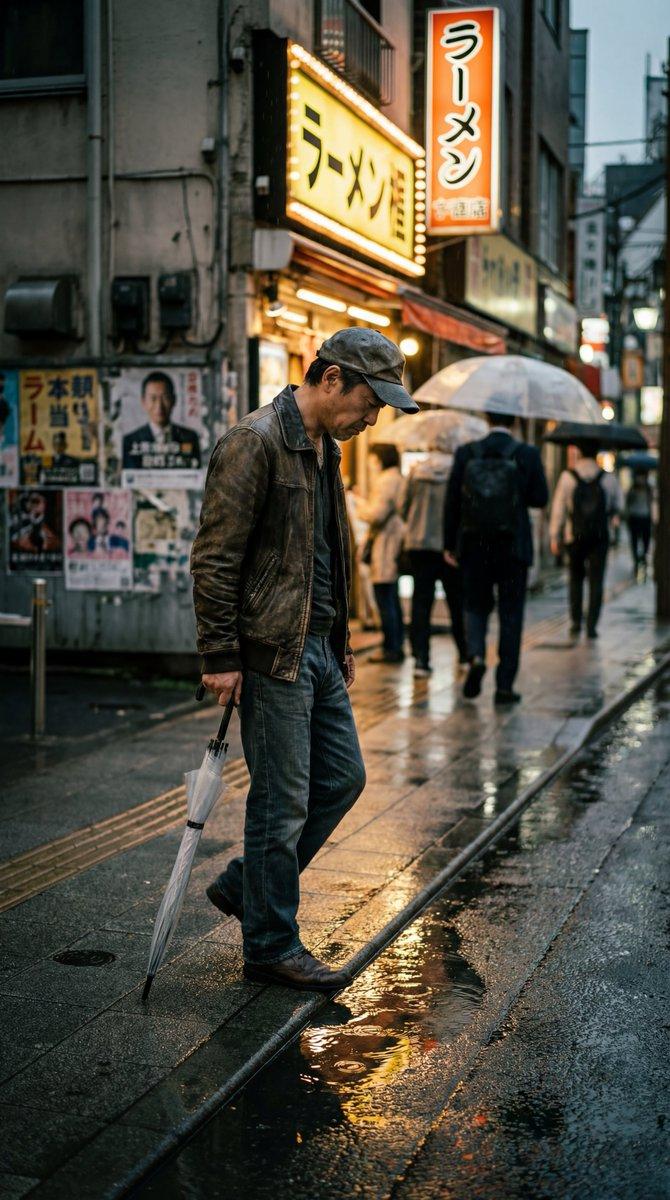
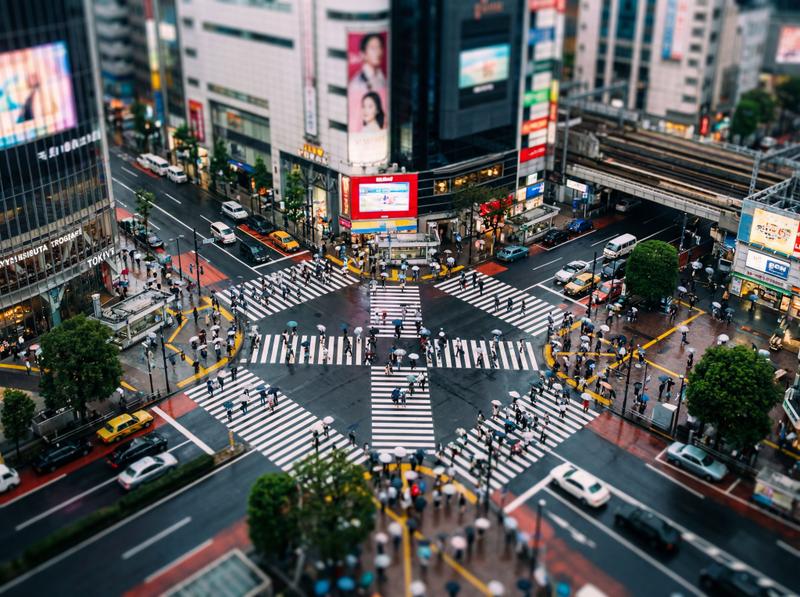
"垂直移轴微缩城市横截面" AI image prompt for Nano Banana Pro (创意图片). 一个用于生成超现实、垂直移轴摄影的提示模板,该摄影作品看起来像一个精巧的微缩立体模型。它描绘了指定城市中典型建筑的横截面,其光线和氛围反映了当前的时间和天气。通过填入城市名称、时间和天气,该提示可以轻松…

The full copyable prompt and example visuals above are ready for AI image generation or one-click recreate in Picva.

How to use this prompt

  1. Step 1

    Open the prompt detail

    Review the example visuals, category, and full prompt text for "垂直移轴微缩城市横截面".

  2. Step 2

    Copy the prompt

    Copy the prompt body from this page, or load it directly in Studio.

  3. Step 3

    Pick a model (Nano Banana Pro)

    Prefer Nano Banana Pro. If you switch models, keep subject and composition and tweak style terms.

  4. Step 4

    Generate and export

    Recreate the look in Picva, or export into your workflow for editing and publishing.

FAQ

What is the "垂直移轴微缩城市横截面" prompt?
It is an AI image-generation prompt for Nano Banana Pro in the 创意图片 category. This page includes the full prompt text, example visuals, and a one-click recreate path in Picva.
How do I use this prompt to generate an image?
Copy the prompt from this page, or use Generate / Studio. Paste it into a compatible image model, or recreate the look in Picva with optional reference images.
Which model is this prompt for?
This page lists Nano Banana Pro. Most descriptive prompts also transfer to nearby image models such as GPT Image, Flux, or Midjourney with light style tweaks.
Can I use the result commercially?
You can usually copy the prompt for creation, but commercial use of the final image depends on the model terms, reference-image rights, and the generated content. Follow the source author and platform rules.