18

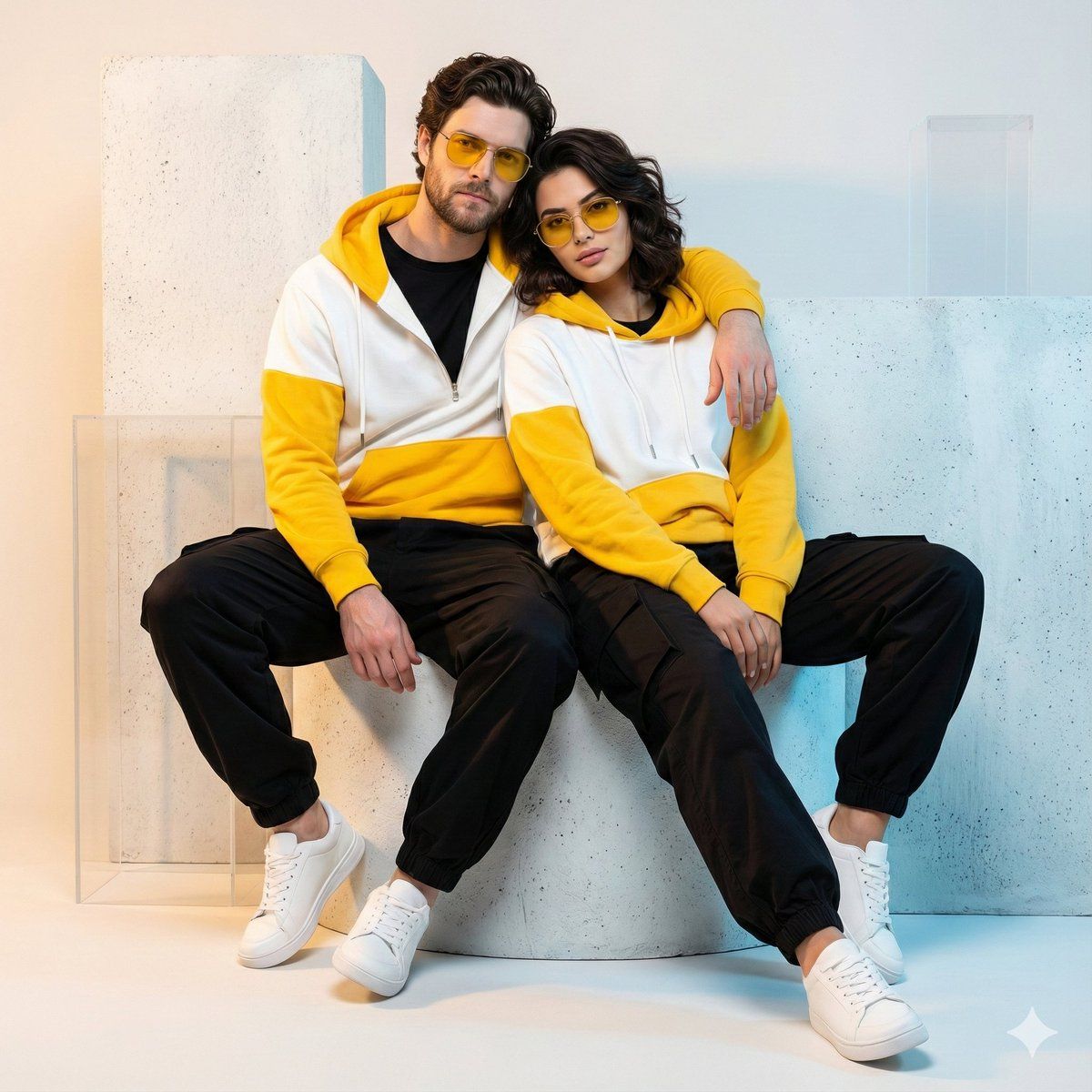
超逼真街头服饰情侣肖像
Enlarge

超逼真街头服饰情侣肖像

Prompt
{
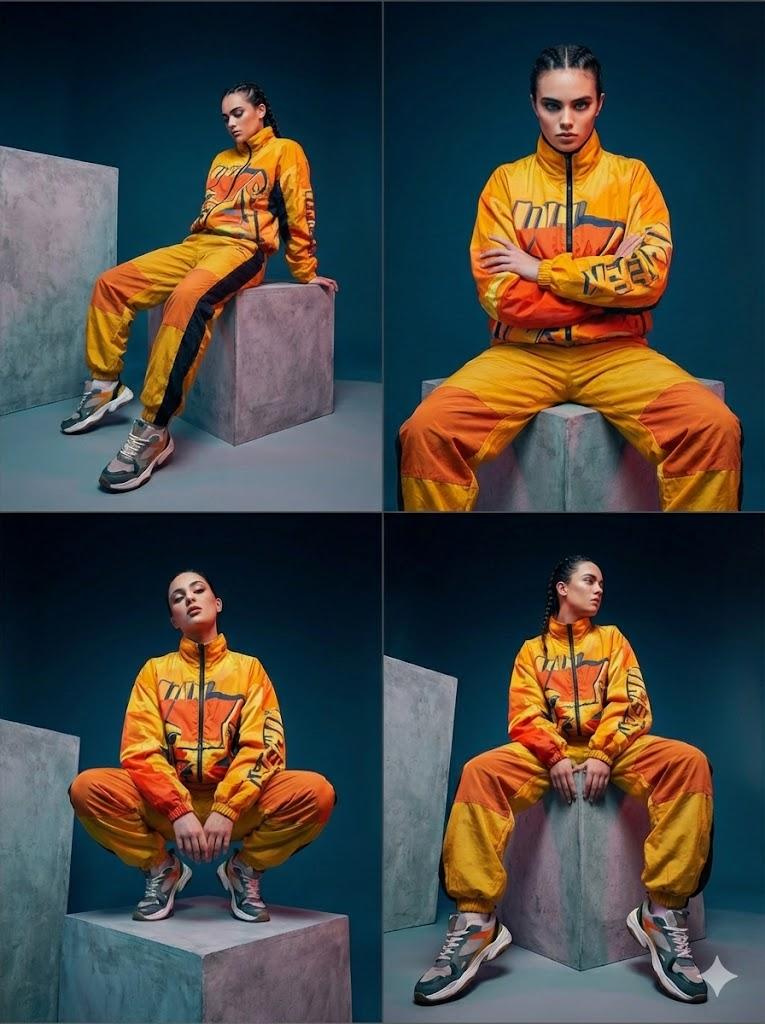
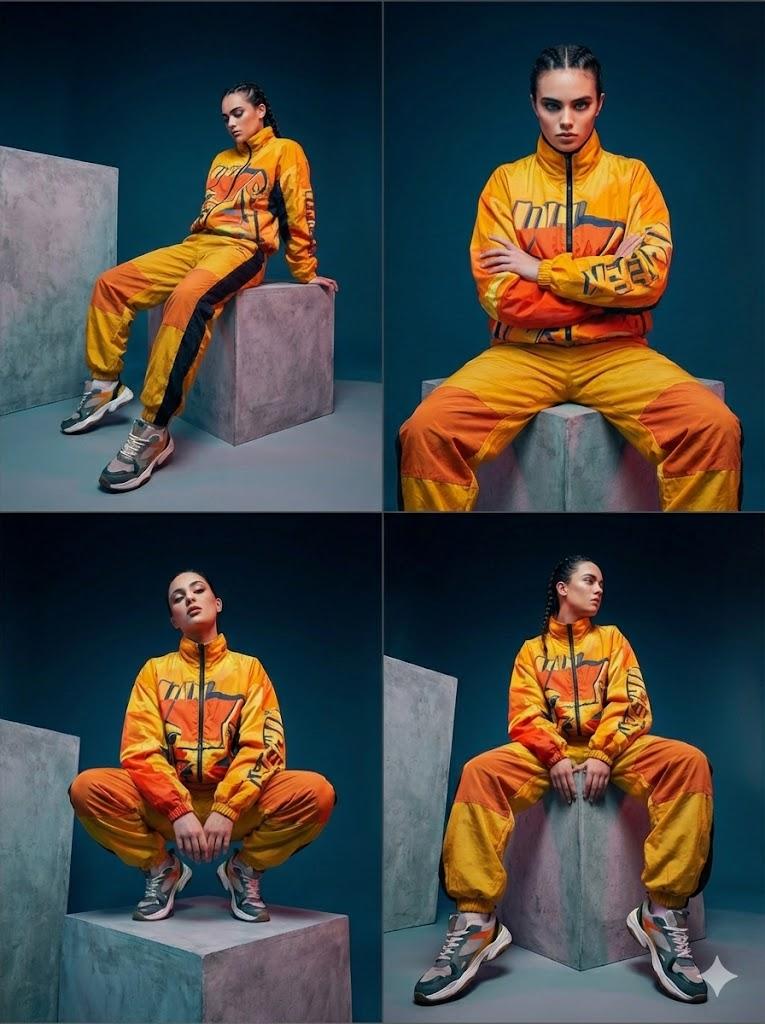
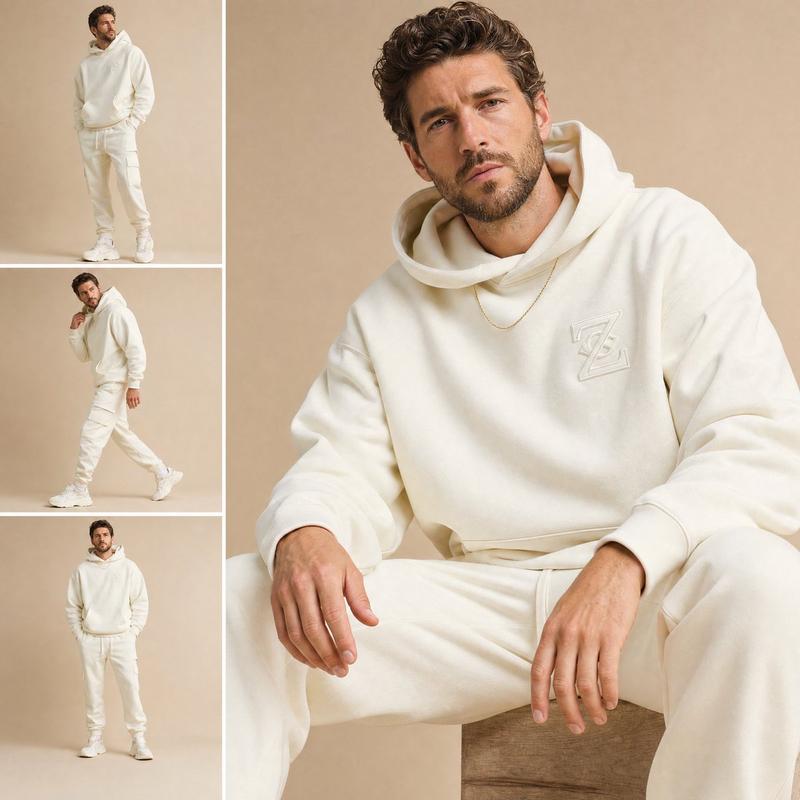
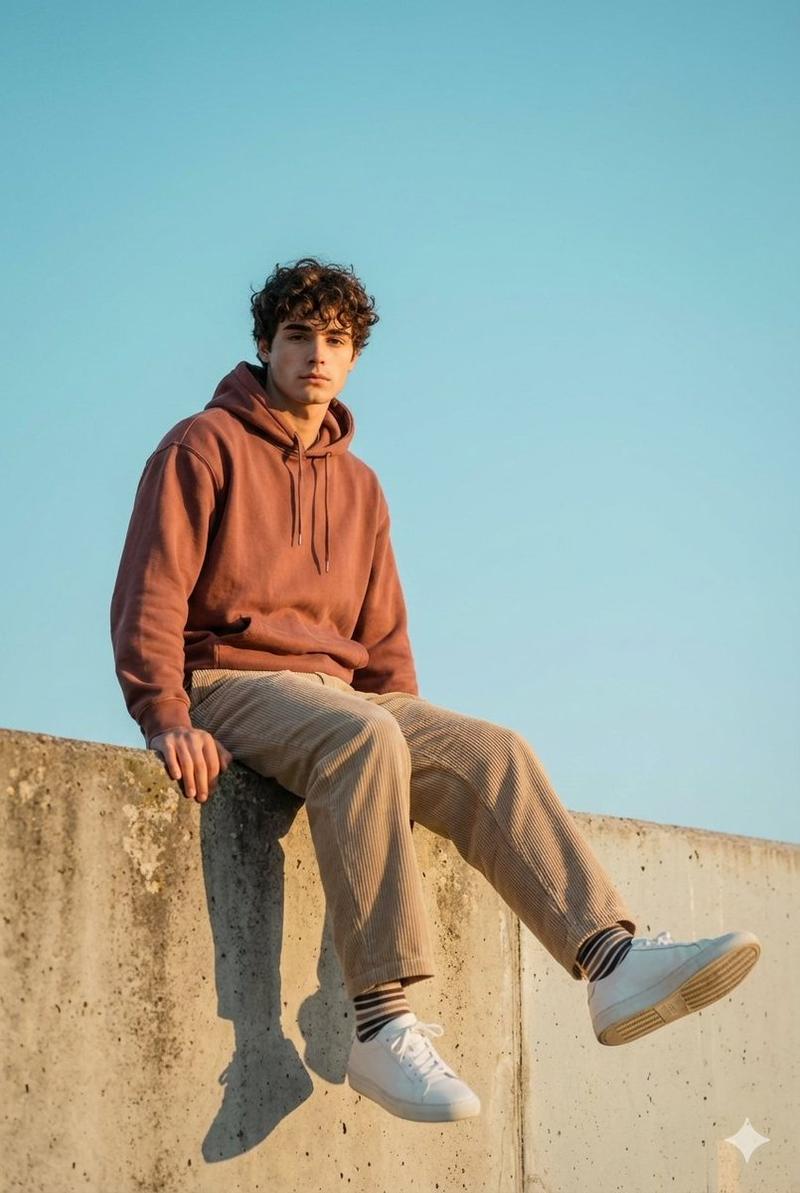
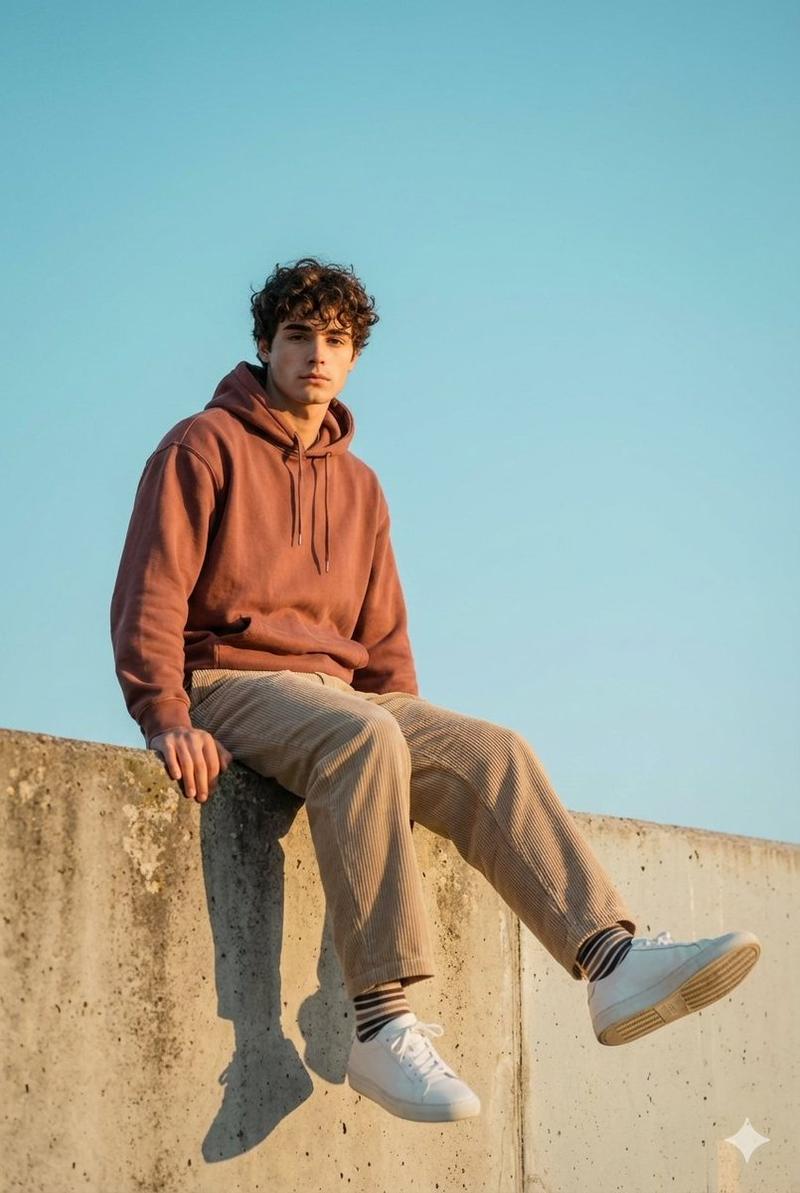
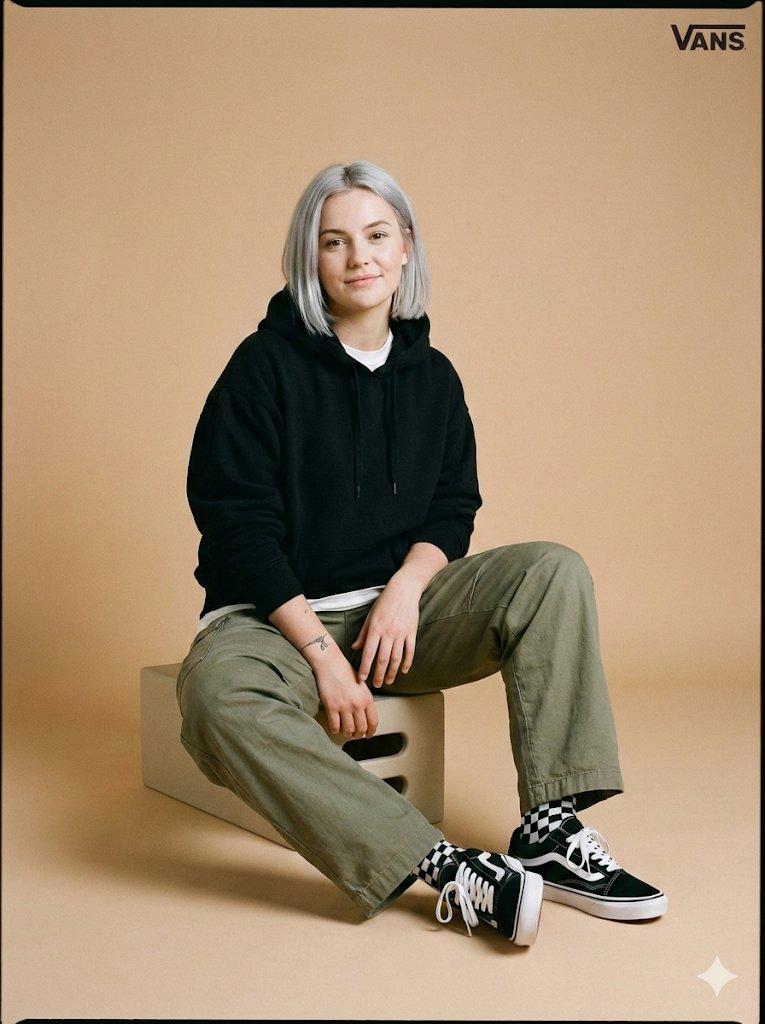
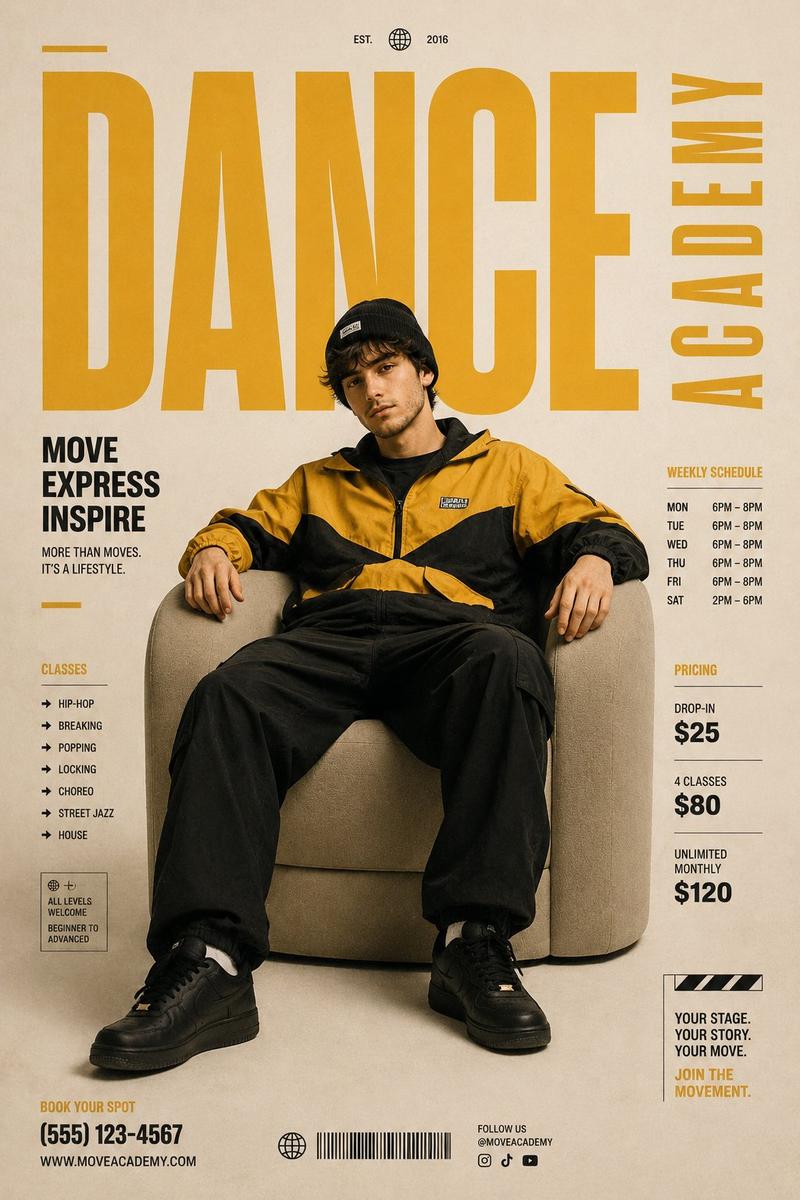
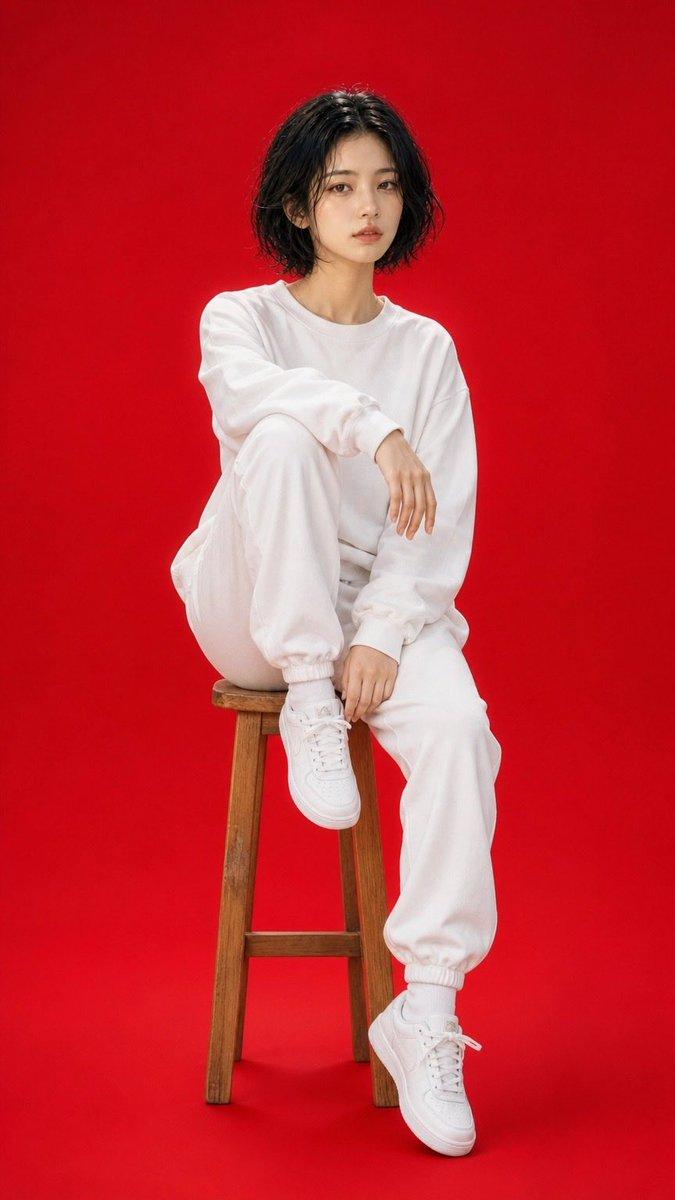
  "prompt": "Ultra-realistic cinematic 8k shot of a beautiful romantic couple seated together in cool, confident poses. The man has dark hair, a beard, and rugged features. Both are wearing matching vibrant {argument name="hoodie colors" default="white and yellow"} color-block hoodies, open at the collar, paired with black cargo pants and pristine white sneakers. They are wearing stylish yellow-tinted sunglasses. The background is a clean, modern studio setting with abstract textured white and light blue geometric structures. Soft professional lighting, high fashion photography style, detailed textures, photorealistic.",
  "negative_prompt": "blurry, low quality, distorted, extra limbs, bad anatomy, cartoon, illustration, dark, messy, dull colors, closed eyes",
  "aspect_ratio": "1:1",
  "seed": 123456,
  "guidance_scale": 7.5,
  "style": "cinematic-photorealistic"
}
Category
创意图片
Model
Nano Banana Pro
Creator
𝐌
Views0
Source ID
2fcdcc81-f962-4734-ac56-1d4a83ea15ea
Published
Mar 8, 2026

Guide

About "超逼真街头服饰情侣肖像"

What is this prompt for?

"超逼真街头服饰情侣肖像" AI image prompt for Nano Banana Pro (创意图片). 一个用于生成超现实、电影级 8K 浪漫情侣镜头的提示,他们身穿配套的街头服饰。该提示详细说明了他们的着装(白色和黄色拼色连帽衫、黑色工装裤、白色运动鞋、黄色墨镜)和场景(干净、现代的工作室,带有抽象几何…

The full copyable prompt and example visuals above are ready for AI image generation or one-click recreate in Picva.

How to use this prompt

  1. Step 1

    Open the prompt detail

    Review the example visuals, category, and full prompt text for "超逼真街头服饰情侣肖像".

  2. Step 2

    Copy the prompt

    Copy the prompt body from this page, or load it directly in Studio.

  3. Step 3

    Pick a model (Nano Banana Pro)

    Prefer Nano Banana Pro. If you switch models, keep subject and composition and tweak style terms.

  4. Step 4

    Generate and export

    Recreate the look in Picva, or export into your workflow for editing and publishing.

FAQ

What is the "超逼真街头服饰情侣肖像" prompt?
It is an AI image-generation prompt for Nano Banana Pro in the 创意图片 category. This page includes the full prompt text, example visuals, and a one-click recreate path in Picva.
How do I use this prompt to generate an image?
Copy the prompt from this page, or use Generate / Studio. Paste it into a compatible image model, or recreate the look in Picva with optional reference images.
Which model is this prompt for?
This page lists Nano Banana Pro. Most descriptive prompts also transfer to nearby image models such as GPT Image, Flux, or Midjourney with light style tweaks.
Can I use the result commercially?
You can usually copy the prompt for creation, but commercial use of the final image depends on the model terms, reference-image rights, and the generated content. Follow the source author and platform rules.