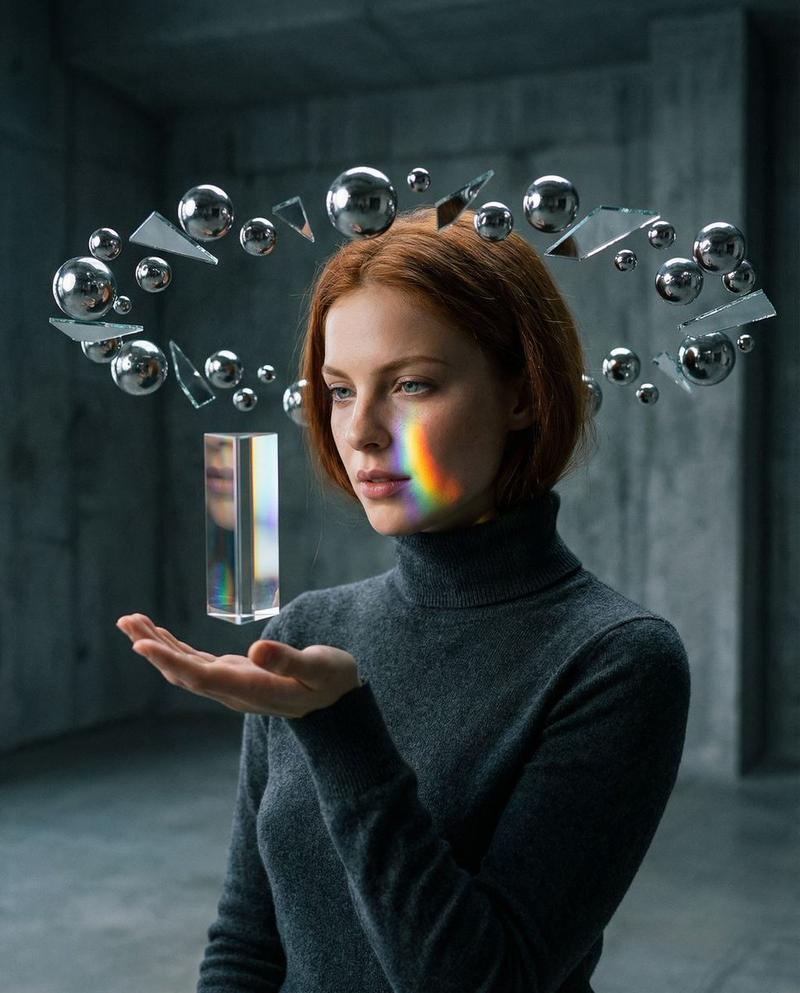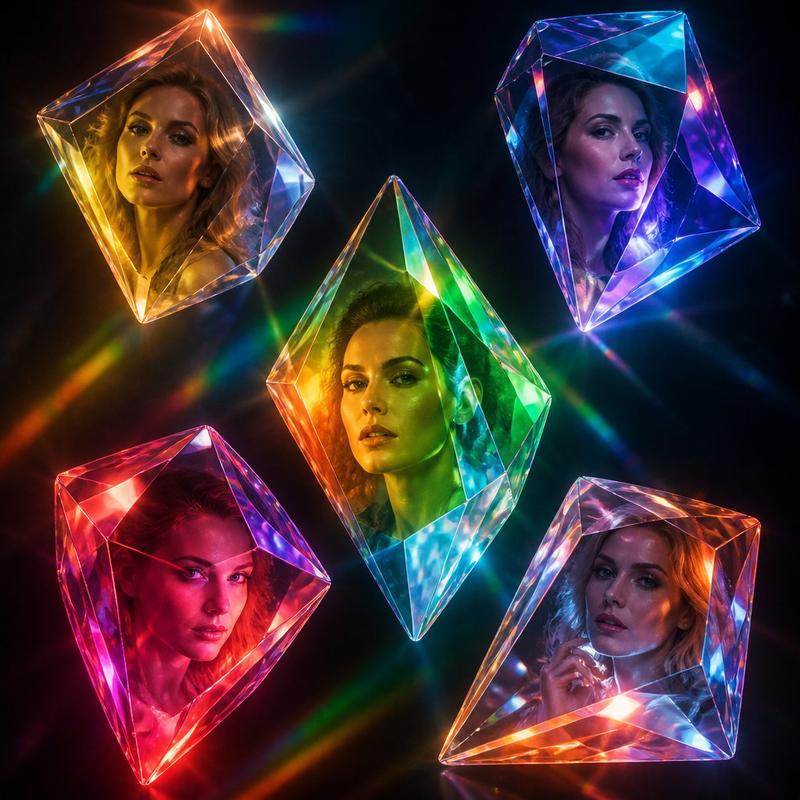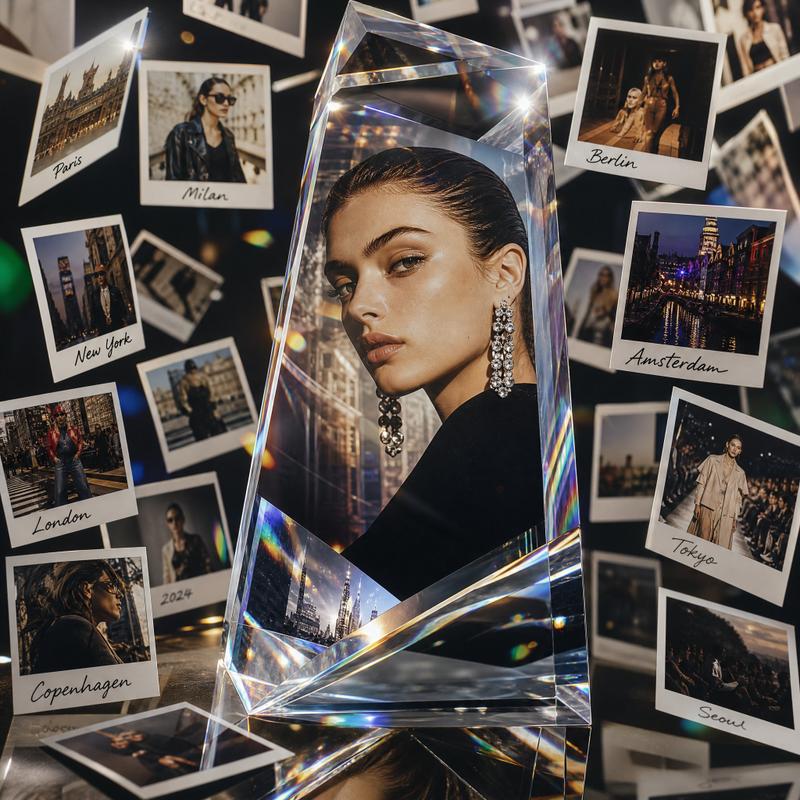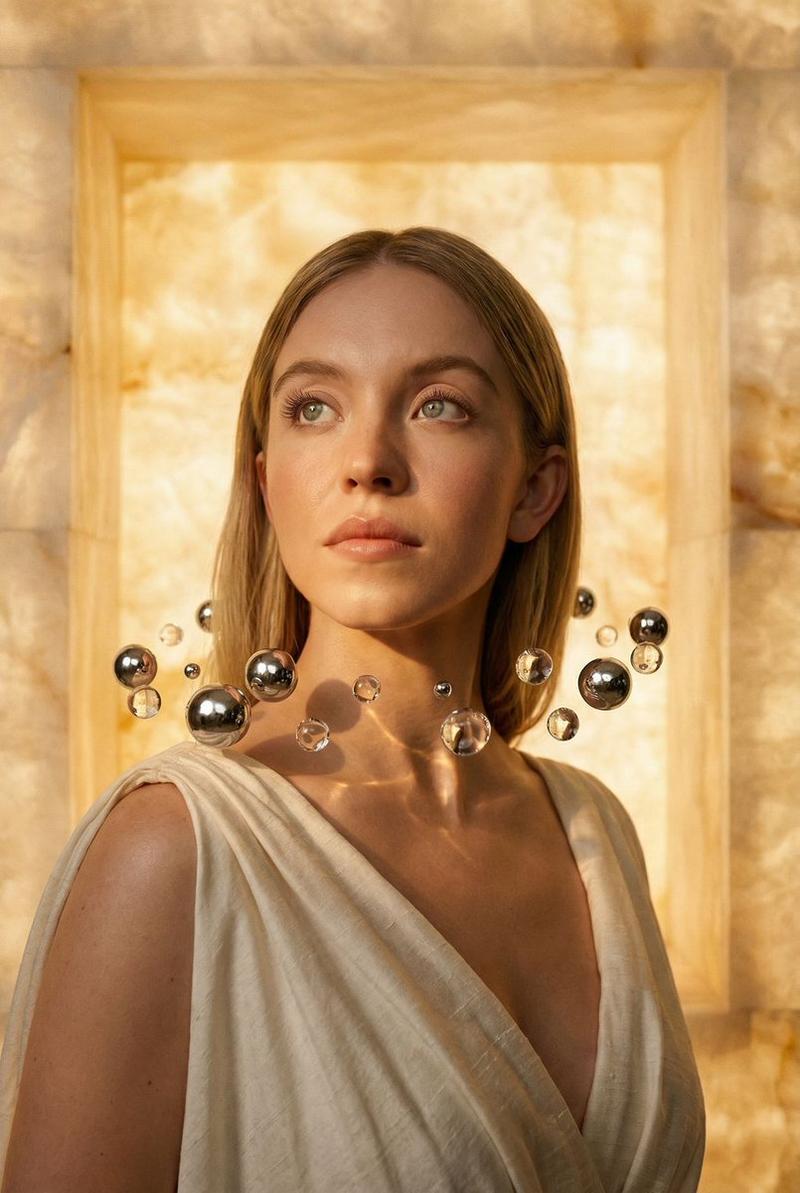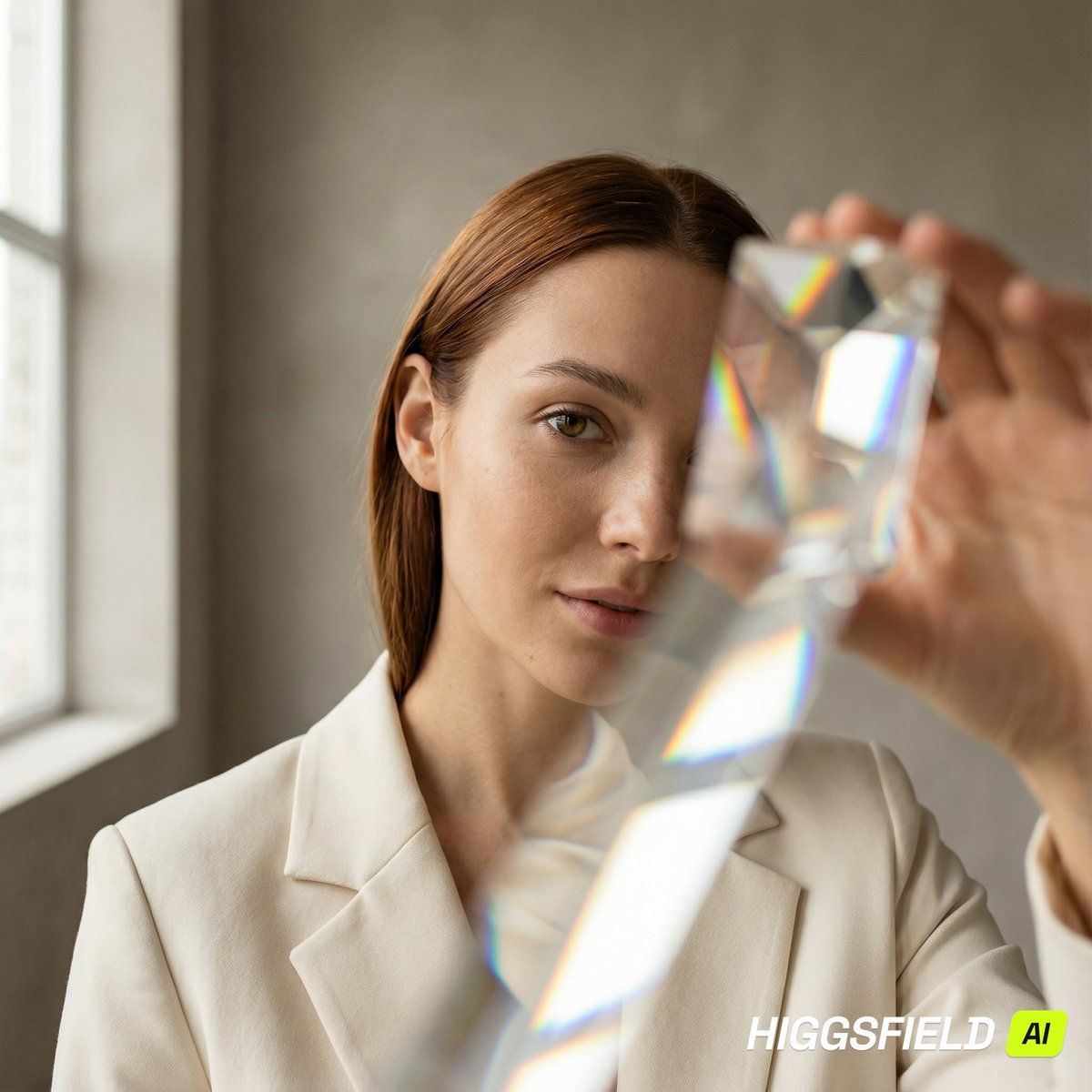
棱镜折射特写编辑提示
Prompt
{
  "metadata": {
    "version": "1.1",
    "project": "Prism Refraction Editorial Close-Up",
    "style_preset": "modern_editorial"
  },
  "canvas_settings": {
    "dimensions": { "width": 1200, "height": 1200, "unit": "px" },
    "format": { "aspect_ratio": "1:1", "orientation": "square" }
  },
  "environment": {
    "location": {
      "setting": "minimal studio corner",
      "era": "contemporary",
      "atmosphere": "clean, premium, calm, gallery-like"
    },
    "lighting": {
      "primary_source": {
        "type": "large window light",
        "position": "camera-left",
        "temperature": "soft daylight",
        "behavior": "broad wrap, gentle falloff"
      },
      "modifier": {
        "type": "white bounce card",
        "position": "camera-right",
        "behavior": "soft fill without flattening"
      },
      "global_contrast": "medium"
    },
    "background_elements": {
      "wall": { "material": "matte plaster", "color": "{argument name="wall color" default="warm gray"}", "pattern": "smooth" }
    }
  },
  "props_and_optics": {
    "foreground_tool": {
      "item": "handheld optical prism",
      "use": "placed near lens to create controlled refraction fragments",
      "behavior": "rainbow edge splitting, geometric layering, no face obstruction on main eye"
    }
  },
  "character_model": {
    "identity": { "gender": "female", "age": "mid 20s", "ethnicity": "light to medium skin tone" },
    "anatomy_details": {
      "skin": "natural realistic texture, subtle freckles, visible pores",
      "hair": { "color": "{argument name="hair color" default="auburn"}", "style": "sleek straight, tucked behind one ear", "parting": "side" }
    },
    "performance": {
      "pose": "close-up, chin slightly down, eyes toward lens",
      "expression": "soft confidence, neutral lips"
    },
    "wardrobe": {
      "item": "structured blazer",
      "color": "cream",
      "finish": "matte fabric, fine weave"
    }
  },
  "cinematography": {
    "camera": { "angle": "eye-level", "framing": "tight close-up", "focus": "near eye razor-sharp" },
    "optics": {
      "technique": "prism refraction",
      "depth_of_field": "very shallow",
      "background_blur": "smooth creamy bokeh"
    },
    "color_profile": {
      "dominant": ["warm gray", "cream", "natural skin tones"],
      "accents": ["subtle rainbow refraction"],
      "grading": "clean editorial, gentle contrast, accurate color"
    }
  },
  "render_quality": {
    "positive_attributes": [
      "high resolution",
      "photorealistic",
      "realistic catchlights",
      "sharp skin micro-texture",
      "controlled refraction clarity"
    ],
    "negative_prompt": [
      "cartoon",
      "anime",
      "illustration",
      "milky haze",
      "overexposed skin",
      "blurred eyes",
      "double face",
      "distorted anatomy",
      "extra limbs"
    ]
  }
}- Category
- 创意图片
- Model
- Nano Banana Pro
- Creator
- Ahmet Muhammed Ertuğrul
- Source ID
- ed20b6c4-2b6c-4147-948a-2cedd58515b1
- Published
- Mar 8, 2026
Views0