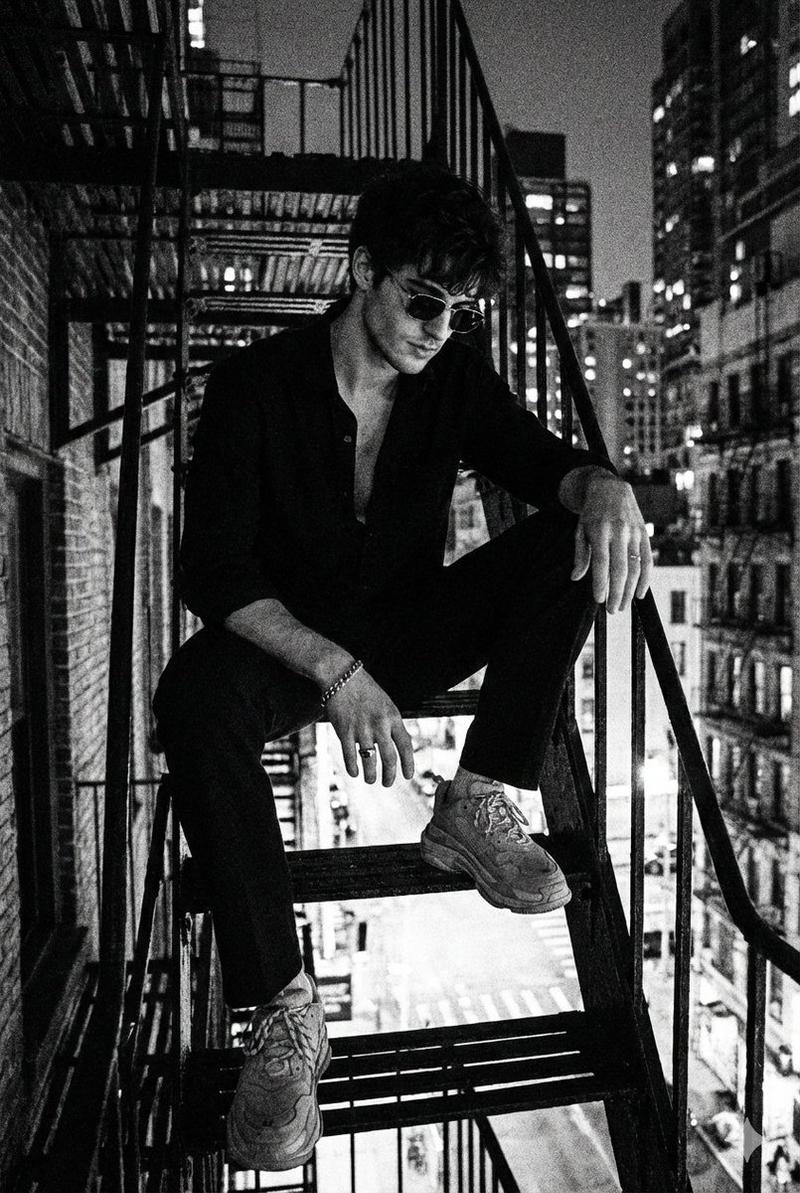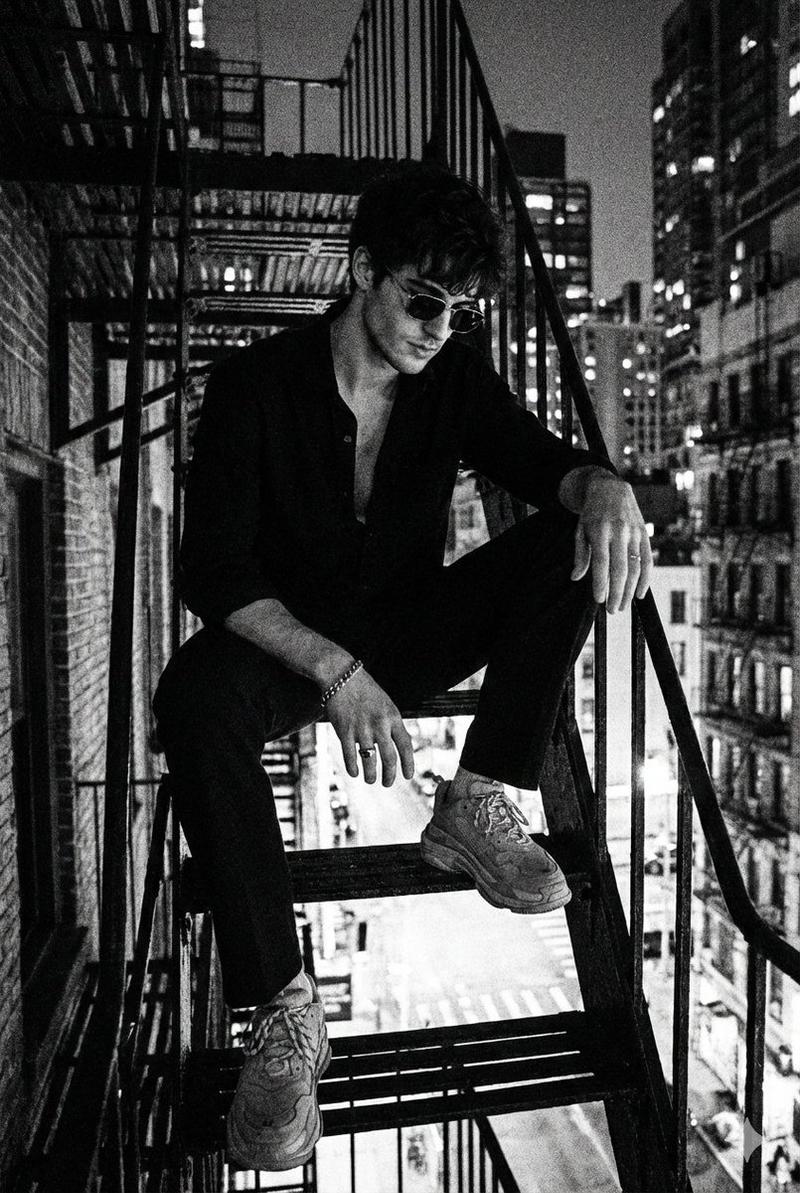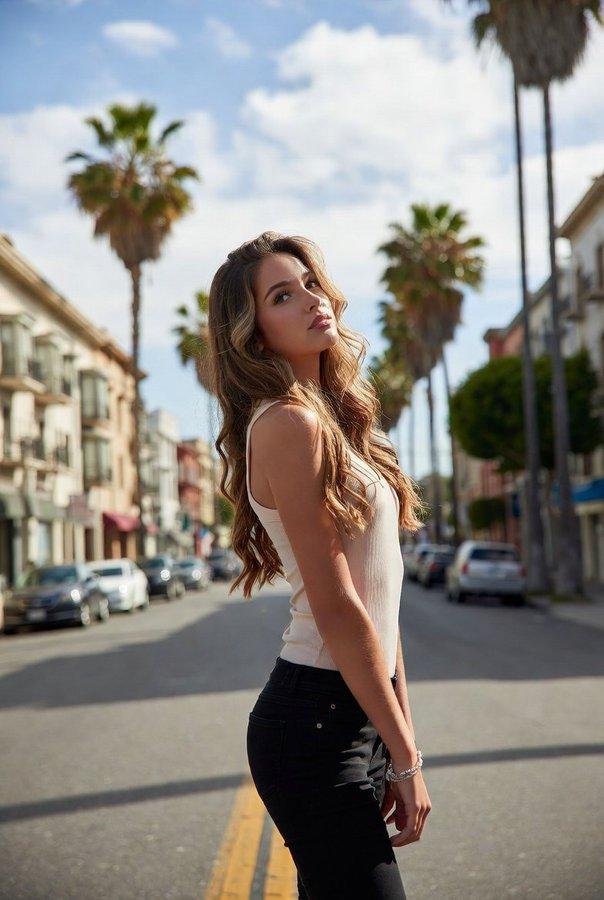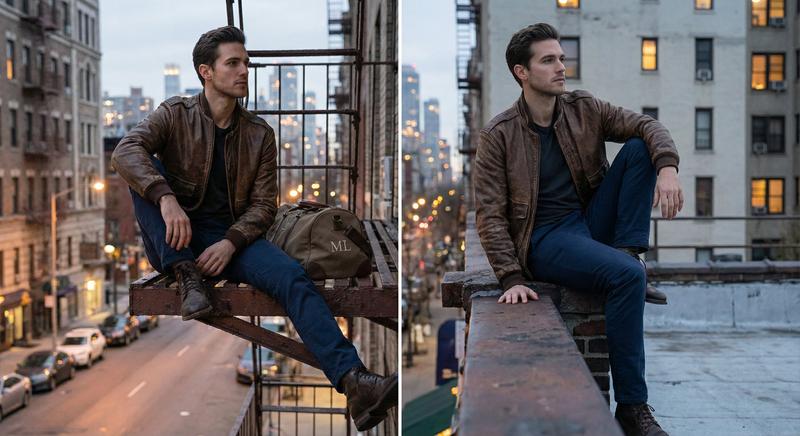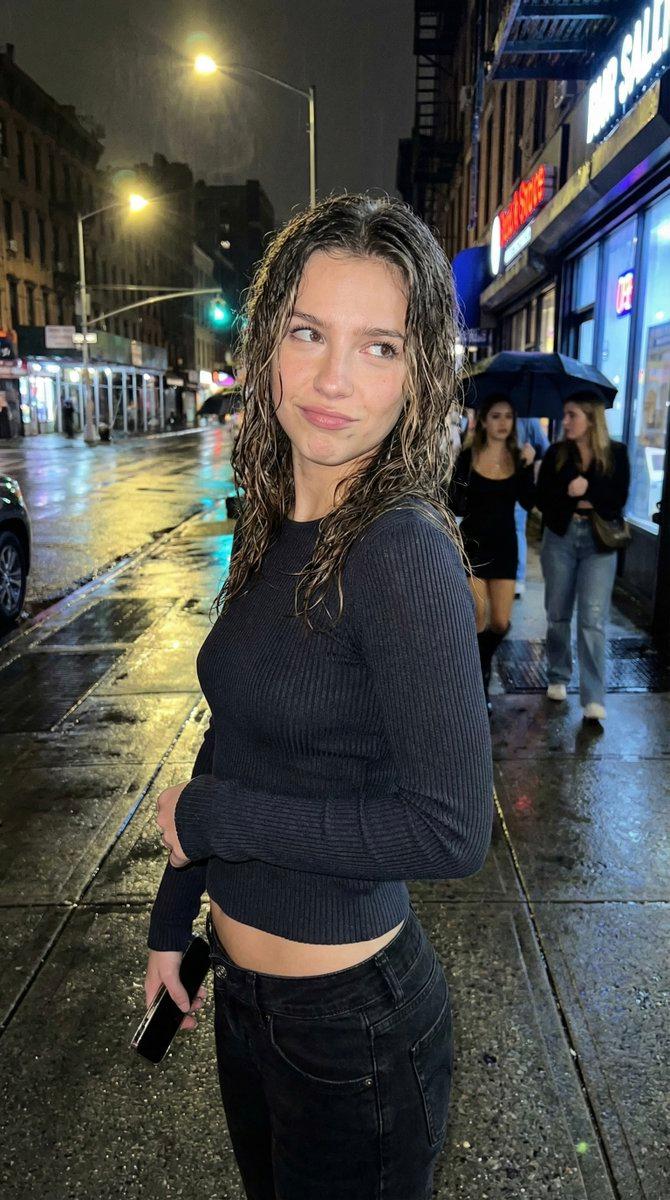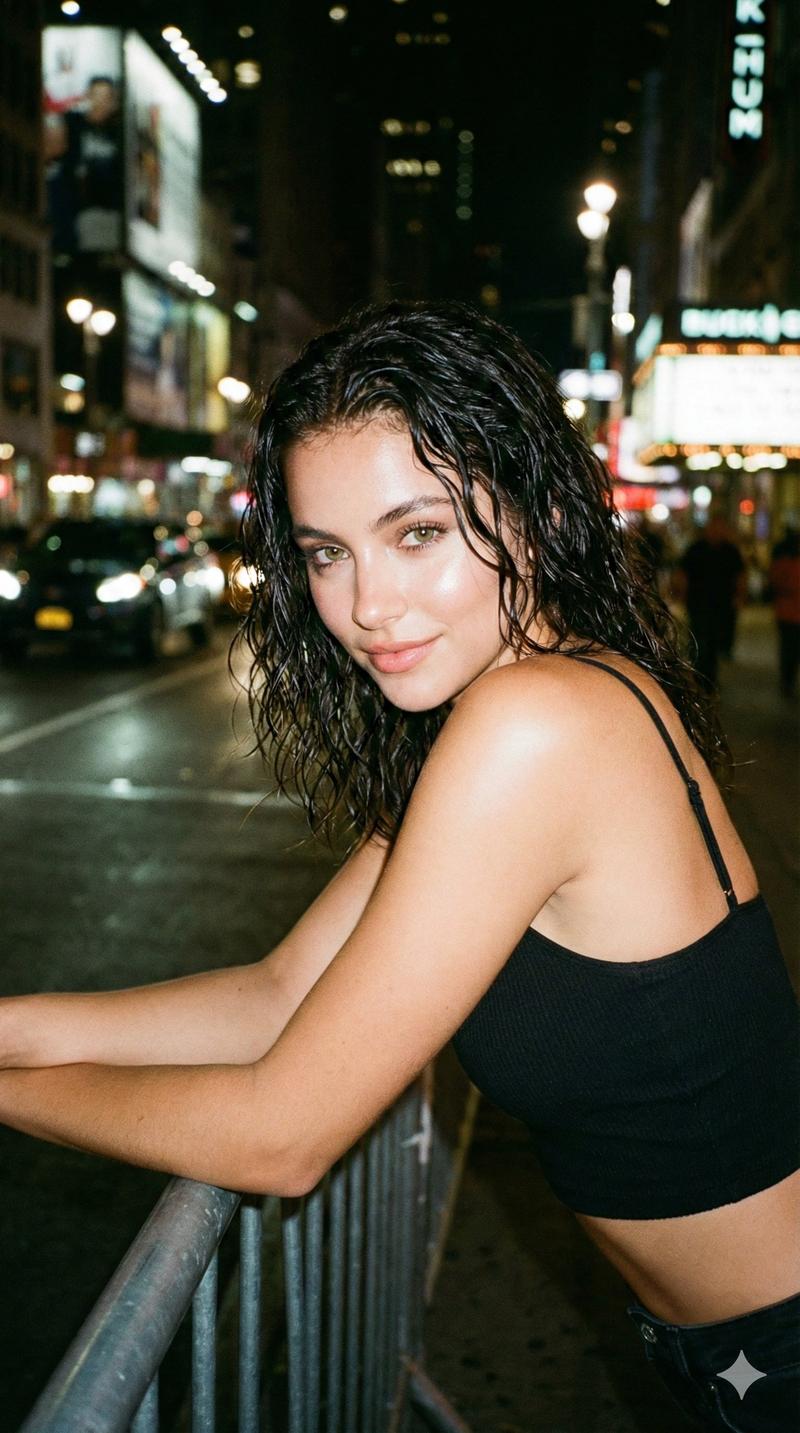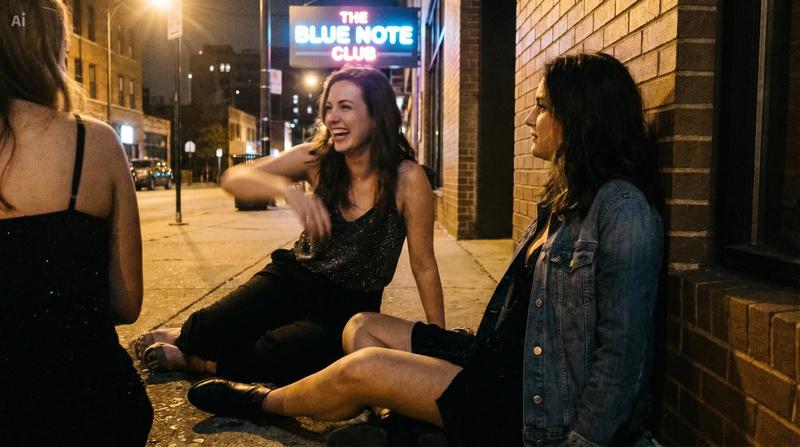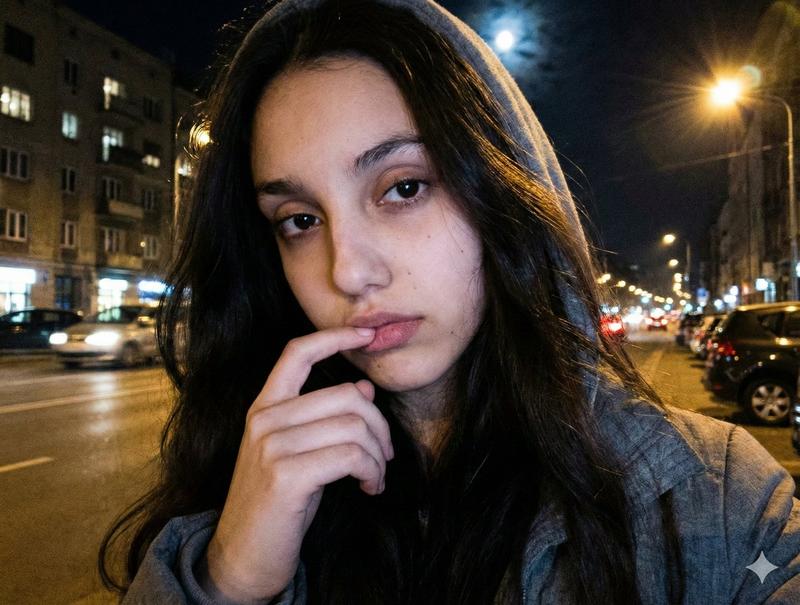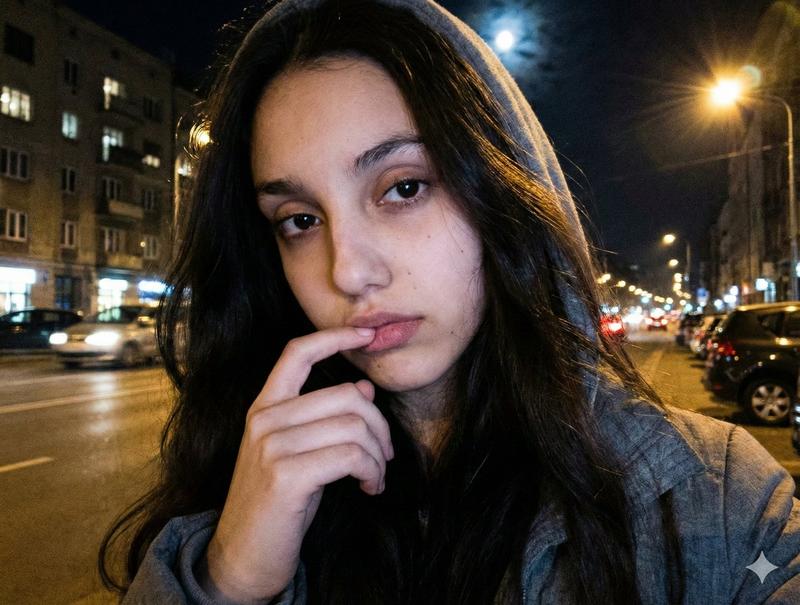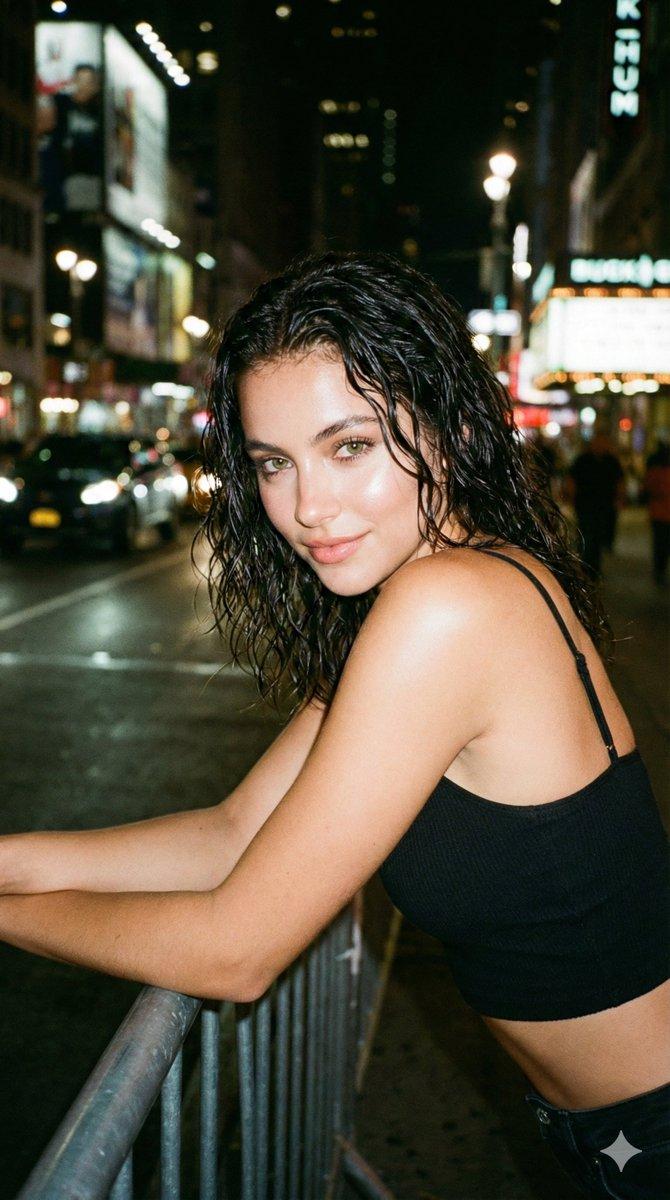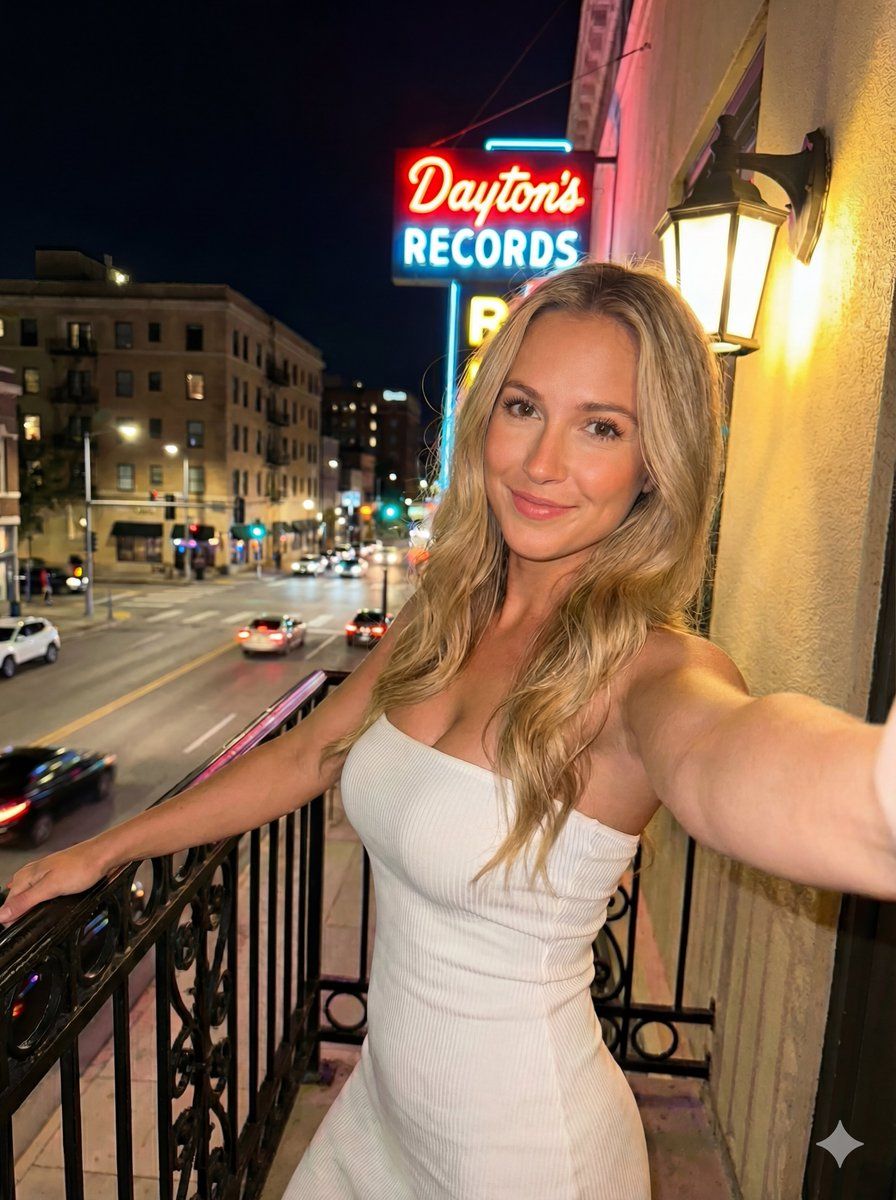
夜间都市阳台霓虹灯自拍
Prompt
{
  "image_type": "photograph",
  "orientation": "portrait",
  "setting": {
    "location_type": "urban city balcony",
    "time_of_day": "night",
    "environment": {
      "city_street_below": true,
      "visible_traffic": "cars with headlights and taillights",
      "background_buildings": "mid-rise urban buildings",
      "sky": "night sky"
    }
  },
  "primary_subject": {
    "subject_type": "woman",
    "pose": {
      "body_orientation": "angled slightly sideways",
      "upper_body": "leaning against balcony railing",
      "arm_position": "one arm extended forward holding the camera (selfie perspective)",
      "head_position": "slightly tilted",
      "gaze": "directly looking at the camera"
    },
    "expression": {
      "facial_expression": "warm, friendly smile",
      "emotion": "relaxed, confident, cheerful"
    },
    "appearance": {
      "age_range": "young adult",
      "skin_tone": "fair/light",
      "hair": {
        "color": "blonde",
        "length": "long",
        "texture": "slightly wavy",
        "style": "loose, middle part"
      },
      "eyes": {
        "color": "light blue",
        "makeup": "minimal, natural"
      },
      "makeup": {
        "foundation": "natural finish",
        "lips": "glossy nude-pink",
        "overall_style": "soft, natural glam"
      }
    },
    "clothing": {
      "outfit_type": "bodycon dress",
      "dress_color": "white",
      "material": "ribbed fabric",
      "neckline": "strapless",
      "fit": "form-fitting"
    }
  },
  "foreground_elements": {
    "balcony": {
      "railing": "black wrought iron",
      "design": "decorative curved patterns"
    },
    "lamp": {
      "position": "right side of the frame",
      "type": "wall-mounted lamp",
      "shade_color": "warm yellow",
      "light_temperature": "warm"
    }
  },
  "background_elements": {
    "neon_sign": {
      "text": "{argument name="neon sign text" default="Dayton’s RECORDS"}",
      "style": "vintage neon signage",
      "colors": ["red", "blue"],
      "visibility": "clearly readable",
      "position": "left side of the frame"
    },
    "street_scene": {
      "cars": "multiple cars visible",
      "lighting": "streetlights and vehicle lights",
      "depth": "slightly blurred, providing depth of field"
    }
  },
  "lighting": {
    "primary_light_source": "warm artificial light from nearby lamp",
    "secondary_light_sources": [
      "neon sign glow",
      "city street lights"
    ],
    "effect": "soft highlights on skin, warm tones on subject, cool contrast in background"
  },
  "camera_details": {
    "camera_type": "smartphone camera",
    "sensor_format": "full-frame equivalent computational sensor",
    "camera_angle": "slightly elevated selfie angle",
    "framing": "medium close-up to mid-body",
    "perspective": "handheld selfie perspective",
    "lens": {
      "focal_length": "26mm equivalent",
      "lens_type": "wide-angle",
      "aperture": "f/1.8",
      "optical_characteristics": "mini"
    }
  }
}- Category
- 创意图片
- Model
- Nano Banana Pro
- Creator
- Lex
- Source ID
- 9e734d72-b218-4a8a-8bf1-bec7b8639fb8
- Published
- Mar 8, 2026
Views0