18

圣诞老人的恶作剧多角度网格
Enlarge

圣诞老人的恶作剧多角度网格

Prompt
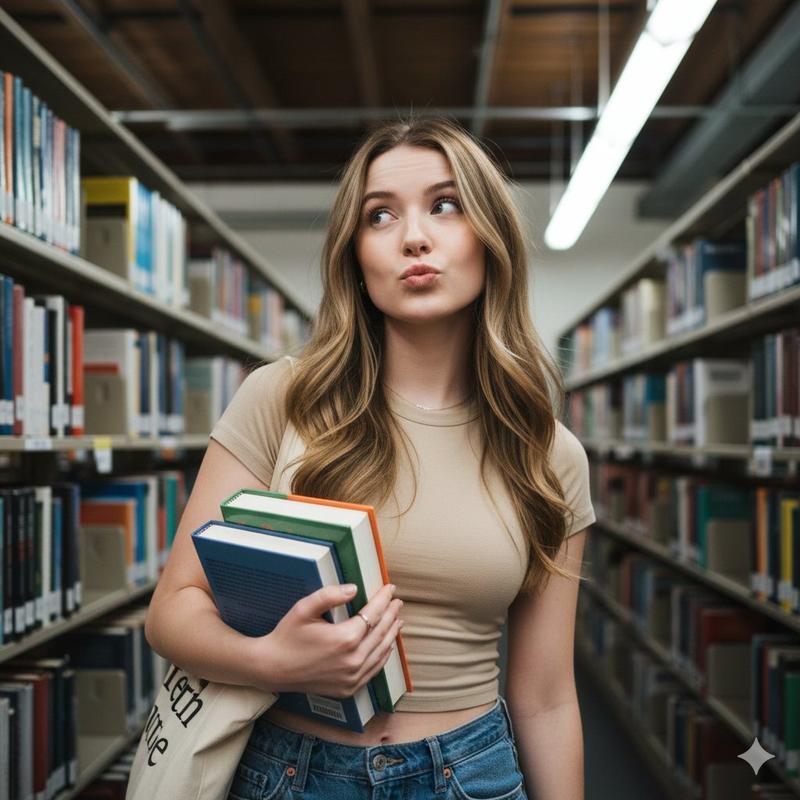
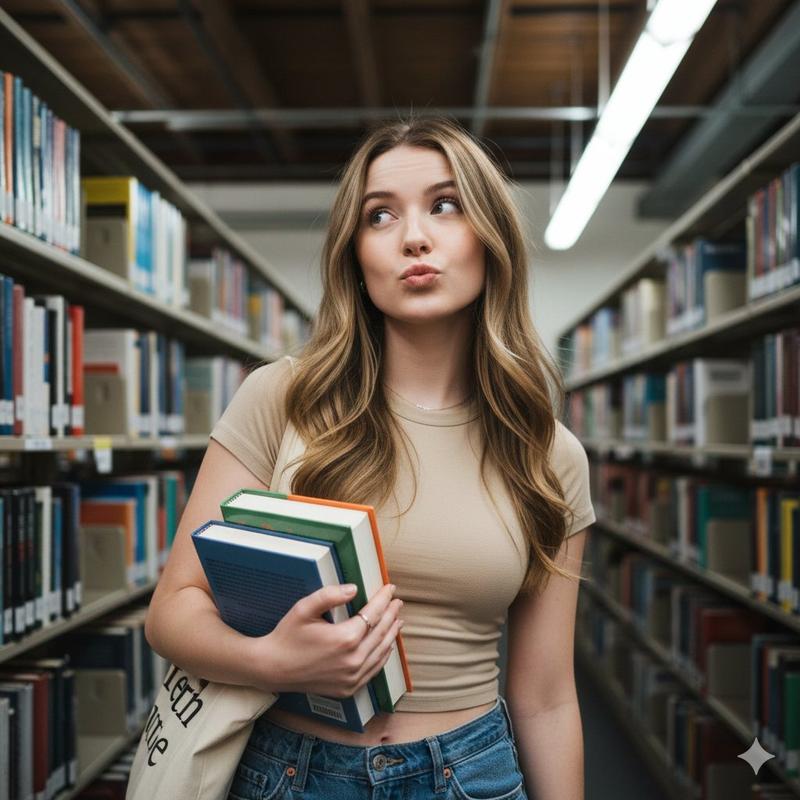
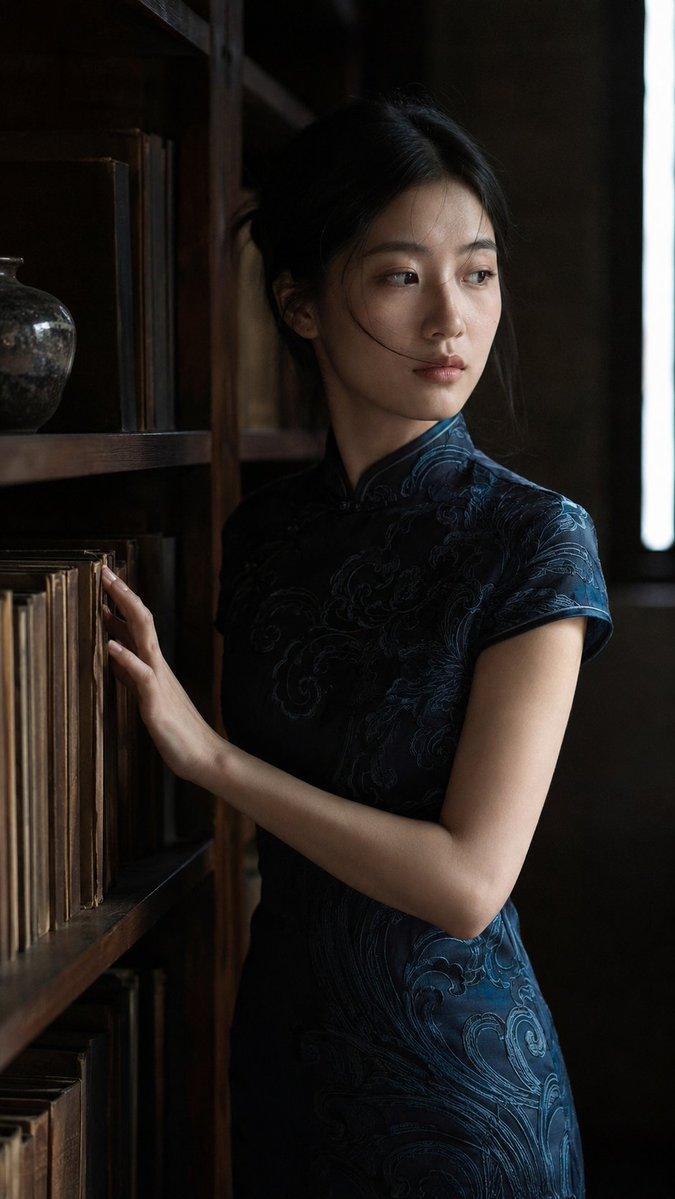
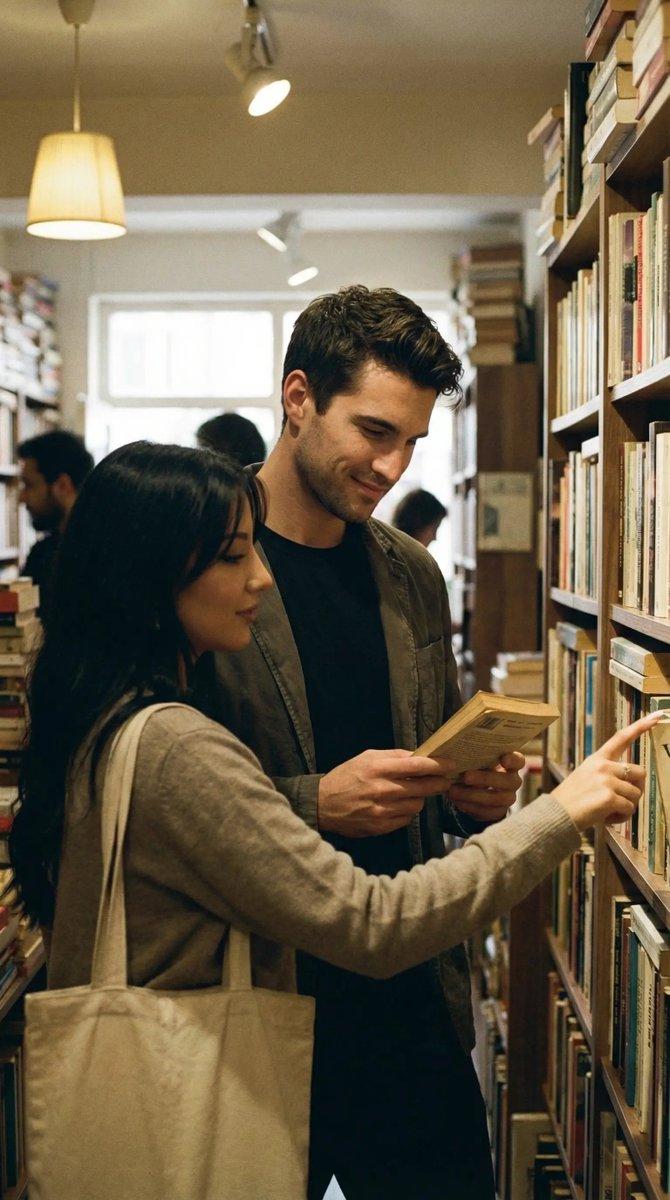
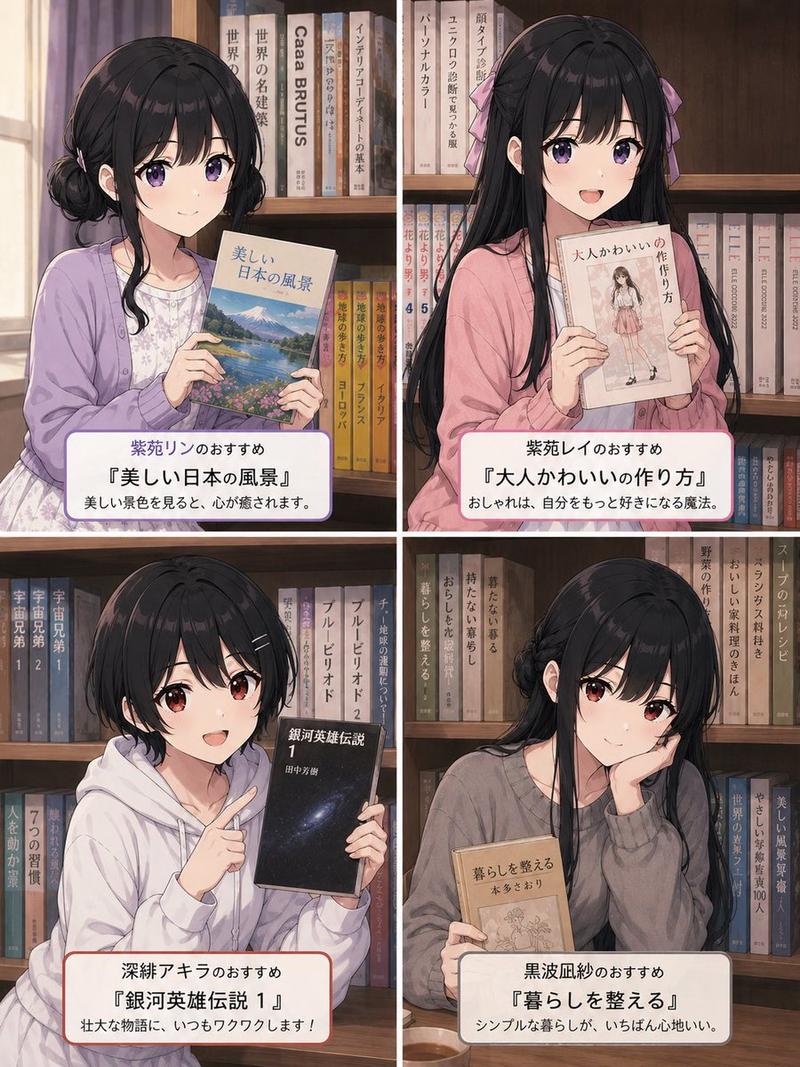
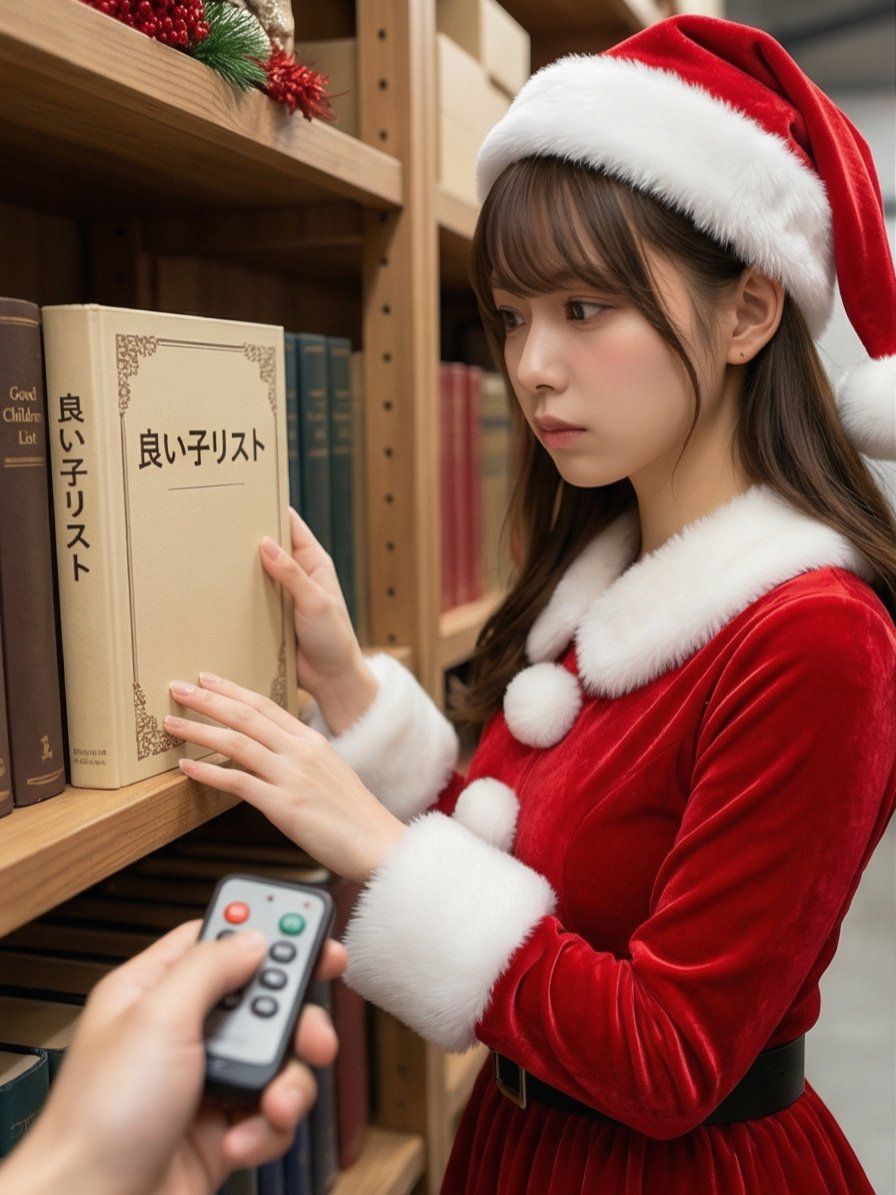
添付画像に描かれたモチーフを読み取り、マルチアングルショットを生成し、2×2のグリッドに分割された4つのシーンを作成します。

【アクション1】 クリスマスの装飾がされた倉庫で、サンタクロースが真剣な表情で本棚の資料(分厚い本)を眺めている。分厚い本を眺めている。本のタイトルは、物語性を感じさせる方向でAIの解釈に任せる。撮影者が手元のリモコンのボタンを押し、独特なピコーン!という電子音や可愛らしいチャイム音を鳴らす。  【セリフ1】 サンタは肩を跳ねさせて驚き、すぐにカメラ(撮影者)の方を振り向く。白い髭を揺らしながら、少し照れたように、かつ遊び心たっぷりに一言(物語性を感じさせる方向でAIの解釈に任せる。)。  【アクション2】 撮影者がニヤけながら、間髪入れずに再び「ピコーン!」と電子音を鳴らす。  【アクション3】 サンタは「もう〜!」という表情で恥ずかしそうに下を向く。大きな体を丸めて一瞬その場に「萌え袖ならぬ、萌え衣装」でしゃがみ込んだ後、立ち上がり、豪快に笑いながら真っ赤な手袋で顔を覆って照れ隠しをする。  テロップ・「{argument name="テロップ" default="倉庫で準備中のサンタさんのスイッチ押してみた🎅✨"}」タグ#2つ。タグの内容は物語性を感じさせる方向でAIの解釈に任せる。
Category
创意图片
Model
Nano Banana Pro
Views0
Source ID
848e0a31-82d0-461c-8b4d-81d8a64d1824
Published
Mar 8, 2026

Guide

About "圣诞老人的恶作剧多角度网格"

What is this prompt for?

"圣诞老人的恶作剧多角度网格" AI image prompt for Nano Banana Pro (创意图片). 一个高度详细的叙事性提示,用于 Nano Banana Pro 生成一个 2x2 网格的四幅场景,描绘了一个恶作剧:摄影师按下了一个“开关”(遥控按钮),让一个正在仓库里工作的圣诞老人中招。该提示详…

The full copyable prompt and example visuals above are ready for AI image generation or one-click recreate in Picva.

How to use this prompt

  1. Step 1

    Open the prompt detail

    Review the example visuals, category, and full prompt text for "圣诞老人的恶作剧多角度网格".

  2. Step 2

    Copy the prompt

    Copy the prompt body from this page, or load it directly in Studio.

  3. Step 3

    Pick a model (Nano Banana Pro)

    Prefer Nano Banana Pro. If you switch models, keep subject and composition and tweak style terms.

  4. Step 4

    Generate and export

    Recreate the look in Picva, or export into your workflow for editing and publishing.

FAQ

What is the "圣诞老人的恶作剧多角度网格" prompt?
It is an AI image-generation prompt for Nano Banana Pro in the 创意图片 category. This page includes the full prompt text, example visuals, and a one-click recreate path in Picva.
How do I use this prompt to generate an image?
Copy the prompt from this page, or use Generate / Studio. Paste it into a compatible image model, or recreate the look in Picva with optional reference images.
Which model is this prompt for?
This page lists Nano Banana Pro. Most descriptive prompts also transfer to nearby image models such as GPT Image, Flux, or Midjourney with light style tweaks.
Can I use the result commercially?
You can usually copy the prompt for creation, but commercial use of the final image depends on the model terms, reference-image rights, and the generated content. Follow the source author and platform rules.