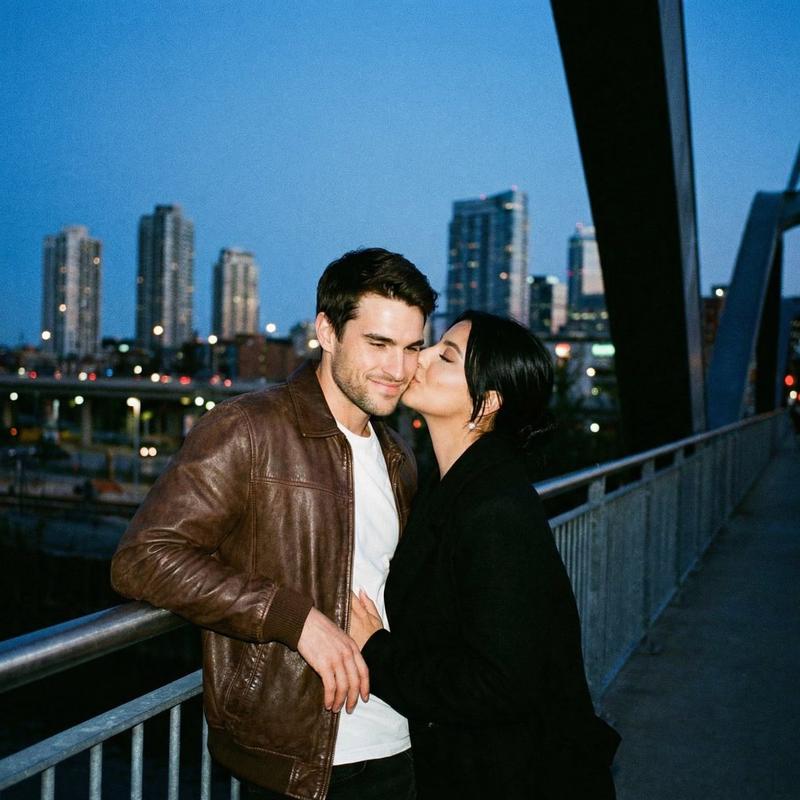
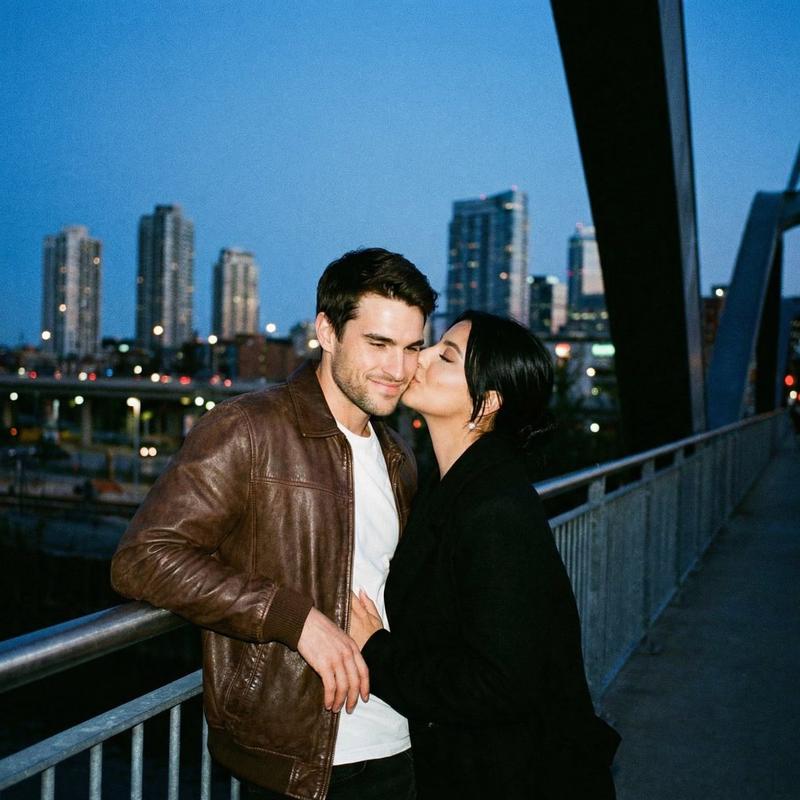
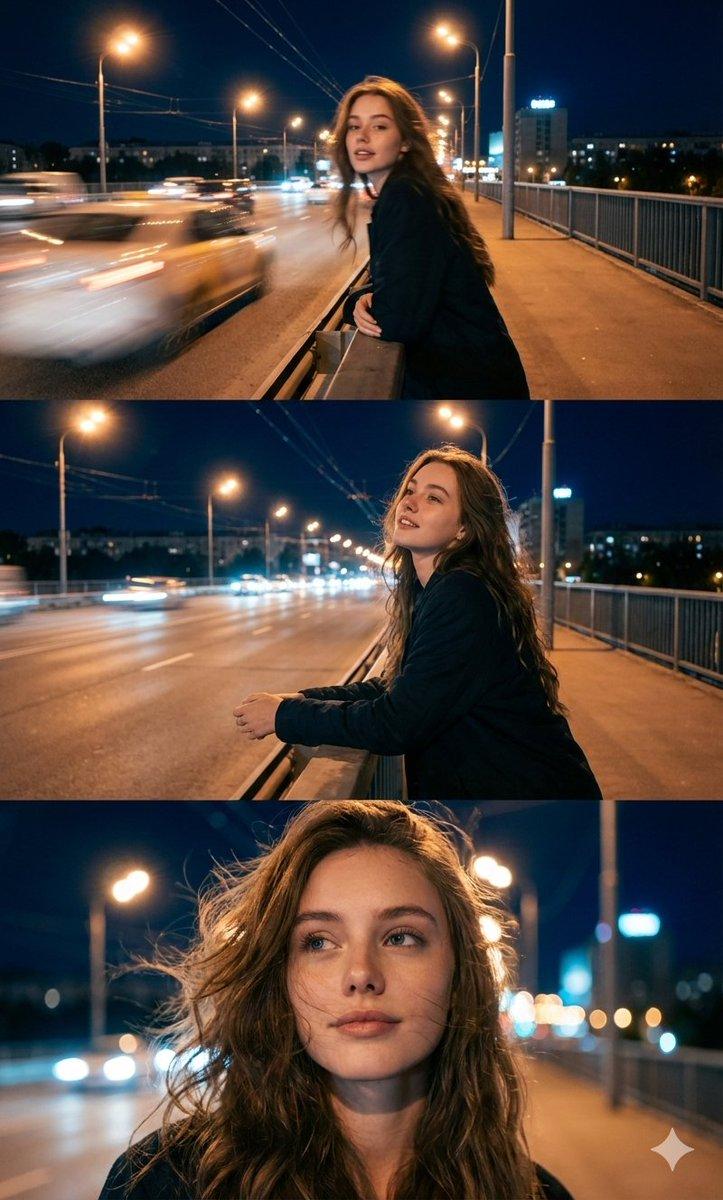
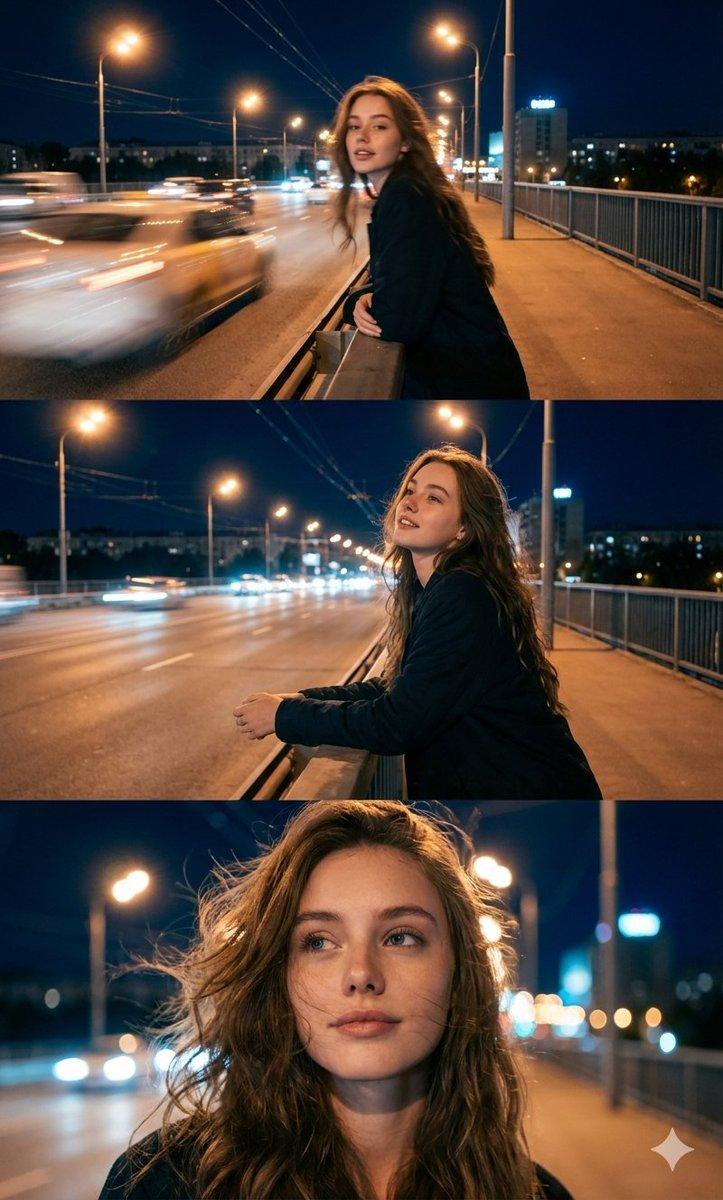
浪漫冬日情侣肖像,身份锁加持
Prompt
{
  "reference_images": {
    "female_face": "use uploaded female reference image",
    "male_face": "use uploaded male reference image",
    "identity_lock": {
      "female": true,
      "male": true
    }
  },

  "scene": {
    "location": "outdoor walkway or bridge decorated with hanging fairy lights",
    "time_of_day": "night",
    "season": "winter",
    "atmosphere": "romantic, cozy, intimate",
    "background": {
      "elements": [
        "warm white fairy lights overhead",
        "soft bokeh glow",
        "metal railings",
        "subtle winter surroundings"
      ]
    }
  },

  "subjects": {
    "female": {
      "face": {
        "preserve_reference": true,
        "expression": "bright joyful smile",
        "emotion": "happy, affectionate"
      },
      "hair": {
        "color": "dark brown",
        "style": "loose waves, tucked behind ears"
      },
      "clothing": {
        "outerwear": {
          "type": "fuzzy winter coat",
          "color": "cream / off-white",
          "texture": "soft, plush"
        },
        "inner_layer": {
          "type": "knit top or sweater",
          "color": "neutral light tone"
        }
      },
      "pose": {
        "position": "facing camera, leaning into partner",
        "interaction": "one hand resting on partner’s chest or shoulder"
      }
    },

    "male": {
      "face": {
        "preserve_reference": true,
        "expression": "wide warm smile",
        "emotion": "content, loving"
      },
      "hair": {
        "color": "dark brown",
        "style": "medium length, brushed back"
      },
      "facial_hair": " very light stubble",
      "clothing": {
        "outerwear": {
          "type": "wool coat",
          "color": "black or very dark navy",
          "fit": "tailored"
        },
        "inner_layer": {
          "type": "crewneck sweater or shirt",
          "color": "dark neutral"
        }
      },
      "pose": {
        "position": "slightly behind and beside female",
        "interaction": "one arm wrapped around her waist",
        "head": "leaned gently toward her"
      }
    }
  },

  "interaction": {
    "relationship_vibe": "romantic couple",
    "body_language": "close, affectionate, relaxed",
    "touch": "natural embrace"
  },

  "camera": {
    "shot_type": "portrait",
    "framing": "medium close-up",
    "angle": "eye-level",
    "lens": "portrait lens look",
    "depth_of_field": "shallow with soft background blur"
  },

  "lighting": {
    "primary": "warm fairy lights",
    "secondary": "soft ambient night lighting",
    "effect": "golden glow on faces, flattering shadows"
  },

  "color_grading": {
    "overall_tone": "warm",
    "contrast": "soft",
    "highlights": "glowy",
    "saturation": "natural"
  },

  "style": {
    "realism": "high",
    "aesthetic": "romantic winter photography",
"editing": "minimal, natural skin textur"- Category
- 创意图片
- Model
- Nano Banana Pro
- Creator
- Zara
- Source ID
- 52267ee1-29bd-4665-9907-48a2c2a61b75
- Published
- Mar 8, 2026
Views0