15

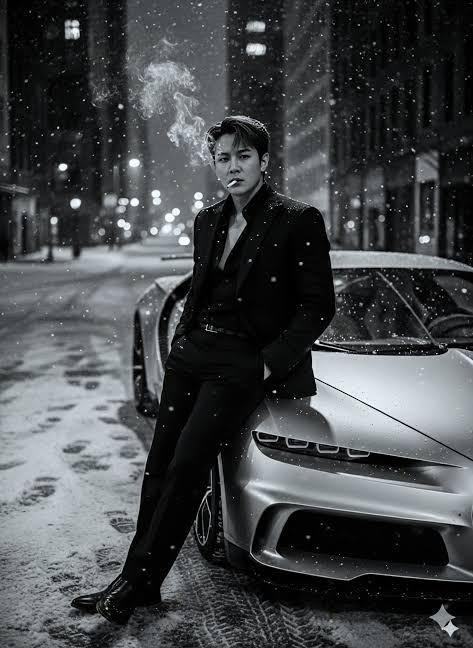
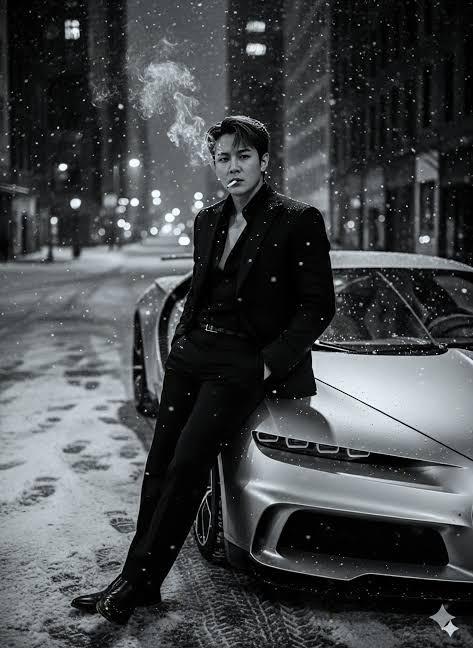
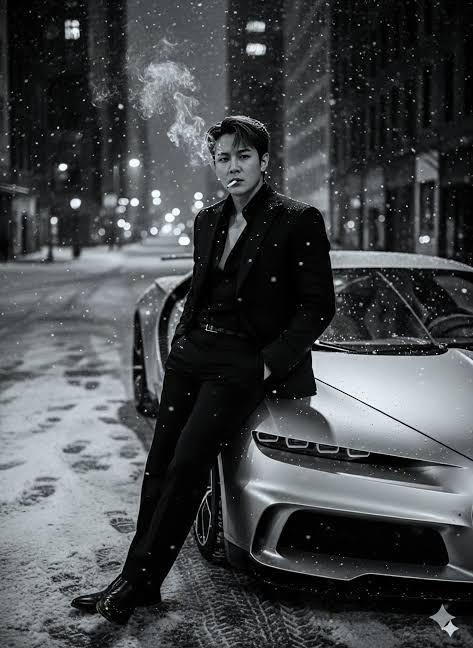
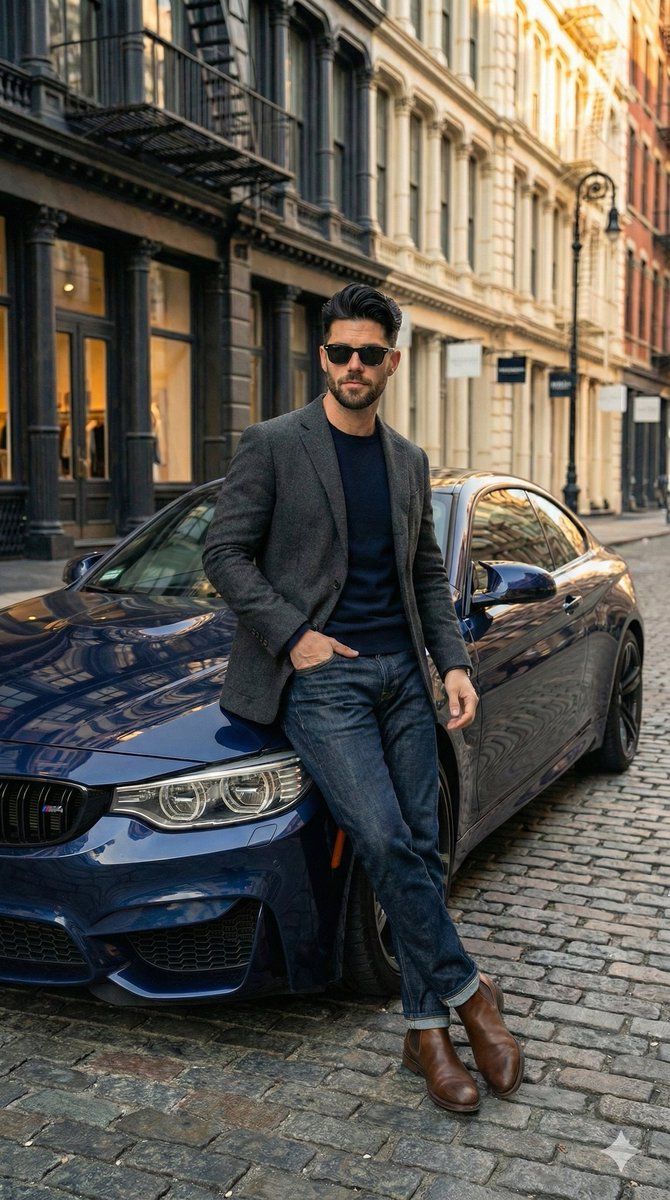
宝马车旁男子倚靠的超逼真街景图
Enlarge

宝马车旁男子倚靠的超逼真街景图

Prompt
"Full body shot of a handsome young man with styled dark hair and a beard, wearing sunglasses, leaning casually against the front hood of a dark blue BMW coupe on a cobblestone street. He is wearing a grey textured wool blazer over a navy blue crewneck sweater, dark blue denim jeans, and brown leather Chelsea boots. The background features historic city architecture typical of {argument name="city style" default="SoHo, New York"}, with brownstone buildings and fire escapes. Soft, natural daylight, cinematic lighting, hyper-realistic, 8k resolution, highly detailed, photorealistic.",
  "negative_prompt": "cartoon, illustration, anime, drawing, low quality, pixelated, blurry, distorted face, bad hands, missing fingers, extra limbs, ugly, text, watermark, signature, bad anatomy, deformed.",
  "aspect_ratio": "9:16"
Category
创意图片
Model
Nano Banana Pro
Creator
𝐌
Views0
Source ID
1cef4903-00d4-4ee2-84df-5fa8677c1888
Published
Mar 8, 2026

Guide

About "宝马车旁男子倚靠的超逼真街景图"

What is this prompt for?

"宝马车旁男子倚靠的超逼真街景图" AI image prompt for Nano Banana Pro (创意图片). 生成一张超写实、8K 全身照的提示词:一位英俊的年轻男子随意地倚靠在一辆深蓝色宝马轿跑车上,背景是鹅卵石街道和历史悠久的城市建筑(SoHo 风格),强调电影般的灯光和高细节。 --- “一位英俊…

The full copyable prompt and example visuals above are ready for AI image generation or one-click recreate in Picva.

How to use this prompt

  1. Step 1

    Open the prompt detail

    Review the example visuals, category, and full prompt text for "宝马车旁男子倚靠的超逼真街景图".

  2. Step 2

    Copy the prompt

    Copy the prompt body from this page, or load it directly in Studio.

  3. Step 3

    Pick a model (Nano Banana Pro)

    Prefer Nano Banana Pro. If you switch models, keep subject and composition and tweak style terms.

  4. Step 4

    Generate and export

    Recreate the look in Picva, or export into your workflow for editing and publishing.

FAQ

What is the "宝马车旁男子倚靠的超逼真街景图" prompt?
It is an AI image-generation prompt for Nano Banana Pro in the 创意图片 category. This page includes the full prompt text, example visuals, and a one-click recreate path in Picva.
How do I use this prompt to generate an image?
Copy the prompt from this page, or use Generate / Studio. Paste it into a compatible image model, or recreate the look in Picva with optional reference images.
Which model is this prompt for?
This page lists Nano Banana Pro. Most descriptive prompts also transfer to nearby image models such as GPT Image, Flux, or Midjourney with light style tweaks.
Can I use the result commercially?
You can usually copy the prompt for creation, but commercial use of the final image depends on the model terms, reference-image rights, and the generated content. Follow the source author and platform rules.