18

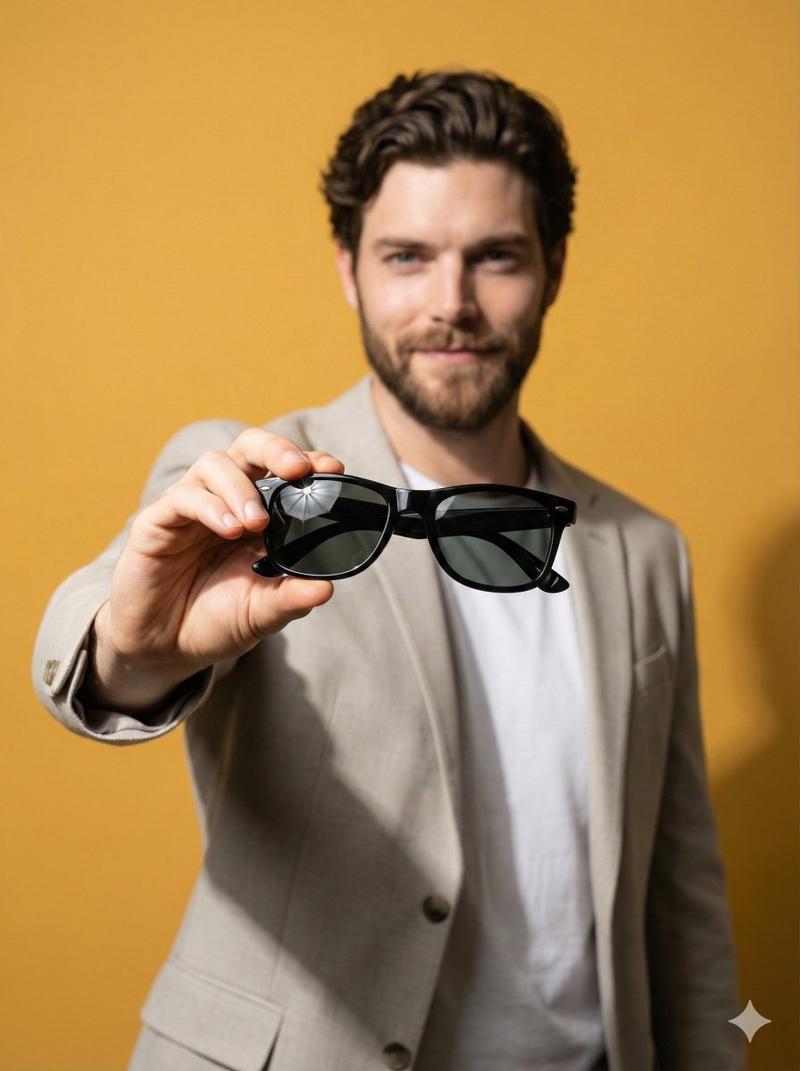
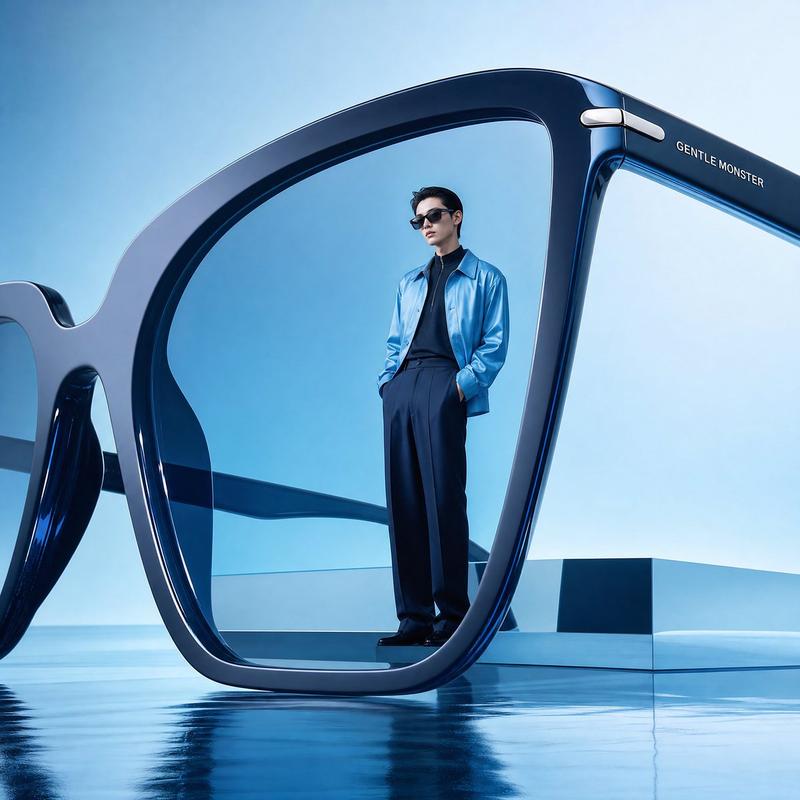
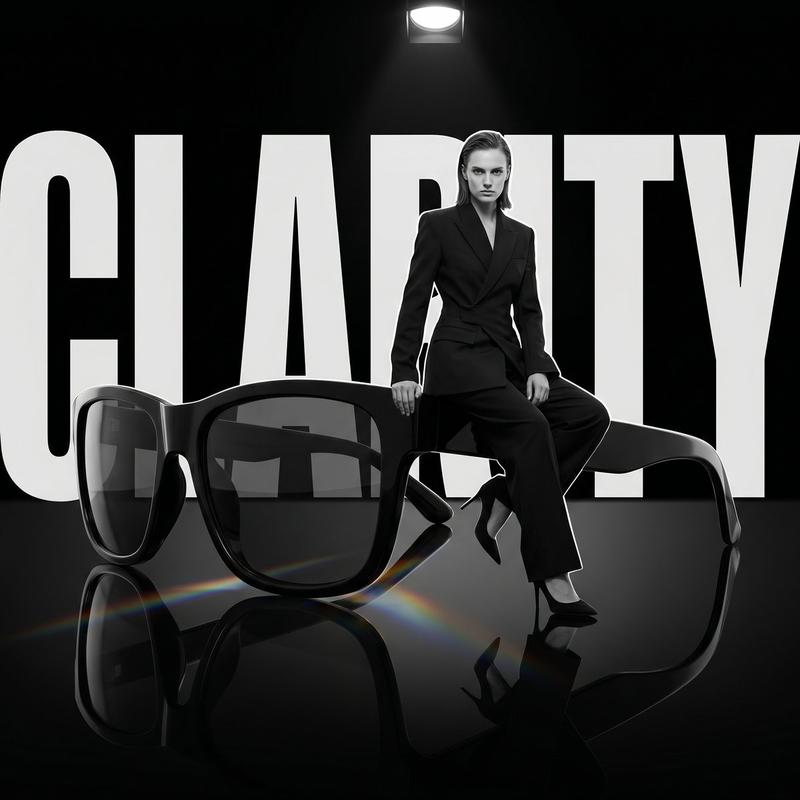
高级影棚产品拍摄提示模板
Enlarge

高级影棚产品拍摄提示模板

Prompt
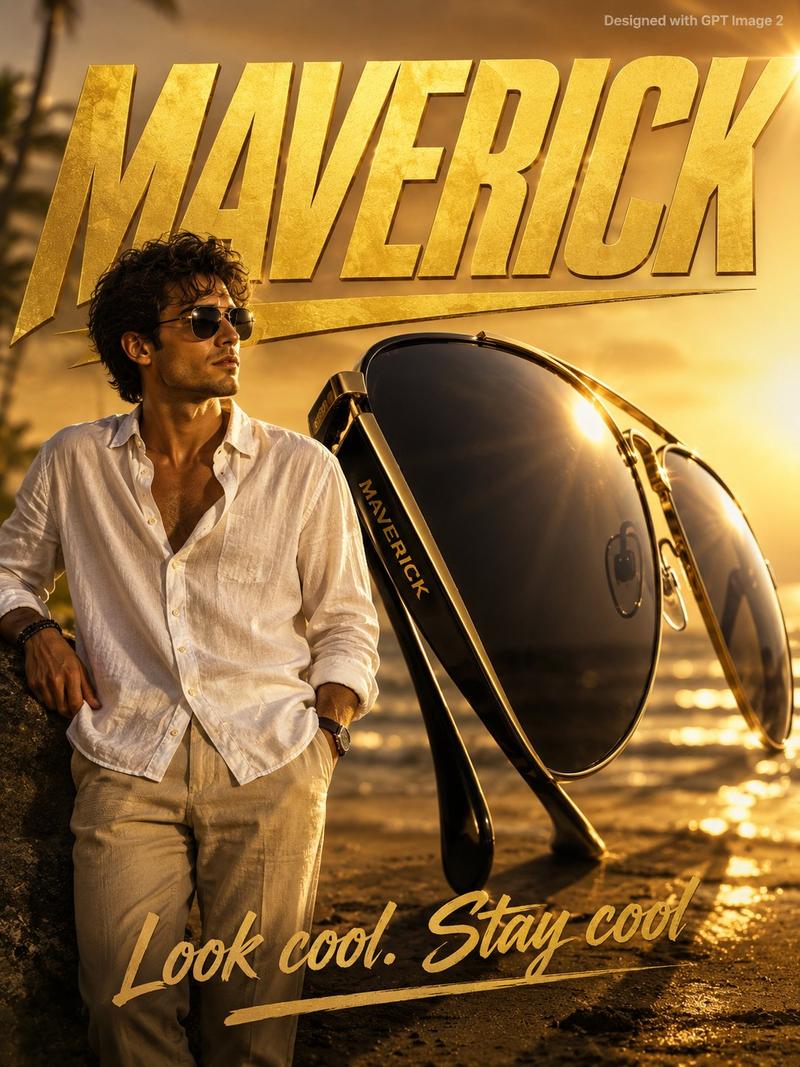
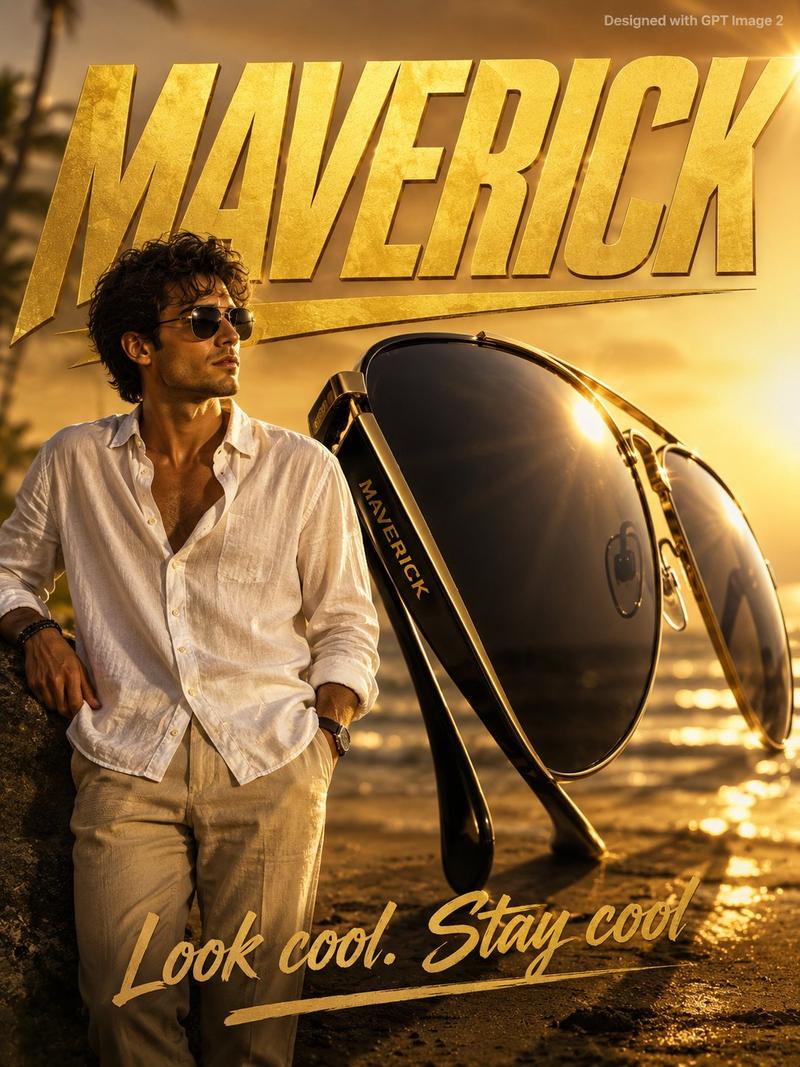
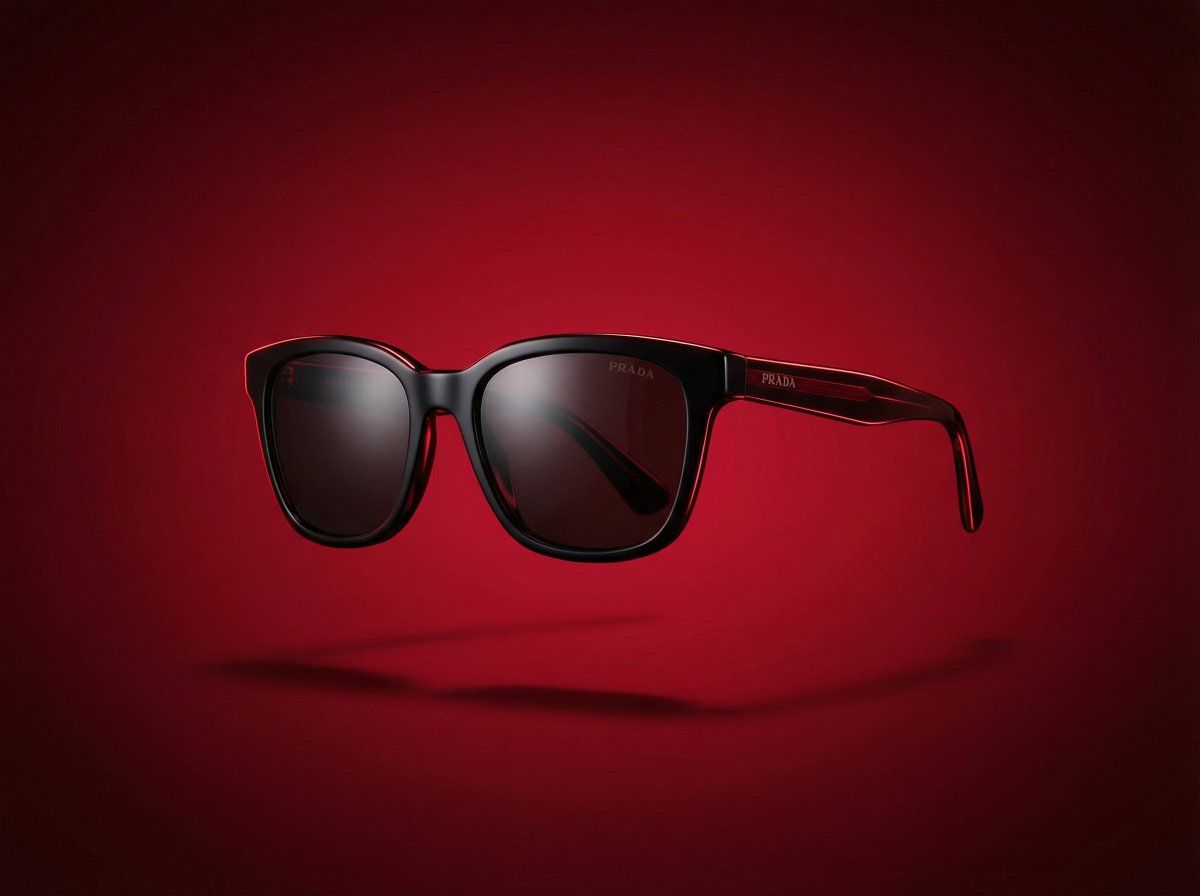
Create a premium studio product shot of {argument name="product name" default="[PRODUCT NAME]"} floating in mid-air. The product is centered, sharp, and realistic with accurate materials and refined reflections. Use dynamic studio lighting with brighter highlights and gentle color accents to add vibrance and energy, while keeping a clean minimal look. Add a soft shadow beneath the product to suggest floating.

Background: smooth vibrant gradient in {argument name="color family" default="[COLOR FAMILY]"}, with subtle glow and tonal depth to create a visually striking, modern aesthetic.

Style: high-end advertising hero shot, vibrant yet elegant, glossy premium product photography, cinematic depth of field, ultra-realistic, 8K resolution, crisp contrast, visually bold but sophisticated.
Category
创意图片
Model
Nano Banana Pro
Views0
Source ID
37261ad1-8d68-4b61-aad5-a67965c4648c
Published
Mar 8, 2026

Guide

About "高级影棚产品拍摄提示模板"

What is this prompt for?

"高级影棚产品拍摄提示模板" AI image prompt for Nano Banana Pro (创意图片). 一个多功能提示模板,适用于 Nano Banana Pro,用于生成产品悬浮在半空中的高端广告主视觉图,强调超现实主义、动态影棚布光和充满活力的渐变背景,以营造精致的商业美感。 --- 创作一张 {a…

The full copyable prompt and example visuals above are ready for AI image generation or one-click recreate in Picva.

How to use this prompt

  1. Step 1

    Open the prompt detail

    Review the example visuals, category, and full prompt text for "高级影棚产品拍摄提示模板".

  2. Step 2

    Copy the prompt

    Copy the prompt body from this page, or load it directly in Studio.

  3. Step 3

    Pick a model (Nano Banana Pro)

    Prefer Nano Banana Pro. If you switch models, keep subject and composition and tweak style terms.

  4. Step 4

    Generate and export

    Recreate the look in Picva, or export into your workflow for editing and publishing.

FAQ

What is the "高级影棚产品拍摄提示模板" prompt?
It is an AI image-generation prompt for Nano Banana Pro in the 创意图片 category. This page includes the full prompt text, example visuals, and a one-click recreate path in Picva.
How do I use this prompt to generate an image?
Copy the prompt from this page, or use Generate / Studio. Paste it into a compatible image model, or recreate the look in Picva with optional reference images.
Which model is this prompt for?
This page lists Nano Banana Pro. Most descriptive prompts also transfer to nearby image models such as GPT Image, Flux, or Midjourney with light style tweaks.
Can I use the result commercially?
You can usually copy the prompt for creation, but commercial use of the final image depends on the model terms, reference-image rights, and the generated content. Follow the source author and platform rules.