Vogue 封面身份保留提示
Prompt
{
  "generation_request": {
    "meta_data": {
      "tool": "NanoBanana Pro",
      "task_type": "text_to_image_photoreal_editorial_magazine_cover",
      "version": "v1.0",
      "priority": "high"
    },
    "references": {
      "reference_images": {
        "character_reference_image": "UPLOAD_YOUR_FACE_REFERENCE_IMAGE (REQUIRED)"
      },
      "reference_rules": {
        "if_character_reference_provided_then_preserve_identity": true,
        "identity_lock_strength": 0.995,
        "face_similarity_priority": "MAX",
        "preserve_facial_proportions": true,
        "preserve_eye_shape_nose_lips_jawline": true,
        "preserve_skin_tone_freckles_moles": true,
        "no_beautify_no_face_morph": true,
        "do_not_copy_any_unprovided_identity": true
      }
    },
    "output_settings": {
      "aspect_ratio": "3:4",
      "orientation": "portrait",
      "resolution": "ultra_high_res",
      "render_style": "photorealistic_high_fashion_editorial",
      "sharpness": "high",
      "film_grain": "very_subtle"
    },
    "creative_prompt": {
      "scene_summary": {
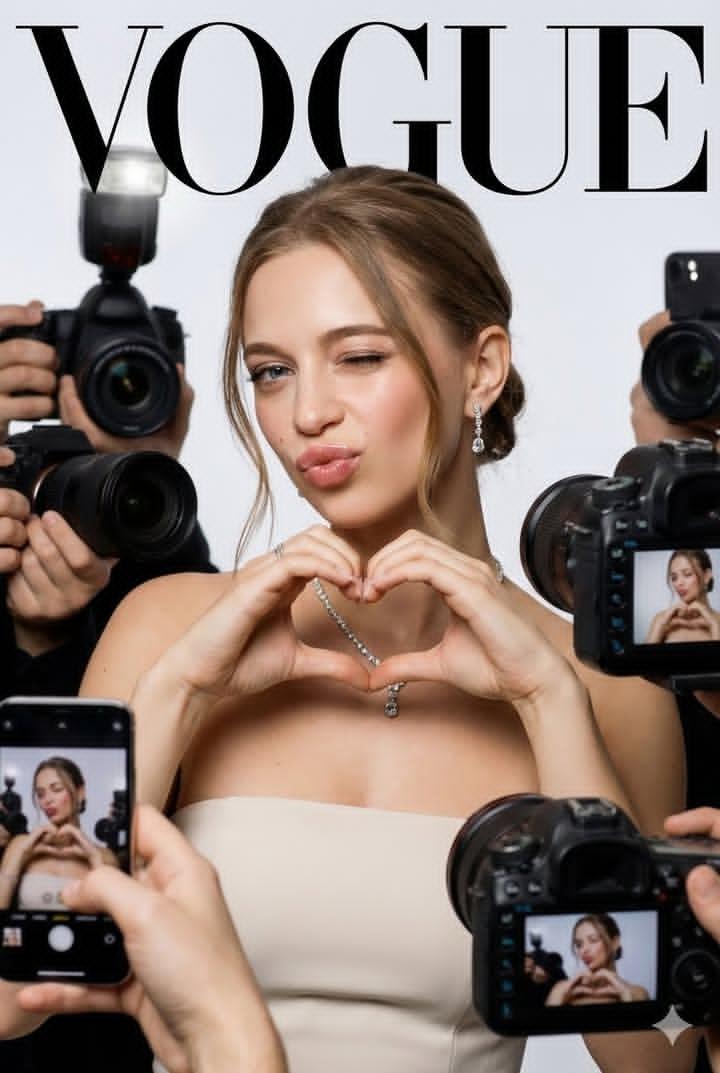
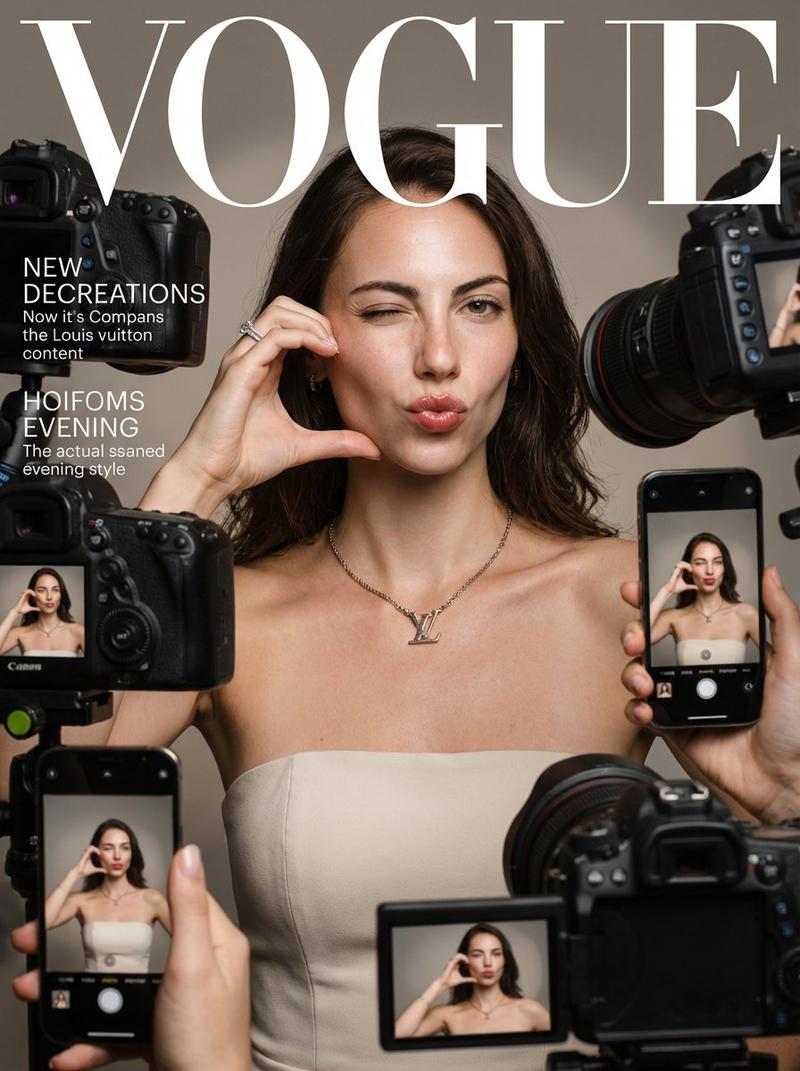
        "en": "Photoreal Vogue magazine cover–style fashion portrait. Use the uploaded face reference and preserve it 100% (exact identity). A young elegant woman poses confidently, winking with her LEFT eye and making a playful duck-face. BOTH hands are raised near her face forming a heart/love gesture (clear heart shape). She is surrounded by paparazzi devices: multiple DSLR cameras and smartphones held around her from the sides and lower foreground, some phones showing her live image on their screens. Luxury, playful, high-fashion editorial aesthetic. Clean studio background with soft HDR glow and shallow depth of field. Realistic skin texture, not AI-looking, shot like a professional fashion photographer."
      },
      "subject": {
        "identity": "EXACT same face as the uploaded reference (100% match). Do not alter facial structure, eyes, nose, lips, jawline, or distinctive features.",
        "expression": "playful luxe: LEFT eye wink + duck-face pout (not exaggerated cartoon), direct gaze to camera with the open eye",
        "pose": "both hands raised near face forming a heart gesture (fingers create a clear heart shape), elbows slightly out",
        "skin": "flawless glowing skin with REAL texture (pores visible), soft highlight on cheekbones, no plastic smoothing",
        "makeup": {
          "style": "natural high-fashion beauty",
          "lips": "glossy pink lips",
          "blush": "soft rosy blush",
          "highlight": "subtle champagne highlight",
          "eyes": "clean definition, elegant lashes, no heavy smoky look"
        },
        "hair": "light brown hair styled in a low neat updo (chignon), a few loose face-framing strands, glossy and tidy"
      },
      "wardrobe_and_jewelry": {
        "dress": "strapless RED satin evening dress (luxury sheen, elegant folds, fitted bodice,"
      }
    }
}- Category
- 创意图片
- Model
- Nano Banana Pro
- Creator
- Özge Döner
- Source ID
- 790751c8-4bec-4ceb-a6c1-1be3e73051f5
- Published
- Mar 8, 2026
Views0